

AI poster generator tools have completely changed how people create posters today. Not long ago, making a good-looking poster meant opening complex design software, learning layers, grids, typography rules, and color theory, or paying a professional designer and waiting days for revisions. Now, with the right AI poster generator, you can go from a rough idea in your head to a polished, eye-catching poster in just a few minutes — even if you have zero design experience. That speed alone is a game-changer. In this article, I’ll walk you through what these tools really are, how they work behind the scenes, why they’re worth using in real-life situations, and the best real AI poster generator tools you can actually rely on without wasting your time.
Find More: 7 Powerful AI Text Generators That Write Better Than Humans (Tested)
What Is an AI Poster Generator and How Does It Work?
An AI poster generator is a design tool that uses artificial intelligence to automatically create poster layouts, visuals, color schemes, and typography. Instead of starting from a blank canvas and feeling stuck, you give the tool a prompt, a theme, or a goal, and it instantly suggests multiple design directions. You’re no longer designing from scratch — you’re choosing, refining, and improving.
From Text Prompts to Finished Posters
Most modern tools let you type something simple like “music festival poster, bold colors, modern style” or “business seminar poster, professional, minimal.” Within seconds, you’ll see several poster options that already look well-structured. The AI understands layout balance, visual hierarchy, color harmony, and font pairing, then applies those principles automatically so you don’t have to think about them.
Key Technologies Behind AI Poster Design
Behind the scenes, these tools rely on machine learning models trained on thousands or even millions of real designs. They analyze what works visually and what doesn’t, then use those patterns to generate new designs. This is why posters created with AI often feel clean, modern, and surprisingly professional, even when they’re generated very quickly.
Who Should Use an AI Poster Generator?
Honestly, almost anyone can benefit. Small business owners who need quick marketing materials, event organizers promoting concerts or workshops, students working on school projects, content creators posting on social media, marketers running ads, and even professional designers who want to speed up their workflow. If you value speed, simplicity, and efficiency, an AI poster generator makes a lot of sense.
Why Use an AI Poster Generator Instead of Traditional Design Tools?
Traditional design tools are powerful, but they come with a learning curve that can feel overwhelming. AI tools remove that friction and let you focus on the message instead of the mechanics.
Speed, Cost, and Creative Freedom
With AI, you can create multiple poster versions in minutes and compare them instantly. Many platforms offer an AI poster generator free option, which is perfect if you’re on a tight budget, just starting, or experimenting with ideas before committing. You’re free to test styles without worrying about wasted time or money.
AI Poster Generators vs Graphic Designers
AI won’t fully replace skilled designers, especially for complex branding or custom illustration work. But for everyday posters, promotions, and fast campaigns, AI can save a lot of time and cost. Think of AI as a fast, creative assistant that handles the basics while you make the final decisions.
When AI Poster Design Makes the Most Sense
If you need something fast, clean, and effective — especially for social media posts, events, advertisements, or internal announcements — AI is usually the smarter and more practical choice.
7 Powerful AI Poster Generators That Create Stunning Designs in Minutes
These are real, trusted tools that actually work well in real-world use, not just on paper.
1. Canva AI – Best for Professional Marketing Posters
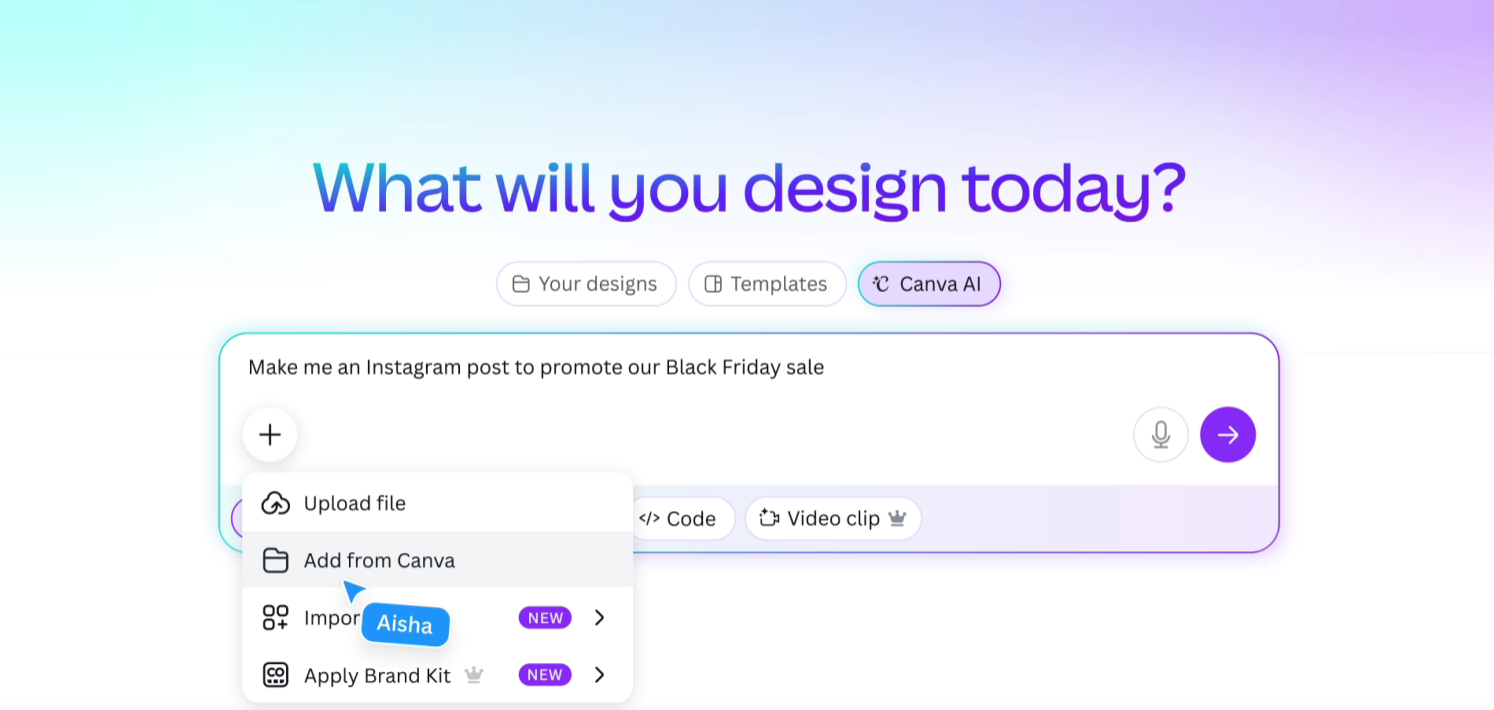
Canva is one of the most popular design platforms in the world, and its AI features make poster creation incredibly easy. You can generate layouts, rewrite text, adjust styles automatically, and export print-ready files. It also offers a strong AI poster generator free plan that’s more than enough for many users.
2. Adobe Express – Best for High-Quality Visuals
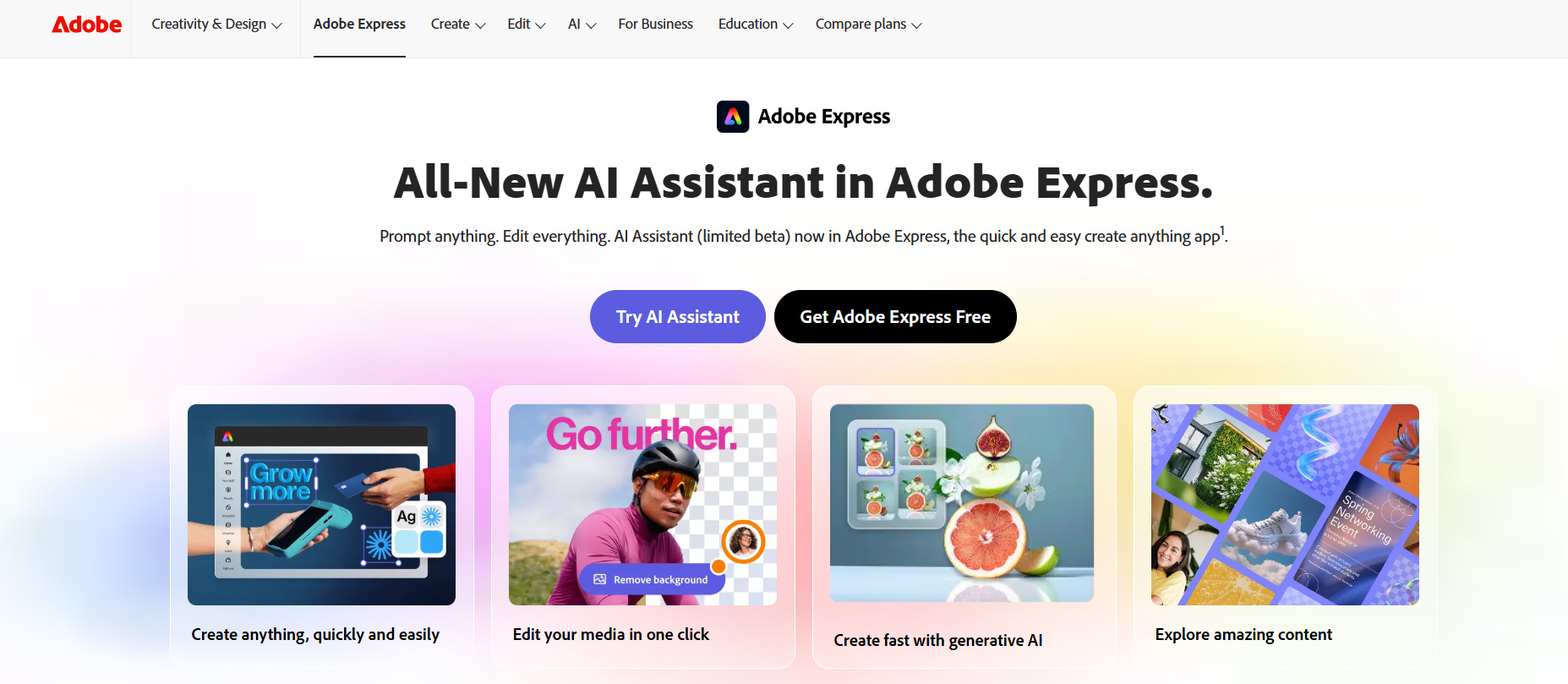
Adobe Express brings Adobe’s design experience into a simpler, AI-powered tool. It’s ideal if you want clean, professional posters without diving into complex software like Photoshop or Illustrator.
3. VistaCreate – Best for Beginners
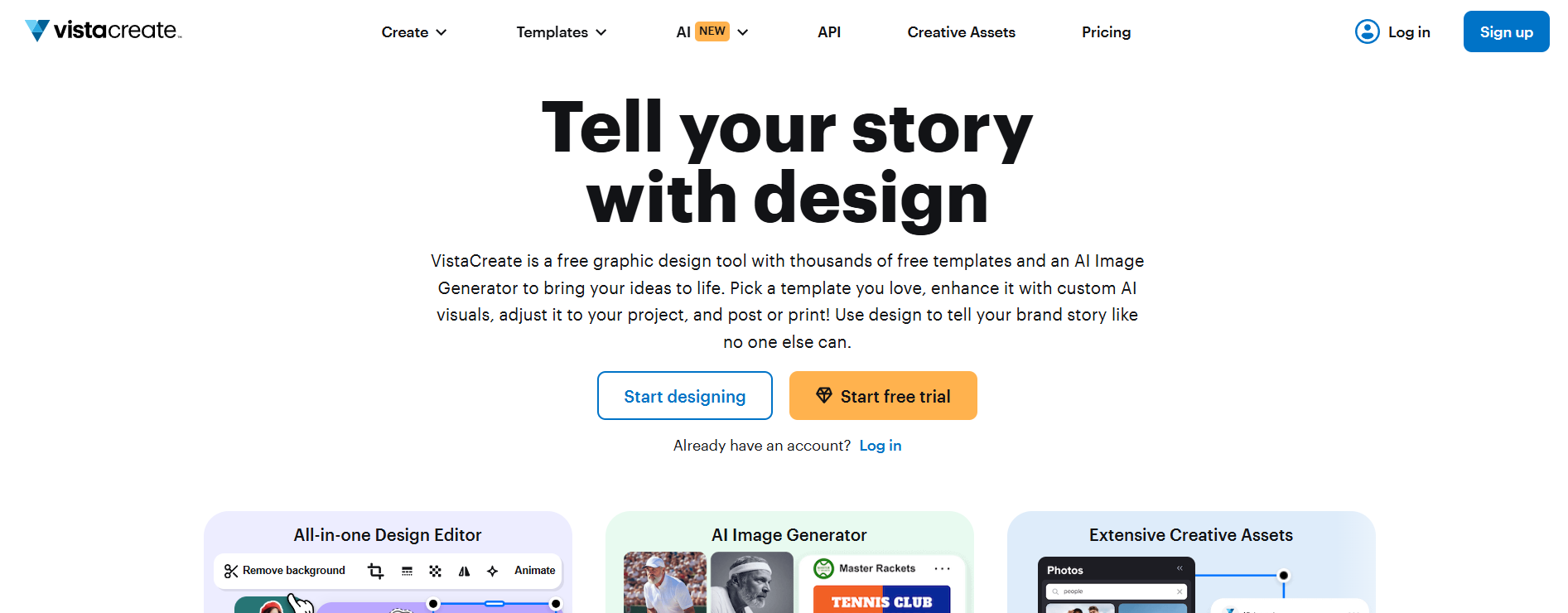
VistaCreate is very beginner-friendly and fast. The AI helps with layout structure and color choices, making it a great option for non-designers who still want polished results.
4. Designs.ai – Best for Branding Consistency
Designs.ai focuses heavily on brand alignment. You can generate posters that automatically match your logo, brand colors, and overall visual identity, which is especially useful for businesses.
5. Fotor AI – Best for Quick Visual Posters
Fotor is excellent for image-heavy posters. It’s simple, efficient, and offers an AI poster generator free version that works well for quick projects and social media graphics.
6. PosterMyWall – Best for Events and Promotions
PosterMyWall is built specifically for posters, flyers, and promotions. Its AI suggestions help you make layout decisions faster, especially for events, sales, and announcements.
7. Kittl – Best AI Poster Generator Overall
Kittl combines AI generation with advanced typography and illustration tools. If you want posters that feel custom, premium, and highly stylized, this is one of the strongest options available.
How to Choose the Best AI Poster Generator for Your Needs
Not all tools are created equal, so choosing the right one matters.
Design Quality and Customization Options
Look for tools that let you manually tweak designs after AI generation. The best posters usually come from AI plus small human adjustments.
Templates, Fonts, and Visual Styles
A strong library of templates and fonts makes a big difference, especially if you plan to reuse designs for multiple campaigns.
Export Formats and Print Quality
If you plan to print your posters, make sure the tool supports high-resolution exports like PDF or PNG without quality loss.
Pricing, Free Trials, and Limitations
Many platforms offer an AI poster generator free tier. Use those free plans to test features before committing to a paid subscription.
How to Create a Stunning Poster Using an AI Poster Generator
Using AI doesn’t mean pressing one button and walking away. A little effort goes a long way.
Writing Better Prompts for Better Poster Designs
Be clear and specific. Mention the mood, target audience, colors, style, and purpose. Better prompts almost always lead to better posters.
Choosing the Right Layout and Visual Style
Even with AI suggestions, trust your instincts. Choose a layout that feels balanced, readable, and visually appealing.
Final Touches That Make Posters Look Professional
Adjust spacing, alignment, font size, and contrast. These small tweaks often make the difference between an average poster and a great one.
Common Mistakes to Avoid When Using an AI Poster Generator
AI is powerful, but it still needs guidance.
Overloading the Design with Too Much Text
Posters should be easy to scan. Too much text can quickly ruin a good design.
Ignoring Brand Consistency
Always try to stick to your brand colors, fonts, and tone so your posters feel consistent.
Relying Too Much on Default Settings
AI defaults are a starting point, not the final answer. Customize whenever possible.
Real-World Use Cases for AI Poster Generators
These tools shine in many practical scenarios.
Marketing Campaigns and Promotions
Create fast promotional posters for sales, launches, and special offers.
Events, Concerts, and Workshops
Design eye-catching event posters without hiring a designer or waiting days.
Social Media, Ads, and Online Content
Easily resize posters for different platforms like Instagram, Facebook, and ads.
Educational and Business Presentations
Perfect for internal announcements, office posters, and presentation visuals.
Pros and Cons of Using an AI Poster Generator
Like any tool, AI poster generators have strengths and limitations.
Key Advantages of AI-Powered Poster Design
Speed, affordability, ease of use, and accessibility for beginners.
Limitations You Should Be Aware Of
Highly unique or complex designs may still require a professional designer.
Conclusion: Is an AI Poster Generator Worth Using in 2025?
For most people, the answer is yes. An AI poster generator saves time, reduces costs, and removes technical barriers. Whether you use a premium platform or an AI poster generator free option, the value is clear. Try a few tools, experiment with prompts, and see how much faster and easier your design process becomes.
Find More: Boost Your Sales With SEO Services
FAQs
1. What is the best AI poster generator?
It depends on your needs, but tools like Canva AI and Kittl are excellent all-around choices for most users.
2. Is there an AI poster generator free to use?
Yes, many platforms offer free plans with basic features that are perfect for simple projects.
3. Can AI poster generators replace designers?
They can handle simple designs, but professional designers are still essential for complex branding and custom work.
4. Can I print posters made with AI tools?
Yes, as long as you export them in high resolution and the correct format.
5. Do I need design experience to use an AI poster generator?
Not at all. These tools are built to be beginner-friendly and intuitive.