

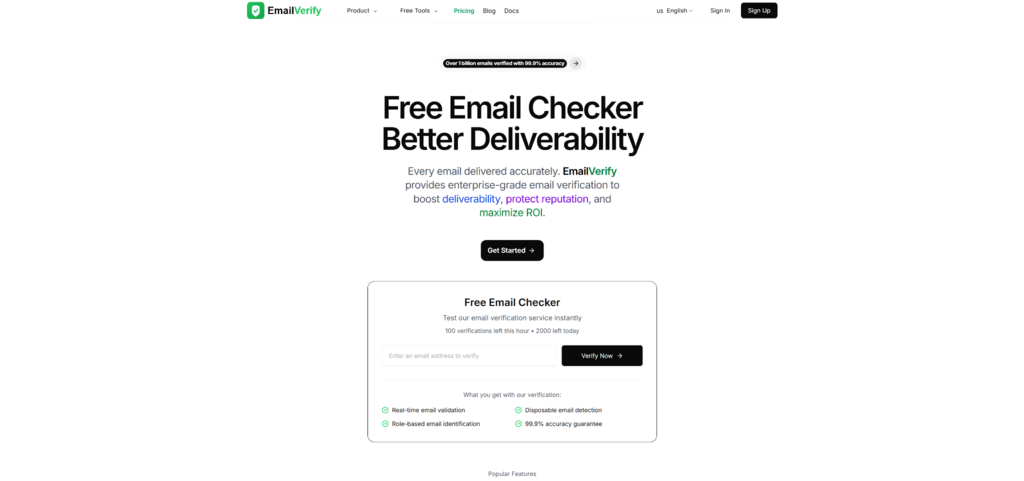
The moment you collect an email—via a waitlist, a checkout page, or a “Book a demo” form—you’re making a quiet bet: that address can actually receive what you send. When it can’t, the cost shows up later as bounces, confused support tickets, and a slow erosion of sender reputation. In my own workflow, I’ve found it far easier to prevent those problems early with a quick, consistent checkpoint—usually by running a new address through EmailVerify’s Free Email Checker before it ever touches my CRM. It’s not magic, and it won’t eliminate every edge case, but it has been a dependable way to replace guesswork with a clearer risk signal.
Why “Bad Emails” Are Usually a Process Problem, Not a One-Off Mistake
A surprising percentage of email issues don’t come from malicious intent. They come from ordinary friction:
- People mistype on mobile.
- Forms accept whitespace or odd punctuation.
- Teams import lists with hidden formatting issues.
- Domains look real but can’t receive email.
- Some mail servers deliberately hide mailbox validity.
The result is predictable: you send messages that can’t land, and your campaign performance becomes noisy. What you really want isn’t “perfect truth”—you want a repeatable way to classify addresses into low risk, needs caution, and not worth sending.
What Verification Actually Checks (And Why It’s More Than “Does It Look Like an Email?”)
Most verification tools are doing layered diagnostics. Think of it as moving from certainty to probability.
1. Format and Syntax: Eliminating Obvious Failure Modes
The first layer checks whether an address is structurally valid (for example: one “@”, legal characters, plausible domain format).
Where this helps
It catches the obvious: missing “@”, accidental spaces, broken copy-paste artifacts.
What I noticed in practice
Even “small” errors can stack up quickly in high-volume pipelines. This layer is fast hygiene, not a final verdict.
What it cannot tell you
A perfectly formatted address can still be undeliverable.
2. Domain and DNS: “Is This Domain Even Real?”
The next layer typically checks if the domain exists and resolves via DNS.
Why it matters
If the domain is dead or misconfigured, there’s no point going further.
My operational takeaway
This is where verification starts saving time. In my tests, it quickly filters out a class of leads that would otherwise create silent churn: addresses that look professional but point to domains that are not mail-capable.
3. MX Records: “Can This Domain Receive Email?”
Mail Exchange (MX) records indicate where email should be delivered for that domain.
Why it matters
A domain without MX records is frequently a hard stop for deliverability.
My operational takeaway
MX checks are one of the most “quietly decisive” signals I rely on, because they’re objective and usually stable.
4. SMTP-Level Signals: Getting Closer to Reality Without Sending a Message
Some verification flows probe SMTP behavior to infer whether a mailbox is likely to exist.
Why this matters
This layer is closer to the real-world acceptance path—yet it still cannot guarantee outcomes, because servers can be intentionally ambiguous (more on that later).
My experience phrased carefully
In my testing, when SMTP signals are available and consistent, the results tend to feel more predictive than format-only checks. But I treat them as “strong hints,” not courtroom proof.
A Comparison Table That Matches Real Workflows (Not Marketing Promises)
Below is how I compare common approaches when deciding what to do with an address. The goal is not to crown a winner; it’s to choose the right tool for the job.
| Approach | What it typically validates | What it’s good at | Where it breaks down | Best use case |
| Front-end pattern matching (regex) | Basic shape of an email address | Instant feedback to users | Doesn’t check domain, MX, or mailbox signals | UI hints, not gating |
| Domain + MX checks | Domain existence, mail routing configuration | Filters dead domains cleanly | Doesn’t confirm a specific mailbox | Basic list hygiene |
| “Send and see” | Real delivery attempt | Definitive outcome for one message | Risks reputation if repeated; slow and reactive | Manual, one-off confirmation |
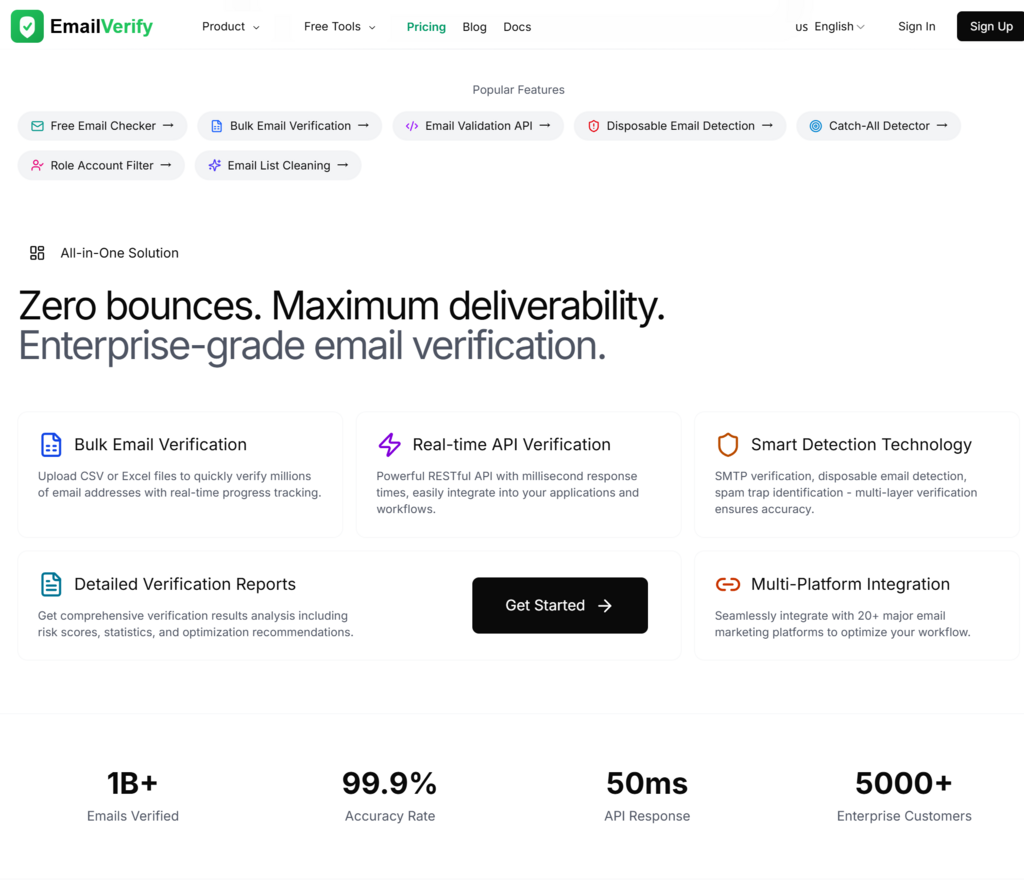
| Free Email Checker (EmailVerify) | Layered checks (syntax/domain/MX + deliverability signals) | Quick triage with practical risk flags | Catch-all domains, server ambiguity, rate limits | Pre-CRM screening, signup triage |
How I’d Use Free Email Checker in a Clean, Repeatable System
A lot of teams use verification “sometimes.” The bigger unlock is using it consistently.
Step 1: Decide when verification should happen
I’ve seen the best results when verification is placed at one of these choke points:
- Immediately after signup (before onboarding emails).
- Before adding a lead to outbound sequences.
- During list import (before CRM contamination).
- Before sending transactional messages from a new domain.
Step 2: Create a simple decision policy
Instead of debating each address, define a rule that your team can follow.
Example policy (illustrative, not universal)
- Hard fail: invalid format, domain missing, no MX.
- Caution: disposable domains, role-based addresses, catch-all behavior.
- Proceed: strong deliverability indicators.
Why this works
It reduces decision fatigue and makes your data cleaner over time.
A small but useful extra habit
When an address is “caution,” I tag it rather than discard it. That preserves optionality for high-value contacts.
Step 3: Close the loop with outcomes
Verification improves when you treat it as a living system.
What I track
- Bounce rate by category (valid vs caution).
- Reply/engagement rate by category.
- Support tickets caused by email non-receipt.
Why this matters
It helps you calibrate how strict you should be—without assuming any tool is perfect.
The Honest Limitations (Because Email Servers Don’t Owe You Certainty)
Verification tools operate inside a messy ecosystem. Here are the edge cases you should expect.
Catch-all domains (a common source of “looks valid, still fails later”)
Some domains accept mail for any address—real or not. That means a server may appear to “accept” a mailbox even if it doesn’t truly exist.
How I handle it
I treat catch-all as “uncertainty,” not as “safe.” For high-value leads, I’ll keep the contact but rely on downstream signals (opens, replies) rather than betting everything on verification.
Temporary rejections, greylisting, and throttling
Some servers intentionally delay or obscure responses. A checker may return “unknown” or “risky” even for a legitimate mailbox.
How I handle it
If the lead matters, I re-check later or validate via a more robust workflow that supports retries. If it doesn’t, I don’t force certainty—I move on.
Input quality still matters
If your data source is messy—PDF copy, scraped text, “name [at] domain” obfuscation—verification will not fix parsing errors.
How I handle it
I normalize inputs first (trim spaces, standardize separators) before running checks.
How to Talk About “Better Results” Without Overstating It
You mentioned an important point: some claims in AI tooling are often presented as hard facts. Email verification is similar—people want a definitive answer, but the system is probabilistic.
A more credible way to phrase outcomes
Instead of “This guarantees deliverability,” use language like:
- “In my testing, it reduced obvious bounces.”
- “It seems more consistent than format-only checks.”
- “It helped me classify risk before sending.”
That framing is both more accurate and more persuasive, because it aligns with how mail systems behave in reality.
A Neutral External Reference (For Context, Not Promotion)
If you want a broader, non-sales perspective on why verification and list hygiene matter, look for guidance from major email infrastructure providers. For example, AWS has materials on sender reputation and email validation in the context of Amazon SES that frame bounce reduction as an operational reliability issue rather than a marketing trick.
Conclusion: Verification as a Small Habit That Protects Big Systems
Email verification won’t turn a weak campaign into a great one, and it won’t resolve every ambiguous server response. What it can do—especially when used consistently—is keep low-quality addresses from quietly degrading your deliverability and analytics. In my own routine, EmailVerify’s Free Email Checker works best as an early warning system: a fast, repeatable checkpoint that helps me decide whether an address is safe to trust, worth tagging for caution, or not worth sending to at all.