

Introduction: Why a Big Text Generator Is the Easiest Way to Create Eye-Catching Text Online
Big text generator tools are one of those simple things that make a surprisingly big difference. You type normal text… and seconds later, it looks bold, oversized, dramatic, and almost impossible to scroll past. In a world where everyone is fighting for attention, even a small visual upgrade can completely change how your message feels.
Whether you’re posting on Instagram, customizing your Discord name, designing a landing page headline, announcing a sale in your Shopify store, or just trying to stand out in a crowded comment section, a good big text generator can instantly transform how your words look and perform.
Most people don’t realize there are different types of tools out there — from a simple text generator big enough for quick copy‑paste tricks, to a big, bold text generator built for creators who care about branding and consistency. Some tools focus on dramatic ASCII banners. Others focus on clean Unicode fonts that work perfectly across social platforms.
In this guide, I’ll walk you through 7 powerful and real tools you can start using today. I’ll also break down how they actually work, where they shine, where they don’t, and how to choose the right one based on your goals.
Find More: 11 Timeless Marketing Fundamentals That Still Outperform Trends
What Is a Big Text Generator and How Does It Work?
A big text generator is an online tool that converts normal text into large, styled characters using Unicode or ASCII symbols. Instead of simply increasing font size as you would in Word, Google Docs, or Canva, these tools replace your letters with alternative characters that look bigger, bolder, or more decorative.
The result? You can copy and paste the styled text directly into Instagram bios, TikTok captions, YouTube descriptions, Discord chats, or even certain website sections — and it keeps its visual impact.
Think of it less like “resizing” text and more like “swapping” text for a visually stronger version.
How a Big Text Generator Converts Normal Text Into Large Fonts
When you type something like “SALE TODAY” into a generator, the tool scans each character and replaces it with a corresponding Unicode symbol. For example, a normal “A” might become a mathematical bold “𝐀” or a squared “🅐”.
Technically, the font size isn’t changing. The characters themselves are different.
That’s why you can paste them into platforms that normally don’t allow font customization — because from the platform’s perspective, it’s just text.
Unicode, ASCII, and Stylish Text Explained
Most modern big text generator tools rely on Unicode. Unicode is a universal character system that includes thousands of symbols, stylized alphabets, bold mathematical letters, circled letters, bubble text, and more.
Older tools often use ASCII art. That’s where large text is built using repeated characters like #, =, or *. ASCII text usually looks like block banners and works best in forums or gaming communities.
If you want something clean and Instagram-friendly, Unicode is usually the better option. If you want something dramatic and retro, ASCII might be more fun.
Where You Can Use Big Generated Text
You can use big text almost anywhere copy-paste is allowed:
-
Instagram bios and captions
-
TikTok profile names
-
Discord usernames and announcements
-
Twitter/X posts
-
YouTube titles and descriptions
-
Facebook posts
-
Forum signatures
-
Landing page mockups
-
Digital product branding
If attention is the goal, big text gives you an edge.
7 Powerful Big Text Generators That Instantly Transform Your Writing
Let’s get into the real tools. These are established, widely used platforms — not random low-quality sites filled with ads and broken output.
1. LingoJam Big Text Generator
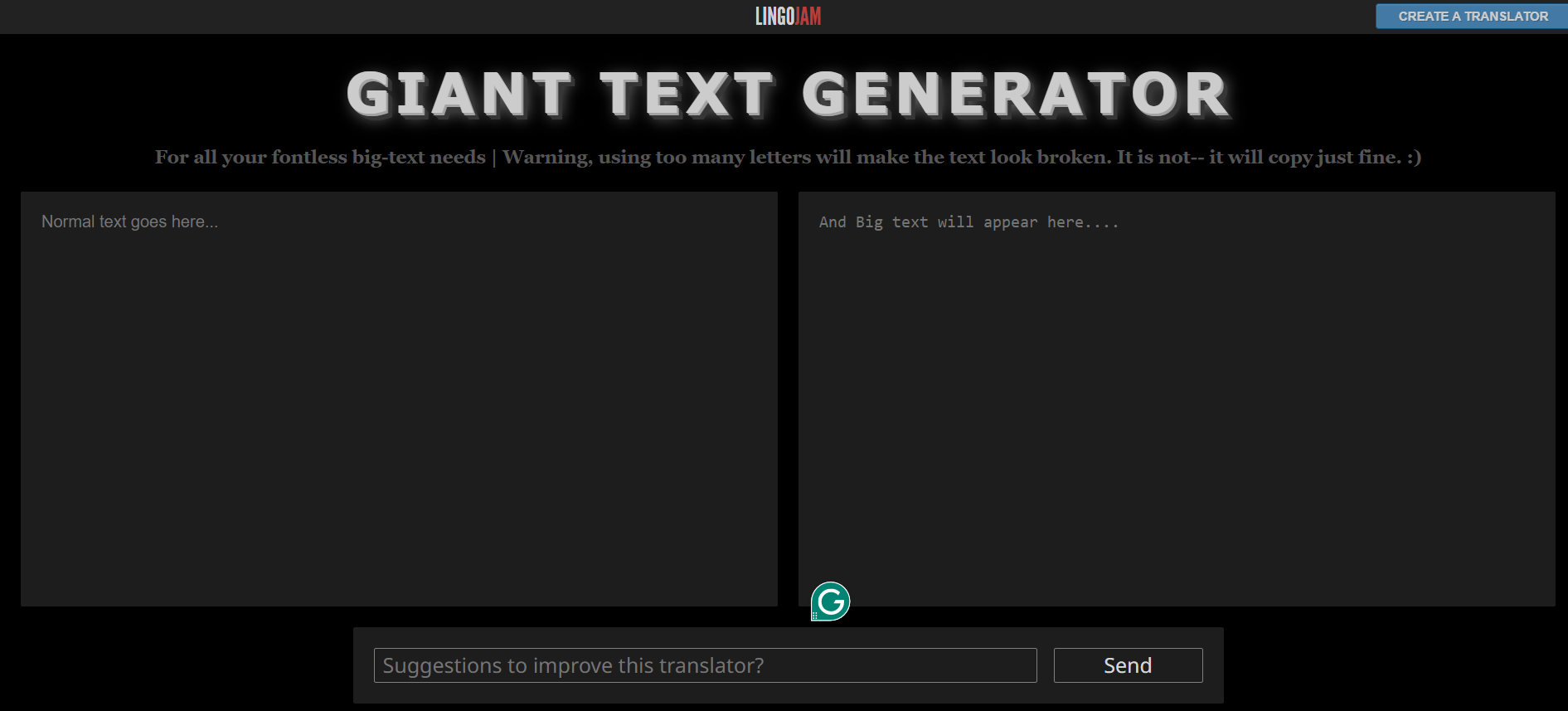
LingoJam is one of the most popular text styling tools online. It’s extremely simple: type in the left box, and instantly see multiple big and bold variations on the right.
What makes it powerful is its speed and simplicity. There’s no learning curve. No login. No clutter.
Why it’s powerful:
-
Super fast conversion
-
No sign-up required
-
Multiple big bold text generator styles
-
Clean copy-paste output
-
Works great for Instagram and TikTok
If you want something reliable that just works every time, this is a safe choice.
2. FSYMBOLS Big Text Tool
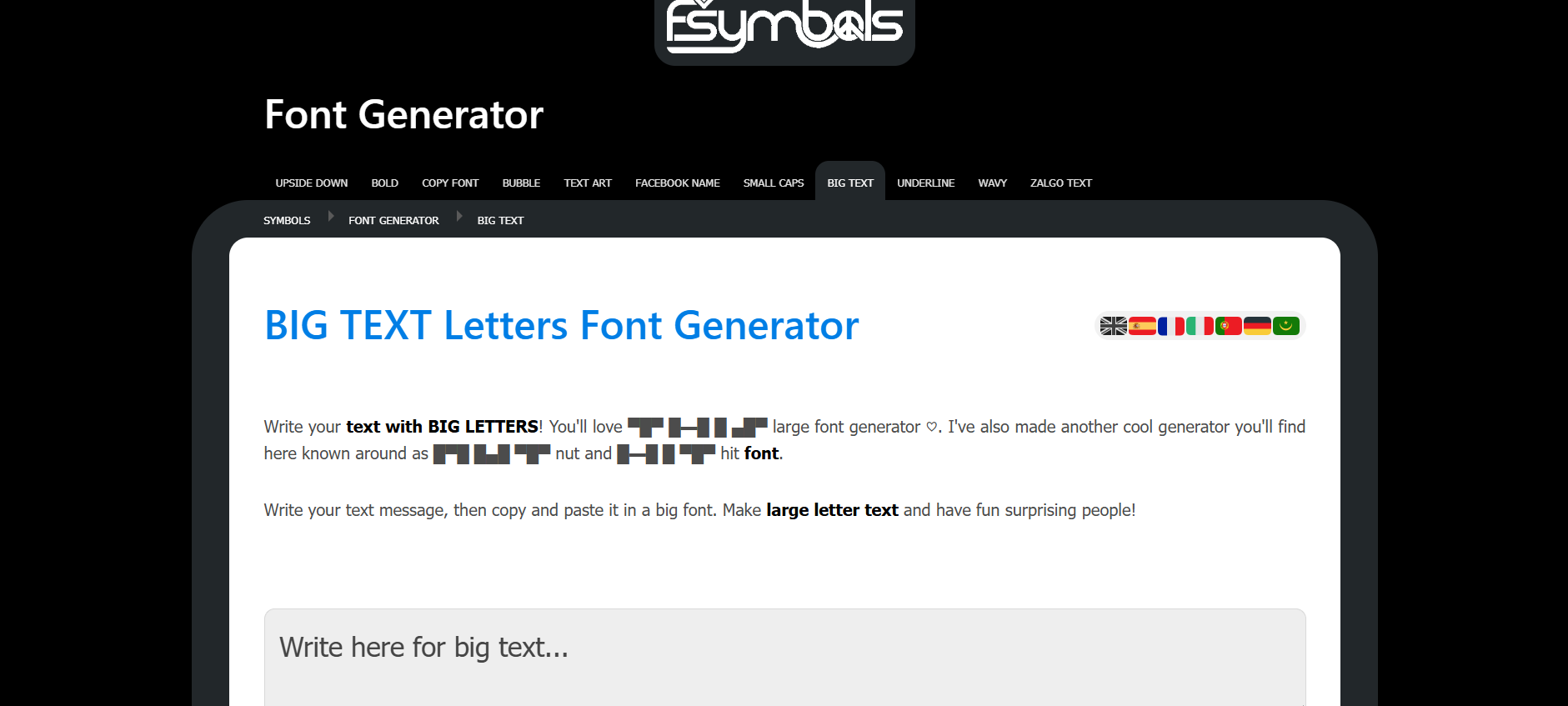
FSYMBOLS is more than just a font converter. It’s a full symbol and text playground. It includes fancy text generators, ASCII art creators, kaomoji, and decorative elements.
If you want large block-style banner text, this tool delivers.
Why it stands out:
-
Large ASCII banner styles
-
Decorative and creative options
-
Ideal for gaming communities
-
Works well in forums and Discord
This one feels expressive and bold. It’s less minimal — more playful.
3. FancyTextGuru
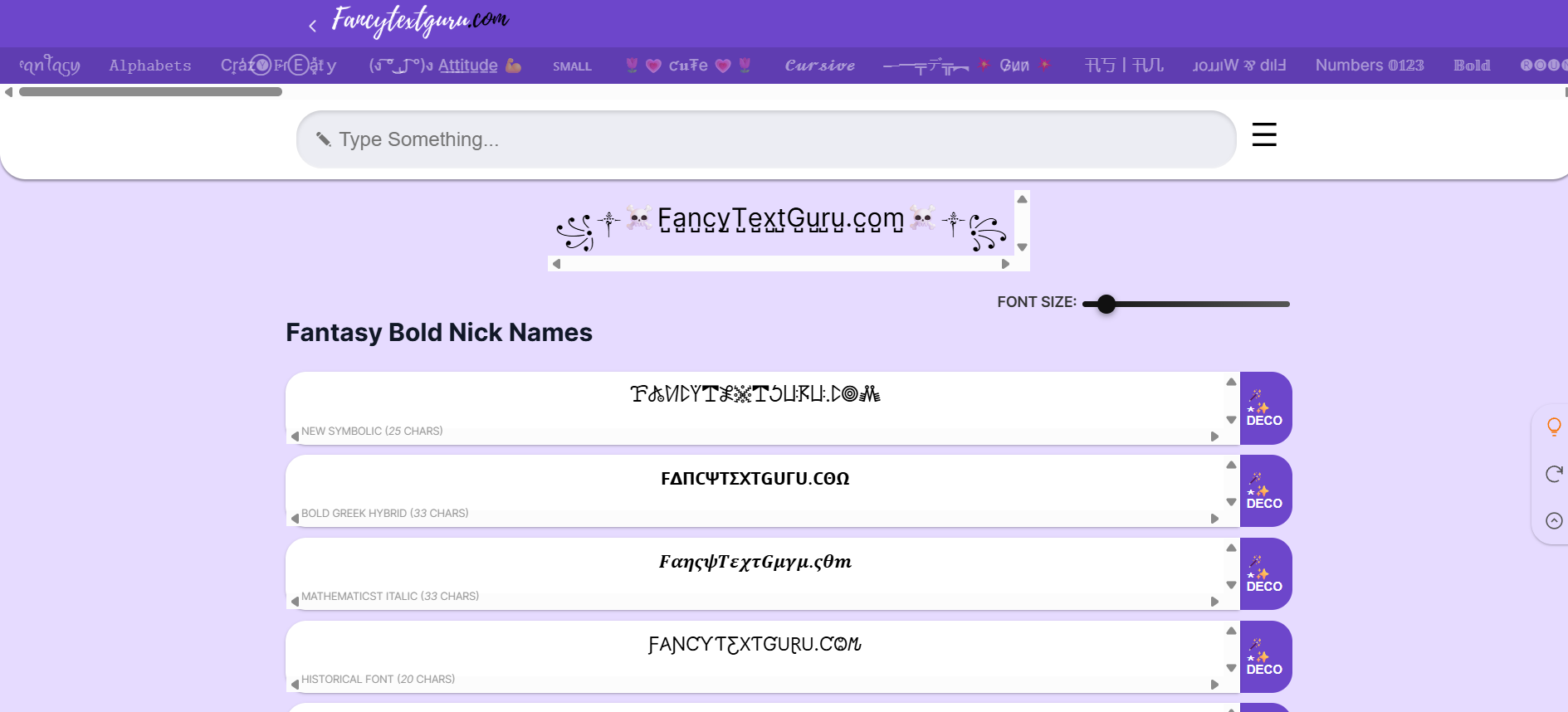
FancyTextGuru offers a modern interface with dozens of Unicode font variations. It’s clean, mobile-friendly, and easy to scroll through.
You type once, and you get a long list of stylized outputs, including bold, italic, bubble, boxed, and script styles.
Why it’s useful:
-
Smooth mobile experience
-
Wide variety of font styles
-
Clean interface
-
Great for branding experiments
If you’re building a personal brand, this text generator big enough to explore multiple visual directions, is a strong option.
4. YayText Big Text Generator
YayText is known for its clarity and transparency. It doesn’t just generate fonts — it also tells you where they work and where they might not.
That’s important because not all Unicode characters render perfectly on every platform.
Why it’s powerful:
-
Platform compatibility notes
-
Clean, professional output
-
Balanced font styles
-
Reliable for social media bios
If you want fewer formatting surprises, YayText is smart.
5. CoolSymbol Big Text Generator
CoolSymbol focuses heavily on stylish and decorative variations. It’s great when you want something bold and slightly flashy.
Why it works:
-
Quick and simple
-
Strong visual styles
-
Easy copy-paste function
-
Good for attention-grabbing headlines
It’s straightforward and effective.
6. FontVilla Big Text Generator
FontVilla is minimal and efficient. No distractions. No complicated features. Just type and copy.
Why people like it:
-
Lightweight design
-
Fast loading speed
-
Works well on desktop and mobile
-
Solid, big, bold text generator options
If you value simplicity, this one feels smooth.
7. TextKool ASCII Big Text Generator
TextKool focuses on classic ASCII art banners. This is where you create truly large block letters using patterns and symbols.
Why it’s different:
-
Dramatic banner text
-
Retro forum vibe
-
Great for announcements
-
Fun for community posts
It’s not ideal for Instagram bios, but it’s powerful in the right context.
How to Choose the Best Big Text Generator for Your Needs
Not all tools are built for the same purpose. Before picking one, ask yourself: where will this text live?
If it’s social media, prioritize Unicode-based generators. If it’s a gaming forum, ASCII banners might work better.
Key Features to Look For
-
Works on your target platform
-
Clean copy-paste output
-
No watermarks
-
Mobile-friendly interface
-
Multiple big bold text generator variations
-
Fast loading speed
-
Minimal intrusive ads
Free vs Paid Tools
Almost every quality big text generator is free. Paid tools usually bundle text styling inside larger graphic design platforms.
For most users, a free generator is more than enough.
Mobile-Friendly Options
If you create content from your phone, you need tools that load quickly and don’t break the layout.
FancyTextGuru, YayText, and FontVilla perform very well on mobile browsers.
5 Smart Tips to Make the Most of a Big Text Generator
Using big text is powerful — but strategy matters.
Use Big Text for Headlines Only
Big text is best for emphasis. Headlines. Calls to action. Announcements. Limited-time offers.
Using it for full paragraphs reduces impact.
Avoid Overusing Large Fonts
If everything screams, nothing stands out. Contrast is what makes big text powerful.
Test Compatibility Across Platforms
Before publishing, always paste your styled text into the final platform. Some characters may display slightly differently.
Combine Big Text With Emojis Carefully
A small emoji next to bold text can amplify attention. Too many emojis can look chaotic.
Keep Branding in Mind
If you’re running a business, consistency matters. Choose one or two font styles and stick with them so your audience recognizes your visual identity instantly.
Common Mistakes to Avoid When Using a Big Text Generator
Using Unsupported Characters
If your text disappears or shows as boxes, the platform may not support that Unicode set. Switch to a simpler style.
Ignoring Formatting Rules
LinkedIn, for example, handles stylized Unicode differently than Instagram. Always test.
Sacrificing Clarity for Style
If your audience has to struggle to read your message, you’ve lost them. Readability first. Style second.
Conclusion: Start Using a Powerful Big Text Generator Today
A big text generator might seem like a small tool — but small visual changes can create big attention shifts.
Whether you want a bold Instagram bio, a standout Discord announcement, a dramatic YouTube title, or a unique branding touch, the right text generator big enough for your platform can elevate your message instantly.
And the best part? It takes seconds.
Open one of the tools above. Type your text. Copy. Paste. Done.
Sometimes transformation doesn’t require complexity — just the right visual tweak.
Find More: Boost Your Sales With SEO Services
FAQs
1. What is the best free big text generator online?
LingoJam and YayText are two of the most trusted and widely used tools. They’re fast, clean, and compatible with most major social platforms.
2. Is a big bold text generator safe to use?
Yes. These tools simply convert your text into Unicode characters. You’re not installing software or giving personal data — you’re just copying formatted text.
3. Can I use a big text generator for Instagram or TikTok?
Absolutely. Many creators use these tools to enhance bios, captions, and profile names. Just preview before publishing to ensure compatibility.
4. Do big text generators affect SEO?
On social media, SEO isn’t affected. On websites, however, search engines may not interpret stylized Unicode text the same as standard HTML text. For important headings on your site, use CSS styling instead.
5. Why does my big text not show correctly on some platforms?
Some apps don’t fully support certain Unicode characters. If that happens, switch to a more standard bold or clean variation from another generator.