
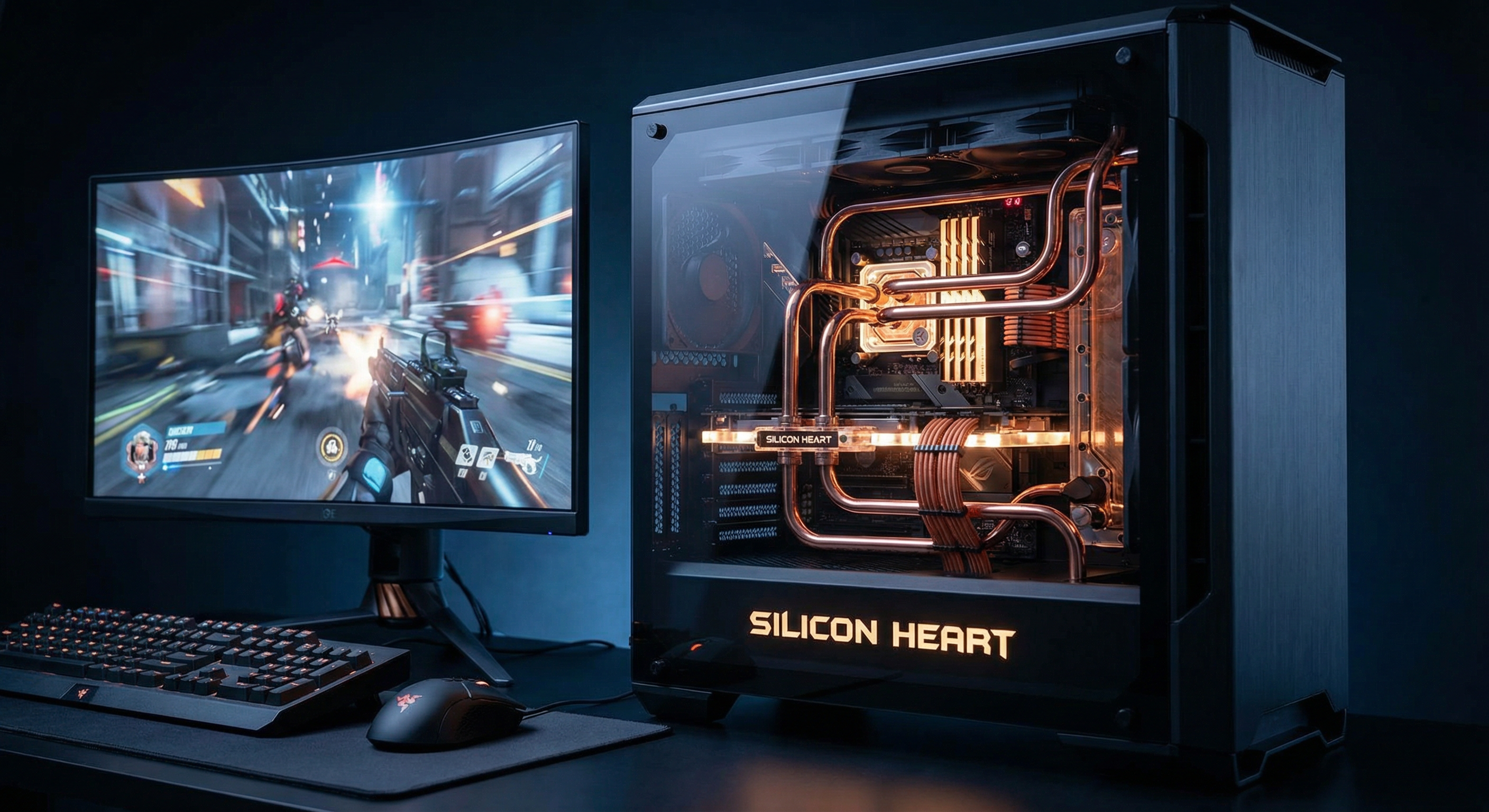
Imagine hosting a high-stakes dinner party where the guests are Olympic sprinters, and the meal must be served at the exact millisecond they feel hungry. Now, imagine doing that in a crowded apartment complex where your neighbors are running power tools and blasting music. That is exactly what hosting a modern multiplayer game on a shared “cloud” or VPS server feels like. While the world screams about the convenience of the cloud, the elite architects of the gaming industry are quietly retreating to the raw, unadulterated power of dedicated physical machines. Why? Because in the world of competitive gaming, a millisecond of lag isn’t just a glitch; it’s a death sentence for your player base.
1. The Great Illusion: Cloud vs. Bare Metal
Most developers start their journey with Virtual Private Servers https://deltahost.com/ (VPS). It’s cheap, it’s scalable, and it’s “good enough” for a website. But games aren’t websites. A website can afford a 200ms delay in loading an image; a first-person shooter (FPS) cannot afford a 50ms spike in network jitter. When you rent a virtual machine, you are sharing a physical CPU with dozens of other “tenants.” If a neighbor’s database starts a massive indexing job, your game server’s tick rate drops. This phenomenon is known as “noisy neighbor” syndrome, and it is the silent killer of online communities.
📌 IMPORTANT: Virtualization adds a layer of abstraction (the Hypervisor) between the game code and the hardware. This layer introduces “micro-stutters” that are invisible to standard monitoring tools but devastating to real-time physics calculations in games like Rust, ARK, or Counter-Strike.
Physical machines, or “Bare Metal,” eliminate this abstraction. You get 100% of the CPU cycles, 100% of the RAM bandwidth, and a direct line to the Network Interface Card (NIC). It’s the difference between driving a bus in heavy traffic and having a private Formula 1 track all to yourself. When you own the hardware, you own the performance.
2. The Math of Performance: Why Every Cycle Counts
Game servers are unique workloads. They are heavily dependent on single-core clock speed. While a web server might benefit from 64 slow cores to handle many small requests, a game server needs 8 or 16 blazing-fast cores to process the “game loop” fast enough to maintain a high tick rate. If the server can’t finish calculating the positions of 100 players within the 15ms window of a 64-tick update, the game begins to “desync.”
Technical Comparison: VPS vs. Dedicated Hardware
| Feature | Cloud/VPS (Virtual) | Dedicated (Physical) |
|---|---|---|
| CPU Access | Shared/VCPU (Steal time possible) | Exclusive (Zero steal time) |
| Disk I/O | Network-attached storage (Latency) | NVMe Local Drive (Instant) |
| RAM Latency | High (due to virtualization) | Ultra-Low (Direct access) |
| Network | Variable jitter | Stable, dedicated port |
💡 ADVICE: When choosing a physical machine, prioritize “Game” line CPUs like the AMD Ryzen 9 7950X or Intel Core i9-14900K. These consumer-grade chips often have higher boost clocks than enterprise Xeons, which is exactly what game engines crave.
3. The Nightmare of DDoS: Defending the Castle
Let’s get emotional for a second. Imagine you’ve spent six months building a community. You have 500 active players. Suddenly, a disgruntled teenager who lost a match pays $5 for a “stresser” service. Your server is hit with a 100Gbps UDP flood. On a cheap VPS provider, they will simply “null-route” your IP—meaning they pull the plug on you to protect their other customers. Your server goes dark. Your players leave. Your dream dies.
This is where professional-grade physical hosting shines. High-end providers offer “Path” or “CosmicGlobal” filtering directly at the hardware level. They don’t just shut you down; they scrub the traffic. Because you have a dedicated machine, the provider can apply custom firewall rules specifically for the protocol of your game (e.g., Source Engine, Unreal, or Unity-based). They can differentiate between a legitimate player packet and a malicious flood because they have the “room” to do so on a dedicated line.
4. Cost Efficiency: The Surprising Truth
Wait, isn’t renting a whole physical box more expensive? On paper, yes. A VPS might cost $20/month, while a dedicated server starts at $100/month. However, this is a classic “false economy.” To get the same performance on a cloud provider (like AWS or Azure) that you get from a $150 dedicated machine, you would likely have to spend $600+ on “optimized” instances. Furthermore, game servers consume massive amounts of bandwidth. Cloud providers often charge per gigabyte, leading to “bill shock” at the end of the month. Dedicated providers usually offer unmetered or 100TB packages.
✅ USEFUL INSIGHT: One high-end physical machine (e.g., 16 cores, 128GB RAM) can often host 10 to 15 individual game server instances. If you are running a network of servers (like a Minecraft BungeeCord hub), the cost per player becomes significantly lower on bare metal than on fragmented VPS instances.
5. Total Control: The Power of Root
When you rent a physical machine, you aren’t just a user; you are the god of that silicon. You can customize the Linux kernel for low-latency networking. You can set up RAID 10 arrays for insane disk speeds. You can even choose the exact OS distribution that fits your needs without being limited by the “images” provided by a cloud dashboard. This level of control allows for deep-level optimization like CPU pinning, where you tell the OS to keep the game process on specific physical cores to avoid cache misses.
- Custom Overclocking: Some specialized gaming hosts allow managed overclocking to squeeze out 5.5GHz+ frequencies.
- Internal Networking: If you rent two machines in the same rack, they can talk via a local LAN at 10Gbps with zero external latency.
- Hardware Monitoring: You can see the actual temperature and health of your drives, preventing a crash before it happens.
6. The “Human” Side of Hosting
Let’s talk about the frustration. Have you ever tried to get support from a trillion-dollar cloud company? You’re a ticket number. Your “small” $100/month spend is a rounding error to them. If your server goes down, you wait 24 hours for a canned response. Dedicated server providers in the gaming niche (like OVH, Hetzner, or specialized boutiques) understand that for a gamer, “down” means “gone.” Their support teams often speak the language of game developers, helping with IPMI access or hardware swaps in minutes, not days.
📌 IMPORTANT: Always check for IPMI/KVM access. This allows you to control the server even if the OS is completely crashed or the firewall has locked you out. Without this, you are flying blind.
7. When Should You Actually Move to Bare Metal?
It’s not for everyone on day one. If you’re just testing a mod with three friends, a physical machine is overkill. It’s like buying a semi-truck to move a single shoebox. However, there is a “tipping point” where staying on a VPS becomes a liability. If your player count exceeds 32 players per instance, or if you are running physics-heavy mods, the limitations of virtualization will start to manifest as “rubber-banding”—that annoying glitch where players teleport back to where they were two seconds ago.
Tipping Point Metrics
| Scenario | Recommended Setup | The “Why” |
|---|---|---|
| Development/Testing | Small VPS | Low cost, easy to wipe and restart. |
| Community Launch (50+ players) | Mid-range Dedicated | Stability is key to player retention. |
| Competitive Tournament | High-Frequency Dedicated | Zero tolerance for lag or variance. |
| Global Network (Hub) | Multiple Bare Metal Nodes | Reduces physical distance (latency) to players. |
Conclusion: The Silicon Foundation of Your Empire
In the end, renting a physical machine isn’t just about raw specs; it’s about professional integrity. It’s a signal to your community that you take their experience seriously. You are providing them with a stable, high-performance world where their skill—not their internet connection—determines their success. The cloud is great for many things, but for the visceral, high-speed demands of gaming, nothing beats the cold, hard efficiency of bare metal.
💡 FINAL ADVICE: Don’t be afraid of the command line. Learning to manage a dedicated Linux box is the single most valuable skill a game server administrator can have. It turns you from a “customer” into a “creator.”
Stop settling for the “neighbor’s noise” and the virtualization tax. If you want to build the next great gaming destination, you need to build it on a foundation of iron and silicon. It’s time to step up. It’s time to go dedicated. Your players are waiting—don’t let them lag.