
The invitation design world has been turned on its head. What used to take days of back-and-forth with a designer now happens in minutes. AI design tools aren’t just faster; they’re getting scary good at understanding what makes an invitation feel right for your event.
Whether you’re planning a corporate gala or your cousin’s baby shower, these platforms can generate hundreds of design options before you finish your coffee. The best part? You don’t need any design experience. Just tell the AI what you want, and watch it work.
What Separates Game-Changing AI Tools from the Rest
Before diving into the platforms, here’s what separates the decent tools from the ones worth your time:
- Speed without sacrificing quality: Generates multiple design variations in under 60 seconds
- Smart customization: Understands context (formal wedding vs. kids’ birthday party) and adjusts accordingly
- Print-ready outputs: Delivers files that won’t give your printer nightmares
- Matching design sets: Creates cohesive thank you cards, RSVP cards, and envelopes
- Reasonable pricing: One-time purchases or affordable subscriptions, not per-design fees
1. Design.com
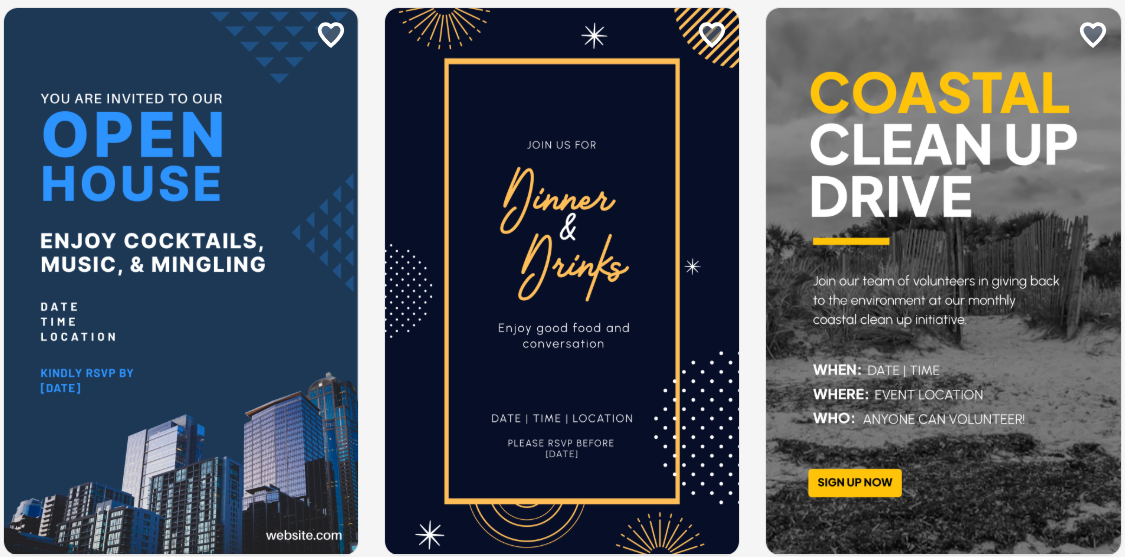
Design.com is a complete AI design platform that creates invitations instantly while ensuring strong visual structure and branding consistency. It aims to provide ready-to-use designs with little editing needed.
It’s a perfect fit for creators who prefer high-quality invitation cards across various industries. And here’s why it’s the best choice:
Why Design.com Comes Out on Top
- Speed:
- Instant AI-generated invitations based on simple inputs
- Quality:
- Clean, professional, structured layouts optimized for marketing
- Quantity:
- Large library of templates across various industries
- Flexibility:
- Automatic branding consistency in designs with little manual editing required
What You Get Besides Invitation Cards
- 400K+ logo templates and 1M+ total design assets
- Supports posters, business cards, and social media assets
- Offers multiple export formats for print and digital use
- Includes AI editing tools for text and layout adjustments
- Commercially safe, professionally reviewed designs for business use
- Features an integrated branding system across all design types
- Exclusive fonts, icons, and vector shapes for unique branding
Limitations
- Best suited for beginners and small businesses
In summary, Design.com excels at creating professional-looking invitations quickly with its massive asset library and AI-powered automation, making it perfect for businesses and users who need consistent branding across all their materials.
2. BrandCrowd
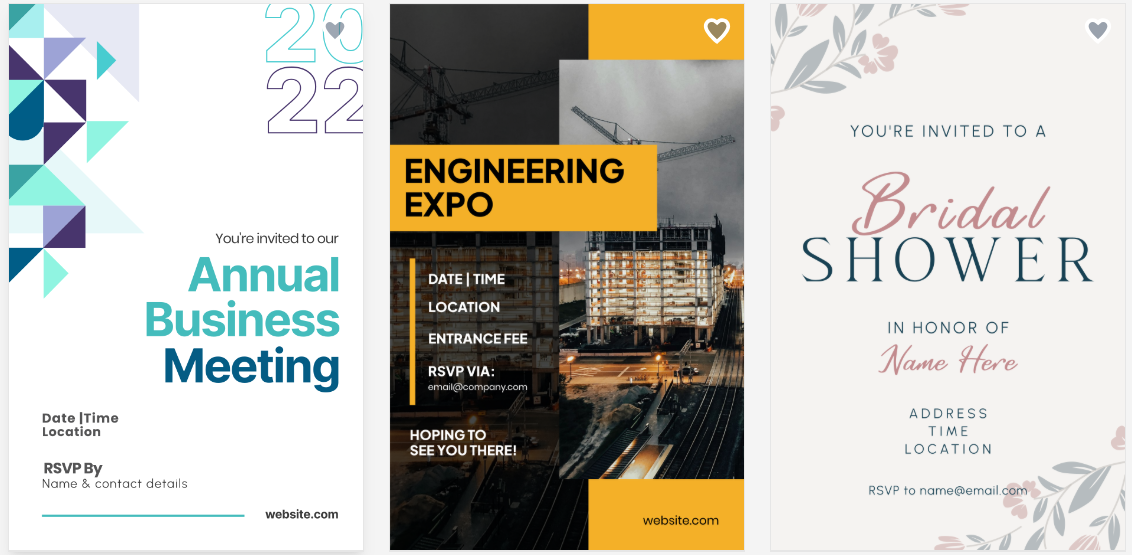
BrandCrowd combines AI generation with human-designed templates to deliver professional invitation designs with minimal effort.
The Value BrandCrowd Brings
- Speed:
- A hybrid of AI speed and designer quality
- Quantity:
- 50,000+ professionally designed templates
- Flexibility:
- Automatic brand color matching
- Quality:
- High-quality templates optimized for professional printing
Differentiating Factors
- Multiple color variations for each template
- Matching stationery sets included
- Tested layouts for various print sizes
- Designer-quality typography and spacing
- Negative space optimization in designs
Limitations
- May feel lighter compared to enterprise-grade tools, but ideal for hassle-free workflows for small teams
In essence, BrandCrowd offers the best of both worlds with designer-quality templates enhanced by AI, perfect for users who want professional results without ongoing subscription costs.
3. Evite
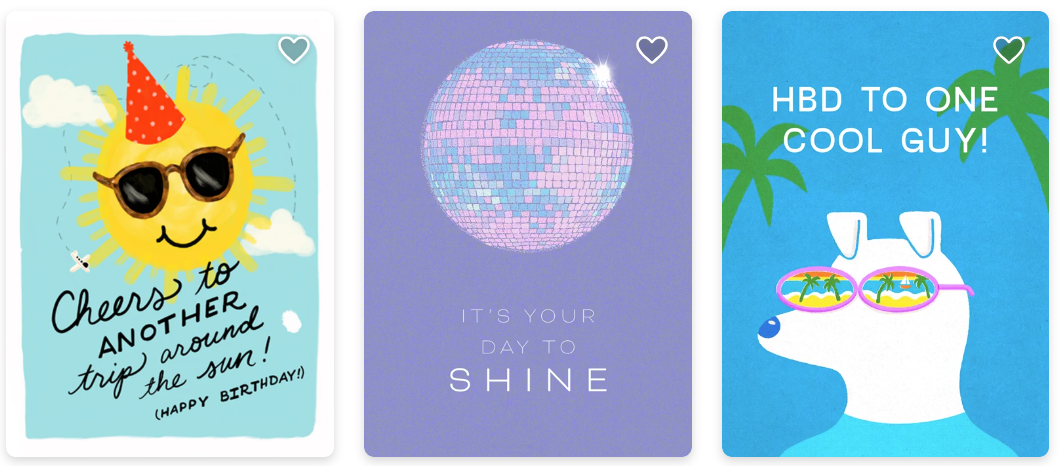
Evite is an online invitation platform that helps users create and send digital invitations.
Strengths
- Quantity:
- A wide variety of ready-to-use invitation templates.
- Flexibility:
- An easy-to-use editor for text, colors, and images.
- Options for both digital and printable invitations.
- Mobile-friendly and accessible from any device.
- Integration with email and social media for simple sharing.
Additions
- Guest list management and RSVP tracking.
- Event reminders and notifications for invitees.
Limitations
- Limited customization compared to design-focused platforms.
- Free templates may appear generic.
Evite is suitable for people who want an easy, interactive way to create invitations and manage RSVPs, particularly for digital-first events.
4. Vistaprint Design Studio
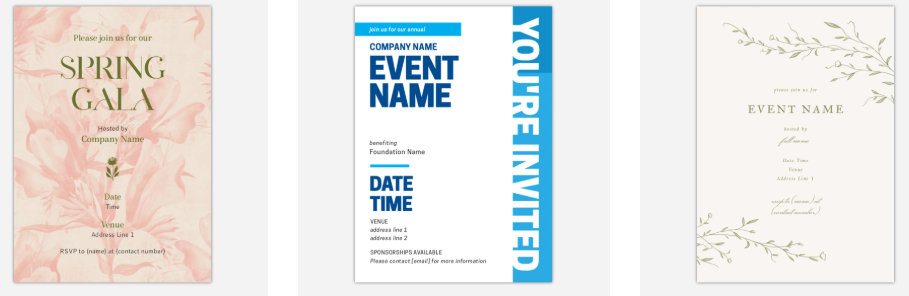
Vistaprint Design Studio integrates AI design tools with physical production capabilities for complete event stationery solutions.
Strengths
- Flexibility:
- Direct printing and shipping integration
- AI logo maker feeds into the invitation designer
- Matching physical products (napkins, banners, table cards)
- Addressing and mailing services available
Additions
- Wedding-specific design packages
- Proofing system before printing
- Color matching guarantee
- Multiple paper stock options
- Rush delivery options
Limitations
- Primarily focused on physical products
- Less flexibility for digital-only needs
All in all, Vistaprint Design Studio is the go-to choice for those who need physical invitations and matching event materials, combining AI design with end-to-end printing and delivery services.
Comparison Table
| Metric | Design.com | BrandCrowd | Evite | Vistaprint Design Studio |
| Speed of Creation | Very fast AI generation | Fast AI + template hybrid | Fast template-based | Moderate (design + print workflow) |
| Design Quality | Highly polished and consistent | Designer-quality templates | Good, but more casual | High-quality print-focused designs |
| AI Automation | Full AI generation | Partial AI support | Minimal AI | Moderate AI integration |
| Ease of Use | Very easy | Very easy | Very easy | Easy–moderate |
| Template Library | Very large (400K+) | Large (50K+) | Large variety | Moderate, event-focused |
| Customization | Moderate | Moderate | Basic–moderate | Moderate |
| Branding Consistency | Strong across all assets | Strong with color matching | Limited | Strong for print materials |
| Special Features | Full branding system, multi-asset creation | One-time purchase, stationery sets | RSVP tracking, event management | Printing, shipping, bulk orders |
| Export Options | Print + digital formats | Multiple formats (PNG, PDF, etc.) | Digital + printable | Physical print + delivery |
| Best Use Case | Fast branded invitations | Professional template-based invites | Digital invites & RSVP tracking | Physical invitations & event materials |
Wrapping Up
The invitation design game has changed. These AI platforms deliver professional results without the professional timeline.
Design.com leads the pack for businesses needing comprehensive branding, while specialized tools like Vistaprint excel in their niches. The best choice depends on whether you’re designing one invitation or building an entire event brand.
Remember, the goal isn’t just to save time; it’s to create invitations that capture the spirit of your event and get people excited to attend.
Ready to revolutionize your invitation design process? Pick a platform that matches your needs and start creating.