

Flowcharts have always been one of the clearest ways to explain how something works. They help teams map processes, document decision trees, outline system architecture, and visualize automations and their logic. In 2026, flowcharts are used across product development, operations, HR onboarding, IT support, compliance, and customer experience design.
Traditional diagramming tools require manual dragging, connecting, formatting, and aligning. Static whiteboards require redrawing every time a process changes. Generic design software adds unnecessary steps and slows down documentation.
Modern AI flowchart generators remove that friction.
An AI flowchart generator converts simple text prompts into structured diagrams in seconds. A user can type “customer onboarding process with approval steps and rejection paths,” and the system generates an editable flowchart with decision nodes, branches, and logical flow.
Instead of spending time arranging shapes, teams focus on refining the logic.
This guide reviews the best AI flowchart generators in 2026, ranked for usability, flexibility, collaboration, and real-world performance.
What is an AI flowchart generator?
An AI flowchart generator is a tool that uses natural language processing to transform written descriptions into visual diagrams. The user describes a workflow, and the system builds a structured chart with connected steps and decision points.
Most AI flowchart builders in 2026 offer:
- Text-to-diagram generation
- Editable nodes and connectors
- Export options for sharing
- Collaboration tools
- Template libraries
The best AI flowchart builders also support version history, branching logic accuracy, and easy refinement after generation.
Some tools focus on design quality. Others focus on collaboration. A few prioritize structured business workflows.
Below are the top AI flowchart generators in 2026, reviewed in detail.
The best AI flowchart generators in 2026
Jotform AI Flowchart Generator
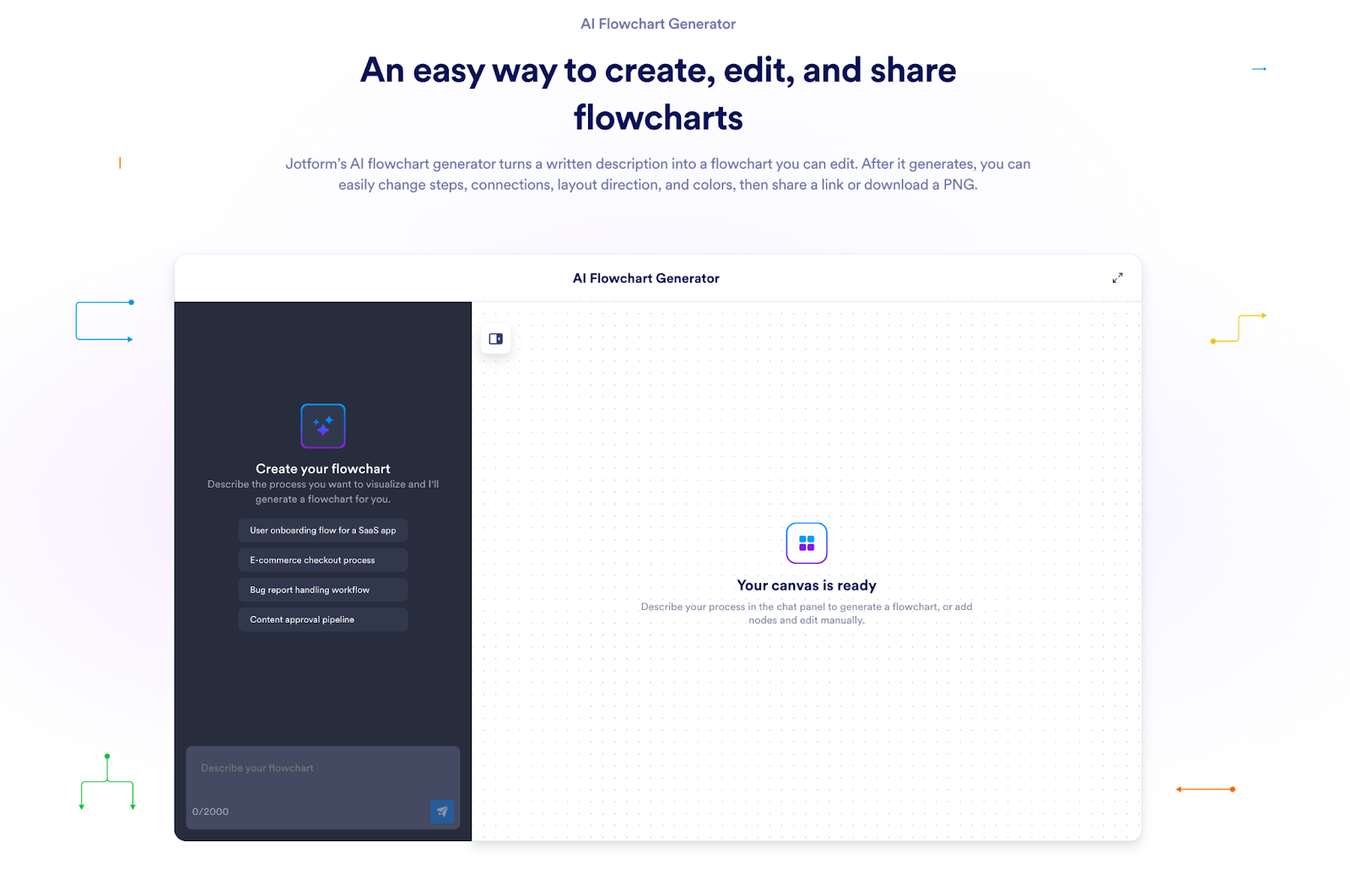
The Jotform AI flowchart generator came out in 2026, and it converts written prompts into structured, editable flowcharts. It is designed for business processes, approvals, onboarding flows, internal documentation, and structured decision logic.
Jotform AI flowchart generator is great for clarity and functional accuracy rather than decorative design. Flowcharts can be edited after generation, reorganized, shared via link, or exported.
Jotform AI Flowchart Generator Pros
- Clear and accurate branching logic from text prompts
- Fully editable flowcharts after AI generation
- Clean interface focused on workflow clarity
- Works well for structured business processes
- Easy sharing and export options
Jotform AI Flowchart Generator Cons
- Visual styling options are simpler than design-heavy platforms
- Advanced layout adjustments may require some manual refinement
Jotform AI Flowchart Generator Pricing
- Free forever plan available
- Bronze: $34/month
- Silver: $39/month
- Gold: $99/month
- Enterprise: Contact sales
Jotform AI Flowchart Generator Is Best For:
Business teams, operations managers, HR departments, and organizations documenting structured workflows.
Miro AI Flowchart Generator
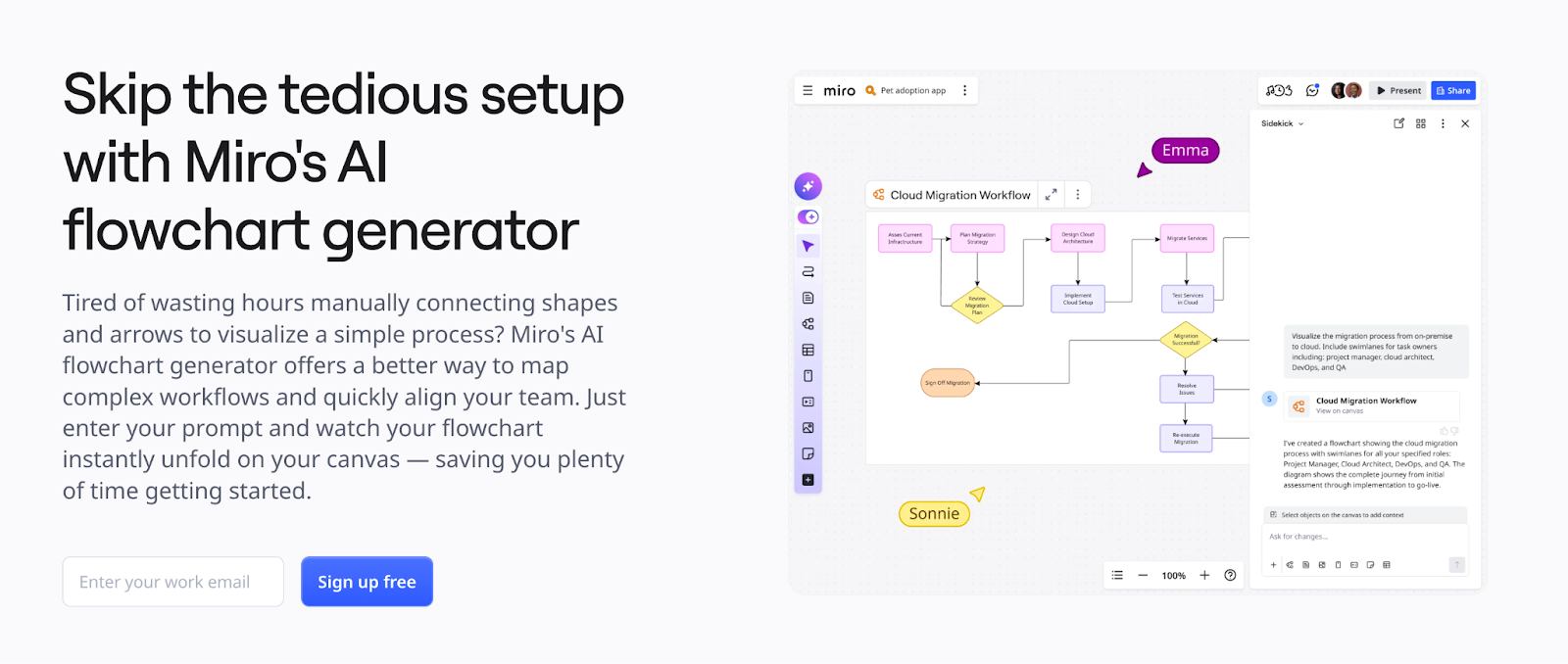
Miro’s AI flowchart generator operates inside its collaborative whiteboard platform in 2026. It transforms text prompts into flowcharts directly on an infinite canvas.
The tool fits naturally into brainstorming sessions, sprint planning, and cross-functional workshops. Teams can generate diagrams, refine them together, and integrate them into larger boards that include sticky notes, wireframes, and timelines.
Miro emphasizes collaboration over strict workflow structure.
Miro AI Flowchart Generator Pros
- Strong real-time collaboration tools
- Infinite canvas for flexible diagram placement
- Converts text into diagrams quickly
- Works alongside other visual planning tools
Miro AI Flowchart Generator Cons
- AI usage depends on credit limits
- Diagrams can become cluttered in large boards
- Less focused on formal workflow documentation
Miro AI Flowchart Generator Pricing
- Free plan available
- Starter: $8/member/month
- Business: $16/member/month
- Enterprise: Contact sales
Miro AI Flowchart Generator Is Best For:
Agile teams, workshops, product planning sessions, and collaborative brainstorming environments.
Venngage AI Flowchart Generator
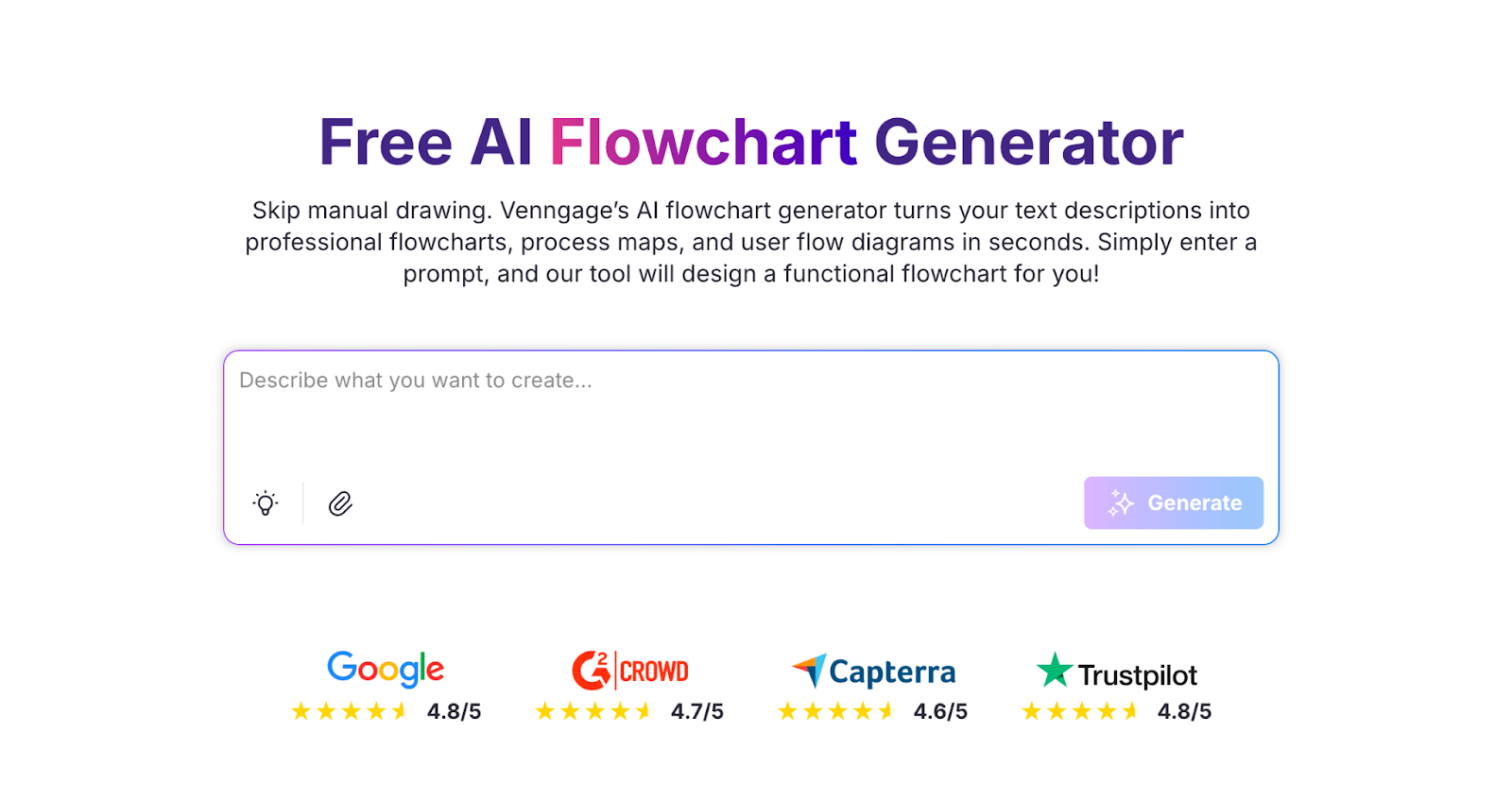
Venngage AI Flowchart Generator still focuses more on visually polished output in 2026. It turns text prompts into structured diagrams that can be customized with brand colors, fonts, and design elements.
This tool works well when the final output must be presentation-ready. Marketing teams and consultants often need diagrams that look refined for client decks or reports.
Venngage prioritizes design flexibility.
Venngage AI Flowchart Generator Pros
- Strong visual customization tools
- Brand kit integration
- Clean templates for presentations
- Multiple export formats
Venngage AI Flowchart Generator Cons
- The editing interface may feel design-oriented rather than workflow-oriented
- Advanced features require paid plans
Venngage AI Flowchart Generator Pricing
- Free plan available
- Premium: $10/month
- Business: $24/user/month
- Enterprise: Starts at $499
Venngage AI Flowchart Generator Is Best For:
Consultants, marketing teams, and educators who need polished, client-facing visuals.
Whimsical Flowchart AI
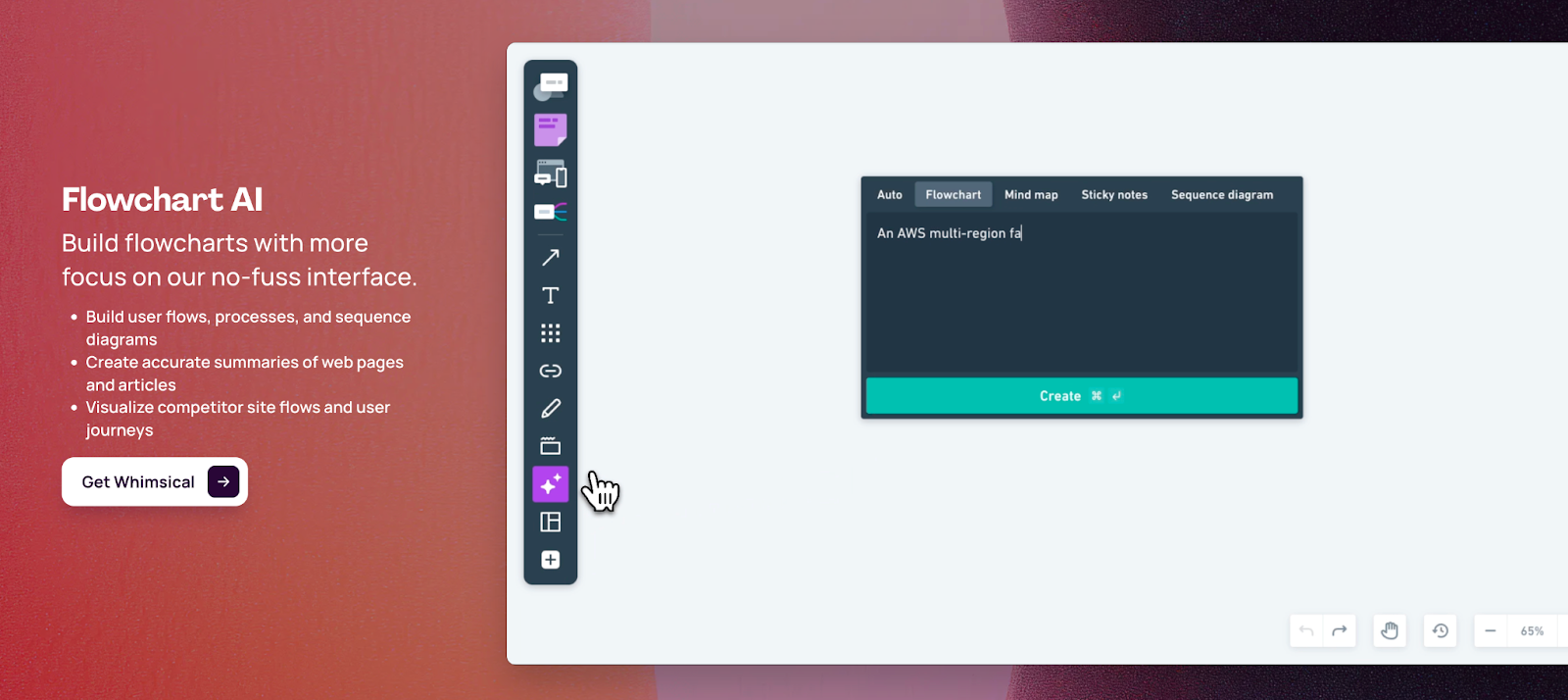
Whimsical AI Flowchart Generator emphasizes simplicity and speed for its users in 2026. Users enter text, and the platform creates a clean, minimal flowchart ready for editing.
The interface is intuitive and easy to navigate. Whimsical also supports mind maps, wireframes, and simple diagrams, making it a lightweight visual planning tool.
It focuses on clarity over complexity.
Whimsical Flowchart AI Pros
- Fast text-to-flowchart generation
- Simple interface with low learning curve
- Works well for early stage planning
- Good collaboration support
Whimsical Flowchart AI Cons
- Limited advanced formatting control
- Not designed for highly complex enterprise workflows
Whimsical Flowchart AI Pricing
- Free plan available
- Pro: $10/editor/month
- Business: $15/editor/month
- Enterprise: $20/editor/month
Whimsical Flowchart AI Is Best For:
Product designers, startup teams, and quick ideation sessions.
NoteGPT.io AI Flowchart Generator
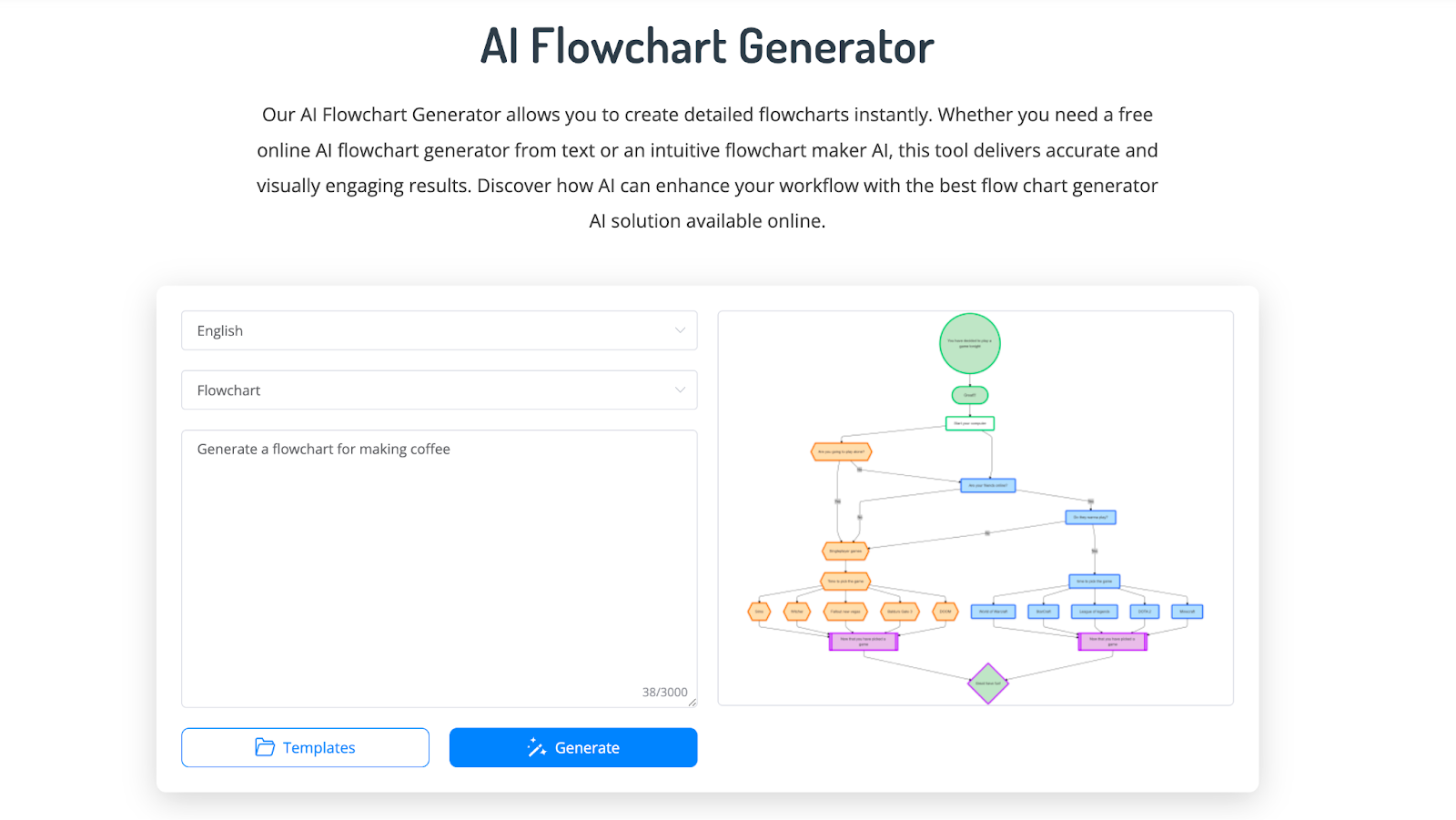
NoteGPT.io offers a browser-based AI flowchart generator in 2026, and it’s designed for speed. Users can input text or upload content, and the system builds a flowchart automatically.
The interface focuses on quick output rather than deep editing features. It works well for students, documentation drafts, and rapid visualization needs.
It is straightforward and accessible.
NoteGPT.io AI Flowchart Generator Pros
- Accepts text or document input
- Simple user experience
- Fast generation
- Free access options
NoteGPT.io AI Flowchart Generator Cons
- Limited collaboration tools
- Fewer customization features
- Not built for large team workflows
NoteGPT.io AI Flowchart Generator Pricing
- Free to use AI flowchart generator
- Pro: $9/month
- Unlimited: $19.92/month
- Max: $69/month
NoteGPT.io AI Flowchart Generator Is Best For:
Students, solo creators, and quick internal documentation drafts.
Creately AI Flowchart Generator
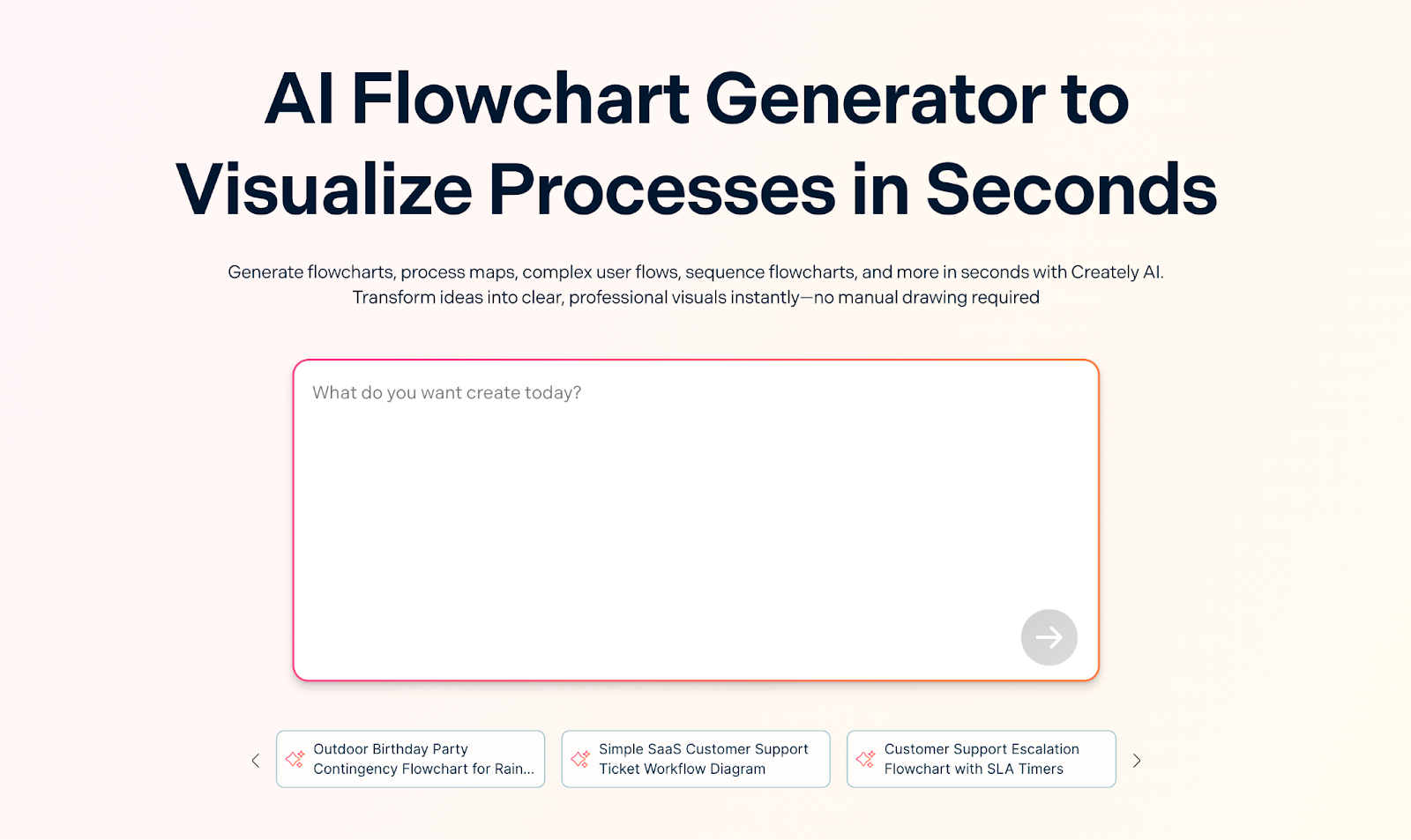
Creately combines AI flowchart generation with a broad diagramming platform in 2026. It supports multiple diagram types, including org charts, UML diagrams, and process maps.
The AI converts text prompts into editable diagrams, and teams can collaborate in real time. Creately offers more structural control compared to lightweight tools.
It is built for larger diagram ecosystems.
Creately AI Flowchart Generator Pros
- Supports many diagram types
- Real-time collaboration
- Flexible editing tools
- Suitable for complex workflows
Creately AI Flowchart Generator Cons
- Interface can feel dense for simple tasks
- AI features tied to paid tiers
Creately AI Flowchart Generator Pricing
- Free plan with no AI features
- Personal: $5/month
- Team: $5/user/month
- Business: $89/month
- Enterprise or OnPrem: Contact sales
Creately AI Flowchart Generator Is Best For:
Teams managing complex workflows and multiple diagram types within one system.
MyLens AI Flowchart Maker
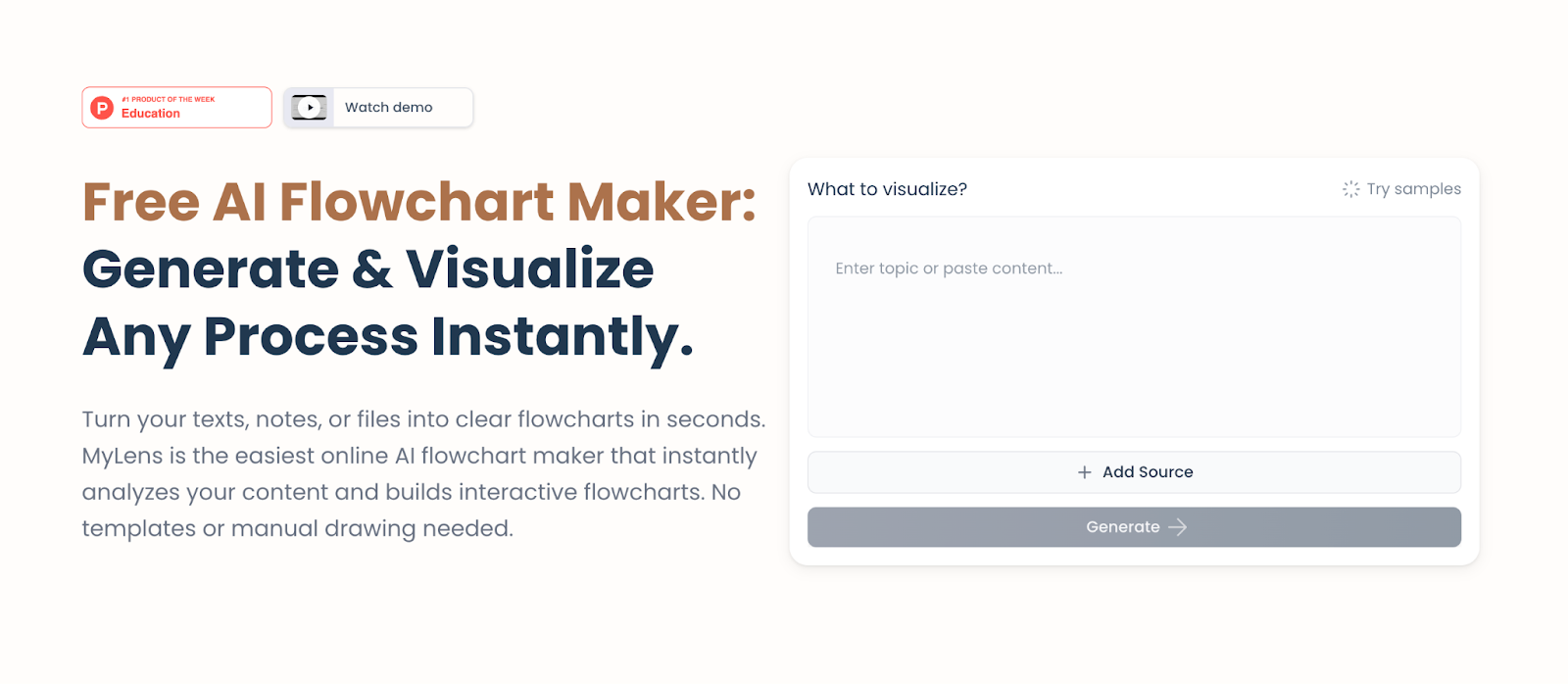
MyLens AI Flowchart Maker focuses on instant generation in 2026, with minimal setup. It converts text into a diagram quickly and works directly in the browser.
The platform keeps features simple. It is designed for users who want immediate results without navigating a large interface.
It prioritizes speed and ease of access.
MyLens AI Flowchart Maker Pros
- Quick generation
- Minimal interface
- Free access
- Easy for beginners
MyLens AI Flowchart Maker Cons
- Limited advanced editing
- Fewer export formats
- Minimal team collaboration features
MyLens AI Flowchart Maker Pricing
- Free plan available
- Pro: $12/member/month
- Growth: $120/member/month
- Enterprise: Contact sales
MyLens AI Flowchart Maker Is Best For:
Individuals and small businesses that need fast, basic flowcharts.
EdrawMax AI Flowchart Generator
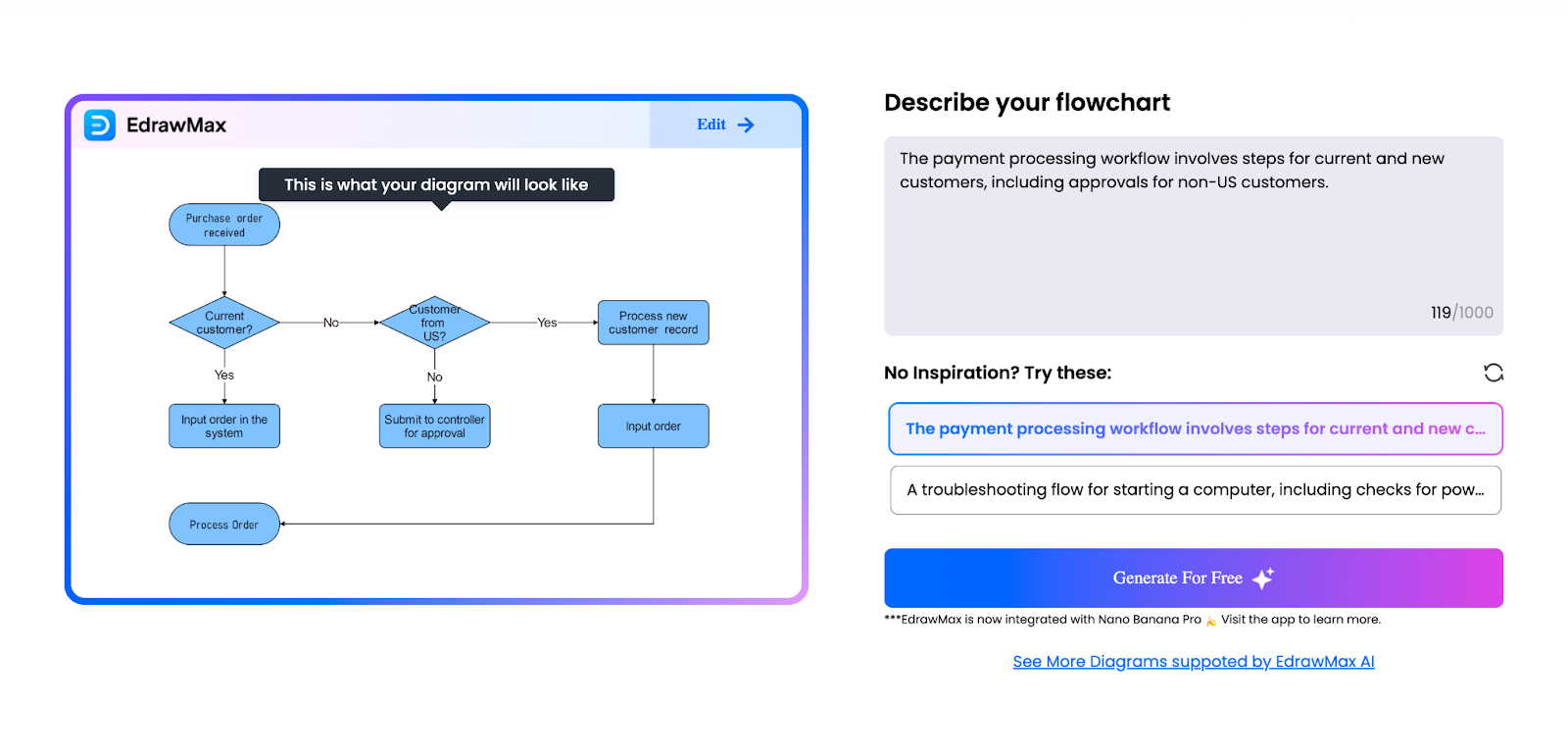
EdrawMax integrates AI flowchart generation into a full diagramming suite for 2026. It supports technical diagrams, engineering visuals, and structured process maps.
Users can generate a flowchart from text, then refine it using advanced design controls. The platform is feature-rich and suited to users who already work with diagrams regularly.
It offers breadth over simplicity.
EdrawMax AI Flowchart Generator Pros
- Large template library
- Advanced diagram editing tools
- Multiple export formats
- Suitable for technical use cases
EdrawMax AI Flowchart Generator Cons
- Interface may feel complex for beginners
- Free plan includes usage limits
EdrawMax AI Flowchart Generator Pricing
- 50,000 EdrawMax AI tokens: $5.90
- 100,000 EdrawMax AI tokens: $9.90
- 999,999 EdrawMax AI tokens: $79.90
EdrawMax AI assets are also available with a 7-day trial, and auto-renew at $15.9/month in addition to EdrawMax plans:
- Free trial available
- Semi-annual: $69/6 months
- Annual: $99/year
- Perpetual: $198/one-time purchase
EdrawMax AI Flowchart Generator Is Best For:
Technical professionals and teams that require diverse diagram capabilities.
Eraser.io AI Flowchart Generator
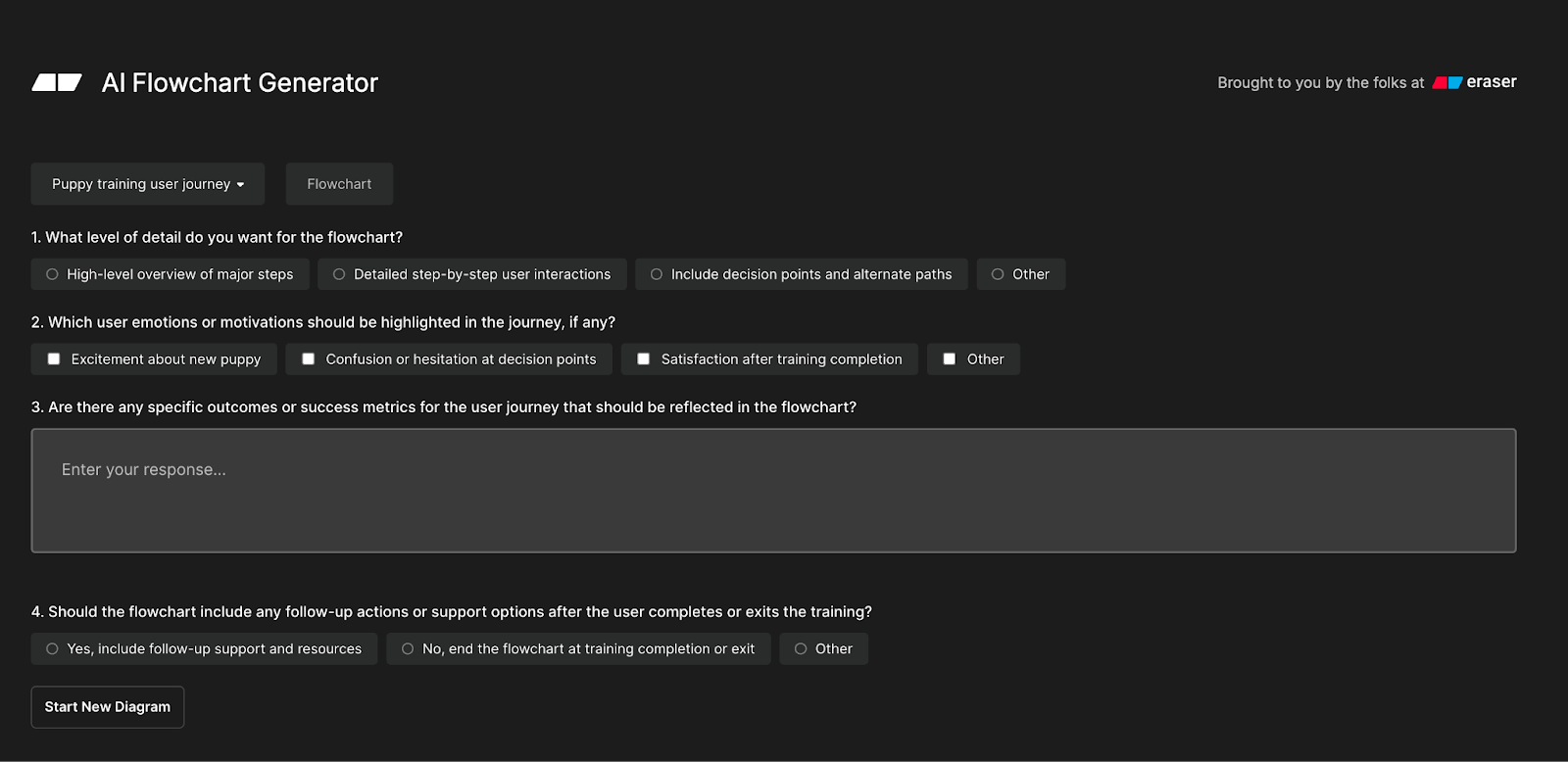
Eraser.io provides a developer-friendly AI flowchart generator in 2026. It accepts text or structured logic and produces diagrams quickly.
The platform is often used by engineers and product teams who want to visualize system flows without design overhead.
It focuses on speed and logic clarity.
Eraser.io AI Flowchart Generator Pros
- Fast generation from structured text
- Developer-oriented interface
- Simple workflow visualization
Eraser.io AI Flowchart Generator Cons
- Limited visual styling options
- Not built for marketing or presentation design
Eraser.io AI Flowchart Generator Pricing
- Free plan available
- Starter: $15/member/month
- Business: $45/member/month
- Enterprise: Contact sales
Eraser.io AI Flowchart Generator Is Best For:
Engineering teams and technical documentation workflows.
How to choose the best AI flowchart generator in 2026
Selecting the right AI flowchart builder depends on how it will be used.
For structured business workflows
Choose a tool that prioritizes logic clarity and editing control. Jotform stands out for structured processes that connect to forms and automation.
For real-time collaboration
Miro and Creately provide strong live editing environments.
For presentation-ready design
Venngage and EdrawMax offer greater styling flexibility.
For speed and simplicity
MyLens and NoteGPT provide quick, accessible generation.
For technical teams
Eraser.io works well when diagrams reflect structured logic or engineering flows.
The best AI flowchart generators in 2026 balance accuracy, editability, and ease of use. The right choice depends on whether the priority is collaboration, workflow documentation, technical structure, or design polish.
Comparison table of the best AI flowchart generators in 2026
| Tool | Key Feature | Best For |
| Jotform AI Flowchart Generator | Structured workflow generation with editing control | Business process documentation, most use cases |
| Miro AI Flowchart Generator | Collaborative whiteboard diagrams | Agile teams |
| Venngage AI Flowchart Generator | Brand-ready visual customization | Client presentations |
| Whimsical AI Flowchart Generator | Simple, fast ideation diagrams | Product planning |
| NoteGPT.io AI Flowchart Generator | Quick document-to-flowchart conversion | Students and quick drafts |
| Creately AI Flowchart Generator | Multi-diagram collaboration platform | Complex team workflows |
| MyLens AI Flowchart Maker | Instant browser-based generation | Beginners |
| EdrawMax AI Flowchart Generator | Advanced diagram suite with AI | Technical documentation |
| Eraser.io AI Flowchart Generator | Developer-friendly flow logic visualization | Engineering teams |
FAQ
What is the best AI flowchart generator in 2026?
The best option depends on use case. For structured business workflows, Jotform provides strong logic clarity and editing control. For collaboration, Miro is widely used. For design customization, Venngage performs well.
Are AI flowchart generators accurate?
Most modern AI flowchart builders produce logically structured diagrams from clear prompts. Refinement is often required for complex branching.
Can flowcharts be edited after generation?
Yes. All major platforms allow editing of nodes, connectors, and labels after the initial AI output.
Do these tools require design experience?
No. They are built for non-designers. Users describe a process in plain language, and the AI handles layout and structure.
Are there free AI flowchart generators?
Yes. Many platforms offer free plans, including Jotform, Miro, MyLens, and Eraser.io.