
Most Shopify merchants hit the same wall. Sales are steady, but margin keeps shrinking. The usual fix is a sitewide discount code. Twenty percent off, maybe more during a sale week. It moves volume for a few days, then traffic drops back and the store is left training customers to wait for the next markdown.
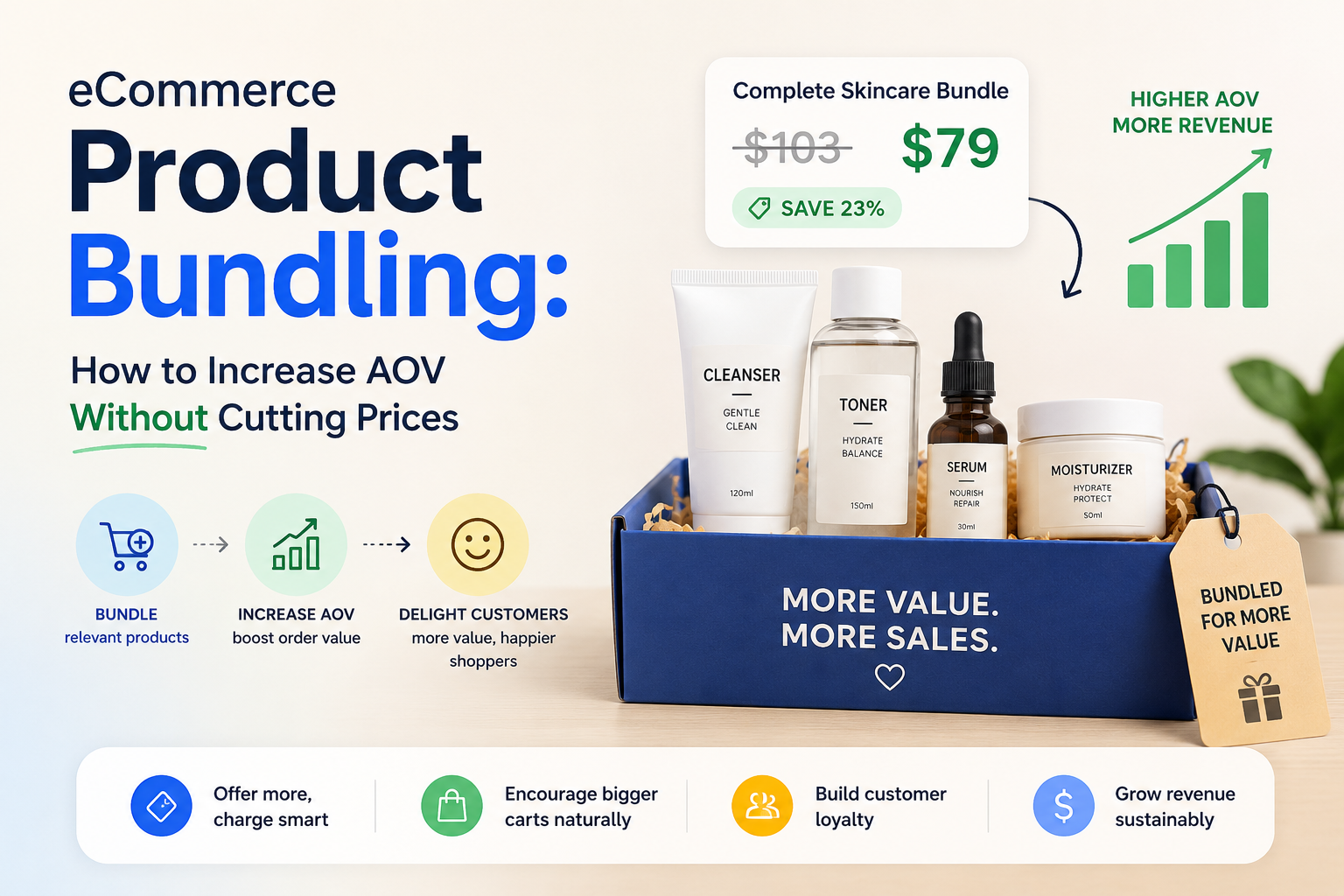
There’s a better lever, and it doesn’t touch your price tag. Product bundling lets you increase average order value by changing what a customer buys, not what they pay per item. Done right, it protects margin, gives you fresh content to rank for, and turns a single-item shopper into a multi-item one at the exact moment they’re already deciding to buy.
This post breaks down why bundling beats blanket discounting, the main bundle types that actually work on Shopify, how to pick the right one for your catalog, and what to look for in a bundling app if you’re evaluating one.
The problem with discounting your way to a bigger cart
A sitewide discount code is the easiest lever to pull and the most expensive one to keep pulling. Every order gets cheaper, not just the ones that needed a nudge. Full-price customers who would have bought anyway now buy at a markdown too.
Discount codes also condition behavior. Shoppers learn that if they wait, a code will show up in their inbox or on a coupon site. Email opens spike, then organic conversion outside the promo window quietly declines. The store ends up running near-permanent sales just to hit the same revenue it used to hit at full price.
There’s an SEO cost too. A 20% off code isn’t a page Google can index or rank. It disappears from search the moment the promotion ends. A bundle offer, on the other hand, can live on a permanent product or landing page, get indexed, and keep earning organic traffic long after the campaign that inspired it is over.
What margin erosion actually costs over a year
Take a Shopify store doing $50,000 a month with a 40% margin. Run a 20% sitewide discount for even one week a month, and margin on that week’s revenue drops to roughly 20%. Over a year, that’s not a one-time hit. It’s a structural discount baked into twelve months of P&L, and it compounds as customers start waiting for the next code before they’ll buy at all.
Bundling avoids this because the discount only applies when the customer does something that increases order value: buying more units, adding a second product, or hitting a spending threshold. The merchant isn’t giving away margin. They’re trading a small, targeted discount for a larger order.
Bundling is a cross-sell mechanism, not an upsell
This distinction matters more than most merchants realize. An upsell happens after a decision is made, usually as a popup or a post-purchase offer nudging the customer toward a pricier version of what they already chose. A cross-sell happens before the decision is final, at the point where the customer is still deciding how much to buy.
Product bundling lives in that second category. It shows up on the product page itself, while the customer is comparing quantities and options, not after they’ve already committed. That timing is why it converts better than most post-purchase upsell tactics. The customer hasn’t mentally closed the transaction yet.
The main bundle types, and which products they fit
Not every bundle type works for every store. Matching the offer to the product category is what separates a bundle that converts from one that gets ignored.
Quantity breaks (Buy More Save More)
Tiered discounts that increase with quantity: buy 2, save 10%, buy 3, save 15%. This works best for consumables and anything bought in multiples: supplements, skincare, candles, socks, coffee. The customer already plans to repurchase, so the widget just accelerates a decision they were going to make anyway.
BOGO offers
Buy X, get Y free or at a discount, either same product or cross-product. Strong for apparel and accessories, where pairing or gifting is a natural instinct. A BOGO on a second color or a complementary item feels like a bonus rather than a hard sell.
Free gift thresholds
The customer unlocks a free product once they hit a spending or quantity level. This fits beauty and wellness brands especially well, where a “treat yourself” moment or a loyalty gesture drives repeat purchases more than a straight discount would.
Subscribe and save
A recurring-purchase option shown alongside the one-time price, usually at a discount for committing to a delivery schedule. Built for anything with a repeat purchase cycle: supplements, skincare, pet products, anything a customer runs out of and reorders.
Mix-and-match bundles
The customer builds their own bundle from a set of complementary products, with a combined discount applied. Best for stores with natural product pairings: starter kits, gift sets, or complete routines built from several SKUs.
How to build a bundling strategy, step by step
Start with your best-selling SKU, not your whole catalog. Pick one product where a second unit, a natural pair, or a subscription cycle makes obvious sense to the customer, and test one bundle type there before rolling it out sitewide.
Match the offer type to the buying pattern. Consumables want quantity breaks or subscriptions. Apparel wants BOGO. Anything with a gifting or loyalty angle wants free-gift thresholds. Guessing wrong here is the most common reason a bundle underperforms: the mechanic doesn’t match how the customer actually shops that category.
Place it where the decision happens. A bundle widget buried below the fold or hidden in the cart drawer gets ignored. It needs to sit on the product page, near the add-to-cart button, where the customer is actively choosing quantity.
Check for discount stacking conflicts before launch. If your store already runs automatic discounts or a loyalty program, make sure the bundle discount either stacks intentionally or is set to override, not silently double up and erode margin further.
What to look for in a Shopify product bundle app
If you’re evaluating a Shopify product bundle app rather than building this yourself, a few things separate a good one from a maintenance headache.
No-code theme integration matters most
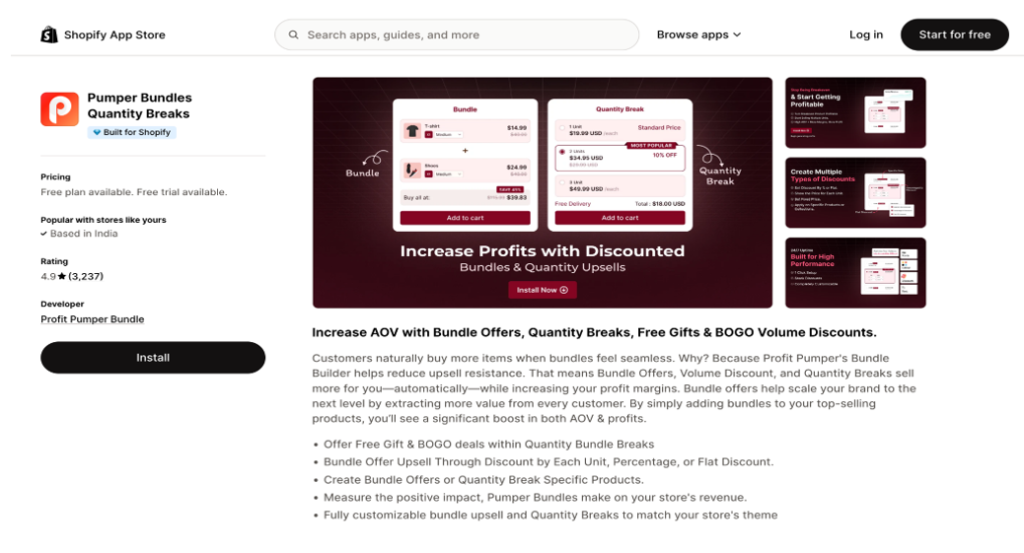
Some bundling apps require theme file edits, which means every update risks breaking your storefront and every change needs a developer. Look for apps built on Shopify’s native Theme App Extensions, which inject widgets into your theme without touching the underlying code. Pumper Bundles, for example, runs entirely through Theme App Extensions. Merchants turn on app blocks in the Shopify theme editor and the widgets appear on product pages automatically, with no developer and no risk of a broken theme file. And they have 4.9 stars on Shopify app store with more than 3200 reviews.
One dashboard, not five separate apps
Running quantity breaks through one app and BOGO through another means five different billing cycles, five different support queues, and five different places something can break. Pumper Bundles covers all five offer types (quantity breaks, BOGO, free gift thresholds, subscribe and save, and mix-and-match bundles) from a single dashboard, so a merchant testing multiple offer types isn’t managing multiple app subscriptions to do it.
Analytics that tie back to revenue, not just clicks
A bundle app is only useful if you can see whether it’s actually paying for itself. Pumper Bundle’s analytics dashboard tracks impressions, add-to-cart rate, orders, extra revenue, conversion rate, and cart-to-order rate per offer, so a merchant can see exactly which bundle type is earning its keep and which one to turn off.
Pricing that scales with results, not with features
Most bundling apps cap plans by number of offers or lock features behind higher tiers. Pumper Bundle’s plans are capped by extra revenue generated instead, from a free plan up to an uncapped top tier. A merchant pays more only once the app is generating more revenue for them, which is a fairer model than paying for headroom you haven’t grown into yet.
Every paid plan comes with a 14-day free trial, a money-back guarantee, and can be cancelled anytime, so testing whether bundling actually moves the needle for a specific store carries no real risk.
Where to start
Sitewide discounts feel easier, but they cost more the longer you run them. Bundling asks the customer to buy more, not pay less, which is a trade most shoppers are happy to make when the offer matches how they already shop.
Pick your best-selling product, choose the bundle type that fits how customers already buy it, and test it for two weeks before deciding whether to expand it. That’s a smaller bet than a sitewide sale, and it’s one that keeps paying off after the campaign ends.