


FB pic download is something almost everyone searches for at some point, even if they don’t realize it yet. You’re scrolling Facebook, you see a photo that’s actually useful, meaningful, or just too good to lose, and suddenly the usual options don’t work. Maybe you tried right-clicking and got a low-quality image. Maybe the save option wasn’t there at all. Or maybe you downloaded it and later noticed the photo looks blurry and compressed. This exact frustration is why so many people look for real ways to download fb pics properly.
The truth is, Facebook was never designed to make image downloading easy. The platform focuses on keeping content inside its ecosystem, which means images are often compressed, hidden behind scripts, or blocked from direct saving. That’s why searching for fb download pic solutions is so common.
This guide is written like I’d explain it to a friend sitting next to me. No tech jargon, no exaggerated promises. Just honest explanations, real tools that actually work, and clear steps on how to download pics from fb without wasting time or risking your device.
Find More: 7 Powerful Facebook Reel Downloader Tools You’ll Wish You Knew Sooner
What Is FB Pic Download and How Does It Work?
FB Pic Download simply means saving Facebook images to your phone or computer in the best quality available. That could be a profile picture, a photo from a public post, an image from a page, or even pictures inside albums.
Facebook doesn’t store photos in one simple downloadable format. Instead, it serves different image sizes depending on device, screen resolution, and connection speed. That’s why many people think they downloaded the image, but later realize they only saved a compressed preview.
Most fb download pic tools work by locating the original image source directly from Facebook’s servers. Once that source is found, the tool allows you to download the image manually in higher quality. You paste the link, wait a second or two, and then choose the best available resolution.
Public vs Private Facebook Photos
Public photos are the easiest to handle. These include photos from public profiles, Facebook pages, public groups, and public posts. If you can see the photo without logging in, you can usually download it.
Private photos are a different story. If you don’t have access to the photo on Facebook itself, no tool can magically bypass that. Any site claiming it can download private Facebook photos without permission should be avoided.
Is FB Pic Download Legal and Safe?
In most cases, downloading public Facebook photos for personal use is fine. Problems usually start when people reuse images commercially or without the owner’s permission.
From a safety point of view, fb pic download is safe as long as you use clean tools. Never log in with your Facebook account, never install unknown browser extensions, and avoid tools that flood you with ads or fake buttons.
Key Features to Look for in an FB Pic Download Tool
Not every tool you find online is worth using. Some look professional but fail as soon as you paste a link. Others work but sacrifice quality or security.
HD Quality Support
The main reason people search for how to download fb pics is quality. A good tool should give you the original image or the highest resolution Facebook allows. If the image looks the same as a screenshot, the tool isn’t doing its job.
No Login Required
Any tool that asks you to log in using Facebook is unsafe. Legit fb download pic tools never need your account information.
Speed and Ease of Use
The process should be simple: copy link, paste link, download. If a tool requires multiple steps, pop-ups, or unnecessary clicks, it’s not worth your time.
Privacy and Security
Clean tools don’t redirect you, don’t ask for permissions, and don’t download anything automatically. If something feels off, trust your instinct and leave.
FB Pic Download – 7 Powerful Tools to Download Facebook Pictures in Seconds
All the tools below are real, commonly used, and tested for basic Facebook photo downloads.
Tool #1 – SnapSave

SnapSave is one of the most reliable tools for fb pic download right now. It works on desktop and mobile, supports HD images, and doesn’t require any login. You paste the Facebook post link, and it instantly detects the available image sizes.
Tool #2 – Getfvid
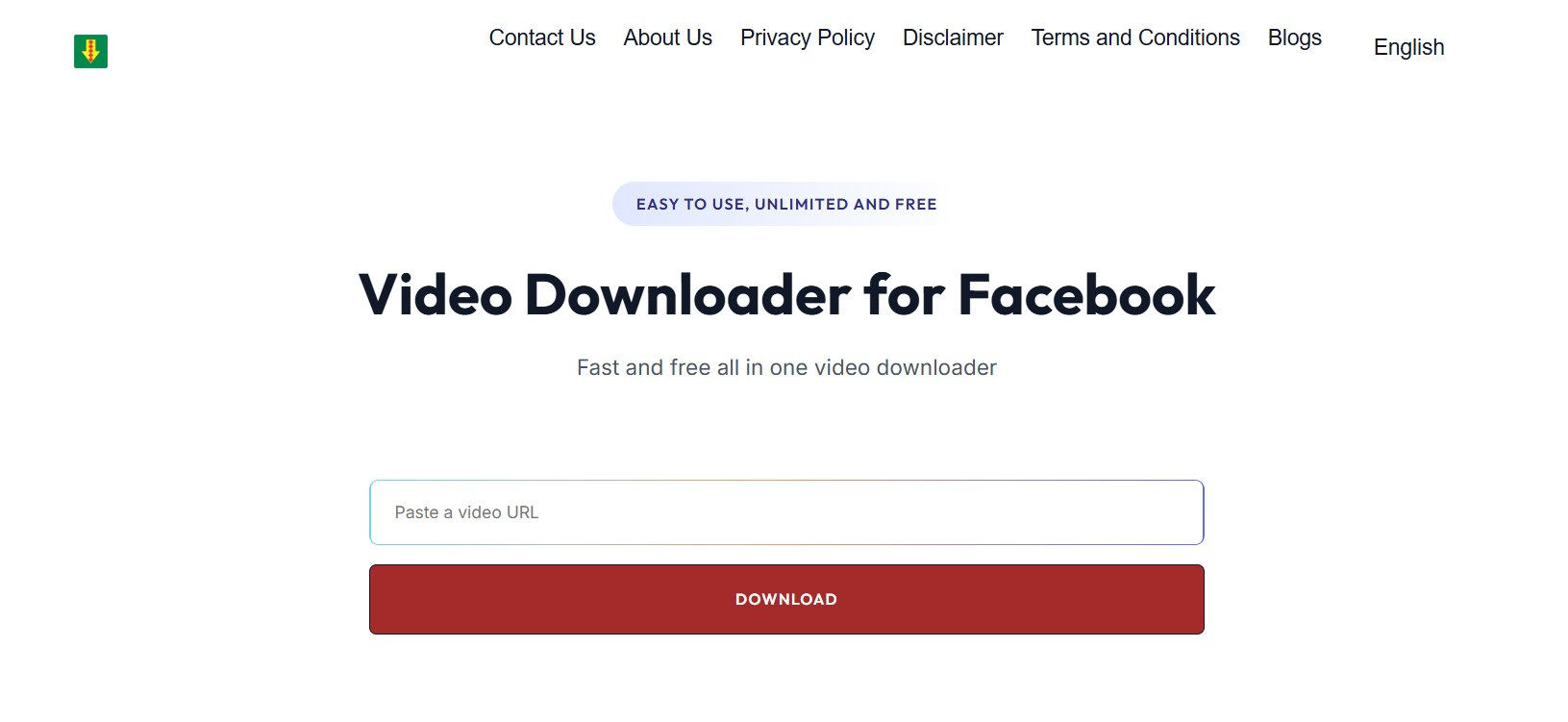
Getfvid is mostly known for video downloads, but it also works very well for photos. It’s fast, lightweight, and perfect if you just want to download fb pics without dealing with cluttered interfaces.
Tool #3 – FDownloader
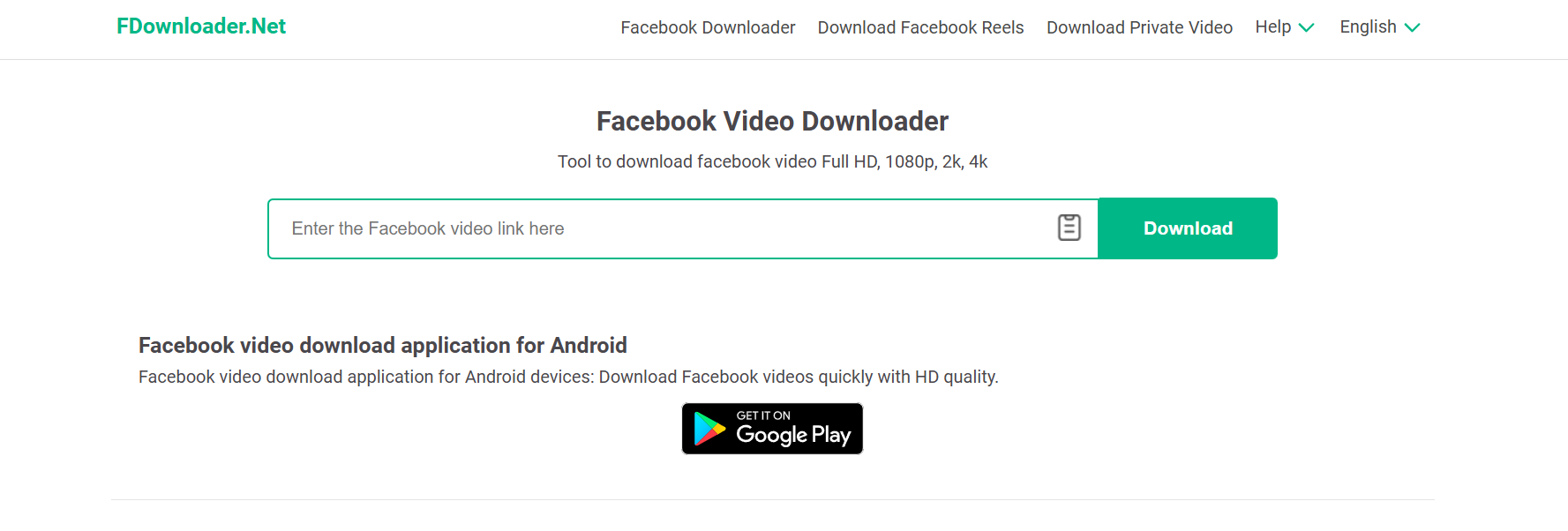
FDownloader keeps things simple. Paste the link, click download, and you’re done. It works especially well for public pages and profiles where other tools sometimes fail.
Tool #4 – SaveAs.co
SaveAs.co is a great option for mobile users. If you’re trying to figure out how to download a pic from fb on your phone, this tool is one of the easiest to use through a mobile browser.
Tool #5 – FBDown Photo Mode
FBDown has a less-known photo download feature that works surprisingly well. It allows you to grab full-size images from public posts without extra steps.
Tool #6 – SmallSEOTools Facebook Image Downloader
This tool is useful when dealing with albums or multiple images. It’s not flashy, but it gets the job done and supports decent image quality.
Tool #7 – ExpertsPHP Facebook Image Downloader
The interface isn’t modern, but the functionality works. Paste the link, scroll carefully to avoid ads, and download the image manually.
How to Use FB Pic Download Tools (Step-by-Step)
If you’ve never tried this before, don’t worry. The process is almost identical across all tools.
On Desktop
Open Facebook in your browser, find the image or post, copy its link, and paste it into the tool. Once the options appear, always choose the highest resolution available.
On Mobile
For mobile users, it’s usually better to open Facebook in your browser instead of the app. Copy the link, paste it into the tool, and download. This is one of the easiest ways to download fb pics on phones.
Downloading Profile Pictures in Full Size
Profile pictures are often displayed in low resolution. To get the full size, open the image, copy its link, and use any fb download pic tool from the list above.
Common FB Pic Download Problems and Fixes
Even with good tools, you might run into small issues.
Tool Not Working
If one tool fails, try another. Facebook updates its system often, and tools need time to adjust.
Low-Quality Downloads
Always look for HD or original size options before downloading. Don’t click the first button you see.
Private Photos
If you can’t view the photo on Facebook itself, you won’t be able to download it.
Best Practices for Safe and High-Quality FB Pic Download
Stick to known tools, avoid browser extensions, and never download additional software. Bookmark one or two tools that work well and use them consistently.
FB Pic Download vs Screenshot
Screenshots are quick but destroy image quality. They also crop details and reduce resolution. Proper fb pic download tools give you the actual image file, which is always better if quality matters.
Conclusion – The Fastest Way to Download Facebook Pictures
If you regularly save Facebook images, learning how to download pics from Facebook properly is worth it. The right tool saves time, preserves quality, and avoids frustration. Stick to no-login tools, always choose HD, and skip anything that feels unsafe. Once you use a proper fb pic download method, screenshots won’t make sense anymore.
Find More: Boost Your Sales With SEO Services
FAQs
1. Can I download Facebook pictures without logging in?
Yes, as long as the photo is public and accessible.
2. Is FB Pic Download free?
Most tools listed here are completely free to use.
3. Can I download private Facebook photos?
No. You need access to the photo on Facebook itself.
4. What is the best tool to download fb pics in HD?
SnapSave and Getfvid are currently among the most reliable.
5. Does FB Pic Download work on mobile?
Yes, most tools work smoothly on mobile browsers.
6. Is it legal to download pics from fb?
For personal use, it’s usually fine. Commercial use requires permission from the image owner.