

Introduction
Instagram video download is something almost everyone has googled at some point. Whether you’re trying to save a Reel for inspiration, keep a video tutorial handy, archive content for research, or just want offline access to your favorite moments, having a reliable way to download Instagram videos really matters. Over the years, Instagram has grown into a massive content hub packed with tutorials, recipes, fitness routines, inspiring transformations, memes, and educational clips. But the platform wasn’t built with a native download button — and that’s where things get frustrating.
If you’ve ever typed “download instagram videos” or “Instagram download video” into Google, you already know the struggle. Many tools are slow, full of pop-ups, or stop working every few months. Some look sketchy enough to make you close the tab immediately. That’s why this guide exists. I tested a long list of tools, removed the unreliable ones, and kept only 7 Instagram video download tools that actually work — consistently, safely, and with good quality.
Consider this your go-to resource anytime you need to save a Reel, Story, IGTV episode, carousel video, or even content from creators you admire.
Find More: Optimal Instagram Posting Time: 9 Data-Backed Times for Maximum Reach
Tool 1: SnapInsta

SnapInsta is easily one of the most popular tools online — and it earns that popularity honestly. When you open the website, you immediately feel like you’re in the right place. The interface is clean, the process is simple, and everything is fast. No endless ads, no fake download buttons, no confusing steps. Just copy, paste, download. Try it here: SnapInsta
Why SnapInsta Works Well
- Super-fast processing even with long videos
- Supports nearly all Instagram formats: videos, Reels, IGTV clips
- No login or account needed, making it safer than app-based tools
- Great for mobile users due to its lightweight design
- Rarely breaks when Instagram updates its system
SnapInsta is ideal for people who want something fast and painless. It also works smoothly on both desktop and mobile, so you can save videos wherever you are.
Tool 2: SaveInsta
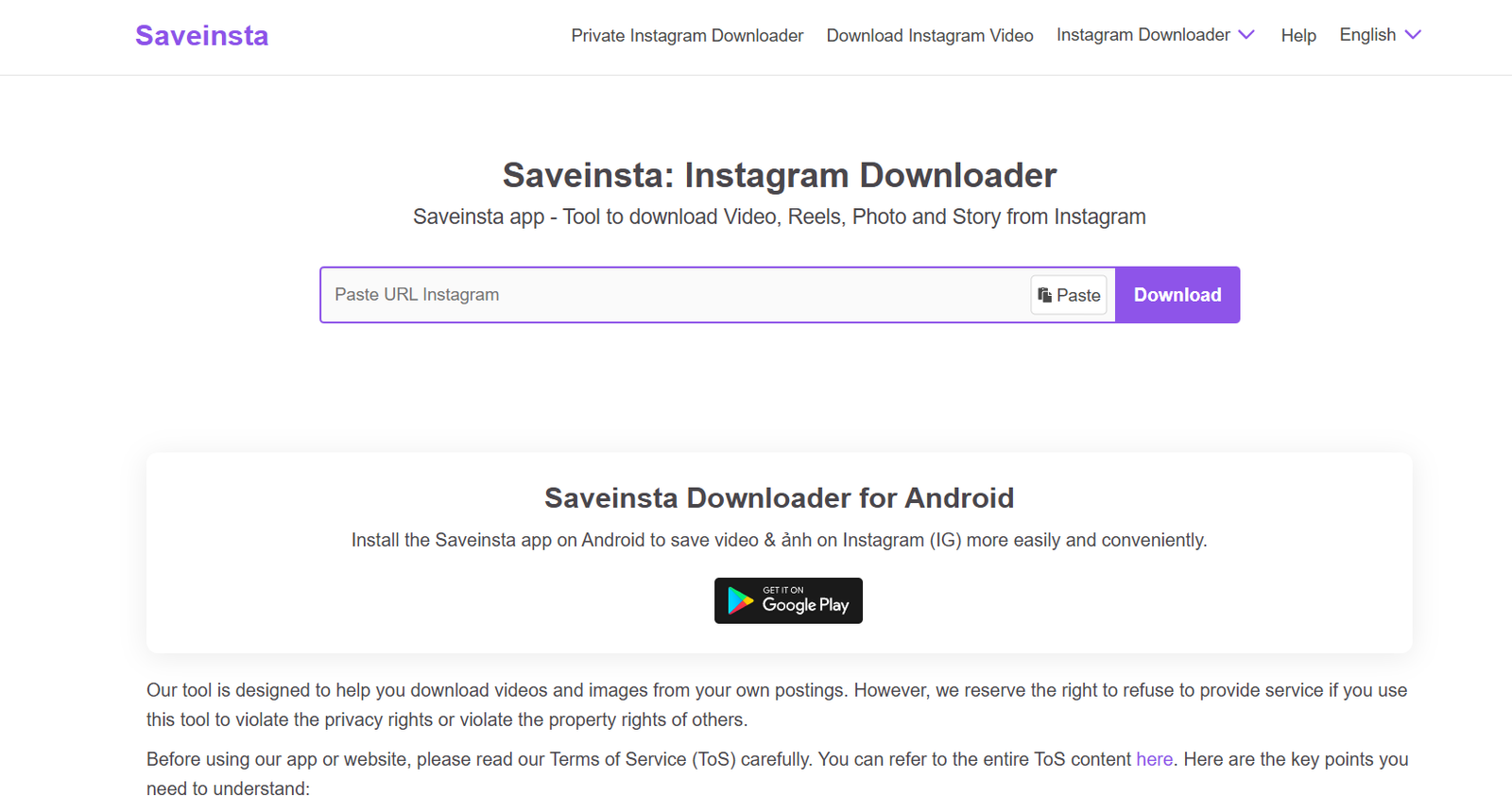
SaveInsta is another strong option, especially if you want a single tool that can download everything from photos to full Reels to Stories. The user interface is extremely simple and almost impossible to mess up, which makes it beginner-friendly. Try it here: SaveInsta
Why SaveInsta Stands Out
- Clean, modern interface that feels trustworthy
- Supports photos, stories, reels, and IGTV
- Works smoothly on any device: Android, iOS, Windows, Mac
- Fast processing with quick preview options
- No extra steps or interruptions
SaveInsta is a great pick if you want an all-in-one downloading tool without any learning curve. It’s especially useful when you’re saving content from multiple parts of Instagram.
Tool 3: iGram
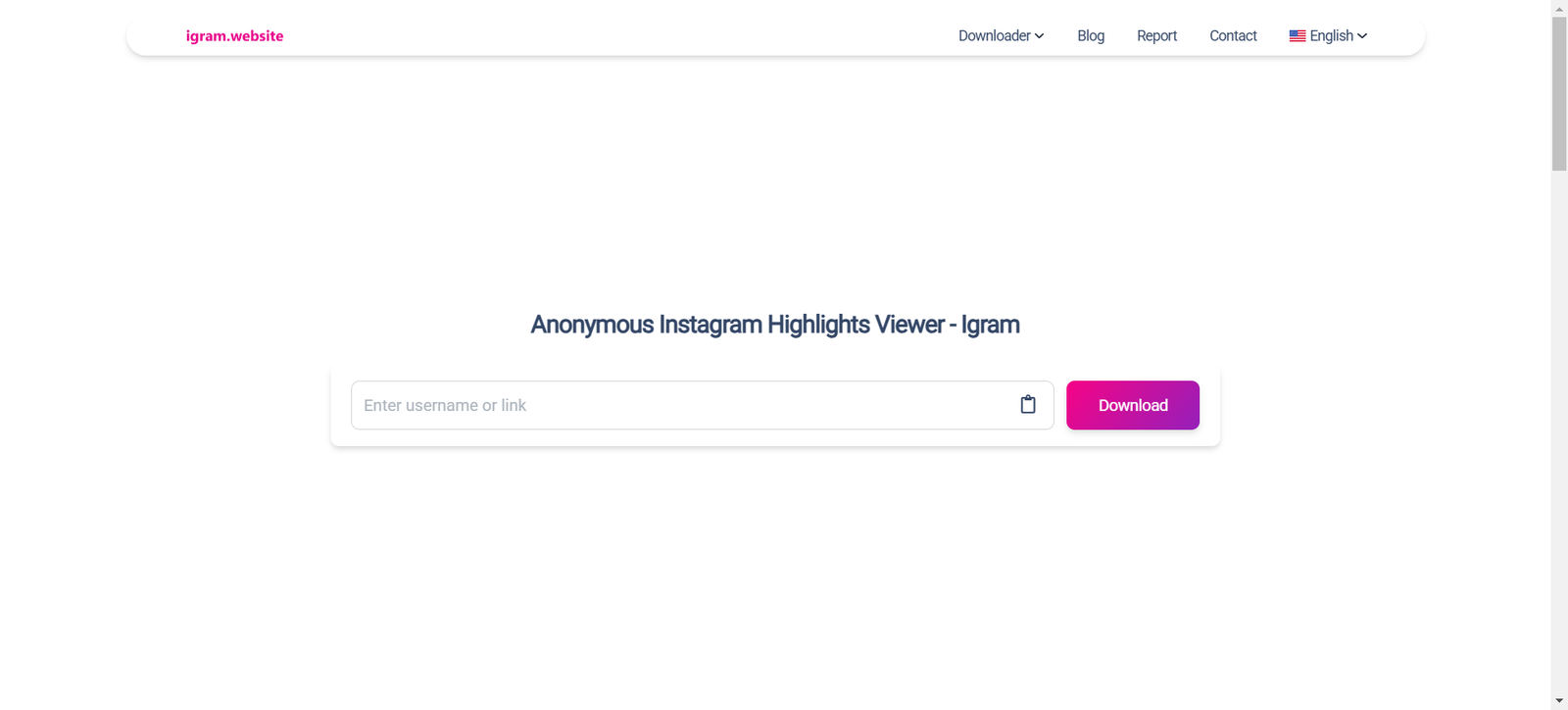
iGram has been around for years and has managed to stay one of the most reliable tools despite Instagram’s constant updates. It supports nearly every type of Instagram content, including carousels — something many other tools struggle with. Try it here: iGram
What Makes iGram Reliable
- Long-established tool trusted by millions
- Supports batch downloads for multiple video slides
- Downloads high-quality videos without compression
- Offers fast link detection and conversion
- Rarely shows intrusive ads
iGram is the type of tool you bookmark because it has proven stability. If you’re someone who frequently downloads tutorial Reels or multi-slide videos, this one’s perfect.
Tool 4: Inflact

Inflact is not just a downloader — it’s a full Instagram toolkit designed for heavy users, social media managers, and content collectors. It offers premium-quality downloads that sometimes look even better than the Instagram preview. It’s one of the most advanced tools on this list, packed with additional features beyond video downloads. Try it here: Inflact
Why Inflact Is a Premium Choice
- Offers high-resolution HD downloads
- Includes extra features like hashtag tool, analytics, and profile downloader
- Handles very long videos without lag
- Extremely stable and secure
- Great for business users, researchers, and content creators
Inflact is the kind of tool you use when quality matters. If you need the cleanest, sharpest version of a video for professional use, this is the one.
Tool 5: InstaSave
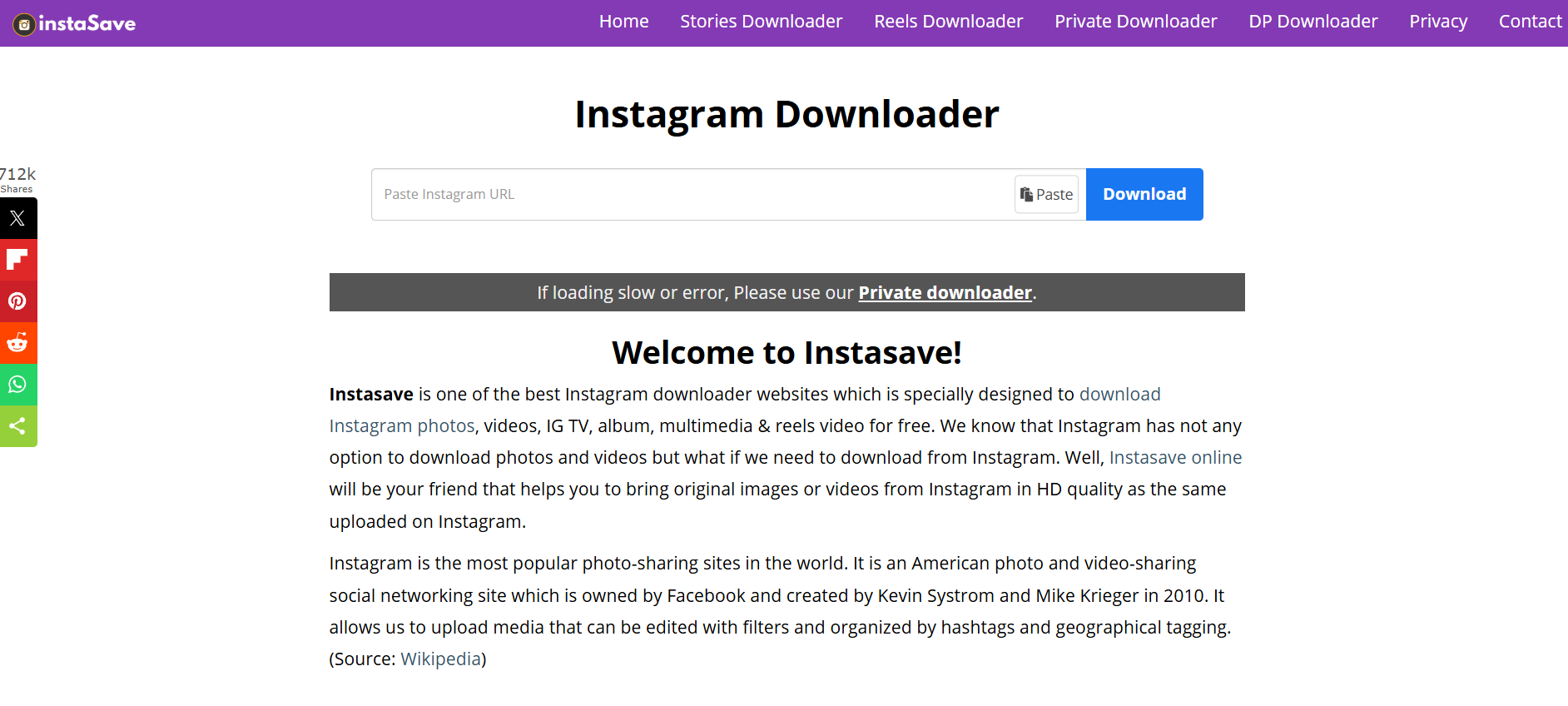
InstaSave is a quick and flexible tool that works especially well for long videos. Some tools fail when videos are too long or too large, but InstaSave handles them without breaking. It’s designed to be minimalistic and efficient. Try it here: InstaSave
Why InstaSave Is Worth Trying
- Excellent for longer Reels and IGTV content
- Zero registration or sign-in required
- Consistent performance even with slow connections
- Very few error messages or broken links
- Lightweight and optimized for low-end devices
If you’re someone who regularly saves tutorials, podcast clips, or long-form informative Reels, you’ll love InstaSave.
Tool 6: SnapDownloader

SnapDownloader is different from the rest because it’s software instead of a website. It’s incredibly powerful and perfect for people who download videos often or need the highest resolution possible. While it’s a paid solution, the performance is worth it if you’re a heavy user. Try it here: SnapDownloader
Why SnapDownloader Is Special
- Offers the highest-quality downloads across multiple platforms
- Supports Instagram, YouTube, Facebook, TikTok, and more
- Perfect for bulk downloads and long videos
- Very stable, no broken links or sudden failures
- Ideal for content creators, editors, and researchers
SnapDownloader is basically the “professional” option for people who take content saving seriously.
Tool 7: SSSInstagram
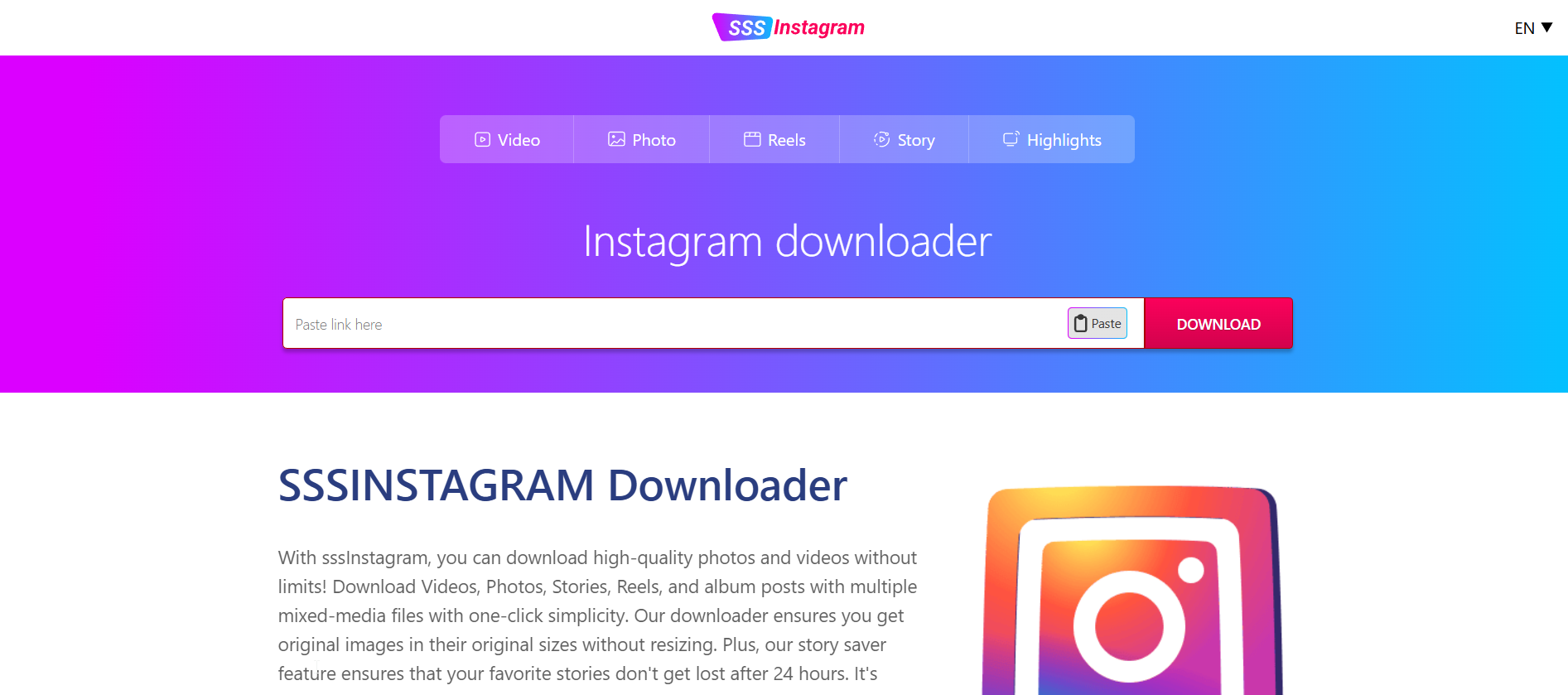
SSSInstagram keeps things extremely simple. It loads fast, works instantly, and doesn’t try to push unnecessary features. If you need something lightweight that you can use on the go, this one delivers. Try it here: SSSInstagram
Why SSSInstagram Delivers
- Extremely lightweight — loads even on slow internet
- Very fast conversion speeds
- Works perfectly on mobile browsers
- Supports Reels, videos, and even photos
- Minimal design with almost no distractions
SSSInstagram is great for quick, casual downloads without needing to think too much.
How to Download Instagram Videos Properly
Now that you’ve seen the best tools, let’s walk through the typical process. Even if you’re new to this, it’s super easy and takes only a few seconds.
Step 1: Copy the Video Link
Open Instagram → tap the three dots → choose “Copy link.” This works for Reels, posts, IGTV, and even public profiles.
Step 2: Paste the Link in the Tool
Open your preferred tool and paste the link into the download box.
Step 3: Choose Your Format
Some tools let you choose MP4 quality or different video sizes.
Step 4: Click Download and Save
The file will start downloading immediately. After that, it’s automatically stored in your device’s gallery or downloads folder.
Downloading Instagram videos has never been easier — even if you’re not tech-savvy.
Tips to Avoid Low-Quality Downloads
1. Use Tools That Support HD
Not all tools download the original resolution. Premium tools like Inflact or SnapDownloader preserve the full quality.
2. Always Copy Links from the Instagram App
Browser links sometimes break the parser. The app gives the most stable link.
3. Avoid Third-Party Apps That Require Login
You never need to log in to download public content, and login-based apps can be risky.
4. Use Tools That Don’t Add Watermarks
The tools listed above provide clean, watermark-free downloads.
5. Double-Check File Formats
For editing or reposting with credit, MP4 format is usually the best.
Is It Legal to Download Instagram Videos?
The short version: Yes, downloading Instagram videos for personal use is generally allowed, as long as you respect copyrights and usage rights.
Here’s what’s okay:
- Using saved videos for inspiration or offline viewing
- Archiving content for personal reference
- Studying tutorials or educational content offline
Here’s what’s NOT okay:
- Reposting someone else’s content without permission
- Monetizing someone else’s video
- Claiming content as your own
Basically: download whatever you want, but use it responsibly.
Conclusion
Downloading Instagram videos doesn’t have to be difficult or risky. With reliable tools like SnapInsta, iGram, Inflact, and others, you can save any Reel, tutorial, IGTV video, or inspirational clip within seconds. Having access to your favorite content offline can help with creativity, planning, education, or just pure entertainment.
Whether you’re a casual user saving cooking videos for later, a content creator building a mood board, or a social media manager collecting inspiration, these tools make the process effortless. Just remember to respect creators and use your downloads responsibly.
Find More: Boost Your Sales With SEO Services
FAQs
1. How do I download Instagram videos on my phone?
Copy the link from the Instagram app, paste it into one of the tools listed above, and tap download. The file will save directly to your phone’s gallery or downloads folder.
2. Are Instagram video download tools safe?
Yes — the tools listed here are tested and trusted. Just avoid any tool that asks for your Instagram login.
3. Can I download private Instagram videos?
No. Download tools only work with public content you have access to.