
Creative teams rarely struggle because they lack ideas. More often, they struggle because turning those ideas into usable video takes too many steps, too many tools, and too much waiting between experiments. That gap between concept and output is where momentum usually breaks. In that context, Seedance 2.0 feels less interesting as a piece of technology than as a practical shift in workflow. It shortens the distance between intent and result in a way that feels immediately useful.
What stands out is not just that video can be generated from prompts. That is no longer unusual. What makes this workflow more relevant is that it combines multiple generation routes, model choices, and iteration paths inside one environment. In my observation, that matters more than headline novelty. A platform becomes more valuable when it helps people move from rough direction to testable output without rebuilding the process every time.
The result is easier to understand when viewed as a working system rather than a demo. Instead of treating generation as a one-shot trick, the platform frames it as a repeatable content pipeline. That is a more serious promise, and it is also the reason it deserves a closer look.
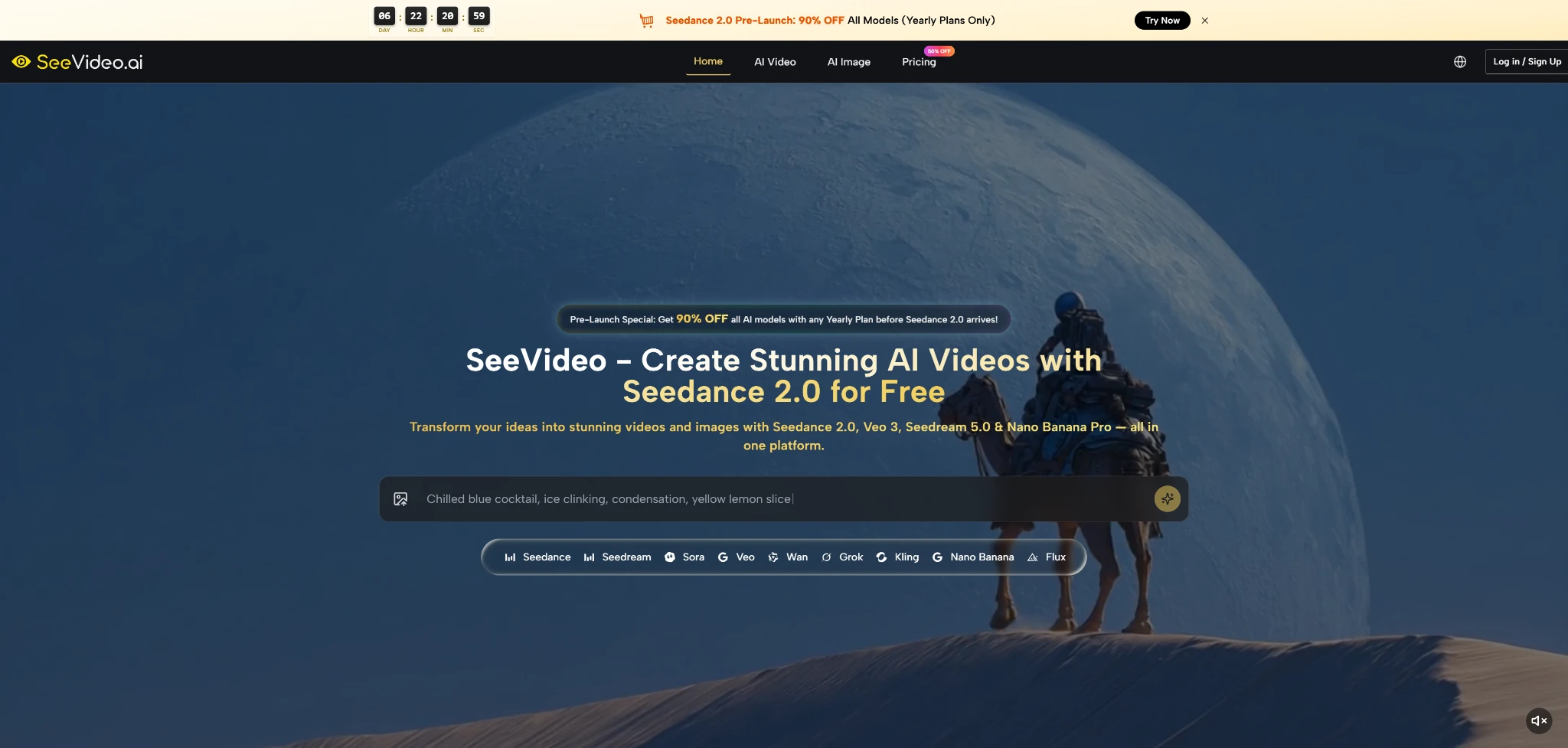
A Unified Workspace For Modern Visual Production
Many AI tools are still built around a narrow premise: one model, one mode, one type of output. That can work for experiments, but it becomes limiting when the task changes. A marketing clip, a product demonstration, a mood-based social asset, and a cinematic concept scene do not all need the same engine.
Here, the more useful idea is consolidation. The platform brings together video and image generation models in one place, which changes how creators can approach pre-production and iteration.
Video Models Serve Different Creative Priorities
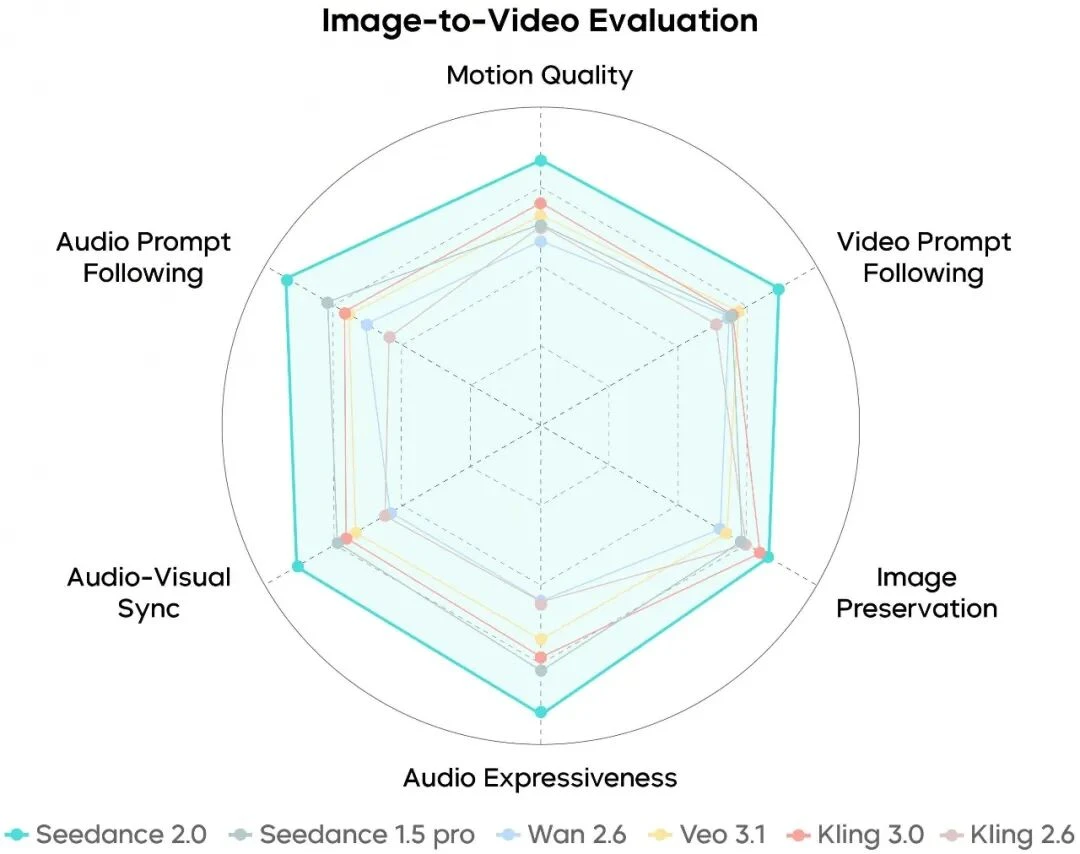
Rather than pretending every model is equally good at every task, the platform separates them by strength. Seedance 2.0 is positioned around multi-scene generation and audio input support. Veo 3 is framed more around native audio and photorealistic output. Sora 2 appears more aligned with cinematic narrative quality. Seedance 1.5 looks like the lower-cost, dependable option for faster everyday production.
That division makes practical sense. Most teams do not need one perfect model. They need a credible way to choose the right model for the right job.
Image Models Extend The Workflow Upstream
The image side also matters because many projects begin with still visuals rather than moving footage. In practice, concept images, product shots, style frames, and campaign references often come before final motion output. A platform that supports image generation in the same environment can reduce friction between ideation and execution.
Still Images Become Reusable Motion Inputs
In my observation, this is one of the more important workflow advantages. A strong still image already solves composition, color, subject placement, and mood. Once that exists, the next step is often not invention but animation. That makes image-to-video production feel less like starting over and more like extending a visual decision that has already been made.
What Seedance 2.0 Actually Adds To The Process
The easiest mistake is to describe a system like this in overly broad language. It is better to focus on what appears to be concretely useful.
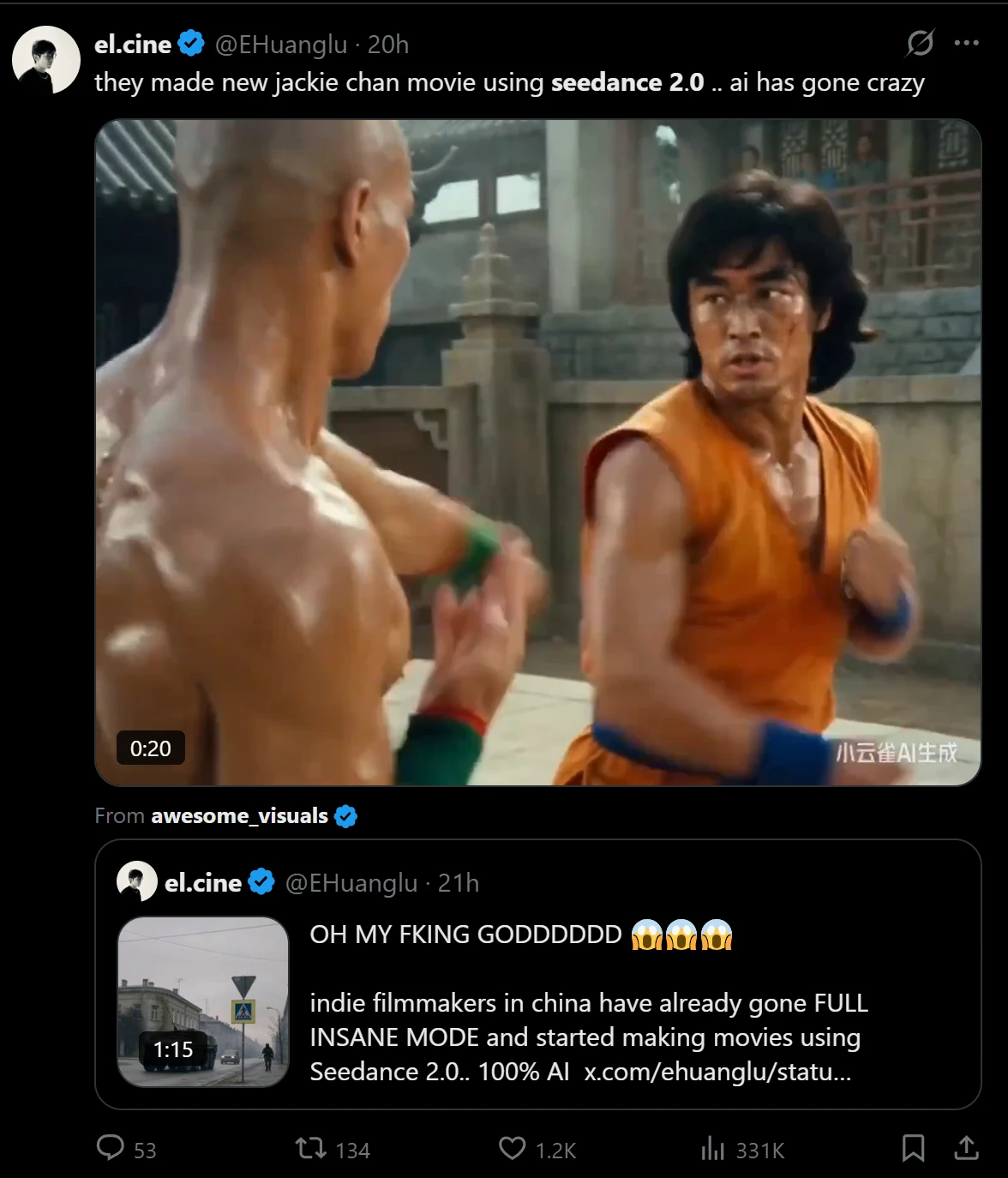
The most distinctive element is multi-scene generation. A lot of AI video tools are comfortable with isolated moments but less convincing when asked to handle progression. Multi-scene capability matters because real communication often depends on sequence, not just spectacle. A product video, a social ad, or a short story beat usually works through change over time.
Multi Scene Output Makes Ideas More Coherent
A single shot can be impressive, but it does not always communicate much. Multi-scene structure gives a creator more control over pacing and narrative emphasis. In my testing of platforms with similar positioning, this is usually the point where a tool shifts from novelty toward actual usefulness.
That does not mean every output becomes film-grade storytelling. It means the platform is better suited to content that needs movement between beats instead of one static visual statement.
Audio Input Broadens The Creative Starting Point
Another meaningful addition is audio input support. This changes the starting logic of creation. Instead of building only from text or image prompts, users can guide generation with sound. That may include dialogue, music, or effects, depending on the task.
For creators, this matters because some ideas are easier to define sonically than verbally. Rhythm, atmosphere, and emotional timing are often difficult to explain in prompt language alone. Audio input offers a different route into direction.
Input Flexibility Reduces Rework Across Different Projects
Text, image, and audio inputs create a more adaptable system. Some users will begin with a written idea. Others will begin with a reference image. Others may already have a soundtrack or spoken content that needs a visual counterpart. A platform that accepts multiple entry points is often easier to fit into real workflows than one that forces a single method every time.
How The Official Creation Flow Works
One of the more reassuring aspects of the platform is that the workflow is not difficult to understand. Based on the public structure, the process is relatively short.
Step One Select A Creation Mode
Users begin by choosing the type of task they want to run. That may be text to video, image to video, or image generation. This initial split is important because it determines the kind of input and the most suitable model path.
Step Two Choose The Model That Fits
After that, the user selects a model. Seedance 2.0 is the central option for multi-scene video and audio-supported generation, while other models appear to serve different priorities such as realism, cinematic style, or lower-cost iteration.
Step Three Add Prompt Or Reference Material
The next step is to provide the actual creative input. Depending on the mode, that can include a text prompt, an uploaded image, or audio guidance. On the image side, reference images can also help shape consistency and direction.
Step Four Generate And Compare Outcomes
The final stage is generation and review. In practice, this is where the platform’s multi-model structure becomes useful. Instead of treating one result as final, users can compare outputs and decide which direction best matches the project.
Where The Platform Feels Most Useful
The public positioning suggests several strong use cases, and they are fairly believable.
|
Use Case |
Why It Fits The Workflow |
Likely Value |
|
Social content production |
Fast iteration across formats and styles |
More variants with less setup |
|
Marketing campaigns |
Multi-scene output supports product storytelling |
Better testing for creative angles |
|
Film and YouTube planning |
Cinematic and realistic model options coexist |
Easier concepting and visual development |
|
E-commerce presentation |
Still images can become motion assets |
Lower production friction |
|
Brand asset development |
Image and video models share one workspace |
More consistent creative pipeline |
This table matters because it shows the platform’s usefulness as operational, not just technical. It is not only about visual quality. It is also about how many bottlenecks get removed.
What Makes The Experience More Credible
A restrained assessment is more useful than hype. In my observation, platforms become more believable when they acknowledge tradeoffs indirectly through their structure.
Speed Matters Because Iteration Matters
The platform presents generation as relatively fast, and that is important mainly because iteration is the real product. A single result is rarely enough. The practical value comes from being able to test, adjust, and regenerate without turning the process into a full production cycle.
Commercial Rights Increase Practical Relevance
Commercial usage rights also make the platform more relevant for working teams. That does not automatically make every output campaign-ready, but it does reduce uncertainty around professional use. For agencies, marketers, and independent creators, that is a practical concern rather than a minor footnote.
Usability Still Depends On Direction Quality
There is still a limit worth stating clearly. Results will continue to depend on the quality of direction. Better prompts, better references, and better scene intent usually lead to better output. A platform can reduce friction, but it cannot fully replace judgment. Some generations will likely need multiple attempts, especially when the desired pacing or motion behavior is specific.
Why Seedance 2.0 Feels Timely Right Now
What makes this kind of system worth paying attention to is not that it replaces production altogether. It is that it changes the economics of exploration. Teams can test visual ideas sooner, compare more directions, and move into usable material with less operational drag.