
7 Best Design Tools in 2026 (We Tested Them All)
Best design tool is one of those phrases that sounds simple… until you actually try to pick one in the real world. On paper, almost every tool looks amazing. In reality, once deadlines, clients, revisions, and long work sessions kick in, the cracks start to show. In 2026, design tools are everywhere, and the noise around them is louder than ever. Everyone claims their tool is faster, smarter, cheaper, or more “AI-powered” than the rest.
The real problem isn’t a lack of options. It’s decision fatigue. Most people don’t need more features — they need the right tool that fits how they actually think, work, and deliver designs.
I didn’t write this article after skimming landing pages, watching promo videos, or copying feature lists. These tools were tested in real workflows: building UI screens for apps, creating brand identities, designing landing pages, preparing social media creatives, and delivering client-ready assets under pressure. Some tools genuinely surprised me. A couple were overhyped and disappointing. And a few became so reliable that they’re now hard to imagine working without.
If you’re looking for the best design tools in 2026 — whether you’re a beginner just starting, a freelancer juggling clients, a marketer chasing conversions, or a product designer working with developers — this guide will save you a lot of time, money, and regret.
Find More: 7 Powerful AI Poster Generators That Create Stunning Designs in Minutes
How We Tested and Ranked the Best Design Tools
Choosing the best design tool isn’t about trends or Twitter hype. It’s about what actually holds up after hours of real use, tight deadlines, and constant feedback.
Evaluation Criteria
Each tool was evaluated based on usability, feature depth, performance under load, collaboration capabilities, learning curve, pricing, and how well it fits modern design workflows. A tool could be powerful, but if it slowed things down or made collaboration painful, it lost points.
Real-World Testing vs Marketing Claims
Many tools look great in demos and ads. Real work is different. If a tool promised speed but lagged on real projects, it didn’t score well. If it claimed to be “beginner-friendly” but felt overwhelming in practice, that mattered. Marketing promises were ignored — actual results weren’t.
Tools Included
Only tools that are actively maintained, widely used, and still relevant in 2026 made the list. No abandoned software, no short-lived hype tools, and no gimmicks added just for variety.
The 7 Best Design Tools in 2026 (Tested & Ranked)
#1 Best Design Tool Overall in 2026 – Figma
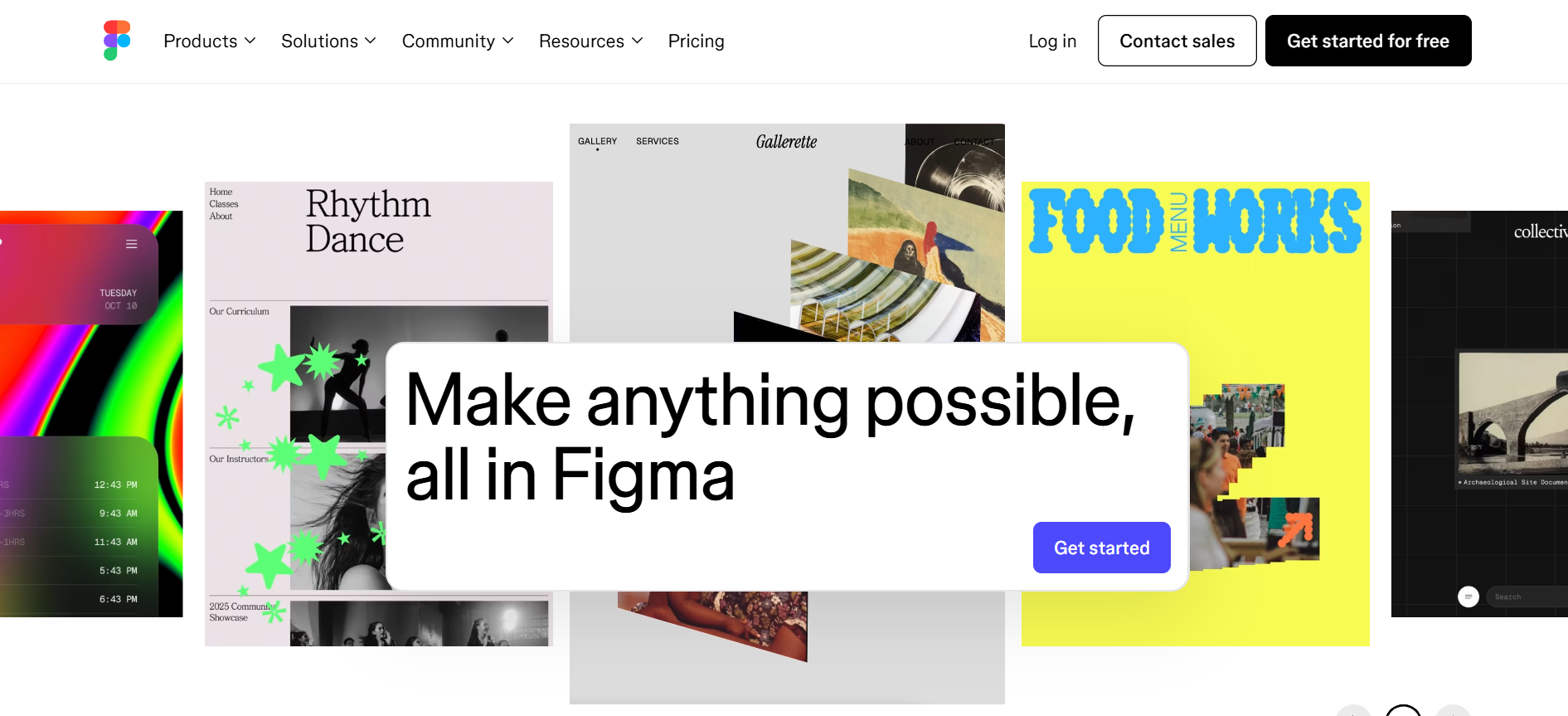
Figma earns the top spot without much debate. It’s not just popular — it’s genuinely difficult to replace.
Figma brings UI design, prototyping, collaboration, and even light branding work into one clean environment. The biggest advantage is how frictionless everything feels. You can jump into a file from anywhere, collaborate live with teammates or clients, leave comments, test prototypes, and hand designs off to developers without exporting endless files or dealing with version chaos.
Its real-time collaboration has changed how teams work. Designers, developers, product managers, and clients can all be in the same file, at the same time, seeing the same thing. That alone saves hours every week.
Pros include real-time collaboration, browser-based access, a massive plugin ecosystem, solid performance even on large files, and strong community support. Cons? Advanced illustration work still isn’t its strongest area, and offline work is limited compared to desktop-first tools.
Best for UI/UX designers, product teams, startups, agencies, and freelancers who collaborate with clients or developers regularly.
#2 Best Design Tool for UI/UX Designers – Sketch
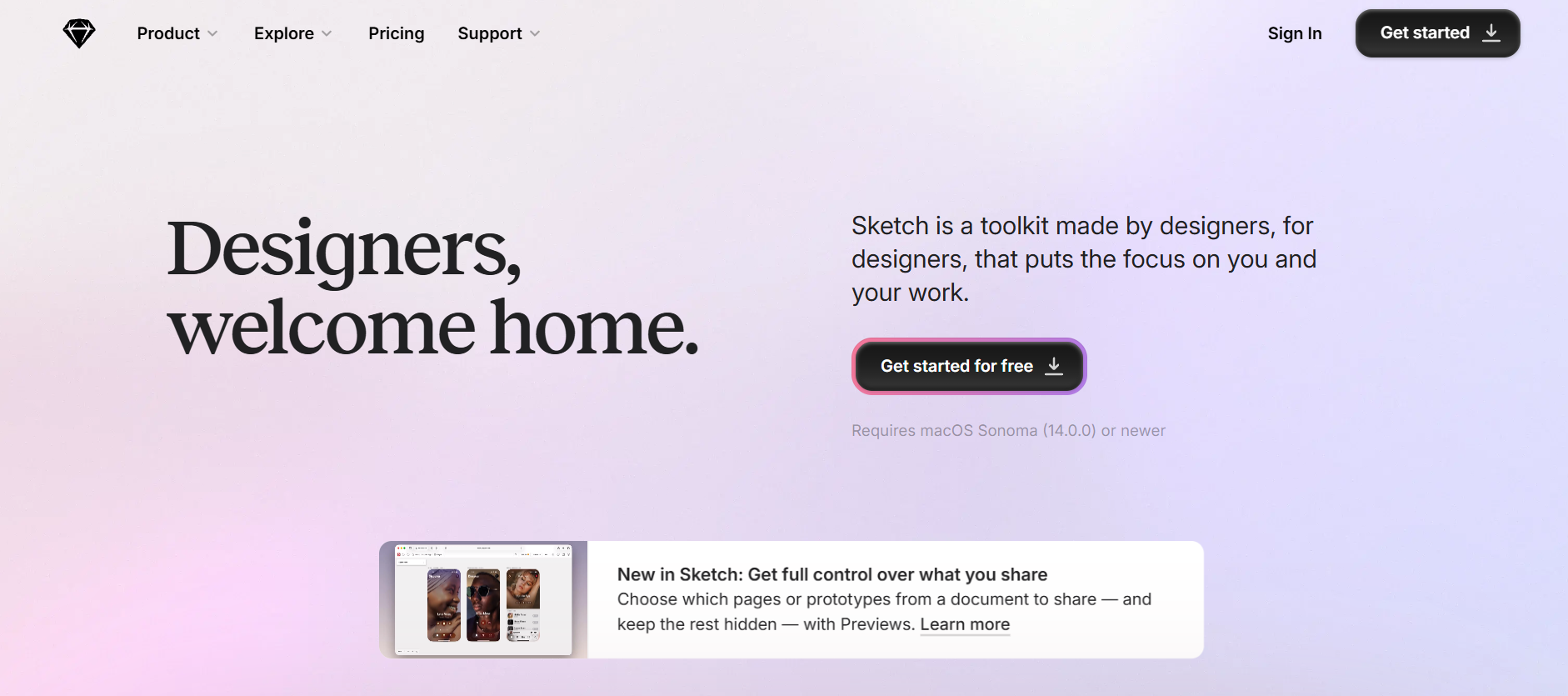
Sketch is still very much alive — and still very good at what it does.
It’s more focused than Figma, and for many designers, that focus is a strength. If you’re a Mac user who prefers a clean, fast, no-frills UI design environment, Sketch feels incredibly efficient. Symbols, components, grids, and layout tools are mature and reliable, which makes day-to-day UI work smooth.
Sketch shines when you’re working solo or with a small, tight-knit team. Everything feels deliberate and optimized for interface design.
The downside is collaboration. While it has improved over the years, it still doesn’t feel as seamless or natural as Figma’s real-time experience. Also, it’s Mac-only, which automatically rules it out for some teams.
Best for solo UI/UX designers or small teams deeply invested in the Apple ecosystem.
#3 Best Design Tool for Branding and Visual Identity – Adobe Illustrator
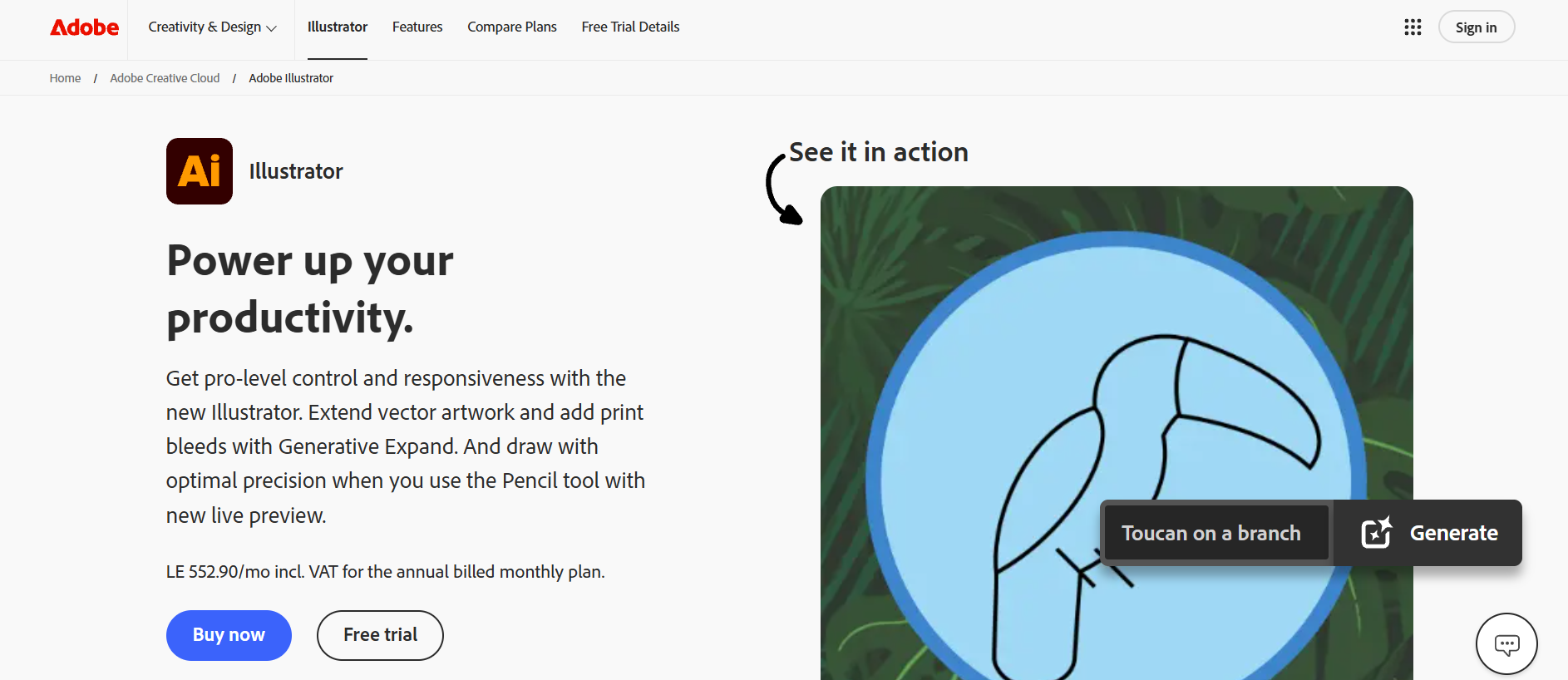
Adobe Illustrator remains the king of vector design.
When it comes to logos, icons, typography systems, brand assets, and complex illustrations, nothing has truly replaced Illustrator yet. The level of precision, control, and export quality is still unmatched.
Illustrator is the tool designers turn to when things need to be exact. Color control, path editing, and scalability are where it really shines.
That said, it’s not the most forgiving tool. Illustrator has a learning curve, especially for beginners. It’s powerful, but it expects you to know what you’re doing. The subscription model also turns some people away.
Best for brand designers, illustrators, and anyone creating scalable vector assets that need to work across print and digital.
#4 Best Design Tool for Beginners – Canva
Canva is no longer “just” a beginner tool — but beginners will benefit from it the most.
It’s incredibly fast to get results. Templates are polished, drag-and-drop is intuitive, and you can design social posts, presentations, ads, documents, and even simple websites without feeling lost or overwhelmed.
Canva removes friction. You spend less time learning the tool and more time actually creating.
Its limitations appear when you need advanced layout control, complex typography systems, or custom workflows. But for around 80% of everyday design needs, Canva does the job extremely well.
Best for beginners, marketers, small businesses, content creators, and anyone who values speed and simplicity over total control.
#5 Best Design Tools for Teams and Collaboration – Figma (Again)
Yes, Figma shows up twice — and that’s intentional.
When collaboration is the priority, nothing else currently comes close. Live cursors, comments, shared libraries, version history, and smooth developer handoff make teamwork far less painful than it used to be.
In a world where remote and hybrid teams are the norm, this matters more than ever. Figma reduces misunderstandings, endless feedback loops, and broken handoffs.
Best for distributed teams, startups, agencies, and companies managing multiple stakeholders.
#6 Best Design Tool for Social Media and Marketing – Adobe Express
Adobe Express has quietly become a strong player.
It sits between Canva and full Adobe tools. You get brand kits, ready-made templates, quick resizing, light animations, and useful integrations — without the complexity of Photoshop or Illustrator.
For marketing teams, speed is everything. Adobe Express delivers fast turnaround without sacrificing brand consistency.
It’s not built for deep design work, but for marketing and content production; it’s a very practical choice.
Best for marketers, social media managers, and teams already using other Adobe products.
#7 Best Budget-Friendly Design Tool – Affinity Designer
Affinity Designer is the best one-time-purchase design tool available right now.
It’s fast, powerful, and capable of handling both vector and raster work in one application. For designers who are tired of subscriptions, Affinity feels refreshing and fair.
The interface is clean, performance is excellent, and the price-to-value ratio is hard to beat.
The downside is a smaller ecosystem and limited collaboration features. But if you work solo, that may not matter at all.
Best for freelancers, indie designers, and professionals who want serious tools without ongoing monthly costs.
Comparison Table — Best Design Tools at a Glance
Instead of obsessing over feature lists, it’s more helpful to think in use cases. Figma dominates collaboration. Illustrator dominates precision. Canva dominates speed and accessibility. Affinity dominates value. No single tool wins everything, and that’s okay.
How to Choose the Best Design Tool for Your Needs
Freelancers vs Agencies
Freelancers often benefit from flexibility, affordability, and tools they can master deeply. Agencies usually need collaboration, scalability, version control, and client-friendly workflows.
Cloud-Based vs Desktop Tools
Cloud-based tools win when collaboration and access matter most. Desktop tools still win when performance, offline work, and heavy files are involved. Your working style should guide the decision.
Free vs Paid Tools
Free tools are great for learning, experimenting, and small tasks. Paid tools usually pay for themselves once the design becomes part of how you make money or grow a business.
Common Mistakes to Avoid When Choosing a Design Tool
The biggest mistake is choosing based on hype instead of workflow.
Other common mistakes include paying for features you never use, ignoring export and handoff needs, switching tools too often, and never fully mastering one tool before moving to the next.
Final Verdict — What Is the Best Design Tool in 2026?
If you want one clear answer, Figma is the best design tool overall in 2026 for most people.
But the more honest answer is personal. The best design tool is the one that fits how you think, how you work, and what you design most often. Pick one, commit to it, and learn it deeply. You’ll get better results than chasing every new tool that launches.
Find More: Boost Your Sales With SEO Services
FAQs
1. What is the best design tool overall in 2026?
For most designers and teams, Figma offers the best balance of power, collaboration, and ease of use.
2. What is the best design tool for beginners?
Canva is the easiest tool to start with and delivers fast, professional-looking results with minimal learning.
3. Are free design tools good enough for professional work?
They can be, depending on the project and expectations. However, paid tools usually offer better control, exports, reliability, and scalability.
4. Which design tool is best for UI/UX design?
Figma and Sketch remain the top choices for professional UI and UX design work.
5. Can one design tool replace all others?
Not completely. Most professionals rely on one main tool and a couple of supporting tools depending on the task.