
7 Powerful Shutterstock Downloader Tools Most People Don’t Know About
Shutterstock downloader is one of those phrases people type into Google when they’re deep into a real project and just want things to move forward without friction. You might be designing a website for a client, preparing a pitch deck, editing a YouTube video, running paid ads, or managing an online store. You find the perfect image or video on Shutterstock, it fits your vision exactly… and then you hit the wall. Watermarks everywhere, confusing licenses, subscriptions you didn’t plan for, and a lot of unanswered questions. This article exists to remove that frustration and talk honestly—human to human—about real, safe, and practical ways people actually download Shutterstock content, without hype, scams, or shady shortcuts.
Find More: 7 Proven GettyImages Downloader Tools That Still Work in 2026
Introduction: What Is a Shutterstock Downloader and Why People Are Searching for It
A Shutterstock downloader, at its core, is any tool, feature, or method that allows you to download images or videos from Shutterstock so you can actually use them in your work. Most people searching for this term aren’t trying to break rules or steal content. They’re trying to understand their options, avoid mistakes, and get their work done efficiently. Some are looking for a Shutterstock image downloader to speed up web design projects. Others want a Shutterstock video downloader for social media, ads, or presentations. And a large group is simply hoping to find a Shutterstock free image downloader that works within a limited budget. The intent is practical, grounded, and very common.
What You Should Know Before Using a Shutterstock Downloader
Before diving into tools and methods, it’s important to understand the environment you’re operating in. Shutterstock is a licensed stock platform, not a free image site. That distinction matters more than most people realize.
How Shutterstock Licensing Works
When you download something from Shutterstock, you’re not buying the image or video itself. You’re purchasing a license that grants you specific usage rights. These rights vary depending on whether you’re using the content for a blog, a business website, print materials, ads, or resale-related projects. Official Shutterstock downloader options provide files that are high-resolution, watermark-free, and backed by clear legal permissions. This protects you, your client, and your brand.
Are Shutterstock Downloader Tools Legal and Safe?
Legality and safety depend entirely on the source. Official Shutterstock tools and licensed partner platforms are safe and legal. Shutterstock’s free image section is also legitimate. Problems start when people rely on random websites or browser extensions claiming instant downloads without accounts or licenses. Many of these are loaded with malware, deceptive ads, fake download buttons, or even credential-stealing scripts. If a tool promises everything with zero conditions, that’s usually your cue to walk away.
7 Powerful Shutterstock Downloader Tools Most People Don’t Know About
The tools below are real, commonly used, and trusted. No hacks, no fake promises—just practical solutions.
Tool #1 – Shutterstock Official Downloader (Inside Your Account)
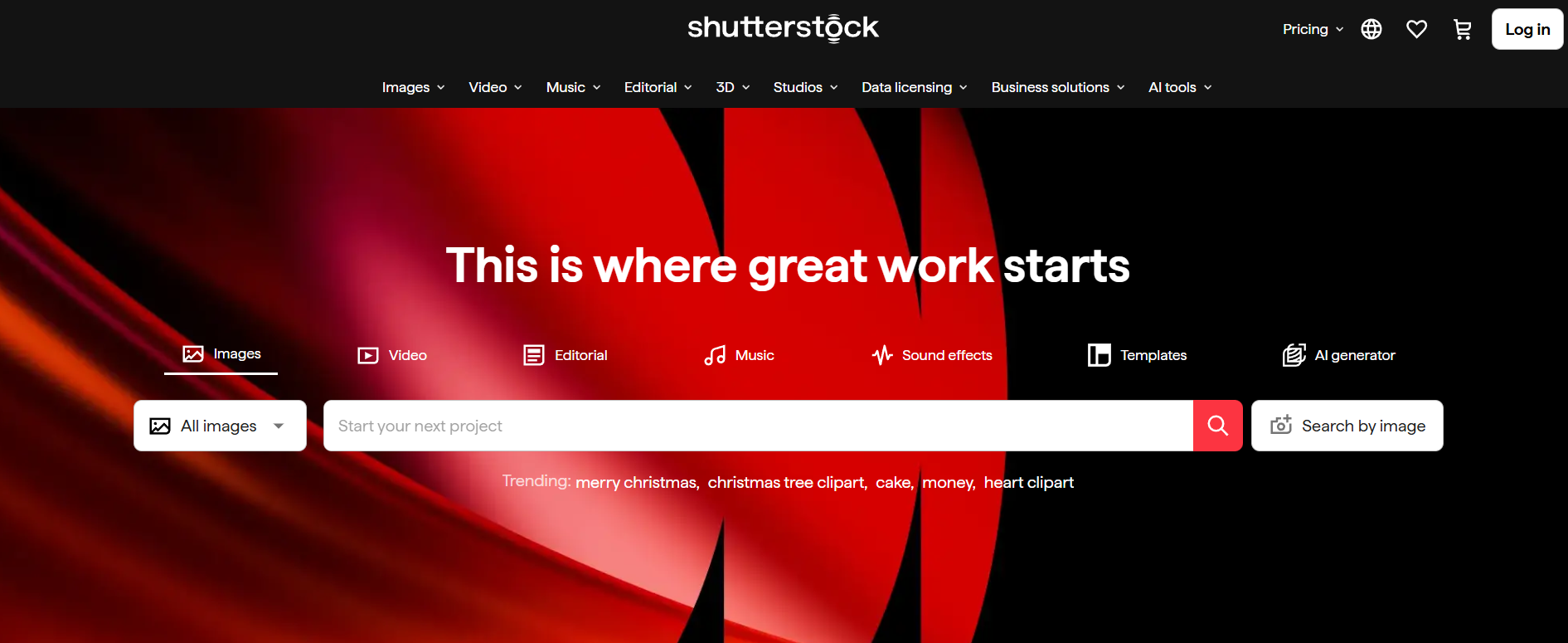
This is the simplest and most reliable option, yet many people overlook it. If you have a subscription or purchase credits, Shutterstock already gives you a built-in downloader. You can download images, vectors, illustrations, and videos in different sizes and formats depending on your plan. This option is fast, secure, and designed to fit professional workflows. For freelancers, agencies, and businesses, this often covers 90% of real needs.
Tool #2 – Shutterstock Free Image Section
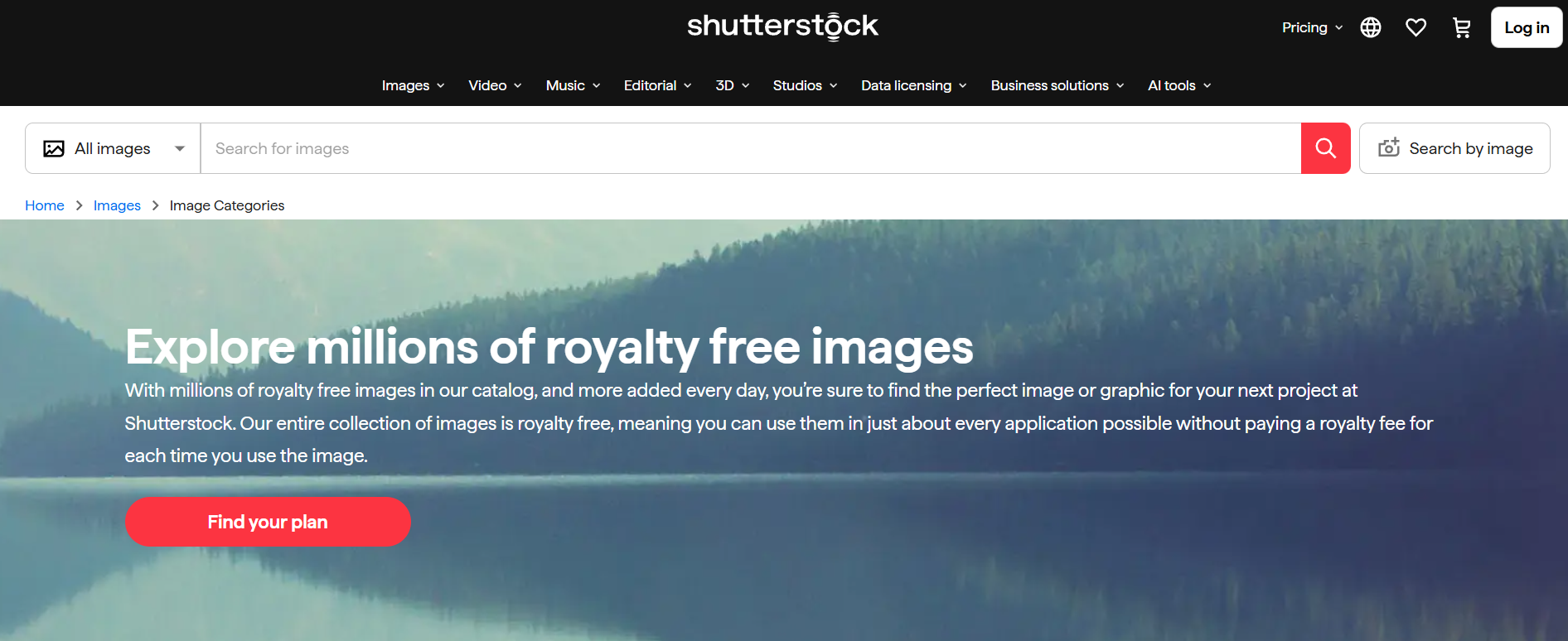
Shutterstock quietly offers a free section that many users never explore. Each week, the platform releases a new collection of free images, vectors, and sometimes videos. These files are watermark-free and licensed for use, making this the closest thing to a legitimate Shutterstock free image downloader. You still need a free account, but no payment is required. For bloggers, students, startups, and small businesses, this is an excellent starting point.
Tool #3 – Shutterstock Editor (Browser-Based)
The Shutterstock Editor is more powerful than it looks. It allows you to crop, resize, adjust, and customize images directly in your browser before downloading them. This saves time and storage space, especially if you already know the exact dimensions you need. For social media managers and designers working quickly, this tool feels like a built-in productivity boost.
Tool #4 – Shutterstock API (For Developers and Platforms)
For developers, agencies, and SaaS companies, Shutterstock’s API is a serious solution. It allows automated searching and downloading of images and videos based on licensed access. This is commonly used in website builders, marketing tools, and content platforms that integrate stock media directly into their products. It’s not beginner-friendly, but it’s one of the most powerful Shutterstock downloader options available.
Tool #5 – Shutterstock Contributor Preview Access
This option is niche but legitimate. Shutterstock contributors can access previews of their own uploaded content through the contributor dashboard. While these previews are watermarked and limited, they’re useful for portfolios, internal reviews, or demonstrating work to potential clients. This is not meant for commercial use, but it’s often misunderstood and wrongly labeled as a downloader.
Tool #6 – Licensed Partner Platforms
Many platforms partner directly with Shutterstock and include licensed images in their paid plans. Website builders, email marketing tools, and design platforms often bundle Shutterstock images as part of their service. In these cases, the platform itself acts as the Shutterstock image downloader, and usage rights are covered through the partnership. This can be a very convenient option if you’re already paying for those tools.
Tool #7 – Shutterstock Alternatives with Legal Downloads
Sometimes the smartest solution is stepping back and reassessing your needs. Platforms like Unsplash, Pexels, and Pixabay offer high-quality images that can be downloaded and used legally for many projects. While they’re not Shutterstock, they solve the underlying problem for a lot of people who are really just looking for clean, professional visuals without licensing stress.
How to Choose the Best Shutterstock Downloader for Your Needs
There is no single “best” option for everyone. The right choice depends on how you work and what you’re creating.
Key Features to Look For
Start by asking practical questions. Do you need images, videos, or both? Is this for web use, print, or advertising? Will the content be used commercially? A Shutterstock video downloader for paid ads has very different requirements than a simple image download for a personal blog. Clarity around quality, licensing, and file format will save you time and headaches later.
Red Flags to Avoid
Avoid any site that asks you to paste a Shutterstock URL and promises instant access without an account. Avoid tools overloaded with ads, forced downloads, or suspicious browser extensions. And never enter your Shutterstock login details outside the official website. These are clear warning signs.
Best Practices When Using a Shutterstock Downloader
Using stock media responsibly goes beyond legality—it reflects your professionalism.
Staying Safe Online
Stick to trusted platforms. Keep your browser and system updated. Use security tools if needed. If a website feels chaotic, deceptive, or overly aggressive, trust your instincts and leave. Protecting your device and data should always come first.
Ethical and Legal Considerations
If your project generates revenue, invest in proper licenses. Clients expect professionalism, and licensed assets protect you from legal and reputational risk. Paying for quality visuals is part of doing business the right way.
Conclusion: Choosing the Right Shutterstock Downloader in 2025
The best Shutterstock downloader is the one that aligns with your workflow, your budget, and your values. Sometimes that’s a full subscription. Sometimes it’s weekly free images. Sometimes it’s realizing a Shutterstock alternative fits your needs better. Once you understand the landscape, everything becomes easier. You stop worrying about watermarks and licenses and start focusing on what actually matters—creating great work.
Find More: Boost Your Sales With SEO Services
FAQs
1. Is there a Shutterstock free image downloader without watermark?
Yes. Shutterstock releases free images every week through its official free section. These downloads are watermark-free and legal when used according to the license terms.
2. Can I use a Shutterstock image downloader for commercial projects?
You can, as long as the image or video is downloaded through an official or licensed method and your license allows commercial use.
3. Are Shutterstock video downloader tools different from image downloaders?
Yes. Videos usually require higher-tier licenses, larger file sizes, and specific usage rights. Official Shutterstock tools handle these differences correctly.
4. Is it safe to use online Shutterstock downloader websites?
Most unofficial websites are unsafe and unreliable. They often carry malware, misleading ads, or copyright risks. It’s best to avoid them.
5. What’s the best option for beginners?
For beginners, starting with Shutterstock’s free weekly images or a basic subscription combined with the official downloader is the safest and easiest approach.