
WPZap Review: Is This One-Time WordPress Automation Tool A Must-Have in 2026?
Stop renting your business workflows from expensive SaaS platforms that charge you more as you grow. In 2026, savvy WordPress owners are moving their automation “in-house” to save thousands in monthly fees. This WPZap review explores if this native plugin can truly replace Zapier for your website.
WPZap is a professional-grade WordPress automation plugin that replaces monthly subscriptions like Zapier or Make with a one-time fee. It allows beginners to connect 100+ apps and plugins using a visual, no-code builder. By running workflows directly on your server, it offers unlimited task executions, faster speeds, and superior data privacy for 2026 businesses.
Why WordPress Automation is Changing in 2026
For years, website owners were trapped in a “SaaS tax” cycle. If your store became successful and processed 1,000 orders, your automation bill from Zapier or Uncanny Automator would spike instantly. This created a penalty for growth that frustrated many digital entrepreneurs and researchers.
WPZap shifts the power back to the website owner. Instead of data traveling to an external server, being processed, and sent back, everything happens within your WordPress dashboard. This reduces “latency” (the delay between a trigger and an action) and ensures your workflows never break due to a third-party service outage.
In the current digital landscape, owning your infrastructure is a competitive advantage. WPZap provides the “glue” that connects your forms, e-commerce store, and email marketing tools without the recurring overhead that drains your profit margins.
What Exactly is WPZap?
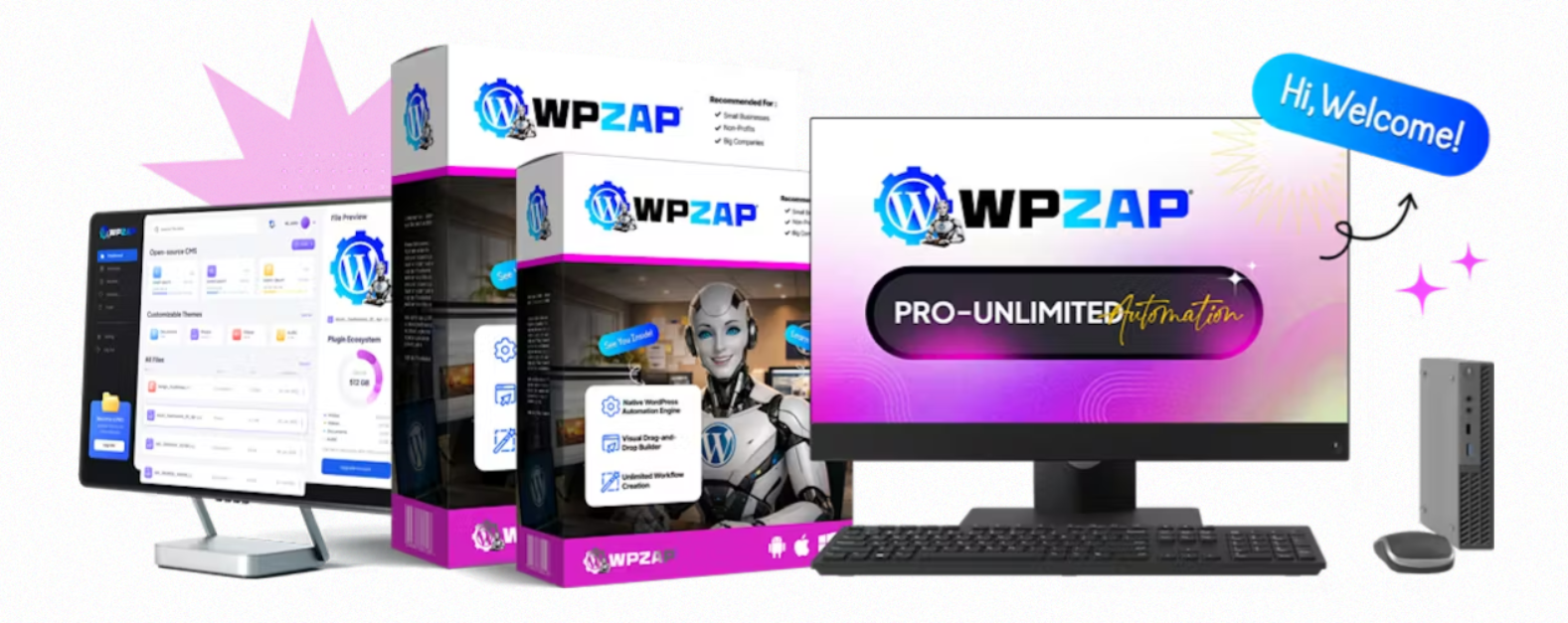
WPZap is a native WordPress “connector” plugin. Think of it as a translator that helps different software programs speak to one another. For example, it tells your Contact Form 7 to send a lead’s data directly into a Google Sheet and simultaneously tag them in Mailchimp.
The tool is built for beginners who don’t know how to write a single line of code. It uses a “Trigger and Action” logic: When X happens (Trigger), Then do Y (Action). This simple framework allows you to build complex business systems in under 60 seconds.
Start Automating Your Site with WPZap Today
Core Features That Make WPZap Stand Out
1. Visual Drag-and-Drop Workflow Builder
The interface is designed for clarity. You don’t have to look at spreadsheets or code snippets. You visually map out your automation path, seeing exactly where your data flows. This makes troubleshooting incredibly easy compared to traditional automation tools.
2. 100+ Native Integrations
WPZap comes pre-loaded with connections for the most popular tools in 2026. This includes WooCommerce, Elementor, WPForms, Learndash, and external platforms like Slack, HubSpot, and ActiveCampaign. You don’t need to buy separate “add-ons” for each tool.
3. Inbound and Outbound Webhooks
This is a high-authority feature usually reserved for expensive enterprise plans. Webhooks allow you to connect WPZap to any app that isn’t on the official list. This “future-proofs” your purchase, ensuring you can connect to new AI tools or apps released years from now.
4. Advanced Conditional Logic
WPZap isn’t just a simple “if-this-then-that” tool. You can set “filters.” For example, you can create a rule that says: “Only send an automated bonus email if the customer spent more than $50.” This level of personalization is key for modern marketing.
5. Execution Logs and Auto-Retry
One of the biggest fears in automation is “silent failure”—when a lead doesn’t sync and you don’t know it. WPZap provides a detailed log of every run. If a server times out, the built-in retry engine attempts the task again automatically until it succeeds.
WPZap Pros: The Benefits for Beginners
-
Massive Cost Savings: Eliminating a $50/month Zapier subscription saves you $600 every single year.
-
No Task Limits: You can run 10,000 or 1,000,000 automations for the same one-time price.
-
Data Privacy: Your customer data never leaves your server, making it easier to comply with global privacy laws like GDPR.
-
Speed: Automations fire the millisecond a trigger occurs, providing a better experience for your customers.
-
User-Friendly: The “60-second setup” claim is actually true for basic workflows.
WPZap Cons: What to Consider Before Buying
-
WordPress Centric: It only works if your “hub” is a WordPress site. You can’t use it to connect two non-WordPress apps (like linking Twitter to LinkedIn directly).
-
Server Resources: Since it runs on your site, very high volumes of automation require a decent hosting plan (though most modern shared hosting is sufficient).
-
Upsell Model: The most powerful features, like multi-step workflows, are often part of the “Pro” upgrade.
How WPZap Compares to the Competition
WPZap vs. Zapier
Zapier is the industry giant, but it is built on a “rental” model. If you stop paying, your business stops working. WPZap is a “buy-to-own” model. While Zapier has more total apps (6,000+), WPZap covers the 100+ apps that 95% of WordPress users actually use, at a fraction of the cost.
WPZap vs. Uncanny Automator
Uncanny Automator is a fantastic tool, but its free version is very limited, and its pro version requires a yearly subscription. WPZap offers a more aggressive one-time pricing strategy that is more attractive to solopreneurs and small agencies looking to keep their fixed costs low.
WPZap vs. Make (formerly Integromat)
Make is powerful but has a steep learning curve that often intimidates beginners. WPZap prioritizes a “clean” UI that feels like a natural part of the WordPress dashboard, making it much more accessible for those who aren’t “tech-savvy.”
Step-by-Step: Setting Up Your First Automation
- Install the Plugin: Upload the WPZap zip file to your WordPress dashboard and activate it.
- Select Your Trigger: Choose the app and the event that starts the flow (e.g., “New Form Submission”).
- Configure the Action: Choose what you want to happen (e.g., “Add Row to Google Sheets”).
- Map the Fields: Tell WPZap which form field (Name, Email) goes into which spreadsheet column.
- Test and Activate: Run a test to ensure data flows correctly, then toggle the “Live” switch.
Get Lifetime Access to WPZap
Who is WPZap For?
-
E-commerce Owners: To sync orders, manage inventory alerts, and follow up with customers.
-
Course Creators: To automatically enroll students in LMS platforms like LearnDash upon payment.
-
Agency Owners: To manage client sites efficiently without stacking up multiple SaaS bills.
-
Bloggers: To automate social media sharing and email list growth.
-
Freelancers: To professionalize their workflow by automating lead capture and reporting.
Is it Really a “Must-Have” Tool?
The answer depends on your growth goals. If you plan to run a serious online business in 2026, automation isn’t optional—it’s a requirement for scaling. If you are tired of monthly “SaaS fatigue” and want a tool that grows with you without charging you extra, then WPZap is a definitive must-have. It pays for itself within the first two months of use.
Key Takeaways for Buyers
-
One-Time Payment: Breaks the cycle of monthly subscription fees for WordPress automation.
-
Native Execution: Faster, more secure, and more private than cloud-based competitors.
-
No Caps: Unlimited tasks and workflows mean you aren’t penalized for being successful.
-
Beginner Friendly: Drag-and-drop builder eliminates the need for coding or complex technical knowledge.
-
Integrations: Covers all major WordPress plugins and supports thousands more via Webhooks.
FAQs
1. Will WPZap slow down my website performance?
No. WPZap is highly optimized to run only when a trigger occurs. Unlike “heavy” plugins that load on every page visit, WPZap stays dormant until it’s needed, ensuring your site speed remains fast for SEO and user experience.
2. Can I use WPZap on multiple websites?
The basic license is typically for one site. However, there are “Team” or “Agency” licenses available that allow you to install the plugin on unlimited sites, which is the best value for developers and agencies.
3. Does WPZap require any coding knowledge?
Absolutely not. The tool was built specifically for non-technical users. If you can navigate a WordPress dashboard and click a mouse, you can build a professional automation with WPZap.
4. What happens if an app I use isn’t listed in the integrations?
You can use the built-in “Webhook” feature. Most modern apps provide a webhook URL that allows WPZap to send or receive data from them, effectively making the integration list nearly infinite.
5. Is there a money-back guarantee?
Yes, most authorized sellers offer a 30-day money-back guarantee. This allows you to test the plugin on your specific hosting environment and ensure it works with your existing plugins before fully committing.
Conclusion: The Future of Your Workflows
WPZap represents a shift toward “Digital Sovereignty.” By moving your business logic off of third-party platforms and onto your own server, you gain stability, privacy, and significant financial savings. In a world where every software company is moving toward expensive monthly models, WPZap is a breath of fresh air for the WordPress community.
If you are a beginner looking for a way to professionalize your site without breaking the bank, this tool is the smartest investment you can make this year. It streamlines your chores, manages your data, and frees up your time to focus on what actually makes you money: your content and your products.
Claim Your WPZap License Now and Save $5 Today