...
UK: +44 2038074555 info@atamgo.com
8 Powerful YouTube Subtitle Downloader You Must Try Today

8 Powerful YouTube Subtitle Downloader You Must Try Today

youtube subtitle downloader

Introduction

YouTube subtitle downloader – Have you ever wanted to save YouTube subtitles for offline reading, language learning, or content creation? Whether you need subtitles for better accessibility, translations, or study purposes, this tool makes the process effortless.

Many tools allow you to extract subtitles from YouTube videos in formats like SRT, TXT, and VTT, giving you full control over the content. In this guide, we’ll explore nine powerful YouTube subtitle downloaders that are fast, reliable, and easy to use—whether you prefer online tools, software, browser extensions, or advanced scripts.

Let’s dive in and find the best tool for you!

Find More: Top 7 Free Tools for YouTube Shorts Download

How to Choose the Best YouTube Subtitle Downloader

When selecting a YouTube subtitle downloader, consider the following factors:

  • User-Friendliness: The tool should have an intuitive interface that doesn’t require advanced technical skills.
  • Format Support: Ability to download subtitles in various formats like SRT, TXT, or VTT.
  • Language Support: Capability to handle multiple languages, especially if you’re dealing with non-English content.
  • Platform Compatibility: Ensure the tool works seamlessly on your operating system, be it Windows, macOS, or Linux.

Best Online YouTube Subtitle Downloaders

1. DownSub
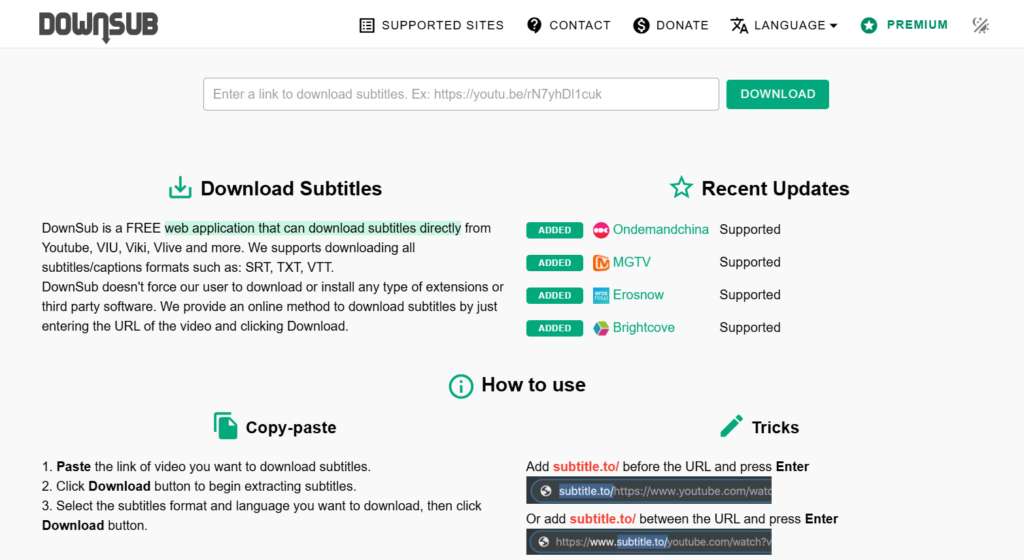
DownSub

DownSub is a free web application that allows users to download subtitles directly from YouTube and other platforms like Viki, Viu, and Vlive. It supports multiple languages and provides subtitles in formats like SRT and TXT.

How to Use DownSub:

  1. Copy the URL of the YouTube video.
  2. Paste it into the input box on DownSub’s homepage.
  3. Click the “Download” button.
  4. Choose your preferred subtitle format and language to download.

2. NoteGPT
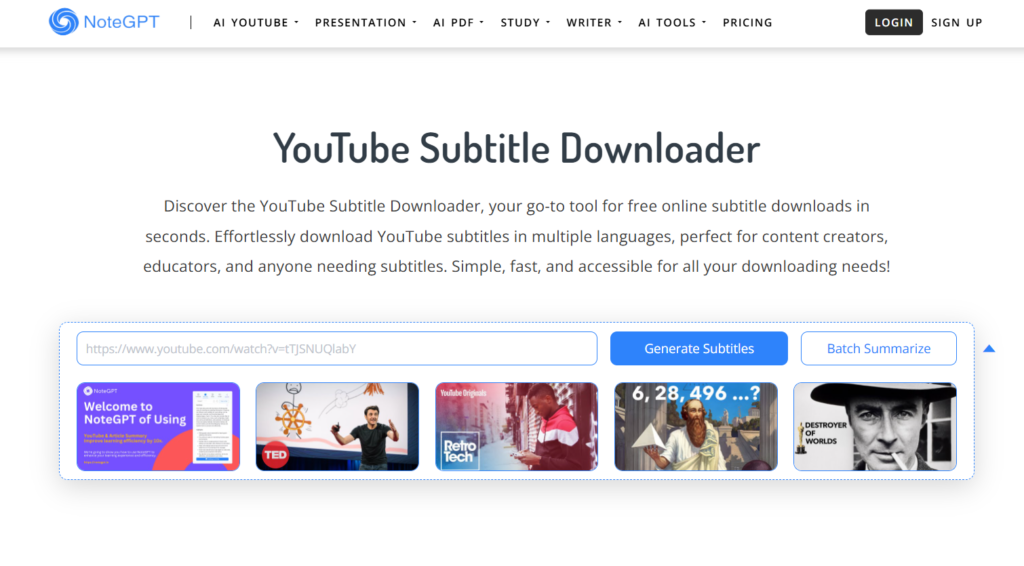
NoteGPT

NoteGPT is an online tool that allows for quick and free downloading of YouTube subtitles in multiple languages. It’s particularly useful for content creators and educators who need subtitles for various purposes.

Features:

  • Supports multiple subtitle formats.
  • No sign-up required.
  • Fast and user-friendly interface.

How to Use NoteGPT:

  1. Paste the YouTube video link into the input box.
  2. Click the “Generate” button.
  3. Download the subtitles in your desired language and format.

3. EasySub
EasySub

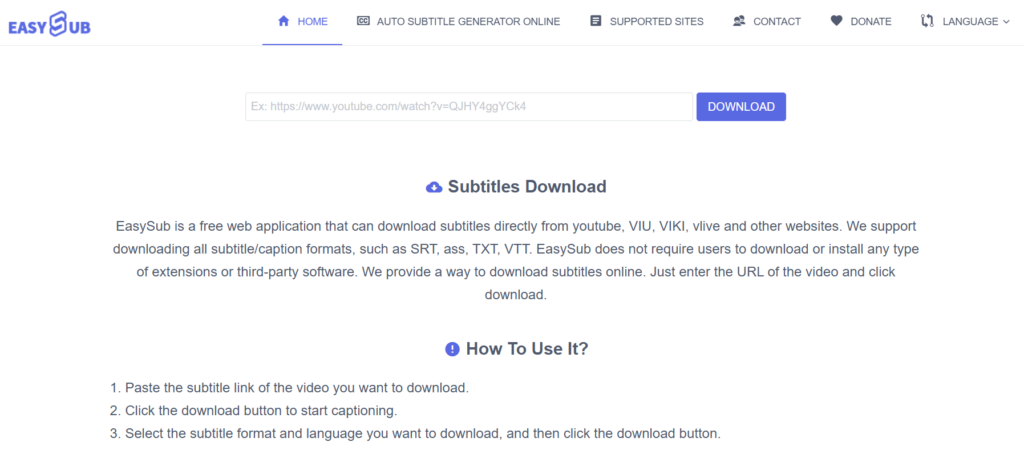
EasySub is another online tool that supports downloading subtitles from YouTube and other websites. It offers subtitles in formats like SRT, ASS, TXT, and VTT, catering to a wide range of user needs.

How to Use EasySub:

  1. Copy and paste the YouTube video link into the input field on EasySub’s website.
  2. Click “DOWNLOAD.”
  3. Select your preferred subtitle format and language to download.

Software-Based YouTube Subtitle Downloaders

1. yt-dlp

yt-dlp is a command-line program that allows users to download videos and subtitle files from YouTube. It’s a fork of the popular youtube-dl, offering additional features and improved performance.

Features:

  • Supports downloading subtitles in various languages.
  • Ability to embed subtitles directly into videos.
  • Highly customizable with numerous command-line options.

How to Use yt-dlp:

  1. Install yt-dlp on your system.
  2. Open Command Prompt or Terminal.
  3. Run the command: yt-dlp --write-subs --sub-lang LANG "URL", replacing LANG with the desired subtitle language code (e.g., en for English) and URL with the YouTube video link.

2. JDownloader
JDownloader

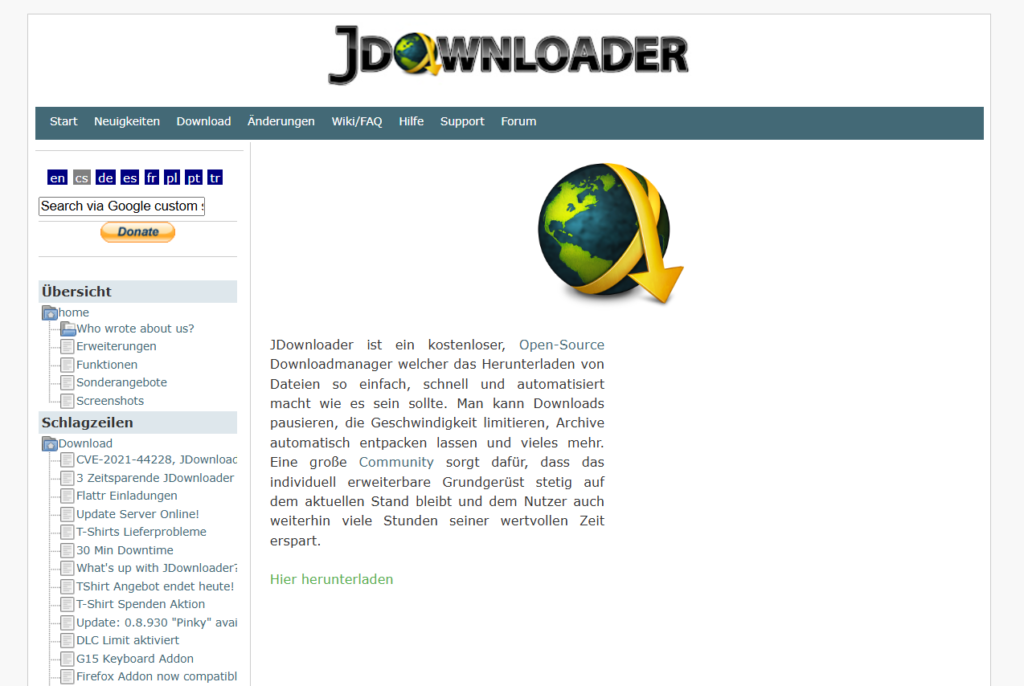
JDownloader is a free, open-source download manager that simplifies downloading files from various platforms, including YouTube. It can automatically detect and download available subtitles along with the video.

Features:

  • Supports downloading subtitles in multiple languages.
  • Allows for batch downloading of videos and subtitles.
  • Cross-platform compatibility (Windows, macOS, Linux).

How to Use JDownloader:

  1. Install JDownloader on your computer.
  2. Copy the URL of the YouTube video.
  3. JDownloader will automatically detect the video and its subtitles.
  4. Select the video and subtitle files you wish to download and click “Start.”

3. Downie
Downie

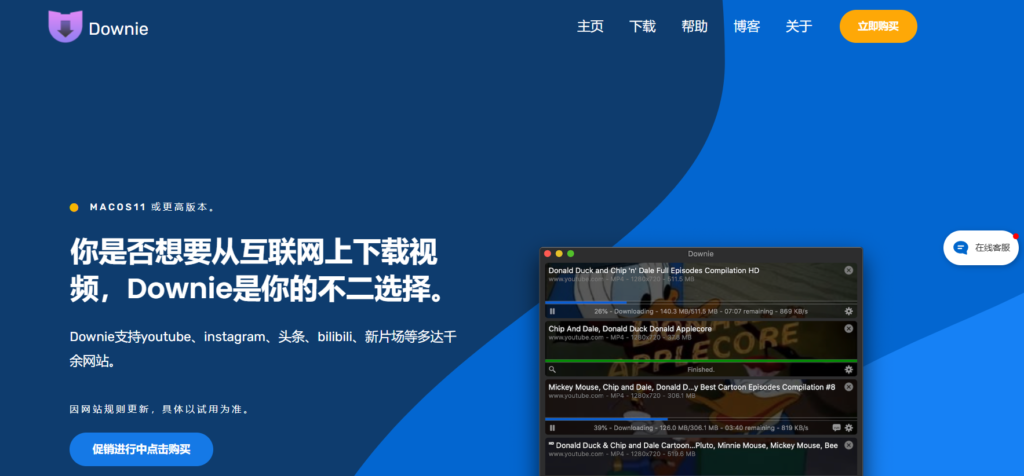
Downie is a video downloader for macOS that supports over 1,200 sites, including YouTube. It can download videos along with their subtitles, making it a comprehensive solution for macOS users.

Features:

  • Supports downloading embedded subtitles from videos.
  • Offers post-processing options like converting videos to different formats.
  • Regular updates to support new websites and features.

How to Use Downie:

  1. Install Downie on your Mac.
  2. Drag and drop the YouTube video link into Downie.
  3. Downie will process the link and provide options to download the video and subtitles.

Browser Extensions for Downloading YouTube Subtitles

If you prefer a seamless, integrated approach, browser extensions can help you download YouTube subtitles directly while watching videos.

1. Subtitles For YouTube
Subtitles For YouTube

Overview:
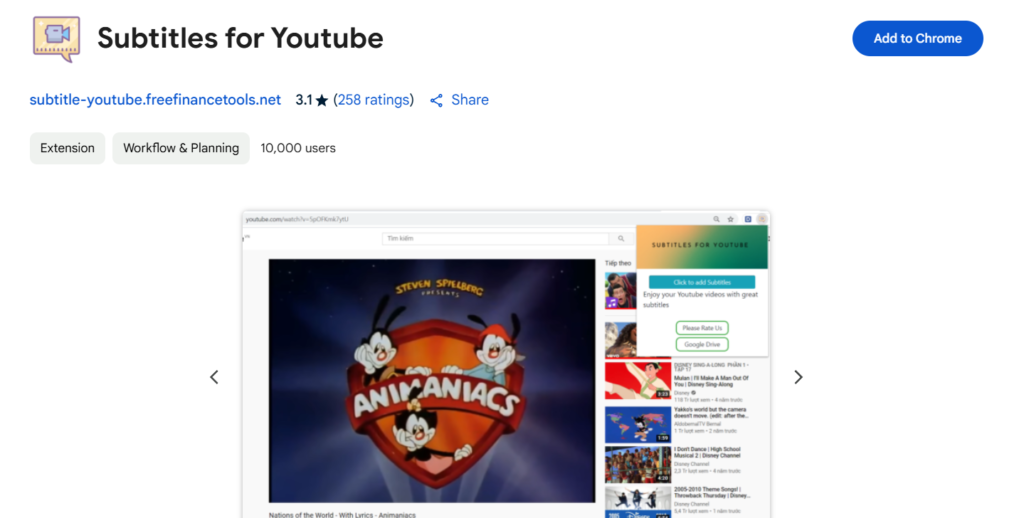
This Chrome extension allows users to download subtitles directly from YouTube videos without leaving the website. It works with both manually uploaded and auto-generated subtitles.

Features:

  • One-click subtitle download
  • Supports multiple subtitle formats (SRT, TXT)
  • Works on all YouTube videos with captions

How to Use Subtitles For YouTube:

  1. Install the extension from the Chrome Web Store.
  2. Open a YouTube video with subtitles.
  3. Click the extension icon and choose the subtitle language.
  4. Download the subtitle file in your preferred format.

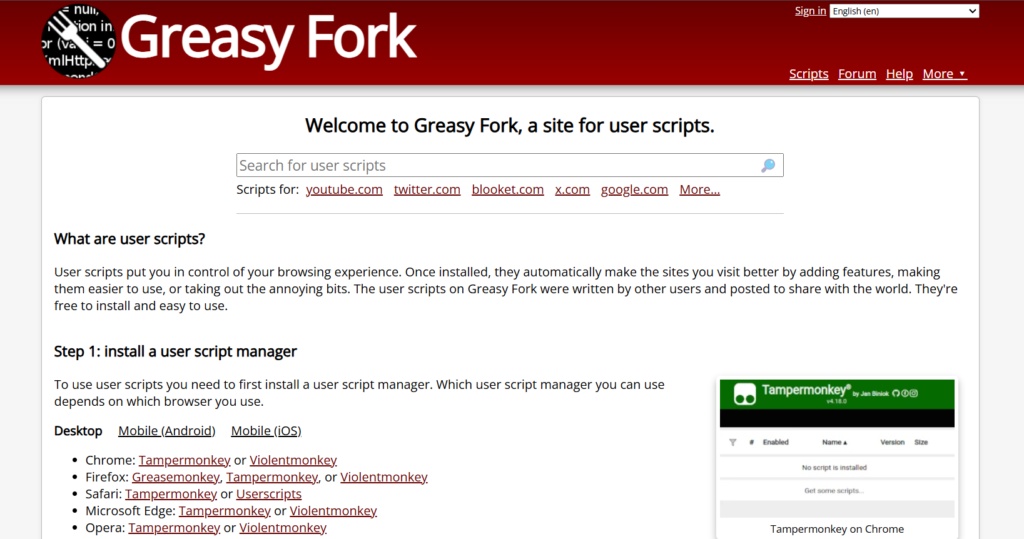
2. Tampermonkey + GreasyFork Script
GreasyFork Script

Overview:
Tampermonkey is a popular userscript manager that allows you to run custom scripts on websites. By using a YouTube subtitle downloader script, you can add a download button directly on YouTube.

Features:

  • Lightweight and customizable
  • Works in Chrome, Firefox, Edge, and Opera
  • Supports multiple subtitle formats

How to Set It Up:

  1. Install Tampermonkey on your browser.
  2. Add a YouTube subtitle download script from GreasyFork.
  3. Open a YouTube video and download subtitles using the new button.

How to Extract and Edit Downloaded YouTube Subtitles

Once you’ve downloaded subtitles, you may want to edit, sync, or convert them.

  • Convert SRT to TXT or VTT using converter tools
  • Sync subtitles using Aegisub
  • Translate subtitles using Google Translate + Notepad++

Common Issues and How to Fix Them

Problem: No subtitles available for a video

  • Check if the video actually has subtitles.
  • Try different tools, as some work better with auto-generated captions.

Problem: Subtitle timing is off

  • Use VLC Media Player to adjust subtitle delay.

Problem: Unable to download auto-generated subtitles

  • Some tools don’t support auto-generated captions. Use yt-dlp or DownSub.

Conclusion

If you want a simple online tool, DownSub or NoteGPT are great choices.
For bulk downloads, yt-dlp and JDownloader work best.
If you need a quick browser solution, try Subtitles for YouTube or Tampermonkey scripts.

Find More: Boost Your online Sales With shopify services

FAQs

How do I download subtitles from YouTube for free?

Use tools like DownSub, NoteGPT, or yt-dlp to extract subtitles from videos without paying.

Can I download auto-generated subtitles?

Yes, but not all tools support them. yt-dlp and DownSub can download both manual and auto-generated captions.

Which formats are best for downloading subtitles?

SRT is the most commonly used format. TXT is good for text extraction, while VTT is useful for web players.

Are YouTube subtitle downloaders legal to use?

Downloading subtitles for personal use is generally acceptable, but redistributing copyrighted subtitles may violate YouTube’s policies.

How can I download subtitles in multiple languages?

Tools like DownSub and yt-dlp allow you to select and download subtitles in different languages.

Tags:
Top 7 Free Tools for YouTube Shorts Download

Top 7 Free Tools for YouTube Shorts Download

youtube shorts download

YouTube Shorts download – ever stumbled upon an amazing Shorts video and wished you could save it instantly? Whether you want to keep a funny clip, store a tutorial for offline viewing, or repost content (with permission), finding a reliable tool can be tricky.

The good news? You don’t need to install software, sign up, or deal with watermarked videos! In this guide, we’ll show you the 7 best free tools for YouTube Shorts download, so you can save YouTube Shorts videos hassle-free.

Keep reading to discover the easiest ways to download YouTube Shorts without an app and in the highest quality!

1. AISEO

AISEO

Key Features:

  • High-Quality Downloads: Supports HD and Ultra-HD resolutions.
  • No Watermarks: Downloads are free from any branding.
  • Cross-Platform Compatibility: Accessible on mobile, tablet, or desktop devices.

How to Use:

  1. Copy the Link: Open YouTube, select your desired Shorts video, and copy the video link.
  2. Paste the Link: Paste the copied link into the AISEO YouTube Shorts Downloader and click “Download”.
  3. Select Format and Resolution: Choose the format and resolution you prefer.
  4. Download Video: Click download and get your selected video file instantly.

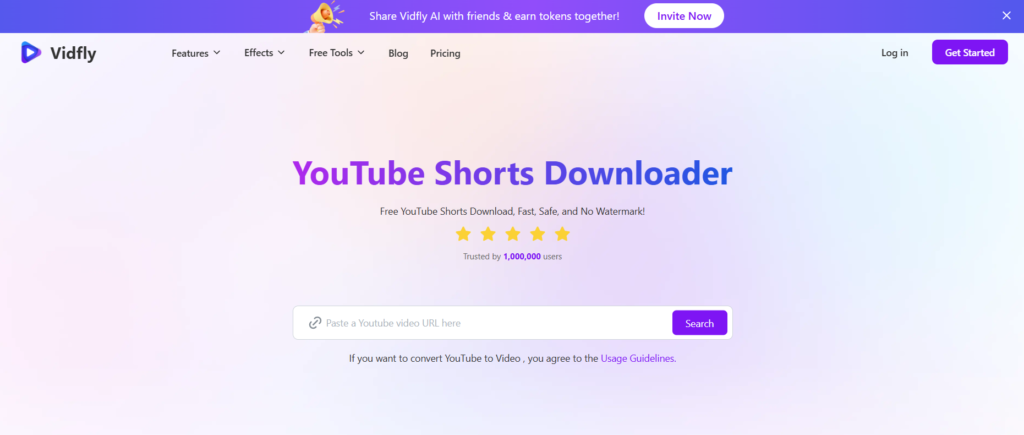
2. Vidfly

vidfly

Key Features:

  • Fast and Free Downloads: No limits on the number of downloads.
  • Multiple Formats and Resolutions: Supports formats like MP4 and HD 1080p.
  • No Watermarks: Ensures clean downloads without any branding.

Step-by-Step Guide:

  1. Copy the Video URL: Find the YouTube Shorts video you want to download and copy its URL.
  2. Paste the URL: Input the copied URL into the Vidfly YouTube Shorts Downloader.
  3. Select Format and Resolution: Choose your preferred format and resolution
  4. Download: Click the download button to save the video to your device.

3. SendShort

SendShort

Key Features:

  • No Sign-Up Required: Access the tool without any registration.
  • Fast Downloads: Quickly save videos with minimal wait times.
  • User-Friendly Interface: Simple and intuitive design for ease of use.

Simple Steps to Download Shorts:

  1. Copy the Video Link: Navigate to the desired YouTube Shorts video and copy its link.
  2. Paste the Link: Paste the link into the SendShort downloader input field.
  3. Download: Click the download button to retrieve the video.

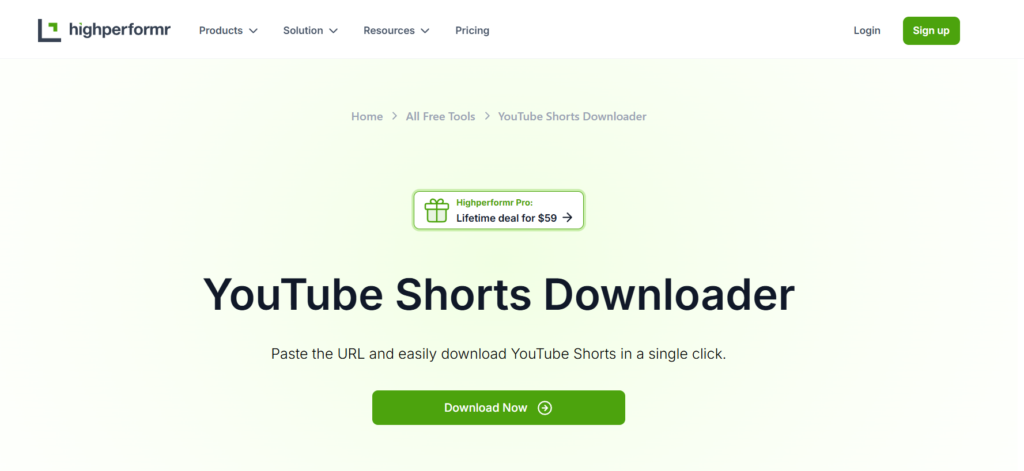
4. Highperformr

highperformr

Key Features:

  • No Sign-Up Required: Access the tool without any registration.
  • No Watermarks, No Ads: Download videos without any watermarks or ads.
  • Fast and Reliable: Save videos instantly with high-speed downloads.

How to Use It Efficiently:

  1. Copy the Video URL: Find the YouTube Shorts video you wish to download and copy its URL.
  2. Paste the URL: Enter the copied URL into the Highperformr downloader.
  3. Download: Click the download button to save the video to your device.

5. SaveTube

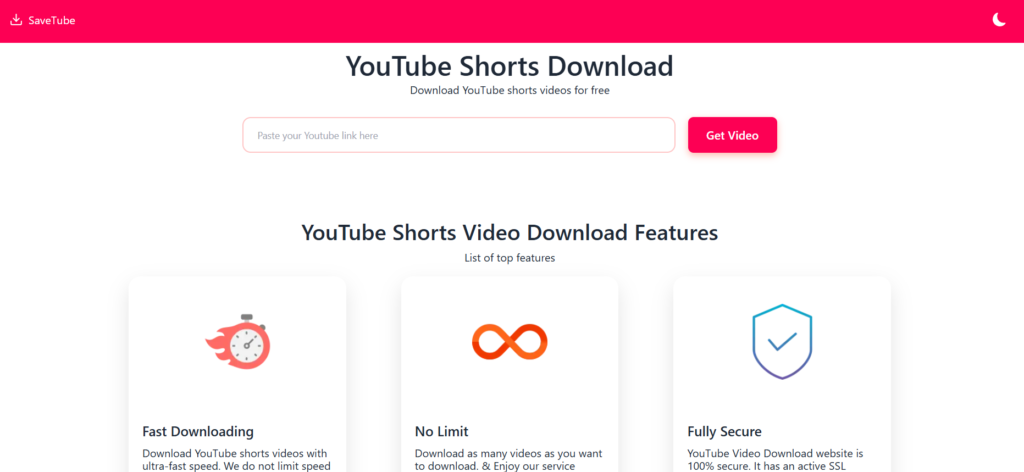
savetube

Key Features:

  • User-Friendly Interface: Allows for quick and easy downloads directly from your web browser without the need for installation.
  • Multiple Quality Options: Offers various video quality and format choices to suit your preferences.

How to Use YT SaveTube:

  1. Copy the Video URL: Navigate to the desired YouTube Shorts video and copy its URL.
  2. Visit YT SaveTube: Go to the SaveTube website.
  3. Paste the URL: Enter the copied URL into the search box on the website.
  4. Initiate Download: Click on the download button.
  5. Select Preferences: Choose your desired video quality and format.
  6. Download: Click ‘Download’ to save the video to your device.

6. SocialPlug

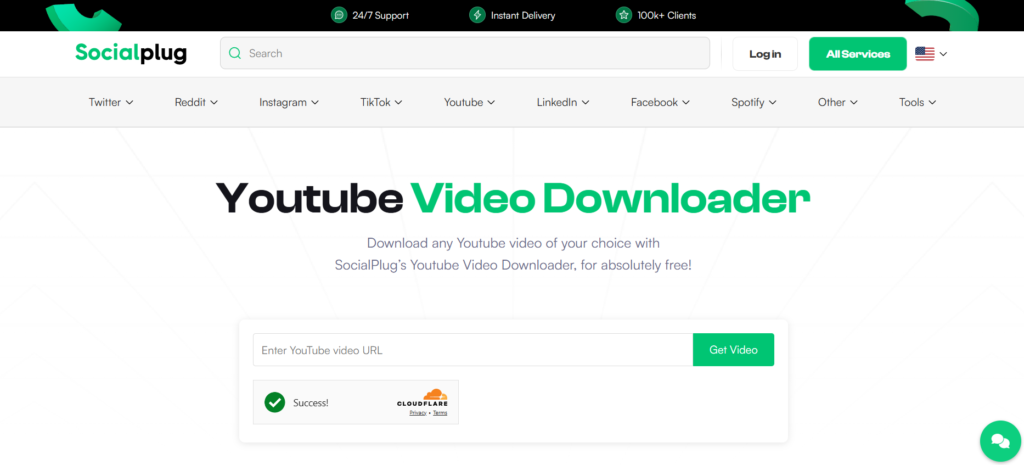
socialplug

Key Features:

  • Ad-Free Experience: Provides a clean interface without advertisements.
  • Multiple Resolution and Format Options: Allows downloading videos in various resolutions and formats to meet your needs.
  • Mobile Compatibility: Fully compatible with Android devices, enabling direct downloads to your phone.

How to Use SocialPlug:

  1. Copy the Video URL: Find the YouTube Shorts video you wish to download and copy its URL.
  2. Visit SocialPlug: Go to the SocialPlug YouTube Video Downloader website.
  3. Paste the URL: Input the copied URL into the downloader’s input field.
  4. Choose Preferences: Select your preferred resolution and format.
  5. Download: Click the download button to save the video to your device.

7. Y2Mate

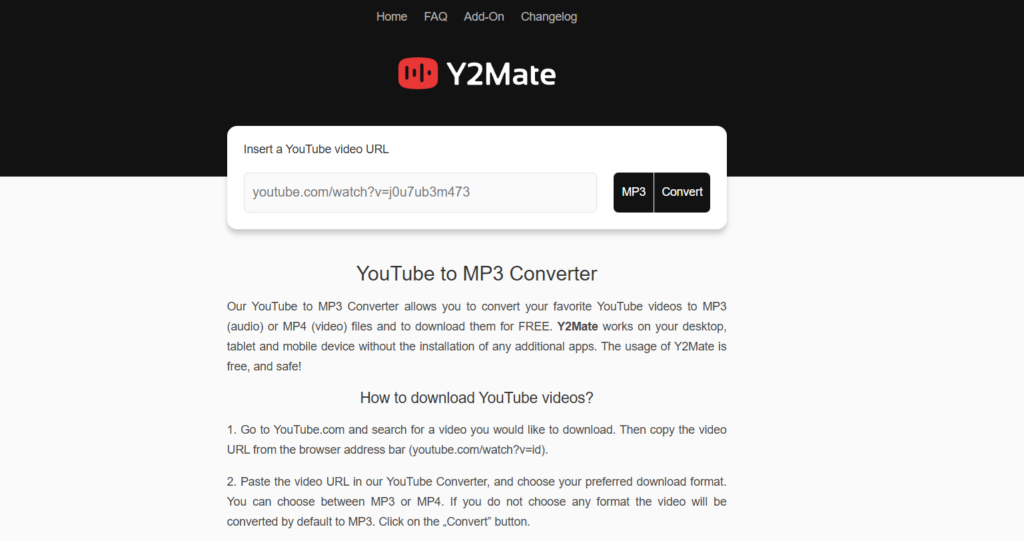
y2mate

Key Features:

  • No Ads: Provides a clean downloading experience without intrusive advertisements.
  • High-Quality Downloads: Allows downloading videos in various resolutions, including HD.
  • No Software Installation: Operates entirely online, eliminating the need for additional software.

How to Use Y2Mate:

  1. Copy the Video URL: Navigate to the desired YouTube Shorts video and copy its URL.
  2. Visit Y2Mate: Go to the Y2Mate website.
  3. Paste the URL: Enter the copied URL into the input field provided on the website.
  4. Select Quality and Format: Choose your preferred video quality and format.
  5. Download the Video: Click the download button to save the video to your device.

Conclusion

You don’t have to struggle with unreliable apps or paid subscriptions to download YouTube Shorts. With the 7 free tools listed above, you can download YouTube Shorts instantly, without sign-ups or extra hassle.

Our Top Picks:
🔥 Best Overall: AISEO YouTube Shorts Downloader
Fastest Tool: Vidfly YouTube Shorts Downloader
🎯 Best for HD Videos: YTShorts.Save

FAQs

1. Can I download YouTube Shorts without an app?

Yes! Online tools like AISEO YouTube Shorts Downloader and Vidfly let you download Shorts directly from your browser—no app required.

2. Are these YouTube Shorts download tools safe to use?

Most reputable tools are safe, but always double-check the website URL and avoid suspicious download buttons.

3. Can I download YouTube Shorts in HD quality?

Yes, tools like YTShorts.Save and Highperformr support HD and even 4K video downloads.

4. Is it legal to download YouTube Shorts for offline use?

Downloading YouTube Shorts is legal for personal use only. However, distributing or re-uploading them without permission may violate copyright laws.

5. Why do some YouTube Shorts downloaders stop working?

YouTube frequently updates its system, which can cause some download tools to stop functioning. If a tool isn’t working, try another from the list above.

Tags
5 Shocking Benefits of Using SSSInstagram for Insta Downloads

5 Shocking Benefits of Using SSSInstagram for Insta Downloads

sssinstagram

Introduction

SSSInstagram: Instagram is a treasure trove of amazing content, from viral videos to inspiring reels and creative stories. But what happens when you want to save a video for offline viewing, reuse a reel for inspiration, or archive a post before it disappears? Unfortunately, Instagram doesn’t provide a direct download option.

That’s where SSSInstagram comes in—a powerful and user-friendly Instagram downloader that allows you to save any video, reel, or story in just a few clicks. Whether you need an SSSInstagram video download for personal use or an SSSInstagram reels download to keep up with trending content, this tool makes the process quick and effortless.

In this article, we’ll explore five shocking benefits of using SSSInstagram, including instant downloads, high-quality media, unlimited access, security features, and compatibility with all Instagram content types. By the end, you’ll see why SSSInstagram is the best solution for downloading Instagram videos.

Find More: The 5 Best Snapchat Viewer (Tested & Verified)

1. Instant Downloads Without Limitations

One of the most frustrating aspects of online tools is download speed restrictions or annoying pop-ups asking for payment. With SSSInstagram, you don’t have to worry about any of that—it offers unlimited, fast, and hassle-free downloads.

No Login Required – Download With Ease

Some Instagram downloaders require you to log in with your Instagram account, which can be risky. However, SSSInstagram eliminates this step—all you need is the URL of the Instagram post you want to save.

Example: Imagine scrolling through Instagram and finding an incredible reel that you want to save for later. Instead of taking a screen recording (which reduces quality), just copy the post link, paste it into SSSInstagram, and download it instantly!

Works on Any Device: Mobile, PC, and Tablet

No matter what device you’re using, SSSInstagram works seamlessly. It’s a web-based tool, meaning you can use it on:

  • Smartphones (Android & iOS)
  • Laptops & Desktops (Windows & macOS)
  • Tablets & iPads

Pro Tip: Bookmark the SSSInstagram website on your mobile browser for quick access anytime you need to download Instagram videos.

2. High-Quality Media Without Compression

Many free downloaders reduce the quality of Instagram videos when you save them, making them blurry or pixelated. SSSInstagram, on the other hand, ensures that you get the highest resolution available.

Download Full-Resolution Instagram Photos & Videos

Most Instagram videos and reels are compressed when uploaded to the platform, but SSSInstagram ensures that you download them in their original resolution.

Example: If an influencer uploads a high-definition (1080p or even 4K) reel, you’ll be able to download it in the same quality.

Maintain Original Sound and Video Clarity

A common problem with screen recording Instagram videos is audio distortion. With SSSInstagram video download, the original sound quality remains intact—no muffled voices, no weird distortions, just pure high-quality audio.

3. 100% Free and User-Friendly Interface

Unlike some Instagram downloaders that require you to purchase a subscription or sign up for a premium plan, SSSInstagram is completely free—with no hidden costs.

No Hidden Fees or Premium Subscriptions

There are no monthly charges, no pro versions, and no frustrating watermarks on your downloaded videos. What you see is what you get—a simple, free, and reliable Instagram downloader.

Simple Copy-Paste Process for Quick Downloads

Using SSSInstagram is so easy that anyone can do it—even if you’re not tech-savvy.

How to Download Instagram Videos with SSSInstagram:

  1. Find the video or reel you want to download on Instagram.
  2. Tap the three-dot menu (⋮) on the post and select “Copy Link”.
  3. Open SSSInstagram, paste the link into the search bar, and hit “Download”.
  4. Save the file to your device and enjoy your offline video!

4. Supports All Instagram Content Types

While some Instagram downloaders only work for standard video posts, SSSInstagram supports every type of Instagram media.

Download Reels, Stories, IGTV, and Private Videos

Whether it’s a funny reel, an inspiring IGTV video, or a time-sensitive Instagram story, SSSInstagram has you covered. What’s more, it’s perfect for turning fleeting stories into endless content ideas that boost your engagement.

Example: Let’s say your favorite influencer posts an exclusive Instagram Story tutorial, but it will disappear in 24 hours. With SSSInstagram, you can save it forever!

One Tool for Every Instagram Media Format

There’s no need to use different tools for different downloads—SSSInstagram handles everything, including:

  • Instagram Reels
  • IGTV Videos
  • Instagram Stories
  • Private Instagram Videos (if you have access to the original link)

5. No Ads, No Annoying Pop-Ups, Just Fast Downloads

Most free Instagram downloaders like Insanony are packed with ads, annoying pop-ups, or even malicious software. SSSInstagram is completely ad-free and prioritizes a smooth user experience.

Why SSSInstagram Is Safer Than Other Downloaders

Unlike sketchy tools that ask for unnecessary permissions or redirect you to spammy websites, SSSInstagram is built with security in mind.

How It Helps You Avoid Spam and Malware

Many download tools trick users into downloading unwanted files. SSSInstagram only provides direct Instagram downloads—no extra software, no hidden risks.

Conclusion

With SSSInstagram, you don’t need to worry about download limits, poor quality, or security risks. Whether you need an SSSInstagram reels download for entertainment or an SSSInstagram video download for offline access, this tool makes it quick, free, and reliable.

Find More: Boost Your Sales With shopify Services

FAQs

How do I use SSSInstagram to download Instagram videos?

Simply copy the Instagram video link, paste it into the SSSInstagram search bar, and hit “Download.”

Is SSSInstagram legal to use?

Downloading videos for personal use is generally fine, but always respect Instagram’s terms of service and copyright laws.

Does SSSInstagram work on private Instagram accounts?

No, it only works with public Instagram posts.

Can I use SSSInstagram without installing software?

Yes! SSSInstagram is an online tool, so there’s no need to install any apps or extensions.

Are there any download limits?

No! You can download unlimited videos, reels, and stories without restrictions.

Tags:
Facebook Story Viewer: How to View Stories Anonymously (2026 Guide)

Facebook Story Viewer: How to View Stories Anonymously (2026 Guide)

facebook story viewer

If you’re looking for a Facebook story viewer, you’re probably trying to watch a story without appearing in the viewer list.

Many users want to:

  • Check a story privately

  • Monitor competitors

  • Avoid showing up in the views

  • Download stories for reference

In this article, we’ll explore the most popular Facebook Story Viewer tools that let you watch stories without revealing your identity. Whether you’re looking for a web-based solution, a mobile app, or a browser extension, we’ve got you covered!

Quick Answer: Can You View Facebook Stories Anonymously?

Yes, but only in certain situations.

You can view stories anonymously when:

  • The profile is public

  • The tool supports the story format

  • The story is not restricted by privacy settings

For private accounts, most tools will not work.

What Is a Facebook Story Viewer?

A Facebook Story Viewer is a tool that lets you watch someone’s Facebook Story without them knowing. Normally, when you view a story on Facebook, the person who posted it can see your name and profile picture in their list of viewers. This means they know exactly who has seen their story.

However, with a Facebook Story Viewer, you can stay completely anonymous. These tools are designed to fetch and display Facebook Stories in a way that doesn’t send a notification to the story’s creator. Essentially, they provide a separate platform where you can watch stories without revealing your identity.

This ability to remain unseen is popular among people who want to check out updates without engaging or leaving a visible trace. Whether you’re curious about a friend’s posts or looking to monitor trends discreetly, Facebook Story Viewers offer privacy and peace of mind.

Facebook stories anonymously​ have become a popular way to share fleeting moments with friends and followers.

How to Use Facebook Story Viewer Tools Safely and Effectively?

If you’ve ever wanted to check out someone’s Facebook story anonymously, you’re not alone. Many people look for discreet ways to view stories without revealing their identity—whether out of curiosity, privacy needs, or for professional research. Fortunately, there are legitimate tools that can help you do this easily, but it’s important to use them responsibly and keep your data safe.

Understanding the Types of Story Viewers

There are several types of Facebook story viewer solutions available:

  • Web-based Viewers: These let you paste a profile or story link into a website and instantly view the story content. They’re perfect for one-off views or users who don’t want to install extra software.

  • Browser Extensions: Add-ons like Anonymous Stories for Facebook allow anonymous viewing right from your browser, ideal for frequent users or content researchers.

  • Mobile Apps: Apps such as BraveDown and Family Orbit integrate story viewing with device features—great for parents or frequent mobile users.

Each tool has its unique pros and cons. For example, most web tools work best for public profiles, while parental control apps offer wider monitoring but may require access or installation.

Key Features to Look For

Before choosing a Facebook story viewer, look for features that prioritize both safety and usability:

  • No Need for Login: Avoid tools that ask for your Facebook credentials, as this can risk your account security.

  • Quality of Output: The ability to download stories in high resolution is valuable for creators and marketers.

  • Cross-Platform Access: Tools that work on both desktop and mobile devices are much more flexible.

  • Privacy Protections: Choose platforms that clearly state they don’t log or share your browsing data.

Responsible and Ethical Story Viewing

While these Facebook viewer tools are powerful, ethical considerations matter. Never attempt to access private stories without consent, and respect other users’ privacy settings. If you’re using monitoring features for kids, always be open with them about why and how you monitor their activity.

Tips to safely view facebook story anonymously

  • Use a VPN for extra privacy, especially on public Wi-Fi.

  • Regularly clear your browser cache if using web-based tools.

  • Choose reputable, ad-free options when possible to avoid malware or data leaks.

  • Stay updated; some tools may stop working if Facebook changes its system.

Combining Story Viewing with Content Strategy

Marketers and small business owners can use these tools as part of a broader social content strategy:

  • Competitor Research: Anonymously monitor competitors’ story content for new ideas or campaigns.

  • Trend Discovery: View trending content formats and creative story templates across the platform.

  • Engagement Tracking: Monitor published story reach without inflating view counts. 

Best Facebook Story Viewer Tools (2026 Tested)

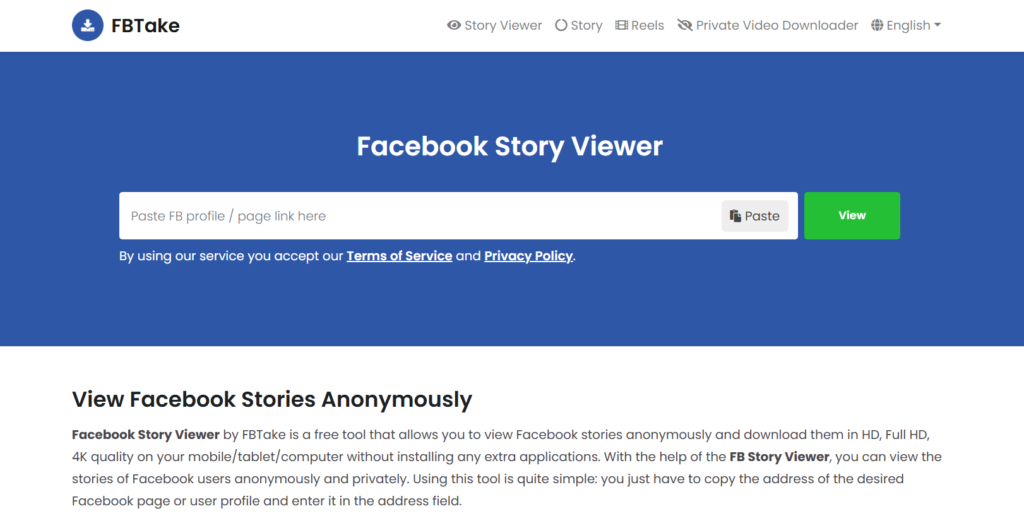
1. FBTake

FBTake

FBTake is a free online tool that lets you view and download Facebook Stories anonymously, making it ideal for use with an antidetect browser to maintain privacy and avoid detection while browsing stories.

2) Anchor text: antidetect browser

🔹 Key Features:

  • View Facebook Stories without an account
  • Download stories in HD, FHD, and 4K quality
  • No registration required

🔹 How It Works:

  1. Copy the link to the Facebook profile or page.
  2. Paste it into FBTake’s search bar.
  3. Click “View” to watch the stories.

🔹 Pros & Cons:
✅ Easy to use
✅ No need for software
❌ Doesn’t work for private profiles

2. BraveDown

BraveDown

BraveDown is a simple yet powerful Facebook Stories viewer that allows anonymous story viewing and downloading.

🔹 Key Features:

  • Works on both desktop and mobile
  • Supports multiple download quality options
  • Free to use

🔹 Pros & Cons:
✅ User-friendly interface
✅ Works across platforms
❌ Contains ads

3. 4kSave – Best for High-Quality Downloads

4kSave

If you need high-resolution downloads, 4kSave is the tool for you. It supports up to 4K quality and works seamlessly.

🔹 Key Features:

  • View and download Facebook stories in 4K resolution
  • No software installation required
  • Ad-free experience

🔹 Pros & Cons:
✅ High-quality downloads
✅ No pop-up ads
❌ Only works for public stories

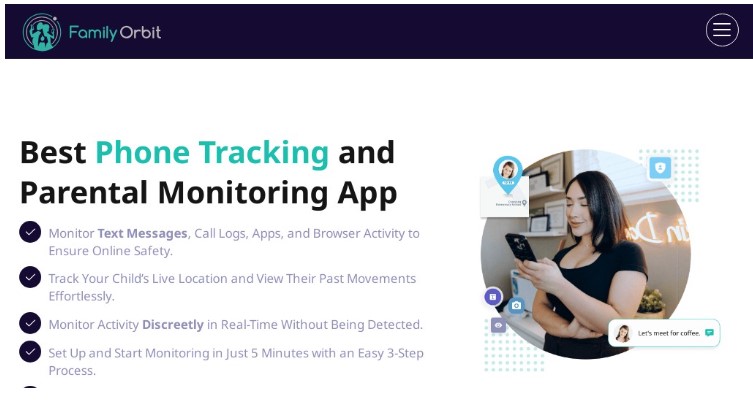
4. Family Orbit 

Facebook Stories

Family Orbit isn’t just for viewing Facebook stories — it’s a full-fledged parental control app trusted by thousands of families. Alongside social media tracking, it gives you insights into your child’s phone activity, location, and media usage.

🔹 Key Features:

  • Monitor Facebook stories and messages
  • Track shared photos, videos, and posts
  • View browsing history and installed apps
  • Real-time GPS tracking with geofencing

🔹 Pros & Cons:
✅ All-in-one monitoring for Facebook and beyond
✅ Works on both iOS and Android
❌ Some features require iCloud or device access
❌ Not ideal for stealth use on adult targets

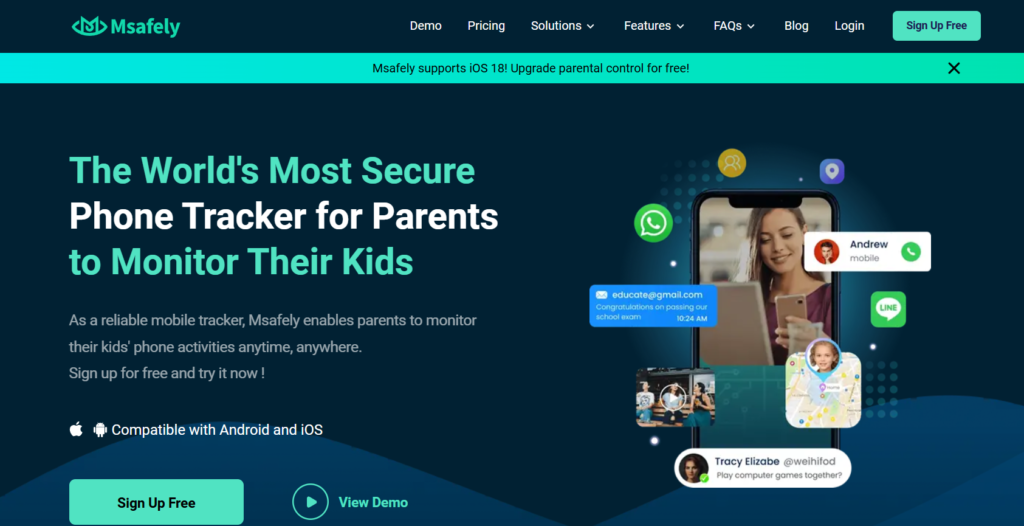
5. Msafely 

Msafely

If you’re looking for a monitoring solution that includes Facebook Story viewing, Msafely offers advanced tracking features.

🔹 Key Features:

  • View Facebook stories anonymously
  • Access messages, posts, and media
  • Real-time location tracking

🔹 Pros & Cons:
✅ Full monitoring suite
✅ User-friendly dashboard
❌ Requires device access
❌ Ethical concerns

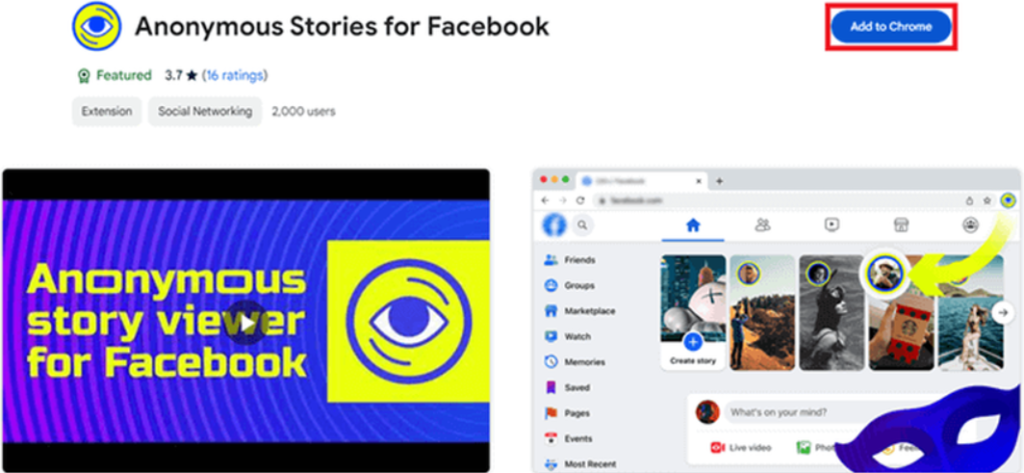
6. Anonymous Stories for Facebook – Best Chrome Extension

Anonymous Stories for Facebook

A simple Chrome extension that enables anonymous Facebook story viewing directly from your browser.

🔹 Key Features:

  • Works instantly after installation
  • No need for third-party apps
  • Free to use

🔹 Pros & Cons:
✅ Fast and easy to install
✅ No additional software required
❌ Works only on Chrome
❌ May stop working with Facebook updates

7. Airplane Mode Trick 

If you don’t want to use a third-party tool, the Airplane Mode Trick is a quick way to view Facebook Stories without getting detected.

🔹 How It Works:

  1. Open Facebook and let the stories preload.
  2. Turn on Airplane Mode (disconnecting Wi-Fi & mobile data).
  3. View the stories while offline.
  4. Close the app before turning the internet back on.

🔹 Pros & Cons:
✅ 100% safe and free
✅ No third-party tools needed
❌ Doesn’t work if the story isn’t preloaded

8. StorySaver.net

StorySaver.net

If you want to view and download Facebook Stories, StorySaver.net is a top choice.

🔹 Key Features:

  • Download stories in HD quality
  • No software installation required
  • Works with both Facebook & Instagram

🔹 Pros & Cons:
✅ Easy to use
✅ Supports multiple platforms
❌ Requires story URL

How to Choose the Best Facebook Story Viewer for Your Needs

When selecting the right Facebook story viewer, consider:
✔️ Privacy & Security – Does it keep your data safe?
✔️ Features – Does it offer downloads, high quality, or cross-platform support?
✔️ Ease of Use – Is the interface beginner-friendly?
✔️ Free vs. Paid – Some tools offer premium features for better performance.

Find More: Increase your ROI in 2025

FAQs

1. Can I use a Facebook Story Viewer without an account?

Yes! Most tools listed above allow you to view Facebook stories anonymously without logging in.

2. Do Facebook Story Viewer tools really work?

Yes, but they work best for public stories. Private stories may not be accessible.

3. Will the person know if I viewed their story?

No. These tools let you watch Facebook Stories without appearing in the viewer list.

4. Are these tools safe to use?

Most tools are safe, but always check for security features before using them.

5. What’s the best free Facebook Story Viewer?

For free options, FBTake and BraveDown are top choices.

Conclusion

A Facebook story viewer can help you watch stories privately, but results depend on privacy settings and tool reliability.

If you want the safest and easiest option:

  • Use a web-based viewer

  • Avoid login-required tools

  • Stick to public stories

Tags:

Snapchat Viewer in 2026: Can You Really View Stories Anonymously?

Snapchat Viewer in 2026: Can You Really View Stories Anonymously?

Snapchat Viewer

Introduction

Snapchat viewerSnapchat is one of the most popular social media platforms, but it has a major limitation: users can see when someone views their Stories. If you’re curious about someone’s updates or want to watch Snapchat Stories anonymously without being detected, you may need a reliable tool for the job.

In this article, we’ll explore 9 powerful tools that allow you to watch Snapchat Stories without notifying the creator. These tools work without requiring a Snapchat account or log in, making them a great choice for maintaining privacy. We’ll also discuss the safety of using these tools and answer common questions to help you make an informed decision.

Find More: 9 Powerful TikTok Story Viewer Tools You Need to Try Today

1. SpyX – Comprehensive Snapchat Monitoring

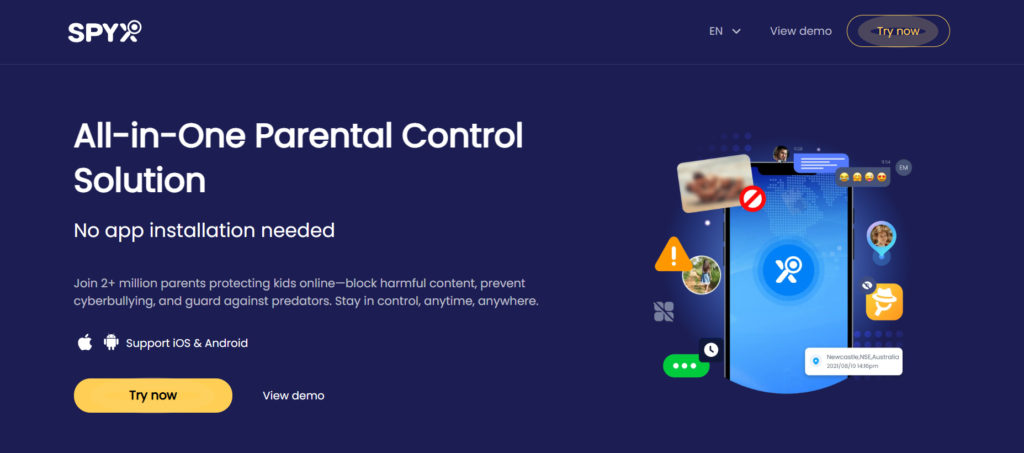
SpyX

SpyX is a robust Snapchat viewer app that enables users to anonymously access others’ Snapchat activities, including shared photos, videos, Stories, and messages. It operates stealthily, leaving no traces on the target device, ensuring complete anonymity. Beyond Snapchat, SpyX also supports monitoring activities on other social platforms like WhatsApp and Instagram.
Key Features:

  • Anonymous viewing of Snapchat Stories and messages
  • Stealth mode operation
  • Multi-platform monitoring capabilities

Pros:

  • Comprehensive monitoring features
  • User-friendly interface
  • Operates without detection

Cons:

  • Requires installation on the target device
  • Premium features may be costly

How It Works:

After installing SpyX on the target device, it runs in the background, collecting Snapchat activity data, which can be accessed through a secure online dashboard.

2. Spokeo – Detailed Snapchat User Insights

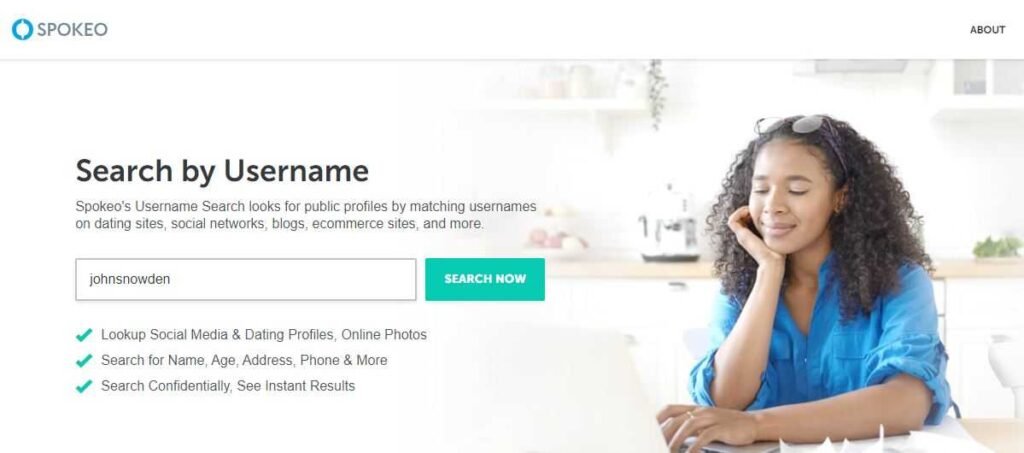
Spokeo

Spokeo is renowned for providing anonymous Snapchat details with remarkable accuracy and ease. It aggregates data from various sources to offer comprehensive insights into Snapchat users, including their Stories and shared content.

Key Features:

  • Aggregated user information
  • Anonymous viewing of Snapchat Stories
  • User-friendly interface

Pros:

  • Provides detailed user insights
  • Easy to use
  • Operates anonymously

Cons:

  • May not provide real-time data
  • Some information may be outdated

How It Works:

Users can search for Snapchat profiles using Spokeo, which then compiles available information, including Stories and shared media.

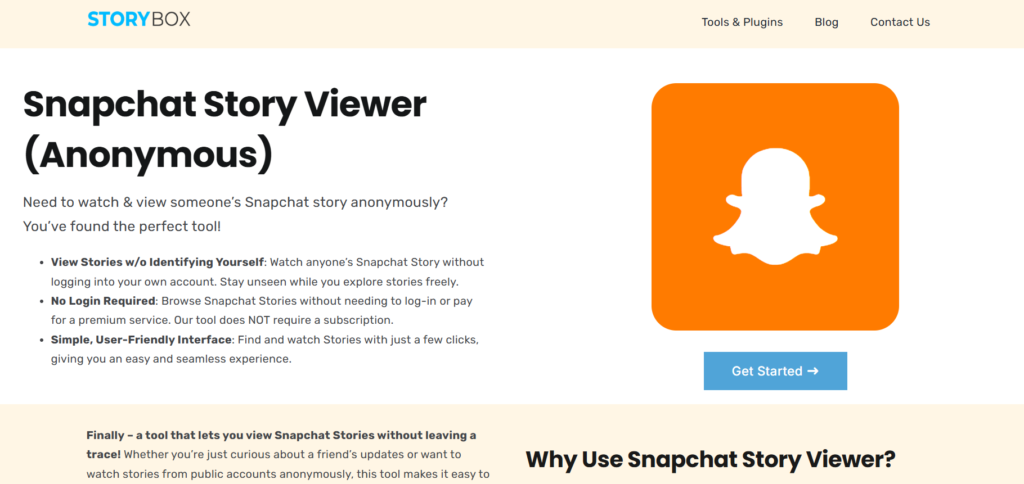
3. StoryBox – Simple Snapchat Story Viewer

StoryBox

StoryBox offers a straightforward solution for anonymously viewing Snapchat Stories. By simply inputting the Snapchat URL, users can access Stories without logging into their accounts, ensuring privacy and ease of use.

Key Features:

  • No login required
  • User-friendly interface
  • Quick access to Snapchat Stories

Pros:

  • Maintains user anonymity
  • Easy to navigate
  • No installation necessary

Cons:

  • Limited to viewing Stories via provided URLs
  • May not support private profiles

How It Works:

Users paste the Snapchat Story URL into StoryBox, which then displays the content anonymously.

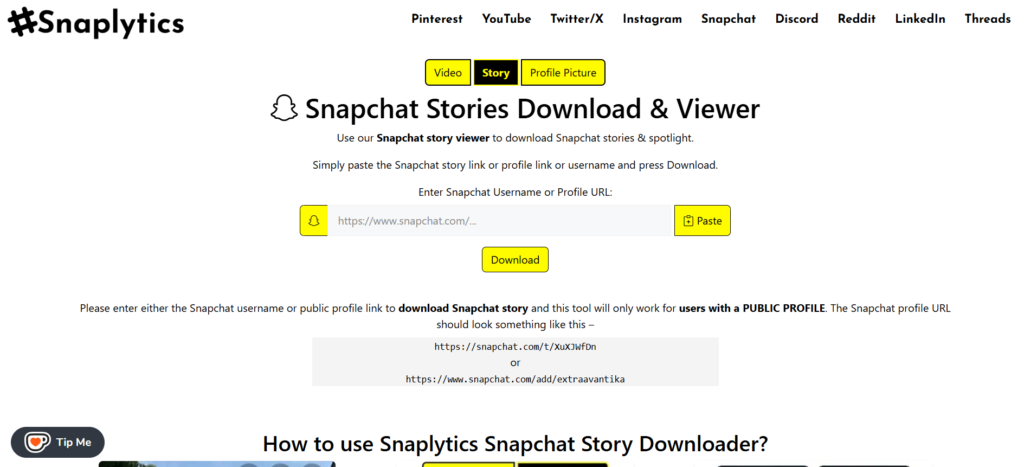
4. Snaplytics – Snapchat Story Downloader

Snaplytics

Snaplytics allows users to download and view Snapchat Stories and Spotlight content anonymously. By entering the Snapchat username or profile URL, users can access and save Stories without notifying the content creator.

Key Features:

  • Anonymous viewing and downloading
  • Supports Stories and Spotlight content
  • No account required

Pros:

  • Allows content downloading
  • Maintains user anonymity
  • Compatible with various devices

Cons:

  • Limited to public profiles
  • Dependent on the availability of user content

How It Works:

Users input the Snapchat username or profile URL into Snaplytics, which retrieves available Stories and provides download options.
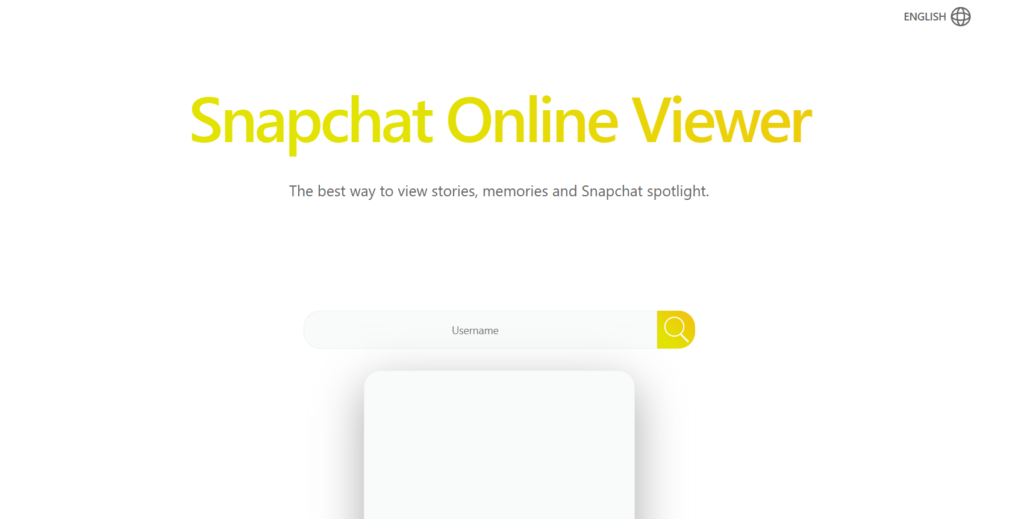
5. MegaStory – Online Snapchat Viewer
MegaStory

MegaStory is an online tool that enables users to browse Snapchat Stories, Memories, and Spotlight content anonymously. No account or app installation is needed, making it a convenient option for discreet viewing.

Key Features:

  • Anonymous browsing
  • Access to Stories, Memories, and Spotlight
  • No login or app installation required

Pros:

  • Completely anonymous
  • User-friendly
  • Supports multiple content types

Cons:

  • Limited to publicly available content
  • May not support private profiles

How It Works:

Users search for a Snapchat username on MegaStory, which then displays available Stories, Memories, and Spotlight content for anonymous viewing.

6. Save Free

snapchat story viewer

Save Free focuses solely on viewing Snapchat stories – with the ability preview & watch, before needing to download (unlike others that force you to do that first). Many users like this, because they know it’s risky to download files on the internet from random websites.

Key Features:
Unlimited viewing
No email signup or account needed
View Stories, Memories and Spotlight

Pros:

100% anonymous
Fast loading speeds
Perfect for video + image stories

Cons:

Content must be publicly available
Does not support private profiles

How It Works:

Enter a Snapchat profile or individual story, and wait for the app to retrieve the Snapchat content. After watching, you can then save each story if you’d like

Are Snapchat Story Viewer Tools Safe to Use?

While these tools offer the convenience of viewing Snapchat Stories anonymously, it’s essential to consider potential risks:

  • Privacy Concerns: Some tools may require access to personal data, which could be misused. In some cases, it’s advisable to run a dark web scan to check whether your personal information has already been exposed or traded online.
  • Security Issues: Websites and apps that ask for login credentials might be phishing attempts.
  • Terms of Service Violations: Using third-party tools to view Snapchat Stories anonymously may go against Snapchat’s policies, leading to account suspension.
  • Reliability: Some services may stop working or be taken down due to legal or technical reasons.

How to Stay Safe:

  • Use reputable tools with positive user reviews.
  • Avoid tools requiring login credentials.
  • Keep your device secure with up-to-date software and security patches.
  • If you’re exploring social media growth alongside anonymous viewing tools, consider pairing them with services from the best SMM panel—trusted platforms that help grow your social presence safely and efficiently.

To further enhance anonymity and protect your digital fingerprint when using such tools, consider browsing through an antidetect browser which helps mask your device identity and prevents tracking across social media platforms.

Conclusion

Snapchat Story viewer tools provide a way to view Snapchat Stories anonymously without notifying the content creator. Whether you need a simple online tool or a more advanced method, the 10 options listed offer varying levels of privacy, features, and usability.

However, always prioritize privacy and security when using these tools. If you’re unsure about a platform’s safety, it’s best to proceed with caution or look for alternative methods, such as built-in Snapchat features or screen recording techniques.

Would you like more recommendations? Let us know in the comments!

Find More: Boost Your Sales With SEO Services

FAQs

1. Can I view Snapchat Stories anonymously without third-party tools?

Yes! You can enable Airplane Mode, watch the Story, and then clear the app cache before turning the internet back on. This method works but may not always be reliable.

2. Are Snapchat Story viewers legal to use?

Most Snapchat Story viewers operate in a gray area. While they don’t hack accounts, they may violate Snapchat’s terms of service, leading to potential risks for users.

3. Can I use a Snapchat Story viewer without login details?

Yes! Many of the tools mentioned above allow users to view Snapchat Stories just by entering a username or profile link—no login required.

4. Do Snapchat Story viewers work for private accounts?

No. Most Snapchat Story viewers can only access public Snapchat Stories. Private content is only available to approved friends.

5. Are there mobile apps for anonymous Snapchat Story viewing?

Yes, but be cautious! Many apps claiming to offer anonymous viewing may be scams or request unnecessary permissions. Stick to well-reviewed options and avoid entering your credentials.

Tags:

TikTok Story Viewer in 2026: What Still Works (And What Doesn’t)

TikTok Story Viewer in 2026: What Still Works (And What Doesn’t)

TikTok Story Viewer

TikTok story viewer tools have become essential for users who want to watch TikTok stories without revealing their identity. As TikTok continues to dominate the short-form video space, many users seek ways to view stories discreetly. While the platform notifies creators about their story viewers, various tools now allow anonymous viewing. In this article, we’ll explore 10 powerful TikTok story viewer tools that let you watch TikTok stories privately and securely.

This guide is part of our TikTok Tools series, where we explain how TikTok utilities work in 2026.

Link: TikTok Tools

Introduction: How to Watch TikTok Stories Anonymously?

TikTok stories offer a fleeting glimpse into users’ daily lives, similar to features found on other social media platforms. However, unlike regular TikTok videos, stories are temporary and their viewers are visible to the content creator. This visibility can be a concern for those who wish to browse content without leaving a trace. The need for an anonymous TikTok story viewer arises from various reasons, including privacy concerns, professional research, or simple curiosity.

Anonymous TikTok story viewers allow users to watch and download stories without revealing their identity, providing privacy, convenience, and high-quality downloads, especially when accessed through an antidetect browser for secure and untraceable browsing.

Find More: https://www.atamgo.com/10-seasonal-marketing-ideas/

Top 10 TikTok Story Viewer Tools to Try Today

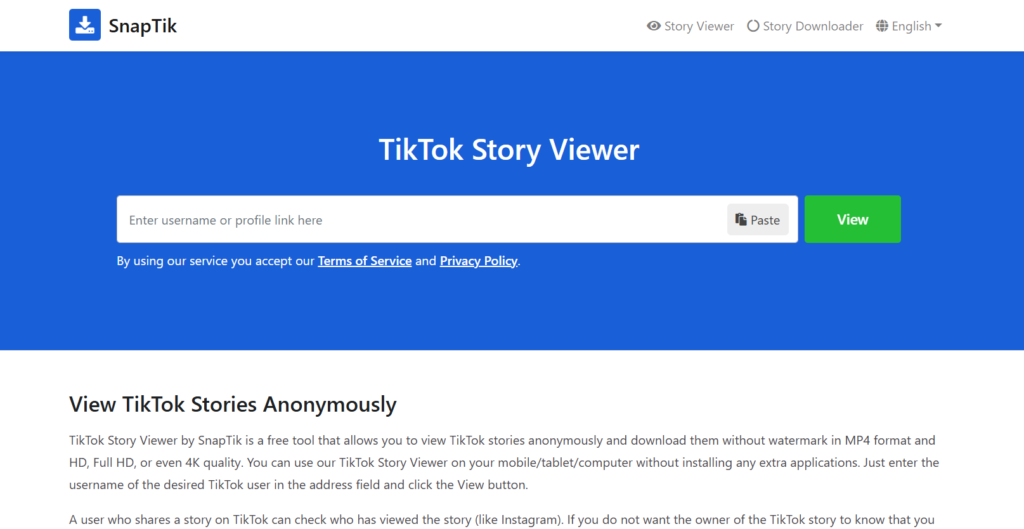
1. SnapTik – Best for Speed & Reliability

SnapTik

SnapTik is a free tool that allows users to view TikTok stories anonymously and download them without watermarks. It’s compatible across multiple devices, including smartphones, tablets, and computers, without the need for additional software installation. Users simply enter the desired TikTok username to access and download stories in high-quality MP4 format.

Features & Benefits:

  • Anonymous Viewing: Allows users to watch TikTok stories without notifying the content creator.
  • High-Quality Downloads: Supports downloads in HD, Full HD, or even 4K quality.
  • Cross-Platform Compatibility: Accessible via web browsers on various devices without the need for app installation.

How to Use It:

  1. Copy the profile link of the desired TikTok user.
  2. Paste the link into SnapTik’s address field and click the “View” button.
  3. Browse and download the available stories anonymously.

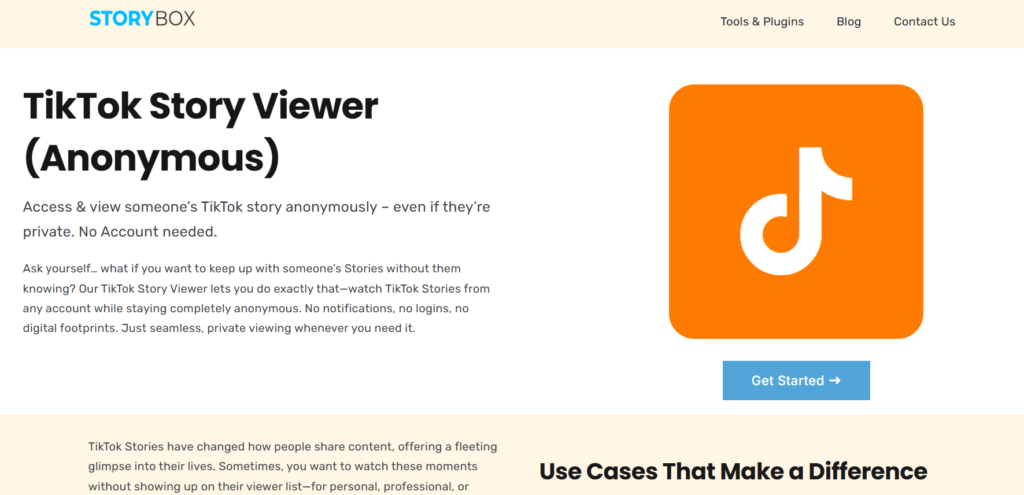
2. Storybox – Anonymous Viewing Made Easy

Storybox

Storybox offers a seamless experience for users aiming to watch TikTok stories from any account while staying completely anonymous. It requires no logins, ensuring no digital footprints are left behind.

Features & Benefits:

  • No Account Needed: Users can access TikTok stories without logging in.
  • Complete Anonymity: Ensures that no notifications or digital traces are left.

How to Use It:

  1. Visit the Storybox website.
  2. Enter the TikTok username of the account whose stories you wish to view.
  3. Access and watch the stories anonymously.

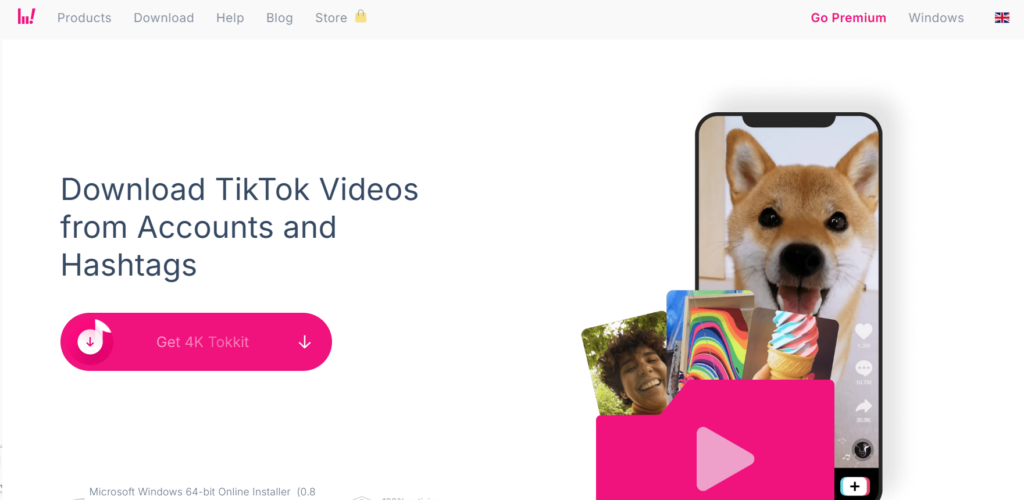
3. 4K Tokkit – Best for Downloading TikTok Stories

4K Tokkit

4K Tokkit is renowned for its ability to download TikTok captions, challenges, entire accounts, hashtags, song-related, and single videos in HD quality. It’s compatible with Windows, Linux, and macOS.

Features & Benefits:

  • Bulk Downloads: Allows downloading of entire accounts or specific hashtags.
  • High-Definition Quality: Ensures downloads are in HD.

How to Use It:

  1. Download and install 4K Tokkit on your device.
  2. Enter the TikTok username or hashtag you wish to download.
  3. Select the desired content and initiate the download.

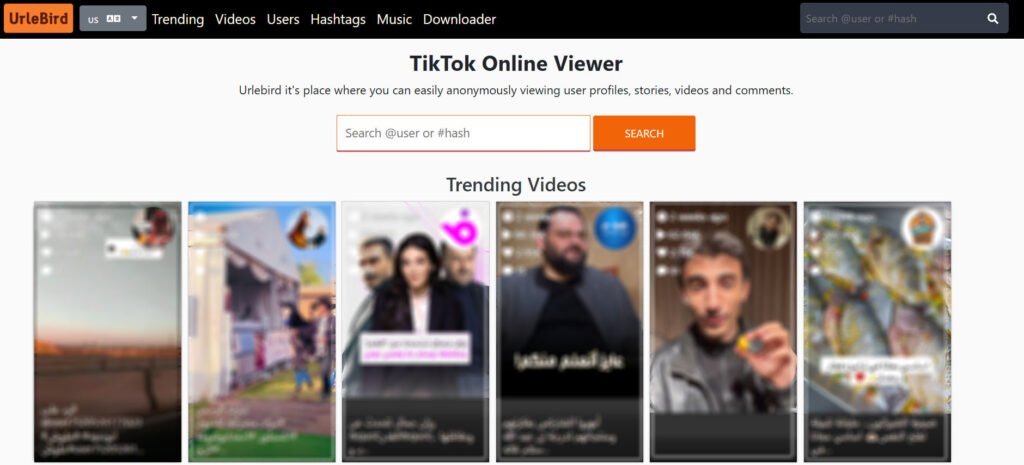
4. Urlebird – A Web-Based Viewer for Any Device

Urlebird

Urlebird is a web-based platform that allows users to browse and download TikTok videos anonymously. It offers features like trending videos and popular hashtags, making it a great tool for anonymizing the latest TikTok trends.

Features & Benefits:

  • Anonymous Browsing: No need for account creation or login.
  • Trending Content: Access to popular videos and hashtags.

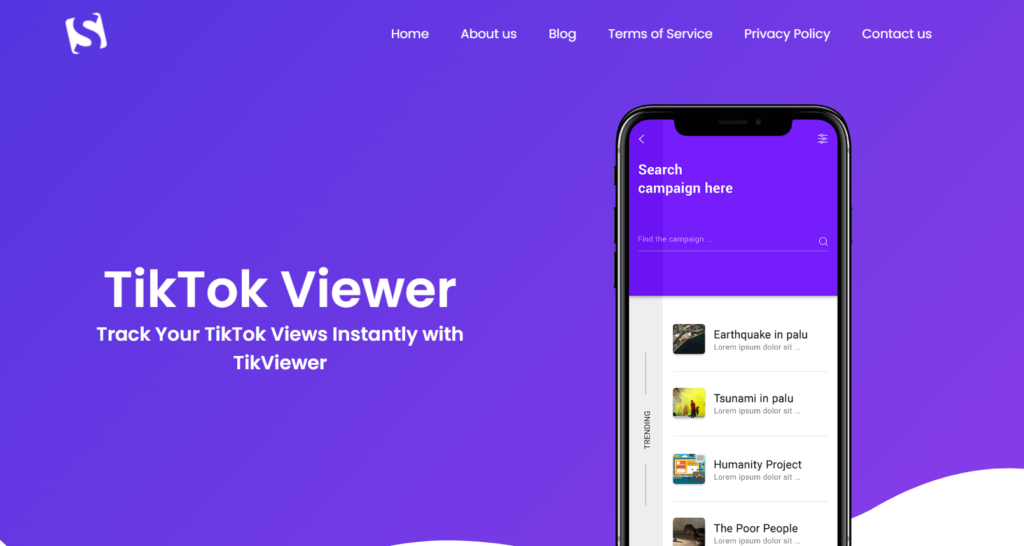
5. TikViewer – Comprehensive Anonymous Viewing & Analytics

TikViewer

TikViewer offers a robust platform for anonymously viewing TikTok profiles, stories, and videos. It provides real-time analytics, allowing users to monitor video performance, track engagement, and optimize content strategies. The tool ensures complete privacy and security, enabling you to explore content without leaving any trace.

Features & Benefits:

  • Anonymous Viewing: Access TikTok profiles and stories without notifying the content creator.
  • Real-Time Analytics: Monitor video performance, including views, likes, and comments, to enhance your content strategy.
  • Private Account Access: Securely view private TikTok accounts while maintaining anonymity.
  • Comment Tracking: Analyze and track comments on TikTok videos to understand audience sentiment and interaction trends.

How to Use It:

  1. Copy the URL of the TikTok profile, video, or story you wish to view.
  2. Paste it into TikViewer’s search bar.
  3. Select your preferred viewing option: anonymous profile viewing, video viewing, or story viewing.
  4. Click “View Now” to browse content anonymously.

6. TikFace – User-Friendly Anonymous TikTok Viewer

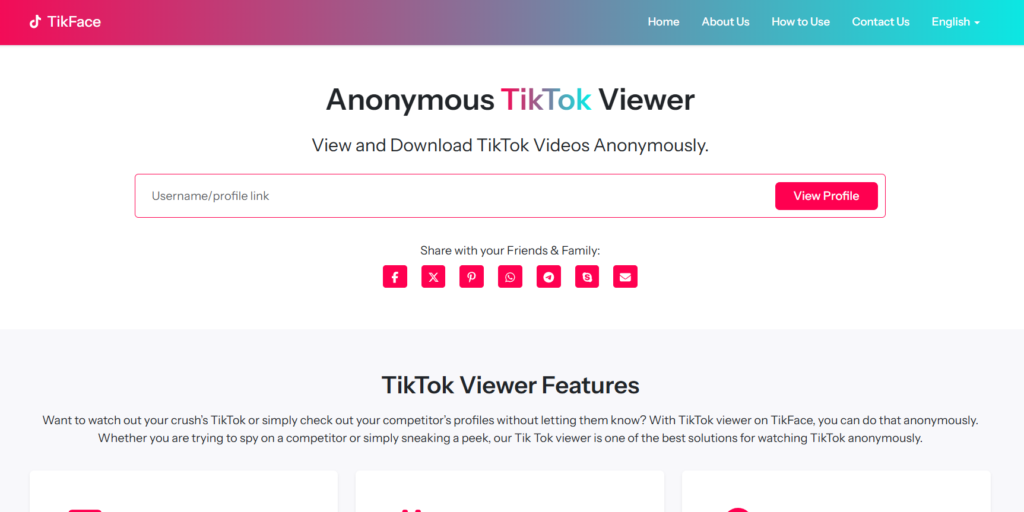
TikFace

TikFace is designed for users who wish to watch TikTok profiles and stories without being detected. It requires no registration, allowing you to explore content anonymously and securely. The platform also enables you to download TikTok videos in high quality for offline viewing.

Features & Benefits:

  • No Registration Required: View TikTok profiles and stories without signing up or logging in.
  • Unlimited Profile Tracking: Browse as many TikTok profiles and stories as you like without limitations.
  • High-Quality Downloads: Save TikTok stories and videos in full resolution for offline viewing.

How to Use It:

  1. Enter the TikTok username of the profile you wish to view into TikFace’s search bar.
  2. Browse the profile and watch stories anonymously.
  3. To download content, select the desired video or story and click the download option.

7. TTSave – Efficient TikTok Story Downloader

TTSave

TTSave is a straightforward tool that allows users to download TikTok stories and videos without watermarks. It ensures anonymity and provides high-quality downloads, making it a reliable choice for offline viewing.

Features & Benefits:

  • Watermark-Free Downloads: Save TikTok videos and stories without any watermarks.
  • High-Quality Content: Download videos in their original resolution.
  • User-Friendly Interface: Simple and intuitive design for easy navigation.

How to Use It:

  1. Copy the link of the TikTok story or video you wish to download.
  2. Paste the link into TTSave’s input field.
  3. Click the download button to save the content to your device anonymously.

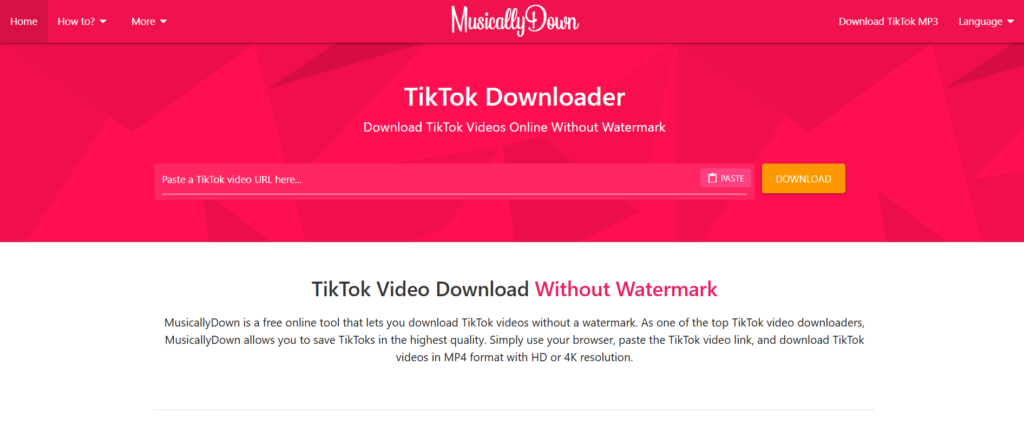
8. MusicallyDown – Versatile TikTok Video Downloader

MusicallyDown

MusicallyDown is a versatile tool that allows users to download TikTok videos and stories without watermarks. It supports both MP4 and MP3 formats, providing flexibility depending on your needs.

Features & Benefits:

  • No Watermarks: Download TikTok content without any branding.
  • Format Options: Choose between video (MP4) and audio (MP3) formats.
  • Unlimited Downloads: No restrictions on the number of downloads.

How to Use It:

  1. Copy the TikTok video or story link you want to download.
  2. Paste it into MusicallyDown’s URL field.
  3. Select your preferred format (MP4 or MP3).
  4. Click the download button to save the file anonymously.

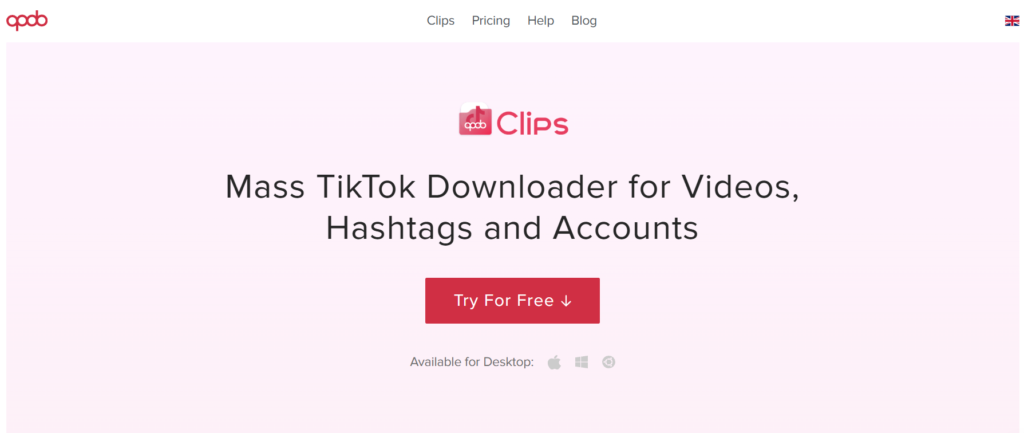
9. Qoob Clips – Advanced TikTok Profile Viewer

Qoob Clips

Qoob Clips is an advanced TikTok viewer and downloader that allows users to browse and save TikTok profiles, stories, and videos anonymously. It offers features like bulk downloading and automatic updates, making it a powerful tool for content consumption and analysis.

Features & Benefits:

  • Bulk Downloading: Save entire TikTok profiles or specific hashtags in one go.
  • Automatic Updates: Keep your downloaded content up-to-date with automatic downloads of new posts.
  • High-Quality Downloads: Ensure all videos and stories are saved in the best possible quality.

How to Use It:

  1. Download and install Qoob Clips on your device.
  2. Enter the TikTok username or hashtag you wish to download.
  3. Select the desired content and initiate the download.

How to Choose the Best TikTok Story Viewer for You

With multiple tools available, selecting the right anonymous TikTok story viewer depends on your specific needs. Here are key factors to consider:

Factors to Consider: Speed, Security, Anonymity, and Ads

  • Speed & Reliability: Look for tools with fast loading times and minimal downtime.
  • Security & Privacy: Ensure the tool does not store your data or require unnecessary permissions.
  • Anonymity: Verify that the tool truly allows you to view TikTok stories anonymously without alerting the user.
  • Ads & Pop-Ups: Free tools often include ads—opt for ad-free experiences when possible.

Free vs. Paid TikTok Story Viewers – Which One Should You Pick?

  • Free Viewers: Ideal for casual users who just want to view TikTok stories without logging in.
  • Paid Viewers: Better suited for professionals needing extra features like bulk downloads, HD quality, or enhanced anonymity.

Conclusion

Each tool in this list provides a unique way to view TikTok stories anonymously, whether for research, entertainment, or privacy concerns.

FAQs

1. Can I Watch TikTok Stories Without an Account?

Yes, many TikTok story viewers allow you to access public stories without having a TikTok account.

2. Are TikTok Story Viewers Safe to Use?

Most reputable viewers are safe, but avoid tools that ask for personal login details or unnecessary permissions.

3. Do These Tools Work for Private Accounts?

No, TikTok story viewers only work for public accounts. Private TikTok stories cannot be accessed without following the user.

4. Can I Download TikTok Stories Using These Tools?

Some tools, like 4K Tokkit and SnapTik, allow you to download TikTok stories in high quality.

5. What’s the Best Free TikTok Story Viewer in 2024?

Based on features and user feedback, SnapTik and Urlebird are among the best free options.

Tags: