Facebook Story Viewer: How to View Stories Anonymously (2026 Guide)
If you’re looking for a Facebook story viewer, you’re probably trying to watch a story without appearing in the viewer list.
Many users want to:
-
Check a story privately
-
Monitor competitors
-
Avoid showing up in the views
-
Download stories for reference
In this article, we’ll explore the most popular Facebook Story Viewer tools that let you watch stories without revealing your identity. Whether you’re looking for a web-based solution, a mobile app, or a browser extension, we’ve got you covered!
Quick Answer: Can You View Facebook Stories Anonymously?
Yes, but only in certain situations.
You can view stories anonymously when:
-
The profile is public
-
The tool supports the story format
-
The story is not restricted by privacy settings
For private accounts, most tools will not work.
What Actually Works in 2026: Public vs. Private Facebook Stories
The biggest difference between a useful Facebook story viewer and an exaggerated one is whether it explains Facebook’s visibility limits. If you view a Story directly while signed in, that view can be associated with your account. Third-party browser viewers may sometimes retrieve Stories that are publicly available, but they cannot reliably unlock Friends-only, restricted, deleted, or expired Stories.
| Story type | What a viewer may be able to do | What to expect |
|---|---|---|
| Public profile or Page Story | Some web viewers can retrieve currently public photo or video Stories without your Facebook login. | Availability can change and depends on Facebook’s public access rules. |
| Friends-only or private Story | No legitimate viewer should promise guaranteed access. | If a tool asks for credentials, extensions, or payment to ‘unlock’ private Stories, treat that as a red flag. |
| Expired or deleted Story | Usually unavailable. | Stories normally disappear from public availability after their active period unless the owner keeps them accessible elsewhere. |
| Highlights or other saved Story content | Only when the content is still publicly exposed by the profile or Page. | Public visibility, not the viewer itself, determines what can be returned. |
How we judge Facebook story viewer tools
We prioritize tools that work in a normal browser, do not request a Facebook password or two-factor code, clearly state that they are limited to public content, explain what happens to submitted profile URLs, and do not force an extension or software download. A clean privacy explanation is more important than a dramatic promise of ‘100% access’.
Safety rule: never enter your Facebook password, recovery code, or two-factor authentication code into a third-party story viewer. A public-content viewer should not need those credentials.
What Is a Facebook Story Viewer?
A Facebook Story Viewer is a tool that lets you watch someone’s Facebook Story without them knowing. Normally, when you view a story on Facebook, the person who posted it can see your name and profile picture in their list of viewers. This means they know exactly who has seen their story.
However, with a Facebook Story Viewer, you can stay completely anonymous. These tools are designed to fetch and display Facebook Stories in a way that doesn’t send a notification to the story’s creator. Essentially, they provide a separate platform where you can watch stories without revealing your identity.
This ability to remain unseen is popular among people who want to check out updates without engaging or leaving a visible trace. Whether you’re curious about a friend’s posts or looking to monitor trends discreetly, Facebook Story Viewers offer privacy and peace of mind.
Facebook stories anonymously have become a popular way to share fleeting moments with friends and followers.
How to Use Facebook Story Viewer Tools Safely and Effectively?
If you’ve ever wanted to check out someone’s Facebook story anonymously, you’re not alone. Many people look for discreet ways to view stories without revealing their identity—whether out of curiosity, privacy needs, or for professional research. Fortunately, there are legitimate tools that can help you do this easily, but it’s important to use them responsibly and keep your data safe.
Understanding the Types of Story Viewers
There are several types of Facebook story viewer solutions available:
-
Web-based Viewers: These let you paste a profile or story link into a website and instantly view the story content. They’re perfect for one-off views or users who don’t want to install extra software.
-
Browser Extensions: Add-ons like Anonymous Stories for Facebook allow anonymous viewing right from your browser, ideal for frequent users or content researchers.
-
Mobile Apps: Apps such as BraveDown and Family Orbit integrate story viewing with device features—great for parents or frequent mobile users.
Each tool has its unique pros and cons. For example, most web tools work best for public profiles, while parental control apps offer wider monitoring but may require access or installation.
Key Features to Look For
Before choosing a Facebook story viewer, look for features that prioritize both safety and usability:
-
No Need for Login: Avoid tools that ask for your Facebook credentials, as this can risk your account security.
-
Quality of Output: The ability to download stories in high resolution is valuable for creators and marketers.
-
Cross-Platform Access: Tools that work on both desktop and mobile devices are much more flexible.
-
Privacy Protections: Choose platforms that clearly state they don’t log or share your browsing data.
Responsible and Ethical Story Viewing
While these Facebook viewer tools are powerful, ethical considerations matter. Never attempt to access private stories without consent, and respect other users’ privacy settings. If you’re using monitoring features for kids, always be open with them about why and how you monitor their activity.
Tips to safely view facebook story anonymously
-
Use a VPN for extra privacy, especially on public Wi-Fi.
-
Regularly clear your browser cache if using web-based tools.
-
Choose reputable, ad-free options when possible to avoid malware or data leaks.
-
Stay updated; some tools may stop working if Facebook changes its system.
Combining Story Viewing with Content Strategy
Marketers and small business owners can use these tools as part of a broader social content strategy:
-
Competitor Research: Anonymously monitor competitors’ story content for new ideas or campaigns.
-
Trend Discovery: View trending content formats and creative story templates across the platform.
-
Engagement Tracking: Monitor published story reach without inflating view counts.
Best Facebook Story Viewer Tools (2026 Tested)
1. FBTake
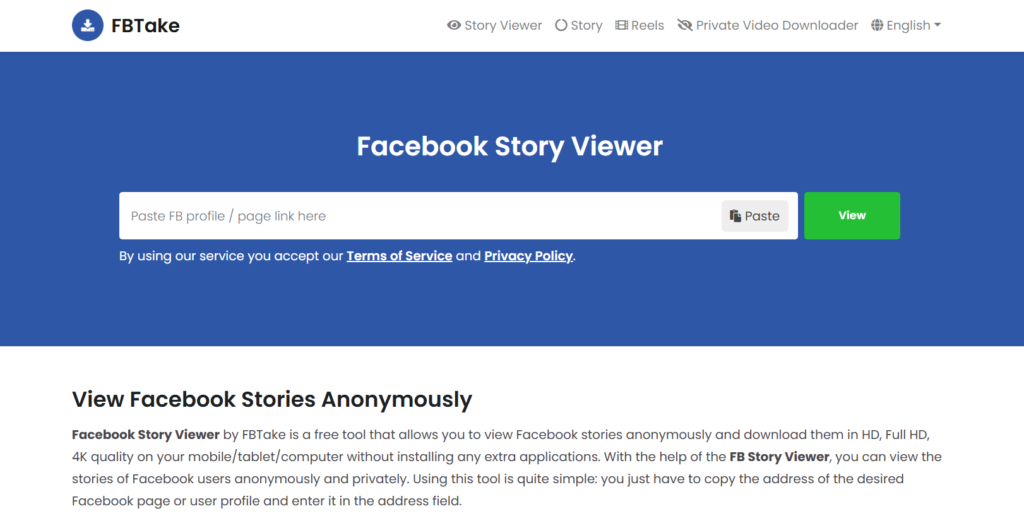
FBTake is a free online tool that lets you view and download Facebook Stories anonymously, making it ideal for use with an antidetect browser to maintain privacy and avoid detection while browsing stories.
🔹 Key Features:
- View Facebook Stories without an account
- Download stories in HD, FHD, and 4K quality
- No registration required
🔹 How It Works:
- Copy the link to the Facebook profile or page.
- Paste it into FBTake’s search bar.
- Click “View” to watch the stories.
🔹 Pros & Cons:
✅ Easy to use
✅ No need for software
❌ Doesn’t work for private profiles
2. BraveDown

BraveDown is a simple yet powerful Facebook Stories viewer that allows anonymous story viewing and downloading.
🔹 Key Features:
- Works on both desktop and mobile
- Supports multiple download quality options
- Free to use
🔹 Pros & Cons:
✅ User-friendly interface
✅ Works across platforms
❌ Contains ads
3. 4kSave – Best for High-Quality Downloads

If you need high-resolution downloads, 4kSave is the tool for you. It supports up to 4K quality and works seamlessly.
🔹 Key Features:
- View and download Facebook stories in 4K resolution
- No software installation required
- Ad-free experience
🔹 Pros & Cons:
✅ High-quality downloads
✅ No pop-up ads
❌ Only works for public stories
4. Family Orbit
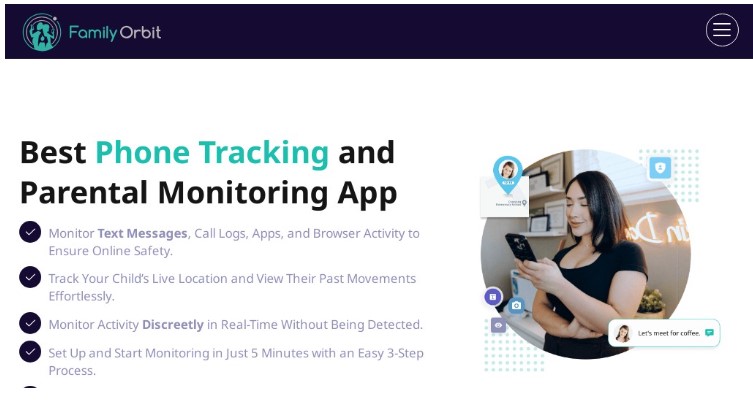
Family Orbit isn’t just for viewing Facebook stories — it’s a full-fledged parental control app trusted by thousands of families. Alongside social media tracking, it gives you insights into your child’s phone activity, location, and media usage.
🔹 Key Features:
- Monitor Facebook stories and messages
- Track shared photos, videos, and posts
- View browsing history and installed apps
- Real-time GPS tracking with geofencing
🔹 Pros & Cons:
✅ All-in-one monitoring for Facebook and beyond
✅ Works on both iOS and Android
❌ Some features require iCloud or device access
❌ Not ideal for stealth use on adult targets
5. Msafely
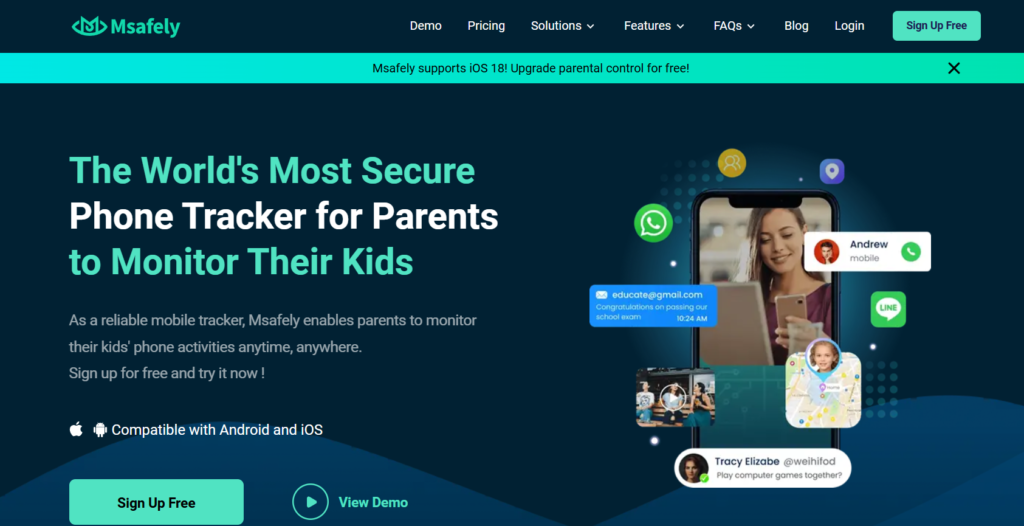
If you’re looking for a monitoring solution that includes Facebook Story viewing, Msafely offers advanced tracking features.
🔹 Key Features:
- View Facebook stories anonymously
- Access messages, posts, and media
- Real-time location tracking
🔹 Pros & Cons:
✅ Full monitoring suite
✅ User-friendly dashboard
❌ Requires device access
❌ Ethical concerns
6. Anonymous Stories for Facebook – Best Chrome Extension
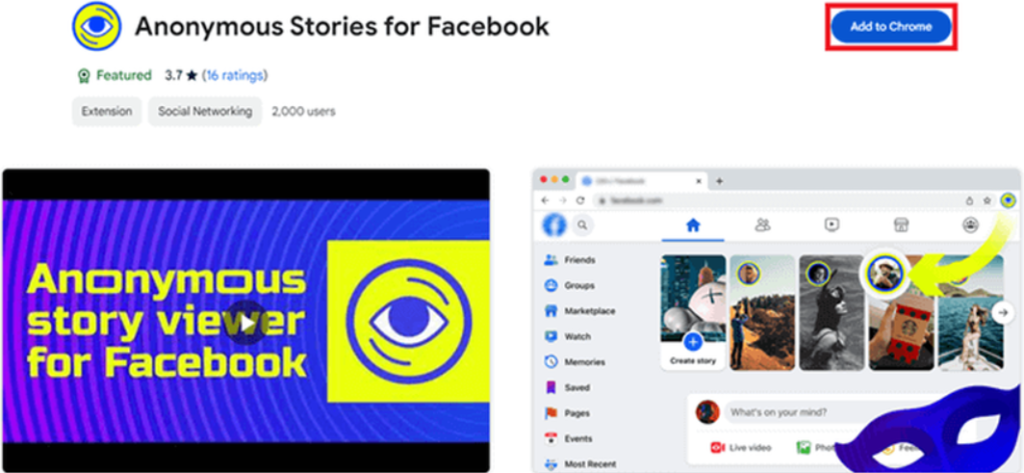
A simple Chrome extension that enables anonymous Facebook story viewing directly from your browser.
🔹 Key Features:
- Works instantly after installation
- No need for third-party apps
- Free to use
🔹 Pros & Cons:
✅ Fast and easy to install
✅ No additional software required
❌ Works only on Chrome
❌ May stop working with Facebook updates
7. Airplane Mode Trick
If you don’t want to use a third-party tool, the Airplane Mode Trick is a quick way to view Facebook Stories without getting detected.
🔹 How It Works:
- Open Facebook and let the stories preload.
- Turn on Airplane Mode (disconnecting Wi-Fi & mobile data).
- View the stories while offline.
- Close the app before turning the internet back on.
🔹 Pros & Cons:
✅ 100% safe and free
✅ No third-party tools needed
❌ Doesn’t work if the story isn’t preloaded
8. StorySaver.net
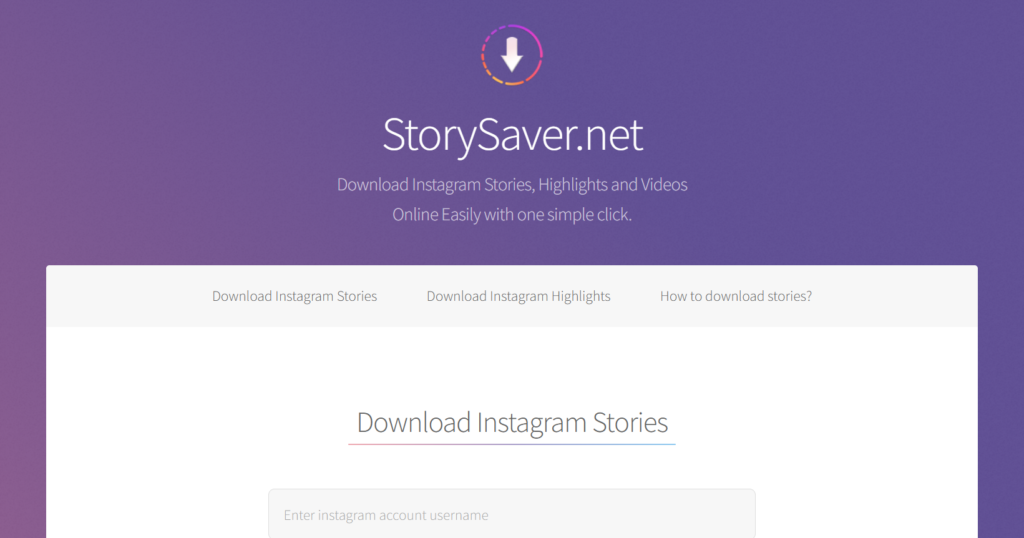
If you want to view and download Facebook Stories, StorySaver.net is a top choice.
🔹 Key Features:
- Download stories in HD quality
- No software installation required
- Works with both Facebook & Instagram
🔹 Pros & Cons:
✅ Easy to use
✅ Supports multiple platforms
❌ Requires story URL
How to Choose the Best Facebook Story Viewer for Your Needs
When selecting the right Facebook story viewer, consider:
✔️ Privacy & Security – Does it keep your data safe?
✔️ Features – Does it offer downloads, high quality, or cross-platform support?
✔️ Ease of Use – Is the interface beginner-friendly?
✔️ Free vs. Paid – Some tools offer premium features for better performance.
Find More: Increase your ROI in 2026
FAQs
1. Can I use a Facebook Story Viewer without an account?
Yes! Most tools listed above allow you to view Facebook stories anonymously without logging in.
2. Do Facebook Story Viewer tools really work?
Yes, but they work best for public stories. Private stories may not be accessible.
3. Will the person know if I viewed their story?
No. These tools let you watch Facebook Stories without appearing in the viewer list.
4. Are these tools safe to use?
Most tools are safe, but always check for security features before using them.
5. What’s the best free Facebook Story Viewer?
For free options, FBTake and BraveDown are top choices.
Can I view Facebook Highlights anonymously?
Only if the Highlight or saved Story content is publicly accessible to the method or viewer you are using. A viewer cannot override the owner’s audience settings.
Can a Facebook story viewer show private-account Stories?
Not reliably. Tools that claim guaranteed access to private or Friends-only Stories are making a promise that conflicts with Facebook’s visibility controls. For privacy and account security, avoid any service that asks for your Facebook login to unlock private content.
Why does a Facebook story viewer sometimes return no results?
The profile may have no active public Story, the Story may have expired, the audience may be restricted, the username or URL may be incorrect, or Facebook may have changed what third-party services can retrieve.
Conclusion
A Facebook story viewer can help you watch stories privately, but results depend on privacy settings and tool reliability.
If you also want to inspect profile photos, see our guide to the Facebook profile picture viewer for practical full-size viewing methods.
If you want the safest and easiest option:
-
Use a web-based viewer
-
Avoid login-required tools
-
Stick to public stories