...
UK: +44 2038074555 info@atamgo.com
6 Powerful Adobe Stock Downloader Tools Most Designers Don’t Know

6 Powerful Adobe Stock Downloader Tools Most Designers Don’t Know

adobe stock downloader

Adobe Stock downloader is one of those search terms designers usually type quietly, late at night, when a deadline is breathing down their neck and the perfect image or video is right there… but not quite accessible yet. If you’re a designer, marketer, content creator, or even a small business owner, you already know the feeling. You find an asset on Adobe Stock that fits your project perfectly, but before committing, you want to test it, preview it properly, or understand your options.

This article is not about shady hacks or risky shortcuts. It’s about real, practical, and widely used tools designers rely on to preview, manage, and legally work with Adobe Stock assets more efficiently. We’ll talk honestly about what an adobe stock downloader can and cannot do, where the limits are, and how to avoid mistakes that could cost you time, money, or even your account.

Find More: 5 Proven Terabox Downloader Tools That Still Work in 2025

Understanding Adobe Stock Licensing Before Using Any Downloader

Before we talk tools, we need to be real for a moment. Adobe Stock has one of the clearest licensing systems in the stock industry, but many people skip reading it — and that’s where confusion starts.

How Adobe Stock Licensing Actually Works

Adobe Stock offers Standard and Extended licenses. A Standard license covers most digital and print uses, while an Extended license is needed for merchandise or large-scale distribution. When you download an asset through Adobe Stock officially, it’s tied to your Adobe account and license history.

Preview files, on the other hand, are watermarked and meant only for testing layouts, mockups, and drafts. Any adobe stock image downloader that promises “full quality, no license, unlimited use” should immediately raise a red flag.

Is Using an Adobe Stock Downloader Legal or Risky?

Here’s the honest truth: most designers use downloader tools for previews and workflow efficiency, not for bypassing licenses. Tools that help you save previews, organize assets, or test visuals locally are generally safe. Tools that claim to unlock paid assets for free are risky — ethically and legally.

If you’re using an adobe stock images downloader responsibly (for previews, drafts, or deciding before purchase), you’re on solid ground. If you’re trying to avoid licensing altogether, you’re playing with fire.

Why Designers Look for Adobe Stock Downloader Tools

Designers don’t look for these tools because they’re cheap. They look for them because time matters.

Previewing Assets Before Committing to a Subscription

Not every project has the budget for trial-and-error downloads. Being able to test an image in a real layout before licensing it saves money and frustration.

Speed, Convenience, and Workflow Efficiency

Opening a browser tab, logging into Adobe, downloading previews one by one — it adds up. A good adobe stock image downloader or adobe stock video downloader can streamline this process without crossing any lines.

6 Powerful Adobe Stock Downloader Tools Most Designers Don’t Know

Let’s get into the tools you asked for specifically. These are the exact Adobe Stock downloader tools people usually find through search when they want quick previews, testing, or alternative ways to fetch Adobe Stock assets. I’ll explain what each one does in plain language, how designers actually use it, and what to be careful about.

1. AdobeStock Downloader by BeatSnoop

beatsnoop

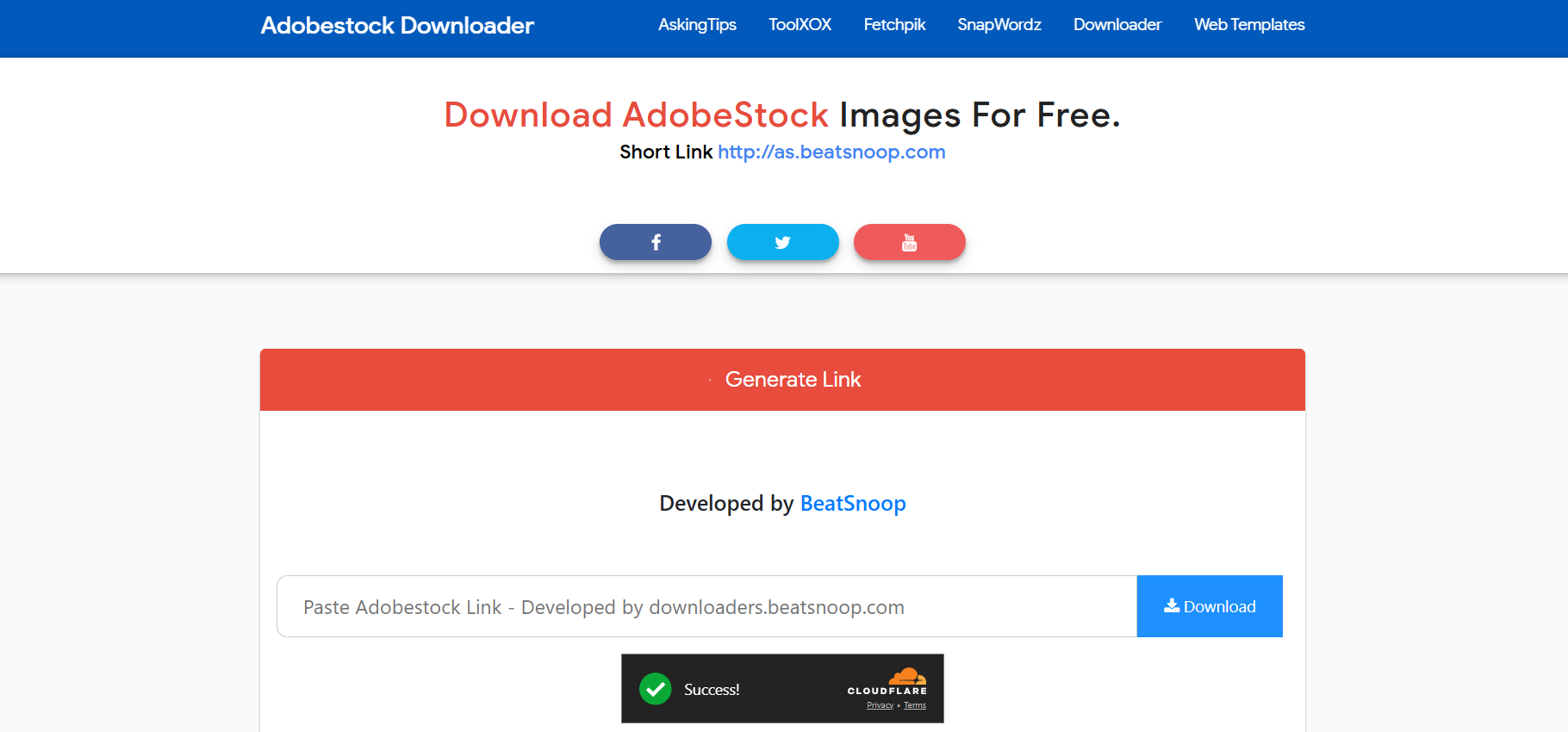
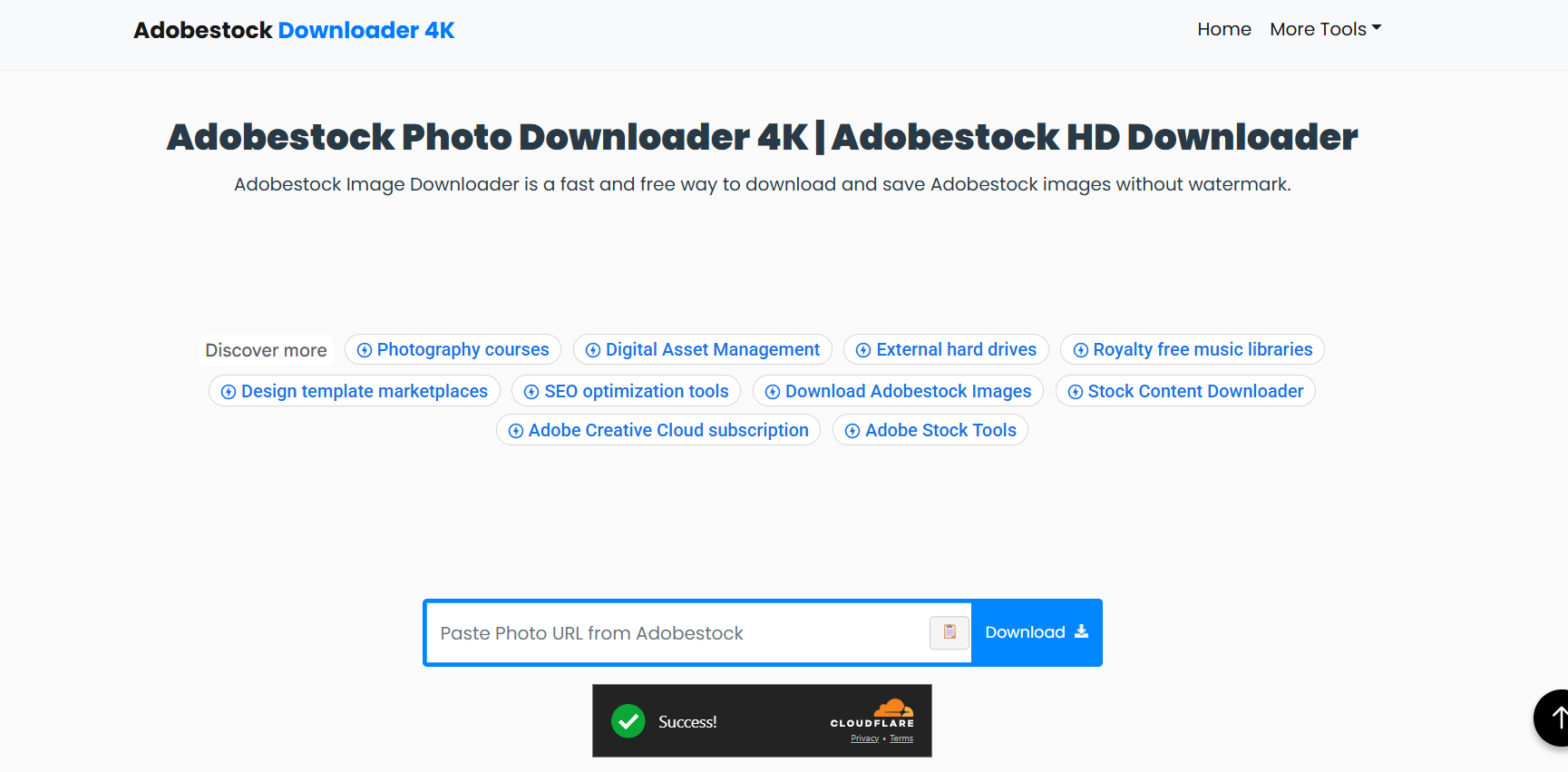
BeatSnoop – This is one of the most searched browser-based Adobe Stock downloader tools. The workflow is simple: you paste the Adobe Stock asset link, and the tool attempts to fetch the available file.

Designers typically use this as an Adobe Stock image downloader when they want to quickly test an image within a layout or mockup before deciding whether it’s worth licensing. It’s fast, doesn’t require account creation, and works directly in the browser.

2. Nohat Adobe Stock Downloader

Nohat’s Adobe Stock downloader is very minimal, which is exactly why some designers like it. There are no distractions, no unnecessary steps, and no software installation.

It’s commonly used as an adobe stock images downloader for quick concept drafts, especially when designers want to compare multiple visuals side by side before committing.

3. Downloader.la Adobe Stock Downloader

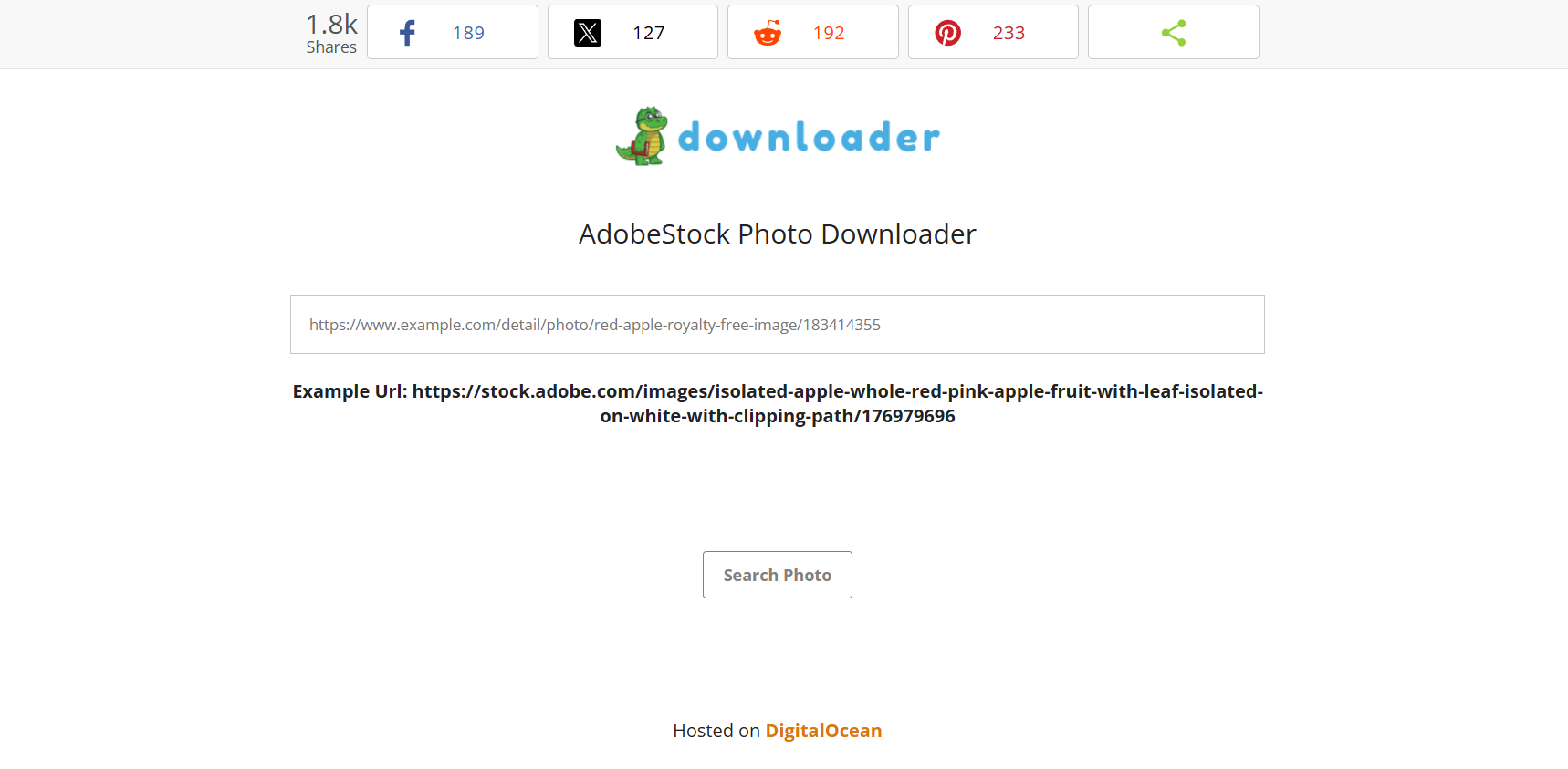
Downloader.la is known for supporting many platforms, and its Adobe Stock downloader page follows the same approach. You paste the Adobe Stock URL, and the tool handles the rest.

Some designers also use this as a basic adobe stock video downloader to preview motion clips before importing licensed versions into editing software.

4. Fetchpik Adobe Stock Downloader

Fetchpik focuses heavily on images and is often used when someone specifically needs an adobe stock image downloader experience. The interface is clean, and the tool is designed to work quickly without technical steps.

Designers mainly use it for visual testing, mood boards, and early-stage drafts.

5. Toolxox Adobe Stock Downloader

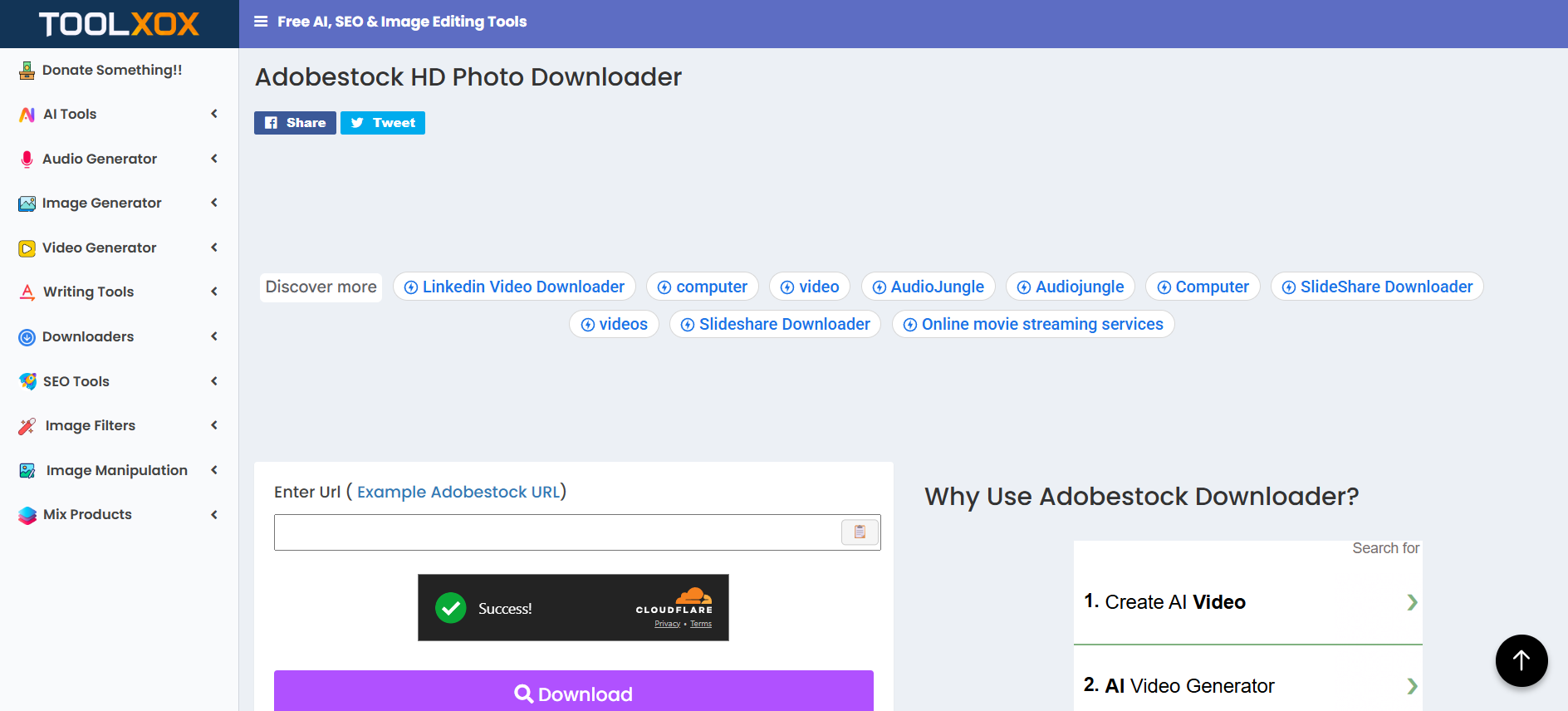
Toolxox offers a very straightforward Adobe Stock downloader page with minimal explanations. You paste the link, wait a moment, and the tool attempts to fetch the asset.

It’s often used when someone wants a fast adobe stock images downloader without creating accounts or installing anything.

6. GitHub Gist Script by Devin Schumacher

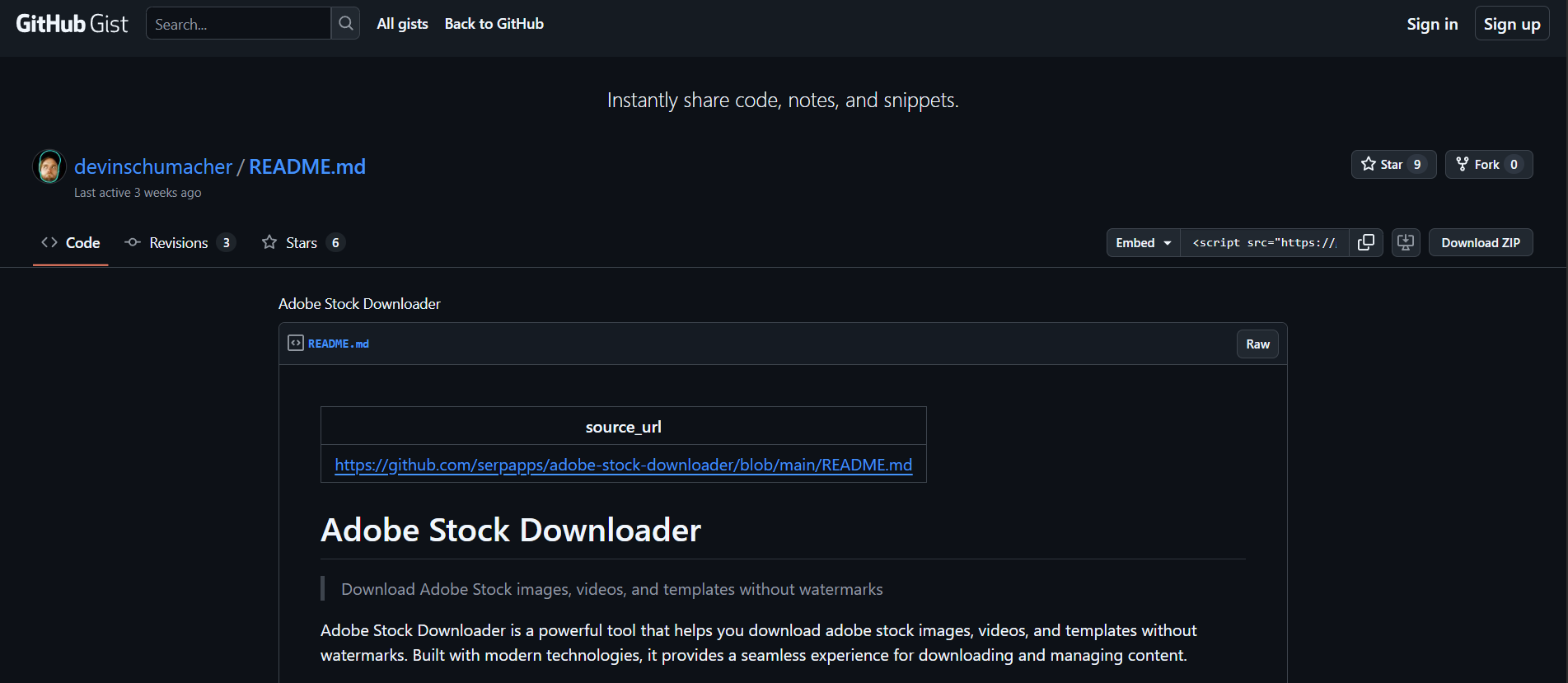
This option is very different from the others. Instead of a website, this is a public GitHub Gist that shows a script-based approach related to Adobe Stock downloading.

Advanced users, developers, and technical designers sometimes explore this option to understand how Adobe Stock assets are fetched at a technical level. This is not beginner-friendly and should only be approached if you’re comfortable reading and understanding code.

How to Choose the Right Adobe Stock Downloader for Your Needs

Not all designers work the same way, so there’s no single “best” tool.

Key Features to Look For

Look for tools that support previews, maintain image quality, and don’t ask for suspicious permissions. If a tool wants your Adobe login credentials, walk away.

Red Flags to Avoid When Using Adobe Stock Downloader Tools

Avoid anything that promises full-resolution files without licensing, disables watermarks, or hides its source. These tools often disappear — along with your files.

Best Practices for Using an Adobe Stock Downloader Safely

Being smart beats being fast.

Protecting Your Adobe Account

Never connect your Adobe account to unofficial tools. Use downloaders only for preview handling and organization.

Respecting Copyright and Usage Rights

Always license assets before final delivery to a client. This protects you professionally and legally.

Common Mistakes Designers Make When Using Adobe Stock Downloaders

Many designers assume preview files are “good enough.” They aren’t. Others forget to license assets before publishing. These mistakes can be expensive.

Conclusion

Adobe Stock downloader tools aren’t about cheating the system — they’re about working smarter. When used responsibly, they help you move faster, test ideas, and make better creative decisions. Stick to legit tools, respect licensing, and you’ll never have to worry about your work — or your reputation.

Find More: Boost Your Sales With SEO Services

FAQs

1. Can I use an Adobe Stock downloader without a subscription?

Yes, you can download previews without a subscription, but licensed use requires payment.

2. Is there an adobe stock image downloader without watermark?

Legitimately, no. Watermarks are removed only after licensing.

3. Are adobe stock downloader tools safe to use?

Preview-focused tools are generally safe. Tools promising free licensed assets are not.

4. Can I use preview downloads in client projects?

No. Previews are for testing only. Final use requires licensing.

5. What’s the best adobe stock video downloader for previews?

Adobe Stock’s official video preview system is still the most reliable.

Tags:
Why Website Performance Impacts Revenue

Why Website Performance Impacts Revenue

Website Performance

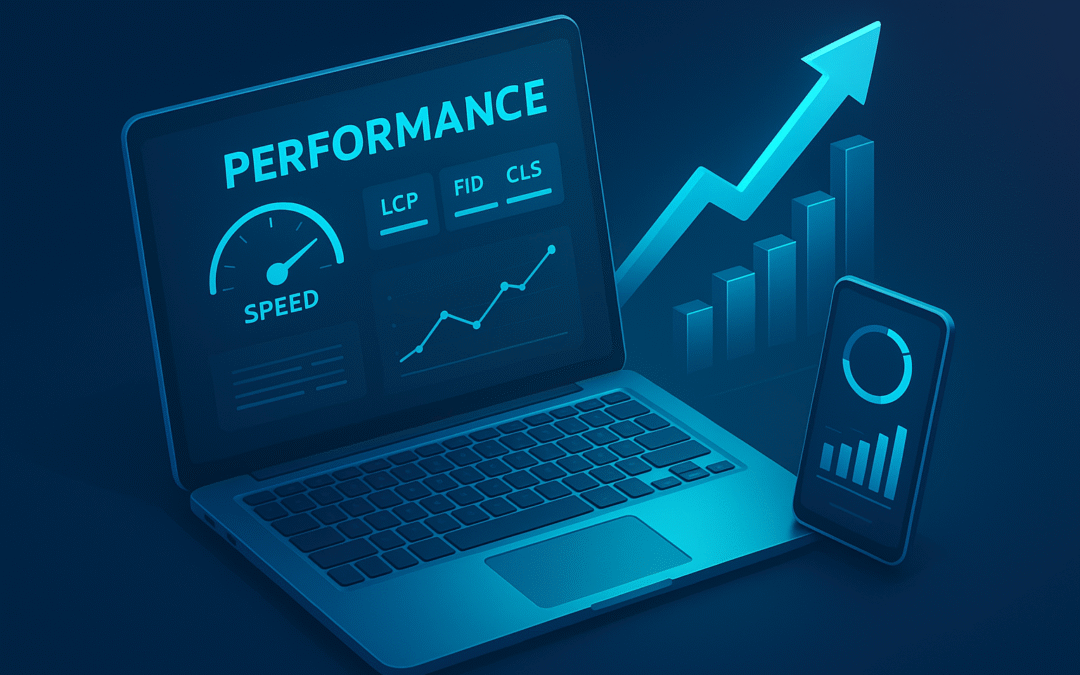
Website performance directly shapes how users perceive your brand, how search engines rank your pages, and how effectively you convert traffic into revenue. As digital expectations evolve, even small performance delays have measurable financial consequences. This article explains why speed impacts revenue and the technical mechanisms behind it, so you can make informed, data-backed decisions.

Customer Expectation Shift (and Why Speed Determines Revenue)

Online users today operate with a performance baseline shaped by fast SaaS platforms, cloud-native applications, and highly optimized mobile experiences. Because of this, even slight delays feel unusual — not because visitors consciously measure milliseconds, but because modern digital environments train them to expect seamless, interruption-free interaction.

To understand how performance affects revenue, it’s important to look at the interaction between user psychology, browser rendering behavior, and device constraints. These factors collectively determine how quickly a user can move from intention to action.

1. Behavioral Expectations and Cognitive Load

Users don’t evaluate speed analytically; they react emotionally to friction. When a page stalls or its interface appears partially loaded, their cognitive focus shifts from intent (“I want to see this product”) to doubt (“Is this loading correctly?”).

This transition creates hesitation. Research shows that nearly half of all users expect a two-second load time, and most mobile visitors abandon a page after three seconds. These thresholds are tied to how the brain interprets delays: similar to how an unresponsive elevator button instantly makes you question the system, even small digital delays create uncertainty about stability and trustworthiness.

As this uncertainty accumulates, users explore less, engage less, and convert less without ever consciously realizing that performance influenced their decision.

2. The Technical Relationship Between Speed and Conversions

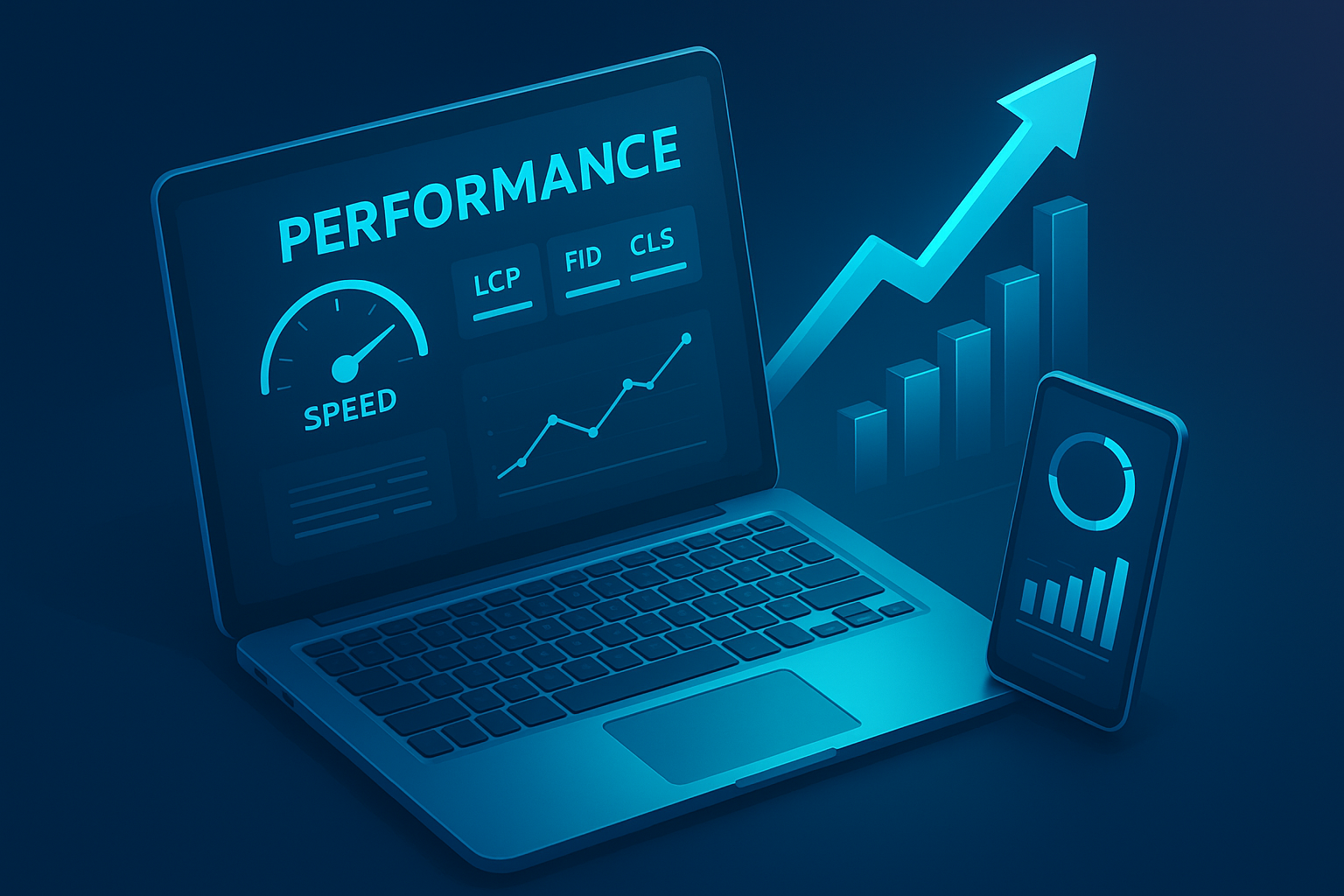
From a technical perspective, website performance affects revenue through a chain of rendering steps occurring the moment the browser begins processing the page. Even a small delay can disrupt the construction of the DOM, postpone the Largest Contentful Paint, or block JavaScript from making CTAs responsive.

A helpful analogy is to think of the page as a high-precision machine. If any gear a render-blocking script, a large stylesheet, a third-party tracking pixel turns even slightly slower, the entire mechanism experiences a lag that users can feel in the interface.

This is especially critical on mobile devices where CPUs are weaker and network conditions fluctuate. The browser may defer heavy scripts, throttle background work, or delay hydration of components, causing visible stutter or late-loading sections. Addressing these issues usually requires architectural improvements the kind handled through specialized web development services where engineers optimize critical rendering paths, reduce main-thread blocking, and restructure resource delivery to improve Core Web Vitals.

3. Mobile-First Behavior and Device Constraints

Today, over 60% of global traffic originates from mobile devices, yet mobile hardware has significant constraints: lower CPU power, variable network stability, and energy-saving throttles. A site that feels “fast” on a desktop can feel sluggish on mid-range smartphones because mobile browsers often:

  • Defer heavy JavaScript execution
  • Throttle background tasks
  • Halt rendering when large layout shifts occur

This is where true optimization happens — not just compressing images, but restructuring the page to reduce main-thread work, prioritizing critical rendering paths, and minimizing hydration time for frameworks like React or Vue.

Without these improvements, mobile users experience jitter, delayed taps, and slow-loading product sections, all of which reduce conversion rates. Many businesses solve these issues by working with professional web development services, because performance tuning requires architectural changes, not surface-level adjustments.

4. Trust, Perception, and Revenue Risk

Performance also influences trust. Slow-loading sites create an impression of outdated technology, poor maintenance, or potential security vulnerabilities. Users may hesitate to complete payments, share card details, or proceed through multi-step forms. This is why performance isn’t just a UX issue — it’s a brand-perception issue that directly affects the likelihood of someone returning or referring your business.

The financial impact becomes clearer when you connect performance to measurable outcomes: wasted ad spend due to high bounce rates, increased customer acquisition cost, reduced organic visibility when Core Web Vitals drop, and higher churn from returning users who experience inconsistency.

How Speed Influences Conversion Rates

Conversion rates reflect how efficiently users transition from intent to action, and performance is one of the strongest variables affecting that transition. Even when traffic quality is high, a slow-loading or poorly optimized interface creates friction that interrupts the user journey at critical moments.

At a technical level, most conversion losses begin in the rendering sequence. When the browser’s main thread is overloaded with JavaScript execution, layout calculations, or resource parsing, users experience a page that visually appears loaded but is not yet interactive. This delay — captured in metrics like First Input Delay (FID) and Interaction to Next Paint (INP) — causes the interface to feel unresponsive even if the content is visible.

This incomplete interactivity affects every stage of the funnel:

1. Initial Engagement (First Impression Layer)

The moment a page appears, users subconsciously measure stability and speed. If the hero image, headline, or primary navigation loads late or shifts position, the user’s trust weakens. Layout instability (measured through CLS) signals a lack of polish, leading to reduced scrolling depth and shallower interactions.

2. Product Evaluation (Decision-Making Layer)

Interactive product elements such as image galleries, tabs, filters, and configurators rely heavily on JavaScript and CSS. If these components take too long to hydrate or respond, users interpret the delay as friction. Even minor lags create a sense of heaviness that discourages exploration, reducing the likelihood that users will evaluate more products or features.

3. Checkout and Payment (Critical Action Layer)

This is where performance failures have the highest financial impact. Checkout flows often struggle with:

  • third-party payment SDKs
  • API roundtrip latency
  • blocking scripts
  • excessive re-renders caused by dynamic DOM updates

If a button does not respond immediately or the UI freezes briefly, users become uncertain about transactional safety. In eCommerce and SaaS billing forms, even a fraction-of-a-second lag can trigger abandonment because payment hesitation is amplified by perceived technical instability.

In short, performance affects conversions not only by slowing the experience but by breaking the chain of micro-assurances that guide users toward action.

Performance and SEO: A Revenue-Direct Relationship

Performance is now tightly integrated into search engine rankings, making it a direct contributor to revenue. Google uses real-world performance data through the Chrome User Experience Report (CrUX) to determine how quickly users can load, view, and interact with key content. These measurements influence how pages are ranked, surfaced, and crawled.

1. Core Web Vitals as Ranking Signals

Google evaluates three primary performance metrics:

  • Largest Contentful Paint (LCP): how fast meaningful content loads
  • First Input Delay (FID) / INP: how soon the page becomes usable
  • Cumulative Layout Shift (CLS): how stable the layout remains during load

Poor scores on any of these reduce a site’s perceived quality within the ranking system. As a result, pages with suboptimal performance decline in visibility, especially on mobile devices where performance variations are more pronounced. Lower visibility translates directly into reduced organic sessions and increased dependency on paid channels.

2. Crawling Efficiency and JavaScript Rendering

Modern websites frequently rely on client-side rendering frameworks like React, Vue, and Angular. While flexible, these frameworks introduce complexity for search engines.
When performance is poor:

  • Googlebot consumes more resources rendering JS
  • crawl budgets shrink for large sites
  • deeper product or category pages may be indexed late
  • JavaScript-rendered content may not appear consistently in search

This has direct revenue implications, especially for eCommerce stores and SaaS platforms where rapid visibility of new pages influences sales cycles.

3. SEO Compounded by User Signals

Search engines increasingly incorporate user behavior into ranking decisions. High bounce rates, short session durations, and low interaction rates — all consequences of poor performance — reinforce a cycle where:

Slow experience → Poor engagement → Lower rankings → Reduced traffic → Lower revenue

Thus, performance is not merely a UX concern or a developer metric. It is a central component of SEO strategy and a measurable contributor to financial outcomes.

How Much Does 1 Second Cost? (Revenue Impact Explained)

Speed is not an abstract UX metric — it is a quantifiable financial variable. Multiple independent studies consistently show that even a single second of delay creates measurable revenue loss. While the exact percentage varies by industry, the underlying reason is always the same: time creates friction, and friction compresses the number of users who reach the monetization point.

1. Understanding Revenue Decay From Latency

When a page slows down, the impact is nonlinear. The first one–two seconds do most of the damage because they interrupt the user’s flow at the moment of highest intent. After that, the decay steepens as hesitation compounds.

To put this into perspective:

  • A 1-second delay can reduce conversions by up to 7% in competitive sectors.
  • A 2-second delay increases bounce probability by over 30%, especially on mobile.
  • A 3-second delay pushes more than half of visitors to abandon.
  • If an eCommerce site making $100k/day slows down by just one second, the annualized loss can exceed $2 million.

These aren’t arbitrary numbers. They align with how latency affects the rendering pipeline, network negotiation, JavaScript execution time, and user trust thresholds.

2. Latency vs. Perceived Speed (Why Perception Matters More)

Users don’t care whether the delay is caused by server response time, render-blocking CSS, or hydration lag — they interpret all delays the same: “The site is slow.”

This is why optimizing perceived performance often produces larger revenue gains than raw backend improvements. Techniques like:

  • lazy-loading non-critical assets
  • deferring heavy scripts
  • reducing main-thread blocking
  • optimizing the critical rendering path

… dramatically improve how fast the site feels, even if the absolute load time hasn’t changed significantly.
Perception drives confidence, and confidence drives conversions.

3. Why Micro-Delays Matter

Even 150–300ms delays — small enough that users cannot consciously detect them — still disrupt scrolling smoothness, hover responsiveness, and input fluidity. These micro-interruptions subtly lower the user’s desire to continue exploring.

Performance economics is ultimately behavioral economics:
Every delay—visible or invisible—chips away at the user’s momentum and reduces the probability that they will complete a revenue-generating action.

Performance Bottlenecks and How to Identify Them

To address performance issues effectively, businesses need visibility into where the system is slowing down. Modern websites are complex ecosystems that combine client-side frameworks, APIs, third-party scripts, media assets, and server logic — so bottlenecks can emerge from dozens of places.

A structured approach makes diagnosis more accurate and prevents teams from chasing misleading symptoms.

1. Front-End Bottlenecks

Most performance issues originate in the front end because this is where browser rendering happens.

Common bottlenecks include:

  • Render-blocking resources: Large CSS files, synchronous JS, or fonts that prevent initial paint.
  • JavaScript main-thread blocking: Heavy bundles, unused code, or frameworks that delay interactivity (INP/FID issues).
  • Large DOM trees: Excessive nodes increase layout calculation time.
  • Unoptimized media: Oversized images, video autoplay, and uncompressed animations.
  • Excessive re-renders: Particularly in SPA frameworks like React and Vue.

Each of these slows LCP, delays hydration, or creates input latency — directly affecting revenue-critical interactions.

2. Backend Bottlenecks

Backend bottlenecks may not be visible to the user directly, but they influence every step of the interaction.

Key issues include:

  • High server response time (TTFB): Slow frameworks, inefficient database queries, or congested hosting.
  • API latency: External services (payments, CRMs, product feeds) that introduce unpredictable delays.
  • Content delivery inefficiency: Lack of caching policies, poorly configured CDNs, or origin distance.
  • Dynamic rendering stress: Server-side rendering workloads that exceed CPU limits.

If the backend isn’t fast enough, the front end will always feel slow — even if it’s perfectly optimized.

3. Third-Party Dependencies

Scripts from analytics, ads, chat widgets, personalization tools, or A/B testing platforms can account for 40–60% of total load delay. These scripts often execute synchronously, block rendering, or introduce heavy CPU work.

A dependency audit typically reveals:

  • long script parse times
  • iframe delays
  • redundant or duplicate integrations
  • outdated SDKs with high execution cost

Solving these issues often produces the fastest performance gains because third-party scripts frequently contribute the majority of JavaScript weight.

4. Monitoring and Diagnostic Tools

Identifying bottlenecks efficiently requires the right diagnostic stack. Common tools include:

  • Lighthouse / PageSpeed Insights: Surface-level Core Web Vitals insights.
  • Chrome DevTools: Detailed JS execution profiling, layout shifts, and CPU usage.
  • WebPageTest: Waterfall analysis and filmstrip view of the render sequence.
  • CrUX / RUM tools: Real-user data showing how actual visitors experience the site.
  • Application Performance Monitoring (APM): Backend traces (New Relic, Datadog, etc.).

Combining synthetic tests with real-user monitoring gives the clearest picture of where revenue is being lost.

Long-Term Business Impacts of Speed Optimization

Speed isn’t just a UX factor — it reshapes how a business performs over time. When a website stays consistently fast, users build a sense of trust in the experience. This reliability lowers friction and makes people more willing to return, explore, and purchase again.

Fast experiences strengthen retention. Users don’t need to pause, recalibrate, or question whether the interface is working. That reduced cognitive load compounds over months, quietly lifting LTV while decreasing reliance on paid acquisition.

Performance also affects how well a business scales internally. As products expand, new scripts and integrations gradually slow things down. Without ongoing optimization, teams accumulate performance debt, making every new feature feel heavier. Companies that treat performance as a continuous workflow avoid this drag and maintain stable, predictable release cycles.

Speed even influences how a brand is perceived. In competitive markets, users often choose the platform that “feels better,” even if the features are similar. That feeling usually comes from responsiveness.

Long-term advantages include:

  • Better retention because the experience feels consistently smooth
  • Lower CAC as organic traffic becomes more valuable
  • Fewer engineering regressions and more stable deployments
  • Stronger market perception driven by responsiveness

Ultimately, long-term performance is a business strategy, not a technical checkbox.

Practical Ways to Improve Speed Starting Today

You don’t need to rebuild your entire platform to see performance gains. Many improvements come from understanding how browsers load pages and removing friction from that sequence.

A strong starting move is optimizing the critical rendering path. The browser can’t draw anything until it processes HTML, CSS, and certain scripts. Adjusting this path — like deferring non-essential JavaScript or limiting how much CSS loads upfront — often gives an immediate lift in how fast the page feels.

Media is another easy win. Images and videos usually carry the most weight, and many sites serve them larger than necessary. Converting files to WebP/AVIF and loading non-visible media lazily reduces both load time and total data transfer without touching design.

JavaScript deserves close attention because it directly impacts responsiveness. Heavy libraries or unnecessary scripts slow the main thread, and that’s where scroll, click, and input processing take place. When the main thread is jammed, even simple interactions lag. Trimming dependencies or replacing bulky components with lighter alternatives can dramatically improve interactivity.

Backend performance sets the baseline. Even a perfectly optimized frontend will feel slow if server response times are high. Faster TTFB, better caching, and updated protocols like HTTP/2 or HTTP/3 ensure the browser can start rendering sooner and more reliably.

Finally, performance needs maintenance. New features, integrations, and tracking scripts constantly shift the load profile.
This is why continuous monitoring matters.

Ongoing checks help you spot issues like:

  • new scripts slowing down interactivity
  • API latency creeping into checkout
  • older devices struggling with heavier JS

Speed isn’t static — maintaining it is a continuous part of modern web engineering.

Conclusion

Website performance isn’t just an engineering metric or a UX preference — it’s a measurable revenue driver. Every millisecond affects how quickly users see value, how confidently they interact with your interface, and how smoothly they move toward conversion. When the experience is fast, users trust the system. When it’s slow, they hesitate, disengage, or leave entirely.

The connection between speed and revenue becomes even clearer as a business grows. Faster websites earn more organic visibility, achieve higher conversion efficiency, reduce acquisition costs, and strengthen retention. They also scale more gracefully, avoiding the performance debt that slows down development and damages user perception.

Ultimately, optimizing performance is not about chasing a perfect Lighthouse score — it’s about shaping an experience that feels stable, responsive, and effortless across every device and network condition.
Businesses that embrace this mindset build digital products that convert more predictably, rank more consistently, and grow more sustainably.

Speed is the quiet multiplier behind every high-performing website — and investing in it is one of the most reliable ways to improve both user satisfaction and long-term revenue.


Website Design Company in New York: Your Partner for Digital Transformation

Website Design Company in New York: Your Partner for Digital Transformation

Website Design Company

In the ever-evolving digital world, a business’s website is often the first impression potential customers have of the brand. Whether you run a small local shop or a growing enterprise, a strong online presence is essential for success. That’s where a Website Design Company plays a vital role helping businesses establish, enhance, and transform their digital identity with visually stunning and high-performing websites.

A Website Design Company in New York understands the fast-paced and competitive nature of the city’s business environment. They specialize in creating user-focused, engaging, and functional websites that not only attract visitors but also convert them into loyal customers.

Why Partner with a Website Design Company in New York

Working with a professional Website Design Company goes far beyond just building a website. It’s about developing a comprehensive digital strategy that aligns with your brand’s goals. Here’s why choosing an experienced company can make all the difference:

1. Expert Design and Branding

A well-designed website is more than good visuals; it’s an extension of your brand identity. Professional designers craft layouts, color schemes, and typography that reflect your business personality. From logo placement to user navigation, every detail is considered to ensure consistency and visual appeal.

2. Mobile-First and Responsive Design

With most users browsing on smartphones, having a mobile-friendly site is no longer optional. A Website Design Company ensures that your website performs seamlessly across all devices and screen sizes, offering an optimal user experience everywhere.

3. SEO Optimization for Better Visibility

Even the most stunning website won’t help your business if no one can find it. Skilled designers and developers incorporate SEO best practices into the design process optimizing meta tags, loading speed, URL structures, and content layout. This helps your website rank higher in search results and reach your target audience more effectively.

4. User Experience (UX) Focus

An intuitive and enjoyable user experience keeps visitors on your site longer and increases conversions. Website design experts analyze user behavior, navigation flow, and interactive elements to ensure visitors find exactly what they need without friction.

5. Security and Technical Reliability

Professional design companies use secure frameworks and regularly update plugins to protect your site from vulnerabilities. They ensure that your website is stable, fast, and backed up giving you peace of mind and reliability for your online operations.

How a Website Design Company Drives Digital Transformation

A Website Design Company in New York does more than create visually pleasing website it transforms how businesses operate and engage with their customers in the digital space.

1. Integrating Technology with Creativity

Modern web design is a blend of art and technology. Design agencies leverage advanced tools, frameworks, and automation to create experiences that are both beautiful and functional. This combination helps businesses stand out while ensuring performance and scalability.

2. Enhancing Customer Interaction

Web design companies focus on building interactive platforms that encourage user engagement. Features such as live chat, personalized dashboards, and interactive content make the website more dynamic, improving customer satisfaction and loyalty.

3. Data-Driven Strategy

A digital transformation thrives on insights. Design companies utilize analytics to monitor user behavior, track engagement, and refine strategies. This data-driven approach ensures that every change or update contributes to improved performance and business growth.

4. Supporting E-commerce and Online Sales

For businesses selling products or services online, a Website Design Company can integrate secure payment gateways, intuitive product pages, and conversion-optimized checkout processes. These enhancements make the buying experience smooth and reliable, leading to higher sales.

5. Continuous Innovation and Maintenance

Digital transformation doesn’t stop after the launch of your website. Reputable design firms offer ongoing support, maintenance, and updates ensuring that your site evolves alongside new technologies and user expectations.

What to Look for When Choosing a Website Design Company

Selecting the right partner for your business’s digital journey is crucial. Here are some key points to consider:

1. Portfolio and Experience

Check the company’s previous work to see if their design style aligns with your vision. Experience in your industry can also be a major advantage, as it reflects an understanding of your audience’s preferences.

2. Technical Expertise

Ensure the company has a strong command over the latest web technologies, content management systems (like WordPress or Shopify), and responsive design practices.

3. Transparent Process

A good design partner will involve you throughout the process from concept to launch with regular updates, feedback sessions, and open communication.

4. Post-Launch Support

Look for a company that offers ongoing support, maintenance, and performance monitoring. This ensures that your website continues to perform well even after it goes live.

5. Client Testimonials

Reading client reviews and testimonials helps you gauge the company’s reliability and service quality. Positive feedback is a sign of trust and professionalism.

The Advantages of Choosing a Local Partner in New York

Working with a Website Design Company in New York offers several benefits compared to outsourcing your project elsewhere:

  • Local Market Knowledge: They understand New York’s competitive business landscape and can tailor designs to local customer preferences.


  • Face-to-Face Collaboration: You can meet in person, discuss ideas, and build stronger communication for better project outcomes.


  • Quick Turnaround: Being in the same time zone ensures faster responses and efficient project management.


  • Community Networking: Local companies often have valuable connections that can benefit your brand’s visibility and collaborations.

Conclusion

Partnering with a Website Design Company in New York is an investment in your business’s digital future. These experts not only build websites, they craft experiences, strengthen brand identity, and drive measurable results.By combining creativity, technology, and strategy, a professional Website Design Company helps your business stand out in a crowded online marketplace. Whether you’re looking to launch a new site or revamp an existing one, choosing the right partner can make all the difference in achieving your digital transformation goals.

Why Your Logo Is More Than Just an Image

Why Your Logo Is More Than Just an Image

logo

A logo is often the first thing people notice about a brand, but its role goes far beyond aesthetics. It is not merely an image, but a visual language that communicates who you are, what you stand for, and how you want your audience to feel.

A logo also has the power to create emotional connections, build trust, and leave long-lasting impressions that shape a brand’s identity for years.

Think about the world’s most iconic logos: they are not famous just because they look good, but because they evoke meaning and recognition instantly. On this note, a well-designed logo acts as the face of your business, silently working across every touchpoint, from your website and packaging to social media and print, to tell your brand’s story without words.

In today’s fast-paced and competitive marketplace, understanding why your logo is more than just an image can be the difference between being seen and being remembered.

The True Purpose Behind a Logo

When most businesses think about creating a logo, they focus on how it looks. But a truly effective logo does far more than decorate a website or product.

With the help of professional logo design services, you can transform simple visuals into powerful identity markers that stand the test of time.

Below are the key reasons your logo holds deeper meaning than just being an image.

1.      It Shapes Brand Perception

Your logo carries weight in how people see your business. Every curve, color, and space contributes to a story in the viewer’s mind. Good logos tap into deeper meaning: they suggest reliability, creativity, or authority without spelling it out.

In fact, visual branding plays a significant role in shaping how consumers perceive credibility. Graphic design elements like logos, typography, and color schemes are shown to influence brand recognition and trust.

On this note, one research study on brand identity found that strong visual design significantly impacts how a brand is perceived in terms of credibility and recall.

So, when you design or redesign a logo, think of every tiny detail as a signal. Consider creating a final product that carries personality, creates trust, and defines how people feel about you before a single word is read.

2.      It Builds Instant Recognition

A powerful logo helps customers recognize your brand instantly, even in a sea of competitors. Whether it is displayed on packaging, a website, or social media, a distinctive logo acts as your visual signature because it tells people who you are at a single glance.

Recognition breeds familiarity, and familiarity builds trust. This is why companies invest heavily in ensuring their logos remain consistent and recognizable across all platforms.

A study also found that maintaining consistent branding across all channels can increase revenue by up to 23%. This consistency often starts with the logo, the foundation of every brand identity.

When customers repeatedly see your logo and associate it with positive experiences, it strengthens memory recall and brand loyalty. In short, a strong logo helps you craft long-term recognition that keeps your business top of mind.

3.      It Tells Your Brand’s Story

A logo captures the essence of your brand’s journey, values, and purpose in one simple image. After all, every business begins with an idea, a motivation, or a mission, and your logo serves as a symbol of that origin. When designed thoughtfully, it conveys emotion, history, and intent without needing a single word.

Unlike taglines or campaigns that may change as time passes, a logo remains constant and carries the weight of your brand’s evolution. It connects people to your story and makes your purpose instantly recognizable. Think of it as the face of your narrative, one that communicates your brand’s vision in every interaction, from a product label to a digital screen.

Take Coca-Cola, for example. Its flowing Spencerian script has remained virtually unchanged for over a century and represents a beverage, as well as a story of heritage, happiness, and shared moments across generations. The logo instantly tells the brand’s story while evoking nostalgia and familiarity whenever someone sees it.

4.      It Evokes Emotion

One thing that sets a great logo apart is its ability to make people feel something. Emotion is one of the most powerful drivers of human behavior, and your logo can tap into that instinct instantly. The right combination of color, shape, and typography can trigger feelings of excitement, trust, joy, or even nostalgia, all of which depend on your brand’s essence.

Think about how certain logos make you react before you even process what they represent. A sleek, minimalist design might convey innovation and sophistication, while warm, rounded elements could communicate friendliness and comfort. These emotional cues influence how customers perceive your brand and whether they choose to engage with it.

When a logo connects emotionally, it becomes a memory. People may forget your slogan or product details, but they will remember how your logo made them feel.

5.      It Strengthens Brand Loyalty

When customers repeatedly encounter a logo that resonates with them, it becomes a familiar and trusted mark. This sense of familiarity encourages repeat engagement and nurtures emotional bonds between the brand and its audience.

Strong logos become anchors of trust, especially when they remain consistent. Think about how consumers feel a sense of comfort and reliability when they see a familiar symbol on a product shelf or advertisement. That connection is not accidental, but the result of deliberate visual consistency and authenticity.

As your brand grows, your logo becomes a visual promise and represents quality, experience, and reliability. It reminds your audience why they chose you in the first place.

Parting Thoughts

Keep in mind that your logo is the heartbeat of your brand identity. It communicates who you are, what you stand for, and how you want to be remembered. From shaping perception and driving recognition to inspiring loyalty, a thoughtfully crafted logo lays the groundwork for how audiences connect with your brand.

In a crowded marketplace, where attention spans are shorter than ever, a strong logo can make the difference between being noticed and being overlooked. Investing time and creativity into designing a logo that is authentic ensures that your brand continues to stand out and resonate, long after the first impression has passed.

How Visually Engaging Websites Drive Business Growth in Utah

How Visually Engaging Websites Drive Business Growth in Utah

Drive Business Growth in Utah

A website is the digital front door of any business. Its design shapes how customers view a brand and decide whether to stay or move on. For businesses in Utah, an appealing website has become essential for visibility and trust. Companies that create strong visual experiences see better engagement and higher conversion rates.

Businesses that work with Utah web design companies gain access to creative strategies that blend aesthetics with functionality. These experts build websites that capture attention while supporting performance and navigation. A clear design approach allows brands to connect with their audience faster and strengthen credibility. As competition rises, visually engaging websites have become a major driver of business growth.

First Impressions Influence Buyer Decisions

A visitor’s first glance determines how they perceive a business. A clean layout, balanced colors, and quality visuals set a positive tone within seconds. When users see a polished design, they trust the brand’s professionalism and feel confident exploring further.

Strong visuals also make information easier to digest. A good design guides visitors naturally toward key products or services. For businesses in Utah, this first impression can be the difference between a loyal customer and a lost lead.

User Experience Defines Engagement

Beyond looks, the website structure must feel intuitive. Visitors expect easy navigation and quick access to the information they seek. A confusing layout or slow performance drives them away.

A user-focused website improves satisfaction and encourages longer visits. Businesses that partner with Utah web design companies ensure their sites meet these expectations with precision. Professional designers understand how to balance visuals and usability, which leads to stronger retention and improved results.

Visual Storytelling Builds Brand Identity

Every color, font, and image tells part of a brand’s story. A well-designed site allows a business to express its values and connect emotionally with visitors. Consistency across visual elements helps people remember and relate to the brand.

Colors and Typography

Color choices affect how users feel about a brand. Warm tones create excitement, while cooler shades evoke calm and trust. Fonts also play a major role in setting the tone, as clean, modern styles often signal professionalism and reliability.

Imagery and Layout

Images provide clarity and emotion, and help users visualize the message behind a product or service. A balanced layout ensures those visuals stand out without cluttering the page. Businesses in Utah that apply these elements with intention create a memorable user journey.

Conversion-Focused Design

A visually engaging website must also drive measurable results. Strategic design elements guide users toward actions like purchases, sign-ups, or contact forms. Placement of buttons, visuals, and calls to action all play a role in conversion success.

Layout That Encourages Action

An organized layout directs attention to the right places without overwhelming visitors. Effective spacing and clear visuals keep users focused on key messages. Strategic placement of buttons, forms, and contact links ensures that visitors know exactly where to go next.

Messages That Inspire Confidence

Strong headlines and concise text create clarity. Combined with quality visuals, these elements give users the assurance they need to make decisions. Businesses in Utah that design with purpose see higher conversions and stronger loyalty.

A visually engaging website acts as a silent salesperson, building trust and guiding visitors toward meaningful action. Companies that collaborate with Utah web design companies can achieve this balance of creativity and strategy with ease. By focusing on design that tells a story, engages users, and drives conversions, businesses in Utah strengthen their presence and achieve sustainable growth in today’s competitive market.

The Ultimate Ecommerce Hosting for WooCommerce and Elementor Online Stores

The Ultimate Ecommerce Hosting for WooCommerce and Elementor Online Stores

Ecommerce Hosting for WooCommerce and Elementor

Your digital storefront is your online store. For it to be successful, it requires a solid and trustworthy foundation. Your web hosting is this crucial base. A website with poor hosting is unreliable, insecure, and annoying. This turns off potential buyers before they’ve even seen your merchandise. A top-notch host guarantees that your store is always online, quick, and safe. This is absolutely essential for increasing your sales and gaining the trust of your customers.

Elementor and WooCommerce are extremely powerful tools. They allow you the flexibility to create stunning and incredibly useful online stores. However, there are certain technical requirements for this power. Compared to a basic blog or portfolio website, they demand a lot more server resources. You need to pick a host that is designed to meet their needs. A dedicated host avoids frequent and expensive problems. It prevents frustrating errors, slow speeds, and crashes. Your brand’s reputation and revenue will be directly impacted by the ecommerce web hosting you choose.

Why Specialized Hosting is Crucial for an Elementor and WooCommerce Store

Amazing and nearly limitless design freedom is offered by Elementor. There is a technical price for this freedom. To function properly, it adds a lot of code and uses a lot of server power. This heavy load is simply too much for a simple, low-cost hosting plan to manage. The speed of your website will drop to a crawl. Your user experience, SEO rankings, and professional reputation are all negatively impacted by this.

The Unique Demands of Elementor and WooCommerce

A visual drag-and-drop page builder is called Elementor. It enables you to produce entirely original and customized designs. Without writing a single line of code, you can create anything you can think of. Complex code is produced in the background by this creative process. Every visitor must be able to quickly process this code on your server. The power and optimization required for this demanding task are absent from standard, generic hosting plans. The best eCommerce hosting for Woocommerce is required.

Strong processing power (CPU) is required for your server. Additionally, it requires a significant amount of RAM. WooCommerce and Elementor make extensive use of these resources. The server’s load increases with each visitor to your website. This demand can be easily and effectively handled by a strong and well-optimized host. No matter where a user is, your pages will load quickly for them. This keeps your clients satisfied, involved, and more inclined to buy from you.

Your store will suffer significantly if you don’t have appropriate and specialized hosting. It will feel like the Elementor editor is moving slowly. It will take an excruciatingly long time to save your changes. Your customers won’t be able to access your live site quickly. During busy times, your pages may even not load at all. As a result, the user experience is awful. It turns running your own store into a tedious and exasperating task. It is a surefire way to fail.

Exploring Top Hosting Solutions for Ecommerce

The market offers a wide variety of hosting options. It’s critical to realize that not all of them are appropriate for a legitimate online store. For instance, shared hosting is incredibly inexpensive, but it’s also very unreliable and weak. Although dedicated servers are incredibly powerful, they are also very costly and complex. Two primary options stand out as the best options for the majority of Elementor and WooCommerce stores. These are cloud and managed hosting.

The Power of Managed Hosting

Managed hosting is an expensive, non-interactive service. All of the complicated and technical work is done for you by the hosting company. They oversee all security patches and server updates. They actively enhance the functionality of your server. For the majority of store owners, this is the ideal solution. It implies that operating a profitable store does not require you to be an expert server. The host turns into a reliable technical collaborator.

You save a great deal of time and stress with this useful service. The hassle of complicated server maintenance is entirely avoidable. The team of professionals from the host will optimize your server. They will make certain that it is always operating at its very best. The primary justification for selecting ecommerce web hosting is this professional assistance. It enables you to concentrate on your strongest suit. You can successfully manage and expand your store.

The Flexibility of Cloud Hosting

A vast network of linked servers is used for cloud hosting. The resources on your website are dispersed throughout this network. Because of this, it is very scalable and flexible. Your store can quickly adjust if there is an unexpected and significant spike in traffic. On demand, the cloud network will supply additional resources. Under pressure, your website will remain up and running quickly. It is a strong and contemporary hosting option.

This built-in scalability is ideal for stores that are expanding and ambitious. The pressures of a holiday rush or a flash sale are manageable. When a large number of people visit your site, it won’t crash. Additionally, you usually only pay for the resources that you really utilize. This offers tremendous power and great value. It is an excellent option for retailers who intend to expand significantly. The best ecommerce hosting for Woocommerce is this one.

The limitations of traditional shared hosting are extremely stringent and low. Numerous other websites share a limited set of resources with you. Your site will lag if one of those other sites receives a lot of traffic. When you need more resources, you can’t scale them up. It’s highly likely that your website will crash during periods of high traffic and importance. Customers become extremely irate and sales are lost as a result. It is not worth taking the chance.

Key Features Your Ecommerce Host Must Offer

When selecting a host, it’s important to carefully consider the features they provide. For a contemporary e-commerce site, some features are simply unavoidable. These consist of proactive security measures, a global CDN, and sophisticated caching. They are the fundamental building blocks of a successful, safe, and quick online store. All of them must be provided by the host you have selected.

Caching and Content Delivery Networks (CDNs)

One important and necessary speed technology is caching. Static copies of your pages and posts are produced as part of its operation. These static copies can then be swiftly delivered by your server. The page does not need to be recreated for each and every visitor. This speeds up your website and significantly lessens the strain on your server. This caching will be set up and managed for you by a reputable ecommerce web hosting company.

Another crucial tool for speed is a content delivery network, or CDN. It keeps copies of the pictures and videos on your website. It accomplishes this through a global network of servers. These assets are served by the CDN when a user visits your website. The server that is closest to the user geographically is used. Because of this, your website loads incredibly quickly for visitors from all over the world. It is necessary for an excellent global user experience.

Your server must work far too hard without efficient caching. Each page request must be processed and constructed from the ground up. All of your visitors will find your site extremely slow as a result. Any foreign visitors will find your site extremely sluggish without a CDN. A lower conversion rate and fewer sales will result from these speed problems. For websites using Elementor and WooCommerce, they are essential to get right.

Proactive Security and Reliable Backups

The key to proactive security is prevention. Threats should be actively blocked by your host before they have a chance to damage your website. Using a strong and properly configured firewall is part of this. It also entails running routine, automated malware scans. They ought to be capable of promptly identifying and resolving vulnerabilities. By doing this, hackers and other bad actors are prevented from accessing your store. It safeguards your company, data, and clients. The best eCommerce hosting for Woocommerce is this one.

Your best defense is a daily and automated backup. You can easily restore your website in the event that something goes wrong. These backups will be made for you automatically by a competent host. To further protect them, they will keep them safely off-site. It should only take one click to restore your website. For any business owner, this offers amazing peace of mind. It is a feature that every online store must have.

Without these essential components, your website is very susceptible. A successful hack might erase all of your important information. Your entire website could be destroyed by a simple plugin update. You would lose everything if you didn’t have a current and trustworthy backup. Your store would need to be completely rebuilt from the ground up. Such a catastrophe would have a devastating financial and psychological impact and might even end a business.

Conclusion

Making the right choice for ecommerce web hosting is crucial. It will have a direct impact on the overall success, security, and speed of your store. Cheap, generic hosting is just insufficient for a powerful combination like Elementor and WooCommerce. You require a solution designed especially to meet their particular and exacting requirements. Your store will function flawlessly for your customers if you do this. It safeguards both your hard-earned brand reputation and your priceless customer data.

A host with enormous power, strong security, and knowledgeable, round-the-clock support is what you should pick. A global CDN, sophisticated caching, and automated daily backups are all important features to look for. In the long term, a managed hosting plan is frequently the greatest and most economical option. It offers priceless mental tranquility. It enables you to devote all of your energy to expanding your company. Invest wisely and strategically in the foundation of your hosting business. It is the most crucial and ideal choice you can make for your web store.