

Introduction
If you’ve ever searched for MKV to MP3 tools, you already know how confusing it can get. There are hundreds of options out there, but not all of them are fast, reliable, or even safe to use. Sometimes all you really want is to take the audio from a video — maybe it’s a recorded lecture you want to listen to while commuting, a concert performance you love, or even a podcast-style interview stored in MKV format — and keep it as an MP3 file you can play anywhere. That’s where the right MKV to MP3 converter makes all the difference.
In this guide, I’ll walk you through the 7 fastest MKV to MP3 converters that actually work, based on real tools people trust. I’ll explain what makes each one stand out, who they’re best for, and what you should know before using them. I’ll also show you how to pick the best option for your situation and give you a quick step-by-step guide so you can confidently convert MKV to MP3 today.
Let’s get into it.
Find More: 7 Must-Try M4V to MP4 Converters That Actually Work in 2025
7 Fastest MKV to MP3 Converters That Actually Work
Here are the tools that people (including myself) have tested and found reliable.
1. VLC Media Player – Best Overall for Speed & Quality

You probably know VLC as the free media player that plays almost any file format you throw at it. But what most people don’t realize is that VLC also doubles as a handy converter. You can easily convert MKV to MP3 in just a few steps.
Key Features:
- 100% free and open-source
- Works on Windows, Mac, and Linux
- Can convert almost any video file, not just MKV
- No ads, spyware, or hidden limits
Pros:
- Reliable and safe
- Doesn’t need internet access
- Conversion speed is excellent
Cons:
- Interface feels a little outdated
- Beginners might need a quick tutorial to get started
Best For: Anyone who wants a simple, free, and trustworthy way to change .mkv to mp3 without installing extra paid software.
Pro tip: Once you learn the basics, VLC becomes a great long-term solution, since you can also use it for other formats beyond MKV.
2. Online Audio Converter – Fastest Online MKV to MP3 Tool
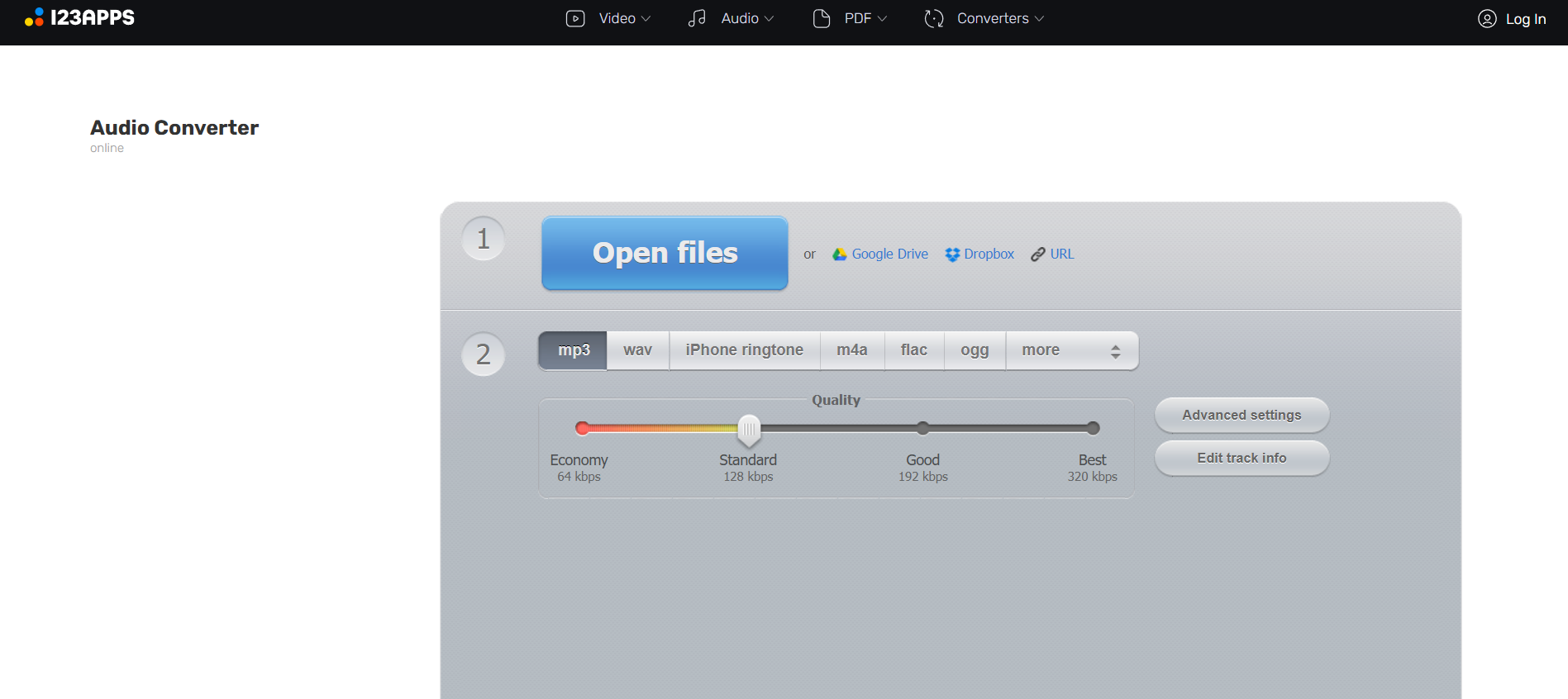
If you don’t want to download anything, Online Audio Converter is one of the easiest tools you’ll find. It’s a browser-based converter where you just upload your MKV file, pick MP3, and hit convert.
Key Features:
- Free and web-based
- Supports dozens of formats
- Batch conversion support
- Adjust bitrate, sample rate, and channels
Pros:
- No installation required
- Easy drag-and-drop interface
- Lets you tweak audio quality
Cons:
- Limited file size (depends on internet speed)
- Requires stable Wi-Fi or data connection
Best For: Quick one-time conversions when you don’t want to clutter your device with extra apps.
Extra note: Since it runs online, you can use it on almost any device — even Chromebooks or work computers where you can’t install software.
3. Audacity – Lightweight Desktop MKV to MP3 Converter
Audacity is famous for being a free audio editor, but with the FFmpeg plugin installed, it doubles as a solid mkv to mp3 converter.
Key Features:
- Advanced audio editing tools
- Free and open-source
- Works on Windows, Mac, and Linux
Pros:
- Perfect if you want to clean up audio after conversion
- Free forever
- Lets you cut, merge, or enhance sound
Cons:
- Needs FFmpeg plugin for MKV support
- Slightly more technical than drag-and-drop converters
Best For: Users who not only want to convert MKV to MP3 but also want to edit the audio — like trimming silence, adjusting volume, or creating clips.
Tip: If you’re into podcasting or music editing, Audacity gives you two tools in one — editing and converting.
4. CloudConvert – Free MKV to MP3 Converter with No Signup
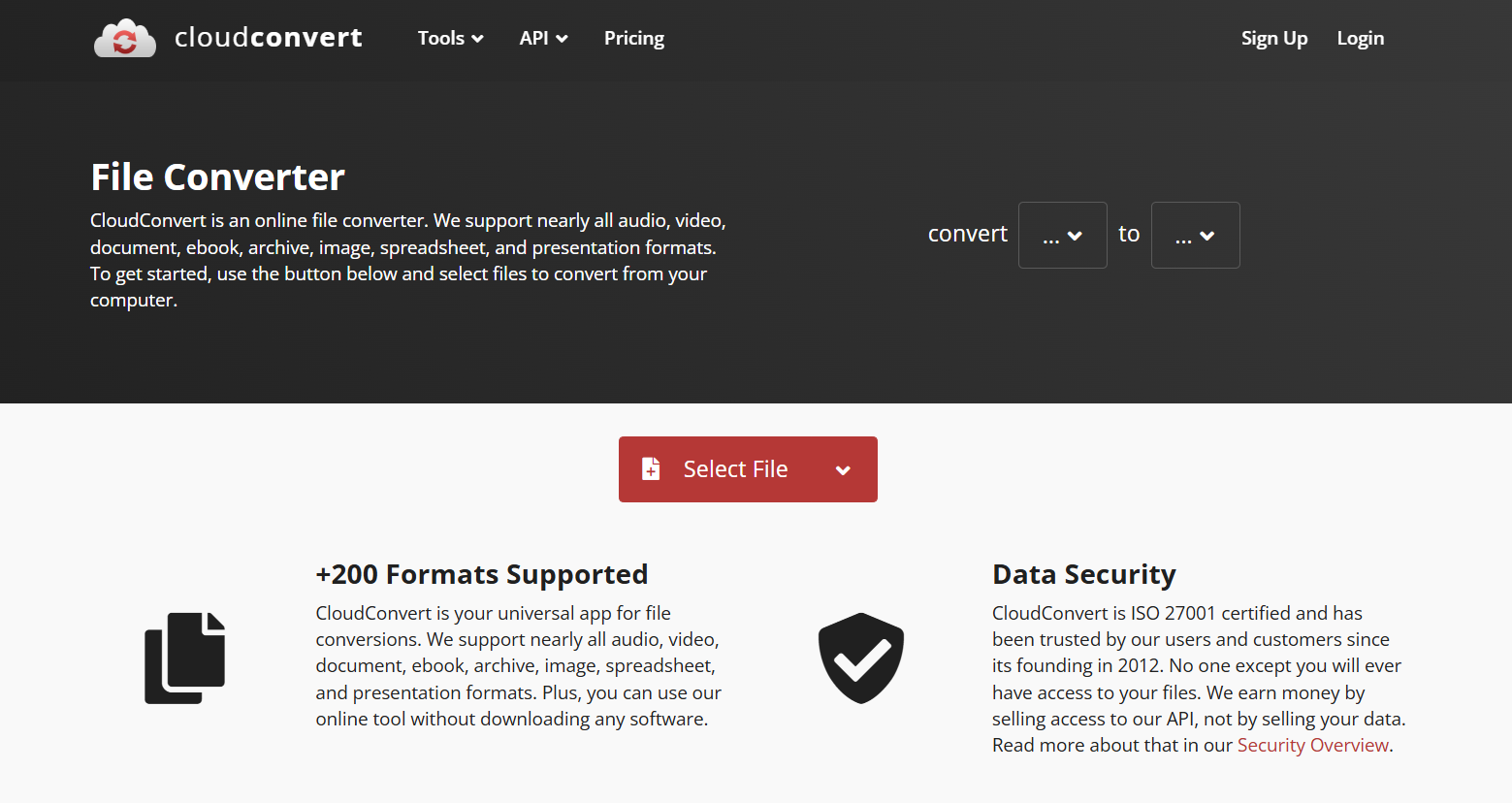
CloudConvert has built a strong reputation as a safe and reliable online converter. Unlike some shady sites, it’s ad-free and gives you professional-level results.
Key Features:
- Converts over 200 file types
- Options to customize bitrate, channels, and file size
- Secure uploads (files auto-delete after conversion)
Pros:
- High-quality output every time
- Doesn’t require signup for small jobs
- Professional and clean interface
Cons:
- Free plan is limited to a few conversions daily
- Requires internet access
Best For: People who occasionally need a mkv to mp3 converter but want a polished, trustworthy service.
Fun fact: CloudConvert also integrates with Google Drive and Dropbox, which is super handy if your MKV files are stored in the cloud.
5. Convertio – Mobile-Friendly MKV to MP3 Conversion
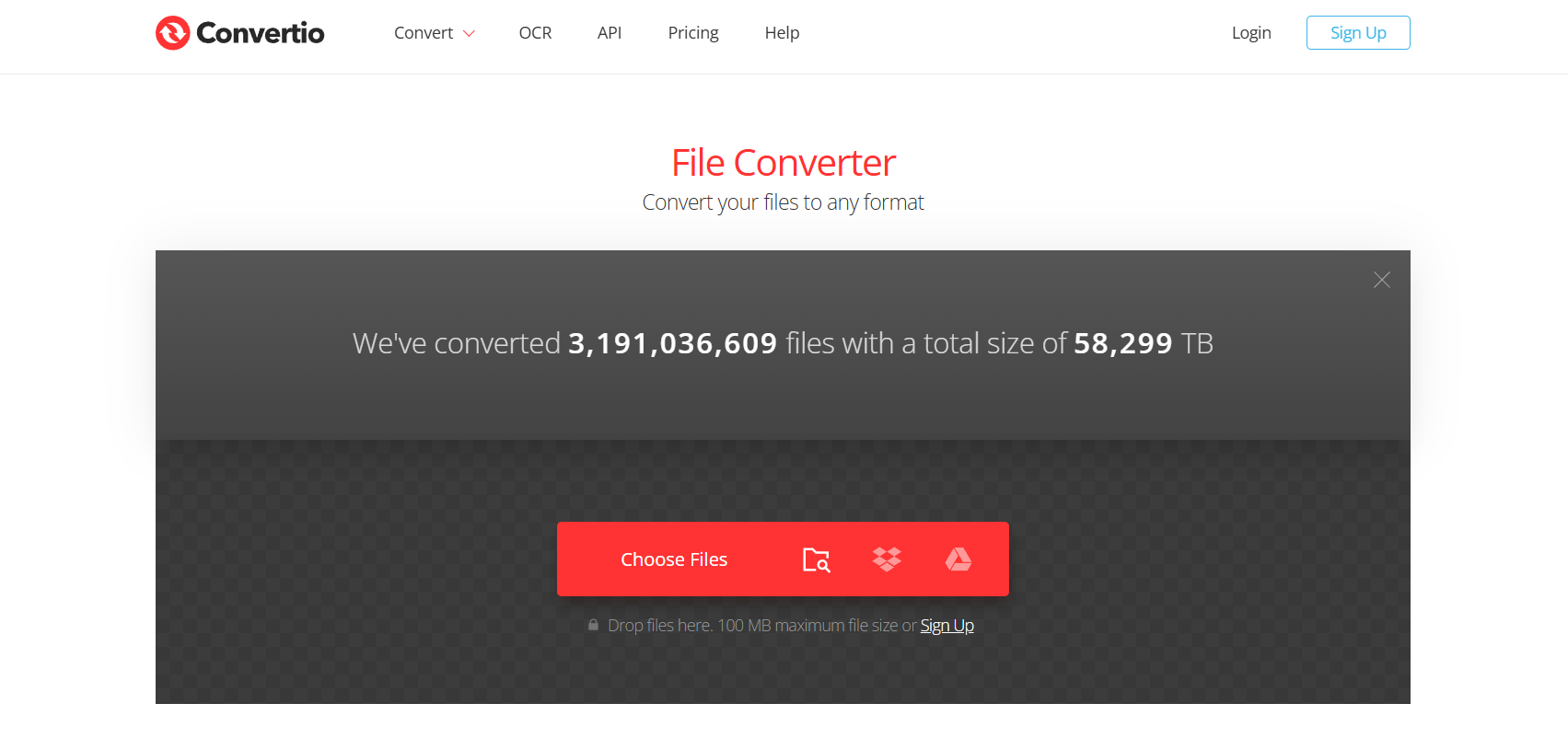
If you’re working from your phone, Convertio is one of the most convenient tools around. You can use it directly in your mobile browser without installing anything.
Key Features:
- Works on desktop and mobile
- Can pull files from Dropbox, Google Drive, or local storage
- Free and premium options
Pros:
- Great for smartphone users
- Modern, easy-to-use interface
- Wide format support
Cons:
- Free plan limits file size
- Conversion speed depends on internet
Best For: Users who want to convert MKV to MP3 while on the go, especially from their phones.
Pro tip: Convertio remembers your last settings, which makes repeated conversions much faster.
6. Freemake Audio Converter – High-Quality Audio Extraction from MKV
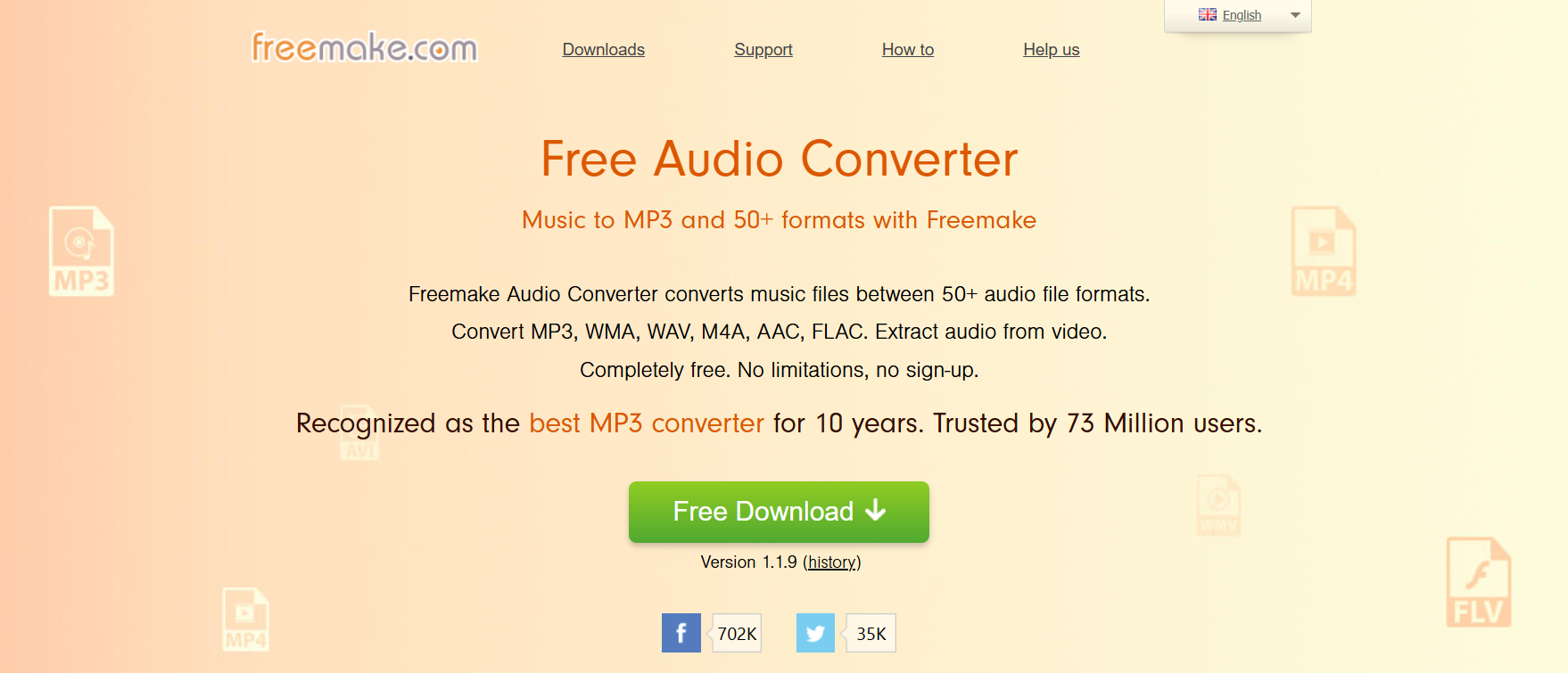
Freemake Audio Converter has been around for a long time and still holds up as one of the best free tools for Windows users.
Key Features:
- Converts MKV to MP3, WAV, AAC, and more
- Batch conversion support
- Allows merging multiple files into one track
Pros:
- Simple, beginner-friendly design
- Great audio quality
- Handles large MKV files with ease
Cons:
- Windows-only software
- Free version adds branding (removed with upgrade)
Best For: Windows users who want consistent, high-quality audio extraction.
Bonus: If you have multiple videos to process, Freemake is a lifesaver because it handles batch jobs without slowing down your system.
7. FFmpeg – Multi-Format Video to MP3 Solution
If you’re comfortable with command-line tools, FFmpeg is hands-down the most powerful option. It’s lightweight, incredibly fast, and supports almost every format imaginable.
Key Features:
- Works on Windows, Mac, Linux
- Supports nearly every media format
- Extremely efficient resource use
Pros:
- Ultra-fast conversions
- Zero bloat, just raw power
- Fully customizable with advanced commands
Cons:
- Requires command-line knowledge
- Not beginner-friendly
Best For: Tech enthusiasts or developers who want maximum control over their mkv to mp3 conversion process.
Fun fact: Many popular apps and converters actually use FFmpeg under the hood.
How to Choose the Best MKV to MP3 Converter
When picking the right tool, keep these three things in mind:
Speed vs. Quality: What Really Matters
If you just want something fast, stick to online converters like Online Audio Converter or Convertio. But if audio quality is your top priority, programs like Freemake or Audacity give you more control over settings.
Online vs. Desktop Converters
- Online converters: Great for one-off conversions, lightweight use, or mobile users.
- Desktop converters: Best for large files, batch processing, and offline use without internet.
Free vs. Paid Options
Most of the tools on this list are free, but paid upgrades usually give you perks like faster speeds, no limits, and extra customization. For example, CloudConvert’s paid plan is worth it if you convert often.
Step-by-Step Guide: How to Convert MKV to MP3 Quickly
Here’s a simple guide using VLC Media Player:
- Open VLC and go to Media > Convert/Save.
- Add your MKV file to the list.
- Click Convert/Save again.
- Under Profile, choose Audio – MP3.
- Pick your destination folder and file name.
- Hit Start and wait until it’s finished.
And that’s it. In just a couple of minutes, you’ll have a clean MP3 file ready to play on your phone, car stereo, or anywhere else.
Pro tip: You can repeat the same process for multiple files and save a ton of time.
Find More: Boost Your Sales With SEO Services
Conclusion
There are plenty of ways to convert MKV to MP3, but not all of them give you the speed, quality, or reliability you need. If you want a free all-in-one option, VLC Media Player is tough to beat. For quick jobs without installation, Online Audio Converter or Convertio are super convenient. And if you care about premium audio quality, Freemake Audio Converter is an excellent choice.
At the end of the day, the best tool depends on what you value most — speed, quality, or convenience. The good news is that every option on this list actually works, so you won’t waste time with sketchy software or unreliable websites.
Pick the one that matches your needs, try it today, and finally make the switch from MKV to MP3 without the headaches.
FAQs
1. Can I convert MKV to MP3 without losing quality?
Yes. Stick to tools like Freemake, VLC, or Audacity, and set the bitrate to 320 kbps for the highest quality output.
2. What is the safest free MKV to MP3 converter?
VLC and Audacity are both open-source, which means they’re transparent and safe. For online conversions, CloudConvert is among the most trustworthy.
3. Do online converters have file size limits?
Almost all of them do. Free plans usually cap uploads around 100–200MB. If you need to handle bigger files, desktop apps like VLC are better.
4. Is it possible to convert MKV to MP3 on mobile?
Absolutely. Convertio works smoothly in mobile browsers, so you don’t even need to download an app.
5. Which MKV to MP3 converter works best for large files?
Freemake and VLC are the most reliable choices when handling big MKV files without crashing.
6. Do I need internet to convert MKV to MP3?
Not always. VLC, Audacity, and FFmpeg work completely offline, which is great if you don’t want to rely on your connection.