
Finding a reliable music downloader that delivers high-fidelity 320kbps audio without malware or endless ads is a challenge in 2026. This guide cuts through the noise to provide the safest, fastest, and most professional tools available for building your high-quality offline library.
A professional music downloader is a software or web-based tool that allows users to save audio files—typically in MP3 or FLAC formats—directly to a local device at 320kbps bitrates. To get audio instantly, use verified tools like 4K Download, Seal, or specialized browser extensions that bypass conversion delays while maintaining original studio quality.
Find More: 7 Powerful X Downloaders You Can Use Right Now (No Login Needed)
Understanding Music Downloader Technology
Before diving into the tools, it is essential to understand what makes a downloader “professional.” In the current digital landscape, audio quality is measured by bitrate.
What is 320kbps?
Bitrate refers to the amount of data processed per unit of time. A 320kbps (kilobits per second) MP3 file is considered the “gold standard” for compressed audio. It offers a rich, deep sound profile that is virtually indistinguishable from a CD to the human ear.
What is an MP3 Music Downloader?
An mp3 music downloader is a specific type of software designed to extract audio streams and encode them into the MP3 format. Professional versions ensure that the “container” (the file) actually holds high-quality data rather than just upscaling a low-quality 128kbps stream.
The 7 Best Professional Music Downloaders of 2026
These tools have been selected based on their speed, safety protocols, and ability to fetch metadata (album art and artist names) automatically.
1. 4K Video Downloader+ (Desktop Powerhouse)

Widely considered the industry leader, this tool is more than just a video utility. It allows for direct extraction of audio from various high-end streaming platforms.
-
Key Feature: “Smart Mode” for one-click downloads using pre-set quality mirrors.
-
Best For: Bulk downloading entire playlists or artist discographies.
-
Pro Tip: Enable the “Native Bitrate” setting to ensure you aren’t compressing a file that is already available in high-def.
2. Seal (The Open-Source Mobile Choice)
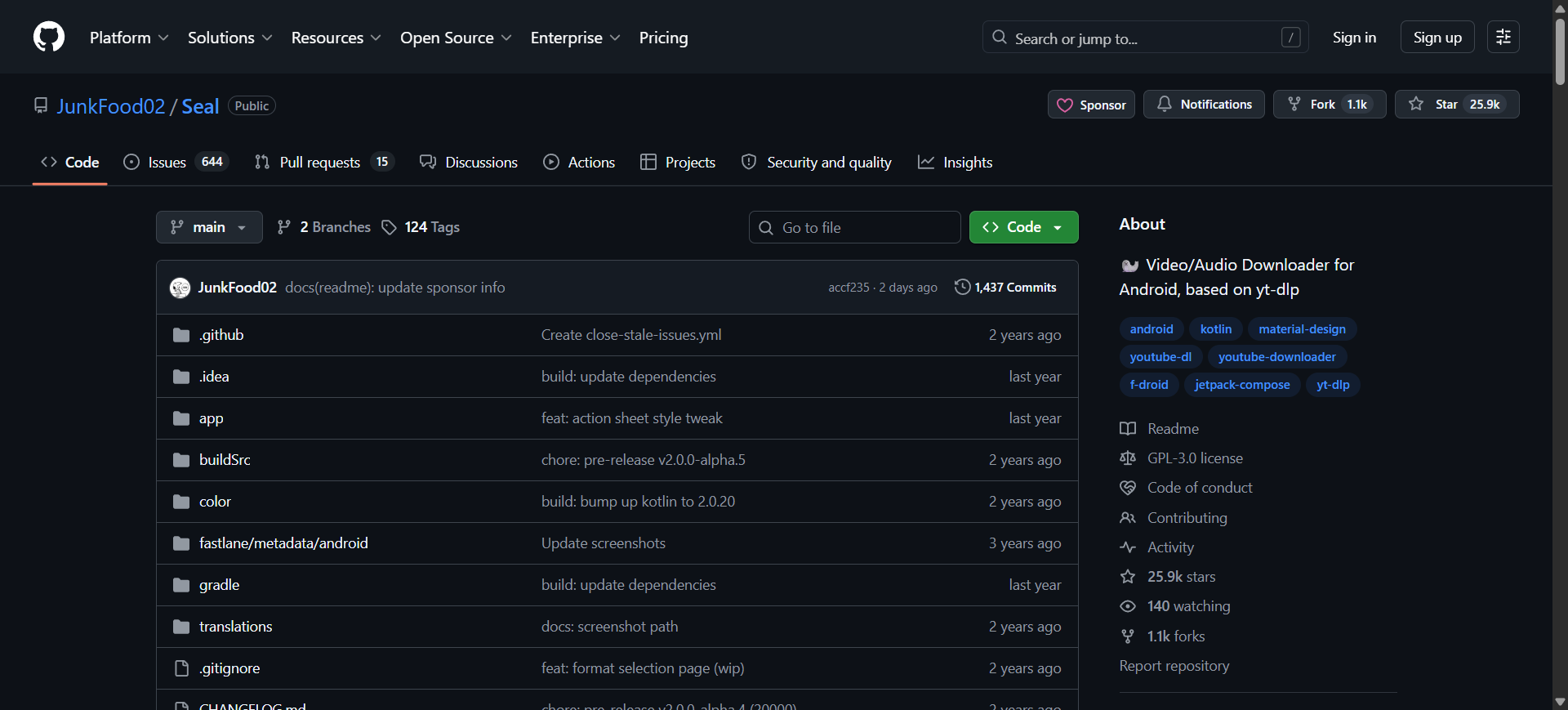
For Android users, Seal is a modern, privacy-focused app based on the powerful yt-dlp engine. It is clean, ad-free, and incredibly fast.
-
Key Feature: Material You interface that fits modern smartphone aesthetics.
-
Best For: Mobile users who need a free music downloads solution without the risk of “bloatware.”
3. ByClick Downloader (The Versatile All-In-One)
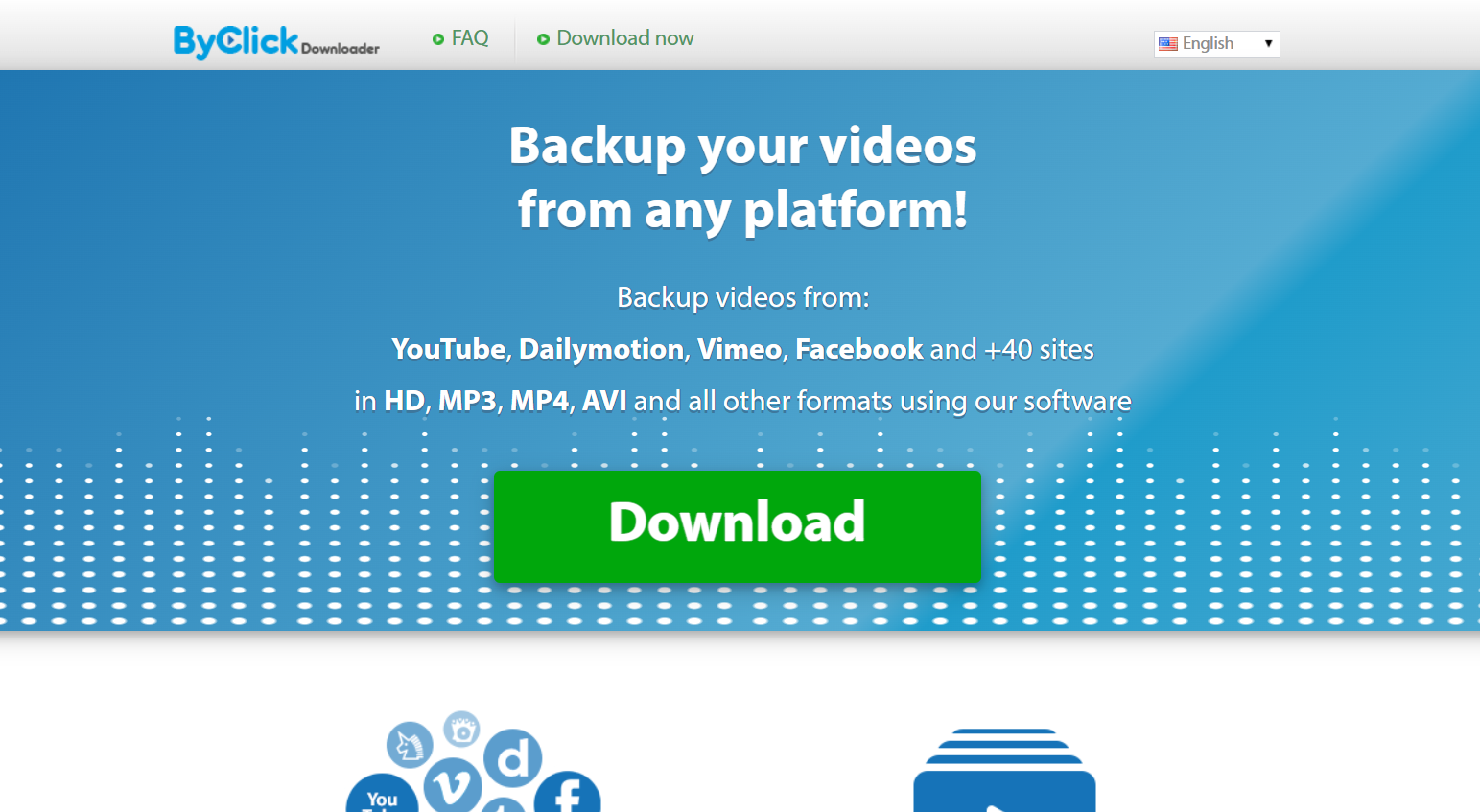
ByClick is famous for its “Auto-Detect” popup. When you listen to a song in your browser, it subtly asks if you’d like to download it as a 320kbps MP3.
-
Key Feature: Supports high-resolution downloads from Instagram, YouTube, and Facebook.
-
Best For: Users who want a seamless “see it, want it, get it” workflow.
4. MediaHuman YouTube to MP3 (Precision Audio)
If you only care about audio and want zero video features cluttering your screen, this is the specialized youtube music downloader you need.
-
Key Feature: Includes a tag editor to fix artist names and album titles before saving.
-
Best For: Audiophiles who keep a meticulously organized local folder.
5. SoundTap Stream Recorder (The “Unblockable” Method)
Unlike standard downloaders that “fetch” files, SoundTap records the digital audio signal directly from your sound card.
-
Key Feature: If you can hear it through your speakers, you can record it in perfect digital quality.
-
Best For: Capturing audio from platforms that have strict anti-downloading scripts.
6. SoulSeek (The Community Classic)
While technically a file-sharing network, SoulSeek remains the premier professional source for rare, high-bitrate tracks and FLAC files that aren’t available on mainstream platforms.
-
Key Feature: Peer-to-peer access to rare indie and underground records.
-
Best For: Collectors looking for obscure tracks and high-fidelity lossless audio.
7. Loader.to (The Premium Web-Based Tool)
For those who refuse to install software, Loader.to is the only web-based music downloader that consistently delivers on the 320kbps promise without redirecting users to dangerous sites.
-
Key Feature: Cloud-based conversion that doesn’t use your CPU power.
-
Best For: Quick, one-off downloads on public computers or Chromebooks.
Step-by-Step Framework: How to Download High-Quality Audio
Follow this universal 4-step framework to ensure you get the best possible result every time you use a music downloader.
Step 1: Source Verification
Locate the URL of the track you wish to save. Ensure the source video or stream is set to the highest possible playback quality (e.g., 1080p or 4K), as this often correlates with the highest available audio stream.
Step 2: Configuration
Open your chosen downloader and navigate to “Settings” or “Preferences.” Manually select “MP3” as the format and “320kbps” as the bitrate. Do not leave it on “Best Effort,” as this may default to 128kbps to save bandwidth.
Step 3: Extraction
Paste the URL and hit “Download” or “Convert.” If using a desktop tool, observe the file size. A 3-minute song at 320kbps should be roughly 7–10MB. If it is only 2MB, the quality is low.
Step 4: Tagging and Storage
Once the download is complete, use the software’s built-in tagger to add the album art. Move the file to a dedicated “Music” folder synced with your preferred media player.
Comparison Table: Top Music Downloaders at a Glance
| Tool | Platform | Max Bitrate | Best Feature | Price |
| 4K Downloader | PC/Mac | 320kbps / Lossless | Playlist Downloads | Freemium |
| Seal | Android | 320kbps | No Ads / Privacy | Free |
| MediaHuman | PC/Mac | 320kbps | Auto-Tagging | Free |
| Loader.to | Web | 320kbps | No Installation | Free |
| ByClick | Windows | 320kbps | One-Click Popups | Paid/Trial |
Common Mistakes to Avoid
-
Trusting “Bitrate Changers”: Avoid sites that claim they can “turn your 128kbps file into 320kbps.” You cannot add data that wasn’t there to begin with; this only makes the file larger without improving the sound.
-
Ignoring Metadata: Downloading 100 songs named “Track 01” will lead to a disorganized mess. Always use tools that support ID3 tagging.
-
Clicking “Allow Notifications”: Many web-based free music downloads sites ask for notification permissions to send you spam. Always hit “Block.”
-
Using Outdated Software: Professional tools update weekly to bypass platform changes. If your downloader stops working, check for an update immediately.
Pro Tips for the Best Audio Experience
-
Check the Waveform: If you are serious about quality, open your downloaded file in a free tool like Audacity. If the waveform is “clipped” (flat at the top), the audio is distorted.
-
Use FLAC for Archives: If a music downloader offers FLAC (Free Lossless Audio Codec), use it for your favorite albums. It’s a larger file, but it is a perfect 1:1 copy of the source.
-
Batch Processing: Use the “Paste Link” feature on desktop apps to queue up to 100 links at once and let them run overnight.
Key Takeaways
-
320kbps is the standard for high-quality MP3 files.
-
Desktop tools (like 4K Downloader) are generally safer and faster than web-based converters.
-
Seal is the top choice for mobile users who want an ad-free experience.
-
Always verify file size to ensure you are actually getting the high quality you requested.
-
Avoid web spam by never allowing browser notifications on downloader sites.
Find More: Boost Your Sales With SEO Services
FAQs
1. Is using a music downloader legal?
Downloading copyrighted music without permission is a violation of most platforms’ Terms of Service. However, many artists release music under Creative Commons, and these tools are perfectly legal for downloading your own uploaded content or royalty-free tracks.
2. Why do some 320kbps files sound bad?
This usually happens because the original source was low quality. A music downloader can only capture the quality of the source. If the original video was recorded with a poor microphone, the MP3 will still sound poor regardless of the bitrate.
3. Can I download music directly to my iPhone?
iOS is more restrictive than Android. To save music to an iPhone, it is best to use a desktop mp3 music downloader and then sync the files via the Apple Devices app or a cloud service like iCloud or Dropbox.
4. What is the difference between MP3 and AAC?
AAC is generally more efficient than MP3. An AAC file at 256kbps often sounds as good as an MP3 at 320kbps. Most professional downloaders give you the option to choose between the two.
5. Do I need an antivirus for downloading music?
Yes. While the tools listed here are professional and vetted, the “free music” space is targeted by hackers. Always have an active antivirus and avoid clicking on “Download” buttons that look like flashy advertisements.