

Introduction: Why Smart Shopify Development Matters for Modern E-Commerce
Shopify development is no longer just about putting products online — it’s about building a smooth, reliable, and high-performing shopping experience that feels effortless for your visitors. Whether you’re running a new store, scaling into a major brand, or collaborating with a Shopify developer or Shopify development partners, the way your store is built plays a massive role in everything from conversion rates to long-term brand trust.
Today’s e-commerce world is noisier than ever. Consumers expect speed, simplicity, and personalization — and brands that don’t deliver lose attention instantly. This is where advanced Shopify development strategies make all the difference. Clean layouts, optimized code, fast loading speeds, and thoughtful design work together to build a store people actually want to buy from.
If you’re unsure where to start or you simply want an expert team to take over the hard technical work, Atamgo offers Shopify development services and Shopify SEO services designed to transform slow or poorly performing stores into powerful, revenue-driven machines.
Let’s dive into the 10 game-changing tips that can elevate your Shopify store more than you expect.
Find More: 7 Powerful Shopify SEO Services That Skyrocket Your Store’s Traffic
1. Optimize Your Theme Code for Faster Load Times
Minifying CSS, JavaScript, and Liquid files

Load speed is your first impression. If your site takes too long, your visitors leave before even seeing your products. Minifying your CSS, JavaScript, and Liquid files removes unnecessary characters and reduces file size, helping your store load much faster.
Removing unused code and legacy scripts
Every app you install leaves something behind. Over time, this creates a spaghetti mess of scripts and old snippets. Cleaning out unused code instantly sharpens performance and prevents theme clashes.
Leveraging Shopify’s built-in performance tools
Shopify’s Online Store Speed Report and Lighthouse integration give you a simple, visual breakdown of what’s slowing your site down. Instead of guessing, you get accurate diagnostics that help you fix the biggest issues first.
2. Use Shopify OS 2.0 Features to Unlock Flexibility
Sections Everywhere and modular store design
OS 2.0 changed everything. The ability to place sections on any page means you can build more creative layouts, test different structures, and avoid rigid templates.
Creating custom templates for improved UX
Different products require different storytelling. A gym equipment page shouldn’t look the same as a skincare product. Creating tailored templates helps your customers make confident buying decisions.
Using dynamic content blocks effectively
Dynamic blocks let you personalize what users see: custom banners, targeted offers, or special layouts for high-value products. Personalization often leads to higher engagement.
3. Improve Mobile Experience With Responsive Development
Mobile-first design principles
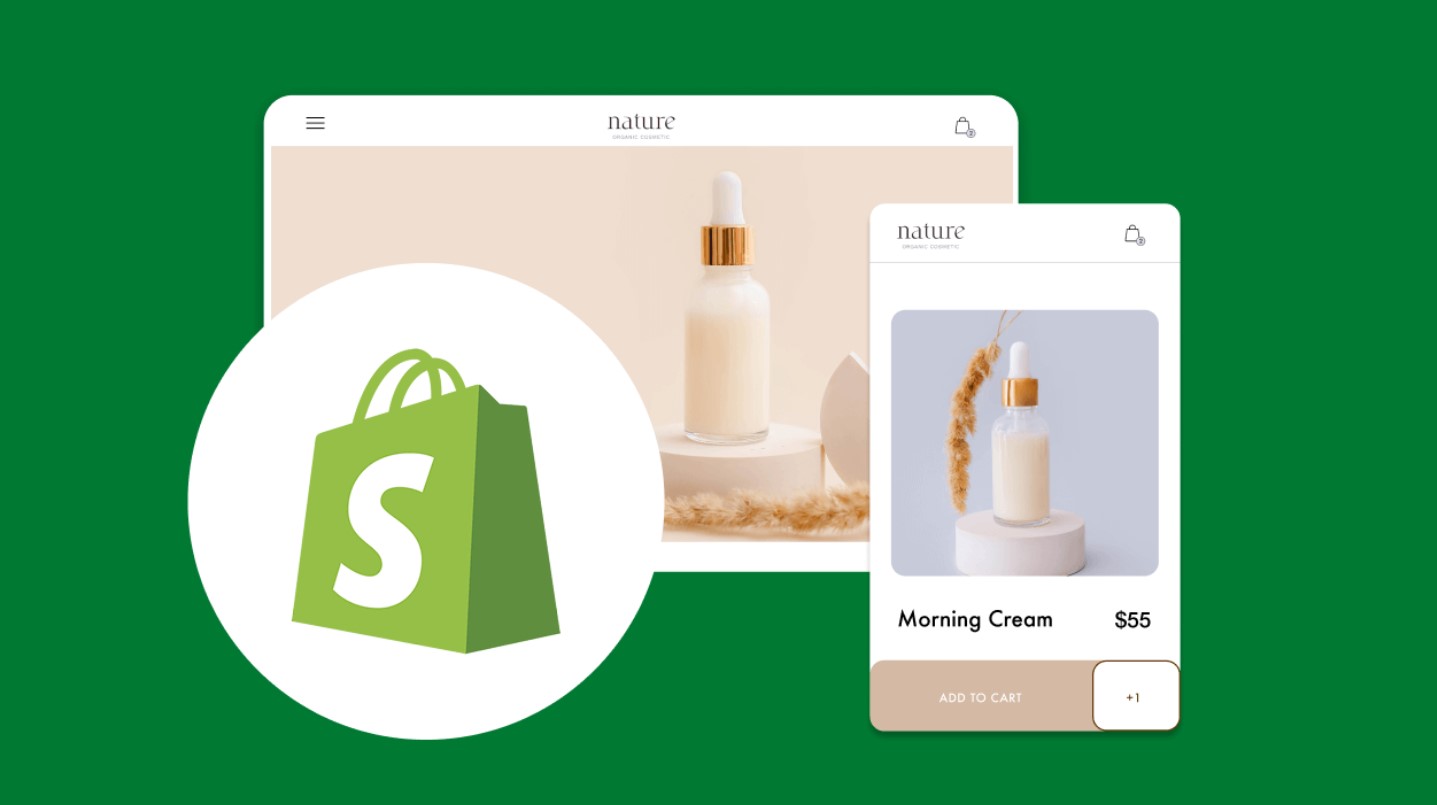
Since most shoppers browse on mobile, your design should start there. Clean spacing, easy navigation, and fast loading are essential.
Optimizing touch interactions and spacing
Buttons should be easy to tap, product images should be zoomable, and forms should be easy to fill out — no pinching or zooming needed.
Reducing mobile bloat and unnecessary features
Mobile users want clarity, not overwhelm. Remove anything that doesn’t directly support buying decisions, including heavy sliders and unnecessary animations.
4. Boost SEO With Clean Shopify Development Practices
Structuring templates for proper indexing
Clean structure helps search engines scan and understand your store. Using correct headings, schema markup, and organized Liquid loops gives Google the clarity it needs.
Optimizing URLs, meta tags, and schema
Simple, descriptive URLs and well-written meta tags drive higher rankings and better click-through rates.
Improving site architecture for crawlability
Google rewards stores that make navigation easy. Good internal linking, strong menu structure, and thoughtful breadcrumbs help both users and search engines.
5. Develop High-Converting Product Pages
Using Liquid to auto-generate dynamic elements
Liquid can help you automate tedious tasks like product specifications, variant details, or size guides. This keeps your store consistent without extra work.
Creating reusable product sections
Reusable sections save time when adding new items. They also ensure that your entire store maintains a cohesive look.
Prioritizing UX-focused layout decisions
Put everything customers need upfront: product photos, price, reviews, variations, and the add-to-cart button. The goal is to reduce the customer’s mental effort.
6. Integrate Shopify Apps Without Slowing Down the Store
Evaluating app impact on performance
Some apps add 5–10 external scripts — and that adds up. Check performance before and after installing anything.
Replacing apps with custom code where possible
Instead of using apps for simple tasks, a Shopify developer or Shopify development partner can code lightweight custom solutions that load faster.
Safely removing unused apps and leftover scripts
Uninstalled apps often leave behind code that slows your store down. Audit your theme for leftovers and remove them.
7. Leverage Shopify APIs for Custom Functionality
When to use the Storefront API vs. Admin API
The Storefront API powers storefront experiences, including headless builds. The Admin API handles backend operations like inventory management.
Building custom integrations for automation
Automated workflows save hours per week and prevent errors in stock syncing, order processing, and fulfillment.
Improving checkout experience through API enhancements
Through the API, you can build custom checkout extensions, unique discount logic, or loyalty integrations.
8. Implement Advanced Liquid Logic for Smarter Automation

Conditional content based on customer behavior
Show returning customers one message and first-time shoppers another. Small touches like these boost retention.
Using loops and filters for dynamic elements
Loops keep your code clean and allow flexible product sections that update automatically.
Creating personalized shopping experiences
You can show: recently viewed items, best-selling products, or curated recommendations.
9. Use GitHub for Version Control and Collaborative Development
Setting up Shopify GitHub integration
Version control protects your store from accidental mistakes and makes teamwork smoother.
Creating workflows for safe deployment
Developers can test new features without affecting the live store.
Rolling back changes efficiently
If anything goes wrong, you can revert to an older version instantly.
10. Test, Monitor, and Continuously Optimize Your Store
Using Shopify’s built-in analytics
Analytics show user behavior, traffic sources, product performance, and customer flow. These insights help you make smarter decisions.
A/B testing core sections
Try testing product headlines, CTA button styles, or collection layouts to see which one performs best.
Monitoring performance with third-party tools
Third-party tools help you understand real-world performance beyond Shopify’s built-in tests.
Conclusion: Start Applying These Shopify Development Tips Today
Shopify development is a long-term investment in your business. Whether you’re optimizing code, redesigning layouts, or fine-tuning your SEO, each step adds up to a faster, smoother, more trustworthy shopping experience.
If you want expert help, Atamgo provides professional Shopify development services and Shopify SEO services tailored for brands that want to scale quickly and sustainably. Start with one improvement, then keep building — that consistency is what leads to growth.
Find More: Boost Your Sales With SEO Services
FAQs
1. What is Shopify development, and why is it important?
Shopify development refers to building, optimizing, and customizing Shopify stores. It impacts speed, SEO, and how well your store converts visitors into buyers.
2. How long does it take to develop a Shopify store?
Simple stores may take a few days. Larger, custom stores can take several weeks, especially if custom features or integrations are involved.
3. Do I need coding skills to optimize my Shopify theme?
Not always. Basic optimization doesn’t require coding, but deeper improvements benefit from a developer’s expertise.
4. How can I improve my Shopify store speed?
Compress your images, remove heavy apps, minify your theme code, reduce scripts, and simplify your layout.
5. What’s the difference between Shopify OS 1.0 and OS 2.0?
OS 2.0 allows full customization with sections everywhere, better performance, and improved flexibility for building pages.
6. Should I hire a Shopify developer or do it myself?
If you want serious growth, advanced features, or long-term scalability, working with a Shopify developer or a Shopify development partner is usually the smarter choice.