


5 Powerful Tools to Download VK Videos in HD Quality

Download VK Videos is something a lot of people look for when they come across a useful tutorial, a rare interview, a podcast-style discussion, a documentary clip, or even entertaining content they simply want to keep and watch later without an internet connection. VK is packed with valuable and sometimes hard-to-find videos, but the platform itself doesn’t always make downloading straightforward. In many cases, there’s no clear download button, or the available options are limited. That’s exactly why having the right tools matters. In this guide, I’ll walk you through real, tested tools, explain how they actually perform in real-life use, and help you choose the safest and simplest way to download VK videos in HD quality without frustration, broken links, or annoying surprises.
Find More: 7 Powerful X Downloaders You Can Use Right Now (No Login Needed)
Introduction: How to Download VK Videos in HD Quality Easily
If you’ve ever tried a VK video download and ended up on a website filled with fake buttons, redirects, or endless popups, you’re definitely not alone. A lot of sites promise easy downloads but deliver a bad experience instead. The good news is that downloading VK videos in HD quality online is absolutely possible when you know which tools are legitimate and which ones should be avoided completely. This article isn’t written like a generic list scraped from the internet. It’s written like advice from someone who has actually tried these tools, dealt with their issues, and learned which ones are worth using. By the end of this guide, you’ll know exactly how to download VK video content safely, quickly, and in the highest quality available, whether you’re on desktop or mobile.
What to Know Before You Download VK Videos
Before jumping straight into tools, it helps to understand a few basics. These small details can save you time, protect your device, and help you avoid unnecessary headaches later.
Is It Legal to Download VK Videos?
The legality of downloading VK videos depends largely on how you plan to use them. Downloading videos for personal, offline viewing is generally acceptable in many regions, especially if the content is publicly available. However, re-uploading videos, redistributing them, or using copyrighted content for commercial purposes without permission can cause legal issues. A simple rule to follow is this: if you didn’t create the video and don’t have permission from the owner, keep it for personal use only.
Video Quality Options Available on VK
VK usually offers multiple video resolutions depending on how the content was uploaded. Common options include 360p, 480p, 720p, and very often 1080p HD. Some newer or premium content may even support higher resolutions. A reliable video VK download tool should automatically detect these options and let you choose the best quality instead of forcing a low-resolution file.
Online Tools vs Software vs Browser Extensions
There are three main ways to download VK videos. Online tools are quick and convenient, especially for occasional downloads. Software tools are more powerful, stable, and better for large files or multiple videos. Browser extensions are ideal if you download often and want a one-click experience directly on VK pages. The best option depends on how frequently you download and what device you’re using.
5 Powerful Tools to Download VK Videos in HD Quality
The tools below are real, widely used, and currently working. Each one has clear advantages and a few limitations, and I’ll be honest about both so you can choose what fits you best.
Tool #1 – 4K Video Downloader (Best Overall)

4K Video Downloader is one of the most reliable tools for VK video download, especially if HD quality matters to you. It’s a desktop application available for Windows, macOS, and Linux. The process is simple: copy the VK video link, paste it into the app, and choose your preferred resolution.
What really makes this tool stand out is its stability. Even when VK updates its platform or changes how videos are delivered, 4K Video Downloader usually keeps working without issues. It supports 720p and 1080p downloads, subtitle downloads when available, and even batch downloads for playlists or multiple links. While the free version has some limits, it’s more than enough for most casual users.
Tool #2 – SaveFrom.net (Fast Online Option)

SaveFrom.net is a well-known online video VK download tool that supports VK along with many other platforms. It’s ideal if you don’t want to install any software. You simply paste the VK link, select the resolution, and download the file directly.
It’s fast and easy, but you do need to stay alert because of ads and pop-ups. Stick to the main download button and avoid clicking anything that looks unrelated. When used carefully, SaveFrom can deliver solid HD downloads with minimal effort.
Tool #3 – VK Video Downloader Browser Extension
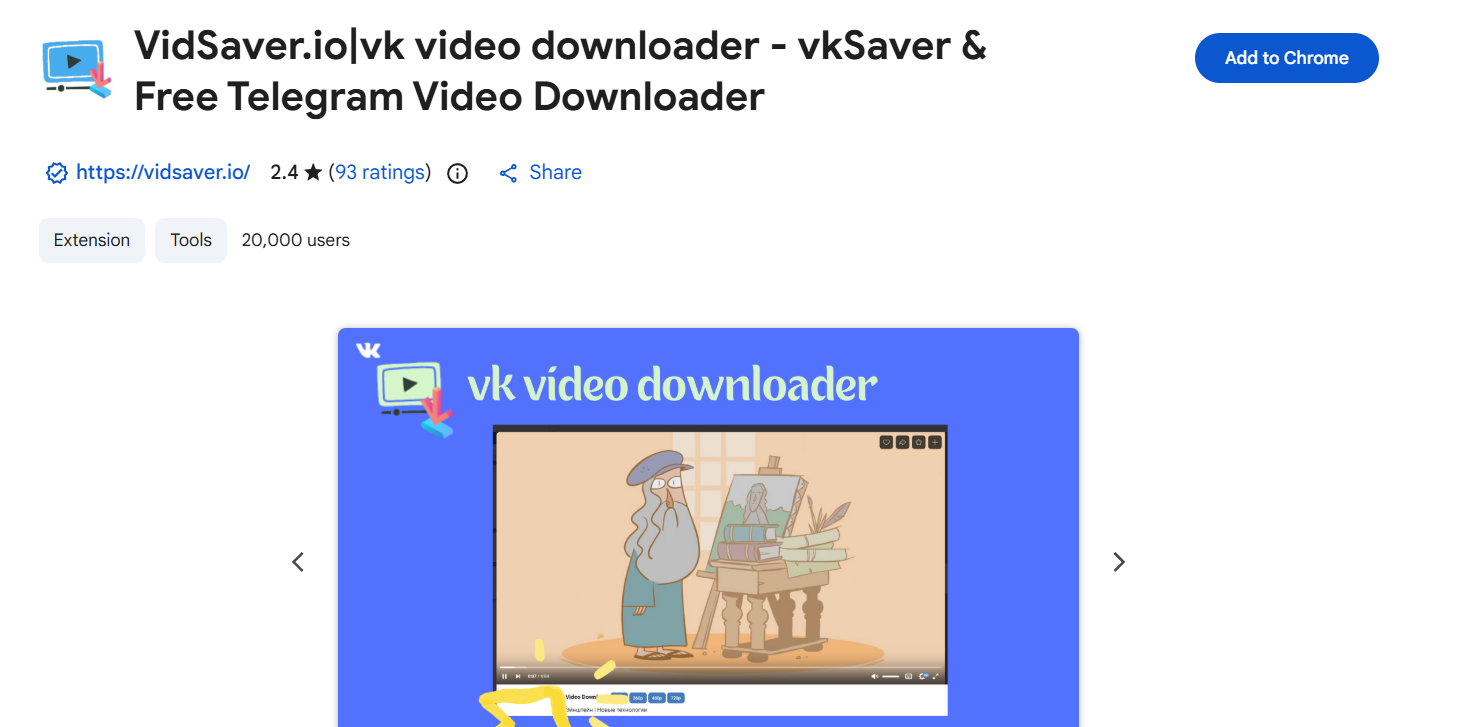
If you download VK videos regularly, a browser extension can save you a lot of time. Extensions like “VK Video Downloader” for Chrome-based browsers detect videos directly on the VK page and add a download button near the player.
This method feels very natural. You open VK, play the video, click download, and choose the quality without leaving the page. It’s perfect for frequent use, although extensions can sometimes stop working after browser updates, so it’s good to have a backup option.
Tool #4 – JDownloader 2 (For Power Users)
JDownloader 2 is a free, open-source download manager that supports VK video download among many other platforms. Once installed, it automatically detects video links when you copy them and lets you download in HD if available.
This tool is ideal if you download a lot of content or want full control over the process. The interface may feel overwhelming at first, but once you get used to it, JDownloader becomes an extremely powerful and reliable solution.
Tool #5 – SnapSave (Mobile-Friendly Online Tool)
SnapSave is a lightweight online downloader that works especially well on mobile devices. If you want to download VK video content directly on your phone without installing apps, this is a solid choice.
The interface is clean, easy to understand, and supports HD downloads when available. It works smoothly on Android browsers. iOS users may need to save files to cloud storage or the Files app due to system restrictions.
How to Download VK Videos Step by Step
No matter which tool you choose, the basic process is very similar. Once you understand it, downloading becomes quick and routine.
How to Download VK Videos Using Online Tools
Open VK and copy the video URL. Paste it into an online downloader like SaveFrom or SnapSave. After the tool processes the link, choose the resolution you want and start the download. This method is perfect for occasional or quick downloads.
How to Download VK Videos on Desktop (Windows & Mac)
Desktop users usually get the best experience with tools like 4K Video Downloader or JDownloader. Install the software, copy the VK link, paste it into the app, select HD quality, and start the download. This approach is ideal for large files, playlists, or frequent downloads.
How to Download VK Videos on Mobile (Android & iOS)
On Android devices, online tools and some apps work smoothly. On iOS, downloading is more limited, so you may need to save videos to the Files app or iCloud. In all cases, always double-check the selected resolution before downloading.
Tips to Download VK Videos in the Best HD Quality
Getting true HD quality isn’t just about the tool you use. A few small details can make a noticeable difference.
Choosing the Right Resolution (720p, 1080p, 4K)
Always choose the highest resolution available, but remember that if the original video was uploaded in 720p, no tool can magically turn it into 1080p. Real HD quality depends on the source file.
Avoiding Fake Download Buttons and Ads
Many download sites use misleading buttons to trick users. The real download option usually appears after the video is analyzed and shows the file size and resolution. If something looks suspicious, it probably is.
How to Download VK Videos Without Watermarks
Most trusted VK video download tools do not add watermarks. If a tool forces a watermark, it’s often a sign that it’s low-quality or unreliable. Stick to well-known tools like the ones listed here.
Common Problems When You Download VK Videos (And How to Fix Them)
Even the best tools can sometimes run into issues. Here’s how to handle the most common problems.
VK Video Download Not Working
This usually happens when VK updates its platform. Try switching tools, updating your software, or moving from an online downloader to a desktop application.
No HD Option Showing
If no HD option appears, the original video may not support higher quality. You can test another tool to confirm, but don’t expect higher resolution if it wasn’t available originally.
Download Speed Is Too Slow
Slow downloads can be caused by your internet connection or overloaded servers on online tools. Desktop software usually provides more stable and faster speeds.
Conclusion: The Best Way to Download VK Videos in HD Quality
If you want the short answer, the best way to download VK videos is to use a trusted tool that matches your device and how often you download. Desktop users will get the best results with 4K Video Downloader or JDownloader thanks to their stability and HD support. Mobile users can rely on SnapSave or similar online tools for quick access. No matter which option you choose, focus on safety, real HD quality, and respecting content ownership. Once you find the tool that fits your workflow, downloading VK videos becomes simple, reliable, and stress-free.
Find More: Boost Your Sales With SEO Services
FAQs
1. Can I Download VK Videos Without an Account?
Yes, most public VK videos can be downloaded without logging in. Private or restricted videos usually require account access and permissions.
2. Is It Safe to Use VK Video Download Tools?
Yes, as long as you use trusted tools. Avoid unknown websites, don’t install suspicious software, and never share your VK login details.
3. Can I Download Private VK Videos?
In most cases, no. If a video is private or restricted, download tools cannot bypass VK’s privacy settings.
4. What Is the Best Tool to Download VK Videos in HD Quality?
For overall reliability and consistent HD quality, 4K Video Downloader is the best option. For quick, no-install downloads, SaveFrom or SnapSave are good alternatives.
5. Do These Tools Work on All Devices?
Most tools work on Windows, macOS, and Android. iOS is more restricted, but online tools can still work with a few extra steps.