
Stop wasting time on glitchy websites that bombard you with pop-ups and malware. In 2026, grabbing high-quality audio from YouTube should be seamless, secure, and instantaneous. This guide reveals the top-tier tools that deliver crisp MP3s without the headache.
A YouTube audio downloader is a software or web-based tool that extracts the sound layer from a video and saves it as an audio file, typically in MP3 or WAV format. The best tools in 2026 offer high-bitrate (320kbps) exports, batch processing, and built-in security features to protect your device from malicious scripts.
What is a YouTube Audio Downloader?
In technical terms, a YouTube audio downloader acts as a bridge between YouTube’s servers and your local storage. It parses the video URL, identifies the audio stream (often stored separately by YouTube’s DASH protocol), and re-encodes it into a playable format.
For beginners, this means you can take a podcast, music track, or lecture and listen to it offline on your phone or car stereo without needing a constant internet connection or a premium subscription.
Find More: 7 Powerful SoundCloud Downloaders That Actually Work in 2026
The 7 Best YouTube Audio Downloaders in 2026
1. ByClick Downloader: The All-in-One Powerhouse
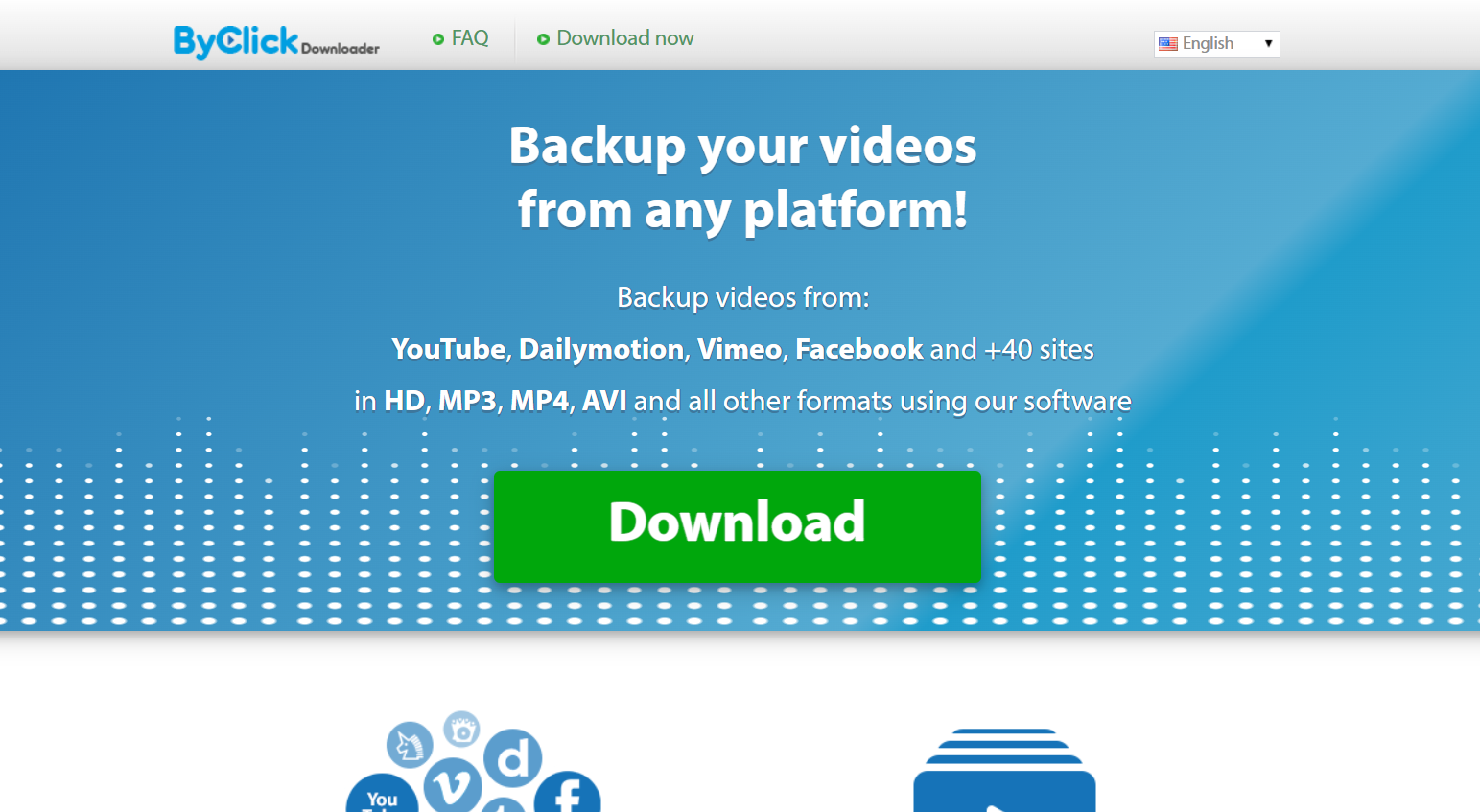
ByClick remains the gold standard for desktop users because it integrates directly into your browser. When you watch a video, a small “Download MP3” button appears automatically, making it the most frictionless experience available.
-
Best for: Beginners who want a “one-click” setup.
-
Key Feature: Auto-detects YouTube URLs copied to your clipboard.
-
Format Support: MP3, WAV, AAC, and M4A.
2. 4K Video Downloader+: High-Fidelity Professionalism

Despite the name, this tool is an elite youtube downloader audio choice. It focuses on maintaining the original source quality, ensuring that if the audio was uploaded in high definition, it stays that way on your hard drive.
-
Best for: Audiophiles and creators who need 320kbps quality.
-
Key Feature: Can download entire playlists or channels in one go.
-
Safety: Zero ad-ware or bundled “junk” software.
3. SnapDownloader: The Speed King

SnapDownloader utilizes multi-threaded technology to pull data from YouTube’s servers at maximum bandwidth. In 2026, it is widely considered the fastest youtube video audio downloader on the market for Windows and macOS.
-
Best for: Users downloading long-form content like 3-hour podcasts.
-
Key Feature: Built-in audio trimmer to cut out intros or outros.
-
Compatibility: Works with over 900 other websites beyond YouTube.
4. Y2Mate AI: The Modern Web-Based Choice
Y2Mate has evolved in 2026 to include AI-driven scanning that bypasses the “broken links” common in older web tools. As a youtube audio downloader mp3 web app, it requires no installation, making it perfect for Chromebooks or tablets.
-
Best for: Quick, one-off downloads without installing software.
-
Key Feature: Clean, minimalist interface with no intrusive redirects.
-
Note: Always use an ad-blocker when using web-based tools for extra safety.
5. TubeMate: The Mobile Specialist (Android)
For those asking how to get a youtube downloader audio video experience on the go, TubeMate remains the king of Android side-loading. It allows you to save audio directly to your phone’s “Music” folder.
-
Best for: Android users who don’t want to use a PC.
-
Key Feature: Background downloading while you use other apps.
6. Documents by Readdle: The iOS Workaround
Apple’s ecosystem is strict, but “Documents” provides a built-in browser that lets you use web-based downloaders and save the files directly to your iPhone’s “Files” app.
-
Best for: iPhone and iPad users.
-
Key Feature: File management and built-in media player.
7. YT-DLP: The Expert’s Choice
While it is a command-line tool, YT-DLP is the engine that powers most other downloaders. It is open-source, completely free, and is updated daily to circumvent YouTube’s latest encryption changes.
-
Best for: Tech-savvy users who want total control.
-
Key Feature: Zero cost and unlimited potential for automation.
How to Use a YouTube Audio Downloader: A Step-by-Step Framework
Follow this universal framework to ensure a successful download every time, regardless of the tool you choose.
-
Find the Source: Open YouTube and locate the video you want to convert.
-
Copy the URL: Right-click the address bar (or hit the ‘Share’ button) and copy the link.
-
Launch the Tool: Open your chosen youtube downloader audio software or website.
-
Paste and Analyze: Paste the link into the input field. Most tools will take 2-5 seconds to “fetch” the video details.
-
Select Format: Choose “Audio” or “MP3.” If given a choice of bitrate, select 320kbps for the best quality.
-
Download: Click the “Convert” or “Download” button.
-
Verify: Open the destination folder and play the file to ensure the audio is clear and complete.
Comparison Table: Top YouTube Audio Downloaders at a Glance
| Tool | Platform | Best For | Speed | Price |
| ByClick | Windows | Ease of Use | 9/10 | Free/Premium |
| 4K Downloader+ | Win/Mac/Linux | Quality | 8/10 | Freemium |
| SnapDownloader | Win/Mac | Batch Downloads | 10/10 | Paid Trial |
| Y2Mate AI | Web | No Installation | 7/10 | Free |
| TubeMate | Android | Mobile Users | 8/10 | Free |
| YT-DLP | All | Tech Experts | 10/10 | Free |
Common Mistakes to Avoid
-
Ignoring Bitrates: Downloading at 128kbps or lower will result in “tinny” or muffled sound. Always aim for at least 256kbps or 320kbps.
-
Clicking “Allow Notifications”: Many free web-based youtube audio downloader mp3 sites will ask to send notifications. Always say no, as these are often used for spam.
-
Downloading Copyrighted Material: Be aware of local laws. Use these tools for “Fair Use” purposes, such as downloading royalty-free music, educational content, or your own uploads.
-
Forgetting to Update: YouTube frequently updates its site code to block downloaders. If your tool stops working, check for an update immediately.
Pro Tips for Power Users
-
Playlist Extraction: Instead of copying individual links, copy the URL of a “Playlist.” Top-tier tools like SnapDownloader can parse the entire list, saving you hours of manual work.
-
Metadata Tagging: Use a tool that supports ID3 tags. This ensures that the artist name, song title, and album art are automatically added to the file for your music library.
-
VPN Usage: If a downloader seems blocked in your region, using a VPN can often bypass local restrictions and speed up the connection to the download servers.
Key Takeaways
-
Select based on device: Desktop software is more stable, while web tools are better for one-off tasks.
-
Prioritize 320kbps: This is the threshold for “CD quality” audio in the MP3 format.
-
Stay Secure: Only use reputable tools like those listed above to avoid malware.
-
Watch the legalities: Ensure you have the right to download the content for personal, offline use.
Find More: Boost Your Sales With SEO Services
FAQs
1. Is it legal to use a YouTube audio downloader?
Using a downloader to save copyrighted music or movies without permission violates YouTube’s Terms of Service and may violate copyright law. However, downloading content for personal use, or downloading “Creative Commons” and public domain videos, is generally considered acceptable.
2. Which format is better: MP3 or AAC?
For most beginners, MP3 is better because it is compatible with every device on earth. However, AAC (often found in M4A files) offers slightly better sound quality at smaller file sizes and is the preferred format for Apple devices.
3. Why do some YouTube audio downloaders stop working?
YouTube regularly changes its “signature” (the way it delivers video data) to prevent third-party downloading. Reliable developers update their software within hours of these changes. If your tool fails, it usually means you need to download the latest version.
4. Can I download audio from a YouTube Live stream?
Most standard downloaders cannot grab audio while the stream is still live. You must wait for the broadcast to end and for YouTube to process the video into a permanent upload before the downloader can “see” the file.
5. Will downloading audio consume my data plan?
Yes. When you use a youtube downloader audio, you are essentially “streaming” the data one last time to save it. If you are on a limited mobile data plan, it is best to perform your downloads while connected to Wi-Fi.
The Evolution of Audio Extraction in 2026
The landscape of the youtube audio downloader has shifted from “ad-heavy” sites to “AI-integrated” software. In 2026, we see more tools using neural networks to “upscale” low-quality audio or remove background hiss during the conversion process. This means the file you download might actually sound better than the original stream in some cases.
When choosing your tool, remember that “free” often comes with the cost of your privacy or your time. Investing in a reputable desktop application like ByClick or 4K Video Downloader+ pays for itself in the form of security, speed, and peace of mind.
Whether you are building a library of educational lectures or creating a workout playlist for an area with no cell service, these 7 tools represent the pinnacle of reliability in the current year. Keep your software updated, respect creators, and enjoy your high-quality offline audio.