

Tired of watching your favorite 4K content stutter through a slow connection? In 2026, streaming high-bitrate video requires massive bandwidth that most public Wi-Fi can’t handle. Downloading your videos in advance is the only way to guarantee a flawless, stutter-free viewing experience in true Ultra-HD.
A 4K video downloader is a software tool designed to save high-resolution videos (3840 x 2160 pixels) from platforms like YouTube, Vimeo, and TikTok directly to your local storage. The best tools, such as 4K Video Downloader Plus and ByClick Downloader, allow users to bypass buffering by preserving the original file quality, metadata, and high-frame-rate (60fps) data for offline playback on any device.
Find More: 7 Powerful X Downloaders You Can Use Right Now (No Login Needed)
What Exactly is a 4K Video Downloader?
To understand these tools, we must first define the technology. A 4K video downloader is an application that fetches video streams from a web server and repackages them into a playable file format like MP4 or MKV. Unlike standard downloaders, 4K tools must handle massive file sizes and complex codecs like VP9 or AV1.
Ultra-HD (4K) refers to a resolution of $3840 \times 2160$ pixels. This is four times the resolution of standard 1080p Full HD. Because 4K files contain significantly more data, they require specialized software to ensure that the “downscaling” effect doesn’t occur during the saving process.
Why You Need a Dedicated Downloader in 2026
In the current digital landscape, streaming services often throttle quality based on your subscription tier or data speed. A dedicated youtube video downloader 4k ensures you own the file at its peak quality.
-
Zero Buffering: Local files play instantly without waiting for a server.
-
Quality Preservation: Streams often compress audio; downloaders can extract high-fidelity sound.
-
Data Savings: Download once over unlimited Wi-Fi and watch multiple times without using mobile data.
-
Longevity: Content creators often delete videos; downloading creates a permanent personal archive.
The 10 Best 4K Video Downloaders for 2026
1. 4K Video Downloader Plus

This is the gold standard for reliability. 4K Video Downloader Plus features a built-in browser that allows you to sign in to platforms and download private content or age-restricted videos safely. It supports 8K resolution and 360-degree VR videos.
2. ByClick Downloader
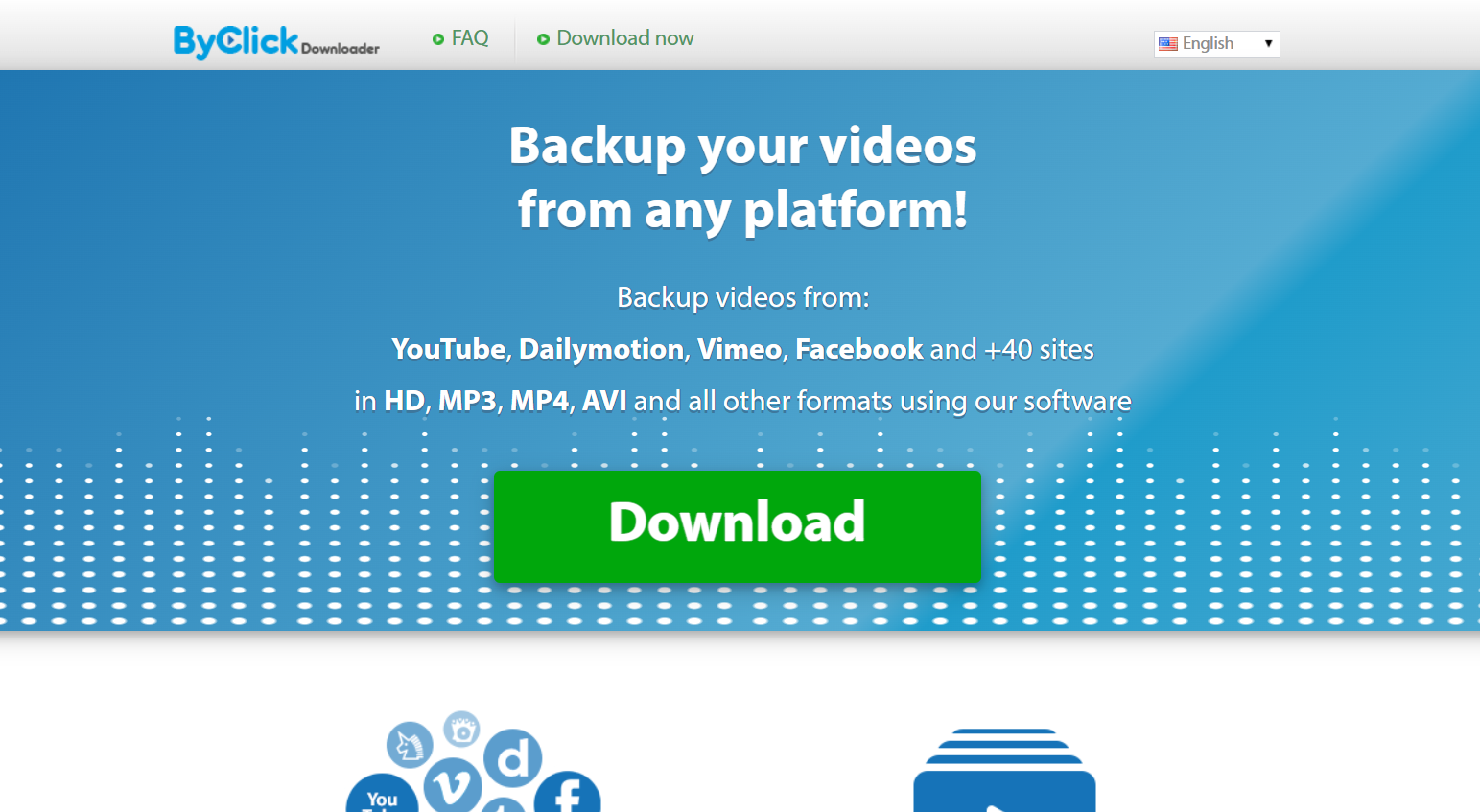
Popular for its “one-click” download mode. When you copy a URL, a small pop-up appears asking if you want the video or just the MP3. It is incredibly beginner-friendly and supports almost every social media platform.
3. AnyVideo Converter Ultimate
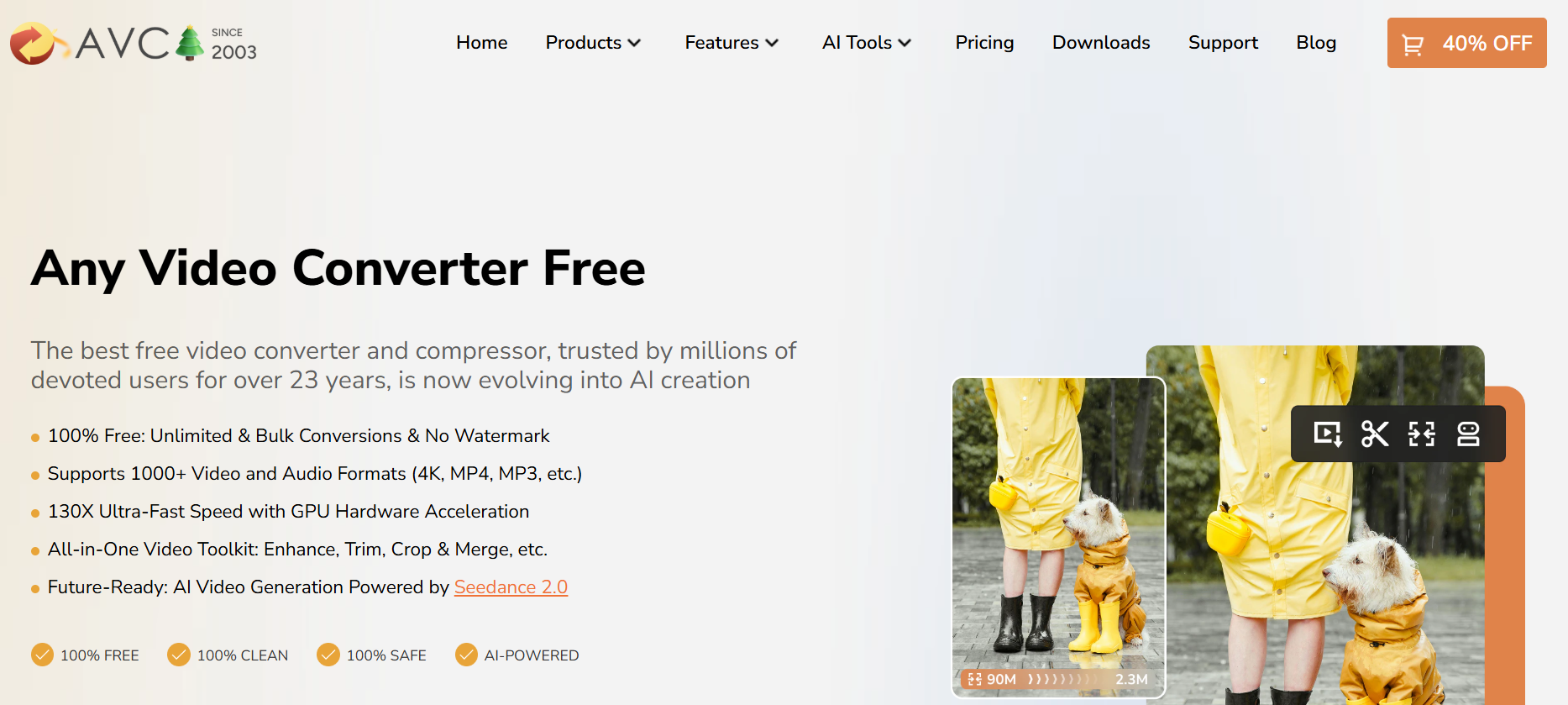
More than just a downloader, this tool allows you to burn videos to DVD or convert them for specific devices like iPhones or PlayStation 5 consoles. It’s perfect for users who need to move their 4K files across different hardware.
4. SnapDownloader
SnapDownloader is known for its high-speed downloads. It uses a “bulk download” feature that lets you paste up to 100 links at once and let them run in the background. It also includes a basic video trimmer to save only the parts you need.
5. YTD Video Downloader
A classic in the industry. While the interface looks a bit dated, its engine is regularly updated to bypass the latest encryption used by streaming sites. It’s lightweight and runs well on older laptops.
6. VideoProc Converter AI
In 2026, AI upscaling is a major feature. VideoProc can take a 1080p video and use AI models to upscale it to 4K before saving it to your drive. It is a powerhouse for users who care about visual fidelity.
7. Freemake Video Downloader
If you are on a budget, Freemake offers a solid free tier. It limits the speed slightly unless you upgrade, but for occasional use, it is one of the most stable 4k video downloader youtube options available.
8. aTube Catcher
This tool is a “Swiss Army Knife.” It can record your screen, download videos, and even record audio from your microphone. It’s completely free and supported by a dedicated community of developers.
9. HitPaw Video Converter
HitPaw focuses on the “prosumer.” It offers lossless downloading, meaning the data bits are identical to the source. It also supports batch downloading of entire YouTube playlists with a single click.
10. ClipGrab
For those who want zero clutter. ClipGrab is an open-source project that is easy to use and doesn’t bundle “bloatware” or extra toolbars. It’s the best choice for absolute beginners who want a “paste and go” experience.
Comparison of Top 4K Downloaders
| Feature | 4K Video Downloader Plus | SnapDownloader | VideoProc Converter AI |
| Max Resolution | 8K | 8K | 4K (Upscaled) |
| Bulk Download | Yes | Yes | Yes |
| Built-in Browser | Yes | No | No |
| AI Features | No | No | Yes |
| Platform Support | Windows, Mac, Linux | Windows, Mac | Windows, Mac |
The Step-by-Step Framework for 4K Downloading
Follow this framework to ensure you get the best quality every time you use a youtube video downloader 4k.
Step 1: Link Acquisition
Open your web browser and navigate to the video you want. Copy the URL from the address bar ($Ctrl+C$ or $Cmd+C$).
Step 2: Analysis
Open your chosen downloader and click the “Paste Link” button. The software will “parse” the link, which means it is checking the server for available resolutions and formats.
Step 3: Quality Selection
A window will appear listing options. Always select 4K (2160p). Check the frame rate; if the video is an action sequence, choose 60fps over 30fps.
Step 4: Format Choice
For most users, MP4 is the best choice for compatibility. If you are using an Apple device, MOV is also acceptable.
Step 5: Directory Set
Choose where you want the file to go. 4K files are large (often 1GB+ for a 10-minute video), so ensure your drive has enough space.
Step 6: Execute and Verify
Click “Download.” Once finished, open the file in a player like VLC Media Player to verify the audio and video are in sync.
Common Mistakes Beginners Make
-
Downloading in 1080p by Accident: Many tools default to “High Quality,” which is often 1080p. You must manually select 4K in the settings.
-
Ignoring Disk Space: A 4K movie can be 20GB to 50GB. If your hard drive is nearly full, the download will fail at 99%.
-
Using Browser Extensions: Most browser-based “one-click” downloaders cannot handle 4K. They usually cap out at 720p or 1080p due to browser memory limitations.
-
Violating Copyright: Always ensure you have the right to download a video for personal use and never re-distribute copyrighted material without permission.
Pro Tips for Power Users
-
Use an SSD: 4K video data transfer is intense. Downloading directly to an External SSD is much faster than an old-fashioned HDD.
-
Smart Mode: In 4K Video Downloader Plus, enable “Smart Mode” to apply the same resolution and format settings to every link you paste automatically.
-
Subtitles: Look for tools that allow you to “embed” subtitles. This saves a separate .srt file directly into the video container.
-
GPU Acceleration: Go into your software settings and enable “Hardware Acceleration.” This uses your computer’s graphics card to speed up the download and conversion process.
Key Takeaways
-
4K video downloader tools are essential for offline viewing without quality loss.
-
4K Video Downloader Plus is the top-rated tool for 2026 due to its built-in browser and stability.
-
Always check your available storage before starting an Ultra-HD download.
-
Use MP4 format for the best compatibility across phones, TVs, and computers.
-
Avoid browser extensions for 4K; use dedicated desktop software instead.
Find More: Boost Your Sales With SEO Services
FAQs
1. Is it legal to use a 4K video downloader?
Downloading videos for personal, offline use is generally a “gray area” but usually falls under fair use in many regions. However, downloading copyrighted music videos or movies without permission violates the Terms of Service of platforms like YouTube and can lead to account termination.
2. Why is my 4K video downloader only saving 1080p?
This usually happens because the downloader cannot “stitch” the separate video and audio streams that YouTube uses for high resolutions. Ensure you are using a modern tool like 4k video downloader plus that is specifically designed to merge these streams into a single 4K file.
3. Can I download 4K videos on my smartphone?
Yes, but it is difficult. Most mobile processors and file systems struggle with the massive data requirements of 4K. It is recommended to download on a PC or Mac and then transfer the file to your phone via a cable or high-speed cloud service.
4. What is the best format for 4K videos?
The MKV (Matroska) format is technically superior for 4K because it handles high-bitrate data more efficiently. However, MP4 is the most widely supported format. If you want to play the video on a smart TV, MP4 is the safer bet.
5. Do I need a special screen to watch 4K downloaded videos?
To see the actual benefit of 4K, you need a 4K-capable monitor or television. If you watch a 4K video on a 1080p screen, it will look slightly sharper due to higher bitrate, but you won’t see the full $3840 \times 2160$ detail.