UK: +44 2038074555 info@atamgo.com
7 Powerful Tools to Download From Instagram Without Losing Quality

7 Powerful Tools to Download From Instagram Without Losing Quality

Download From Instagram — if you’ve ever tried to save a photo or video and ended up with blurry quality, weird cropping, strange colors, or even a watermark you didn’t ask for, you already know how annoying this process can be. Instagram is fantastic for discovering creative content, learning new ideas, and saving inspiration, but when it comes to actually keeping that content, the platform makes things harder than they should be. Whether you want to download pics from Instagram for design inspiration, archive posts you love, save a Reel to watch later, or fully understand how to download videos from Instagram without losing resolution, this guide is written exactly for you.

The problem most people face isn’t a lack of tools — it’s choosing the wrong ones. Many websites promise “HD downloads” or “original quality” but fail to deliver. In this article, I’ll break things down in a clear, honest way. We’ll talk about how Instagram compression really works, why quality loss happens, and then I’ll show you the best real tools that consistently work in 2025. No fake promises, no sketchy software, no extensions that break after one update.

Find More: Audio Download Instagram: 7 Powerful Ways You Didn’t Know Existed

Why You Should Use Dedicated Tools to Download From Instagram

Instagram aggressively compresses almost everything that gets uploaded. Photos are resized, sharpness is reduced, videos are re-encoded, and even audio quality is lowered. When you try to download image from Instagram using random websites, browser tricks, or screen recording, you’re usually saving a version that has already been compressed once — and then compressing it again. That double hit is exactly why the final result often looks soft, pixelated, or low-quality.

Instagram Compression Explained (And How to Avoid It)

Behind the scenes, Instagram keeps higher-quality versions of media on its servers. The problem is that the version you see on your screen isn’t always the best version available. Screen recording, screenshots, and low-quality downloaders only capture what’s being played back in real time. Dedicated tools, on the other hand, fetch the source media file directly. If you care about clean edges, correct aspect ratio, and sharp details, this difference matters a lot.

Risks of Low-Quality Downloaders and Fake Tools

A huge number of sites advertise “download from Instagram in HD” but quietly downgrade the file before giving it to you. Others add watermarks, redirect you through multiple ads, or push fake download buttons that lead to malware. Some even ask you to log in with your Instagram account, which is a serious security risk. A trustworthy download from Instagram tool should never ask for your login, should work directly in the browser, and should clearly show you what quality you’re downloading.

What “No Quality Loss” Really Means When You Download From Instagram

It’s important to be realistic here. You can’t magically get better quality than what Instagram stores. “No quality loss” simply means you’re downloading the best available version without additional compression, resizing, or filtering. When done correctly, the downloaded file should look identical to the original upload, not worse.

Key Features to Look for in Tools That Download From Instagram

Before jumping into the actual tools, it helps to understand what separates good downloaders from bad ones.

HD, Full Resolution, and Original Aspect Ratio Support

A reliable tool should clearly support HD or full-resolution downloads. If a website doesn’t mention resolution or hides it behind vague wording, that’s usually a bad sign. The best tools preserve the original dimensions exactly as they were uploaded.

Support for Reels, Stories, Photos, and IGTV

Instagram isn’t just photos anymore. A solid downloader should handle Reels, Stories, standard videos, carousels, and even Highlights. Switching tools for every format is inefficient and frustrating.

No Login, No Watermark, No Hidden Limits

Any tool that asks for your Instagram credentials should be avoided. The same goes for tools that add watermarks or secretly limit downloads unless you pay. Clean tools are transparent from the start.

Speed, Safety, and Cross-Device Compatibility

Whether you’re on a phone, tablet, or desktop computer, the experience should be smooth. Slow downloads usually mean overloaded servers or poorly built scraping systems. Good tools feel fast and simple.

7 Powerful Tools to Download From Instagram Without Losing Quality

Tool #1 – SnapInsta (Best Overall Instagram Downloader)

SnapInsta

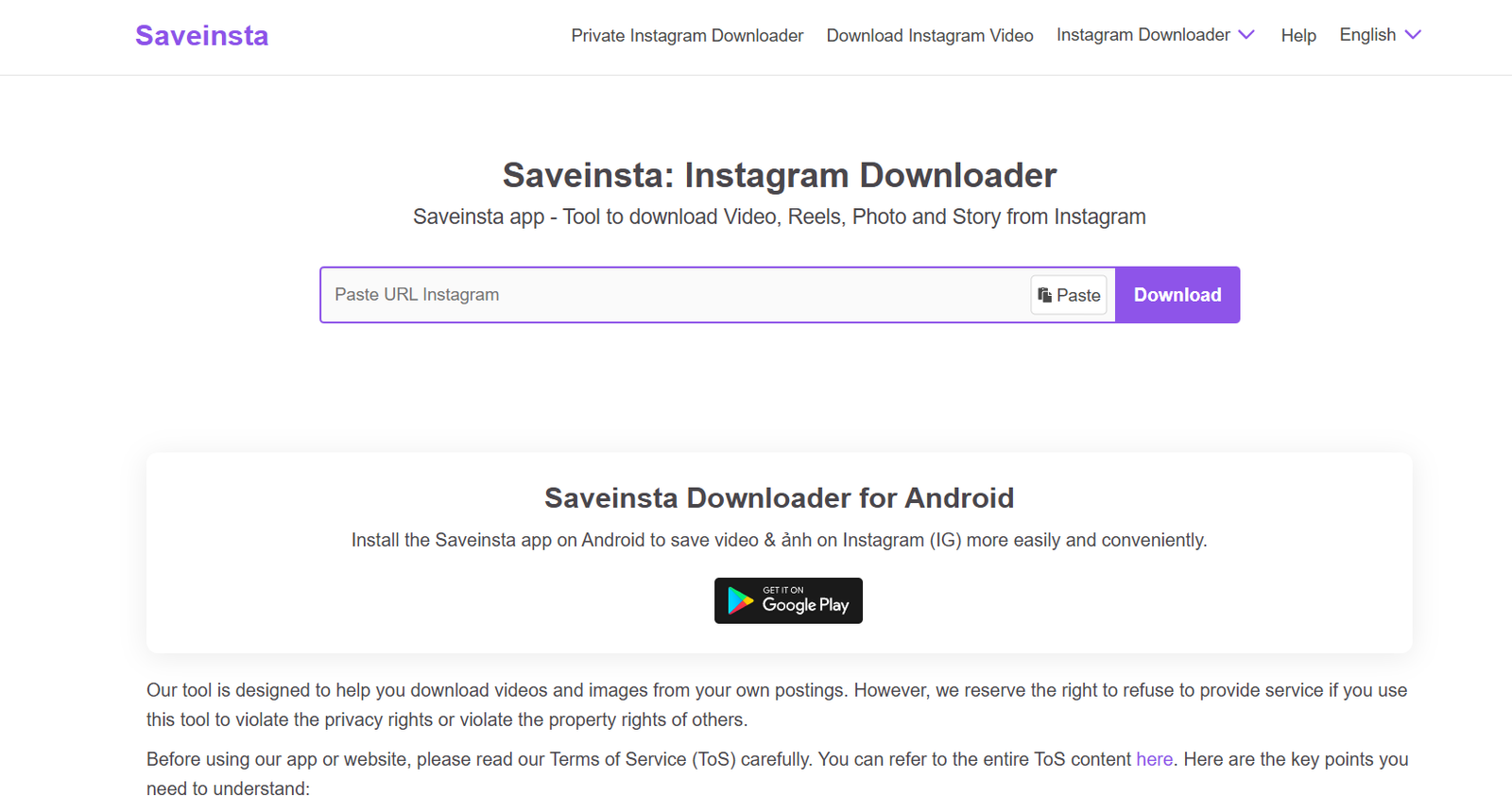
SnapInsta is one of the most reliable tools to download from Instagram without losing quality. It supports photos, videos, Reels, Stories, and carousel posts, all while preserving excellent resolution. It works smoothly on both desktop and mobile browsers.

What makes SnapInsta stand out is simplicity. Paste the link, click download, choose the quality if needed, and you’re done. No annoying popups, no forced ads, and absolutely no login required. It’s a great all-around choice for most users.

Tool #2 – iGram (Best for Downloading Instagram Reels in HD)
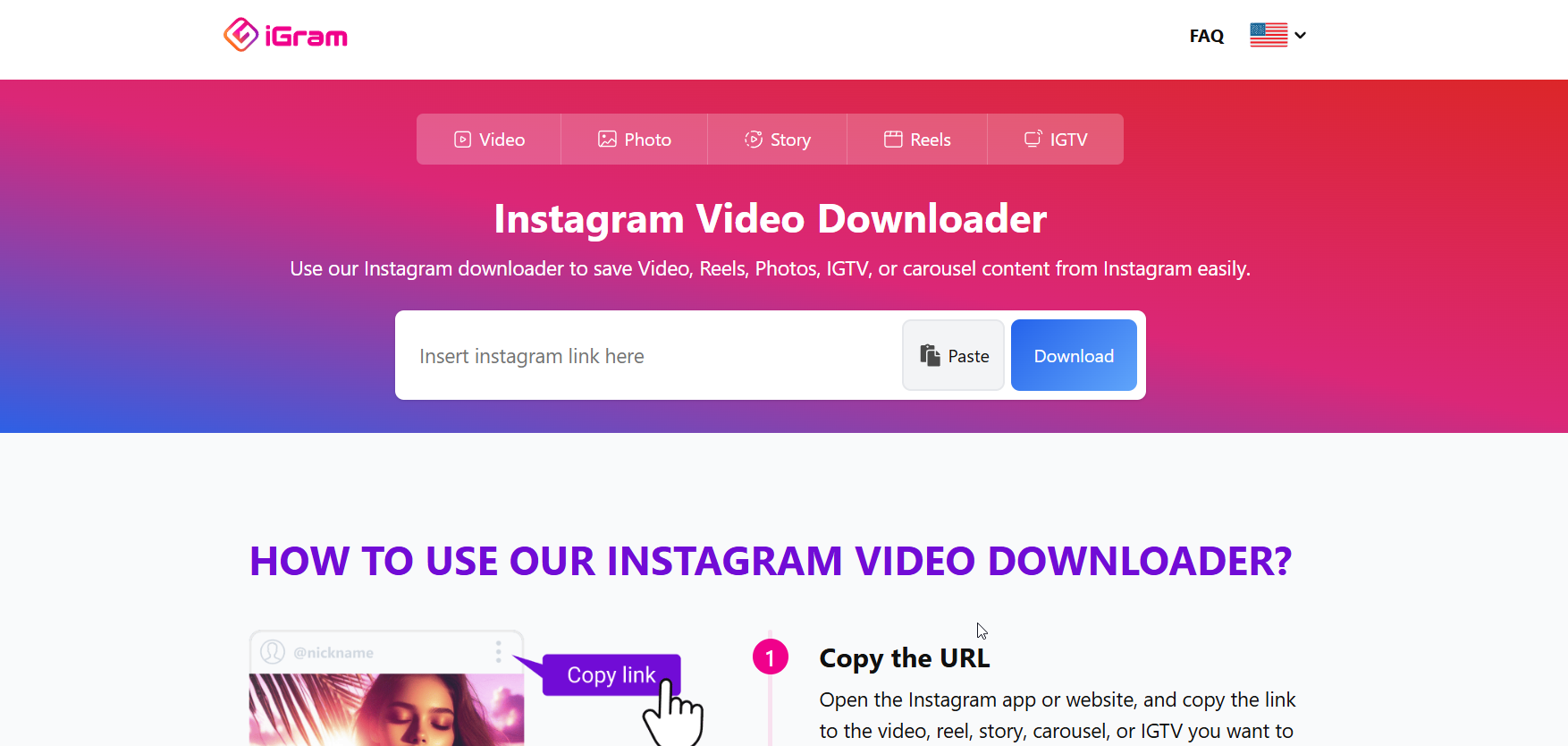
iGram Pinterest Downloader

If your main goal is saving Reels, iGram is a strong option. It’s lightweight, fast, and consistently delivers high-quality video files without weird encoding issues.

This tool is especially useful if you frequently download video from Instagram and want the process to stay quick and predictable every time.

Tool #3 – SaveVid (Best Instagram Photo Downloader)
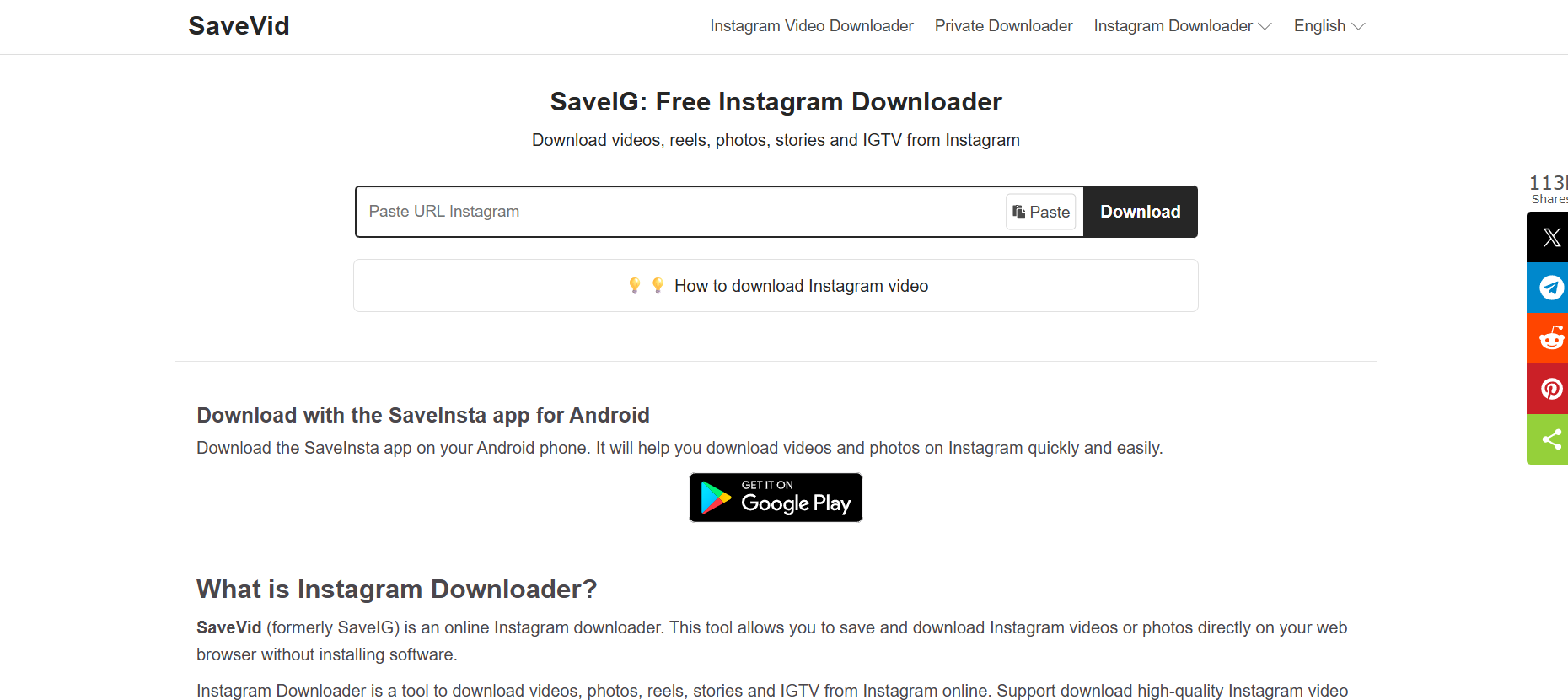
SaveVid

For users who mostly want to download pics from Instagram, SaveVid performs very well. It preserves image sharpness and allows you to download carousel images individually instead of merging them.

This makes it ideal for designers, content creators, and marketers who save visual references regularly.

Tool #4 – StoriesIG (Best for Stories and Highlights)
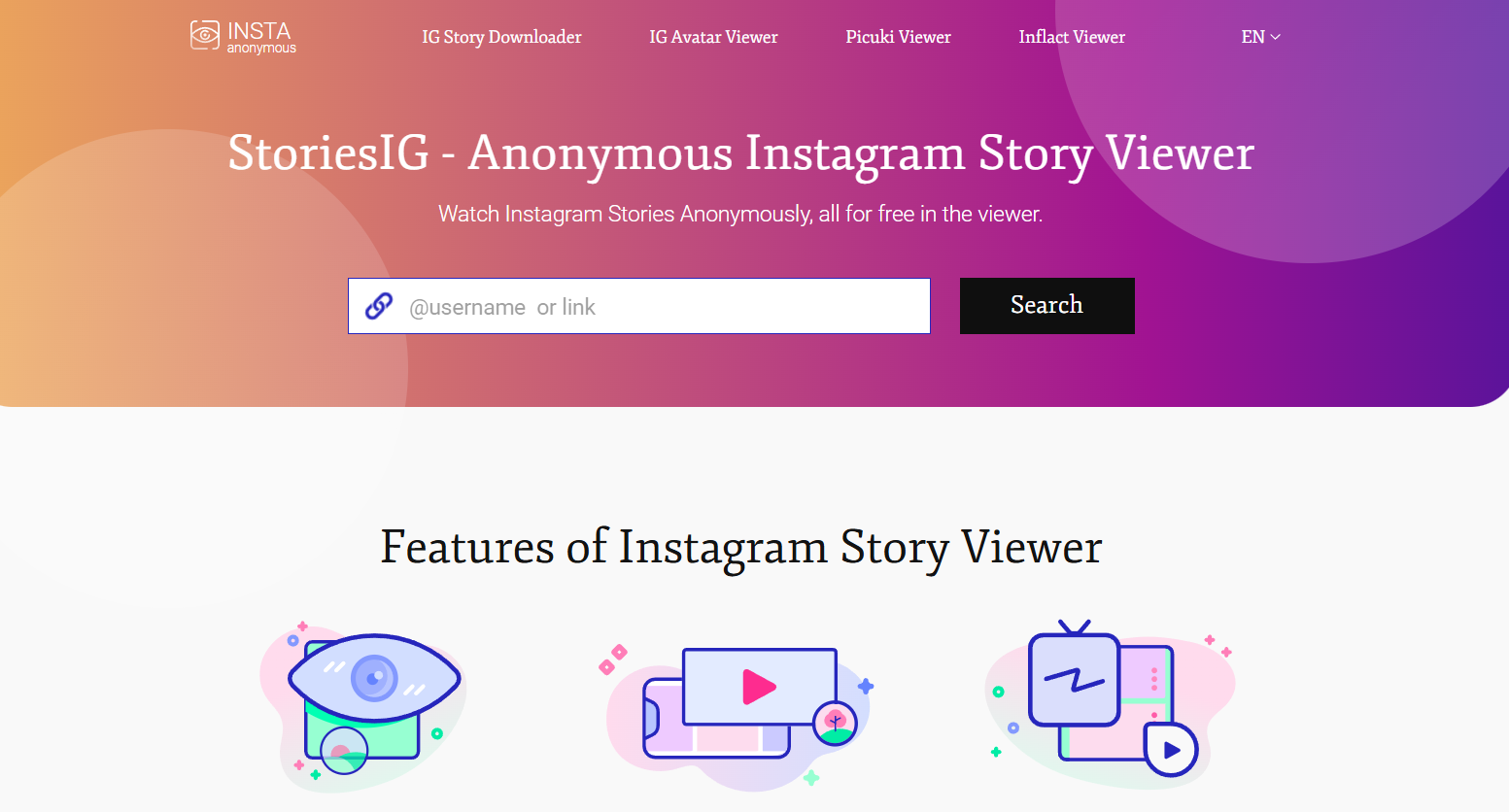
StoriesIG

StoriesIG focuses specifically on Instagram Stories and Highlights. One of its biggest advantages is the ability to view and download public Stories anonymously.

If you often save time-sensitive content before it disappears, this tool does the job without complications.

Tool #5 – Inflact Instagram Downloader (Best Multi-Format Tool)

Inflact IG Picture Saver

Inflact offers a more feature-rich experience. It supports photos, videos, Reels, Stories, and even profile pictures in full size.

While it’s slightly heavier than simpler tools, the flexibility and consistent quality make it a good choice for advanced users.

Tool #6 – FastDL (Best Mobile-Friendly Downloader)
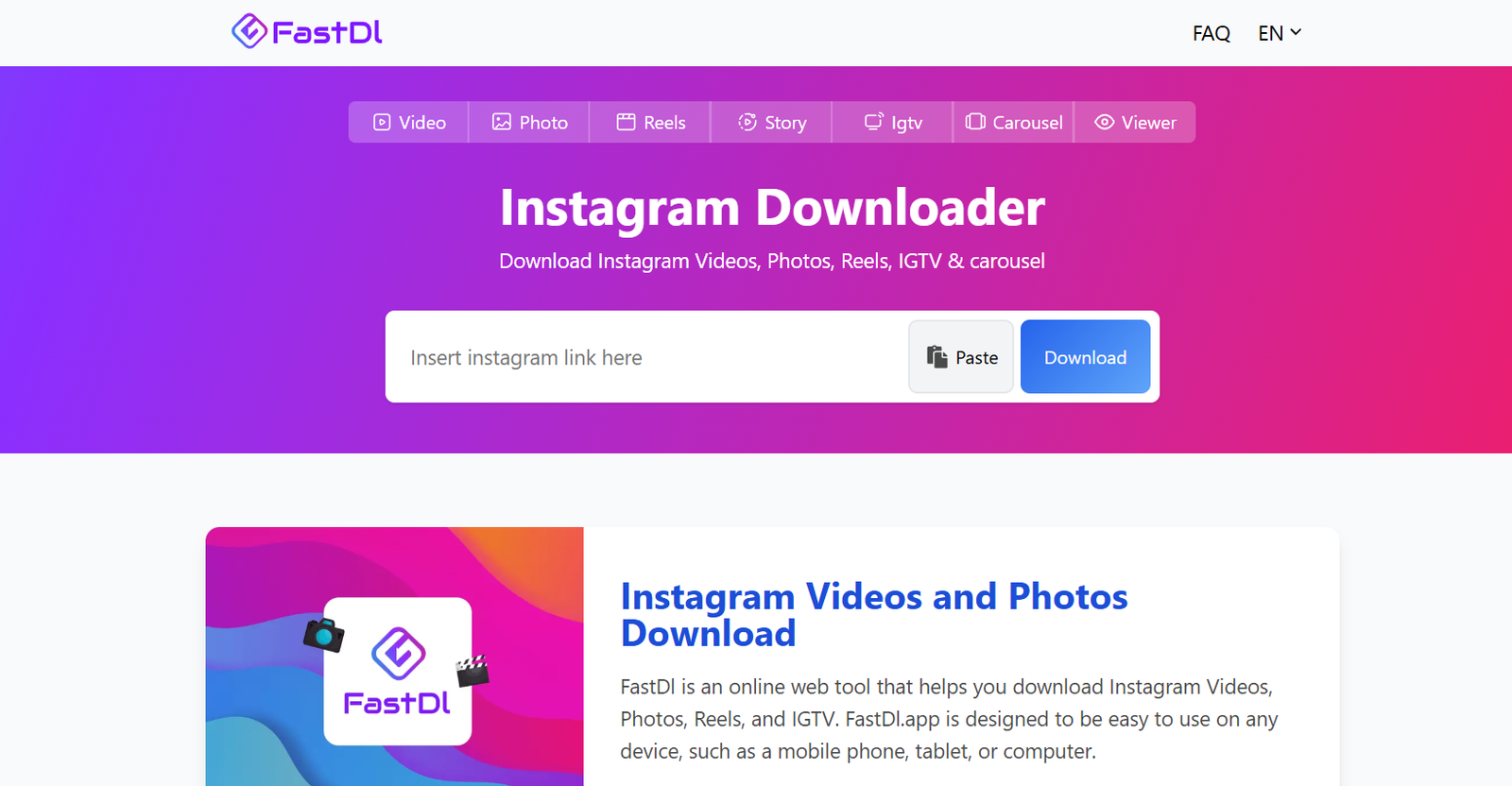
fastdl

If you usually download directly from your phone, FastDL is designed with mobile users in mind. The interface is clean, responsive, and doesn’t overwhelm you with ads.

It’s perfect when you want to quickly download image from Instagram or save a video while browsing on mobile.

Tool #7 – Qoob Clips (Best for Bulk Downloads)
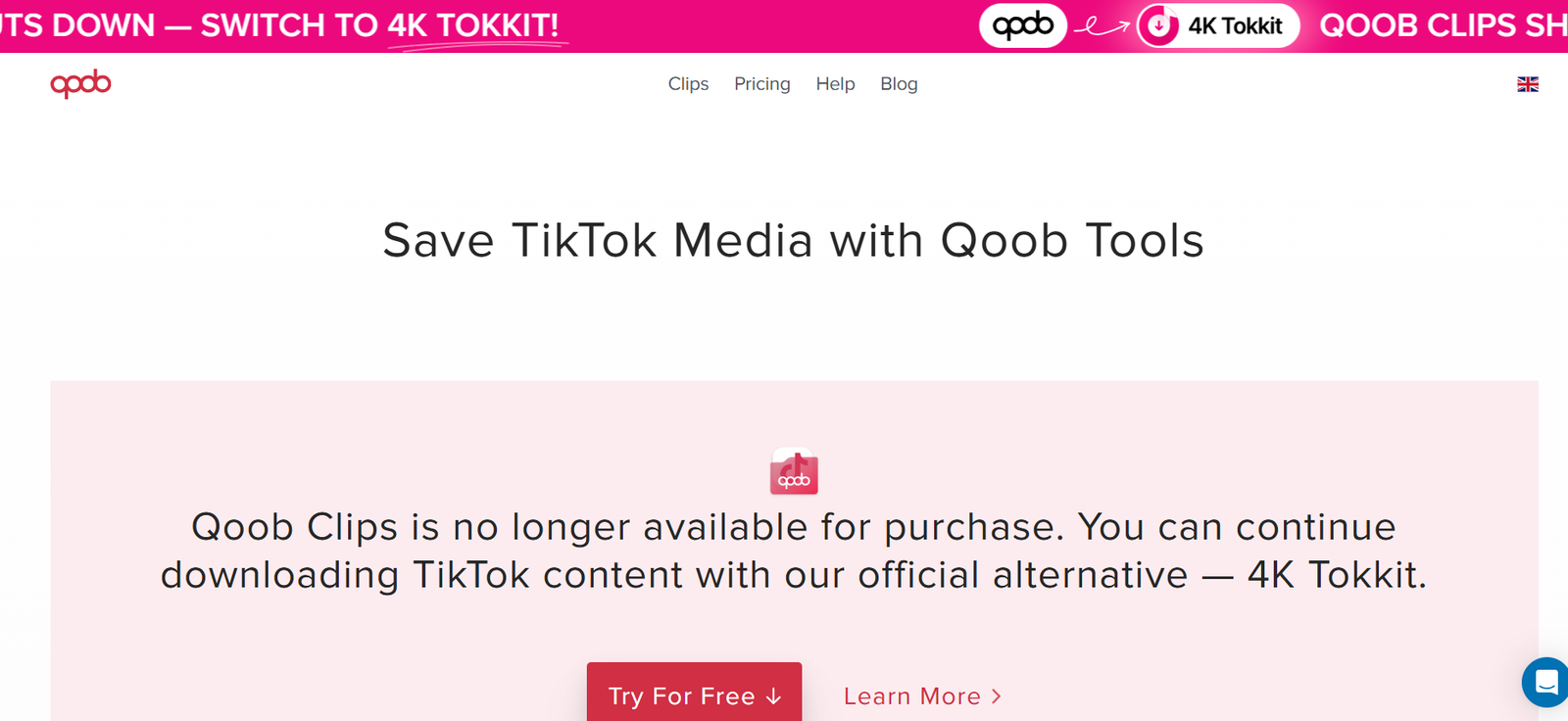
qoob

Qoob Clips is a desktop application rather than a website. It’s designed for bulk downloads from public profiles, hashtags, or entire accounts.

This tool is more advanced and best suited for users who need large volumes of content in original quality, such as researchers or content curators.

How to Download From Instagram Step-by-Step (No Quality Loss)

How to Download Instagram Videos

  1. Open Instagram and copy the post or Reel link

  2. Paste the link into one of the trusted tools above

  3. Select the highest resolution available

  4. Download and save the file to your device

That’s it. No screen recording, no blurry results, no unnecessary steps.

How to Download Instagram Photos

The process is nearly identical. Just make sure the tool supports original image resolution, especially when downloading carousel posts with multiple images.

How to Download Instagram Reels and Stories

Reels and Stories are best handled by tools like SnapInsta, iGram, or StoriesIG. Keep in mind that private accounts can’t be downloaded unless you already have access.

How to Download From Instagram on Mobile vs Desktop

Mobile browsers work perfectly for quick downloads, while desktop browsers usually offer more control over file formats and resolution. Both are safe if you stick to trusted tools.

Common Mistakes That Reduce Quality When You Download From Instagram

Using Screen Recording Instead of Direct Downloads

Screen recording captures the playback version, not the source file. This almost always results in lower resolution and worse quality.

Choosing the Wrong Format or Resolution

Some tools default to lower-quality formats. Always double-check and select the highest available resolution before downloading.

Falling for Fake “HD” Instagram Download Tools

If a website looks spammy or pushes too many ads, trust your instincts. Stick to known, reputable tools.

Is It Legal and Safe to Download From Instagram?

Copyright Rules You Should Know

Downloading content for personal use is usually fine. Reposting or using content commercially without permission can cause issues.

Personal Use vs Commercial Use

If you plan to use downloaded content for business, marketing, or monetization, always get permission from the original creator.

How to Download From Instagram Safely

Never log in with your Instagram account, avoid unknown extensions, and use browser-based tools from reputable websites.

Conclusion – Download From Instagram the Right Way

When it comes to saving Instagram content, quality depends entirely on the tool you choose. Whether you want to download image from Instagram, save high-quality Reels, or finally understand how to download videos from Instagram properly, the tools listed above cover every realistic use case. Choose one that fits your needs, avoid shortcuts, and you’ll never have to deal with blurry or low-quality downloads again.

Find More: Boost Your Sales With SEO Services

FAQs

1. Can I download from Instagram without losing quality?

Yes, as long as you use tools that download the original media file instead of relying on screen recording or screenshots.

2. What is the best tool to download from Instagram in HD?

SnapInsta and iGram are two of the most reliable tools for consistently high-quality downloads.

3. Can I download Instagram videos without logging in?

Yes. All the tools listed here work without requiring your Instagram login details.

4. How do I download from Instagram on iPhone or Android?

You can use mobile-friendly tools like FastDL or SnapInsta directly through your phone’s browser.

5. Why does my Instagram download look blurry?

This usually happens when the tool downloads a compressed playback version instead of the original source file.

6. Are Instagram download tools safe to use?

Trusted tools are safe as long as you avoid providing login details, installing unknown software, or clicking fake download buttons.


Tags:
7 Powerful FB Downloader Tools You’re Probably Not Using Yet

7 Powerful FB Downloader Tools You’re Probably Not Using Yet

fb downloader

Introduction: Why You Need a Reliable FB Downloader Today

FB Downloader tools have become a must‑have for anyone who consumes Facebook content regularly. Whether you’re saving funny reels, collecting educational videos, or archiving content for your business or creative projects, having a reliable FB downloader can save you time, frustration, and mobile data. A lot of people still rely on screenshots or screen recordings, but with the rise of HD reels and long‑form Facebook videos, that simply doesn’t cut it anymore.

Today, you need a tool that can handle HD, Full HD, and even 2K or 4K in some cases. You also want something fast, safe, and free from shady pop‑ups. That’s why this guide exists—to show you seven powerful FB video downloader tools that actually work in 2025 and won’t leave you stuck with low‑quality downloads or broken links. Along the way, we’ll also look at alternatives, safety tips, and a few surprising features you might not know these tools could do.

Find More: 7 Powerful Facebook Viewer Tools You’ll Wish You Knew Sooner

What to Look for in a High-Quality FB Downloader

Speed and Download Performance

A good download fb video downloader needs to be fast. Nobody wants to wait two minutes for a 15‑second clip. Speed affects your workflow—especially if you’re downloading multiple videos at once.

Support for HD, Full HD, and Audio Extraction

Video quality matters more than ever. If you’re downloading reels for editing, content repurposing, or learning, choosing a tool that supports fb video downloader hd resolutions will make a huge difference.

Security, Privacy, and Safety Considerations

Not all download sites are created equal. Many are packed with aggressive ads or misleading buttons. Always choose the tools that are reputable and have been trusted for years.

Compatibility With Mobile and Desktop

Some people download videos on their laptops, others prefer their phones. Your tool should work smoothly whether you’re using Android, iPhone, Windows, or Mac.

7 Powerful FB Downloader Tools You’re Probably Not Using Yet

1. SnapSave – Fast, Clean, and Excellent for HD

SnapSave

If you’re looking for a super fast and clean downloading experience, SnapSave is one of the best on the market. It’s great for reels, long videos, and HD content, supporting everything from regular 720p to 2K and even 4K.
SnapSave is especially strong when it comes to fb reel downloader tasks because of its optimization for vertical video clarity.
Website: SnapSave

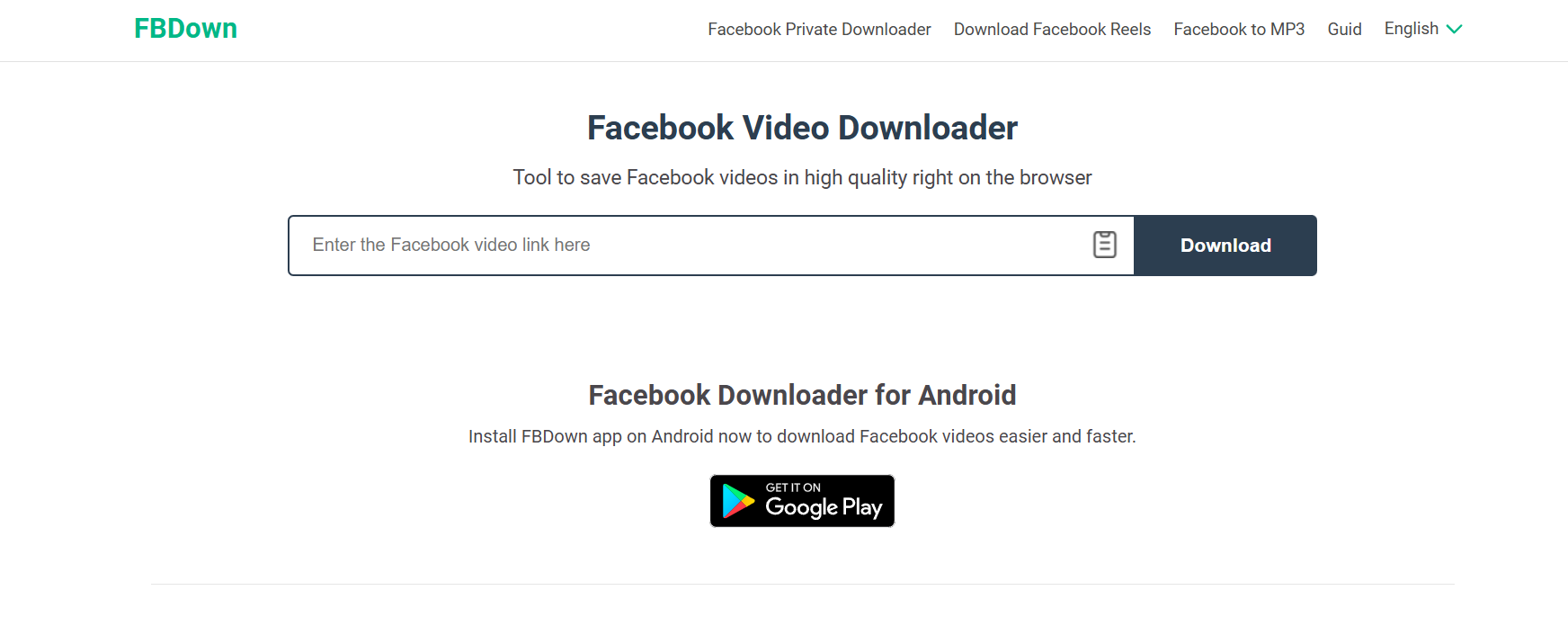
2. FBDown – Reliable Classic With Great Features

FBDown

FBDown has been a trusted tool for years, and it continues to evolve. It’s stable, fast, and supports HD downloads with minimal hassle. One of its unique strengths is its browser extension, which makes downloading even more convenient.
If you’re downloading several videos a day, this tool saves you a lot of time.
Website: FBDown

3. SaveFrom – Simple and Wide Compatibility

savefrom

SaveFrom remains one of the most beginner‑friendly tools you can use. Paste your link, hit download, and you’re done. It supports multiple browsers, and the interface is perfect for users who don’t want anything complicated.
It’s not the best for extremely high‑quality downloads, but for quick and simple tasks, it’s excellent.
Website: SaveFrom

4. GetfVid – Great for Downloading Private Videos

Getfvid

Most downloaders struggle with private content, but GetfVid handles it well. It offers a special private video feature that works with videos shared only with you or limited to friends.
This makes it especially useful for saving your own content backups or videos from private groups.
Website: GetfVid

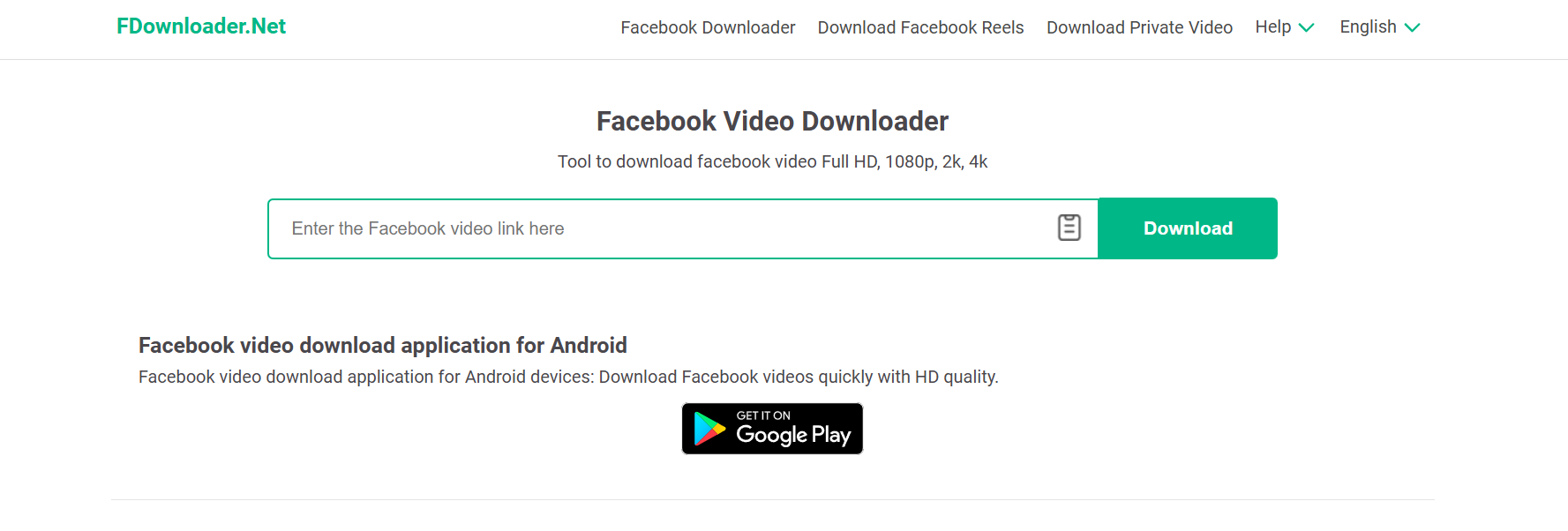
5. FDownLoader – Clean Interface With Fast Results

FDownloader

FDownLoader stands out for having one of the cleanest user interfaces. It’s straightforward, fast, and supports HD downloads without flooding you with ads.
It’s also great for users who download dozens of videos per week and need a tool that simply works.
Website: FDownLoader

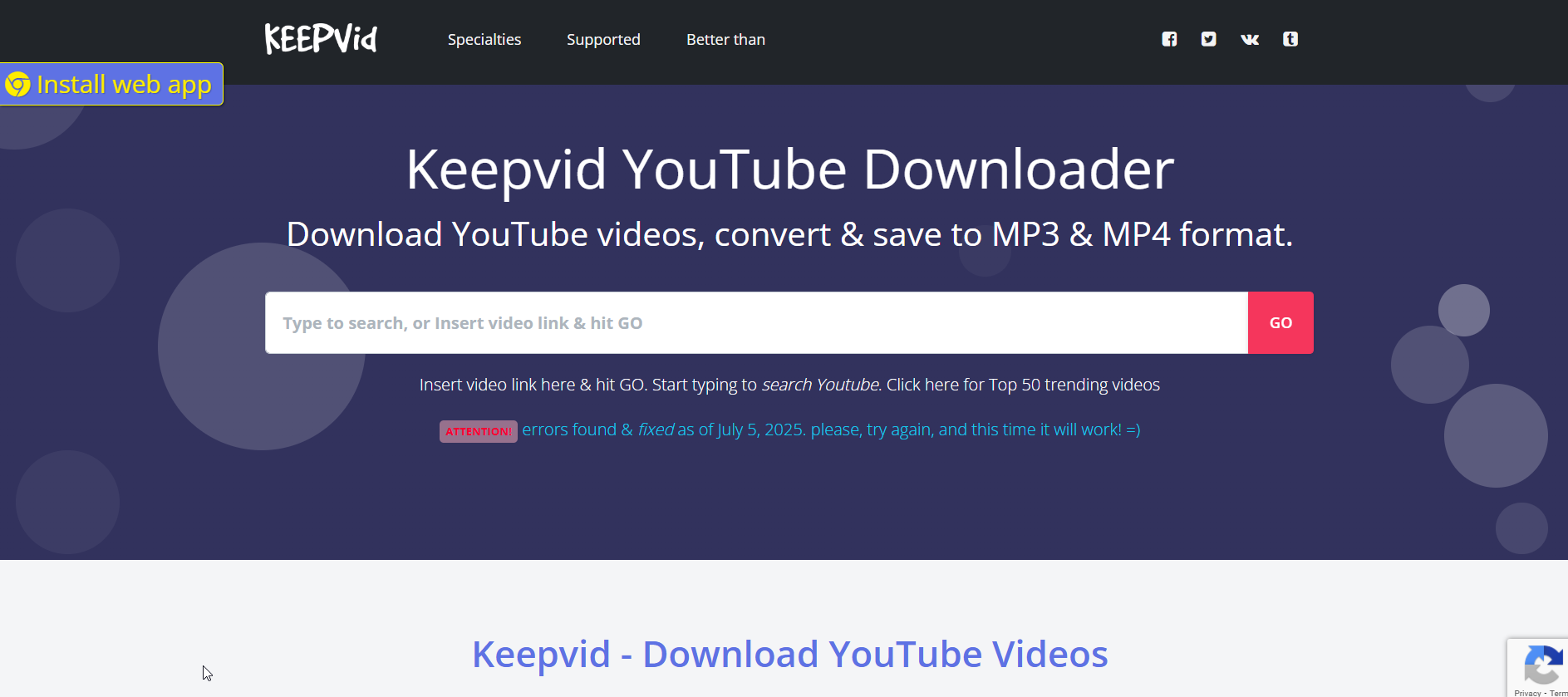
6. KeepVid – All-in-One Downloader for Multiple Sites

keepv

If you want something more versatile than a standard fb downloader, KeepVid is ideal. It supports Facebook, YouTube, Instagram, Twitter, and many other platforms.
This makes it a great choice for content creators who pull inspiration or raw materials from multiple sites.
Website: KeepVid

7. SaveFB – Smooth Experience for Reels & Stories

If your main focus is reels, stories, or short‑form content, SaveFB might be the best tool for you. It handles reels exceptionally well and keeps the vertical HD format intact.
Its simple interface makes it perfect for users who want to download multiple reels quickly.
Website: SaveFB

Comparison Table: Best FB Downloader Features at a Glance

Speed, Quality, and Device Compatibility

SnapSave and FBDown lead the pack in speed and stability. SaveFB and SnapSave offer the highest clarity for reels and stories.

Online vs. Software vs. Browser Extensions

Browser extensions offer convenience, but many users prefer online tools for safety and device flexibility. Online tools don’t require installation, making them safer and more universal.

How to Use an FB Downloader Safely and Effectively

Step-by-Step Guide for Beginners

  1. Copy the link of the Facebook video or reel.

  2. Paste it into your chosen downloader.

  3. Select your preferred quality.

  4. Click download and save it to your device.
    This process should take less than 10 seconds on most tools.

Tips to Avoid Low-Quality or Unsafe Download Sites

Avoid any site that forces extra apps, redirects you multiple times, or shows too many misleading buttons. The tools above are safe and widely trusted.

Legal and Ethical Considerations When Downloading FB Videos

Always respect copyright. Download your own videos, public content, or videos you have explicit permission to save.

Alternatives to FB Downloader Tools

Built-In Facebook Save Options

The built‑in “Save” feature is great for bookmarking content inside Facebook, but it won’t help you if you need offline access.

Screen Recording Apps and When to Use Them

Screen recording is useful when downloaders fail to extract a specific private video or when you’re dealing with content that can’t be fetched normally.

Conclusion: Choose the Right FB Downloader for Faster, Easier Downloads

Choosing the right fb downloader can dramatically improve how you collect and consume Facebook content. The tools we explored—SnapSave, FBDown, SaveFrom, GetfVid, FDownLoader, KeepVid, and SaveFB—each bring their own strengths and unique features.
Whether you need higher quality, faster downloads, private video access, or all‑in‑one versatility, there’s a tool here that fits your needs perfectly. Test a couple of them, see what matches your workflow, and start saving videos effortlessly.

Find More: Boost Your Sales With SEO Services

FAQs

1. Is using an FB Downloader legal?

Downloading Facebook videos is generally legal when you are saving your own content or public videos. For anything else, make sure you have permission.

2. Can I download private Facebook videos?

Yes—tools like GetfVid offer a reliable private video download feature.

3. What is the safest FB Downloader to use?

SnapSave, FBDown, and FDownLoader are known for being clean, safe, and consistently updated.

4. Why isn’t my FB Downloader working?

Common reasons include broken links, private settings, expired content, or Facebook changing video formatting. Trying another tool usually solves the problem.

5. Do FB Downloaders work on Android and iPhone?

Yes. All recommended tools work on both mobile browsers and desktop devices.

Tags:
7 Powerful Bluesky Video Downloaders Nobody Talks About

7 Powerful Bluesky Video Downloaders Nobody Talks About

bluesky video downloader

Introduction: Why You Need a Reliable Bluesky Video Downloader Today

Bluesky video downloader tools are becoming absolutely essential as the platform keeps growing and more creators move their content there. Every day, more people try to save clips—funny moments, tutorials, updates, or inspirational videos—only to realize Bluesky doesn’t offer a built-in download button. And if you’ve tried those sketchy random sites that barely work, you already know how frustrating it can be.

That’s exactly why using a trustworthy Bluesky video downloader, Bluesky downloader video, or even a Bluesky video downloadeer (yes, even the misspelled one still gets searched!) is becoming a must. Bluesky itself is built around privacy, a clean user experience, and decentralization. While that’s great for users, it also means downloading videos isn’t something the platform prioritizes.

So today, we’re diving deep into the seven best tools—real, legitimate, safe options—that make saving Bluesky videos smooth, quick, and drama-free. And instead of giving you generic tools that may or may not work, I’m giving you only the ones that actually support Bluesky right now.

Find More: 7 Powerful Tools to Download FB Stories Instantly

What to Look for in a Good Bluesky Video Downloader

Speed and Download Quality

When downloading a video, you shouldn’t have to wait forever. A proper downloader fetches videos instantly and keeps the video crisp. Whether it’s HD or SD, the tool should give you options so you can pick the best quality for your device.

Support for Multiple Formats (MP4, HD, Audio Extracts)

You might not always want the full video. Maybe you only need the audio. Maybe you want the smallest file possible. Good downloaders give you a selection—MP4, 720p, 1080p, sometimes even 4K depending on the source.

Browser vs. App vs. Online Downloader Options

Some people hate installing apps. Others want desktop software for heavy downloading. And many prefer simple websites where you paste a link and go. There’s no right or wrong here—it’s all about what fits your workflow.

Safety, Privacy, and No-Login Tools

You should never hand over your credentials just to download a video. The safest tools don’t require logins, don’t store your data, and don’t force extensions or shady downloads.

7 Powerful Bluesky Video Downloaders Nobody Talks About

1. SaveFrom

savefrom

SaveFrom has existed for years and is known for supporting tons of platforms. Most people don’t know it quietly added Bluesky support, and it works surprisingly well. Paste a link, pick your quality, and download instantly. No registration, no fuss.

2. ByClick Downloader

ByClick

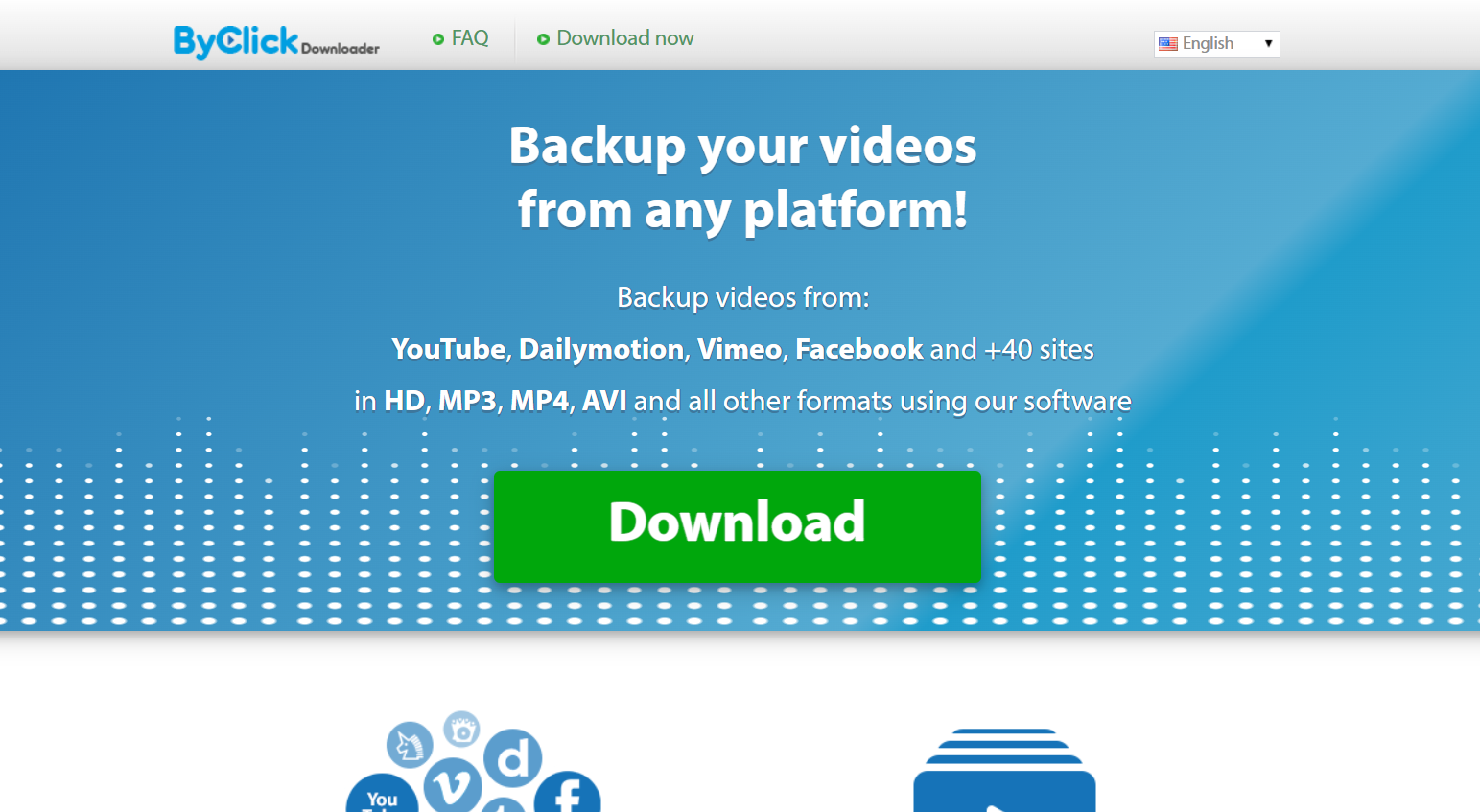
ByClick Downloader is a big name in the downloader world, especially for people who download frequently. It supports automatic detection, HD downloads, multiple formats, and batch downloads. If you want something reliable and desktop-based, this one is fantastic.

3. SnapDownloader

SnapDownloader

SnapDownloader is easily one of the fastest and most premium download managers available. It supports more than 900 sites, including Bluesky, with clean UI and consistently high speeds. It’s ideal for people who want top-tier audio/video quality.

4. TubeOffline

TubeOffline

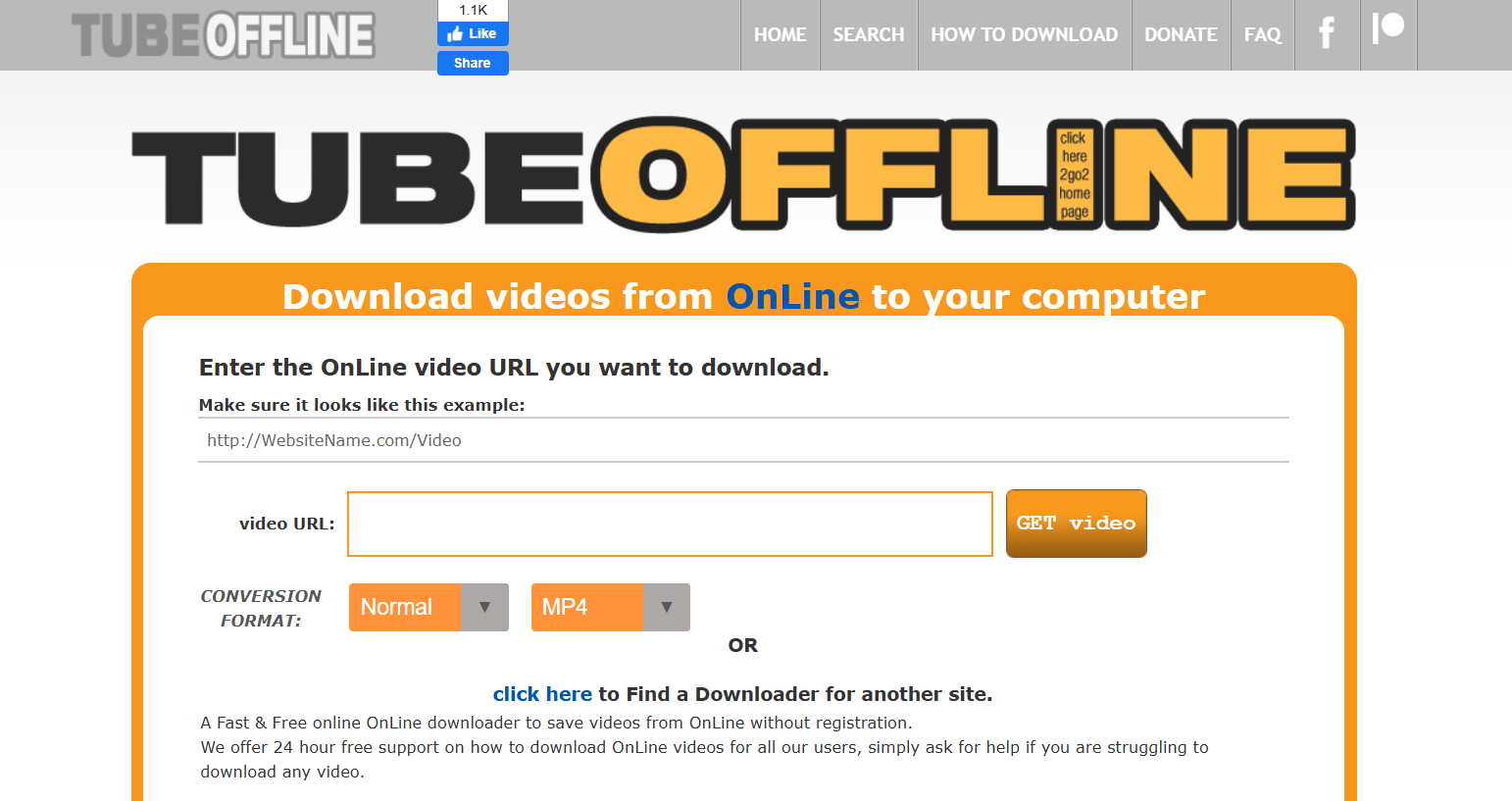
TubeOffline may look like it’s stuck in 2010, but wow—it delivers. It supports an impressive number of platforms and works great for saving Bluesky videos in multiple formats. If you want a no-frills, dependable option, this one is gold.

5. VideoHunt

VideoHunt has become a quietly powerful option for downloading videos from social platforms. It provides multiple format choices, fast processing, and a clean interface that doesn’t overwhelm you with ads.

6. Videofk

Videofk

Videofk is simple, lightweight, and refreshingly fast. It’s one of the least annoying online tools because it doesn’t bombard you with spam. Paste your link, download, and you’re done.

7. SSSVideo

SSSVideo is becoming a major favorite because it supports many platforms and offers strong performance. It also gives you quick-format options, making it perfect when you need a video immediately.

How to Use a Bluesky Video Downloader (Step-by-Step Guide)

Step 1 — Copy the Bluesky Video Link

Open the Bluesky app or website, tap the share icon, and copy the link. It takes two seconds.

Step 2 — Paste the Link Into the Downloader Tool

Visit the tool you chose and paste the link into the input field. Each tool has a big, obvious spot for this.

Step 3 — Choose Format and Quality Settings

Most downloaders automatically detect available qualities. Pick the one you want based on your storage and purpose.

Step 4 — Download and Save to Your Device

Click download, wait a few seconds, and your file will be ready. You can now save it to your camera roll, desktop, cloud storage, or wherever you prefer.

Is It Legal to Download Videos From Bluesky?

Understanding Copyright Rules

Laws vary by country, but generally, downloading for personal use is fine. Problems start when you reupload or distribute someone else’s content.

Personal Use vs. Redistribution

Saving a video to watch offline = okay.
Reposting it as your own = not okay.

How to Stay Compliant With Bluesky’s Terms

When in doubt, ask for permission. And always give credit if you share content.

Pros and Cons of Using a Free Online Bluesky Video Downloader

Advantages: No Install, Fast, Accessible

Free online tools are super convenient. No setup. No learning curve. Just paste and download.

Disadvantages: Ads, Limitations, Privacy Concerns

Some sites show aggressive ads or have limited storage/quality options. Safety varies, so choose carefully.

Best Practices for Downloading Bluesky Videos Safely

Avoiding Fake or Harmful Downloader Websites

There are lots of clones and suspicious sites pretending to be downloaders. Stick with the trusted list above.

Using a VPN for Extra Privacy

A VPN isn’t required but adds an extra layer of security, especially on public Wi-Fi.

Checking File Quality Before Sharing

Before sending a downloaded video to someone, watch it first. Sometimes the quality drops if the tool compresses it.

Conclusion: Choose the Right Bluesky Video Downloader for Your Needs

Each tool in this list has something unique to offer—some focus on HD quality, others prioritize speed, while a few are great for bulk downloading. What matters most is choosing the one that matches how you use Bluesky.

Whether you want simple one-click downloads or advanced desktop software, you now have a complete set of options that actually work. Use them wisely, stay respectful of creators, and enjoy saving all your favorite Bluesky videos anytime you want.

Find More: Boost Your Sales With SEO Services

FAQs

1. Can I download private Bluesky videos?

No. Private or locked posts can’t be downloaded unless you have direct permission and access.

2. Do Bluesky video downloader tools work on mobile?

Yes. Almost all simple web-based tools work smoothly on iPhone, Android, and tablets.

3. Why do some downloaders fail to detect the video?

This usually happens when Bluesky updates its backend. Switching tools usually solves the issue.

4. What is the safest free Bluesky video downloader?

SaveFrom and Videofk are two of the safest, most stable choices.

5. Can I convert Bluesky videos to MP3?

Absolutely. Tools like SnapDownloader and ByClick Downloader let you extract audio.

Tags:
7 Powerful Instagram Post Downloaders You’ll Wish You Found Earlier

7 Powerful Instagram Post Downloaders You’ll Wish You Found Earlier

instagram post downloader

Introduction: Why You Need a Reliable Instagram Post Downloader in 2025

Instagram post downloader tools are becoming essential for anyone who wants to save content quickly, whether it’s for inspiration, research, archiving, or building content libraries for future ideas. As Instagram continues to dominate visual communication, the need to download posts in HD, save reels for editing inspiration, or simply organize content for campaigns has grown massively.

If you’ve ever tried to manually save posts, you already know how annoying it can be. Screenshots ruin the quality, random download websites crash, and some apps are loaded with spammy ads. And with the platform evolving constantly, the tools that worked last year may not work today. That’s exactly why this guide exists: to walk you through 7 powerful, reliable, real Instagram post downloader tools that actually work in 2025 — including HD downloads, carousel support, reel, mobile optimization, and more.

By the end of this article, you’ll know exactly which downloader fits your workflow, how to use it properly, and how to avoid the common issues most users face. Let’s dive deeper into each one.

Find More: 7 Instagram Video Download Tools That Actually Work

1. Tool #1 — SnapInsta: Fast, Secure, and HD-Ready

SnapInsta

SnapInsta has been around for years and continues to dominate because of its consistency. It’s one of those tools you try once, and it instantly becomes your go-to.

Key Features

  • Download posts, reels, stories, highlights, and IGTV

  • Supports Instagram post downloader HD formats

  • Clean user interface that works flawlessly on desktop and mobile

  • Extremely fast processing time

  • No account needed, ever

Pros & Cons

  • Pros: High-quality downloads, stable servers, very few ads

  • Cons: Can occasionally slow during global peak usage hours

Best For

Creators, agencies, and anyone downloading content daily who needs maximum reliability.

SnapInsta is especially great for people who download reels for editing inspiration — the HD clarity is noticeably better than most free tools.

2. Tool #2 — iGram: The Most User-Friendly Instagram Post Downloader

iGram Pinterest Downloader

iGram is the definition of simplicity. If you want a downloader instagram post tool that works with zero confusion, this is it.

Key Features

  • Download photos, carousels, videos, and reels

  • One-click interface with nearly instant downloads

  • Works smoothly on smartphones

  • Doesn’t require login or extensions

How It Works

Copy the post URL → paste it → download. That’s literally it.

Best For

Casual users who don’t want unnecessary features and just want a reliable, minimalistic tool.

iGram is particularly good for people who download posts occasionally and don’t need advanced features like bulk downloading.

3. Tool #3 — SaveInsta: A Powerful Downloader With HD Quality Support

SaveInsta

SaveInsta stands out because of how consistently it maintains HD quality across everything — reels, posts, stories, and even profile pictures.

Key Features

  • Ultra-sharp instagram post downloader hd performance

  • Supports full-content downloads (videos, reels, carousels)

  • Super clean interface

  • Fast processing time even for large videos

Supported Formats

  • JPG (HD)

  • MP4 (HD)

  • ZIP bundles for multi-photo posts

Best For

Designers, video editors, content creators, and anyone who needs the highest resolution possible.

SaveInsta’s ability to maintain clarity is unmatched, especially for users who frequently repurpose or analyze visual content.

4. Tool #4 — InstaSave: Speed-Focused Downloader for Creators

InstaSave is all about speed — and if you download dozens of posts per day, you’ll notice the difference.

Features You’ll Love

  • Extremely fast downloads

  • Works well even on slow internet connections

  • Clean and modern UI

  • No app installation needed

Performance Overview

Even if you paste multiple URLs one after another, InstaSave handles them quickly without lagging or timing out.

Best For

Busy creators, marketing teams, and power users.

If you often download posts during tight deadlines or while multitasking, InstaSave will save you a ton of time.

5. Tool #5 — SaveFrom: No-Account-Needed Instagram Post Downloader

savefrom

SaveFrom is one of the oldest names in the content-downloading game. It has built a reputation for speed, reliability, and zero-login requirements.

Security Benefits

  • No login required

  • No data collection

  • Long-standing trust among millions of users worldwide

Ease of Use

Paste → click download → save. No more steps.

Best For

People who want something extremely simple and don’t want to risk giving access to any part of their Instagram account.

SaveFrom isn’t fancy — but it works, and sometimes that’s exactly what you need.

6. Tool #6 — Toolzu Instagram Downloader: Mobile-Friendly and Creator-Oriented

Toolzu

Toolzu Instagram Downloader is heavily optimized for phone users — fast loading, clean layout, and everything is designed with tap-based navigation in mind.

iOS and Android Compatibility

It works exceptionally well on both iPhone and Android, and you can use it directly from your mobile browser without installing anything.

Key Features

  • HD image and video downloader

  • Download carousels smoothly

  • Very few ads compared to similar tools

  • Great performance on older devices

Best For

People who download content mainly from their phones.

If you scroll Instagram more on your phone than your laptop, Toolzu will feel natural and effortless.

7. Tool #7 — Inflact: Feature-Rich Premium Downloader

Inflact IG Picture Saver

Inflact is a premium-level tool that offers way more than basic downloading. It’s built for serious digital workers.

Hidden Features

  • Bulk post downloading

  • Automated daily downloads for specific profiles

  • Cloud storage functionality

  • Extra tools like hashtag generator and analytics

Why Users Love It

Inflact is not just a downloader — it’s a full Instagram toolkit that helps creators grow, organize, and collect content efficiently.

Best For

Agencies, brands, and creators handling large-scale content operations.

If you want a pro-level solution that goes beyond casual downloading, Inflact is unmatched.

How to Choose the Best Instagram Post Downloader for Your Needs

Speed vs. Quality vs. Simplicity

Not every user needs the same thing. Some value ultra-HD quality, others want a quick downloader instagram post solution, and some want automation.

Important Safety Considerations

Never enter your Instagram password into any downloader. All trustworthy tools only require a URL.

Legal & Ethical Use Tips

Be respectful. Download content for personal inspiration, research, or archiving — not for stealing or reposting without permission.

Step-by-Step Guide: How to Use an Instagram Post Downloader Properly

Copying the URL

Tap the three dots → Copy Link.

Pasting and Downloading

Paste it into any of the tools above → Download.

Recommended Settings for Best Results

Always pick HD where available, especially for reels and photos.

Common Problems and How to Fix Them

Downloader Not Working

Try a different tool — even the best sites face occasional downtime.

Low-Quality Output Issues

This happens when tools don’t support HD. Use SaveInsta or SnapInsta.

Private Account Limitations

No tool can bypass privacy settings. You must already follow the account.

Conclusion: Start Using the Right Instagram Post Downloader Today

Finding the perfect Instagram post downloader can completely change the way you collect, organize, and repurpose content. Whether you’re a creator, marketer, designer, or casual user, these tools will save you hours of frustration.

Try a few of them today, experiment with HD downloads, explore bulk-saving features, and see which one fits your workflow best. Once you start using the right tool, you’ll never go back to screenshots or unreliable apps again.

Find More: Boost Your Sales With SEO Services

FAQs

1. What’s the safest instagram post downloader to use?

SnapInsta, iGram, and SaveFrom are considered very safe because they don’t require login.

2. Can I download an entire carousel from Instagram?

Yes, several tools like Toolzu and SaveInsta support carousel downloads.

3. Do any of these tools work on PC and mobile?

All tools listed work on every device — phone, tablet, and computer.

4. Can I download reels using these tools?

Yes, every tool listed supports reel downloads.

5. Are instagram posts downloader tools free?

Most are free, but Inflact offers premium features.

Tags:
7 Instagram Video Download Tools That Actually Work

7 Instagram Video Download Tools That Actually Work

instagram video download

Introduction

Instagram video download is something almost everyone has googled at some point. Whether you’re trying to save a Reel for inspiration, keep a video tutorial handy, archive content for research, or just want offline access to your favorite moments, having a reliable way to download Instagram videos really matters. Over the years, Instagram has grown into a massive content hub packed with tutorials, recipes, fitness routines, inspiring transformations, memes, and educational clips. But the platform wasn’t built with a native download button — and that’s where things get frustrating.

If you’ve ever typed “download instagram videos” or “Instagram download video” into Google, you already know the struggle. Many tools are slow, full of pop-ups, or stop working every few months. Some look sketchy enough to make you close the tab immediately. That’s why this guide exists. I tested a long list of tools, removed the unreliable ones, and kept only 7 Instagram video download tools that actually work — consistently, safely, and with good quality.

Consider this your go-to resource anytime you need to save a Reel, Story, IGTV episode, carousel video, or even content from creators you admire.

Find More: Optimal Instagram Posting Time: 9 Data-Backed Times for Maximum Reach

Tool 1: SnapInsta

SnapInsta

SnapInsta is easily one of the most popular tools online — and it earns that popularity honestly. When you open the website, you immediately feel like you’re in the right place. The interface is clean, the process is simple, and everything is fast. No endless ads, no fake download buttons, no confusing steps. Just copy, paste, download. Try it here: SnapInsta

Why SnapInsta Works Well

  • Super-fast processing even with long videos
  • Supports nearly all Instagram formats: videos, Reels, IGTV clips
  • No login or account needed, making it safer than app-based tools
  • Great for mobile users due to its lightweight design
  • Rarely breaks when Instagram updates its system

SnapInsta is ideal for people who want something fast and painless. It also works smoothly on both desktop and mobile, so you can save videos wherever you are.

Tool 2: SaveInsta

SaveInsta

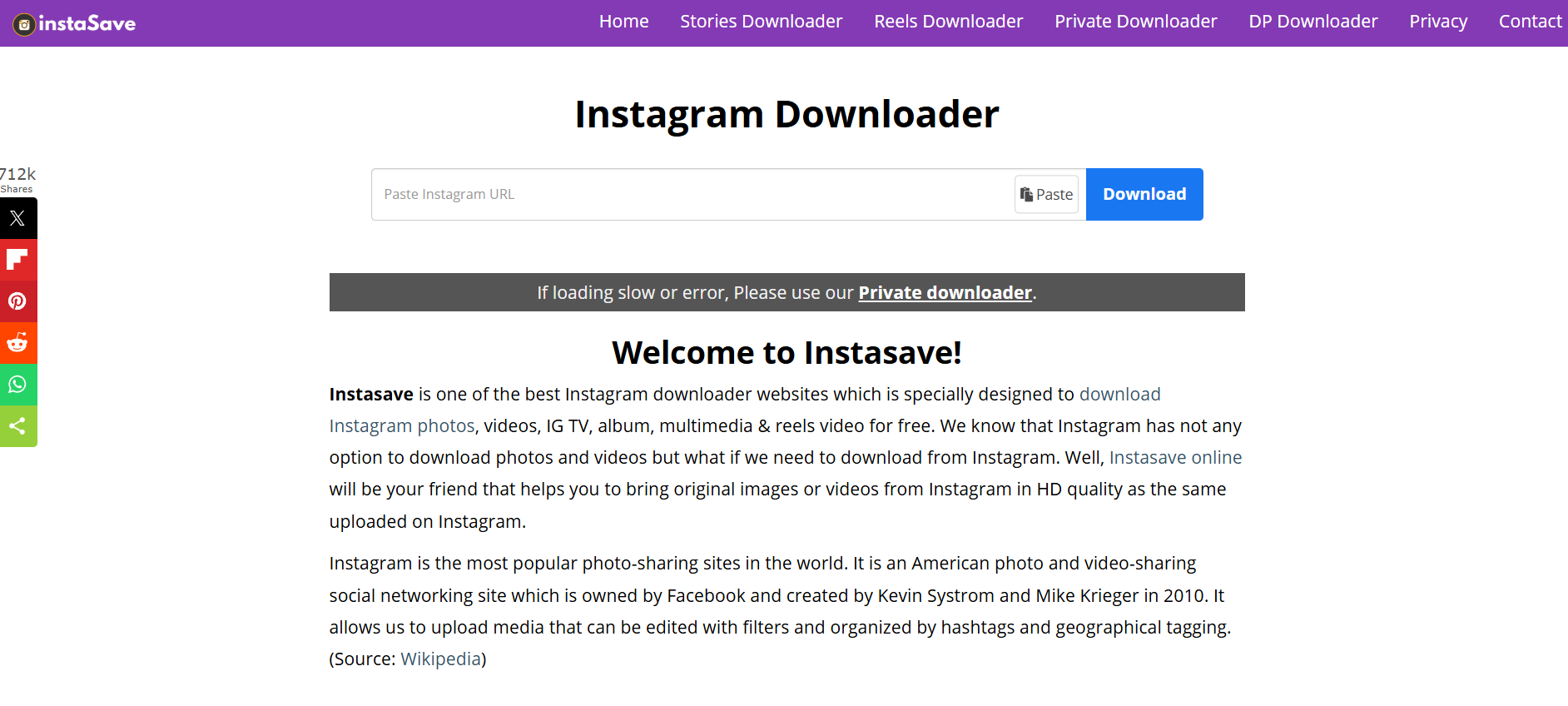
SaveInsta is another strong option, especially if you want a single tool that can download everything from photos to full Reels to Stories. The user interface is extremely simple and almost impossible to mess up, which makes it beginner-friendly. Try it here: SaveInsta

Why SaveInsta Stands Out

  • Clean, modern interface that feels trustworthy
  • Supports photos, stories, reels, and IGTV
  • Works smoothly on any device: Android, iOS, Windows, Mac
  • Fast processing with quick preview options
  • No extra steps or interruptions

SaveInsta is a great pick if you want an all-in-one downloading tool without any learning curve. It’s especially useful when you’re saving content from multiple parts of Instagram.

Tool 3: iGram

Igram

iGram has been around for years and has managed to stay one of the most reliable tools despite Instagram’s constant updates. It supports nearly every type of Instagram content, including carousels — something many other tools struggle with. Try it here: iGram

What Makes iGram Reliable

  • Long-established tool trusted by millions
  • Supports batch downloads for multiple video slides
  • Downloads high-quality videos without compression
  • Offers fast link detection and conversion
  • Rarely shows intrusive ads

iGram is the type of tool you bookmark because it has proven stability. If you’re someone who frequently downloads tutorial Reels or multi-slide videos, this one’s perfect.

Tool 4: Inflact

Inflact IG Picture Saver

Inflact is not just a downloader — it’s a full Instagram toolkit designed for heavy users, social media managers, and content collectors. It offers premium-quality downloads that sometimes look even better than the Instagram preview. It’s one of the most advanced tools on this list, packed with additional features beyond video downloads. Try it here: Inflact

Why Inflact Is a Premium Choice

  • Offers high-resolution HD downloads
  • Includes extra features like hashtag tool, analytics, and profile downloader
  • Handles very long videos without lag
  • Extremely stable and secure
  • Great for business users, researchers, and content creators

Inflact is the kind of tool you use when quality matters. If you need the cleanest, sharpest version of a video for professional use, this is the one.

Tool 5: InstaSave

InstaSave is a quick and flexible tool that works especially well for long videos. Some tools fail when videos are too long or too large, but InstaSave handles them without breaking. It’s designed to be minimalistic and efficient. Try it here: InstaSave

Why InstaSave Is Worth Trying

  • Excellent for longer Reels and IGTV content
  • Zero registration or sign-in required
  • Consistent performance even with slow connections
  • Very few error messages or broken links
  • Lightweight and optimized for low-end devices

If you’re someone who regularly saves tutorials, podcast clips, or long-form informative Reels, you’ll love InstaSave.

Tool 6: SnapDownloader

SnapDownloader

SnapDownloader is different from the rest because it’s software instead of a website. It’s incredibly powerful and perfect for people who download videos often or need the highest resolution possible. While it’s a paid solution, the performance is worth it if you’re a heavy user. Try it here: SnapDownloader

Why SnapDownloader Is Special

  • Offers the highest-quality downloads across multiple platforms
  • Supports Instagram, YouTube, Facebook, TikTok, and more
  • Perfect for bulk downloads and long videos
  • Very stable, no broken links or sudden failures
  • Ideal for content creators, editors, and researchers

SnapDownloader is basically the “professional” option for people who take content saving seriously.

Tool 7: SSSInstagram

sssinstagram

SSSInstagram keeps things extremely simple. It loads fast, works instantly, and doesn’t try to push unnecessary features. If you need something lightweight that you can use on the go, this one delivers. Try it here: SSSInstagram

Why SSSInstagram Delivers

  • Extremely lightweight — loads even on slow internet
  • Very fast conversion speeds
  • Works perfectly on mobile browsers
  • Supports Reels, videos, and even photos
  • Minimal design with almost no distractions

SSSInstagram is great for quick, casual downloads without needing to think too much.

How to Download Instagram Videos Properly

Now that you’ve seen the best tools, let’s walk through the typical process. Even if you’re new to this, it’s super easy and takes only a few seconds.

Step 1: Copy the Video Link

Open Instagram → tap the three dots → choose “Copy link.” This works for Reels, posts, IGTV, and even public profiles.

Step 2: Paste the Link in the Tool

Open your preferred tool and paste the link into the download box.

Step 3: Choose Your Format

Some tools let you choose MP4 quality or different video sizes.

Step 4: Click Download and Save

The file will start downloading immediately. After that, it’s automatically stored in your device’s gallery or downloads folder.

Downloading Instagram videos has never been easier — even if you’re not tech-savvy.

Tips to Avoid Low-Quality Downloads

1. Use Tools That Support HD

Not all tools download the original resolution. Premium tools like Inflact or SnapDownloader preserve the full quality.

2. Always Copy Links from the Instagram App

Browser links sometimes break the parser. The app gives the most stable link.

3. Avoid Third-Party Apps That Require Login

You never need to log in to download public content, and login-based apps can be risky.

4. Use Tools That Don’t Add Watermarks

The tools listed above provide clean, watermark-free downloads.

5. Double-Check File Formats

For editing or reposting with credit, MP4 format is usually the best.

Is It Legal to Download Instagram Videos?

The short version: Yes, downloading Instagram videos for personal use is generally allowed, as long as you respect copyrights and usage rights.

Here’s what’s okay:

  • Using saved videos for inspiration or offline viewing
  • Archiving content for personal reference
  • Studying tutorials or educational content offline

Here’s what’s NOT okay:

  • Reposting someone else’s content without permission
  • Monetizing someone else’s video
  • Claiming content as your own

Basically: download whatever you want, but use it responsibly.

Conclusion

Downloading Instagram videos doesn’t have to be difficult or risky. With reliable tools like SnapInsta, iGram, Inflact, and others, you can save any Reel, tutorial, IGTV video, or inspirational clip within seconds. Having access to your favorite content offline can help with creativity, planning, education, or just pure entertainment.

Whether you’re a casual user saving cooking videos for later, a content creator building a mood board, or a social media manager collecting inspiration, these tools make the process effortless. Just remember to respect creators and use your downloads responsibly.

Find More: Boost Your Sales With SEO Services

FAQs

1. How do I download Instagram videos on my phone?

Copy the link from the Instagram app, paste it into one of the tools listed above, and tap download. The file will save directly to your phone’s gallery or downloads folder.

2. Are Instagram video download tools safe?

Yes — the tools listed here are tested and trusted. Just avoid any tool that asks for your Instagram login.

3. Can I download private Instagram videos?

No. Download tools only work with public content you have access to.

Tags:
10 Powerful Tools to Download Instagram Photos Safely

10 Powerful Tools to Download Instagram Photos Safely

download instagram photos

Introduction: Why Safe Instagram Downloading Actually Matters

Download Instagram photos — it sounds simple, right? But the moment you try to do an Instagram photo download and suddenly find yourself dealing with shady pop‑ups, fake download buttons, or websites that look like they were built in 2009, everything gets complicated. And honestly, that’s probably why you’re here. You want a way to download Instagram photos safely without feeling like you’re risking your device, your privacy, or your time.

People download photos for all kinds of reasons — maybe you saw something inspiring, maybe you’re a designer collecting mood board content, or maybe you simply want to do an Instagram profile photo download because someone’s photo looks amazing and you want the original quality. Whatever your reason is, the most important thing is doing it safely and without destroying the photo quality.

In this guide, I’m breaking everything down the same way I’d explain it to a friend — simply, clearly, and without any robotic tones or useless jargon, almost as straightforward as answering a simple question like how many cups in a quart.

Find More: Audio Download Instagram: 7 Powerful Ways You Didn’t Know Existed

What to Look for in a Safe Instagram Photo Downloader

Security and Privacy Considerations

The first rule is simple: never use a downloader asking for your Instagram login. You don’t need to log in to download public photos — not ever. A safe tool should only ask you for a URL, nothing more. If you’re ever unsure, close the site immediately.

Download Quality and File Resolution

Some tools absolutely ruin the quality of the images. And if you’re downloading photography, designs, or detailed visuals, you need tools that preserve the original resolution. Look for downloaders that support HD or original quality output.

Speed and Ease of Use

You shouldn’t need to click through a million ads or navigate through confusing buttons. A good downloader keeps it simple: paste link → press download → done. If it feels like a puzzle, skip it.

Device Compatibility (Mobile, Desktop, Browser)

Some tools are built specifically for desktop, some are perfect for mobile, and a few work smoothly everywhere. Depending on your device, pick the option that matches your workflow. I’ll point out which tools excel on which devices.

The 10 Powerful Tools to Download Instagram Photos Safely

These are the most reliable, clean, and genuinely safe tools available today. No spam, no bait, no weird login requests.

1. SaveInsta – One of the Fastest & Easiest Options

SaveInsta

SaveInsta is one of the tools that just works — fast, clean, and without unnecessary steps. Paste the link, hit download, get your photo. It supports HD resolution and works smoothly on all devices.

  • Great for: regular users
  • Works on: mobile + desktop
  • Quality: high-resolution downloads
  • Ads: very minimal

2. iGram – Best Overall Instagram Downloader

iGram Pinterest Downloader

iGram is one of the top choices for anyone who wants flexibility. It supports photos, videos, reels, carousels — pretty much everything Instagram offers. The layout is simple, it runs fast, and it doesn’t attack you with ads.

  • Great for: downloading all media types
  • Works on: mobile + desktop
  • Speed: extremely fast
  • Bonus: supports multiple link formats

3. SnapInsta – High-Quality Photo Saving

SnapInsta

SnapInsta is made for people who care about quality. If you need crisp, original-resolution photos, this is a tool you’ll appreciate. It’s especially good for creative work, moodboards, and inspiration folders.

  • Great for: photographers, designers, high-quality images
  • Works on: mobile + desktop
  • Quality: original resolution
  • Interface: clean and modern

4. Inflact Downloader – Premium, Polished & Powerful

Inflact IG Picture Saver

Inflact is more than just a downloader — it’s a full professional toolkit. Yes, it’s paid, but worth it if you download content regularly. You get features like bulk download, batch HD saving, auto-download, and more.

  • Great for: agencies, marketers, content creators
  • Features: bulk downloads, HD images, secure interface
  • Extra: part of a premium suite of Instagram tools

5. SaveFrom – Quick & Simple for Everyone

savefrom

SaveFrom is one of the oldest downloaders on the internet. It’s simple, familiar, and widely trusted. It may not look fancy, but it’s stable, fast, and reliable.

  • Great for: quick one-time downloads
  • Works on: all devices
  • Reliability: proven for years
  • Bonus: very user-friendly

6. Toolzu Instagram Downloader – Clean UX & Smooth Performance

Toolzu

Toolzu stands out because it’s clean, smooth, and doesn’t compress your images. It’s easy to use, making it ideal for beginners.

  • Great for: beginners
  • Quality: HD output
  • Extra: downloads reels, stories, and videos too
  • Interface: polished and modern

7. Instasave – Perfect for Mobile Users

instasave

Instasave shines on smartphones. It loads fast, fits perfectly on mobile screens, and doesn’t frustrate you with tiny buttons or weird navigation.

  • Great for: mobile-first users
  • Speed: instant
  • Login: not required
  • Bonus: lightweight and fast on older phones

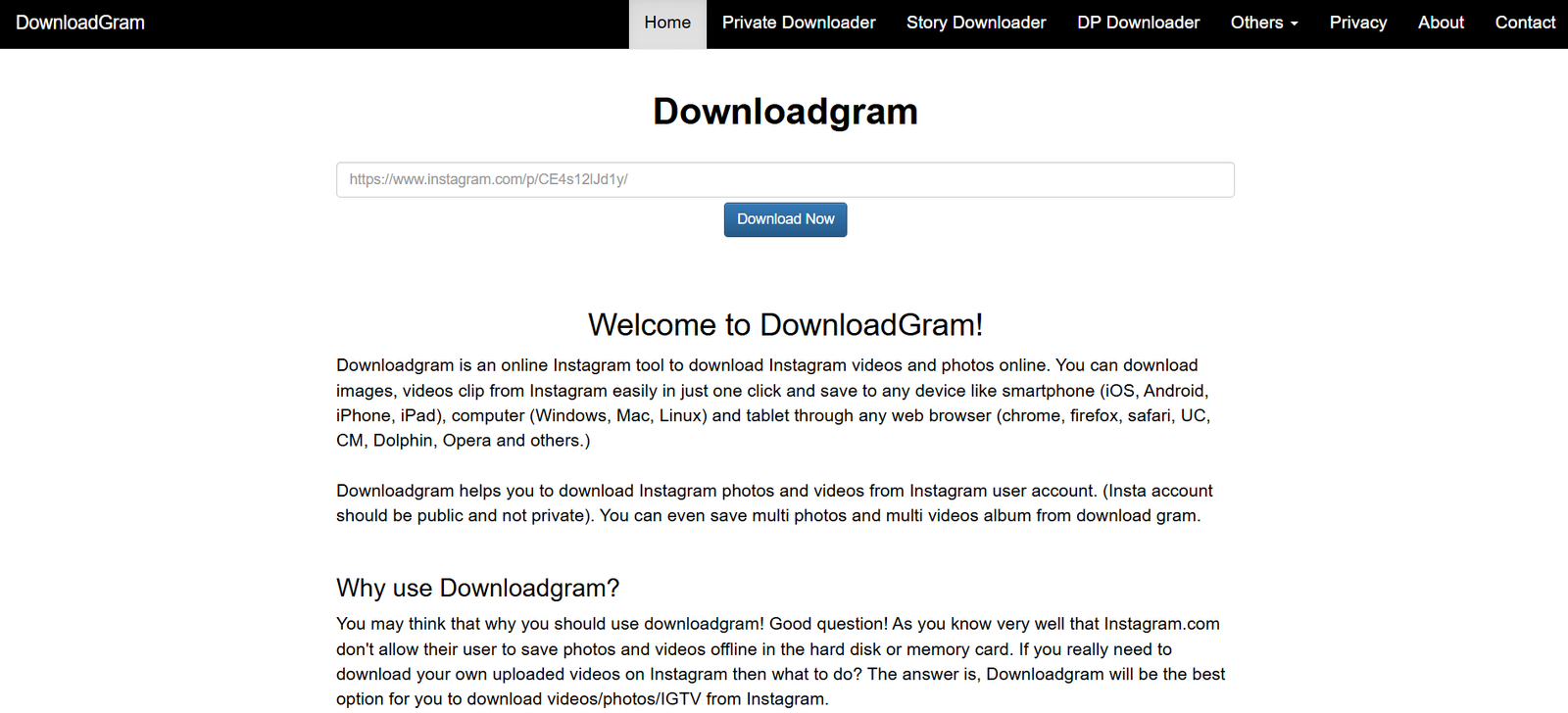
8. DownloadGram – Minimal, Fast, and Trusted

downloadgram

DownloadGram is one of the cleanest tools on the list. No ads, no complications. It’s a minimalist’s dream.

  • Great for: people who just want the photo — nothing else
  • Works on: any browser
  • Bonus: zero clutter

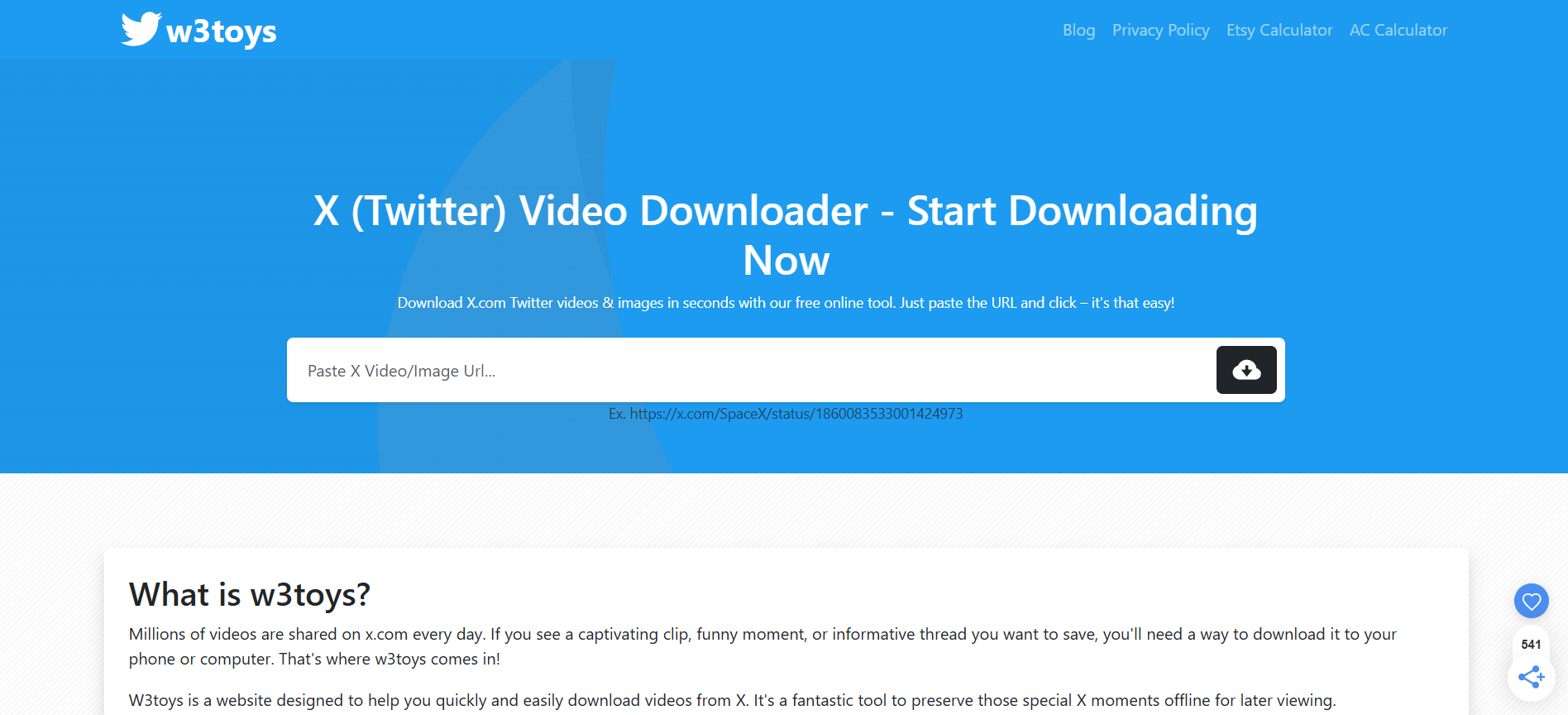
9. W3Toys (InstaDownloader) – Great for Older Devices

w3toys

W3Toys may not win design awards, but it performs well even on low-end devices or slow internet connections. Simple and functional.

  • Great for: older devices, slow internet
  • Simplicity: extremely basic
  • Bonus: loads very fast

10. Qoob Stories – Desktop App for Bulk & Automatic Saving

qoob

Qoob Stories is a powerful desktop tool, perfect for users who want large-scale downloading or scheduled content backups. It pulls entire accounts, saves automatically, and organizes your downloads.

  • Great for: large collections, backups, full account downloads
  • Features: auto-download, scheduled saving, HD quality
  • Works on: Windows + macOS

How to Download Instagram Photos Safely: Step-by-Step Guide

Step 1: Choose a Trusted Instagram Photo Downloader

Start with any of the tools above. Avoid clicking random Google results — not all are safe.

Step 2: Copy the URL of the Instagram Photo

Tap the three dots on the Instagram post → choose “Copy Link.” It works the same on mobile and desktop.

Step 3: Paste the Link Into the Downloader

Every trusted tool has an input box at the top of the page. Paste your link there.

Step 4: Download and Save the Image Securely

Click download, review the file, and save it to your device. If the tool offers HD or “original size,” choose that option.

Common Risks to Avoid When Downloading Instagram Photos

Malware and Fake Download Websites

Some sites pretend to be downloaders but actually serve malware or fake buttons. If you see flashing ads everywhere, just leave.

Tools That Ask for Login Information

A real Instagram downloader never asks for your Instagram username or password. If it does — close the page.

Low-Quality or Compressed Photo Downloads

Some tools shrink the image to save bandwidth. That’s why HD-friendly tools like SnapInsta and Inflact are recommended.

Legal and Ethical Considerations When Downloading Instagram Content

Understanding Instagram’s Copyright Policies

Instagram doesn’t own the content — the creators do. Downloading is allowed for personal use, but reposting without permission can violate copyright.

When It’s Okay to Save or Reuse Photos

Saving for personal reference, education, or inspiration is fine. But if you plan to post the photo anywhere else, always ask for permission out of respect.

Conclusion: The Safest and Easiest Way to Download Instagram Photos Today

There are countless tools out there, but only a handful are genuinely safe and worth using. The downloaders listed here give you the best mix of security, speed, quality, and ease. Whether you’re saving a single photo or managing large collections, you now have reliable options.

Find More: Boost Your Sales With SEO Services

FAQs

1. Can I download Instagram photos without an app?

Yes. Almost all tools on this list let you download photos directly from your browser.

2. Is it legal to download Instagram photos?

It’s legal for personal use. For reposting or commercial use, always ask the creator.

3. Can I download private Instagram photos?

No, not unless you follow the account and have access. And tools should never ask for login access.

4. Do these tools work on both phones and computers?

Most of them do. Some are even optimized for mobile.

5. Will the download quality stay the same as the original?

Yes, as long as you use tools that support HD and original resolution — like SnapInsta and Inflact.

Tags: