UK: +44 2038074555 info@atamgo.com
10 Game-Changing Apps for Content Creation You’ll Wish You Knew Sooner

10 Game-Changing Apps for Content Creation You’ll Wish You Knew Sooner

best apps for content creation

Introduction – Discover the Best Apps for Content Creation in 2025

The best apps for content creation can completely transform the way you work. Whether you’re a YouTuber, social media manager, blogger, or small business owner, the right tools can turn your ideas from “meh” to “wow” without burning you out. In today’s fast-paced digital world, speed and quality matter more than ever. If you can create polished content in less time, you’ll have more space to focus on creativity — and that’s a serious advantage.

We’re not just talking about basic design tools here. This list includes the best AI apps for content creation, mobile-friendly video editors, project management tools, and collaborative platforms that help you work smarter, not harder. Each app was chosen because it actually solves a creator problem, whether that’s design overwhelm, video editing headaches, or the dreaded writer’s block. Many of these tools also make it easier to explore creative techniques, such as learning how to generate AI images to enhance your designs and visual content.

Why Choosing the Right Tools Can Transform Your Content

Think about the times you had a brilliant idea but couldn’t bring it to life because the tools you had were either too complicated or too limiting. That’s not just frustrating — it can be a creativity killer. The right app makes the process smoother, faster, and more fun. It gives you the confidence to put out work that looks and feels professional, even if you’re a one-person team.

What We’ll Cover in This List

We’re diving into 10 apps that top creators swear by — from graphic design and AI video generator tools to workflow organization and AI-powered content generation. By the end, you’ll know exactly which ones to try based on your goals.

Find More: Best Platforms for Selling Digital Products Online

10 Game-Changing Apps for Content Creation You’ll Wish You Knew Sooner

1. Canva – The All-in-One Design Platform for Every Creator

Canva

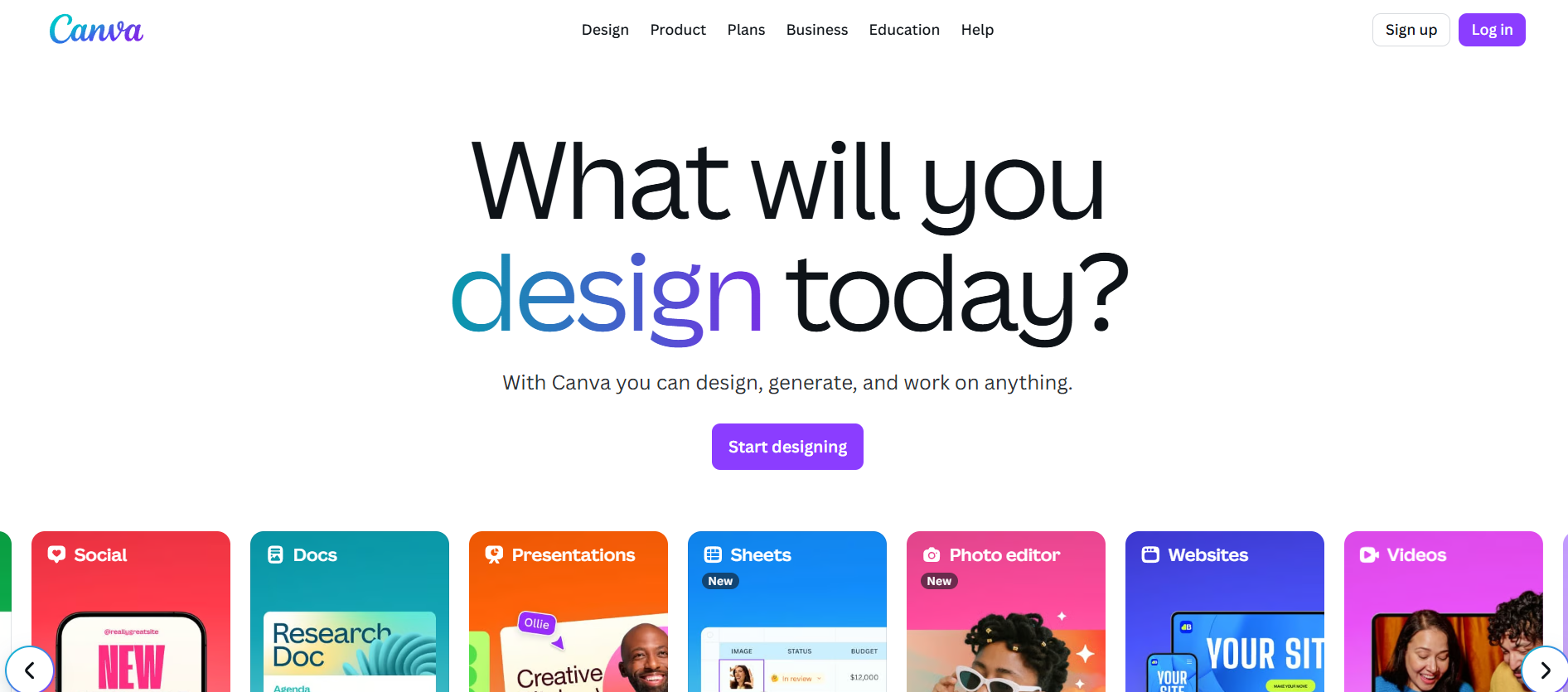
If you’ve ever needed to make something look beautiful fast, Canva is a lifesaver. It’s the best app for content creation if you want pro-quality designs without the learning curve of Photoshop. With thousands of templates, you can make social posts, YouTube thumbnails, infographics, and even short videos.

Extra perks:

  • Drag-and-drop simplicity
  • Brand Kit to keep colors, fonts, and logos consistent
  • Real-time collaboration with teammates

2. CapCut – Powerful and Easy Video Editing on the Go

CapCut

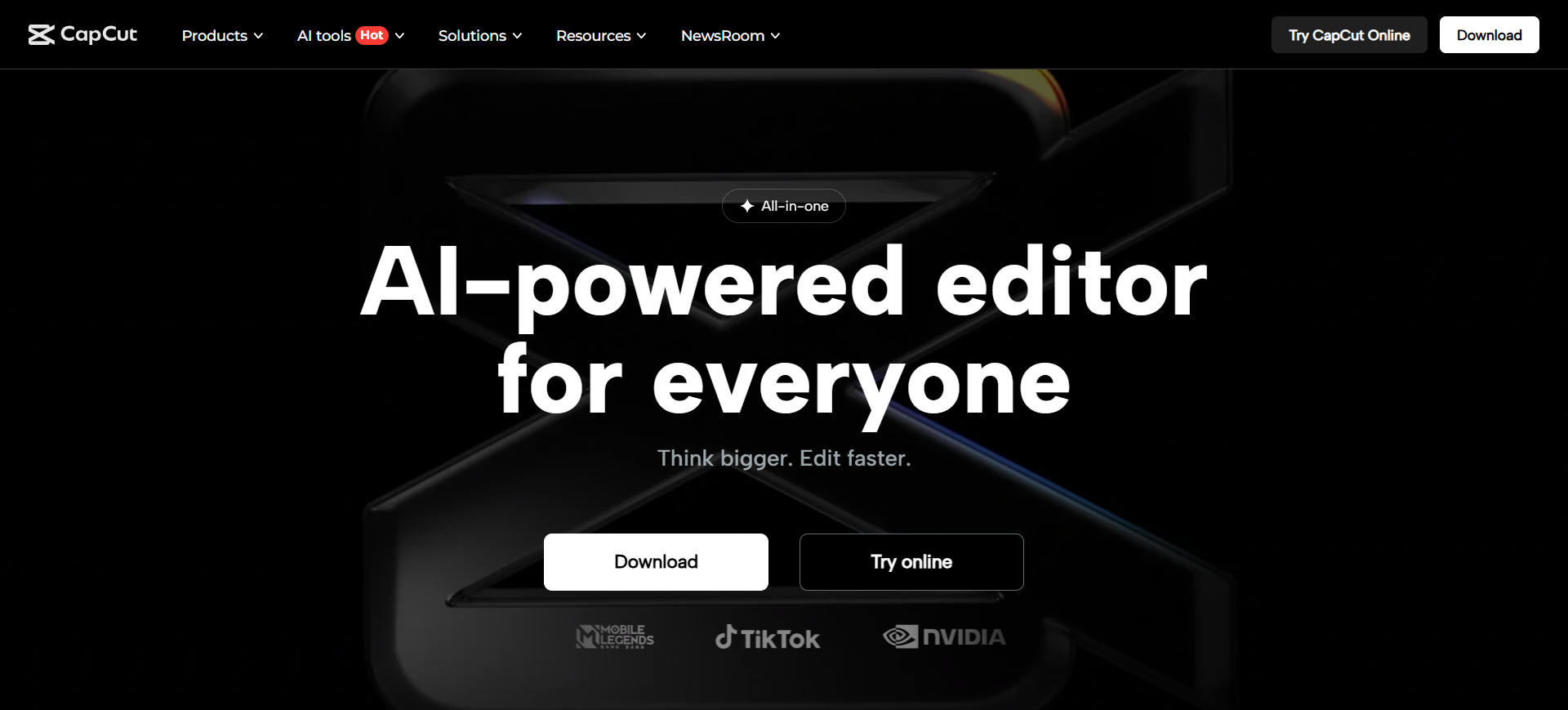
CapCut is a dream for TikTok, Reels, and YouTube Shorts creators. It’s fast, intuitive, and packed with trending effects. Best of all, it’s free and works on mobile and desktop. You can cut, add music, insert text, and even auto-generate captions in minutes.

Extra perks:

  • AI-powered background removal
  • Transitions that feel professional
  • Direct export to social platforms

3. Notion – Organize, Plan, and Collaborate Like a Pro

Notion

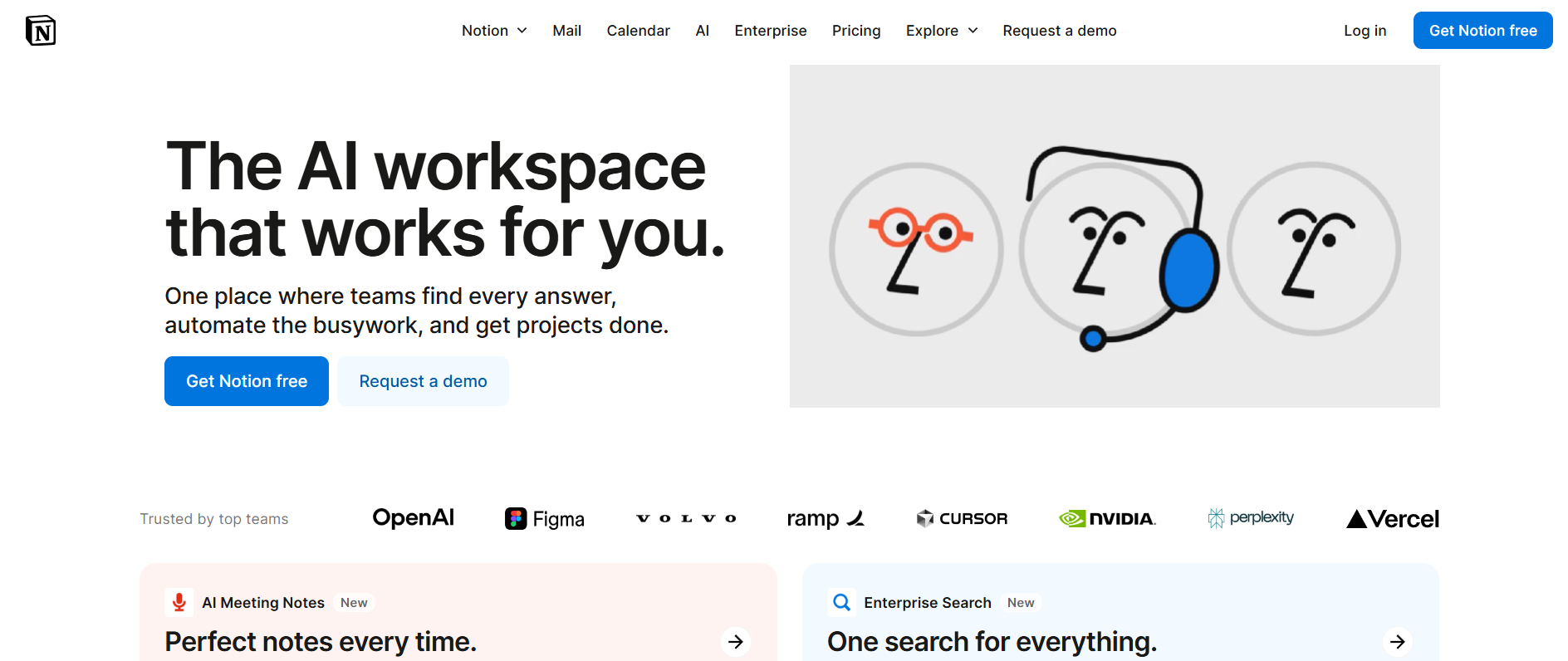
Notion is more than notes — it’s a full creative hub. Plan your content calendar, store research, write drafts, and track client projects all in one place. The customization means you can make it as simple or complex as you need.

Extra perks:

  • Free templates for creators
  • Embed videos, images, and docs in one page
  • Perfect for team or solo workflows

4. Descript – Edit Audio & Video with AI-Powered Precision

Descript

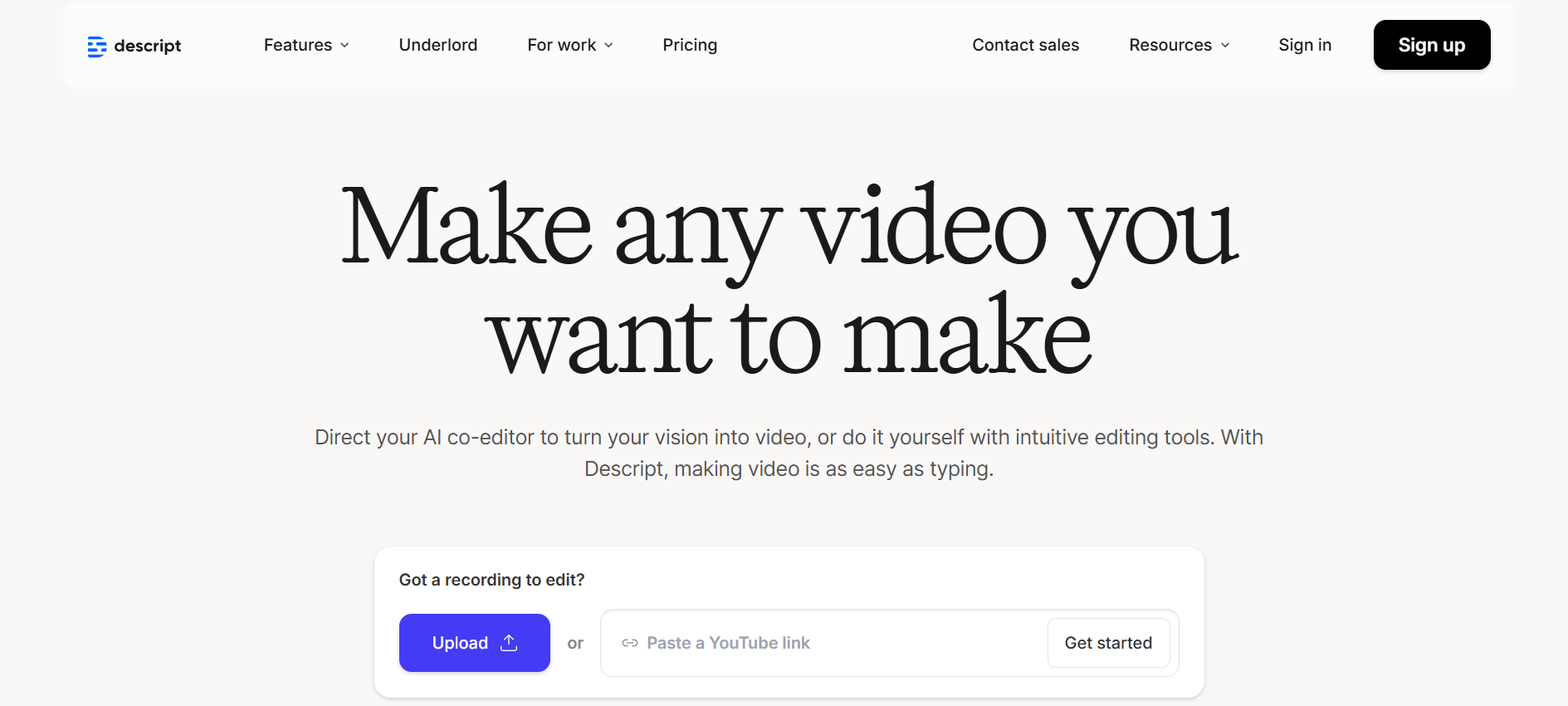
Descript flips editing on its head. Instead of slicing timelines, you edit text transcripts, and the changes reflect in your video or audio. It’s like magic for podcasters, educators, and YouTubers.

Extra perks:

  • Screen recording built-in
  • “Overdub” feature to replace words you misspoke
  • Multi-track editing without complexity

5. Grammarly – Write Flawless, Engaging Content Every Time

Grammarly

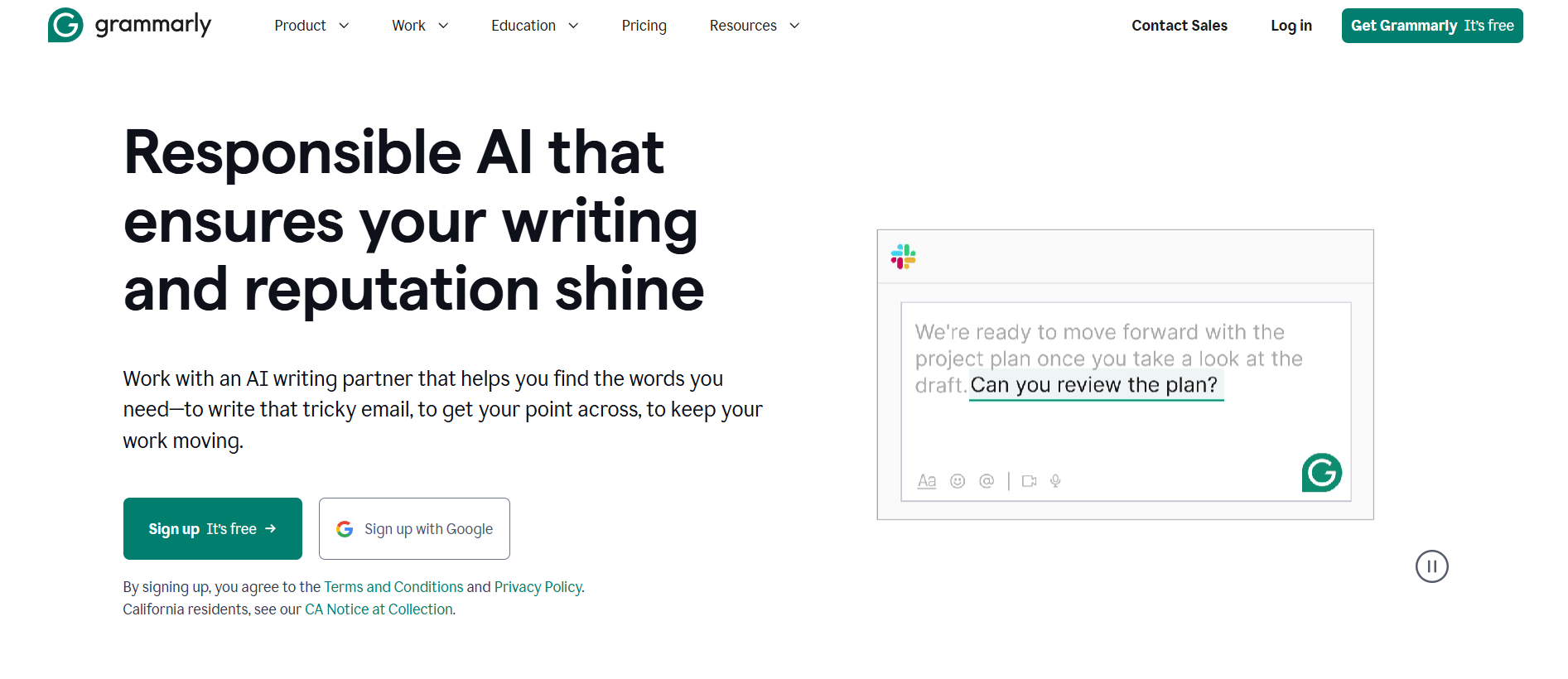
Grammarly is your writing safety net. From blog posts to Instagram captions, it keeps your text clean, clear, and on-brand. The tone suggestions are especially helpful when writing for different audiences.

Extra perks:

  • Works across devices and browsers
  • Plagiarism checker for original content
  • AI rewrite options for faster polishing

6. Trello – Visual Task Management for Creative Teams

Trello

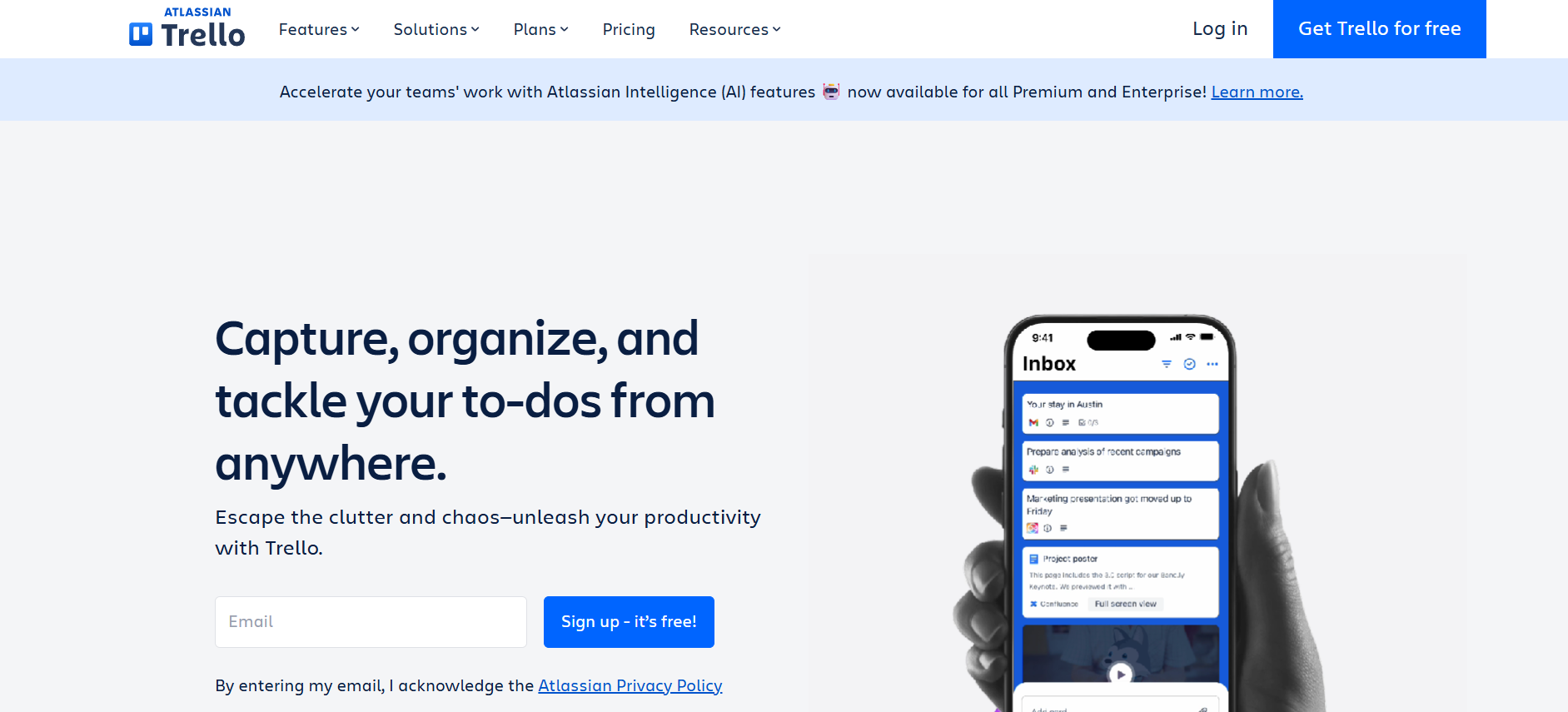
Trello makes project management less intimidating. Its visual boards let you track tasks from idea to completion. You’ll instantly see who’s working on what and what’s coming next.

Extra perks:

  • Power-ups to integrate with Google Drive, Slack, and more
  • Custom labels and filters
  • Great for client project tracking

7. InShot – Create Stunning Social Media Videos in Minutes

InShot

InShot is quick, sleek, and perfect for short-form content. Trim clips, adjust speed, add transitions, and layer text or stickers for personality.

Extra perks:

  • Built for social aspect ratios
  • Huge music and effects library
  • Affordable premium version

8. Jasper – AI Writing Assistant for Faster Content Creation

Jasper

Jasper is one of the best AI apps for content creation if you want to generate high-quality text quickly. Whether it’s blog outlines, ad copy, or email sequences, Jasper delivers in your tone of choice.

Extra perks:

  • SEO-friendly suggestions
  • Trained on high-performing copywriting
  • Over 50 content templates

9. Adobe Express – Quick and Professional Visual Content Editing

Adobe Express

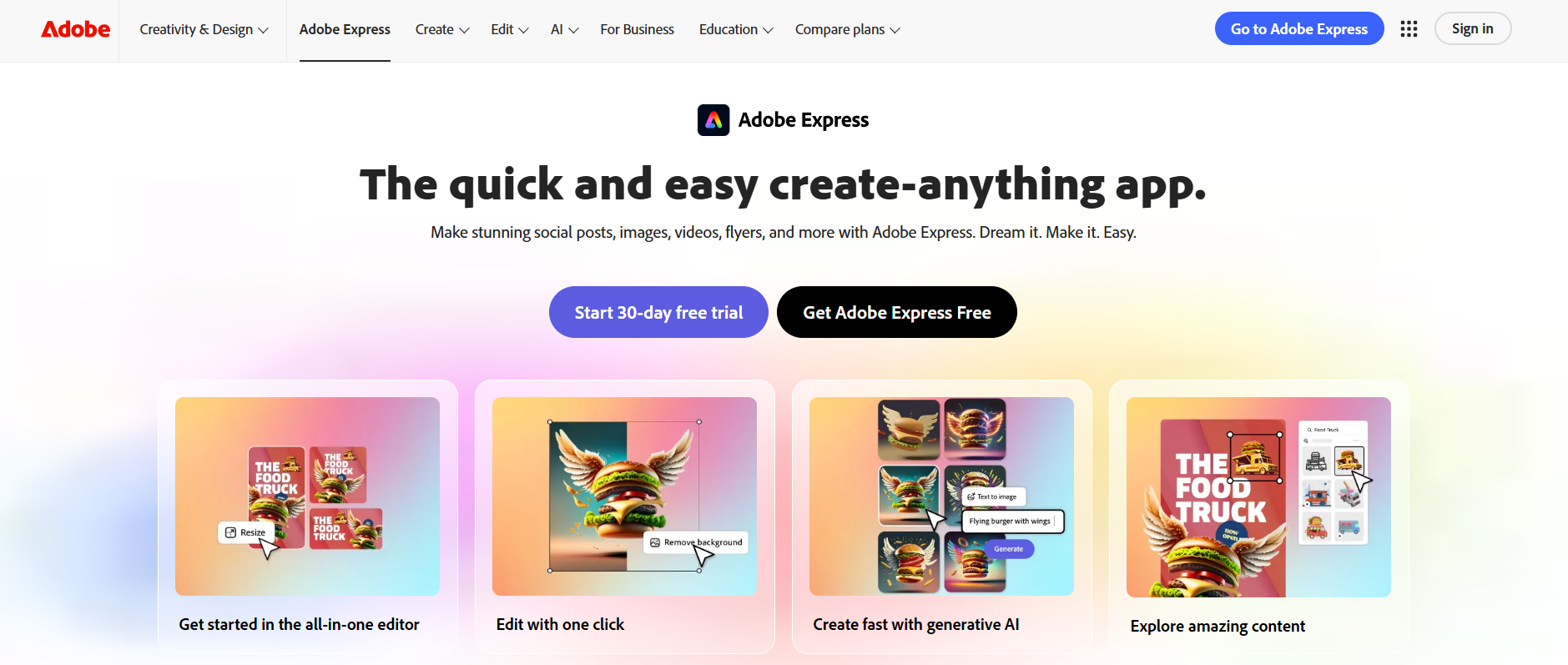
Adobe Express combines simplicity with Adobe’s design power. You can make graphics, flyers, and videos with a professional edge.

Extra perks:

  • Access to Adobe Stock photos
  • Tools for consistent brand assets
  • Ideal if you already use Photoshop or Illustrator

10. Loom – Record and Share Your Ideas Instantly

Loom

Loom is perfect for explaining complex ideas quickly. Record your screen, voice, and face in one take, then share instantly with a link.

Extra perks:

  • Viewer analytics to see who watched
  • Great for tutorials and feedback
  • Integrates with Notion, Slack, and Gmail

11. Flipsnack

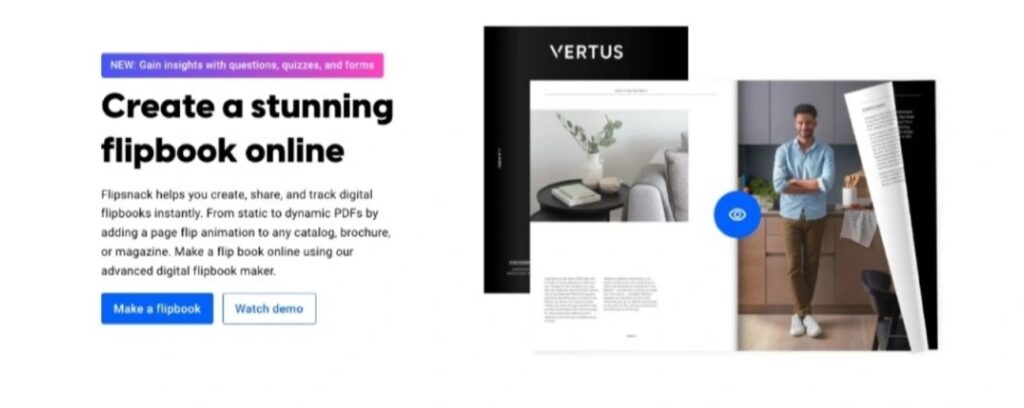
Flipsnack makes digital publishing simple and engaging. Its interactive platform lets you create, share, and track publications effortlessly. You’ll instantly see how your audience interacts and which content performs best.

Extra perks:

Interactive elements like videos, links, and forms

Custom branding and design options

Analytics to track reader engagement and conversions

Perfect for creating marketing materials, catalogs, reports, or client presentations.

How to Choose the Best App for Your Content Creation Needs

Factors to Consider: Features, Pricing, and Ease of Use

Think about:

  • Features: Will it truly make your process easier?
  • Pricing: Is the value worth the upgrade?
  • Ease of use: Does it feel intuitive, or will it slow you down?

Matching the App to Your Content Format and Goals

Choose based on what you create most often. Writers need strong text tools; video creators need efficient editors.

Tips for Getting the Most Out of These Content Creation Apps

Combine Tools for a Complete Workflow

No single app does it all. Use Canva for visuals, CapCut for videos, Notion for planning, and Jasper for writing.

Use Templates and Automation to Save Time

Preset layouts, automated captions, and AI suggestions can cut hours from your week.

Stay Updated with New Features and Integrations

Check for updates monthly. New features can completely change how you use an app.

Conclusion – Level Up Your Creativity Today

These 10 best apps for content creation aren’t just hype — they’re tools that make your process smoother and your content stronger. Test a couple this week, and watch how they change your workflow.

FAQs:

1. What is the best free app for content creation?

Canva and CapCut are excellent free choices.

2. Which app is best for editing social media videos?

CapCut and InShot excel at short-form content.

3. Can I use these apps on both desktop and mobile?

Yes, most work seamlessly across devices.

4. Are there AI-powered apps for faster content creation?

Jasper and Descript are standout AI tools.

5. How do I know if an app is worth paying for?

Try free first; upgrade when premium features save you time or boost quality.

Tags:
Best Platforms for Selling Digital Products Online

Best Platforms for Selling Digital Products Online

Selling Digital Products

Introduction: Selling Digital Products in Today’s Online Marketplace

Selling digital products has never been more exciting — or more accessible. Whether you’re a designer creating templates, a coach offering e-books, or a creator launching an online course, the opportunities to build a profitable business are endless. The beauty of it? You create once, and sell forever. Unlike physical products, there’s no packaging, no shipping, and no stock to run out of. It’s a model that scales without adding more workload for every sale you make.

Maybe you’ve been wondering about the best digital products to sell, or you’re curious how to sell digital products without spending a fortune on tech. Here’s the truth: the platform you choose plays a huge role in your success. The right one will make it easy to upload, market, and deliver your products, while also giving you tools to grow your audience and build a brand.

In this guide, we’ll break down the best platforms to sell digital products online, how to pick the right one for your needs, and a few insider tips to help you stand out in a competitive market.\

Find More: 10 Powerful Ways to Supercharge Your Shopify Store Speed

What to Look for in a Platform for Selling Digital Products

Before we dive into our top picks, let’s talk about the factors that will make or break your selling experience.

Ease of Use and Setup

You don’t want to spend weeks figuring out how to upload a file or connect a payment gateway. A good platform should feel intuitive and guide you step-by-step. Many sellers give up early simply because the setup was frustrating.

Pricing and Transaction Fees

Some platforms charge monthly fees, others take a percentage from each sale, and a few do both. Understanding your expected sales volume will help you avoid paying more than necessary.

Payment Gateway Options

PayPal and Stripe are common, but if you’re selling globally, multiple payment options will help you avoid losing customers who can’t pay using your default method.

File Delivery and Download Security

Instant delivery is non-negotiable in the digital world. Your platform should also protect your files from unauthorized sharing, whether through expiring links, watermarks, or license keys.

Marketing and SEO Features

The ability to run promotions, offer discounts, build email lists, and optimize for search engines can make the difference between making a few sales and building a thriving business.

Scalability and Growth Potential

Think ahead. Your needs today might be basic, but as your customer base grows, you’ll want a platform that can handle more products, higher traffic, and advanced features. For organizations planning fundraising events, exploring inexpensive silent auction ideas can also help scale engagement and maximize participation without requiring significant upfront costs.

Best Platforms for Selling Digital Products Online

Shopify – Versatile and Scalable for All Business Sizes

Shopify

Shopify is a powerhouse. While it’s best known for physical products, it’s equally brilliant for selling digital goods — from e-books and courses to software and music. With apps for secure delivery and license management, it’s easy to tailor Shopify to digital sales.

Pros: Wide range of integrations, customizable storefront, perfect for scaling.
Cons: Monthly fee may be steep for beginners.

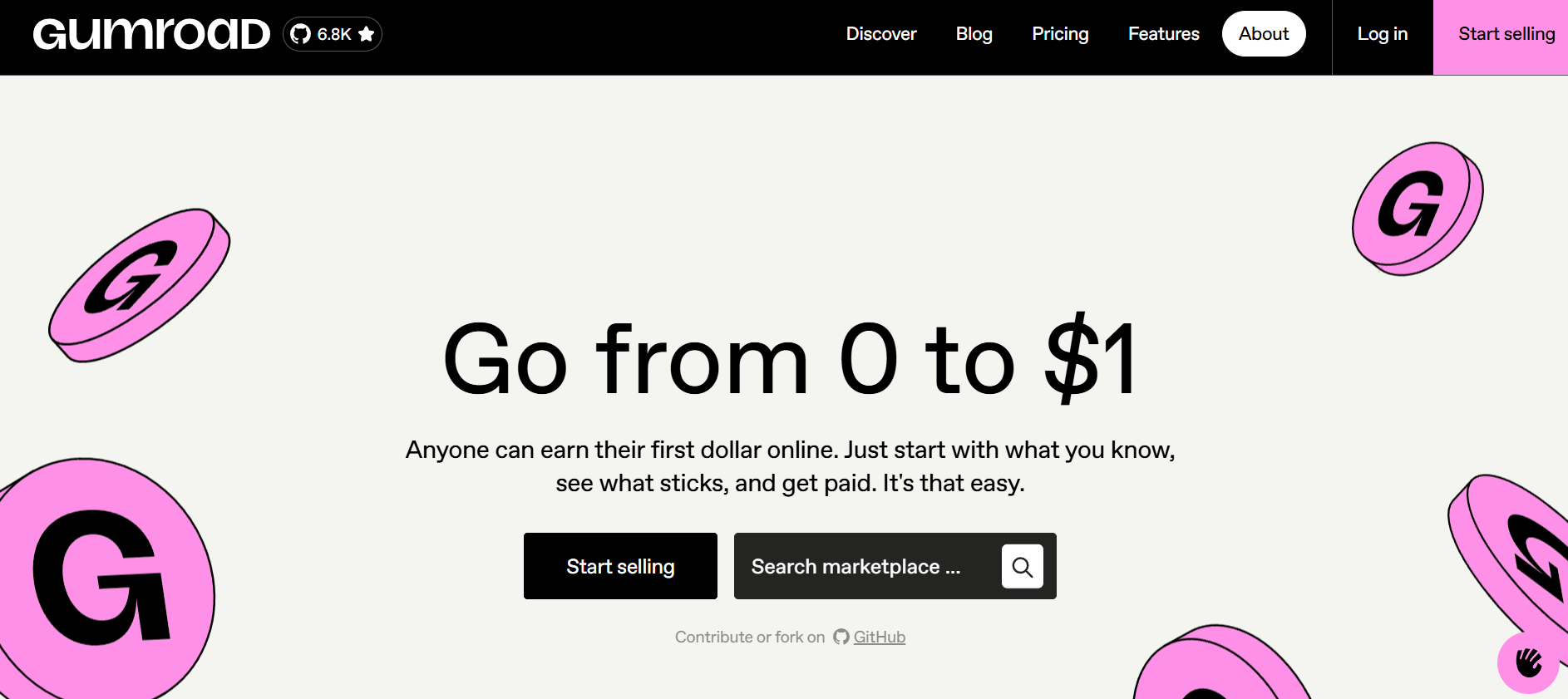
Gumroad – Simple and Creator-Friendly

Gumroad

If you want a no-fuss, quick-to-launch platform, Gumroad is your friend. Perfect for artists, writers, and indie creators, it offers a clean, direct way to sell.

Pros: Easy setup, no monthly fee, built-in audience.
Cons: Higher transaction fees, limited customization.

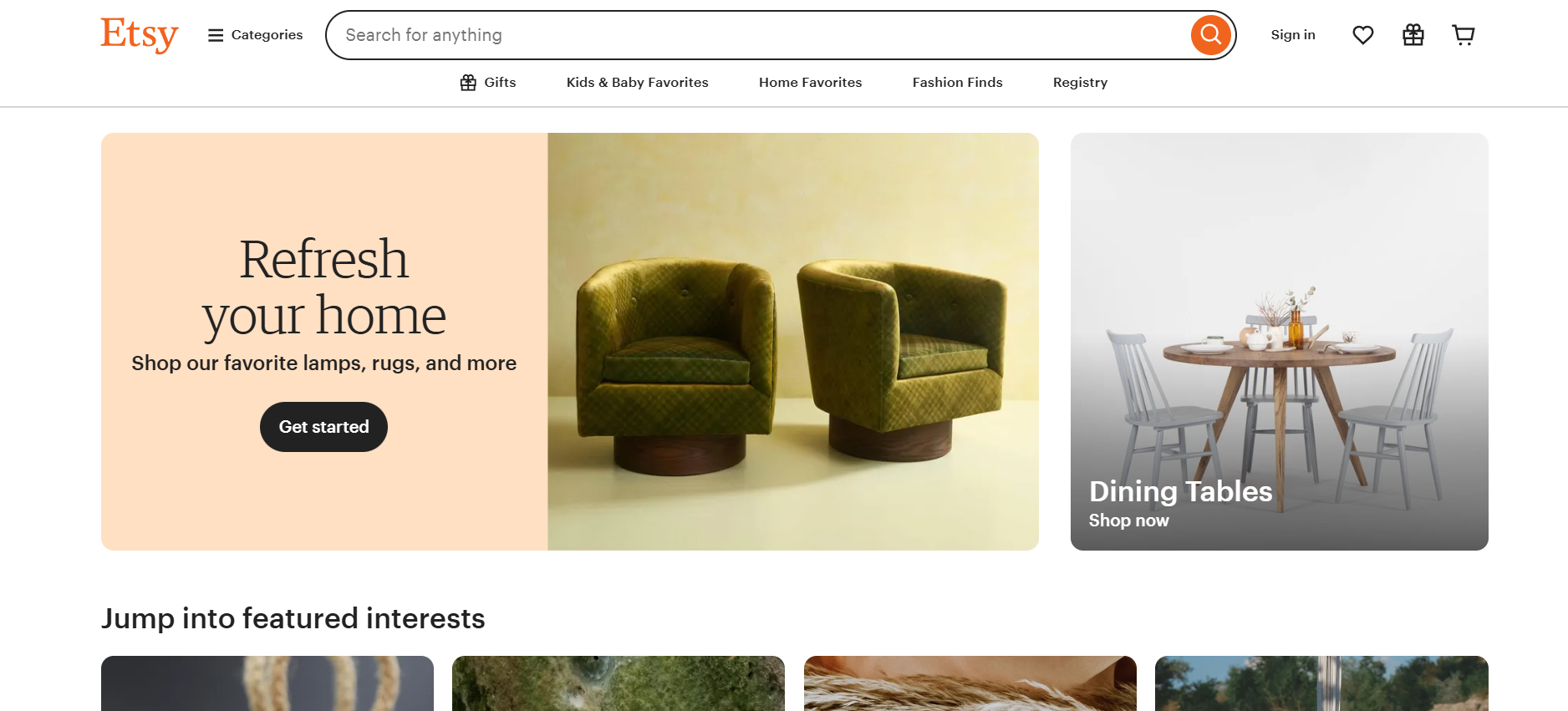
Etsy – A Marketplace with Built-In Audience

Etsy

Etsy isn’t just for handmade goods — it’s home to thousands of digital art shops, template creators, and printable designers.

Pros: Large audience, great for visual or creative products.
Cons: High competition, branding limitations, multiple fees.

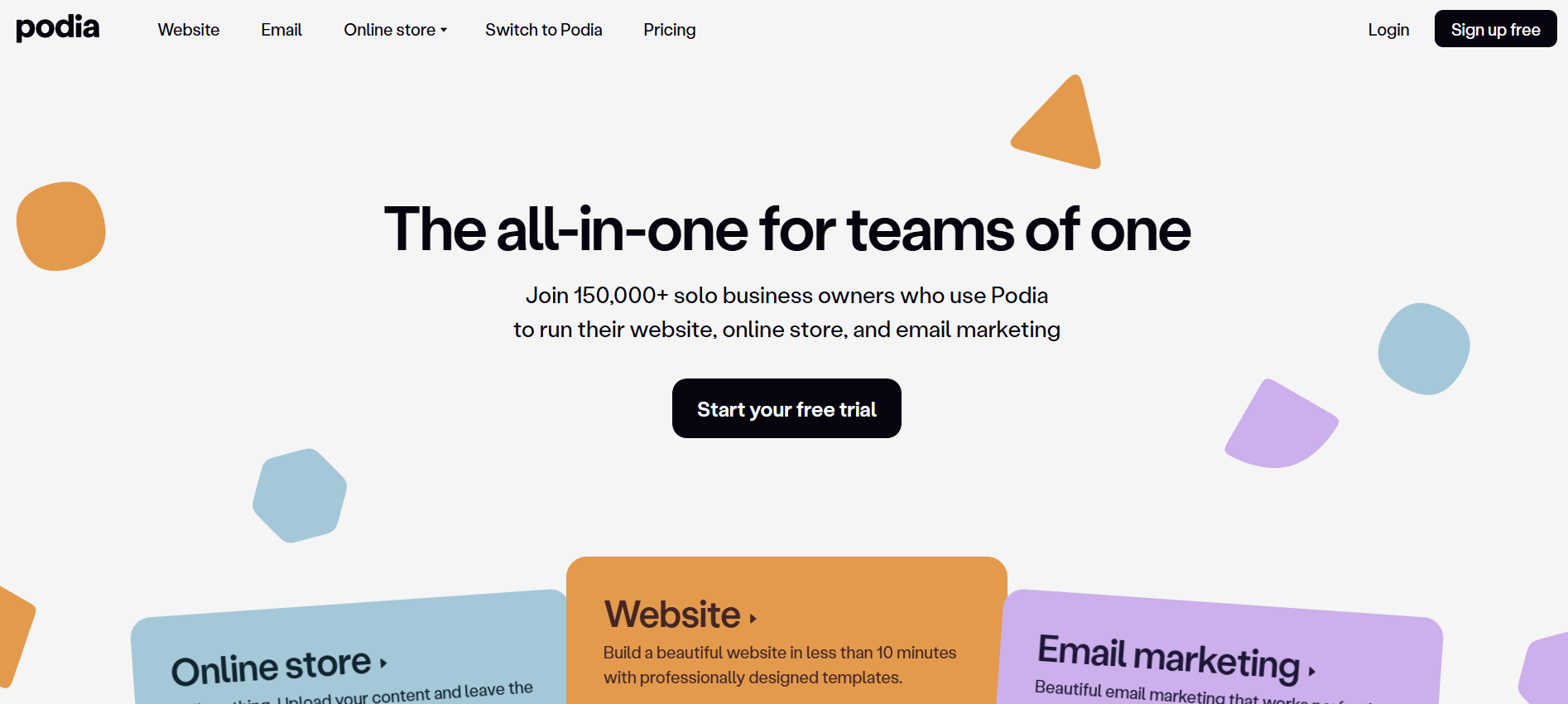
Podia – All-in-One for Courses and Digital Downloads

Podia

Podia is built for selling courses, memberships, and digital downloads in one place. It’s a favorite among educators and coaches.

Pros: No transaction fees, strong marketing tools, unlimited hosting.
Cons: Monthly subscription may be pricey for beginners.

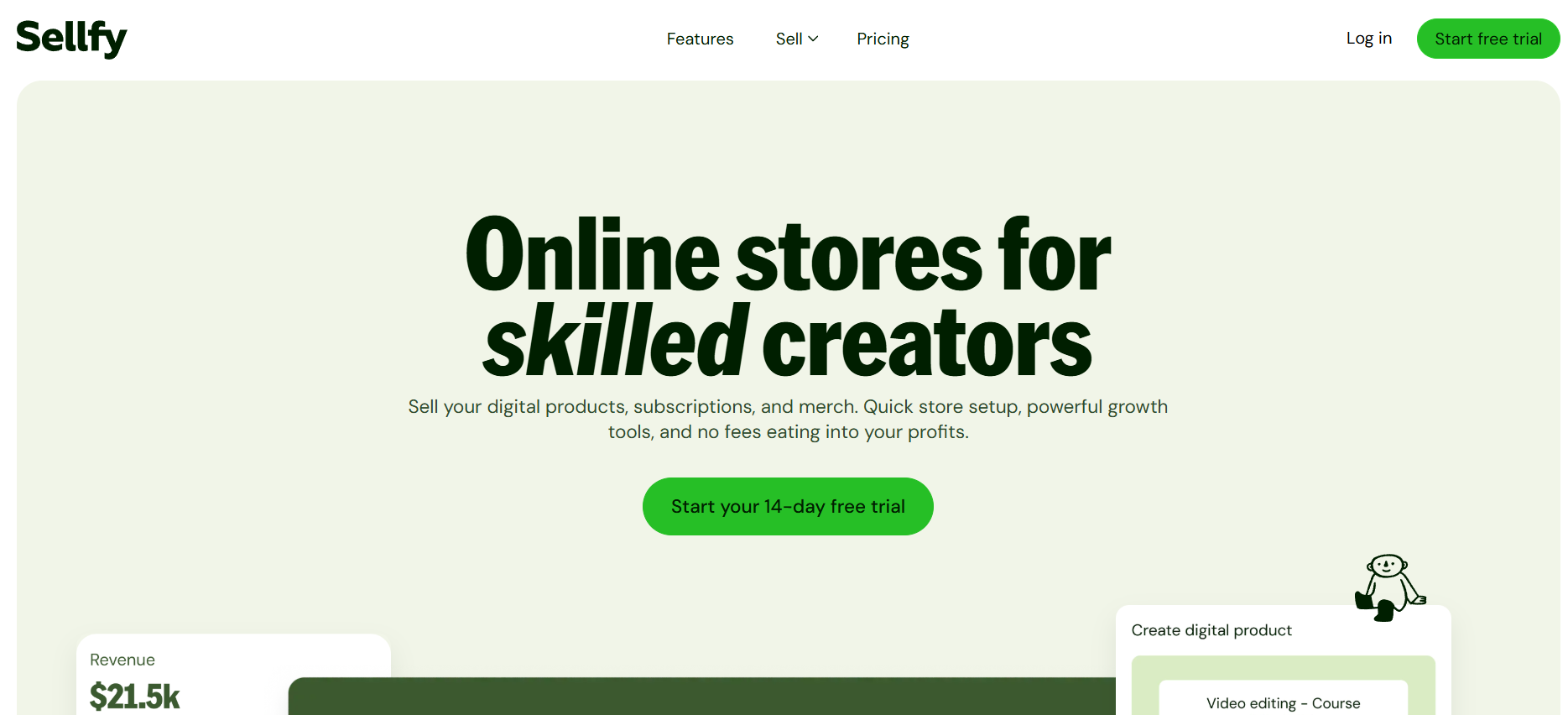
Sellfy – Quick Setup for Instant Digital Sales

Sellfy

Sellfy’s strength is speed. You can create a store and start selling in minutes without giving up useful features.

Pros: Supports digital and physical products, marketing tools built-in.
Cons: Limited design flexibility.

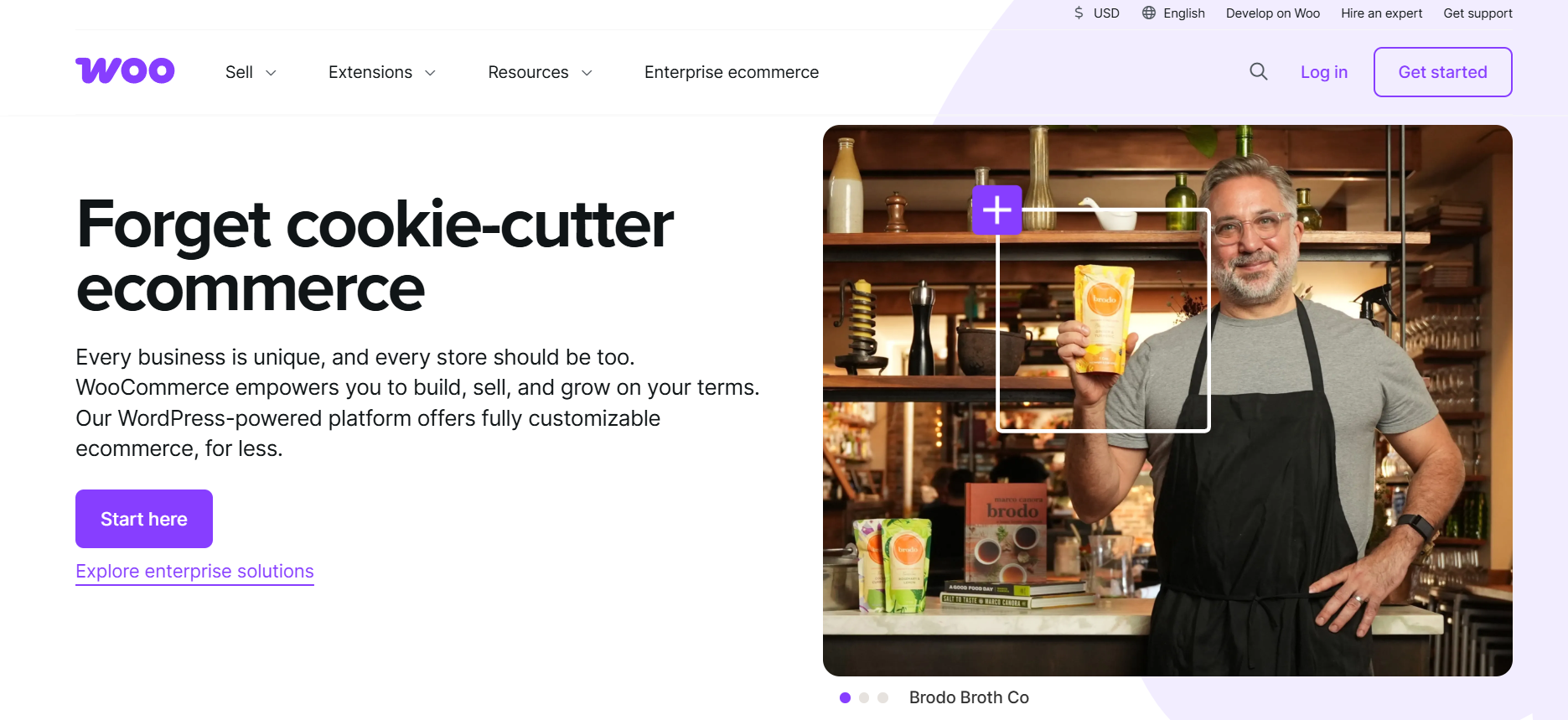
WooCommerce – Flexible for WordPress Users

WooCommerce

If you already use WordPress, WooCommerce gives you full control over your store. It’s highly customizable but does require some tech skills.

Pros: Flexible, huge plugin library.
Cons: Requires hosting and more setup effort.

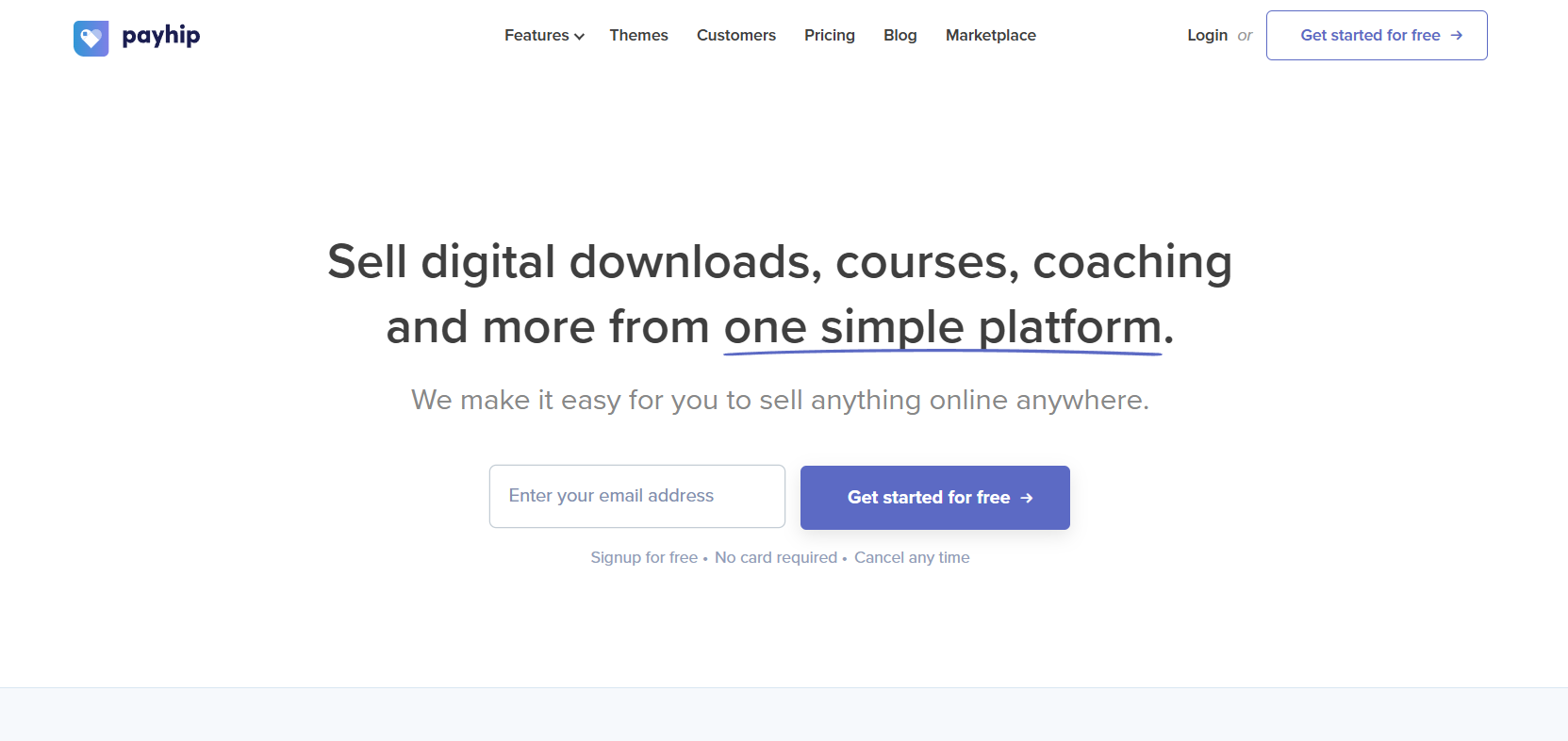
Payhip – Low-Cost Option for Beginners

Payhip

Payhip is a budget-friendly choice for those starting out, but still offers strong features for selling digital downloads.

Pros: Low fees, VAT compliance, simple checkout.
Cons: Minimal branding control.

How to Choose the Right Platform for Your Digital Products

Matching Your Product Type to the Platform

For art and creative goods, Etsy is ideal. For software or customizable downloads, Shopify or WooCommerce may be more suitable.

Considering Your Budget and Sales Volume

Testing the waters? Use a free or low-cost platform like Payhip or Gumroad. Established business? Consider Shopify or Podia for advanced features.

Marketing Features vs. Ease of Use

Complex tools are powerful but can overwhelm. Strike a balance based on your skills.

Long-Term Growth Considerations

Migrating to a new platform later can be time-consuming. Choose with your future needs in mind.

Tips for Selling Digital Products Successfully

Organizing Your Digital Assets

A tool like Bynder helps keep your files, templates, and visuals organized so updates, rebrands, or new product launches stay effortless and consistent.

Creating Irresistible Product Listings

Clear, benefit-driven descriptions and professional visuals are essential. Show customers why your product matters.

Leveraging Email Marketing and Social Media

Drive traffic through consistent content, collaborations, and targeted ads. Your store’s visibility depends on your outreach.

Offering Discounts and Bundles

Bundles increase perceived value, while discounts create urgency. Both can boost average order value.

Providing Excellent Customer Support

Quick, friendly responses lead to positive reviews and repeat customers.

Conclusion – Start Selling Your Digital Products Today

Selling digital products online is one of the most flexible, scalable, and profitable ways to earn in today’s economy. From beginner-friendly platforms like Gumroad to enterprise-ready options like Shopify, there’s something for every stage of your journey.

Don’t wait for the “perfect time” — upload your first product, hit publish, and learn as you go.

Find More: Boost Your Sales With SEO Services

FAQs:

1. What are the most profitable types of digital products to sell?

E-books, templates, courses, music, software, stock photos, and design assets often perform well.

2. Do I need a website to sell digital products?

No. Many platforms handle sales without requiring your own site.

3. Which platform has the lowest fees for selling digital downloads?

Payhip and Gumroad are strong low-fee options for beginners.

4. Can I sell digital products internationally?

Yes, most platforms support global sales and multiple currencies.

5. How do I protect my digital files from piracy?

Use secure delivery systems, expiring links, and consider watermarking or licensing.

Tags:
Building Brand Personality with Customized Merchandise

Building Brand Personality with Customized Merchandise

Customized Merchandise<br />

In today’s crowded market, a strong brand personality makes all the difference. Customized merchandise can bring a brand’s voice to life. This article explores six strategies to shape personality through swag and wearables

Align merchandise with brand values

Choose merchandise that reflects core values. Sustainable materials suit eco brands, and bold patterns suit playful brands. Minimalist designs work for modern identities, but quality matters above all. Additionally, a useful item delivers daily reminders of your brand’s promise. 

Aligning products to values boosts authenticity. It builds trust with every use. Be sure to consider the audience first. In addition, you should match the tone of voice and aesthetic. This cohesive approach makes merchandise stand out.

Partner with reliable providers

Choosing the right customization partner impacts quality and perception. Brands can partner with Sock Fancy to access premium socks, design support, and fast turnaround. Be sure to analyze their material options and print methods. You should ensure they handle order minimums that fit the budget. A trusted provider also offers mockup services and brand consultation. This relationship streamlines production; it reduces errors and surprises. Products arrive ready to impress your audience.

Feature memorable designs that spark conversation

Strong visuals grab attention. Unique designs invite sharing online and boost word of mouth. Limited editions add exclusivity. In addition, customized art can reflect campaigns or milestones. Be sure to work with artists or in-house teams.

When customers wear eye-catching items, they become brand ambassadors. This spreads recognition far beyond initial contact. Encourage photos with a unique hashtag to extend reach on social feeds. A strong design can outlast short campaigns.

Offer practical items for daily use

Choose items people use often. Think drinkware, custom printed tote bags, or tech accessories. Such items keep brands in sight. Every morning routine or commute reminds users of the company. Practical gifts show that you care for customers’ needs. They add value beyond free samples. 

Quality functional products drive repeat exposure. A branded phone stand or notebook fits in everyday life. This builds familiarity and trust over time. Offer personalization services like initials for extra appeal. Be sure to test new item categories to find the best fit.

Leverage limited editions and exclusivity

Limited runs create urgency. Customers act fast to secure unique items. Exclusive merchandise can tie into events or anniversaries, which can drive buzz and quick sales. Additionally, numbered or signed pieces boost perceived value, and collaborations with influencers add cachet. Reveal new designs gradually to maintain interest. 

In addition, early access for loyal customers rewards engagement. Scarcity also encourages social sharing, and a sense of belonging grows when fans own rare pieces. Be sure to tie releases to product launches for extra impact. You should announce dates early to build anticipation.

Collect feedback and refine offerings

Gather customer insights on merch quality and design. You can use surveys or social polls for direct input. Be sure to monitor which items sell best. This helps to guide future selections. Encourage reviews and photos for real-world feedback, and iterate designs based on comments. Be sure to also adjust price points to match perceived value. 

Testing helps avoid costly missteps, and regular updates keep inventory fresh. Listening to customers strengthens brand relationships. Be sure to share feedback with design teams for continuous improvement. You should also use data to refine upcoming product lines.

Endnote

Customized merchandise offers more than visibility. It shapes how a brand is perceived. Thoughtful selection of values, materials, and stories creates a cohesive identity. In addition, limited editions and customer feedback refine that identity over time.

Enhancing Advertising Efficiency Through Strategic Audience Definition

Enhancing Advertising Efficiency Through Strategic Audience Definition

Advertising Efficiency

Targeting the correct audience is the best way to optimize your marketing budget. An advertisement is only successful if you understand your audience’s interests and the best way to connect with them. Brands that optimize audience identification and prioritization outshine competitors that depend on random attempts at broad targeting. On the other hand, brands that advertise with guesswork or broad audience targeting fail to reach their marketing goals.

Significance of Audience Definition in Advertising Efficiency

Building brand and audience relationships requires capturing the right audience attention. Defining the correct audience helps you focus on users that matter, optimizing your budget by avoiding uninterested users. This audience targeting increases the cost-effectiveness of campaigns since fewer unactionable impressions are actually served.

With over 56% of ad impressions going unseen, narrowing your targeting not only exposes and engages your audience to relevant messaging, but improves click-through and sales conversion rates while lowering cost.

Examining Behavioral and Psychographic Information

To reveal further targeting opportunities, go beyond simple age, gender, or geolocation filters. Instead, to see how your ideal customers interact with brands online, you should analyze behavior like:

  • Purchases
  • Browsing activity
  • Engagement with content

From your customers’ values, interests, and attitudes, you can develop psychographic profiles to shape further segmentation and create resonance at a deeply personal level with your messaging. This detailed strategy lets you tailor your creative assets to specific needs and motivations, maximizing the value of each impression.

Segmentation for Personalization and Efficiency

Effective audience segmentation is the core of any impactful digital advertising campaign. As an example, segmentation could consider the last purchase category associated with an account, the last date of engagement with the account, or the loyalty tier of the account in question. Utilizing different sources of information enables you to divide your audience into well-defined actionable segments.

This strategy allows you to create tailored propositions and directives for each of them. Delivering customized messages increases engagement and trust compared to generic communications and drives campaign performance.

Measuring and Optimizing Your Audience Strategy  

An audience’s responsiveness to advertising strategies necessitates evolution. Using A/B testing is a great way to evaluate sub audiences against different audiences, creatives and placements to establish the most favorable pairings. Therefore, let the data guide the changes you make.

Following this method will improve performance in the long run without spending more money. Your ads will continue to be relevant and impactful while automating changes based on behavior with continuous optimization.

Use Both Lookalike and Exclusion Tactics 

Using lookalike models to expand audiences can extend your brand to new users with similar characteristics to your most engaged customers, thus, increasing the likelihood of conversion.

Simultaneously, you can use exclusion targeting to avoid wasting resources on those who do not add value, like existing customers in acquisition campaigns or users who, after several exposures to advertisements, failed to convert. This dual approach sharpens the campaign while ensuring relevance and growth.

Integrating Insights across Platforms 

To accurately define an audience, you must integrate insights from diverse platforms, which ensures enhanced precision as well as consistency. Each channel, be it social, or search, or display holds different but important data points which can enhance your overall targeting.

Consolidating these learnings enables you tight consistency across ad delivery and reduces wastage of impressions. It also allows you to gauge the risk of showing ads that do not match the user’s intent and act accordingly.

Maximizing Meta Ad Outcomes with Advanced Tools

Advertisers leveraging Facebook and Instagram must take advantage of the available advanced segmentation options to achieve better results. These platforms contain rich datasets combined with advanced algorithms that provide precise audience targeting, which translates to results.

For those willing to gain a competitive edge, the custom audience platform for your Meta ads offers the opportunity to incorporate detailed first-party data along with distinct behavioral signals. This ensures maximum agility and effectiveness of the campaigns under changing market conditions.

Overcoming Common Challenges in Audience Targeting

Digital advertising is highly dependent on avoiding cliched, outdated, or vague definitions. Complete assumption or reliance on old data sets leads to missing the most rudimentary and crucial consumer intent behaviors.

Instead, performing regular audits on definition parameters is critical for capturing real market insights. Focused adaptability allows for flexible audience shifts and segmentation adjustments based on defined performance metrics and continuously evolving objectives.

Conclusion

To improve the efficiency and effectiveness of your advertising, proper audience definition and segmentation must be front and center. Focus on adaptive testing, strong data assets, as well as dynamic segmentation to maintain the relevance and impact of your segments. Effectively employing segmentation allows lower acquisition costs and improved conversions while providing the necessary ability to nurture and build long-standing customer relationships in the marketplace.

How to manage multiple WhatsApp Business accounts from one phone

manage multiple WhatsApp Business accounts

Managing multiple WhatsApp Business accounts from a single phone has become an essential practice for many businesses today. It helps keep your personal and professional conversations distinct, preventing mix-ups and maintaining clear work-life boundaries. While WhatsApp officially supports using multiple devices linked to one account, this feature alone may not be enough for businesses that need more flexibility and user collaboration. From small setups to growing teams, knowing how to handle multiple WhatsApp accounts efficiently can save time, improve customer interactions, and boost your overall business communication. In this guide, we’ll explore practical ways to manage multiple WhatsApp Business accounts on one device, along with the benefits and limitations of these methods.

Let’s dive in to see how you can streamline your WhatsApp Business experience and keep your messaging organized and effective!

How to Add a Second WhatsApp Business Account on Your Android Phone

Running a business often means juggling multiple conversations or even several businesses from one device. The good news is, modern Android phones make it possible to manage more than one WhatsApp Business account on the same phone without constant logins and logouts. If you’ve ever wanted to keep your customer chats neat and your personal life separate, adding a second account is a straightforward process.

Here’s How to Set Up a Second Account:

  1. Open your phone’s app drawer and look for features like “Dual Apps,” “App Twin,” or “Clone App” (the name varies by manufacturer, but it’s common on Samsung, Xiaomi, Oppo, and Huawei devices).
  2. Tap on your phone’s settings and search for this app duplication feature. Activate it for WhatsApp Business. This will create a second, independent WhatsApp Business icon on your home screen.
  3. Tap the new WhatsApp Business icon. On the welcome screen, choose “Agree and Continue.”
  4. Register your second phone number. Make sure your device is connected to the internet and that you can receive SMS on the second SIM.
  5. Enter the verification code you received via SMS.
  6. Set up your business name, add a profile photo, and fill in your business details.

Running WhatsApp Business with a Team: Multi-User Methods

When your business grows, responding quickly on WhatsApp becomes a team effort, one account often needs to be shared by several people. While the WhatsApp Business app is designed for a single user per device, there are practical tricks and official options that make it possible to bring multiple users on board, even from just one phone. To handle this efficiently, many companies turn to a WhatsApp Marketing Tool, which helps coordinate messages and manage multiple users seamlessly.

1. Using WhatsApp’s Multi-Account Support

WhatsApp now allows you to add more than one account to the app, letting you manage different numbers on the same phone. However, this feature is best for individuals who need to manage multiple lines, not for full team collaboration. Here’s how you set it up:

  • Open WhatsApp Business and head to Settings.
  • Tap the arrow next to your profile name and choose “Add account.”
  • Register your alternate number and set up its privacy and notifications separately.
  • You can now switch accounts right inside the app. Each user still needs access to the phone, so this works best for solo business owners who handle more than one line.

2. Dual SIM Convenience: WhatsApp & WhatsApp Business Side By Side

Have a dual SIM phone? You’re set up for a simple solution, dedicate one SIM to regular WhatsApp and another to WhatsApp Business. This method is perfect if your business has only two main users or lines. Each app operates separately, with its own set of contacts, chats, and business tools. Just install both apps, sign up with two different numbers, and keep your communication streams neat and separate.

3. Built-In App Cloning: Two Instances, Two Users

Many Android devices come with built-in app cloning features (often called “Dual Apps,” “App Twin,” or “Clone Apps”). These let you run two versions of WhatsApp Business on the same phone, each tied to a different number. To use it:

  • Go to your phone’s Settings and look for the app cloning feature.
  • Enable it for WhatsApp Business.
  • Register a second account and hand over the cloned app to a team member if needed.

This is handy for very small teams where two people can share physical access to the device, but each with their own account.

4. Trusted Third-Party Cloning Apps

If your device doesn’t offer native app cloning, you can use reputable third-party cloning apps like Dual Space or Parallel Space from the Google Play Store. This gives you similar functionality, allowing two separate WhatsApp Business accounts on one phone. Be sure to choose trustworthy apps and keep your data privacy in mind.

5. Sharing Access the Pro Way: Using WhatsApp Business API

If your customer service or sales team is growing, it’s time to consider the WhatsApp Business API. This solution is designed for organizations rather than individuals and unlocks the ability for multiple users to manage the same WhatsApp Business number from different devices and even locations. Here’s why the API stands out:

  • All team members access the same inbox, respond to customers, and see the full chat history, keeping your replies speedy and organized.
  • Connect with shared inbox tools and CRM integrations for tracking, more advanced automation, and analytics.
  • Manage business hours, assign chats to specific agents, and automate routine replies.

The catch: Accessing the API requires approval from WhatsApp, technical setup, and sometimes working with an official business solution provider. But for any business beyond the startup stage, the API gives true multi-user flexibility, advanced controls, and a scalable way to ensure no customer is left waiting.

Whether your business is just starting to grow or you’re already managing a busy team, there’s a WhatsApp Business setup that fits your needs for multi-user access. By choosing the right approach, you can keep team messages flowing, customers happy, and your business running smoothly.

Top 3 Tools to Use Multiple WhatsApp Business Accounts on One Device

1. Trengo: The Ultimate Solution for Managing Multiple WhatsApp Business Accounts

If you’re searching for the best tool to manage WhatsApp Business with multiple users across various devices, Trengo stands head and shoulders above the rest. Built for modern teams, Trengo transforms chaotic messaging into streamlined, collaborative customer communication, all from a single WhatsApp Business number.

Unlike traditional WhatsApp Business setups (which only allow limited users per account), Trengo leverages the WhatsApp Business API to unlock true multi-user, multi-device access. This means you and your entire team can handle hundreds, even thousands, of conversations together, no more sharing passwords or scrambling to auto- forward WhatsApp messages. Onboarding is quick, setup is painless, and even large organizations can start using Trengo in just minutes.

With Trengo, your WhatsApp Business multiple users challenge is solved. Centralize all messages, automate tedious processes, and assign chats in real time, so every customer gets attention fast.

Standout Features

  • Shared Team Inbox: Every incoming WhatsApp message drops into a unified workspace, making it easy for multiple team members to collaborate and reply efficiently.
  • Advanced User Roles & Permissions: Choose from roles like admin, supervisor, user, or light user, giving each team member the right level of access and responsibility.
  • Automated Workflows: Set rules for routing, tagging, and assigning messages automatically, reduce manual work and prevent missed chats.
  • AI-powered Chatbots: Deploy chatbots to respond instantly to routine questions and collect key information before handing off to a human.
  • Multi-Channel Hub: Manage WhatsApp, email, SMS, and social DMs within one platform, so your team always has the full customer context.
  • CRM & Platform Integrations: Seamlessly plug WhatsApp into tools like Salesforce, HubSpot, Shopify, and more, centralizing customer data.
  • Customizable Templates: Send out fast responses, notifications, or marketing campaigns at scale, supported by official WhatsApp templates.
  • Analytics & Reports: Track team performance, response times, and chat volumes for consistent service improvements.

Pros

  • Unlimited Team Collaboration: Empower any number of users to manage the same WhatsApp number together, perfect for customer service, sales, and support teams.
  • Lightning-fast Setup: Go from sign-up to live multi-user WhatsApp in 10–15 minutes, with full support from Trengo’s team.
  • Intuitive Interface: No steep learning curve, teams can get productive instantly, even without tech experience.
  • Powerful Automation: From message assignment to granular user roles, automation keeps your inbox organized effortlessly.
  • All-in-one Customer Communication: Handle WhatsApp and every other major channel without switching apps or missing context.
  • Scalable: Whether you’re a small team or an international company, Trengo scales easily as you grow.

Cons

  • Pricing Structure: Some users find the cost higher compared to basic solutions, especially if you need advanced add-ons or very large teams.
  • Learning Curve for Automation: While the basics are easy, mastering Trengo’s automated workflows and integrations may require some initial setup for maximum benefit.

2. Respond.io

If you’re aiming for a robust, scalable, and innovative platform to empower your team on WhatsApp, Respond.io stands out as a leading solution for businesses seeking true multi-user capability under one WhatsApp Business account. As a top-rated Meta Business Partner and highly praised on peer review platforms, Respond.io offers businesses a powerful way to conquer the challenges of WhatsApp Business multiple users, making it easier than ever to handle complex customer conversations, sales workflows, and team collaboration from anywhere.

Unlike the limitations of standard WhatsApp setups, Respond.io leverages the WhatsApp Business API to unlock access for unlimited agents on unlimited devices, all working together seamlessly. It’s clear, flexible pricing means you only pay for what your team needs, and the platform’s intuitive onboarding makes it accessible for startups to global enterprises alike.

Standout Features

  • Unified Omnichannel Inbox: Handle WhatsApp, Messenger, SMS, and more in a single workspace for unparalleled efficiency and a complete customer view.
  • AI-Driven Workflows & Automation: Trigger instant replies, automate lead distribution, assign chats by agent availability, and build tailored automations to fit every use case.
  • Role-Based Access & Team Management: Easily add unlimited users, assign team roles (agent, manager, admin), and control permissions to fit your organizational structure.
  • Mobile App with Full Power: Take WhatsApp Business multiple users on the go with a mobile app that matches the web experience feature for feature.
  • Advanced Reporting & Analytics: Deep insights into response times, agent activity, customer satisfaction, and workload distribution for assured quality management.
  • Powerful CRM & eCommerce Integrations: Natively connect to tools like Shopify, Salesforce, HubSpot, and sync all your customer data for seamless sales and support.
  • Internal Comments & Tagging: Foster real collaboration with internal notes, @mentions, and contact tagging directly inside conversations, no more context lost on handoff.
  • Security & Compliance: 2FA and data encryption keep your business and client data secure, with compliance checks for peace of mind.

Pros

  • True Multi-User, Multi-Device Experience: Unlimited agents collaborating on a single WhatsApp number, from any device.
  • Simple, Customizable Onboarding: Start with a free trial, add users easily, and set up automated workflows without needing heavy IT resources.
  • Omnichannel Communication: Manage all key messaging apps and SMS centrally, no channel left behind.
  • Built for Growth: Adapts from small businesses to enterprise needs without re-platforming; add or scale features as your team expands.
  • Reliable Support & Community: Strong onboarding help, knowledge base, and a responsive support team.

Cons

  • Requires WhatsApp Business API: Some technical setup is needed to migrate from the standard WhatsApp app (although Respond.io guides you step by step).
  • Setup Complexity for Advanced Automations: Crafting custom, intricate workflows might need a learning curve or technical help.
  • Higher Pricing for Small Teams: Suited best to growing businesses; pricing may be less attractive for small operations with tight budgets.
  • Best Performance with Integrated CRM: For full value, you’ll ideally connect existing CRM tools, which might need change management if you’re not already set up.

3. Wati

When it comes to managing WhatsApp Business multiple users from a single account, Wati is among the top solutions for streamlining workflows, scaling conversations, and empowering teams of all sizes. Wati is purpose-built for businesses ready to automate WhatsApp chats, leverage AI-powered responses, and assign customer conversations to the right agents, all on an easy-to-use, cloud-based platform.

Unlike simple WhatsApp business apps, Wati is powered by the WhatsApp Business API, allowing unlimited agents to handle messages in real time. It’s visual bot builder, advanced analytics, and integration options turn WhatsApp into a teamwork powerhouse, whether you’re supporting one store or managing customer care across regions.

If you need an intuitive tool that balances easy setup with deep automation and robust security, Wati is a wise choice, especially for fast-moving teams who want to maximize WhatsApp for customer engagement without growing pains.

Standout Features

  • Team Inbox for Multiple Agents: Give your sales, support, and marketing teams access to a unified dashboard. So everyone can view, reply, assign, and resolve customer chats collaboratively.
  • No-Code Chatbot Builder: Create and update automated chat flows using a visual drag-and-drop interface, helping you answer FAQs, collect leads, and route requests instantly.
  • WhatsApp Broadcasts & Sequences: Send bulk messages, promotions, or alerts to segmented lists, all while complying with WhatsApp’s policies for business conversations.
  • AI-Powered Knowledge Base: Train Wati’s chatbot on your own content so it can answer questions accurately and hand off to humans when needed.
  • Omnichannel Support: Manage not just WhatsApp, but web chat, SMS, Facebook, and Instagram from the same interface, ideal for unified customer engagement.
  • Integration with CRM & Business Tools: Use Zapier or APIs to connect Wati to Salesforce, Shopify, HubSpot, and other platforms for seamless workflow automation.
  • Smart Analytics & Reporting: Track agent performance, measure chat response times, monitor campaign effectiveness, and optimize conversations with powerful analytics dashboards.

Pros

  • Unlimited Multi-User Collaboration: Empower teams no matter the size to manage WhatsApp messages together from anywhere, with customizable roles and permissions.
  • Lightning-Fast Onboarding: Setup takes just 10–15 minutes; guided onboarding available. No coding needed for chat automation or team management.
  • Flexible Automation: Drag-and-drop chatbot and rules for lead capture, automated responses, and smart routing make customer support scalable from day one.
  • Enterprise-Grade Security: SOC 2 certified with data encryption and backup; trusted by thousands of businesses globally.
  • Transparent Pricing: Free trial available; plans designed for growing businesses that want value and predictable costs.
  • Dependable Support: Helpful onboarding, knowledge base, and ongoing improvements based on customer feedback make adoption stress-free.

Cons

  • WhatsApp Only: Wati is a single-channel for WhatsApp, so multi-channel businesses may want deeper integration with external CRM or marketing tools.
  • Trial Limitations: Some features aren’t fully available in the free trial; API connection and live outbound messaging require a paid plan or business verification.
  • Not Ideal for Big Sales Teams: Every user can see all chats in the team inbox; there’s no advanced sales assignment/segmentation beyond ticketing.
  • Learning Curve: Connecting advanced integrations or scaling workflows can require initial setup time or onboarding assistance, especially for new users.
  • Higher Cost for Heavy Usage: Pricing may be high for very small companies or those with massive messaging needs, but it delivers good value for growing brands.

How Trengo Makes Managing Multiple WhatsApp Accounts Effortless

Juggling multiple WhatsApp accounts for business can be time-consuming, but Trengo transforms this into a streamlined, hassle-free experience. Unlike traditional WhatsApp solutions that force you to switch between devices or numbers, Trengo’s shared inbox and automation tools allow your entire team to control every WhatsApp Business conversation from a single platform, no matter how many accounts you’re managing.

Unified Messaging Dashboard

Trengo merges conversations from all your WhatsApp Business accounts into one organized workspace. No more switching apps or losing track of who said what, every message across every account appears in a single, intuitive dashboard. Managers gain instant visibility into all ongoing conversations, helping them monitor volume, prioritize urgent chats, and flexibly assign staff as demand changes.

Effortless Chat Assignment & Tagging

Dealing with dozens (or hundreds) of WhatsApp messages daily? Trengo lets you tag, label, and assign each chat to the right agent or department instantly. Internal notes and status updates keep all team members aligned, so no customer falls through the cracks. This organized workflow speeds up response times, delivering a smoother, more professional customer experience.

Automation: Auto-Replies & Canned Responses

Repetitive questions are no longer a burden. Trengo’s automation handles customer FAQs with auto-reply rules and canned responses, making sure no message goes unanswered even outside business hours. Your team can personalize conversations at scale, reducing the pressure of high-volume support while maintaining a consistent brand voice.

Insights with Real-Time Analytics

Beyond just handling messages, Trengo empowers you to manage performance. Get real-time analytics to track each agent’s workload, response speed, customer satisfaction, and much more. Live metrics and comprehensive reports reveal where your support shines and where you can improve helping you adapt strategies on the fly.

Flexible Integrations & Multi-Channel Power

Trengo doesn’t stop at WhatsApp; you can also connect email, SMS, Instagram, Facebook, and more. This means every digital conversation is visible in one place, fostering true omni-channel management. You can trigger WhatsApp broadcasts, automate campaign follow-ups, and seamlessly integrate with your CRM or eCommerce tools, future-proofing your operations as your customer base grows.

Final Thoughts

Handling multiple WhatsApp Business accounts doesn’t have to be complicated. With the right tools like Trengo, Respond.io, or Wati, your team can work together smoothly, respond faster, and keep conversations organized. These solutions make multi-user access simple, so your business communication stays professional and efficient.

Pick the platform that suits your needs, use automation wisely, and enjoy seamless WhatsApp management all from one place. This way, your customer service can grow without the usual headaches of juggling multiple accounts.


Best AI Marketing Automation Tools for 2026

Best AI Marketing Automation Tools for 2026

AI Marketing Automation Tools

Introduction: Why AI Marketing Automation Tools Are a Game-Changer in 2026

AI marketing automation tools are no longer a luxury; they’re now essential for anyone serious about scaling their marketing in 2026. From solopreneurs to large brands, everyone is tapping into the power of smart automation to save time, personalize campaigns, and boost ROI. In fact, if you’re still doing everything manually, you’re probably falling behind. These tools are rapidly transforming how we engage audiences, build customer journeys, and analyze performance.

With so many new ai tools for marketing automation launching every year, it’s hard to know which ones are actually worth your time (and money). That’s why we’ve rounded up the best marketing automation AI tools for 2025. Whether you’re looking for AI email campaign tools, smart social media automation, ai tools for presentation, advanced customer journey mapping, or predictive data insights, there’s something here for you.

This list is more than a collection of tools—it’s your shortcut to working smarter, not harder. These ai automation tools for marketing can drastically cut down your workload while giving you better performance metrics and happier customers.

Let’s dive into the top picks for ai marketing automation tools 2025 that are truly reshaping the future of marketing.

From solopreneurs to large brands, and even leading AI services companies, and content platforms such as EssayPro, everyone is tapping into the power of smart automation to save time, personalize campaigns, and boost ROI.

Find More: 10 Powerful Link Acquisition Tactics You’re Not Using (But Should Be)

Best All-in-One AI Marketing Platforms

HubSpot with AI Features

hubspot

HubSpot continues to evolve, and its AI-powered marketing hub in 2025 is smarter than ever. From AI email subject line optimization to predictive lead scoring, it’s an all-in-one beast for B2B and B2C marketers alike. The platform can now identify content gaps, optimize blog SEO in real-time, and even suggest A/B test ideas—all backed by data.

Salesforce Marketing Cloud + Einstein AI

Salesforce

Salesforce was ahead of the curve with Einstein AI, and in 2025, it’s helping marketers create hyper-personalized experiences across every channel. Think predictive analytics, automated content generation, intelligent segmentation, and chatbot-powered customer support—all integrated into your CRM. It’s ideal for enterprise-level operations with complex workflows.

ActiveCampaign’s AI-Powered Automations

ActiveCampaign

ActiveCampaign is loved by small businesses and solopreneurs, and now with built-in AI automation, it suggests best-send times, smart follow-ups, and automatically optimizes workflows for better conversion. The new AI builder also lets you create customer journeys in a visual drag-and-drop interface with predictive path analysis.

AI Email Marketing Automation Tools

Mailchimp AI Features

Mailchimp

Mailchimp remains a favorite, especially with its revamped AI suite. It now suggests audience segments, generates email content, and even predicts campaign outcomes based on your past performance. A/B testing is now AI-driven too, allowing automatic selection of winning subject lines, layouts, and content blocks in real time.


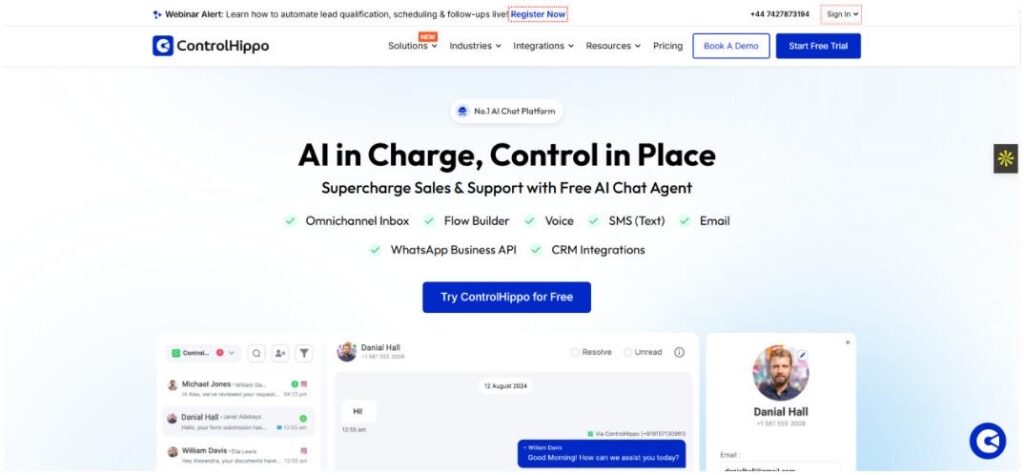
ControlHippo

ControlHippo is redefining customer engagement in 2025 with its AI-powered automation and omnichannel communication suite. From no-code workflow automation and chatbot builders to intelligent segmentation and predictive analytics, it helps businesses deliver hyper-personalized experiences across WhatsApp, Instagram, Telegram, and more. Perfect for growing businesses and enterprises looking to simplify complex workflows while boosting efficiency and customer satisfaction.

Omnisend

Omnisend

For ecommerce marketers, Omnisend is a goldmine. It uses AI to generate personalized product recommendations, dynamic content, and real-time cart abandonment follow-ups. In 2025, Omnisend also integrates voice search triggers and AI-enhanced SMS campaigns for multi-channel domination.

Brevo (formerly Sendinblue)

Brevo

Brevo is a rising star in AI email marketing. It combines smart segmentation with content generation, making it easy to run data-driven campaigns without needing a data science degree. It also offers a smart retargeting system and real-time behavior tracking that boosts email engagement by 40% or more.

AI Tools for Social Media Automation

Predis.ai

Predis ai

Predis.ai takes your product links or basic ideas and turns them into complete social media posts—including images, captions, and hashtags—in seconds. It’s a serious time-saver for social media managers. In 2025, it can even suggest posting times based on trending topics and historical engagement.

Ocoya

Ocoya

Ocoya lets you plan, create, and schedule AI-generated content across multiple platforms. Its built-in copywriting AI generates engaging content, and the platform even helps optimize it for different audiences. Their newest feature auto-generates Instagram Reels and TikToks with suggested scripts.

SocialBee with AI Content Generator

SocialBee

SocialBee has added AI to its toolkit, and it shows. Now you can generate post ideas, optimize post timing, and even create variations of posts for different platforms in a click. It also features competitor analysis so you can benchmark your content performance easily.

AI Tools for Content Creation and Personalization

Jasper AI for Marketing Copy

Jasper

Jasper has grown up. In 2025, it’s one of the most powerful content AI tools, helping marketers generate blog intros, product descriptions, landing pages, and more—all optimized for conversion. Their new brand voice memory ensures your content stays on-brand across every channel.

Copy.ai with Workflow Automation

Copy ai

Copy.ai isn’t just about writing anymore. It now connects with your email platforms, CRMs, and more to build automated workflows based on the content it creates. It’s content + automation = gold. The workflow builder even suggests automation templates based on your business niche.

Anyword for Predictive Performance Scoring

Anyword

Anyword doesn’t just generate marketing content—it predicts how it will perform. You get a performance score before even publishing, which is a huge confidence booster. Their 2025 model also offers live market trend data to help you stay one step ahead.

AI Advertising Automation Tools

Adzooma

Adzooma

Managing Google and Meta Ads? Adzooma uses AI to suggest optimizations in real-time. Whether it’s adjusting budgets, improving ad copy, or finding high-performing keywords, it’s like having an ad strategist 24/7. Their new dashboard now shows visual heatmaps of ad performance across platforms.

Smartly.io

Smartly io

Perfect for brands scaling their paid social campaigns. Smartly.io uses AI to automate creative testing, audience targeting, and real-time campaign adjustments across platforms. You can now automatically generate hundreds of ad creatives from a single product feed.

Albert.ai

albert ai

Albert.ai is like an autonomous digital marketer. It runs your campaigns, learns from performance, makes adjustments, and continues to optimize without constant human input. Kind of like hiring a genius robot marketer. It can even generate custom landing pages and test them on the fly.

Niche & Emerging AI Marketing Tools to Watch in 2025

Surfer AI for SEO

Surfer

SEO is far from dead. Surfer AI helps marketers build SEO-optimized content that ranks. It gives you keyword suggestions, structure, and content scores—all based on live SERP analysis. It now integrates with Google Search Console to auto-suggest SEO fixes in real time.

Seventh Sense for AI-Powered Email Timing

Seventh Sense

Timing is everything in email marketing. Seventh Sense uses AI to find the best time to reach each person in your audience, increasing open rates and engagement. It now includes machine learning models that adapt to seasonality and holiday-specific behaviors.

SolaraAI 

SolaraAI is designed for businesses that want professional marketing without the agency price tag, and now with its intelligent AI stack, it automatically creates content, schedules posts, and optimizes ad campaigns based on real-time trend analysis. The platform uses predictive audience targeting to forecast engagement and autonomous optimization loops that continuously refine budgets and creative assets for maximum ROI while you focus on running your business.

How to Choose the Right AI Marketing Automation Tool

With all these amazing options, how do you know what’s right for your business?

  • Know Your Goals: Are you looking to save time, scale content, or boost conversions? Let your goals guide your tool choices.
  • Budget Wisely: Some tools offer great free plans or low-cost tiers for startups. Others are better suited for enterprises.
  • Ease of Use Matters: Don’t get sucked into a platform with a steep learning curve unless you have the time (or team) to master it.
  • Check Integrations: Make sure the AI tool works well with your current stack (Shopify, WordPress, Zapier, etc.)
  • Test Before You Commit: Most tools offer free trials. Take advantage of them to find the best fit for your workflow.
  • Scalability: Choose tools that can grow with your business, not ones you’ll outgrow in six months.

Benefits of Using AI in Marketing Automation

Still on the fence? Here’s why it’s worth jumping in:

  • More Time, Less Stress: Automate repetitive tasks and focus on strategy and creativity.
  • Hyper-Personalization: AI can tailor messages to individual users like never before.
  • Smarter Decisions: Data-backed insights mean better targeting, timing, and performance.
  • Scalability: Whether you have 100 leads or 100,000, AI can handle it.
  • Continuous Learning: Most AI tools improve over time by learning from your results.
  • Cost Savings: Automation reduces the need for large teams or outsourcing, saving you money in the long run.

Conclusion: Power Your Marketing in 2025 with AI Automation

AI marketing automation tools in 2025 are smarter, faster, and more powerful than ever. Whether you’re running a small business or managing enterprise campaigns, there’s a tool out there that can save you time, money, and headaches.

The key? Start small. Try one tool that solves your biggest bottleneck, then expand from there. The future of marketing isn’t just digital—it’s intelligent. And the earlier you adopt, the bigger the edge you get.

So go ahead… let AI handle the grunt work while you focus on big-picture thinking. Embrace the future with confidence, and let smart tools do the heavy lifting.

Find More: Boost Your Sales With SEO Services

FAQs

1. What is the best AI marketing automation tool for small businesses?

ActiveCampaign and Mailchimp are both solid picks for small teams looking to automate without breaking the bank. They offer intuitive interfaces and robust feature sets that grow with your needs.

2. Can AI really replace human marketers?

Not quite. AI is amazing for automation and optimization, but creativity, empathy, and strategy still need the human touch. Think of it more as a super assistant than a replacement.

3. How much do AI marketing automation tools cost in 2025?

Prices range from free (with limited features) to $1000+/month for enterprise solutions. There’s something for every budget, and many offer flexible plans as you scale.

4. Are AI-powered tools safe to use with customer data?

Yes, most top tools follow strict data protection guidelines. Just make sure they’re compliant with GDPR, CCPA, etc. Always read their privacy policy and check for third-party certifications.

5. What industries benefit most from AI marketing automation?

Ecommerce, SaaS, B2B, and agencies are seeing huge gains, but really, any industry that relies on digital marketing can benefit. Even local service businesses and nonprofits are jumping in.

Tags: