...
UK: +44 2038074555 info@atamgo.com
10 Insane Instagram Bio Generators to Skyrocket Your Follower Count

10 Insane Instagram Bio Generators to Skyrocket Your Follower Count

Your Instagram bio is the digital handshake that determines if a visitor hits “Follow” or “Back.” In 2026, you don’t need to be a professional copywriter to craft a high-converting profile. Use these AI-powered tools to transform your brand’s first impression instantly.

An Instagram bio generator is an AI-driven tool that creates concise, engaging profile descriptions using your keywords and brand personality. By leveraging Large Language Models (LLMs), these tools optimize your 150-character limit to include a clear value proposition, relevant keywords, and a compelling call-to-action (CTA) to maximize follower growth.

Find More: 10 Smart Instagram Name Generator Tools That Create Viral-Ready Usernames

What is an Instagram Bio Generator?

An Instagram bio generator is a specialized software or AI application designed to write the “About Me” section of your social media profile. It uses natural language processing to turn simple prompts—like “fitness coach who loves keto”—into catchy, formatted text.

These tools are essential because they solve the “blank page” problem. Instead of staring at a blinking cursor, you receive multiple variations that include emojis, line breaks, and professional formatting tailored to the Instagram algorithm’s indexing.

Why Your Bio is Your Most Important Growth Asset

In 2026, Instagram’s search functionality relies heavily on “Profile SEO.” This means the keywords in your bio determine whether you show up when someone searches for your niche. A generator doesn’t just write text; it optimizes your discoverability.

A high-converting bio performs three specific tasks:

  • Identity: It tells the user exactly who you are.

  • Authority: It explains why they should trust or listen to you.

  • Action: It directs them to a link, a shop, or a “Follow” button.

The Top 10 Insane Instagram Bio Generators of 2026

1. Copy.ai: The Best for Brand Consistency

Copy ai

Copy.ai remains a powerhouse for beginners. It offers a dedicated “Instagram Bio” template where you input your brand’s tone (e.g., “Witty” or “Bold”). It produces clean, professional results that feel human-written.

  • Best for: Small business owners and personal brands.

  • Pro Tip: Use the “Friendly” tone setting to increase relatability.

2. Jasper: The High-Authority Choice
Jasper

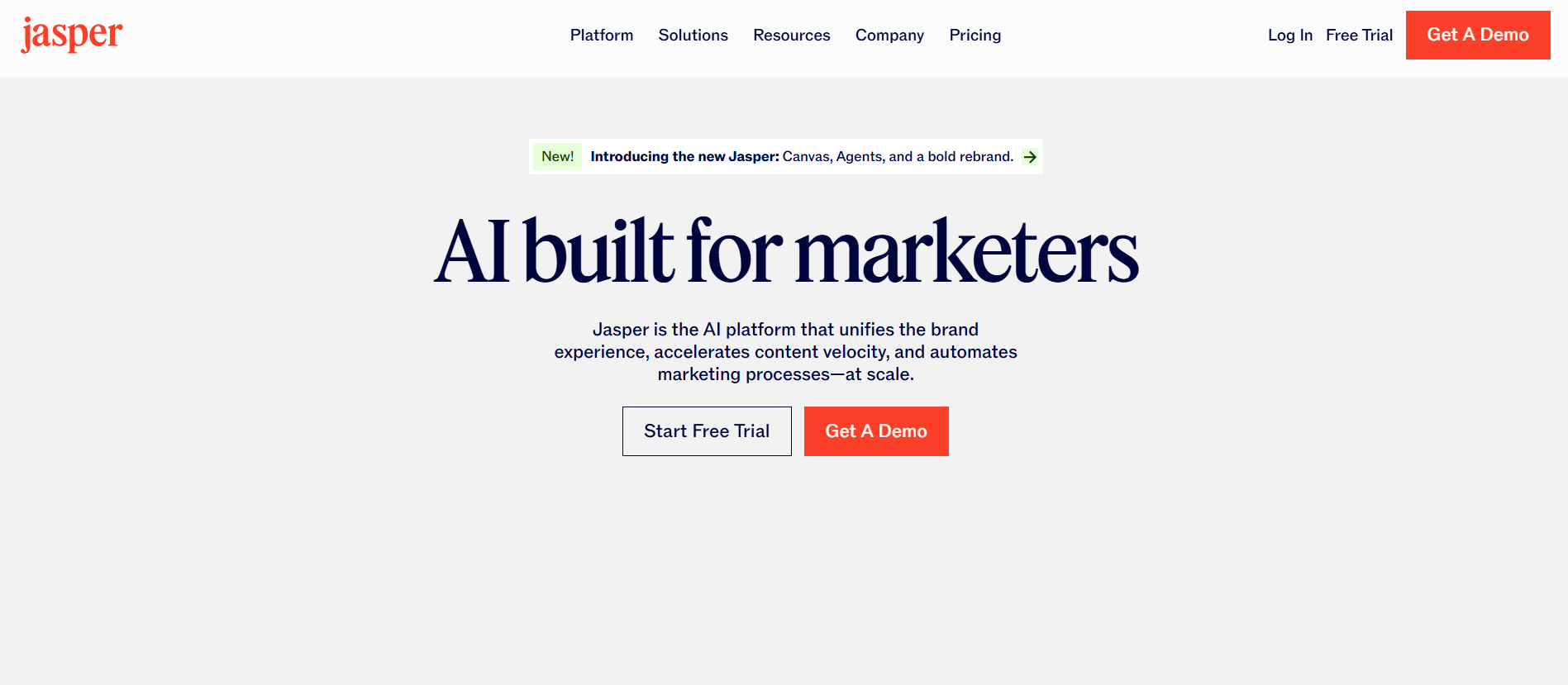
Jasper uses advanced AI models to create “Boss Mode” bios. It is particularly good at understanding complex professional niches. If you are a consultant or a tech creator, Jasper provides the most authoritative voice.

  • Best for: Professionals and B2B creators.

  • Key Feature: Integrates directly with Grammarly to ensure zero typos.

3. Writesonic: The SEO Specialist
Writesonic

Writesonic is an AI Instagram bio generator that prioritizes keywords. It asks for your niche and then weaves in trending search terms that help your profile appear in the “Explore” page search results.

  • Best for: Creators focused on SEO and organic search growth.

  • Key Feature: Options for over 25 languages.

4. Rytr: The Minimalist’s Dream

If you want something fast and free (or very cheap), Rytr is the go-to. It has a “Magic Command” feature where you can simply type “Write a funny bio for a cat photographer” and get instant results.

  • Best for: Casual users and hobbyists.

  • Pro Tip: Use the “Funny” tone for maximum engagement on personal accounts.

5. Simplified: The Aesthetic All-in-One

Simplified doesn’t just give you text; it suggests the best emojis and symbols to match your aesthetic. It is perfect for those who want a “Clean Girl” or “Minimalist Tech” look for their profile.

  • Best for: Influencers and lifestyle bloggers.

6. PFPmaker: The Visual Bio Generator

Unique to 2026, PFPmaker now includes a bio generator that matches your bio’s tone to your profile picture’s color palette. It ensures your entire profile looks like a cohesive brand package.

  • Best for: Visual artists and photographers.

7. Hypotenuse AI: The Data-Driven Writer

This tool analyzes high-performing accounts in your niche and generates bios based on what is currently trending. It’s “insane” because it uses real-world data to predict what will convert.

  • Best for: Data-focused marketers.

8. Canva Magic Write: The Creative’s Choice

Most people use Canva for graphics, but their “Magic Write” AI is excellent for bios. You can brainstorm ideas right next to your profile mockups to see how the text looks visually.

  • Best for: Users already using Canva for their content.

9. Anyword: The Performance Predictor

Anyword gives your bio a “Predictive Performance Score.” It tells you how likely a bio is to convert based on its phrasing. This takes the guesswork out of choosing between two options.

  • Best for: Performance marketers and e-commerce brands.

10. HubSpot’s Free Bio Tool: The Beginner’s Foundation

HubSpot offers a no-frills AI bio generator for Instagram that is completely free. It’s perfect for beginners who need a solid, professional start without signing up for a monthly subscription.

  • Best for: Total beginners on a budget.

A 5-Step Framework for Using an AI Bio Generator

Step 1: Define Your Core Pillar

Before opening the tool, decide on your “One Thing.” Are you a “Vegan Baker” or a “SaaS Growth Expert”? Choose the primary keyword you want to rank for.

Step 2: Choose Your Tone

Most AI tools ask for a tone. For Instagram, “Witty,” “Professional,” or “Inspirational” usually perform best. Avoid “Neutral” as it tends to produce boring results.

Step 3: Input “Context Clues”

Don’t just type “Photographer.” Type “Wedding photographer in New York specializing in film photography.” The more specific the input, the better the AI output.

Step 4: The “Emoji & Line Break” Polish

AI often clusters text. Use the generator’s output, but manually add line breaks. One idea per line is the gold standard for readability on mobile screens.

Step 5: Add a “Strong” Call-to-Action

Ensure your generated bio ends with a directive.

  • Example: “👇 Grab my free guide here”

  • Example: “DM ‘START’ to work with me”

Comparison: AI vs. Manual Bio Writing

Feature AI Instagram Bio Generator Manual Writing
Speed 30 Seconds 30 Minutes
SEO Optimization High (Built-in keywords) Low (Unless expert)
Creativity High (Varied options) Limited to your mood
Formatting Automatic Manual/Tedious
Cost Free to $20/mo Free

Common Mistakes Beginners Make with Instagram Bios

  • Using Too Many Fonts: “Fancy” fonts are often unreadable by screen readers and the Instagram search algorithm. Stick to standard text for your name and keywords.

  • Vague Descriptions: “Coffee lover. Dreamer. Explorer.” This tells the user nothing about what value you provide to them.

  • Missing CTA: If you don’t tell people what to do, they will do nothing. Always link to something.

  • Ignoring the “Name” Field: Your “Name” on Instagram is a searchable keyword. Don’t just put your name; put “Name | Your Niche.”

Pro Tips for 2026 Growth

  • The “Double Keyword” Strategy: Put your main keyword in the Name field and a secondary keyword in the first line of your bio.

  • Use Social Proof: If you’ve helped 100 clients or been featured in a magazine, let the AI weave that into the bio to build instant trust.

  • A/B Test Your Bios: Change your bio every 30 days and track your “Profile Visits to Follower” conversion rate in Instagram Insights.

Key Takeaways

  • An Instagram bio generator saves time and optimizes for the algorithm.

  • AI Instagram bio generators like Copy.ai and Writesonic provide the best balance of creativity and SEO.

  • Focus on a clear value proposition and a strong call-to-action (CTA).

  • Avoid overusing decorative fonts; they hurt your search rankings.

  • Use the “Name” field for your primary keyword, not just your personal name.

Find More: Boost Your Sales With SEO Services

FAQs

1. Is using an AI bio generator better than writing it myself?

Yes, for most beginners. AI tools are trained on thousands of high-converting profiles and understand the specific character limits and keyword requirements that humans often overlook.

2. Will an AI-generated bio hurt my Instagram reach?

No. Instagram does not penalize AI-generated text. In fact, if the AI uses better keywords, your reach will likely increase because your profile becomes more searchable.

3. Can I use emojis with these generators?

Most modern generators, like Simplified and Jasper, automatically suggest relevant emojis based on the text they generate. You can always swap them out to fit your personal style.

4. What is the character limit for an Instagram bio in 2026?

The limit remains 150 characters. This makes every word—and every character—extremely valuable. AI tools are specifically programmed to stay within this limit.

5. Should I put my location in my bio?

If you are a local business (like a cafe or a photographer), yes. If you are a global digital creator, it is better to use that space for a keyword or a result-oriented statement.


Tags:
7 Proven Ways to Use Instagram for Business (Most Brands Miss #4)

7 Proven Ways to Use Instagram for Business (Most Brands Miss #4)

instagram for business

Introduction: Why Instagram for Business Still Works (And Why Most Brands Use It Wrong)

Instagram for business is no longer just a social platform; it’s a powerful marketing tool that can help brands of all sizes reach the right audience, build relationships, and drive sales. If you’ve been wondering how to use Instagram for business effectively, you’re not alone. Many brands jump on the platform without a clear strategy, posting randomly, and expecting results. The truth is, to stand out and grow, you need a plan that’s smart, consistent, and targeted. Instagram is more than just posting pictures—it’s about storytelling, community building, and connecting with your ideal customers in meaningful ways. In this article, we’ll walk through 7 proven ways to use Instagram for business, including the one step that most brands completely overlook. By the end, you’ll have actionable steps to elevate your Instagram strategy and maximize your results.

Find More: 7 Powerful Instagram Username Checkers to See Availability Instantly

1. Set Up Instagram for Business the Right Way (Not Just a Business Profile)

Choosing the Right Business Category and Contact Options

instagram free likes

Before anything else, make sure your account is set up as a business profile. This opens access to analytics, ads, and contact features. Pick the category that best represents your business—this isn’t just for show; it helps Instagram show your content to the right people and ensures your profile is discoverable in relevant searches. Add accurate contact info so potential customers can reach you easily via email, call, or directions. Consider also including a physical address if you have a storefront—it increases credibility.

Optimizing Your Bio for Conversions, Not Just Looks

Your bio is your storefront on Instagram. Don’t just stuff it with emojis or vague slogans. Use a clear value proposition that tells visitors exactly what you do and why they should follow you. Include a link to your website, shop, or landing page to convert visitors into customers. Adding a branded hashtag or a call-to-action like “Shop our latest collection” can also help guide followers to your key content.

How Instagram for Business Accounts Unlock Powerful Analytics

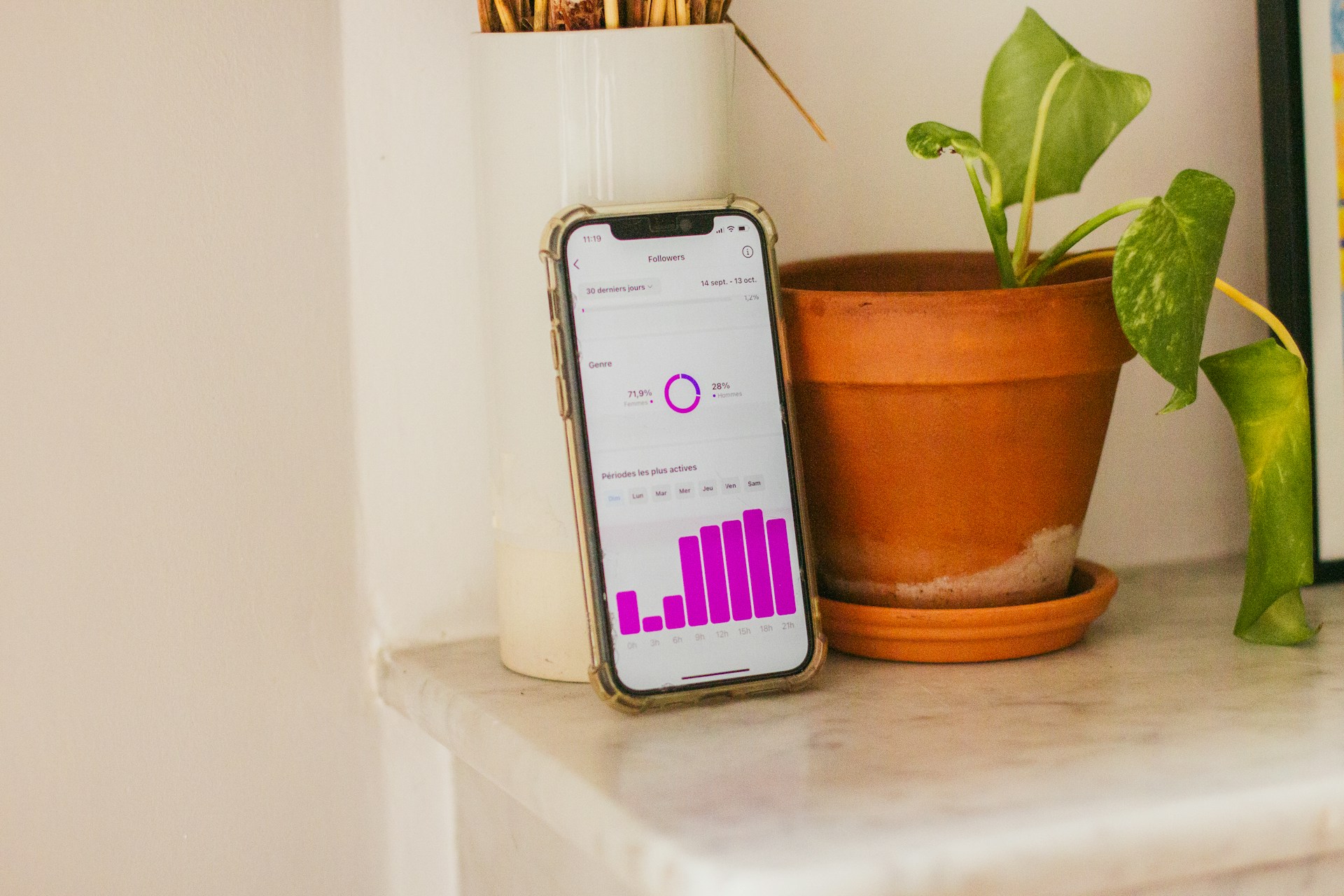
Switching to a business account gives you access to Instagram Insights. This is where you can see which posts are performing, who your audience is, and when they’re most active. Insights also allow you to track follower growth, engagement rates, and website clicks. Using this data effectively can dramatically improve your content strategy and help you make informed decisions rather than guessing what works.

2. Build a Content Strategy That Serves Business Goals (Not Vanity Metrics)

Defining Clear Objectives for Instagram for Business Marketing

Before you start posting, know what you want to achieve. Are you looking to increase brand awareness, generate leads, or drive sales? Each goal will affect the type of content you create and the metrics you track. Setting measurable goals, like increasing website clicks by 15% or gaining 500 new followers a month, gives your Instagram efforts direction and purpose.

Content Types That Actually Drive Engagement and Sales

Use a mix of content formats: feed posts, carousels, Reels, Stories, and IGTV. Educational content, behind-the-scenes looks, and product highlights often outperform generic promotional posts. Tutorials, tips, and real-life applications of your products can resonate deeply with your audience, fostering trust and loyalty.

Posting Frequency and Timing for Maximum Reach

Consistency matters more than quantity. Posting regularly helps Instagram recognize you as an active account, but timing also plays a role. Use Insights to find out when your audience is most active and schedule posts accordingly. Consider testing different posting times to see which generates higher engagement. Quality always beats quantity, so prioritize meaningful, visually appealing content.

3. Use Instagram Stories to Build Trust and Daily Visibility

Story Formats That Work Best for Businesses

free instagram likes followers

Stories are perfect for real-time updates, product demos, or quick tips. You can create polls, quizzes, and countdowns to keep your audience engaged and coming back. Incorporating user-generated content or featuring behind-the-scenes moments adds authenticity.

How to Use Polls, Questions, and Stickers to Increase Interaction

Interactive features like polls, questions, and emoji sliders encourage engagement and make your followers feel heard. The more engagement your stories get, the more likely Instagram will show your content to others. Regularly checking story analytics helps you see which types of interaction drive the most engagement.

Turning Instagram Stories Into Sales Opportunities

Use Stories to highlight new products, promotions, or limited-time offers. Swipe-up links (or link stickers) make it easy for viewers to take immediate action, moving them further down your sales funnel. Creating story highlights allows these offers and tutorials to live on your profile beyond the 24-hour lifespan of stories.

4. Leverage Instagram for Business Insights to Scale What Works (The Step Most Brands Miss)

Understanding Instagram Analytics and Key Metrics

Many brands post blindly, ignoring the rich data Instagram provides. Insights show which posts get the most likes, comments, saves, shares, and website clicks. These metrics indicate real audience interest and help identify content that truly resonates. Tracking trends over time allows you to spot growth opportunities and areas for improvement.

How to Identify High-Performing Content Using Insights

Look for patterns: which types of posts or times of day generate the most engagement? Which hashtags are driving traffic? Knowing this allows you to replicate successful content while avoiding strategies that don’t work. Regularly reviewing and adjusting your content based on insights ensures continuous improvement and keeps your audience engaged.

Making Data-Driven Decisions to Improve Instagram for Business Results

Use your insights to inform your content calendar, posting frequency, and even ad campaigns. This analytical approach separates brands that grow on Instagram from those that plateau. Over time, you can refine your strategy to prioritize content that drives actual results, whether that’s sales, leads, or brand awareness.

5. Turn Followers Into Customers With Smart CTAs and Links

Writing Calls-to-Action That Feel Natural, Not Salesy

Instead of hard-selling, guide your followers naturally. Phrases like “Check out our new collection,” or “Discover how to get started” can be more effective than generic “Buy now” prompts. Tailor CTAs to your audience’s needs and stage in the customer journey.

Using Bio Links and Highlights to Guide Traffic

Use your bio link strategically. Link to a landing page, product catalog, or latest offer. Highlights can showcase categories, testimonials, or FAQs, keeping your best content accessible for new visitors. Updating these highlights regularly ensures followers always have access to fresh and relevant content.

How Instagram for Business Supports Your Sales Funnel

Every post, story, and Reel should lead followers closer to your business goals. Whether it’s signing up for a newsletter or making a purchase, integrate subtle yet effective CTAs that guide the user journey. Combining organic content with strategic offers can convert casual followers into paying customers over time.

6. Use Instagram Ads Strategically (Even With a Small Budget)

When Organic Growth Isn’t Enough for Your Business

instagram

Sometimes organic reach isn’t sufficient, especially for new businesses. Instagram ads can quickly increase visibility and drive targeted traffic to your account or website. Even small budgets can generate meaningful results if campaigns are targeted correctly.

Best Ad Formats for Instagram for Business Campaigns

Use a mix of feed ads, story ads, and Reels ads depending on your goals. Carousel ads work well for multiple products, while video ads engage audiences more deeply than static images. Testing different ad creatives and formats helps determine which resonates most with your audience.

Common Instagram Ad Mistakes to Avoid

Avoid over-targeting, neglecting your analytics, or running ads without clear objectives. Poorly designed ads or misaligned messaging can waste your budget without delivering results. Always A/B test your ad copy and visuals to maximize return on investment.

7. Build Long-Term Growth With Community and Consistency

How Engagement Signals Impact Instagram for Business Reach

Instagram rewards accounts with high engagement. Replying to comments, liking tagged posts, and acknowledging followers’ messages boosts your visibility and credibility. Engagement also builds trust, making followers more likely to share and recommend your brand.

Collaborations, DMs, and Comments as Growth Tools

Collaborate with influencers or complementary brands to tap into new audiences. Engage directly with followers through DMs and comments to nurture relationships and turn casual followers into loyal customers. Personal interaction often leads to higher retention and repeat business.

Creating a Sustainable Posting System for Businesses

Consistency is key. Plan your content calendar in advance, batch-create posts, and schedule them to maintain a steady presence without burning out. Regularly review your performance and adjust the schedule to balance quality, engagement, and your team’s capacity.

Conclusion: How to Start Using Instagram for Business More Effectively Today

Instagram for business is a powerful platform if you approach it strategically. From setting up your profile properly to leveraging insights, creating engaging content, and using ads smartly, each step can significantly impact your growth. Start small, focus on what works, and gradually implement these strategies. Remember, building a successful Instagram presence is a marathon, not a sprint. Over time, your followers will turn into loyal customers, and your business will see tangible results. Brands that succeed on Instagram aren’t just posting—they’re analyzing, adapting, and consistently delivering value. Keep learning, experimenting, and evolving your approach to stay ahead.

Find More: Boost Your Sales With SEO Services

FAQs

1. Is Instagram for Business free to use?

Yes, creating an Instagram business account is completely free. You can post content, use Stories, and access basic analytics without paying. Ads are optional for boosting reach. Additionally, the platform offers free tools like Insights and Creator Studio to track and optimize your performance.

2. How often should I post on Instagram for business growth?

Consistency matters more than frequency. Posting 3-5 times per week is sufficient for most small businesses. Use Insights to identify when your audience is most active. Remember, quality content will always outperform frequent but low-value posts.

3. Can Instagram for business work without paid ads?

Absolutely. Organic growth is possible through high-quality content, engagement, and strategic use of hashtags and Stories. However, ads can accelerate growth, especially for new accounts. Combining organic content with occasional ads often yields the best results.

4. What type of businesses benefit most from Instagram?

Instagram works best for visual brands, such as fashion, beauty, fitness, food, and lifestyle businesses. However, any business can leverage Instagram by sharing value-driven, engaging content. Even B2B companies can use the platform to share educational posts, behind-the-scenes insights, and thought leadership content.

5. How long does it take to see results using Instagram for business?

Results vary depending on your niche, strategy, and consistency. Some brands notice engagement improvements within weeks, while significant growth and sales can take 3-6 months of consistent effort. Patience, persistence, and continual learning are key to long-term success.

Tags:
7 Powerful Instagram Username Checkers to See Availability Instantly

7 Powerful Instagram Username Checkers to See Availability Instantly

Instagram username checker tools are one of those things you don’t realize you truly need until you’re stuck staring at a “Username is not available” message for the tenth time in a row. At that point, it’s not just annoying — it’s draining. Whether you’re starting a brand-new personal account, launching a business, building a creator brand, or rebranding an existing page that no longer feels right, checking username availability early can save you hours of frustration and second-guessing. In this guide, I’ll walk you through how the Instagram check username process actually works behind the scenes, why it matters far more than most people think, and the best real tools you can use today to check username Instagram availability instantly without guessing or wasting time.

Find More: 7 Instagram Video Download Tools That Actually Work

Introduction: Why You Need an Instagram Username Checker Before You Register

Let’s be honest for a second: your username is your identity on Instagram. It’s the first thing people notice when they land on your profile. It’s how they remember you, search for you, tag you, and even decide whether you’re worth following. A strong username builds trust instantly, while a weak or confusing one does the opposite. An Instagram username check helps you avoid wasting energy on names that are already taken, restricted, shadow-banned, or simply impossible to claim. If you’ve ever found the “perfect” username in your head, only to discover it’s unavailable, you already understand why this matters. If you’re wondering how to check if an Instagram username is available without endless trial and error, you’re exactly where you need to be.

What Is an Instagram Username Checker and How Does It Work?

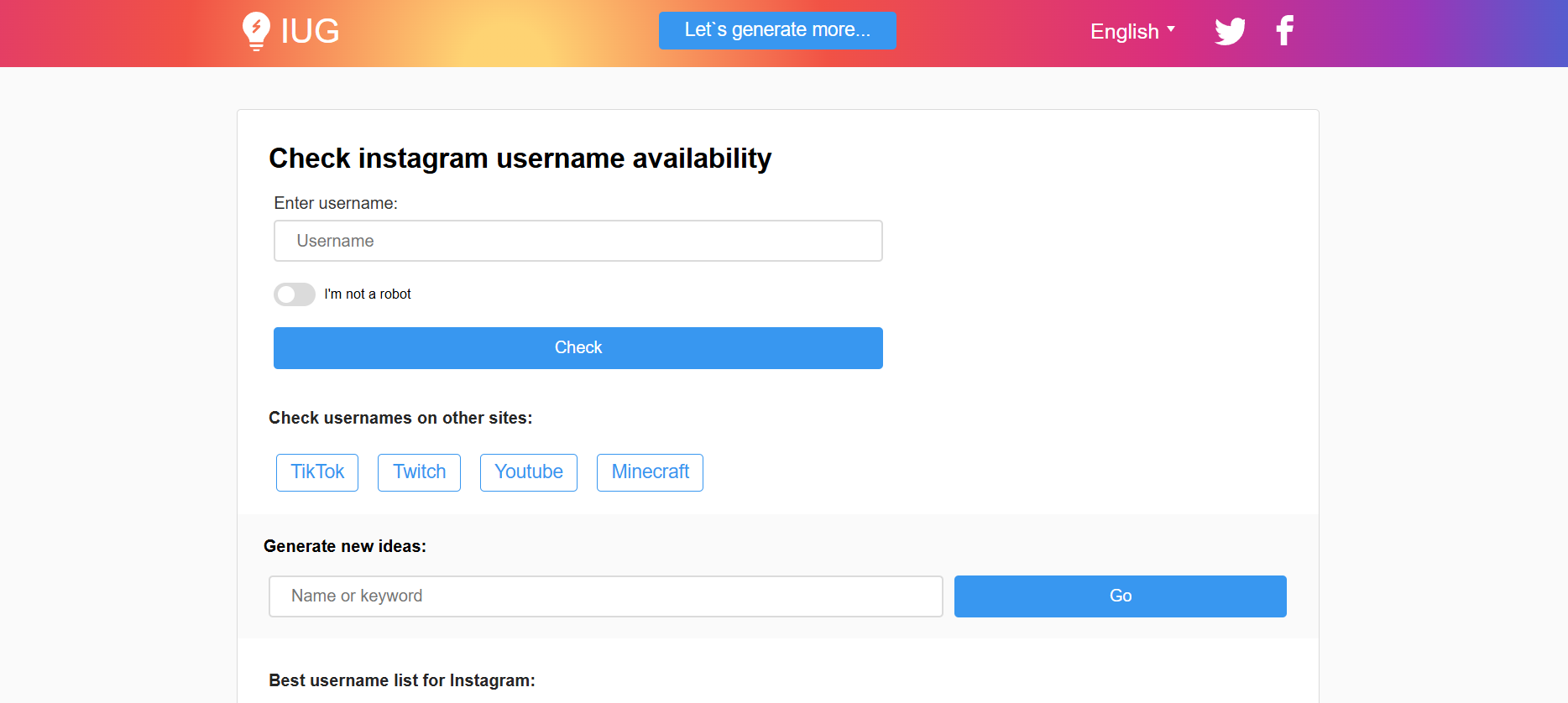
An Instagram username checker is any tool or method that tells you whether a username is available on Instagram before you try to register or change it. Some tools connect directly to Instagram’s public availability checks, while others simulate the signup process in the background to test usernames in real time. The goal is simple: give you clarity before you commit.

How Instagram Checks Username Availability

Instagram checks usernames instantly against its internal database. A username might be unavailable for several reasons. It could already be taken by another account, reserved by Instagram, blocked due to policy violations, or restricted because it looks spammy or misleading. This is exactly why an Instagram username check can sometimes return different results depending on where and how you check it.

Manual Checking vs Using a Username Checker Tool

Manually checking usernames inside the Instagram app does work, but it’s slow, repetitive, and limited. You’re forced to test one name at a time, with no suggestions or alternatives. Using a proper Instagram username checker speeds everything up. You can test multiple ideas, explore variations, and quickly narrow down names that actually have a chance of being approved.

Why Using an Instagram Username Checker Saves Time and Prevents Mistakes

If you’re serious about your account, guessing usernames is a bad strategy. A reliable check username Instagram tool helps you avoid several common mistakes:

  • Falling in love with a username you can’t actually claim

  • Accidentally choosing restricted, flagged, or spam-like terms.

  • Wasting time checking usernames one by one manually

It becomes even more valuable if you’re managing multiple accounts, launching client projects, or working on brand names where consistency really matters. In those cases, speed and accuracy are everything.

7 Powerful Instagram Username Checkers to See Availability Instantly

Below are real, reliable tools that actually work. These aren’t random lists — they’re tools that creators, marketers, and brands genuinely use to run an Instagram username check without headaches.

1. Official Instagram Username Availability Check

Instagram Username Availability Check

The most accurate Instagram username checker is still Instagram itself. When you sign up for a new account or change your username inside the app, Instagram tells you instantly whether the username is available or not.

Use it directly on Instagram.

Pros:

  • 100% accuracy

  • No third-party tools involved

Limitations:

  • You can only check one username at a time.

  • No suggestions, ideas, or bulk checking options

2. Namechk (Best for Cross-Platform Checks)

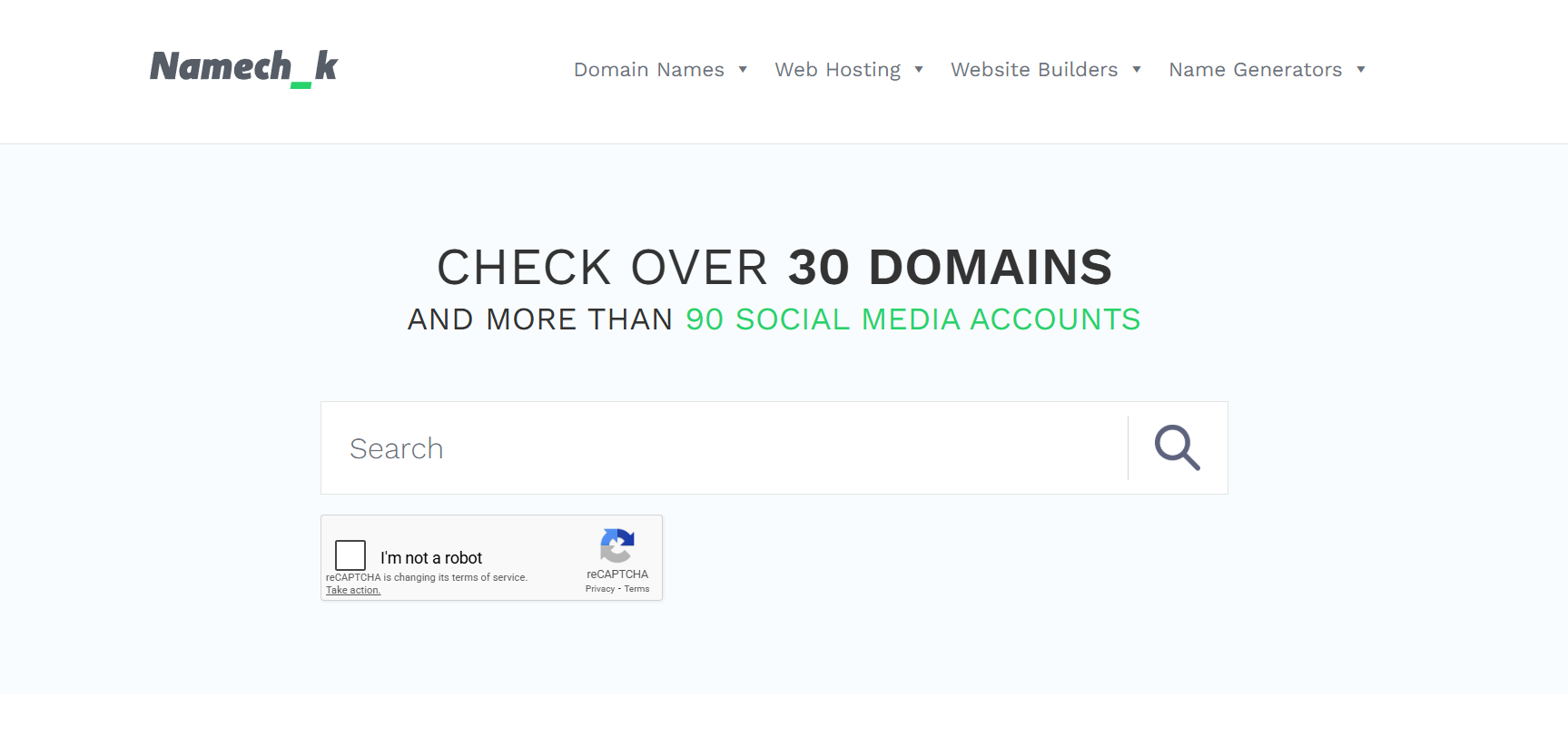
Namechk

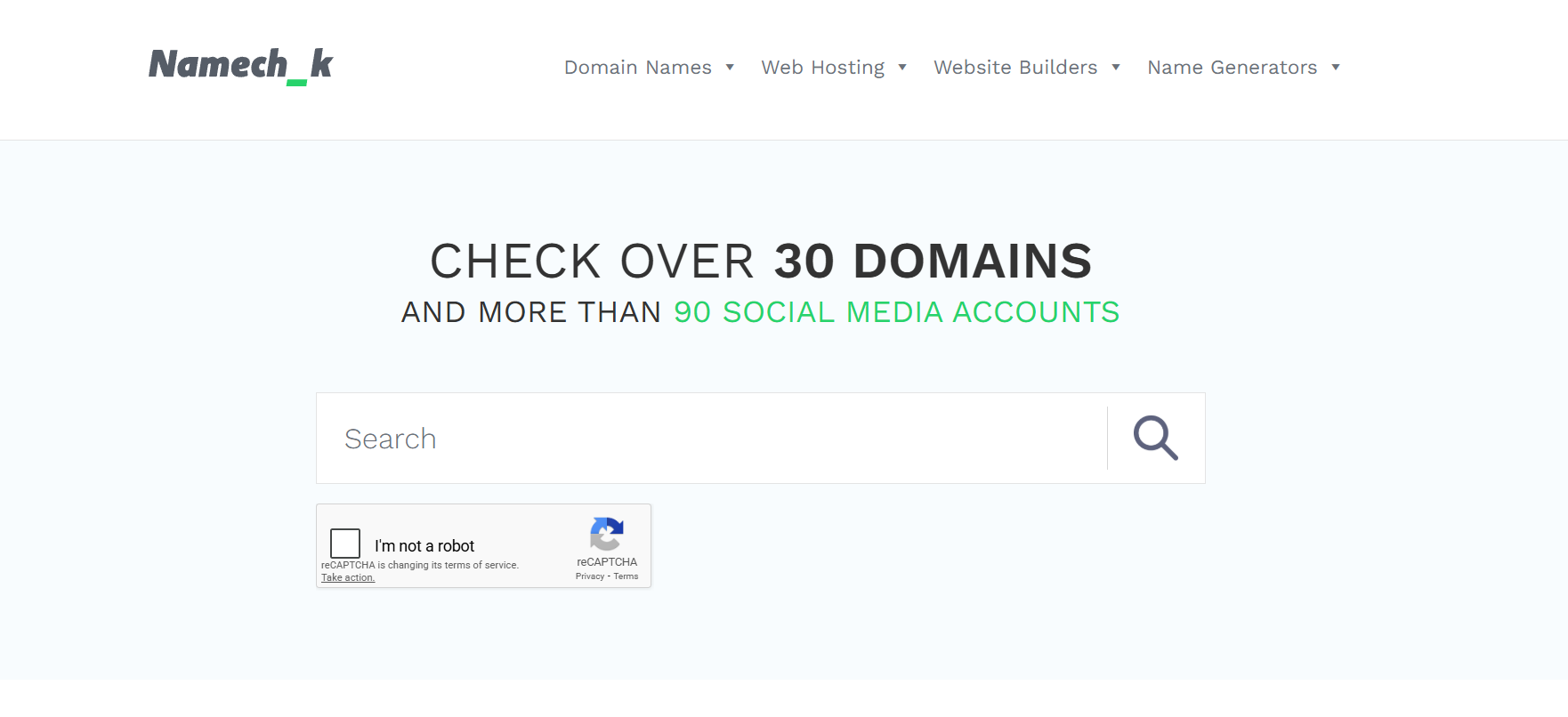
Namechk is a well-known tool that checks username availability across dozens of platforms, including Instagram. It’s ideal if you want the same username on Instagram, Twitter, TikTok, and even as a domain name.

Check it here: Namechk.

Why it’s useful:

  • Fast Instagram check username results.

  • Shows availability across social media and domains

  • Perfect for building a consistent brand identity

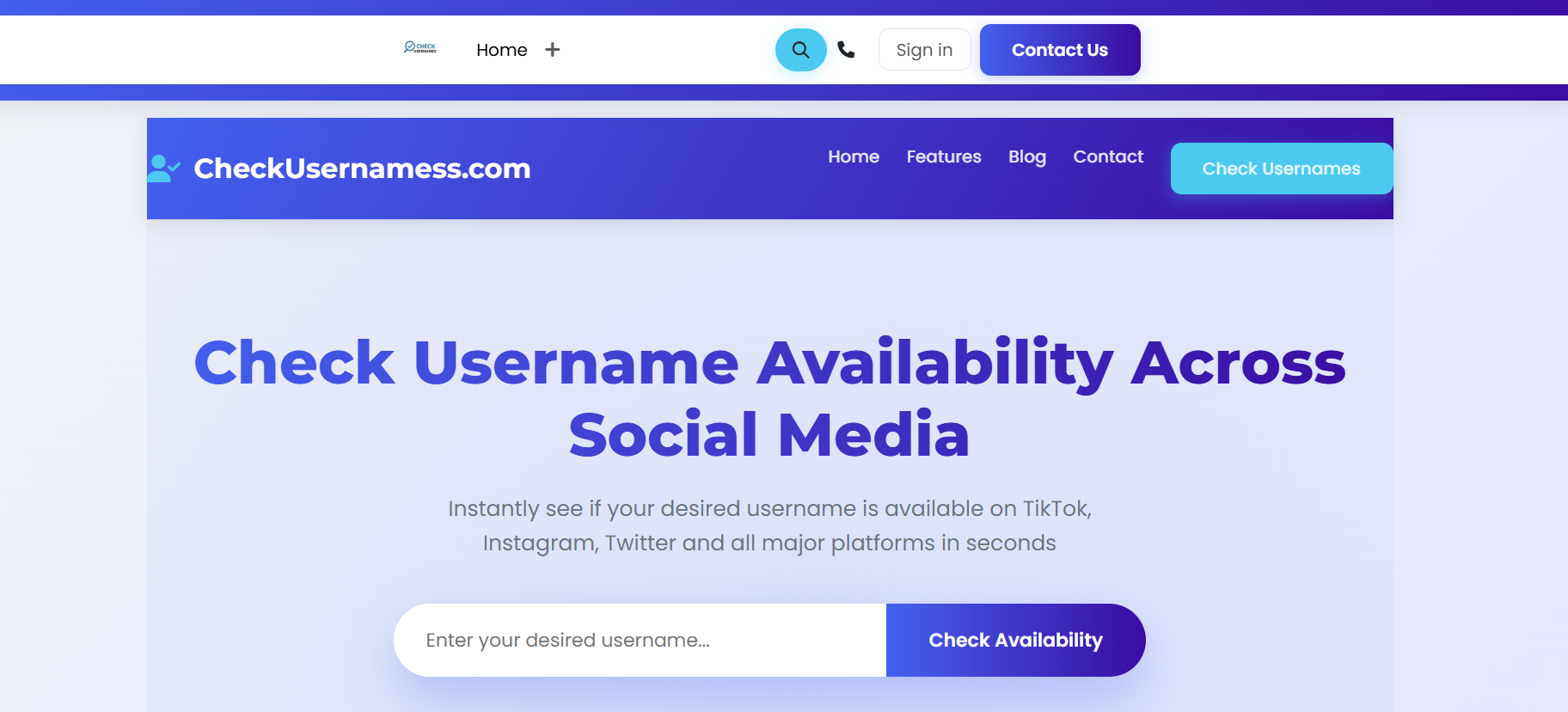
3. CheckUsernames (Simple and Fast)

CheckUsernames

CheckUsernames focuses purely on availability. It doesn’t try to do too much, which is exactly why it works so well. If you want a quick Instagram username check without distractions, this tool delivers.

Use it here: CheckUsernames.

Best for:

  • Quick checks

  • Beginners

  • Clean, no-nonsense interface

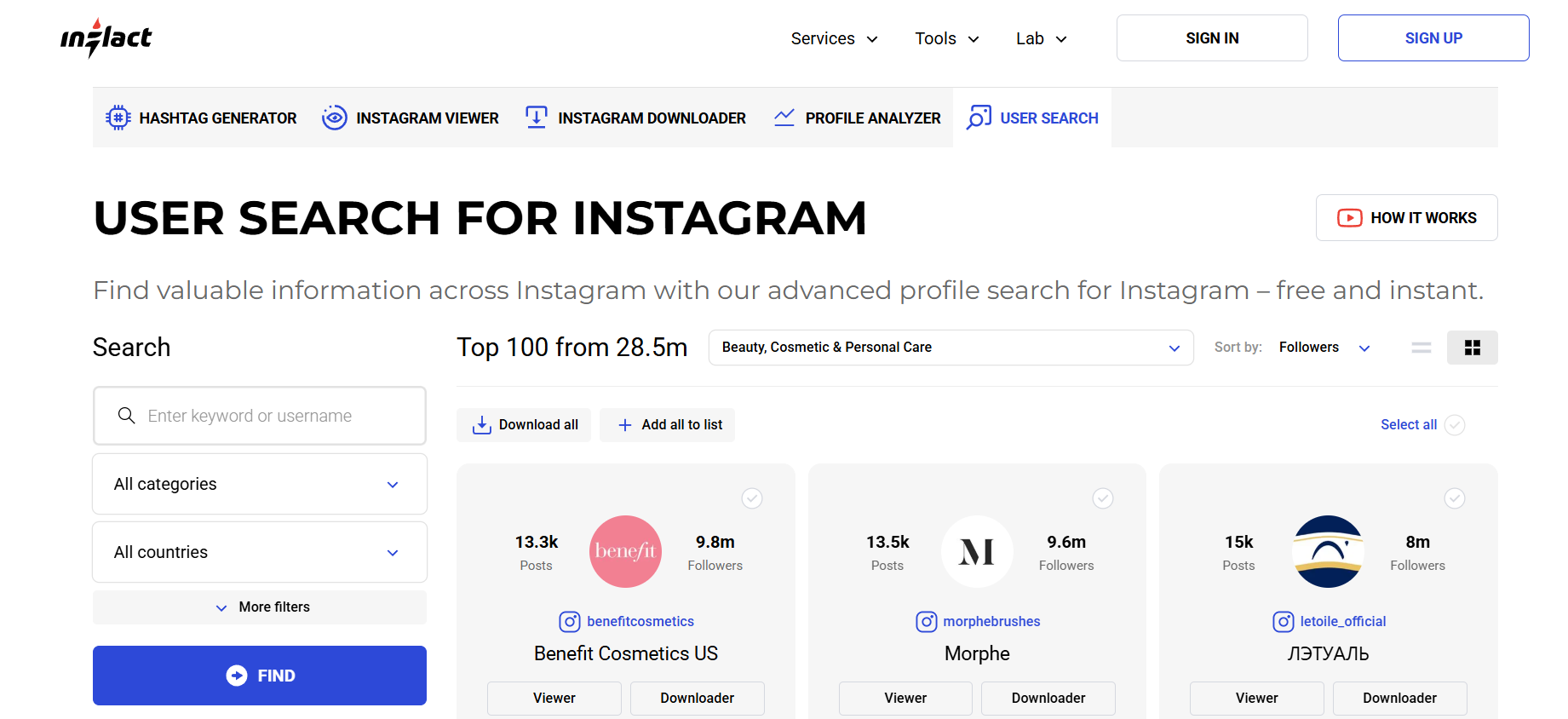
4. Inflact Instagram Username Checker

Inflact Instagram Username Checker

Inflact offers an advanced Instagram username checker designed specifically for Instagram users, creators, and marketers. It goes beyond basic availability checks.

Try it here: Inflact Username Checker.

What stands out:

  • Instagram-focused accuracy

  • Suggests available username variations

  • Extremely helpful for brands and influencers

5. BrandSnag (Business-Friendly Tool)

BrandSnag is built with businesses in mind. It helps brands secure usernames across platforms, making it ideal for startups and online stores.

Check it here: BrandSnag.

Why businesses like it:

  • Simple, professional interface

  • Fast Instagram username check results.

  • Focus on brand-safe names

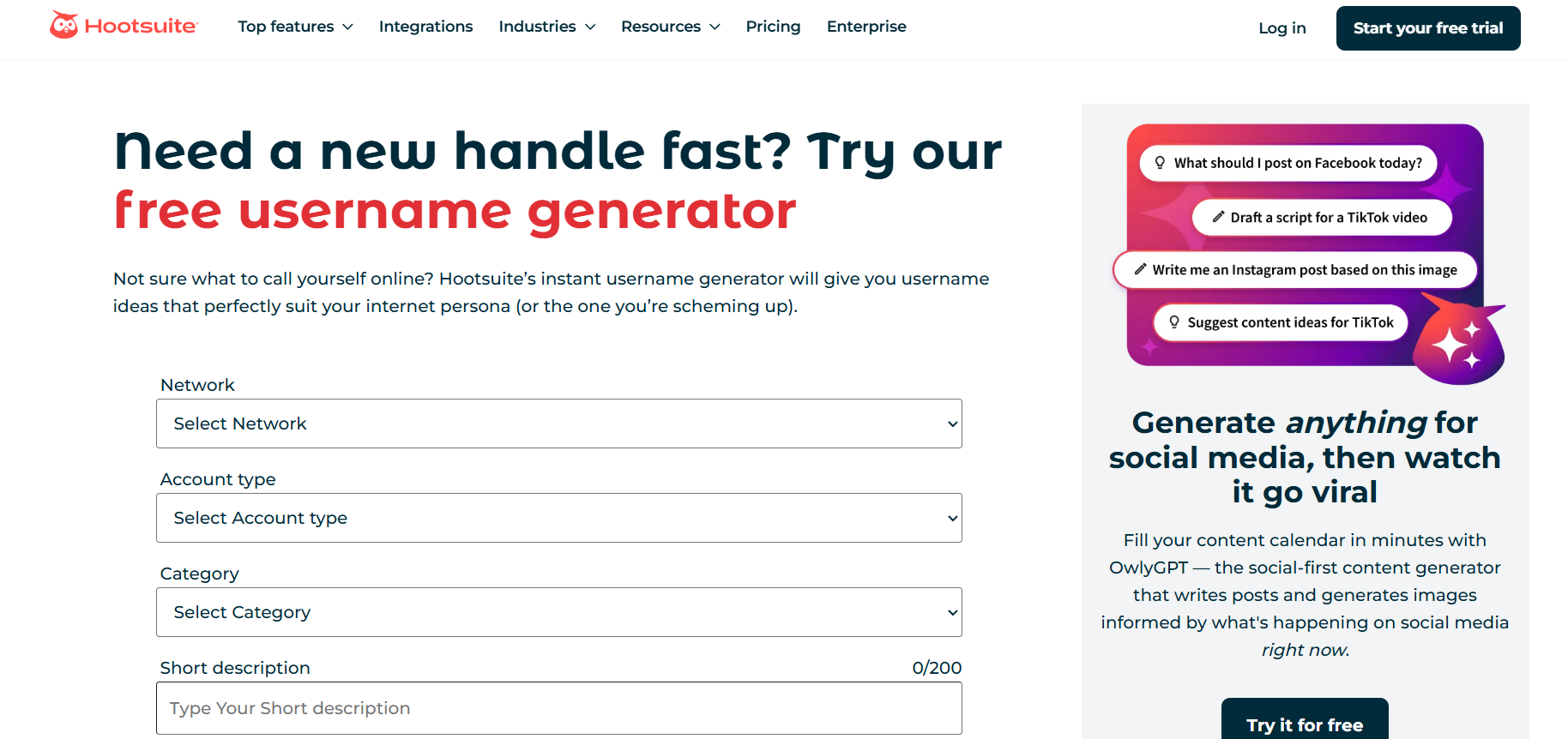
6. Hootsuite Username Generator

Hootsuite Username Generator

Hootsuite’s username generator isn’t strictly an Instagram username checker, but it’s very useful during the brainstorming phase. It checks availability while suggesting creative ideas.

Use it here: Hootsuite Username Generator.

Best for:

  • Creators who need inspiration

  • Finding available username variations quickly

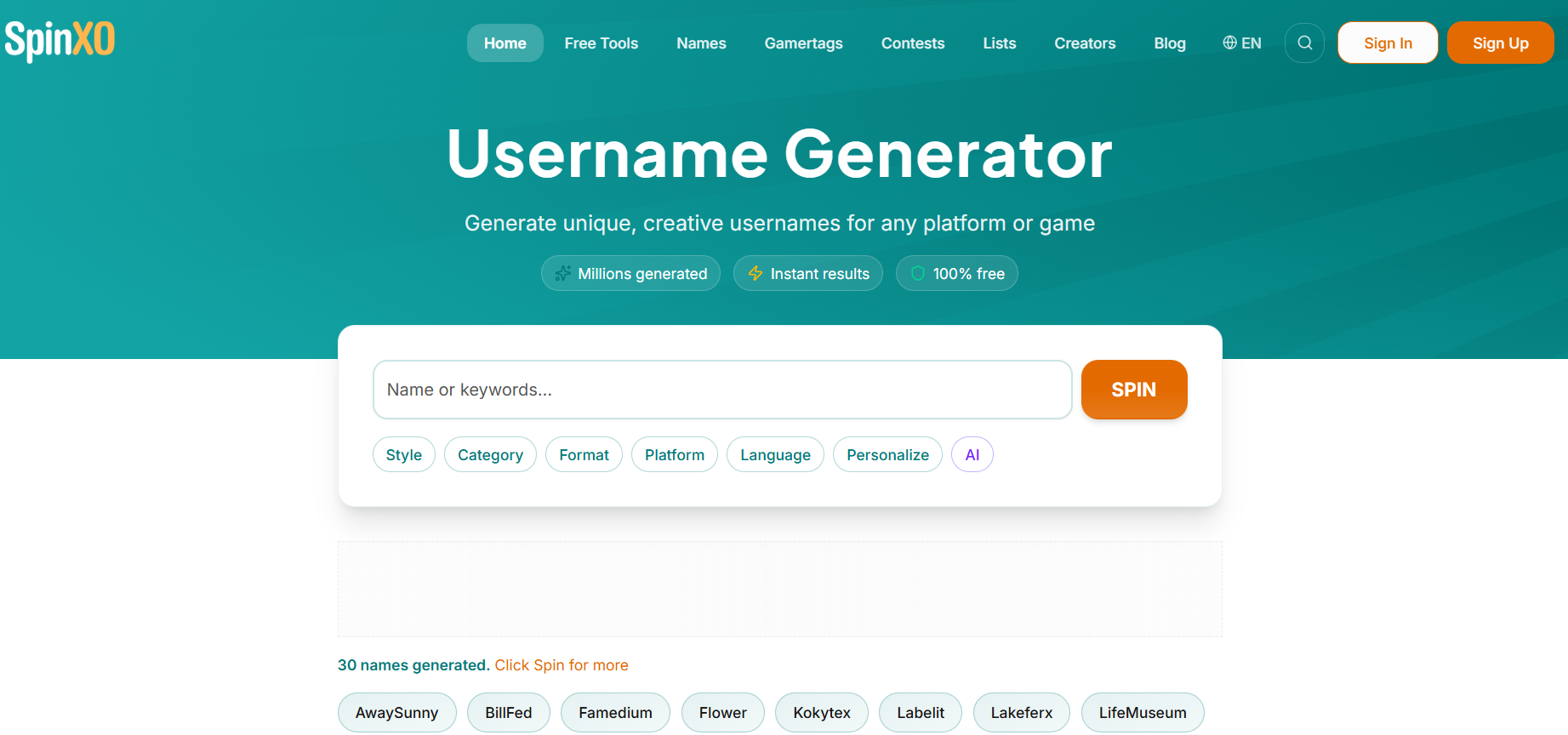
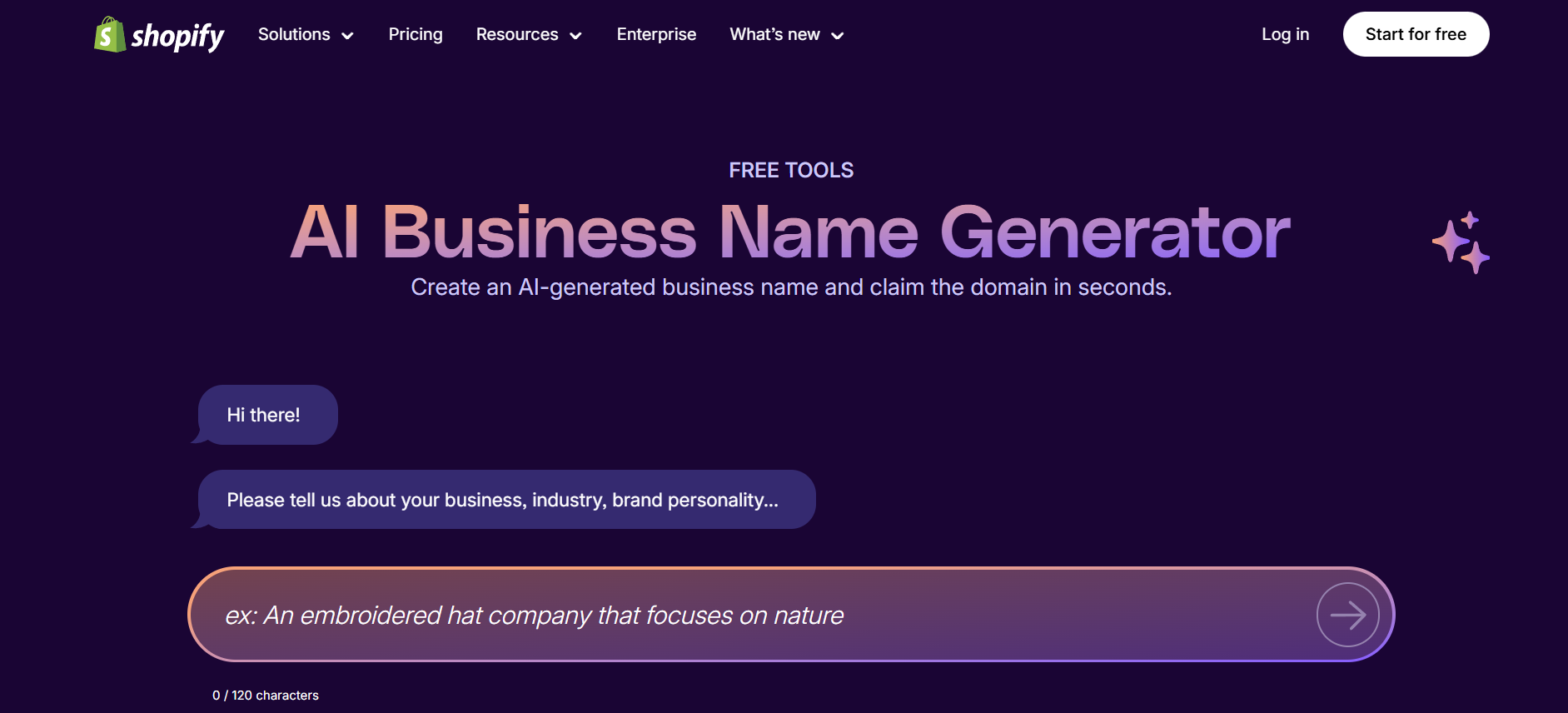
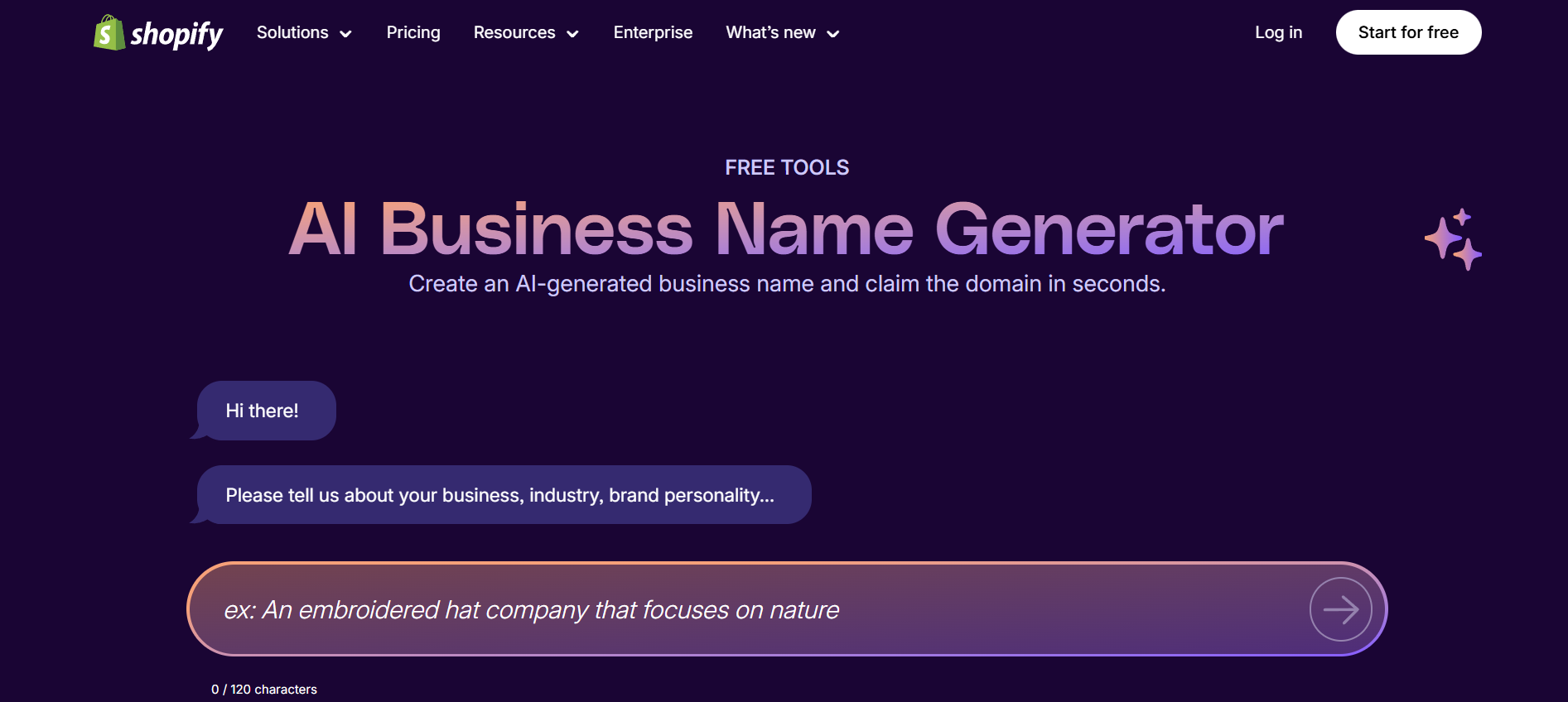
7. Shopify Username Generator (Surprisingly Useful)

Shopify’s tool is designed for businesses, but it works surprisingly well for Instagram usernames. It’s great if you want something brandable and clean.

Try it here: Shopify Business Name Generator

Why it’s helpful:

  • Excellent for brand-style usernames

  • Helps avoid overused and generic names

How to Choose the Best Instagram Username Checker for Your Needs

Not all tools are equal. The best Instagram username checker depends on what you’re trying to achieve.

Accuracy and Real-Time Checks

If accuracy is your top priority, always confirm the username directly inside Instagram before committing.

Speed and Ease of Use

If you’re brainstorming or working at scale, tools like Inflact or Namechk can save you a huge amount of time.

Tips to Secure an Available Instagram Username Faster

Once you find an available username, don’t overthink it. Claim it immediately if possible. Instagram usernames disappear fast, especially short or brandable ones. Always prepare backup options in case your first choice gets rejected.

Also, try to avoid:

  • Unnecessary special characters

  • Random numbers that don’t mean anything

  • Copying popular accounts too closely

Common Mistakes to Avoid When Using an Instagram Username Checker

One of the biggest mistakes people make is assuming that “available” automatically means “claimable.” Some usernames are restricted even if tools say they’re free. Always do a final Instagram check username inside the app.

Another mistake is ignoring branding. Just because a username is technically available doesn’t mean it’s a good long-term choice.

Conclusion: Find and Secure Your Instagram Username Today

Your username carries more weight than most people realize. It affects discoverability, branding, and first impressions. Using a proper Instagram username checker helps you move faster, avoid costly mistakes, and choose a username that truly fits your brand or personality. Start with the tools above, confirm inside Instagram, and secure your username before someone else does.

Find More: Boost Your Sales With SEO Services

FAQs

1. How do I check if an Instagram username is available?

You can check directly inside Instagram during signup or by using an Instagram username checker tool like Namechk or Inflact to speed things up.

2. Is there a free Instagram username checker?

Yes. Tools like Namechk, CheckUsernames, and Instagram itself are completely free to use.

3. Can I check an Instagram username’s availability without an account?

Yes, many third-party tools allow you to check a username’s Instagram availability without logging into Instagram.

4. Why does a username show available but won’t register?

This usually happens because the username is restricted, reserved, or was recently deleted and hasn’t been released yet.

5. Can I claim a username from an inactive Instagram account?

In most cases, no. Instagram rarely releases inactive usernames unless they clearly violate platform policies.

Tags:
7 Powerful Tools to Download From Instagram Without Losing Quality

7 Powerful Tools to Download From Instagram Without Losing Quality

Download From Instagram — if you’ve ever tried to save a photo or video and ended up with blurry quality, weird cropping, strange colors, or even a watermark you didn’t ask for, you already know how annoying this process can be. Instagram is fantastic for discovering creative content, learning new ideas, and saving inspiration, but when it comes to actually keeping that content, the platform makes things harder than they should be. Whether you want to download pics from Instagram for design inspiration, archive posts you love, save a Reel to watch later, or fully understand how to download videos from Instagram without losing resolution, this guide is written exactly for you.

The problem most people face isn’t a lack of tools — it’s choosing the wrong ones. Many websites promise “HD downloads” or “original quality” but fail to deliver. In this article, I’ll break things down in a clear, honest way. We’ll talk about how Instagram compression really works, why quality loss happens, and then I’ll show you the best real tools that consistently work in 2025. No fake promises, no sketchy software, no extensions that break after one update.

Find More: Audio Download Instagram: 7 Powerful Ways You Didn’t Know Existed

Why You Should Use Dedicated Tools to Download From Instagram

Instagram aggressively compresses almost everything that gets uploaded. Photos are resized, sharpness is reduced, videos are re-encoded, and even audio quality is lowered. When you try to download image from Instagram using random websites, browser tricks, or screen recording, you’re usually saving a version that has already been compressed once — and then compressing it again. That double hit is exactly why the final result often looks soft, pixelated, or low-quality.

Instagram Compression Explained (And How to Avoid It)

Behind the scenes, Instagram keeps higher-quality versions of media on its servers. The problem is that the version you see on your screen isn’t always the best version available. Screen recording, screenshots, and low-quality downloaders only capture what’s being played back in real time. Dedicated tools, on the other hand, fetch the source media file directly. If you care about clean edges, correct aspect ratio, and sharp details, this difference matters a lot.

Risks of Low-Quality Downloaders and Fake Tools

A huge number of sites advertise “download from Instagram in HD” but quietly downgrade the file before giving it to you. Others add watermarks, redirect you through multiple ads, or push fake download buttons that lead to malware. Some even ask you to log in with your Instagram account, which is a serious security risk. A trustworthy download from Instagram tool should never ask for your login, should work directly in the browser, and should clearly show you what quality you’re downloading.

What “No Quality Loss” Really Means When You Download From Instagram

It’s important to be realistic here. You can’t magically get better quality than what Instagram stores. “No quality loss” simply means you’re downloading the best available version without additional compression, resizing, or filtering. When done correctly, the downloaded file should look identical to the original upload, not worse.

Key Features to Look for in Tools That Download From Instagram

Before jumping into the actual tools, it helps to understand what separates good downloaders from bad ones.

HD, Full Resolution, and Original Aspect Ratio Support

A reliable tool should clearly support HD or full-resolution downloads. If a website doesn’t mention resolution or hides it behind vague wording, that’s usually a bad sign. The best tools preserve the original dimensions exactly as they were uploaded.

Support for Reels, Stories, Photos, and IGTV

Instagram isn’t just photos anymore. A solid downloader should handle Reels, Stories, standard videos, carousels, and even Highlights. Switching tools for every format is inefficient and frustrating.

No Login, No Watermark, No Hidden Limits

Any tool that asks for your Instagram credentials should be avoided. The same goes for tools that add watermarks or secretly limit downloads unless you pay. Clean tools are transparent from the start.

Speed, Safety, and Cross-Device Compatibility

Whether you’re on a phone, tablet, or desktop computer, the experience should be smooth. Slow downloads usually mean overloaded servers or poorly built scraping systems. Good tools feel fast and simple.

7 Powerful Tools to Download From Instagram Without Losing Quality

Tool #1 – SnapInsta (Best Overall Instagram Downloader)

SnapInsta

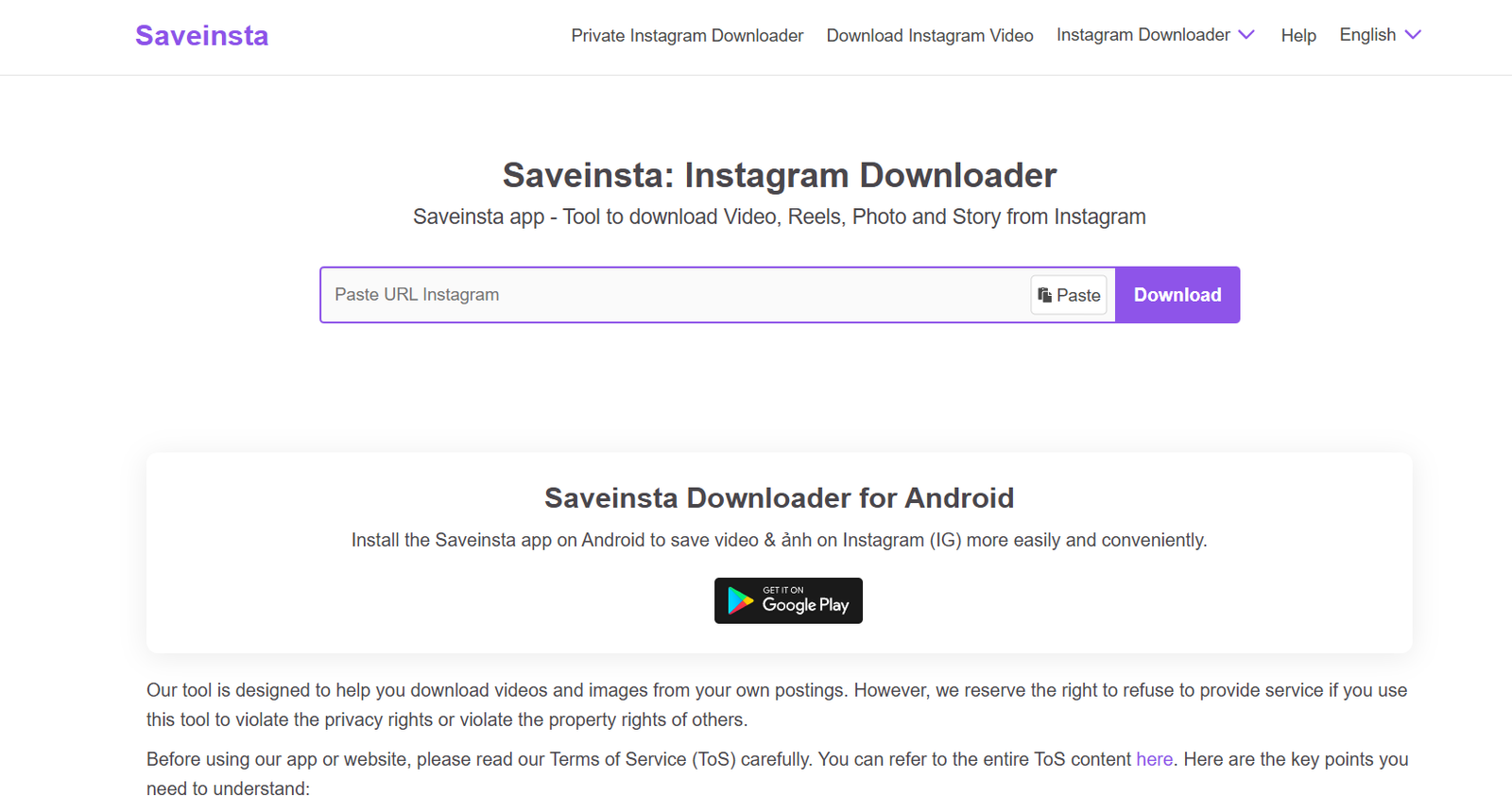
SnapInsta is one of the most reliable tools to download from Instagram without losing quality. It supports photos, videos, Reels, Stories, and carousel posts, all while preserving excellent resolution. It works smoothly on both desktop and mobile browsers.

What makes SnapInsta stand out is simplicity. Paste the link, click download, choose the quality if needed, and you’re done. No annoying popups, no forced ads, and absolutely no login required. It’s a great all-around choice for most users.

Tool #2 – iGram (Best for Downloading Instagram Reels in HD)

iGram Pinterest Downloader

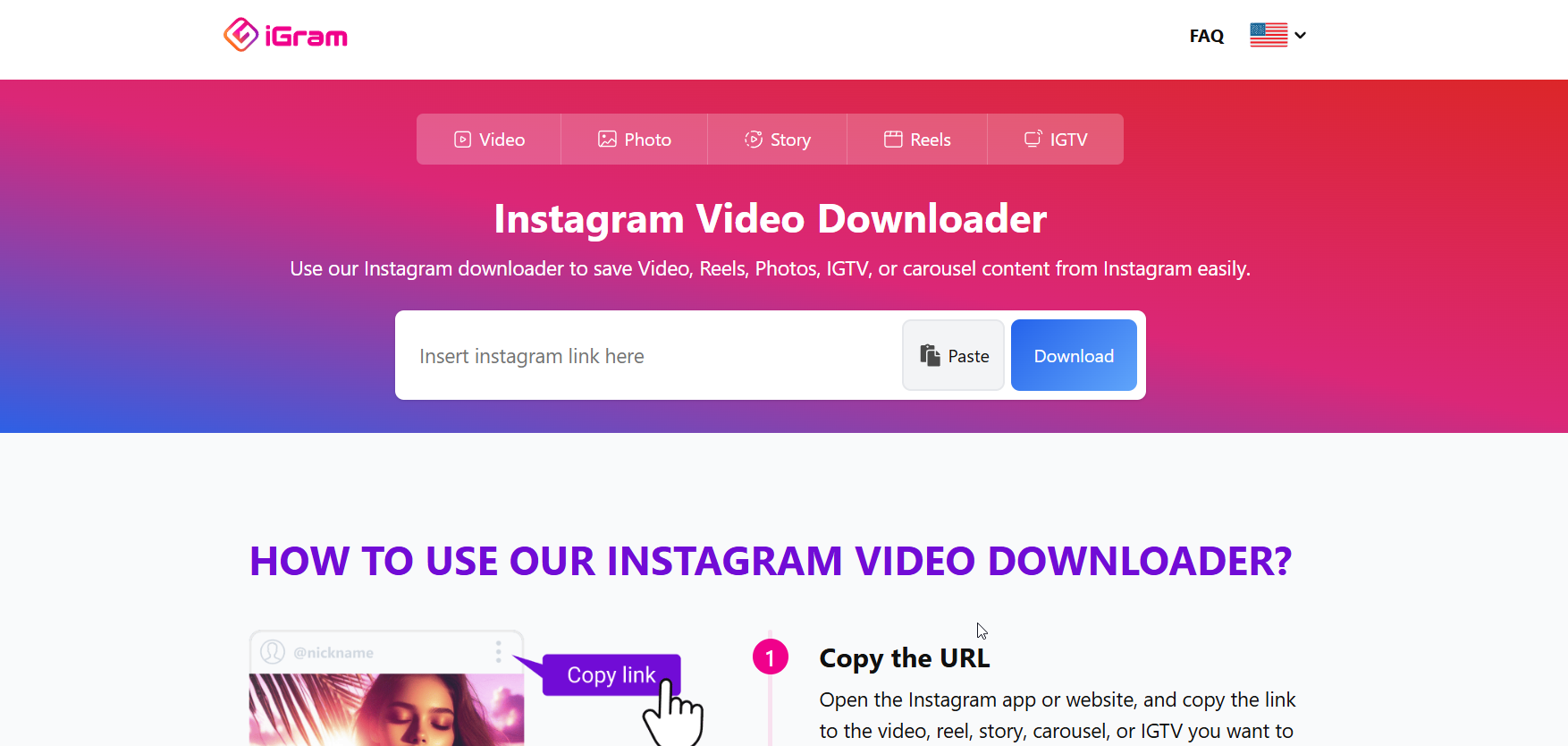
If your main goal is saving Reels, iGram is a strong option. It’s lightweight, fast, and consistently delivers high-quality video files without weird encoding issues.

This tool is especially useful if you frequently download video from Instagram and want the process to stay quick and predictable every time.

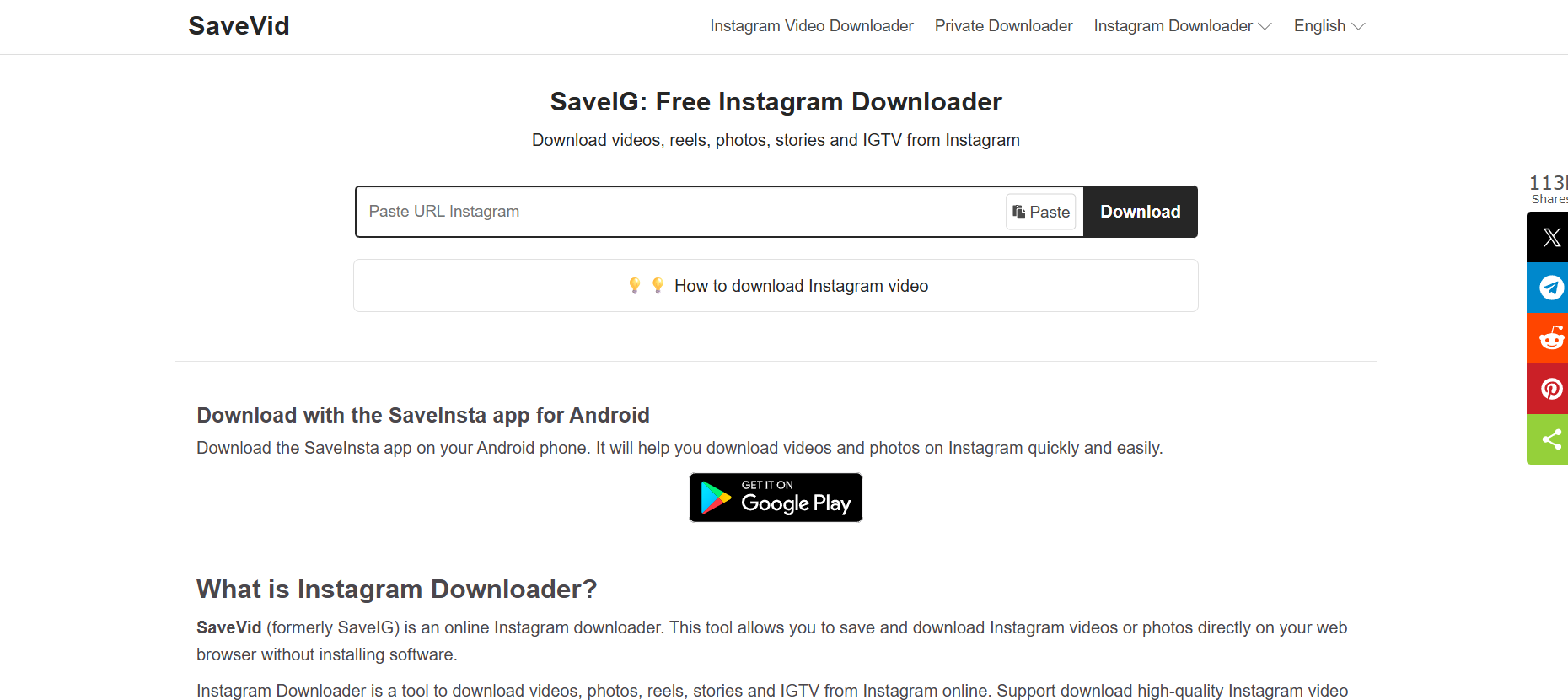
Tool #3 – SaveVid (Best Instagram Photo Downloader)

SaveVid

For users who mostly want to download pics from Instagram, SaveVid performs very well. It preserves image sharpness and allows you to download carousel images individually instead of merging them.

This makes it ideal for designers, content creators, and marketers who save visual references regularly.

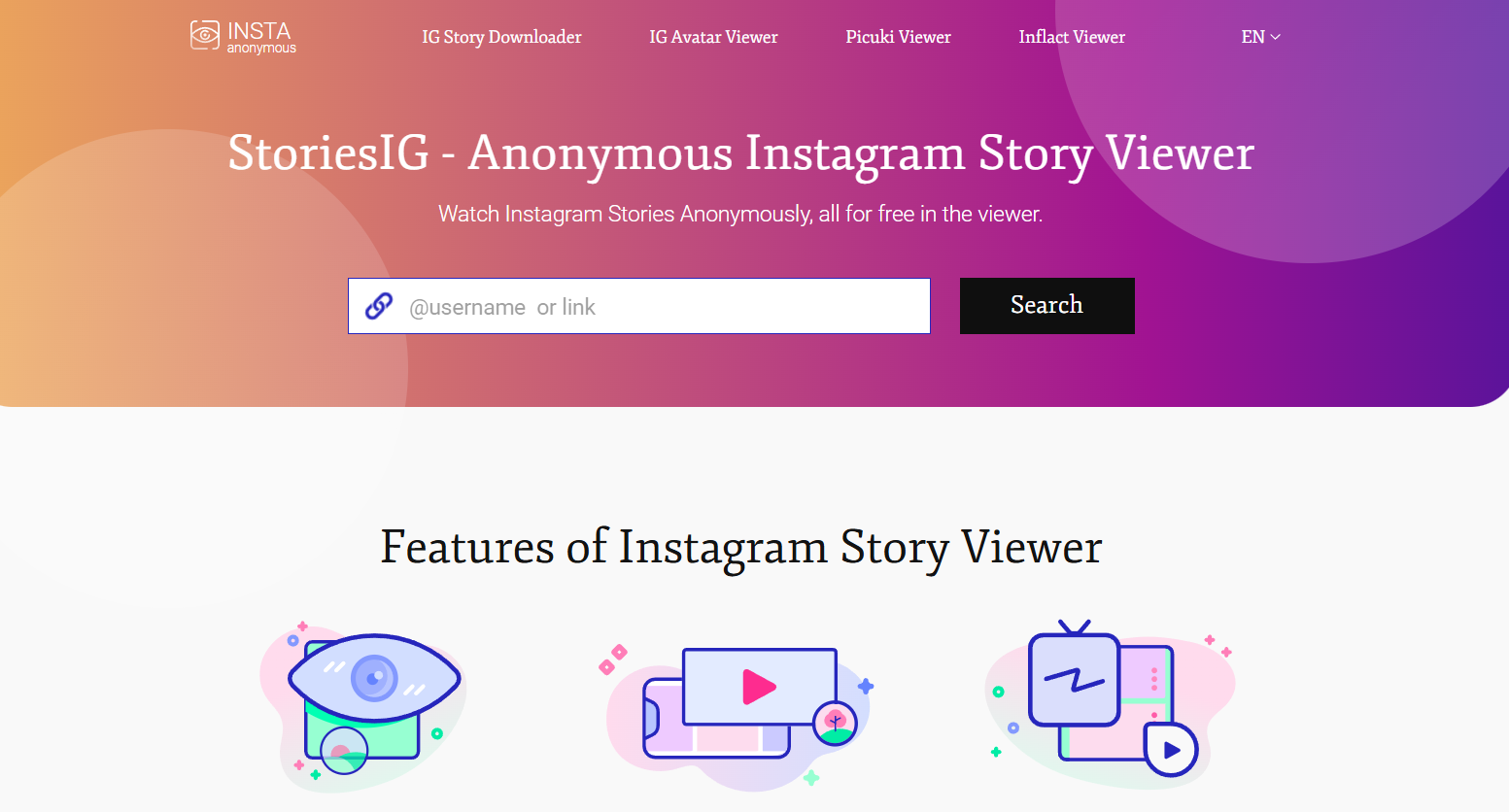
Tool #4 – StoriesIG (Best for Stories and Highlights)

StoriesIG

StoriesIG focuses specifically on Instagram Stories and Highlights. One of its biggest advantages is the ability to view and download public Stories anonymously.

If you often save time-sensitive content before it disappears, this tool does the job without complications.

Tool #5 – Inflact Instagram Downloader (Best Multi-Format Tool)

Inflact IG Picture Saver

Inflact offers a more feature-rich experience. It supports photos, videos, Reels, Stories, and even profile pictures in full size.

While it’s slightly heavier than simpler tools, the flexibility and consistent quality make it a good choice for advanced users.

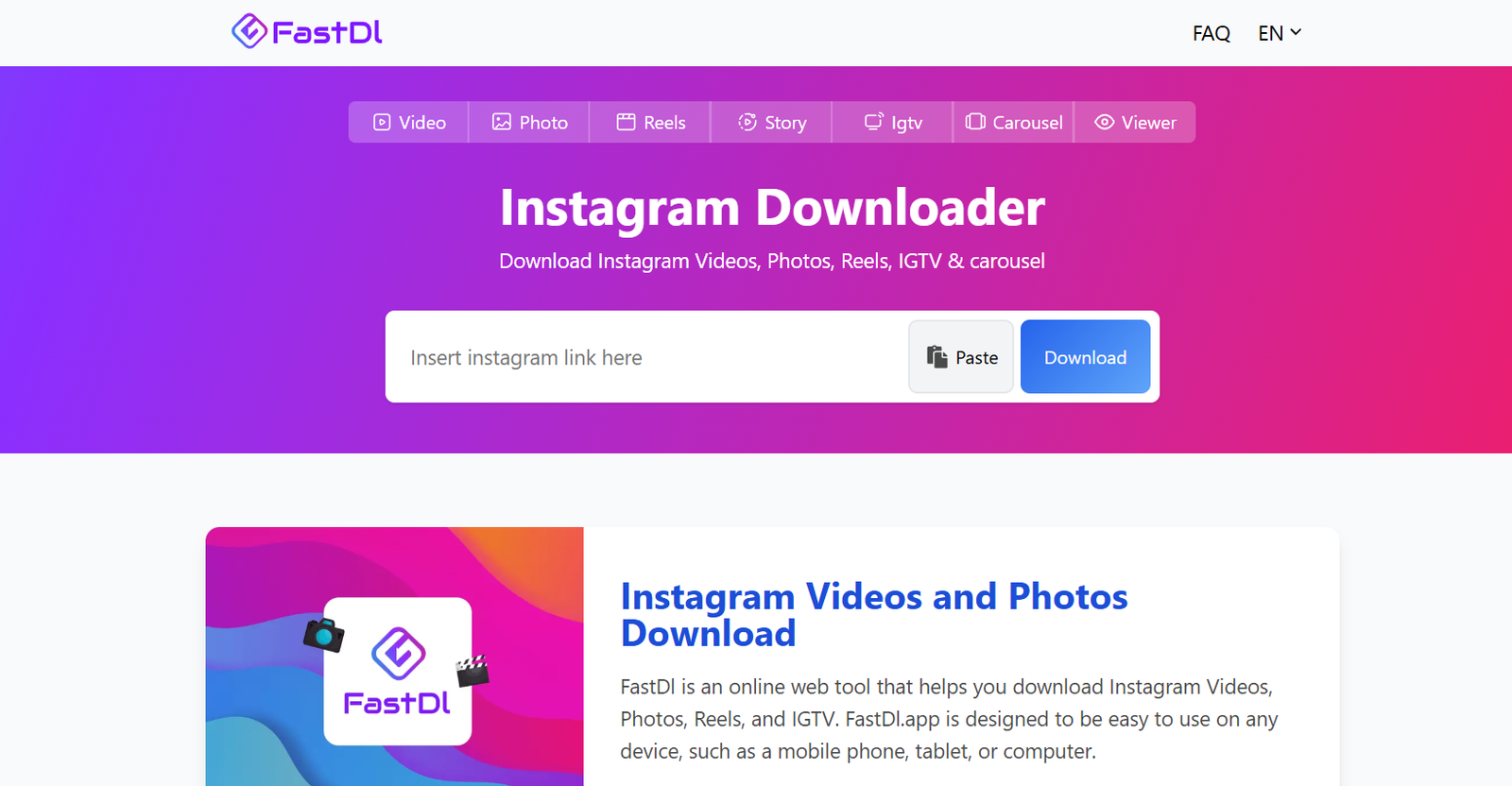
Tool #6 – FastDL (Best Mobile-Friendly Downloader)

fastdl

If you usually download directly from your phone, FastDL is designed with mobile users in mind. The interface is clean, responsive, and doesn’t overwhelm you with ads.

It’s perfect when you want to quickly download image from Instagram or save a video while browsing on mobile.

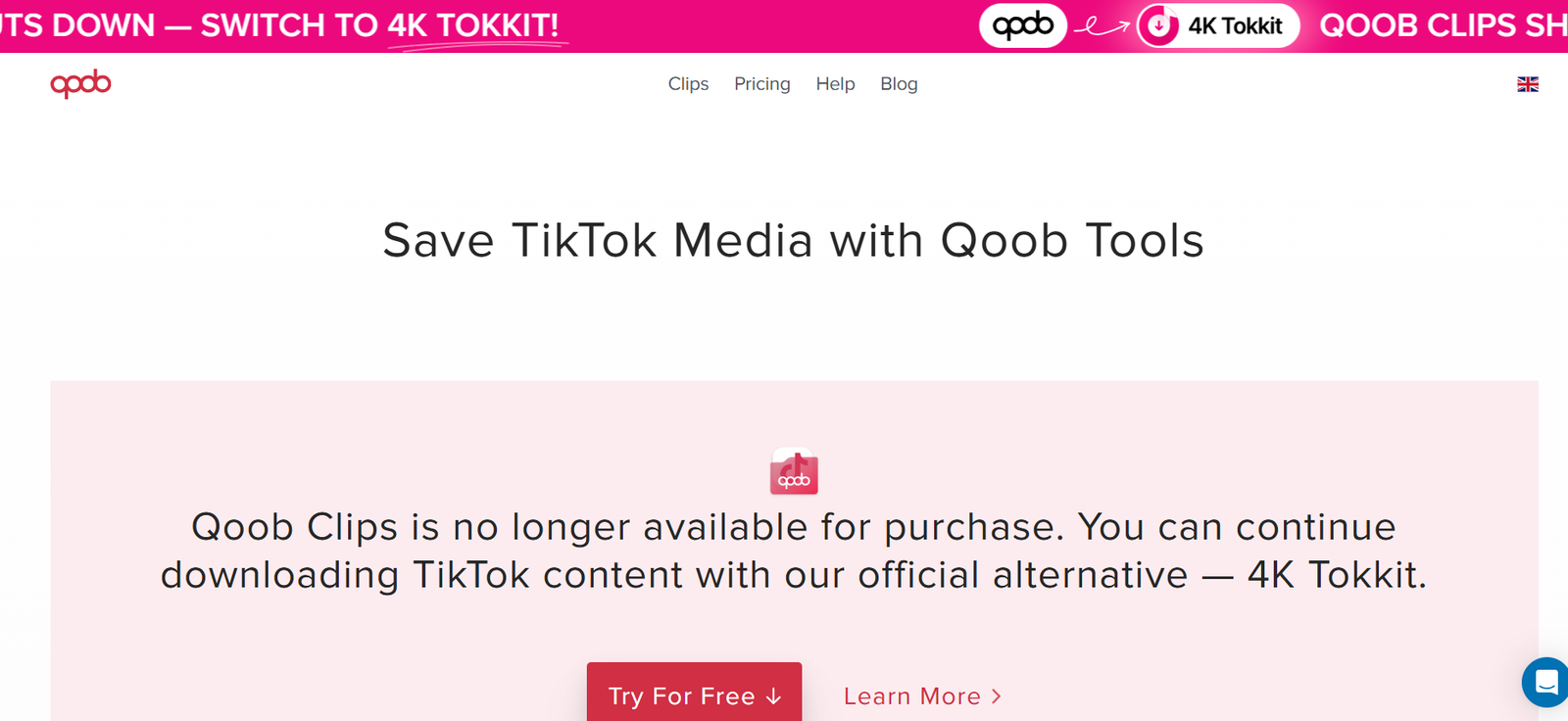
Tool #7 – Qoob Clips (Best for Bulk Downloads)

qoob

Qoob Clips is a desktop application rather than a website. It’s designed for bulk downloads from public profiles, hashtags, or entire accounts.

This tool is more advanced and best suited for users who need large volumes of content in original quality, such as researchers or content curators.

How to Download From Instagram Step-by-Step (No Quality Loss)

How to Download Instagram Videos

  1. Open Instagram and copy the post or Reel link

  2. Paste the link into one of the trusted tools above

  3. Select the highest resolution available

  4. Download and save the file to your device

That’s it. No screen recording, no blurry results, no unnecessary steps.

How to Download Instagram Photos

The process is nearly identical. Just make sure the tool supports original image resolution, especially when downloading carousel posts with multiple images.

How to Download Instagram Reels and Stories

Reels and Stories are best handled by tools like SnapInsta, iGram, or StoriesIG. Keep in mind that private accounts can’t be downloaded unless you already have access.

How to Download From Instagram on Mobile vs Desktop

Mobile browsers work perfectly for quick downloads, while desktop browsers usually offer more control over file formats and resolution. Both are safe if you stick to trusted tools.

Common Mistakes That Reduce Quality When You Download From Instagram

Using Screen Recording Instead of Direct Downloads

Screen recording captures the playback version, not the source file. This almost always results in lower resolution and worse quality.

Choosing the Wrong Format or Resolution

Some tools default to lower-quality formats. Always double-check and select the highest available resolution before downloading.

Falling for Fake “HD” Instagram Download Tools

If a website looks spammy or pushes too many ads, trust your instincts. Stick to known, reputable tools.

Is It Legal and Safe to Download From Instagram?

Copyright Rules You Should Know

Downloading content for personal use is usually fine. Reposting or using content commercially without permission can cause issues.

Personal Use vs Commercial Use

If you plan to use downloaded content for business, marketing, or monetization, always get permission from the original creator.

How to Download From Instagram Safely

Never log in with your Instagram account, avoid unknown extensions, and use browser-based tools from reputable websites.

Conclusion – Download From Instagram the Right Way

When it comes to saving Instagram content, quality depends entirely on the tool you choose. Whether you want to download image from Instagram, save high-quality Reels, or finally understand how to download videos from Instagram properly, the tools listed above cover every realistic use case. Choose one that fits your needs, avoid shortcuts, and you’ll never have to deal with blurry or low-quality downloads again.

Find More: Boost Your Sales With SEO Services

FAQs

1. Can I download from Instagram without losing quality?

Yes, as long as you use tools that download the original media file instead of relying on screen recording or screenshots.

2. What is the best tool to download from Instagram in HD?

SnapInsta and iGram are two of the most reliable tools for consistently high-quality downloads.

3. Can I download Instagram videos without logging in?

Yes. All the tools listed here work without requiring your Instagram login details.

4. How do I download from Instagram on iPhone or Android?

You can use mobile-friendly tools like FastDL or SnapInsta directly through your phone’s browser.

5. Why does my Instagram download look blurry?

This usually happens when the tool downloads a compressed playback version instead of the original source file.

6. Are Instagram download tools safe to use?

Trusted tools are safe as long as you avoid providing login details, installing unknown software, or clicking fake download buttons.

Tags:
7 Powerful Instagram Post Downloaders You’ll Wish You Found Earlier

7 Powerful Instagram Post Downloaders You’ll Wish You Found Earlier

instagram post downloader

Introduction: Why You Need a Reliable Instagram Post Downloader in 2025

Instagram post downloader tools are becoming essential for anyone who wants to save content quickly, whether it’s for inspiration, research, archiving, or building content libraries for future ideas. As Instagram continues to dominate visual communication, the need to download posts in HD, save reels for editing inspiration, or simply organize content for campaigns has grown massively.

If you’ve ever tried to manually save posts, you already know how annoying it can be. Screenshots ruin the quality, random download websites crash, and some apps are loaded with spammy ads. And with the platform evolving constantly, the tools that worked last year may not work today. That’s exactly why this guide exists: to walk you through 7 powerful, reliable, real Instagram post downloader tools that actually work in 2025 — including HD downloads, carousel support, reel, mobile optimization, and more.

By the end of this article, you’ll know exactly which downloader fits your workflow, how to use it properly, and how to avoid the common issues most users face. Let’s dive deeper into each one.

Find More: 7 Instagram Video Download Tools That Actually Work

1. Tool #1 — SnapInsta: Fast, Secure, and HD-Ready

SnapInsta

SnapInsta has been around for years and continues to dominate because of its consistency. It’s one of those tools you try once, and it instantly becomes your go-to.

Key Features

  • Download posts, reels, stories, highlights, and IGTV

  • Supports Instagram post downloader HD formats

  • Clean user interface that works flawlessly on desktop and mobile

  • Extremely fast processing time

  • No account needed, ever

Pros & Cons

  • Pros: High-quality downloads, stable servers, very few ads

  • Cons: Can occasionally slow during global peak usage hours

Best For

Creators, agencies, and anyone downloading content daily who needs maximum reliability.

SnapInsta is especially great for people who download reels for editing inspiration — the HD clarity is noticeably better than most free tools.

2. Tool #2 — iGram: The Most User-Friendly Instagram Post Downloader

iGram Pinterest Downloader

iGram is the definition of simplicity. If you want a downloader instagram post tool that works with zero confusion, this is it.

Key Features

  • Download photos, carousels, videos, and reels

  • One-click interface with nearly instant downloads

  • Works smoothly on smartphones

  • Doesn’t require login or extensions

How It Works

Copy the post URL → paste it → download. That’s literally it.

Best For

Casual users who don’t want unnecessary features and just want a reliable, minimalistic tool.

iGram is particularly good for people who download posts occasionally and don’t need advanced features like bulk downloading.

3. Tool #3 — SaveInsta: A Powerful Downloader With HD Quality Support

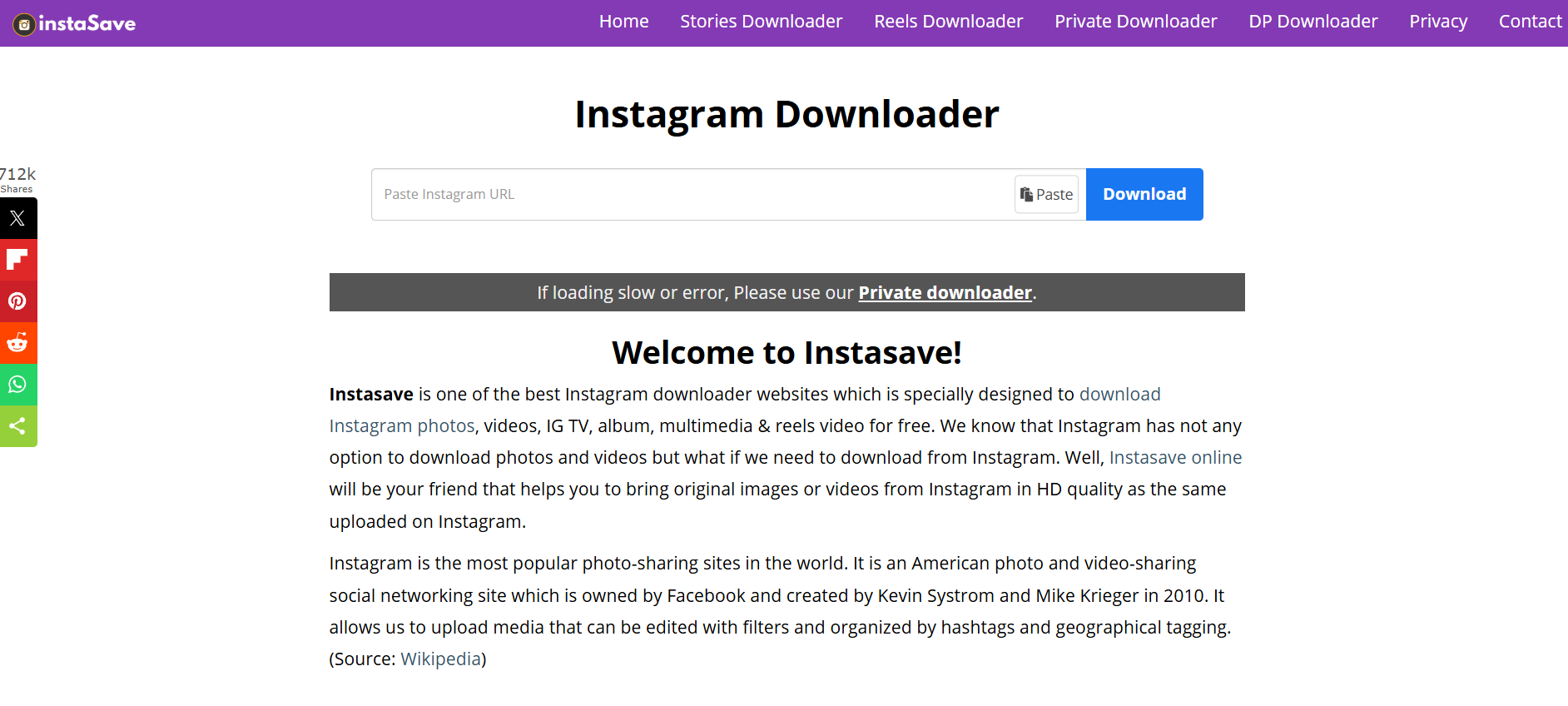
SaveInsta

SaveInsta stands out because of how consistently it maintains HD quality across everything — reels, posts, stories, and even profile pictures.

Key Features

  • Ultra-sharp instagram post downloader hd performance

  • Supports full-content downloads (videos, reels, carousels)

  • Super clean interface

  • Fast processing time even for large videos

Supported Formats

  • JPG (HD)

  • MP4 (HD)

  • ZIP bundles for multi-photo posts

Best For

Designers, video editors, content creators, and anyone who needs the highest resolution possible.

SaveInsta’s ability to maintain clarity is unmatched, especially for users who frequently repurpose or analyze visual content.

4. Tool #4 — InstaSave: Speed-Focused Downloader for Creators

InstaSave is all about speed — and if you download dozens of posts per day, you’ll notice the difference.

Features You’ll Love

  • Extremely fast downloads

  • Works well even on slow internet connections

  • Clean and modern UI

  • No app installation needed

Performance Overview

Even if you paste multiple URLs one after another, InstaSave handles them quickly without lagging or timing out.

Best For

Busy creators, marketing teams, and power users.

If you often download posts during tight deadlines or while multitasking, InstaSave will save you a ton of time.

5. Tool #5 — SaveFrom: No-Account-Needed Instagram Post Downloader

savefrom

SaveFrom is one of the oldest names in the content-downloading game. It has built a reputation for speed, reliability, and zero-login requirements.

Security Benefits

  • No login required

  • No data collection

  • Long-standing trust among millions of users worldwide

Ease of Use

Paste → click download → save. No more steps.

Best For

People who want something extremely simple and don’t want to risk giving access to any part of their Instagram account.

SaveFrom isn’t fancy — but it works, and sometimes that’s exactly what you need.

6. Tool #6 — Toolzu Instagram Downloader: Mobile-Friendly and Creator-Oriented

Toolzu

Toolzu Instagram Downloader is heavily optimized for phone users — fast loading, clean layout, and everything is designed with tap-based navigation in mind.

iOS and Android Compatibility

It works exceptionally well on both iPhone and Android, and you can use it directly from your mobile browser without installing anything.

Key Features

  • HD image and video downloader

  • Download carousels smoothly

  • Very few ads compared to similar tools

  • Great performance on older devices

Best For

People who download content mainly from their phones.

If you scroll Instagram more on your phone than your laptop, Toolzu will feel natural and effortless.

7. Tool #7 — Inflact: Feature-Rich Premium Downloader

Inflact IG Picture Saver

Inflact is a premium-level tool that offers way more than basic downloading. It’s built for serious digital workers.

Hidden Features

  • Bulk post downloading

  • Automated daily downloads for specific profiles

  • Cloud storage functionality

  • Extra tools like hashtag generator and analytics

Why Users Love It

Inflact is not just a downloader — it’s a full Instagram toolkit that helps creators grow, organize, and collect content efficiently.

Best For

Agencies, brands, and creators handling large-scale content operations.

If you want a pro-level solution that goes beyond casual downloading, Inflact is unmatched.

How to Choose the Best Instagram Post Downloader for Your Needs

Speed vs. Quality vs. Simplicity

Not every user needs the same thing. Some value ultra-HD quality, others want a quick downloader instagram post solution, and some want automation.

Important Safety Considerations

Never enter your Instagram password into any downloader. All trustworthy tools only require a URL.

Legal & Ethical Use Tips

Be respectful. Download content for personal inspiration, research, or archiving — not for stealing or reposting without permission.

Step-by-Step Guide: How to Use an Instagram Post Downloader Properly

Copying the URL

Tap the three dots → Copy Link.

Pasting and Downloading

Paste it into any of the tools above → Download.

Recommended Settings for Best Results

Always pick HD where available, especially for reels and photos.

Common Problems and How to Fix Them

Downloader Not Working

Try a different tool — even the best sites face occasional downtime.

Low-Quality Output Issues

This happens when tools don’t support HD. Use SaveInsta or SnapInsta.

Private Account Limitations

No tool can bypass privacy settings. You must already follow the account.

Conclusion: Start Using the Right Instagram Post Downloader Today

Finding the perfect Instagram post downloader can completely change the way you collect, organize, and repurpose content. Whether you’re a creator, marketer, designer, or casual user, these tools will save you hours of frustration.

Try a few of them today, experiment with HD downloads, explore bulk-saving features, and see which one fits your workflow best. Once you start using the right tool, you’ll never go back to screenshots or unreliable apps again.

Find More: Boost Your Sales With SEO Services

FAQs

1. What’s the safest instagram post downloader to use?

SnapInsta, iGram, and SaveFrom are considered very safe because they don’t require login.

2. Can I download an entire carousel from Instagram?

Yes, several tools like Toolzu and SaveInsta support carousel downloads.

3. Do any of these tools work on PC and mobile?

All tools listed work on every device — phone, tablet, and computer.

4. Can I download reels using these tools?

Yes, every tool listed supports reel downloads.

5. Are instagram posts downloader tools free?

Most are free, but Inflact offers premium features.

Tags: