

7 Proven Ways to Download A Snapchat Story in Seconds

Saving a fleeting moment before it disappears forever shouldn’t be a struggle. Whether it’s your own memory or a friend’s hilarious update, knowing how to download a Snapchat story is a vital digital skill. This guide provides the fastest, most reliable methods to archive Snaps in seconds.
To download a Snapchat story, open the app and navigate to the story you wish to save. For your own stories, tap the three-dot menu and select “Save Story.” For others’ stories, use built-in screen recording tools on iOS or Android, or reputable third-party browser extensions, ensuring you respect privacy settings and notification triggers.
Understanding Snapchat Story Downloads
Before diving into the technical steps, it is essential to define what we are doing. A Snapchat Story is a collection of Snaps that play in chronological order and disappear after 24 hours. Downloading refers to the process of exporting this temporary media from the Snapchat cloud to your local device storage (Camera Roll or Gallery).
Why You Need to Archive Stories
-
Content Creation: Repurposing high-performing Snaps for Instagram Reels or TikTok.
-
Memory Preservation: Keeping personal milestones that were only captured within the app.
-
Business Research: Saving competitor ad creative or influencer collaborations for analysis.
-
Offline Viewing: Watching content in areas with poor connectivity.
Method 1: Downloading Your Own Snapchat Story
This is the most straightforward method because Snapchat provides native tools to save your own content without any quality loss or third-party workarounds.
Step-by-Step Framework
- Open Snapchat and tap your Bitmoji/Profile icon in the top left.
- Tap on My Story to view your active Snaps.
- To save the entire story: Tap the three vertical dots (⋮) and select Save Story.
- To save a single Snap: Swipe up on the specific Snap and tap the Download icon (downward arrow).
- Check your Memories or Camera Roll to confirm the file is saved.
Pro Tip
Enable “Auto-Save to Memories” in your settings. Navigate to Settings > Memories > Auto-Save My Story Snaps to ensure you never lose a post again.
Method 2: Using Built-in Screen Recording (iOS & Android)
When you need to download a Snapchat story posted by someone else, screen recording is the most reliable “universal” method.
For iPhone Users (iOS)
- Go to Settings > Control Center and add Screen Recording.
- Open Snapchat and find the story you want to save.
- Swipe down from the top-right corner to open the Control Center.
- Tap the Record button (a circle within a circle).
- Play the story. Once finished, tap the red status bar at the top to stop recording.
For Android Users
- Swipe down the Quick Settings panel.
- Tap Screen Record.
- Select your audio preferences (Media/Microphone).
- Open the Snapchat story and hit Start.
- Stop the recording once the story ends.
Method 3: Snapchat Web for Desktop Downloads
In 2026, Snapchat Web has become highly functional. Using a computer allows for higher-resolution captures and easier file management.
The Desktop Workflow
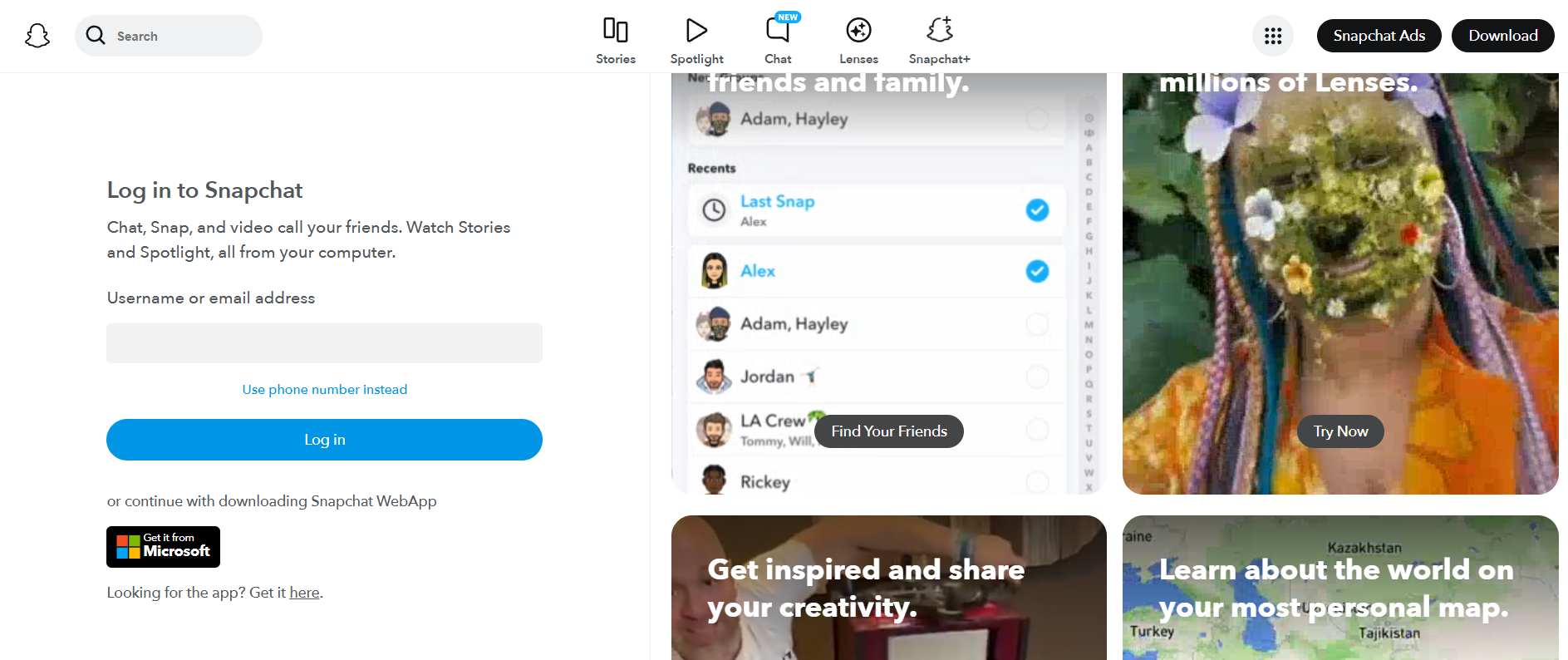
- Log into web.snapchat.com on Chrome or Edge.
- Navigate to the Stories tab on the left-hand sidebar.
- Select the friend or public figure whose story you want to save.
- Use a browser-based screen recorder (like Loom or Awesome Screenshot) to capture the playback window.
- Note: Right-clicking “Save Video As” is typically disabled by Snapchat’s code to protect privacy.
Method 4: Utilizing the “My AI” Export Feature
Recent updates to Snapchat’s AI integration allow users to interact with their data more fluidly. You can now ask My AI to compile your recent highlights.
How it Works
- Open a chat with My AI.
- Type: “Help me export my story from today.”
- The AI will generate a direct link to your Memories export settings.
- Follow the prompts to download a compressed .zip file of your media.
Method 5: Third-Party Browser Extensions

For power users who need to download a video from Snapchat story frequently, certain Chrome extensions can “sniff” the media source.
Recommended Tools
-
Video Downloader Professional: Works by detecting the video stream once the Story starts playing on Snapchat Web.
-
SnapSave (Web Version): A dedicated site where you can paste public story links to generate a download button.
Common Mistake
Avoid extensions that ask for your Snapchat password. Genuine “media sniffers” only need to “see” the video playing; they do not need access to your account credentials.
Method 6: Saving Public Stories via Snap Map
If a story is posted to the Snap Map (Public), it is indexed differently and is often easier to retrieve.
- Go to the Map tab in Snapchat.
- Tap a “heat map” area or search for a specific location.
- View the public story.
- Tap the Share icon.
- If the creator has enabled it, a Save option will appear. If not, use the “Copy Link” and paste it into a third-party public story downloader.
Method 7: The “Airplane Mode” Cache Method (Advanced)
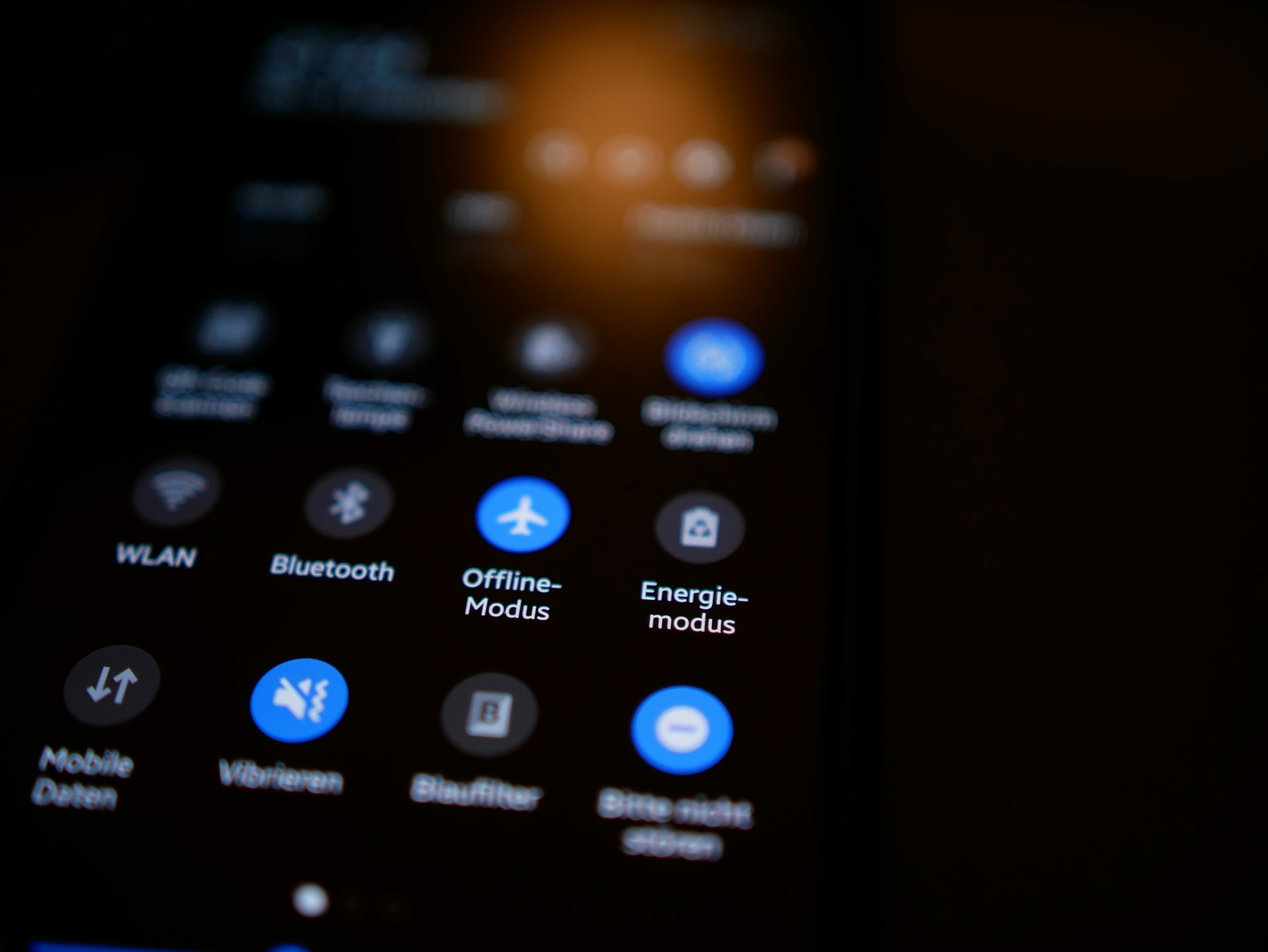
This is a technical workaround used to view and capture Snaps without sending a “viewed” receipt immediately, though it is less reliable in 2026 due to improved app security.
- Open Snapchat and let the stories load (don’t click them yet).
- Turn on Airplane Mode and disable Wi-Fi.
- View the story and use a Screen Recorder.
- Clear the Snapchat Cache in Settings before turning your internet back on.
Comparison: Best Methods to Download a Snapchat Story
| Method | Speed | Difficulty | Quality | Notification Sent? |
| Native Save (Own) | Instant | Very Easy | Original | No |
| Screen Record | Real-time | Easy | High | Yes (Usually) |
| Snapchat Web | Fast | Medium | High | Yes |
| Third-Party Apps | Variable | Hard | Medium | No |
| Snap Map | Fast | Easy | High | No |
Real-World Examples of Story Usage
-
The Content Creator: A travel vlogger records their “Day in the Life” story to edit into a “Best of” compilation for YouTube Shorts.
-
The Small Business: A boutique saves customer testimonial Snaps to highlight them on their permanent website gallery.
-
The Student: Saving a tutorial posted by a professor or campus group before the 24-hour limit expires.
Common Mistakes to Avoid
-
Ignoring Privacy: Always remember that Snapchat’s core value is ephemeral messaging. Saving someone’s private story without permission can lead to account reports.
-
Low Storage Space: Screen recordings can be large files. Ensure you have at least 500MB free before recording long stories.
-
Using Untrusted Apps: Never input your login details into “Snapchat Saver” apps found on third-party websites. These are often phishing attempts.
-
Assuming Anonymity: In 2026, Snapchat has sophisticated detection for most screen recording software. Assume the user will be notified.
Expert Insights for 2026
As AI-driven content moderation evolves, Snapchat has increased its protection of private data. Experts recommend focusing on Public Stories or Spotlight content if you are looking for assets to use in professional projects. For personal use, the built-in iOS/Android recorders remain the gold standard for reliability.
Key Takeaways
-
Own Content: Use the internal “Save Story” button in your profile settings.
-
Others’ Content: Screen recording is the most effective method but usually triggers a notification.
-
Desktop: Snapchat Web offers a stable environment for capturing content via browser tools.
-
Safety First: Avoid any tool requiring your password; prioritize privacy and consent.
-
Organization: Move downloaded stories to a dedicated “Snap Archive” folder to keep your camera roll clean.
FAQs
1. Does Snapchat notify the user if I screen record their story?
Yes. Snapchat is designed to detect screen recording triggers on both iOS and Android. The user will see a double-arrow icon next to your name in their viewers’ list, indicating a capture was made.
2. Can I download a Snapchat story without them knowing?
While some third-party tools and “Airplane Mode” tricks claim to offer this, Snapchat’s 2026 security updates have made anonymous saving nearly impossible. The only 100% “silent” way is to take a photo of the screen with another physical device.
3. Where do saved Snapchat stories go?
If you save your own story, it goes to your Memories (inside Snapchat) and/or your Camera Roll, depending on your settings. Screen recordings of others’ stories are saved directly to your phone’s Photos/Gallery app.
4. Why is the quality low when I download a story?
Snapchat compresses video for fast mobile viewing. When you screen record, you are capturing that compressed stream. To get the best quality, ensure you have a strong 5G or Wi-Fi connection so the video plays in its highest available resolution.
5. Is it legal to download someone else’s Snapchat story?
Downloading for personal viewing is generally considered a gray area, but reposting someone else’s content without permission violates copyright laws and Snapchat’s Terms of Service. Always credit the creator if you share the content elsewhere.