7 Proven TikTok to MP3 Tools That Actually Work in 2026
If you’ve ever scrolled through TikTok and found a sound so catchy you needed it as a ringtone or for your next edit, you know the struggle. TikTok doesn’t offer a “save as MP3” button, but in 2026, several high-quality tools make this process instant and safe.
To convert TikTok to MP3, simply copy the video link from TikTok, paste it into a reliable converter like SSSTik, SnapTik, or UniConverter, and select the MP3 output format. These tools extract the high-quality audio stream directly from the video, allowing you to save it for offline use without any watermarks.
Find More: 7 Genius TikTok Thumbnail Downloader Tools That Actually Work in 2026
What is a TikTok to MP3 Converter?
A TikTok to MP3 converter is a specialized digital tool designed to extract the audio track from a TikTok video and save it as a standalone audio file. Since TikTok videos are stored in MP4 (video) format, these tools strip away the visual data and re-encode the audio into the universal MP3 format.
This is essential for creators, DJs, or casual fans who want to:
-
Create custom phone ringtones or alarms.
-
Archive trending sounds for future content creation.
-
Listen to TikTok-exclusive remixes or lo-fi beats offline.
7 Best TikTok to MP3 Tools for 2026
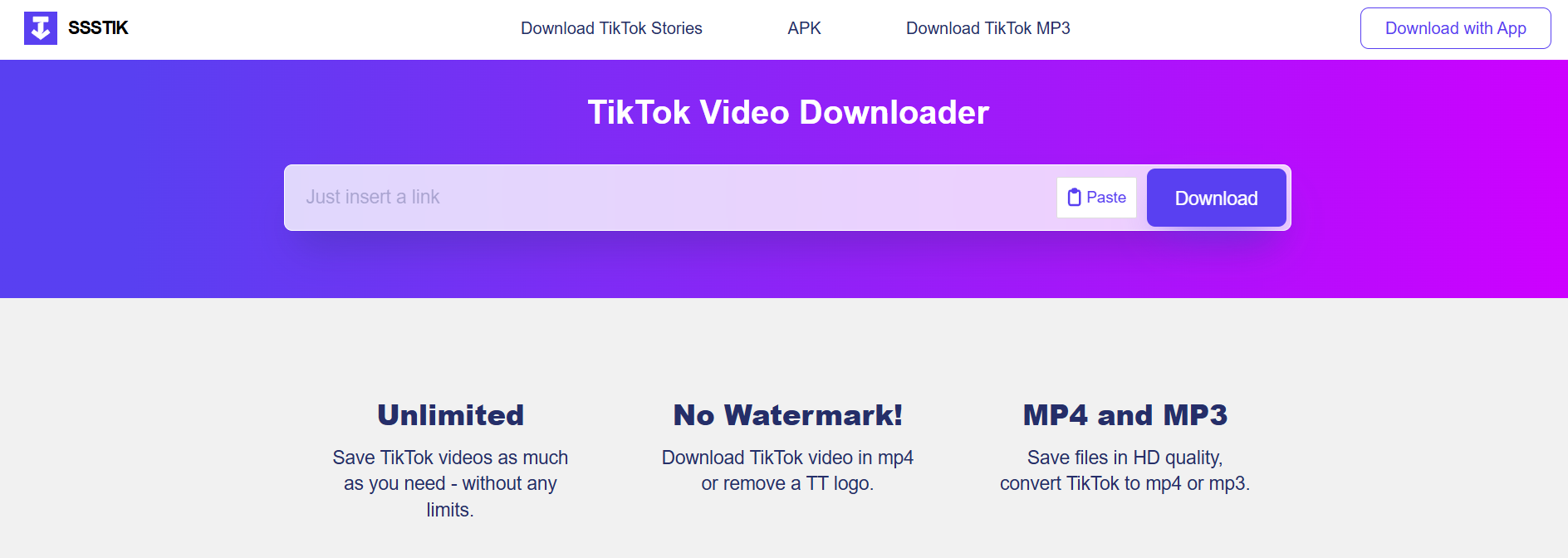
1. SSSTik.io (Best Overall for Speed)
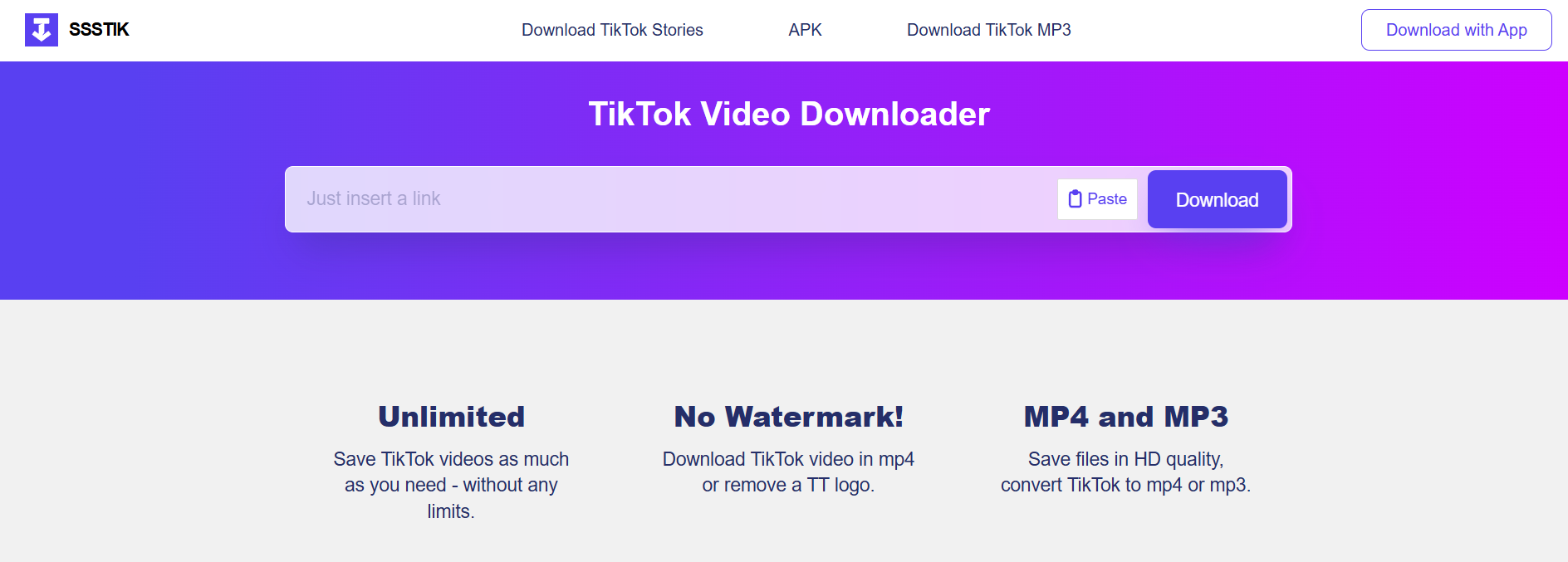
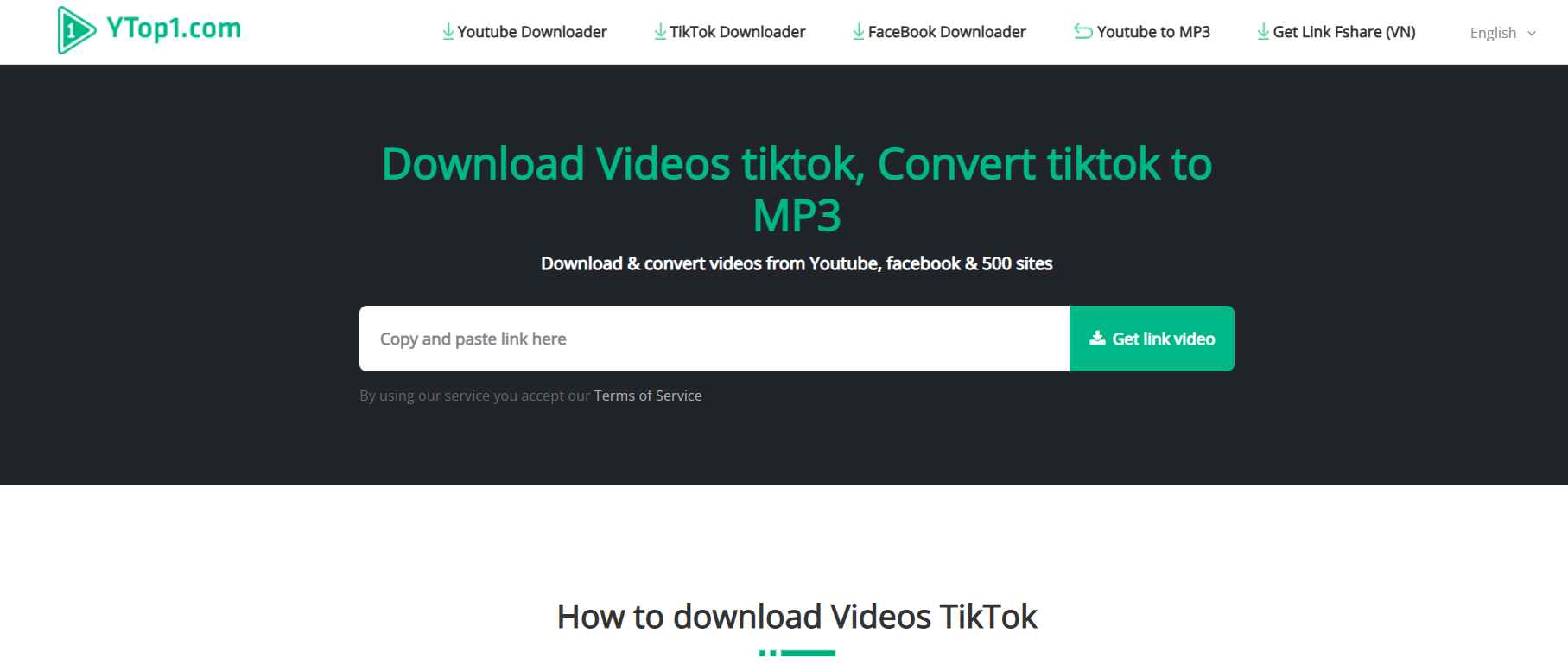
SSSTik remains the gold standard for beginners in 2026. It is a web-based tool, meaning you don’t need to install any bulky software. It’s famous for being one of the fastest “link to MP3” engines currently available.
-
Best For: Users who want the audio immediately without any setup.
-
Pros: 100% free, no registration, works on mobile and desktop.
-
Cons: Contains some display ads.
2. SnapTik (Best for High-Quality Bitrates)
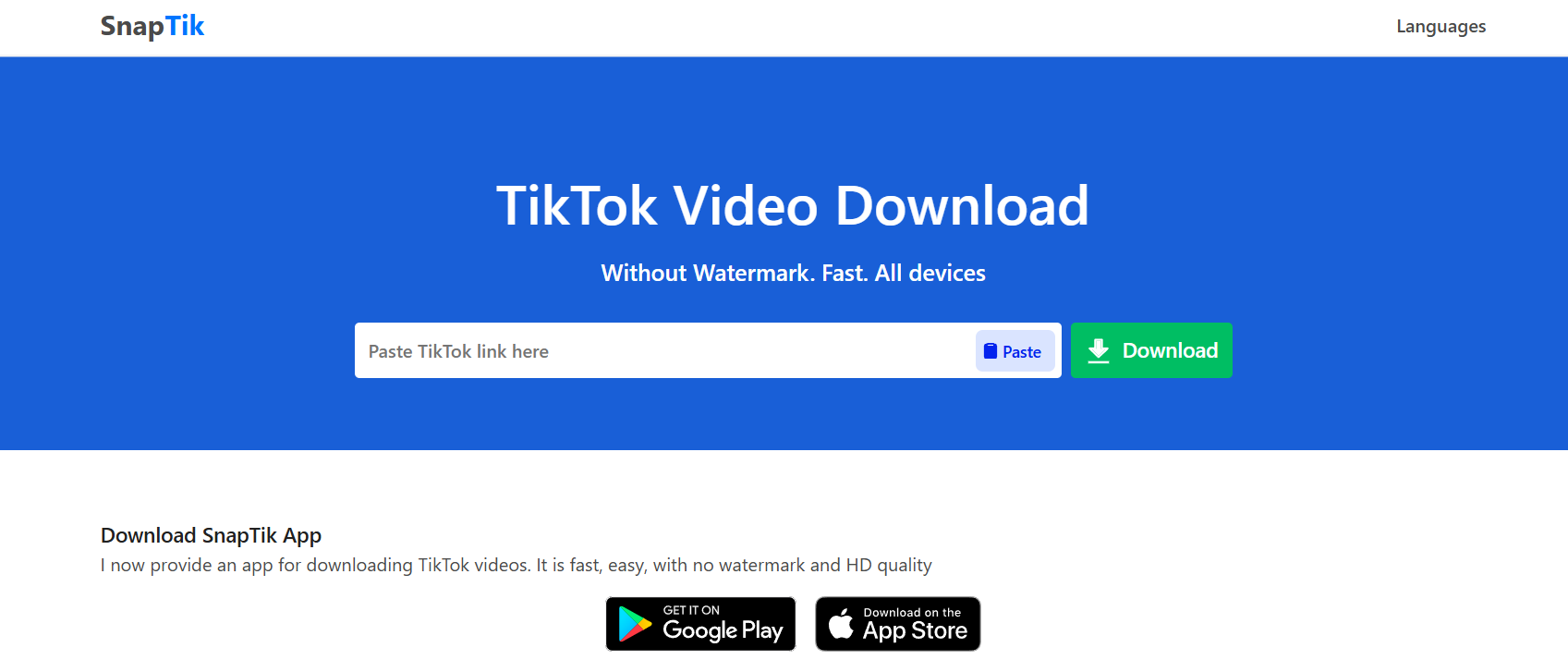
While many tools compress audio to save space, SnapTik has updated its 2026 engine to prioritize audio fidelity. It often provides a cleaner, 320kbps-equivalent sound compared to more basic converters.
-
Best For: Audiophiles and creators who need “crystal clear” sound for editing.
-
Pros: Minimalistic interface, high-resolution extraction.
-
Cons: Interface can be slightly slower on older browsers.
3. Wondershare UniConverter (Best Professional Desktop Tool)

If you are converting TikTok links in bulk, web tools can be tedious. UniConverter is a desktop powerhouse for Windows and macOS. In 2026, it features an “Auto-Paste” mode that detects TikTok links on your clipboard and converts them instantly.
-
Best For: Professional editors and power users.
-
Pros: Batch conversion, built-in audio trimmer, zero ads.
-
Cons: Paid software (though a free trial is available).
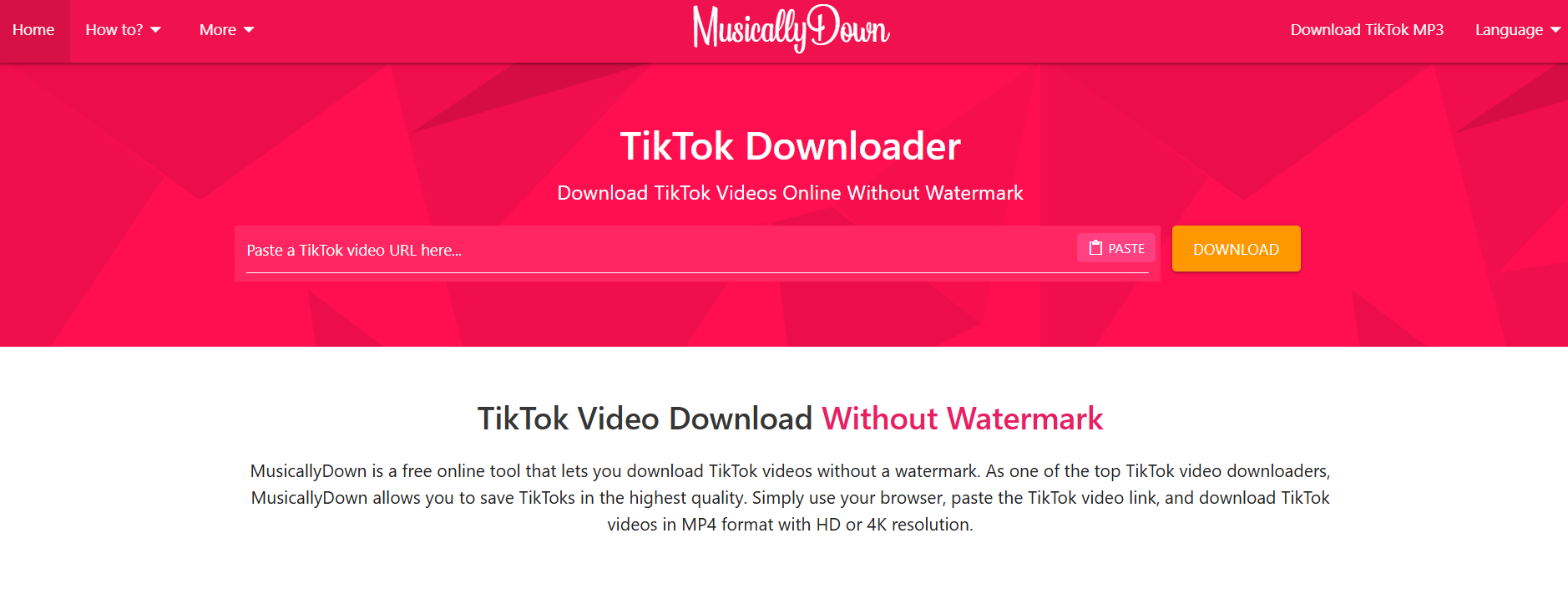
4. MusicallyDown (Best for Mobile Users)
MusicallyDown has optimized its 2026 interface specifically for Android and iOS Safari/Chrome browsers. It’s incredibly lightweight and handles the “Share to Copy Link” workflow better than almost any other site.
-
Best For: Converting audio while on the go.
-
Pros: Very mobile-friendly, very few intrusive pop-ups.
-
Cons: Occasionally struggles with private or region-locked videos.
5. Flixier (Best for Immediate Audio Editing)
Flixier isn’t just a downloader; it’s a cloud-based editor. When you paste a TikTok link, it loads the audio into a timeline. You can trim the “silent” parts at the start or end before you even hit download.
-
Best For: People who only need a specific 5-second clip of a long song.
-
Pros: Built-in trimming, cloud-based (no download needed), AI noise reduction.
-
Cons: Requires a free account to save projects.
6. SaveTT.cc (The Reliable Backup)
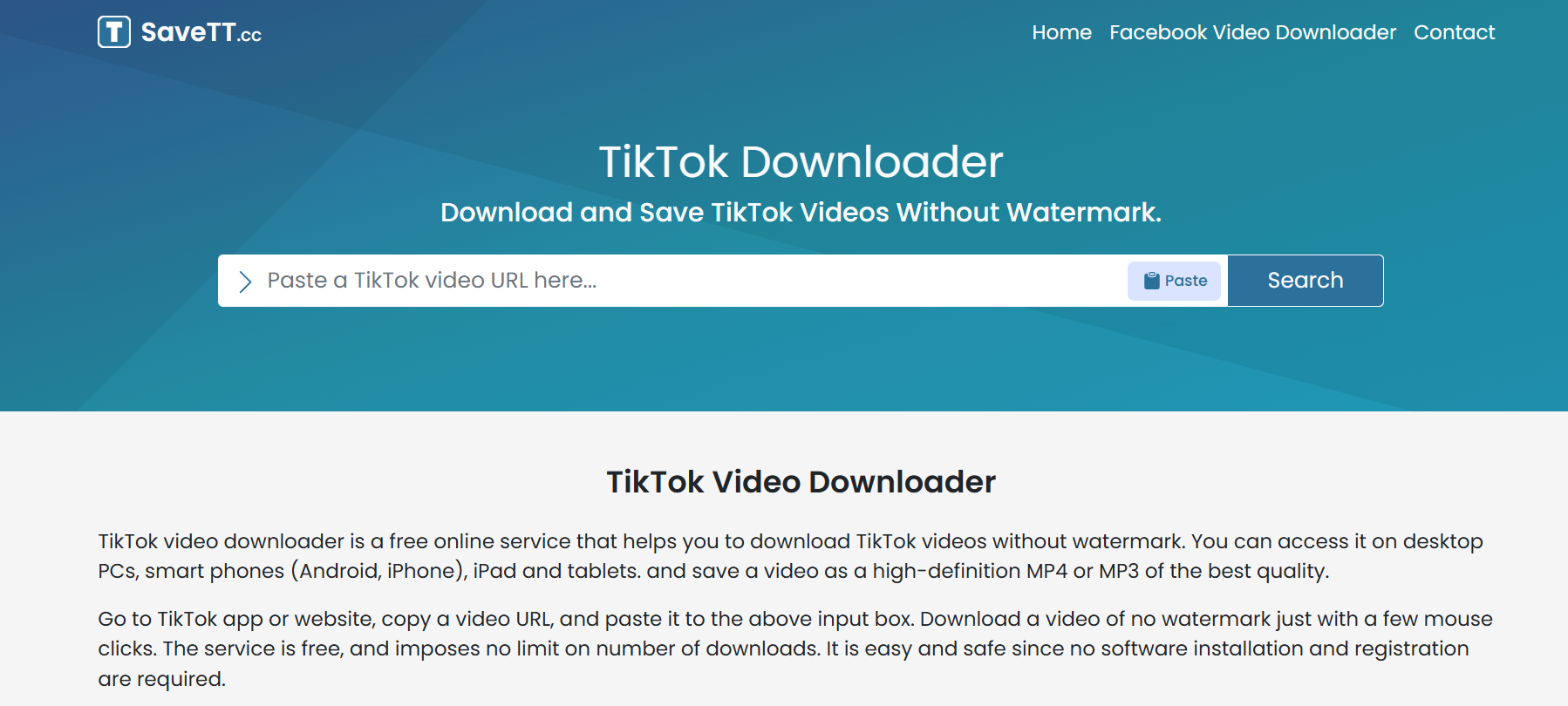
In the world of SEO and AI tools, websites often go down due to high traffic. SaveTT.cc is the most reliable “always-up” backup. It uses a simplified API that rarely fails, even when TikTok updates its platform security.
-
Best For: When your favorite tool isn’t working.
-
Pros: Extreme stability, very simple “one-click” download.
-
Cons: Basic features only; no advanced quality settings.
7. 4K Video Downloader Plus (Best for Playlists)
If you find a TikTok “Collection” or a series of videos you love, this tool can grab the audio from all of them at once. In 2026, its “Smart Mode” allows you to set “MP3” as a permanent preference, so every link you paste is automatically handled.
-
Best For: Archiving entire sound libraries or artist profiles.
-
Pros: Extremely powerful, supports multiple platforms (YouTube, IG, TikTok).
-
Cons: Desktop installation required.
Step-by-Step Framework: How to Convert TikTok to MP3
Follow this universal 3-step framework to get your audio in under 60 seconds:
- Copy the Link: Open TikTok, find your video, tap the Share (arrow) icon, and select Copy Link.
- Paste the Link: Open your chosen tool (e.g., SSSTik), click into the search box, and paste the URL.
- Download the MP3: Click the Download button. Ensure you select the option that says “Download MP3” or “Download Audio” instead of the video file.
Comparison of Top 2026 Tools
| Tool | Platform | Best Feature | Cost |
| SSSTik | Web/Mobile | Raw Speed | Free |
| SnapTik | Web/App | Audio Quality | Free |
| UniConverter | Desktop | Batch Processing | Paid / Trial |
| Flixier | Web (Cloud) | Trim Before Download | Free / Pro |
| 4K Downloader | Desktop | Playlist Support | Free / Paid |
Common Mistakes to Avoid
-
Downloading from “Private” Accounts: Most tools cannot “see” videos from private accounts. If the video isn’t public, the converter will return an error.
-
Clicking “Fake” Download Buttons: Many free sites use “Ad-Buttons” that look like the real thing. Always look for the plain text links or the official primary button.
-
Using Low-Quality Bitrates: If a tool offers a choice, always pick 128kbps or higher. Anything lower will sound “tinny” or distorted.
-
Ignoring Copyright: Just because you can download it doesn’t mean you own it. Avoid re-uploading these sounds to Spotify or Apple Music as your own.
Find More: Boost Your Sales With SEO Services
Expert Pro Tips for 2026
The “Browser Shortcut” Trick: On desktop, many users use browser extensions that add a “Download” button directly under TikTok videos. This saves you from having to copy-paste links manually.
Check the “Original Sound” Link: If you want the clearest version of a song, don’t convert a video where someone is talking over the music. Click the spinning record icon at the bottom right of the TikTok to find the “Original Sound” page, and use a link from a video that has the cleanest audio.
FAQs
1. Is it legal to convert TikTok to MP3?
It is generally legal for personal use (like a ringtone). However, using copyrighted music for commercial purposes or re-distributing the files can lead to copyright strikes or legal issues.
2. Do these tools work on iPhones?
Yes. In 2026, iOS allows direct downloads through Safari. When you click download, the file will go to your “Files” app in the “Downloads” folder.
3. Will these tools give my device a virus?
The tools listed above are vetted for 2026. However, always avoid sites that ask you to download “.exe” or “.apk” files just to convert a simple link. Stick to browser-based tools or reputable software like Wondershare.
4. Can I convert a 10-minute TikTok video to MP3?
Yes. Most modern tools support the longer video formats TikTok introduced. Be aware that the file size will be larger and may take 10–20 seconds longer to process.
5. Why is the audio quality lower than the video?
TikTok compresses audio to make videos load faster. When you convert it to MP3, you are limited by the quality of the original upload. Using a tool like SnapTik helps preserve as much data as possible.
Key Takeaways
-
Speed vs. Quality: Use SSSTik for speed and SnapTik for quality.
-
Mobile vs. Desktop: Web tools are great for one-offs; desktop apps are better for bulk downloads.
-
Safety First: Never provide personal information or credit card details to a “free” converter.
-
The Process: It’s always Copy > Paste > Download.