UK: +44 2038074555 info@atamgo.com
10 Powerful Tricks to Skyrocket Your TikTok Views for Free

10 Powerful Tricks to Skyrocket Your TikTok Views for Free

tiktok views free

Introduction

If you’ve been searching for ways to get TikTok views free, you’re not alone. Every creator wants their videos to blow up, but not everyone wants to (or can) spend money on ads or shady services. The good news? You don’t need bots or sketchy apps promising “1000 views on TikTok free overnight.” In fact, you can grow your reach using smart, proven, and totally free strategies that actually work.

Think of TikTok like a stage: the more people who see you, the more chances you have to build a following, get brand deals, or even go viral. And while the algorithm might seem mysterious, there are reliable ways to position yourself for growth without spending a dime.

In this guide, I’ll share 10 powerful tricks to help you consistently rack up free TikTok views, gain exposure, and build an authentic audience that engages with your content. Let’s dive in.

Find More: 7 Genius Ways to Save TikTok Videos Without Watermark

1. Optimize Your TikTok Profile for Maximum Reach

Your profile is your digital business card. If people like what they see, they’ll stay, watch, and follow. If it looks messy or incomplete, they’ll scroll right past.

Why a Complete Profile Attracts More Views

When someone stumbles on your video, they often click your profile. Imagine walking into a store where nothing is labeled and the shelves are empty — would you stay? Probably not. A polished bio, clear profile picture, and username that reflects your tiktok niche ideas instantly build trust and encourage viewers to stick around.

Using Keywords in Bio and Username

TikTok’s search function is surprisingly powerful. By sprinkling relevant keywords in your bio (like “fitness hacks,” “DIY crafts,” or “skincare tips”), you increase your chances of showing up when someone searches for that topic. Even your username can help — “FitWithSam” is more searchable than “Sam123.”

Pro tip: Add a link to your other social media accounts or website in your bio. It makes you look more credible and gives people an extra way to connect with you.

2. Master the Art of TikTok Hashtags

Hashtags are the highways that connect your videos to new audiences. Use them wisely, and you’ll increase your reach instantly.

Trending Hashtags vs. Niche Hashtags

Using only trending hashtags like #fyp or #viral might seem smart, but you’ll be competing with millions of videos. Instead, mix in niche-specific hashtags where the competition is lower but the audience is more targeted. For example, if you’re into cooking, use hashtags like #EasyDinnerIdeas or #QuickRecipes alongside broader ones.

How to Find the Best Hashtags for Free

You don’t need fancy tools. Just type your niche into TikTok’s search bar and see what pops up. Pay attention to the hashtags with a healthy balance of popularity and relevance. Too big, and you’ll drown in competition; too small, and no one will see you. Aim for 3–5 hashtags per video.

Another free trick? Check what successful creators in your niche are using and adapt those hashtags for your own content.

3. Post at the Right Time to Maximize Views

tiktok

Even the best video can flop if no one sees it when you post.

The Best Times to Post on TikTok in 2025

While there are general peak hours (like evenings and weekends), your audience may behave differently. Students might be active after school, while working professionals scroll during lunch breaks. Posting when your audience is most active can give your video the push it needs to land on the For You Page.

How to Analyze Your Audience Insights

Switch to a TikTok Pro account (it’s free!) and check the analytics. You’ll see exactly when your followers are online. Post during those windows and you’ll notice higher engagement.

Pro tip: Don’t post randomly. Instead, create a posting schedule. Consistency builds momentum.

4. Create High-Quality, Shareable Content

Content is king, but engaging content is the empire.

Why Short, Engaging Videos Perform Better

TikTok rewards watch time. If people watch till the end, TikTok pushes your video to more users. This is why short, snappy videos often perform better — they’re easy to watch all the way through, and people are more likely to rewatch or share them.

Think about your hook: the first 3 seconds are everything. Start with a question, a bold statement, or an eye-catching visual to grab attention immediately.

Free Tools to Improve Your Video Editing

You don’t need expensive software. Free apps like CapCut, VN, or InShot let you add transitions, captions, and effects that make your video look professional. Even adding simple text or subtitles can increase retention because many people watch without sound.

5. Leverage TikTok Trends and Challenges

Trends are like waves — catch them at the right time and you’ll ride straight into more views.

How to Spot Trends Before They Go Viral

Spend time on your For You Page. If you notice the same sound, effect, or challenge popping up repeatedly, that’s your sign. Early adopters get rewarded, so act fast.

Joining Challenges Without Losing Your Brand Voice

It’s tempting to copy trends exactly, but adding your twist is what makes people remember you. For example, if the trend is lip-syncing, can you add humor, a skill, or a unique perspective that makes it your own? That way, you stay relevant without becoming forgettable.

6. Collaborate with Other TikTok Creators

tiktok

Collaboration = expansion. When you team up with others, you share audiences and multiply exposure.

Benefits of Cross-Promotion for Free Views

Your followers get introduced to their followers, and vice versa. This kind of organic growth often feels more authentic than paid ads because it comes with built-in trust.

How to Find Collaboration Opportunities

Engage genuinely with creators in your niche. Comment on their videos, duet or stitch their content, and build a relationship before sliding into their DMs to pitch a collab. People are far more open to working with someone who already supports their content.

7. Use TikTok’s Sounds and Music Effectively

Sound is one of TikTok’s secret weapons.

Why Trending Sounds Boost Discoverability

TikTok favors videos that use trending sounds because they keep people engaged. When someone clicks on a trending audio, they often scroll through all the videos using it — that’s how new audiences can discover you.

Free Ways to Find Viral Audio Tracks

Check TikTok’s “Sounds” library, scroll your For You Page, and pay attention to audio that’s gaining traction. Save it and plan your video quickly while it’s still hot. Timing is everything.

8. Engage with Your Audience Consistently

TikTok is more than just a broadcasting platform — it’s a community. If you only post but never interact, you’ll miss out on growth.

Replying to Comments and DMs for Growth

Replying to comments boosts engagement signals and shows your audience you care. Some creators even reply to comments with new videos, which TikTok loves.

The Power of TikTok Live for Free Views

Going live is a hidden gem for growth. When you go live, TikTok notifies your followers instantly, pulling them back to your profile. Even if just a handful join, the interaction creates a ripple effect that boosts your account’s visibility.

9. Promote Your TikToks on Other Platforms

Don’t put all your eggs in TikTok’s basket.

Cross-Promoting on Instagram, YouTube Shorts, and Reels

Your TikTok videos can easily live a second life on Instagram Reels, YouTube Shorts, or even Facebook Reels. Each platform has its own audience, which means more chances for your video to go viral without creating extra content.

How to Recycle Content Without Losing Quality

Watermarks can hurt your reach on other platforms. Use free tools like SnapTik to download your TikTok videos without the watermark before reposting. Keep captions platform-friendly and adapt hashtags accordingly.

10. Analyze Your TikTok Analytics to Improve Performance

What gets measured gets improved. If you’re not looking at analytics, you’re shooting in the dark.

Key Metrics That Matter for Free TikTok Views

Pay attention to watch time, average view duration, shares, and saves. These are the signals TikTok uses to decide if your video should be shown to a wider audience.

Using Insights to Refine Your Strategy

Analytics give you clues about what’s working. Did a funny skit get double the views of your usual posts? Make more of those. Did a long video flop while a short one soared? Stick to short form. Data never lies.

Conclusion

Growing your TikTok views free isn’t about shady shortcuts or bots that promise “1000 views on TikTok free overnight.” Real growth comes from consistency, creativity, and connection. From optimizing your profile to cross-promoting your content, the strategies above are proven ways to grow an authentic audience that actually engages with your videos.

Start small: pick 2–3 of these tactics and implement them today. Over time, stack more strategies into your routine. The TikTok algorithm rewards consistency, and the more you show up, the more likely you are to break through.

Remember, every creator starts at zero. With the right approach, your content can reach thousands — even millions — without spending a single cent.

Find More: Boost Your Sales With SEO Services

FAQs

1. Can you really get TikTok views free without bots?

Yes, absolutely. Bots might inflate numbers, but they won’t give you meaningful engagement. The methods in this guide focus on organic growth that lasts.

2. How long does it take to see results from these tricks?

It varies. Some creators see traction in days, others in weeks. Consistency is the key factor. TikTok rewards persistence.

3. Do free TikTok views help with going viral?

Definitely. TikTok’s algorithm favors videos that get real engagement, so even a small start can snowball into something much bigger.

4. What’s better: posting more often or posting better quality content?

Quality always wins. Posting 1–2 high-quality videos daily is better than uploading five low-effort clips that people scroll past.

5. Are free TikTok growth tools safe to use?

Stick to editing and analytics tools like CapCut or TikTok Pro. Avoid shady websites offering “free TikTok views” generators. They can damage your account’s credibility and even get you shadowbanned.


Tags:
101 Unique Snapchat Username Ideas That Instantly Stand Out

101 Unique Snapchat Username Ideas That Instantly Stand Out

snapchat username ideas

Introduction: Why Choosing the Right Snapchat Username Matters

Snapchat username ideas are something almost everyone searches for at some point. Maybe you’ve just created a new account, or you’re tired of your old name and want something fresh. The truth is, your username is more than just a handle—it’s your digital identity. It’s the first thing people notice about you on Snapchat, and it sets the tone for how they see you. That’s why finding good ideas for usernames for Snapchat is so important. Whether you want to sound cool, funny, aesthetic, or even mysterious, the right name can instantly make you stand out.

Think of your username like a vibe check. A funny one can make people smile, while a sleek or stylish one can give off major personality points. In this article, I’ll share 101 unique Snapchat username ideas—organized by style and category—so you’ll never have to stress over what to call yourself again.

Find More: 7 Genius Ways to Download Snapchat Videos (No One Tells You About!)

101 Unique Snapchat Username Ideas That Instantly Stand Out

Cool Snapchat Username Ideas

Trendy & Modern Snapchat Username Ideas

  • SnapVibesOnly
  • GlowModeOn
  • ChillSnapper
  • HypeLens
  • NextGenSnap
  • SnapFlexer
  • TheSnapWave
  • SnapFlowX
  • InstaSnapMood
  • NightSnapper

Minimalist Snapchat Username Ideas for a Clean Vibe

  • JustSnap
  • Snap._
  • PureLens
  • _Snaps
  • SnapBlank
  • MinimalSnap
  • PlainSnaps
  • LensOnly
  • ZeroSnap
  • SimplySnap

Funny Snapchat Username Ideas

Playful & Humorous Snapchat Username Ideas

  • SnapCrackUp
  • LOLSnaps
  • Snapzilla
  • LensLaughter
  • MemeSnaps
  • WhoSnapped
  • SnapChuckle
  • HahaSnaps
  • SillySnapster
  • SnapItLikeHot

Pun-Based Snapchat Username Ideas to Make Friends Laugh

  • SnapAttack
  • HolySnap
  • OhSnapItsMe
  • SnapCracklePop
  • SnapJudgment
  • SnapShotz
  • Snapocalypse
  • Snapnado
  • SnapToIt
  • SnapDragon

Aesthetic Snapchat Username Ideas

Soft & Cute Aesthetic Snapchat Username Ideas

  • PeachySnaps
  • MoonLens
  • CloudySnap
  • LavenderLens
  • BabyBlueSnap
  • StarrySnaps
  • RoseGlowSnap
  • PastelVibes
  • CozyLens
  • SweetieSnaps

Edgy & Dark Aesthetic Snapchat Username Ideas

  • DarkSnapper
  • ShadowLens
  • MidnightSnap
  • VantaSnap
  • GhostSnapz
  • SnapPhantom
  • InkedSnaps
  • RebelLens
  • ObsidianSnap
  • SnapNoir

Unique Snapchat Username Ideas

Creative Snapchat Username Ideas You Haven’t Seen Before

  • LensQuest
  • PixelSnaps
  • SnapVerse
  • EchoSnap
  • OrbitLens
  • QuantumSnap
  • Snapfinity
  • NeonSnapster
  • TheSnapLab
  • KaleidoSnap

Rare Snapchat Username Ideas That Feel One-of-a-Kind

  • LoneSnapper
  • HiddenLens
  • SnapEuphoria
  • RaritySnaps
  • UnknownSnapper
  • SnapOdyssey
  • MythicLens
  • SnapEnigma
  • EternalSnaps
  • MysticSnapper

Snapchat Username Ideas for Guys

Cool & Masculine Snapchat Username Ideas

  • AlphaSnaps
  • SnapWolf
  • KingLens
  • SnapStorm
  • MrSnapIt
  • SnapTitan
  • IronSnap
  • SnapRogue
  • SnapGladiator
  • LoneLens

Sporty & Gamer-Inspired Snapchat Username Ideas

  • SnapPlayz
  • SnapLevelUp
  • SnapSquadX
  • GamerLens
  • SnapGoals
  • ProSnapper
  • SnapArena
  • BallinSnaps
  • SnapScore
  • SnapXP

Snapchat Username Ideas for Girls

Cute & Feminine Snapchat Username Ideas

  • SnapPrincess
  • GlitterSnaps
  • SnapDoll
  • QueenOfSnaps
  • LovelyLens
  • PinkSnapster
  • CutieSnapz
  • SparkleSnaps
  • SweetSnapGirl
  • SnapMermaid

Classy & Stylish Snapchat Username Ideas

  • ChicSnaps
  • VogueLens
  • ElegantSnapper
  • GlowSnaps
  • StylishLens
  • LuxeSnap
  • ClassySnapster
  • GlamSnapz
  • SnapDiva
  • TrendyLens

Snapchat Username Ideas by Interest

Snapchat Username Ideas for Music Lovers

  • SnapBeats
  • MelodyLens
  • SnapSymphony
  • RockSnapper
  • SnapGroove
  • BassSnap
  • TuneSnapper
  • RapSnaps
  • SnapRhythm
  • SnapJams

Snapchat Username Ideas for Travel Enthusiasts

  • SnapNomad
  • GlobeSnap
  • SnapWanderer
  • JetSetSnaps
  • SnapExplorer
  • SnapSafari
  • SnapHorizons
  • PassportSnaps
  • TravelLens
  • SnapVoyage

Snapchat Username Ideas for Gamers

  • SnapRespawn
  • SnapLoot
  • XPsnaps
  • SnapN00b
  • ProSnapKills
  • SnapBoss
  • SnapArcade
  • GGsnaps
  • SnapQuest
  • SnapClan

Snapchat Username Ideas for Pet Owners

  • PuppySnaps
  • CatSnapper
  • SnapWoof
  • PurrSnaps
  • SnapPaws
  • FurryLens
  • SnapKitty
  • BarkSnaps
  • PetSnapster
  • SnapTailz

Tips for Creating Your Own Snapchat Username

If none of the above names feels exactly right, don’t worry—you can always make your own. Here are some quick tips:

  • Mix words, numbers, and symbols creatively: Combine your nickname with something fun like “_xoxo” or “.snap”.
  • Use your real name smartly: If you want snapchat username ideas with your name, try adding adjectives (e.g., “CoolSam”, “AnnaVibes”, “JaySnap”).
  • Think about longevity: Choose a name that you won’t hate in two years. (Looking at you, “xx_snap_god420_xx”).
  • Avoid confusing spellings: You want people to actually find you.

Conclusion: Find Your Perfect Snapchat Username Today

Your Snapchat username is your online identity. Whether you’re going for funny, aesthetic, cool, or totally unique, the right name helps people remember you and shows off your personality. Hopefully, these 101 username ideas for Snapchat have sparked inspiration. Now it’s your turn—pick one that matches your vibe and start snapping with confidence.

Find More: Boost Your Sales With SEO Services

FAQs

1. Can I change my Snapchat username later?

Yes! Snapchat recently introduced a feature that lets you change your username once a year.

2. How do I know if a Snapchat username is available?

Just try searching for it in the app. If it’s taken, Snapchat will let you know.

3. Should I use my real name in my Snapchat username?

It depends. If you want friends to easily find you, using part of your name can help. But for privacy, you might want to go with something more creative.

4. What makes a Snapchat username memorable?

Keep it short, easy to type, and unique. A mix of creativity and personality always wins.

5. Can I use emojis in my Snapchat username?

No, Snapchat doesn’t allow emojis in usernames—but you can use them in your display name instead.

Tags:
7 Powerful TikTok Username Generator Tools to Instantly Boost Your Profile

7 Powerful TikTok Username Generator Tools to Instantly Boost Your Profile

tiktok username generator

Introduction

TikTok username generator — if you’ve ever spent way too much time trying to come up with the perfect TikTok name, you already know how frustrating it can be. You want something short, catchy, maybe a little funny, but also unique enough to stand out from the millions of users already on the platform. That’s where a username generator TikTok tool comes in handy. These tools don’t just throw random names at you; many of them use AI or smart algorithms to give you names that actually fit your vibe, your niche, or even your brand.

And let’s be honest—your username is the first impression people get before they even watch your content. Whether you’re looking for something aesthetic, funny, or even business-focused, a TikTok rare usernames generator can help you land the perfect handle in seconds. So, instead of stressing over names, let’s dive into the best TikTok usernames generator tools that can spark ideas and help you stand out.

Find More: 6 Powerful TikTok Counter Tools Most People Miss

7 Powerful TikTok Username Generator Tools to Instantly Boost Your Profile

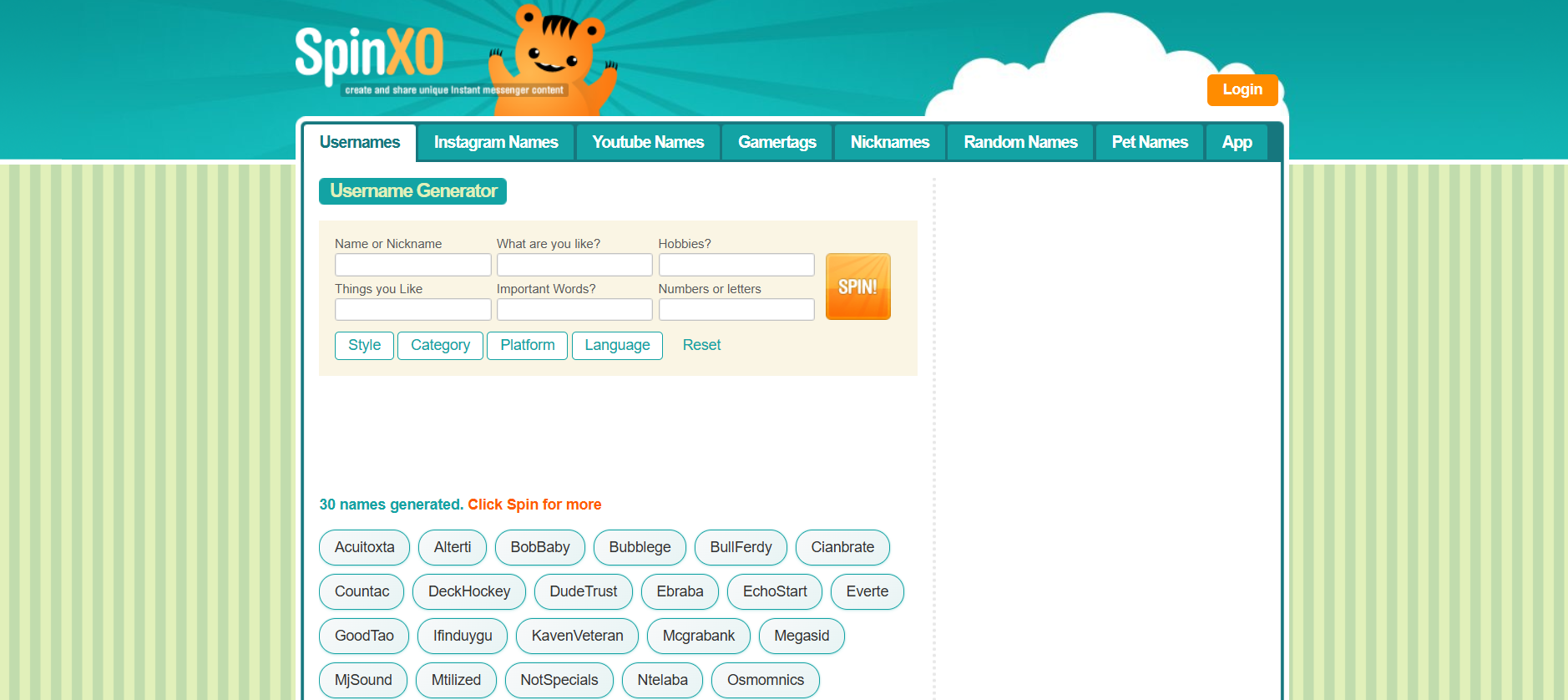
1. SpinXO – Best for Unique & Catchy TikTok Handles

SpinXO

SpinXO is probably the most famous username generator on the internet, and for good reason. It doesn’t just give you random words mashed together. Instead, it asks you for details like your name, hobbies, important words, or even numbers you like. From there, it creates usernames that actually sound personal.

Features:

  • Customizes suggestions based on personal info.
  • Generates hundreds of ideas instantly.
  • Works across multiple platforms (TikTok, Instagram, YouTube, etc.).

Pros:

  • Very personalized.
  • Helps you get usernames that feel more authentic.

Cons:

  • Some names can still feel a little generic.

2. Namechk – Perfect for Checking Availability Everywhere

Namechk

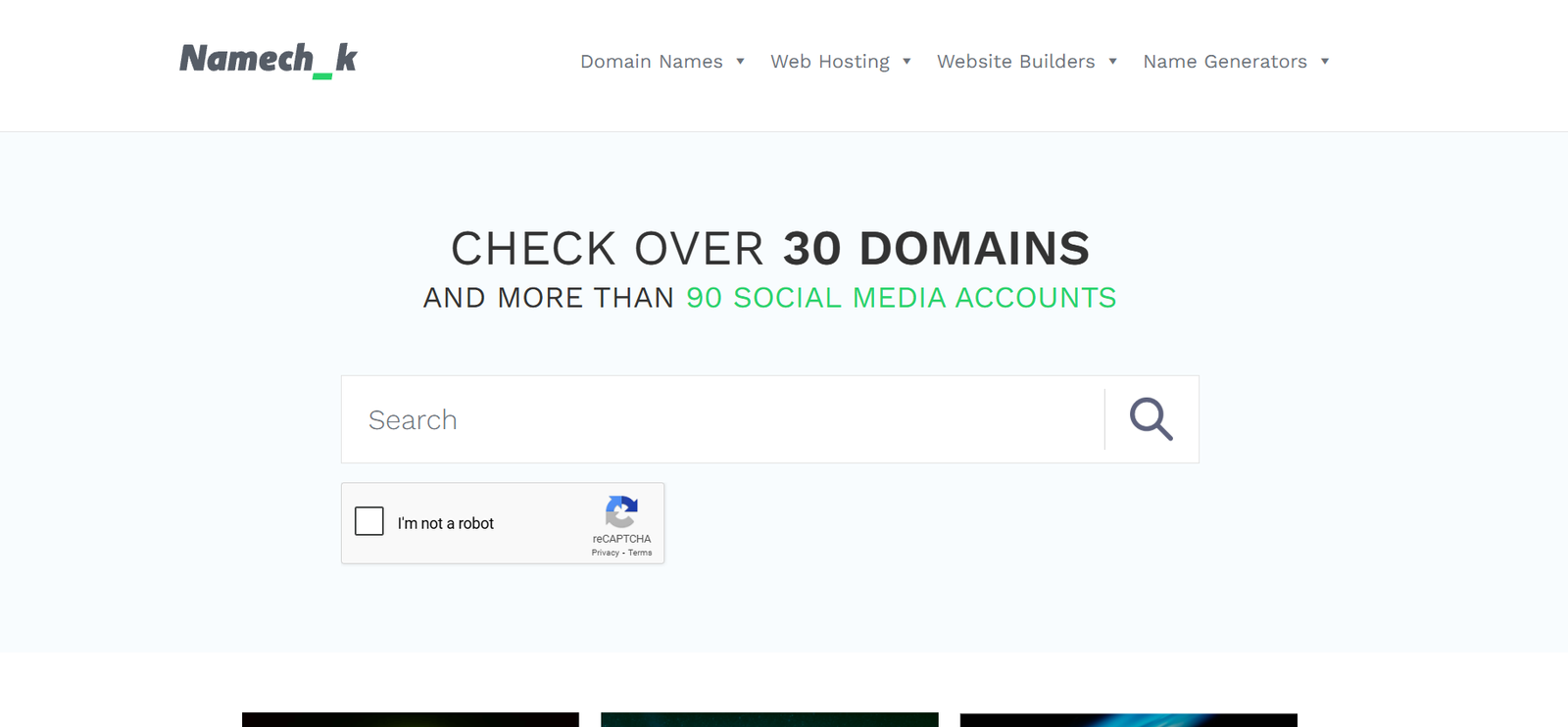
Namechk is not just a generator—it’s also a username checker. After generating ideas, you can instantly see if that username is available on TikTok and dozens of other social platforms.

Features:

  • Username availability check across 100+ platforms.
  • Suggests variations if your first choice is taken.

Pros:

  • Saves time by checking multiple platforms at once.
  • Ideal if you’re building a personal brand.

Cons:

  • Doesn’t always generate highly creative names.

3. Jimpix Username Generator – Great for Aesthetic & Stylish Names

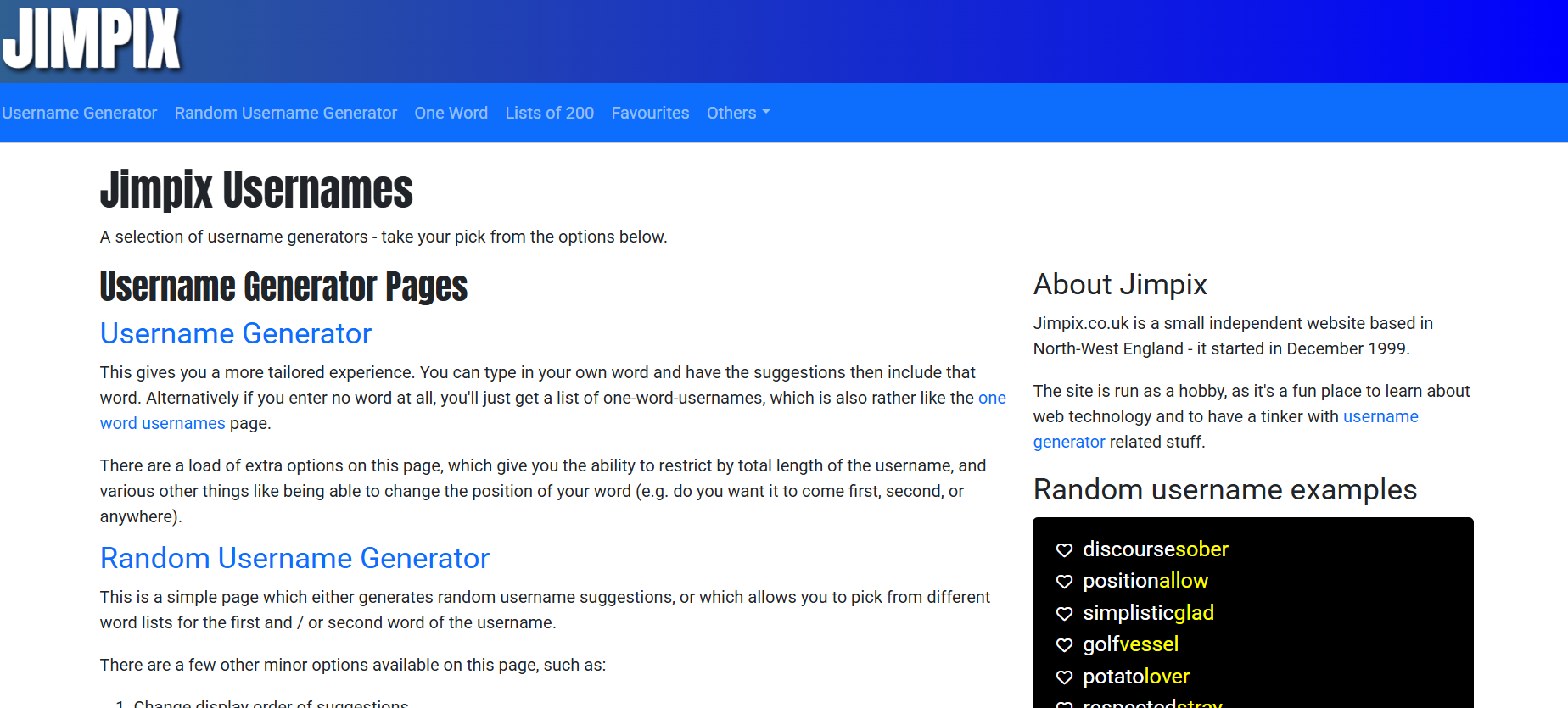
Jimpix

Jimpix lets you pick categories like funny, cute, stylish, or random, which makes it perfect for people who want their username to match a specific vibe.

Features:

  • Category-based username generation.
  • Option to add your own keywords for personalization.

Pros:

  • Flexible and creative.
  • Great for aesthetic usernames.

Cons:

  • Some results may feel too random if you don’t guide it with keywords.

4. LingoJam TikTok Username Generator – Best Free Option

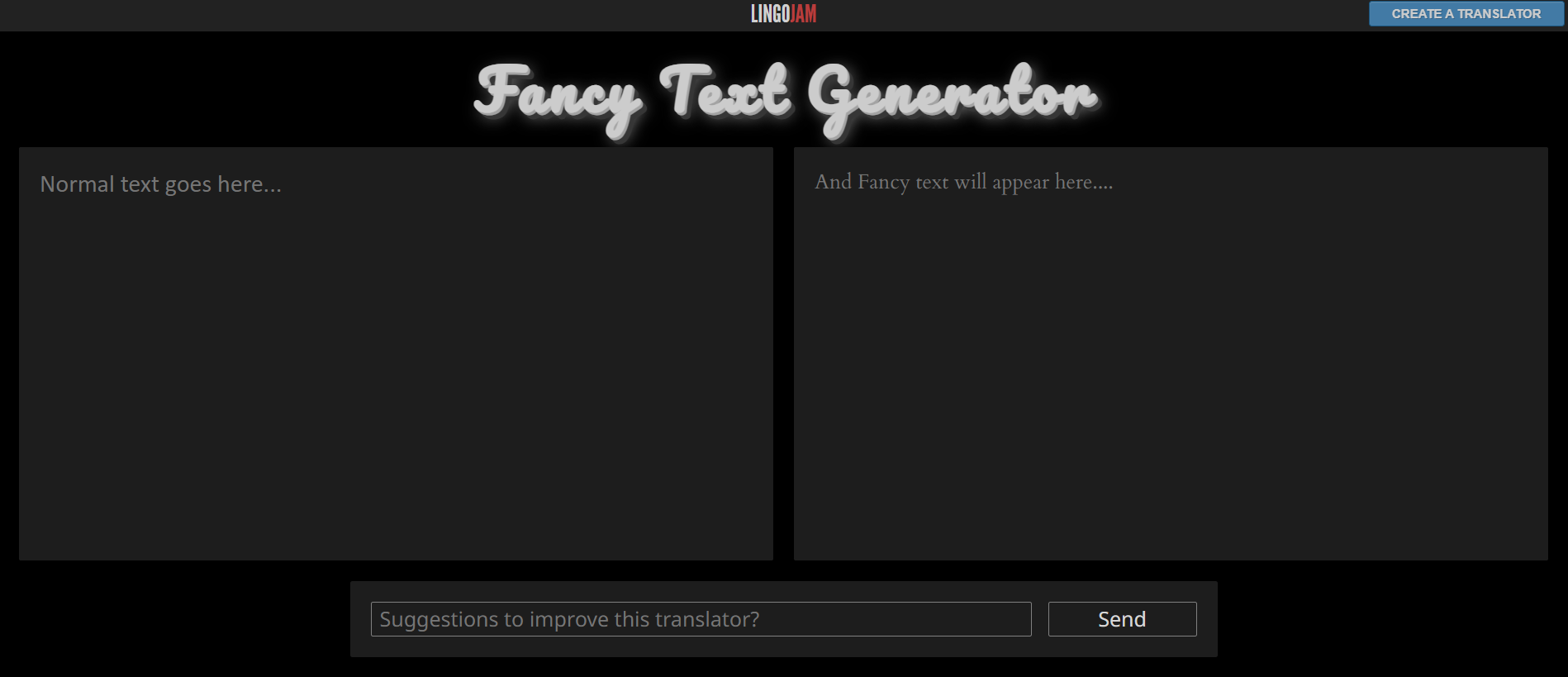
lingojam

LingoJam is a free generator that’s super simple and fast. You type in a word or two, and it spits out tons of creative usernames.

Features:

  • Simple, easy-to-use interface.
  • Instantly generates dozens of usernames.

Pros:

  • 100% free.
  • No sign-up required.

Cons:

  • No advanced customization.

5. NordPass Username Generator – Ideal for Business & Influencer Accounts

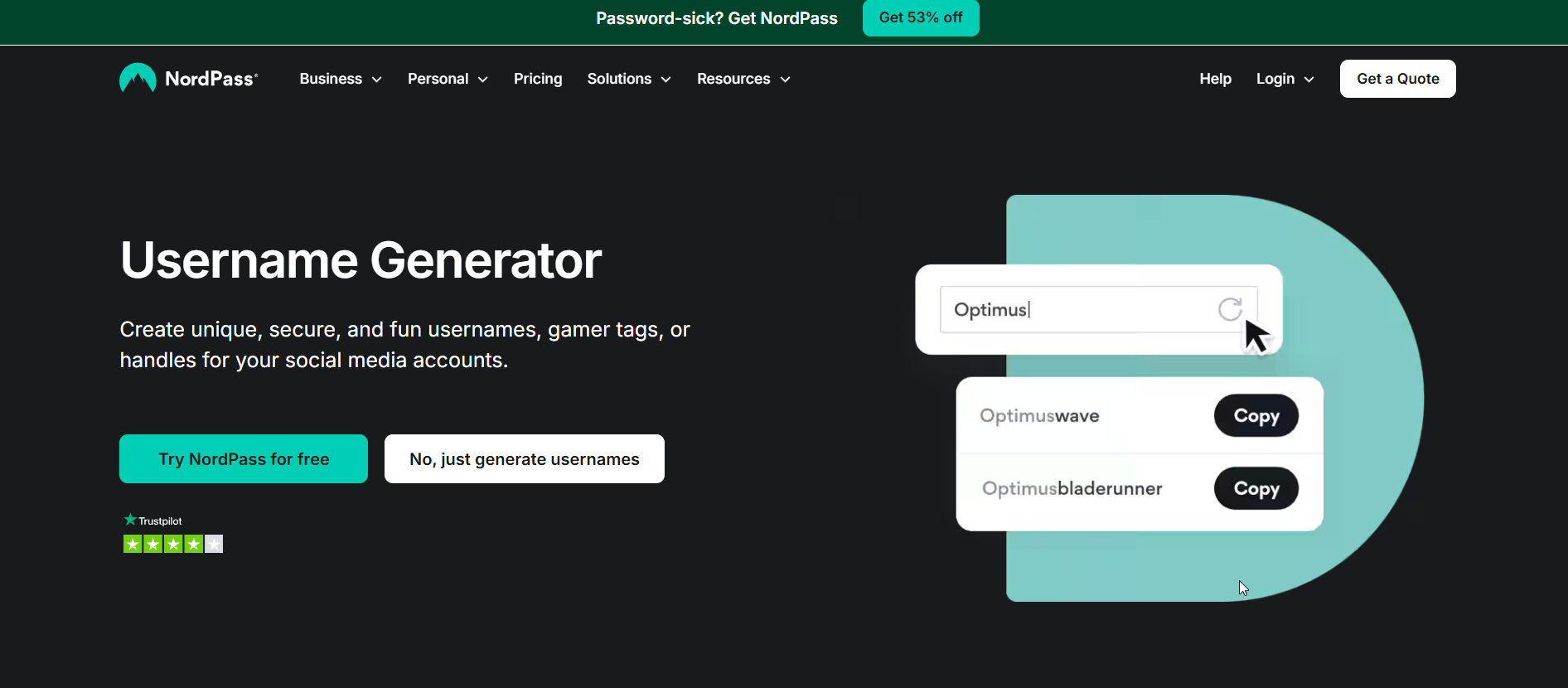
NordPass Username Generator

NordPass is mostly known as a password manager, but it also offers a username generator that’s sleek, clean, and perfect for professional use.

Features:

  • Generates clean, modern usernames.
  • Secure and safe to use.

Pros:

  • Perfect for influencers and brands.
  • Generates strong, brandable names.

Cons:

  • Less playful than other generators.

6. LastPass Username Generator – AI-Powered & Secure

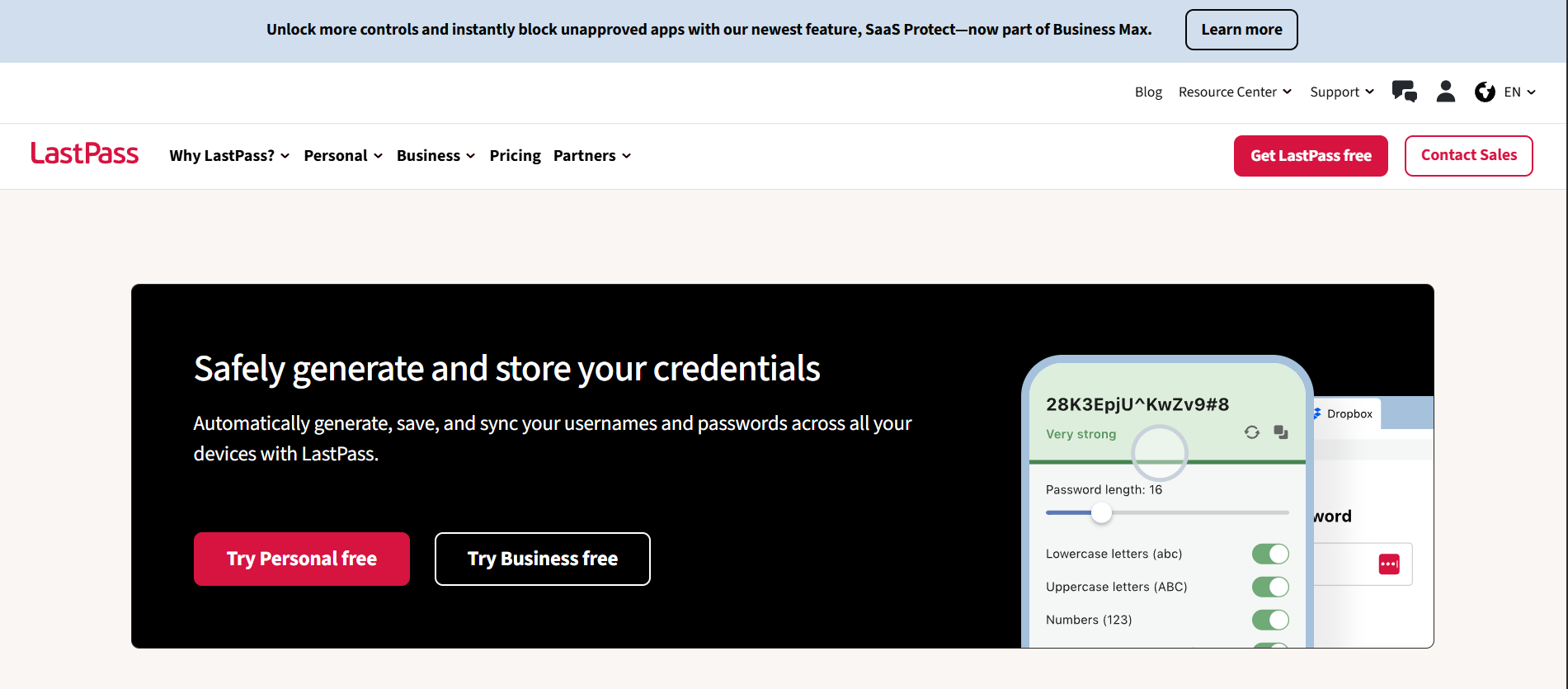
LastPass Username Generator

LastPass, like NordPass, offers a username generator. But this one leans into creating usernames that are unique and secure while still being creative.

Features:

  • AI-driven username generation.
  • Security-focused but still flexible.

Pros:

  • Helps avoid overused names.
  • Great for originality.

Cons:

  • Some usernames may feel too technical.

7. Fantasy Name Generators – Simple & Fast Suggestions

Fantasy Name Generators

This site is a massive hub of generators, including one for TikTok. It lets you choose usernames from fun categories, giving you plenty of unique options.

Features:

  • Wide variety of username themes.
  • Generates endless ideas with one click.

Pros:

  • Creative and fun.
  • Easy to use.

Cons:

  • Sometimes too broad or random.

How to Choose the Best TikTok Username Generator for You

Not every tool will suit your needs. Here’s how to decide:

  • Consider your niche & audience: If you’re making comedy content, you’ll want a fun and quirky name. If you’re a business or influencer, go for something sleek and professional.
  • Balance creativity and clarity: Don’t pick something so random that people can’t spell or remember it.
  • Check username availability: A good username isn’t just unique—it also needs to be available across platforms.

Tips for Creating a Standout TikTok Username

Keep it short and memorable – Short names are easier to remember and type.
🎭 Add a unique twist – Throw in a wordplay, numbers, or even emojis.
🚫 Avoid common mistakes – Don’t overuse underscores or random numbers that make your name hard to read.
💡 Think long-term – Choose something you won’t regret later if your account grows.

Find More: Boost Your Sales With SEO Services

Conclusion

Finding the perfect TikTok username doesn’t have to be a struggle. With tools like SpinXO, Namechk, and LingoJam, you can brainstorm creative names in seconds and even check availability before you commit. Your username is more than just a handle—it’s your brand, your first impression, and sometimes the reason someone clicks on your profile.

So, don’t waste hours stressing over it. Try out a TikTok username generator today, experiment with ideas, and lock in a name that will truly help you boost your profile.

FAQs

1. What is the best TikTok username generator?

SpinXO and Namechk are two of the best because they balance creativity with availability checking.

2. Are TikTok username generators free to use?

Yes! Most of them are free, though some premium tools may offer advanced features.

3. Can I change my TikTok username later?

Yes, but you can only change it once every 30 days.

4. How do I check if my TikTok username is available?

Use tools like Namechk to instantly see availability across TikTok and other platforms.

5. What makes a TikTok username go viral?

A mix of creativity, simplicity, and relevance to your content can make your username memorable and shareable.

Tags:
8 Best Recurring Billing Software Solutions You’ll Wish You Found Sooner

8 Best Recurring Billing Software Solutions You’ll Wish You Found Sooner

best recurring billing software

Best recurring billing software is something every subscription-driven or service‑based business dreams of discovering early. Imagine having a system that just does the charging, the follow-ups, the upgrades/downgrades, the failed‑payment recovery — while you sleep. Not only does this free up your time, but it also gives your business the ability to scale without constantly worrying about manual errors, lost invoices, or missed payments. With the right system, you can boost customer trust, improve retention, and open doors to new pricing models that might have been too complex to handle manually.

In this article, I’ll walk you through seven solid, real recurring billing tools (the best software for recurring billing), compare them, and help you pick one that suits your business. We’ll also touch on what to look for if you want the best accounting software for recurring billing or the best client management software for recurring billing, because billing doesn’t live in a vacuum. And along the way, I’ll point out the common pitfalls and success factors you should consider before locking into a platform.

Let’s get started — maybe one of these will be the one you’ll wish you’d found sooner.

Find More: Best Writing Tools for Creating High-Converting Shopify Product Descriptions!

8 Best Recurring Billing Software Solutions You’ll Wish You Found Sooner

Here are seven platforms I believe are among the top in the field right now. I’ll give you what they do best, where they fall short, and scenarios when you might pick them. This list balances software for startups, growing SaaS businesses, and large enterprises so you can spot which one fits your size, budget, and technical capacity.

1. Younium – Best for B2B SaaS Subscription & Revenue Management

Key features

  • Automated subscription management for complex B2B contracts (amendments, upgrades/downgrades, renewals) 
  • Flexible recurring and usage-based billing with proration support 
  • Revenue recognition compliant with IFRS 15 / ASC 606 
  • Advanced reporting for MRR, ARR, churn, and contract performance 
  • Native integrations with CRM and accounting systems (e.g. Salesforce, ERP tools)

Pricing overview
Younium uses custom, quote-based pricing rather than public tiers. Pricing is typically based on factors like contract volume, revenue size, and billing complexity. This makes it a better fit for mid-to-large B2B SaaS companies that need tailored subscription and revenue workflows rather than entry-level billing tools.

Pros & cons

Pros:

  • Built specifically for B2B SaaS subscription and revenue management 
  • Strong automation for invoicing, revenue recognition, and contract changes 
  • Clear financial reporting and SaaS metrics for finance teams 
  • Handles complex billing scenarios well (multi-entity, usage, amendments) 

Cons:

  • More complex setup than lightweight billing tools 
  • May be too advanced for early-stage or small SaaS businesses

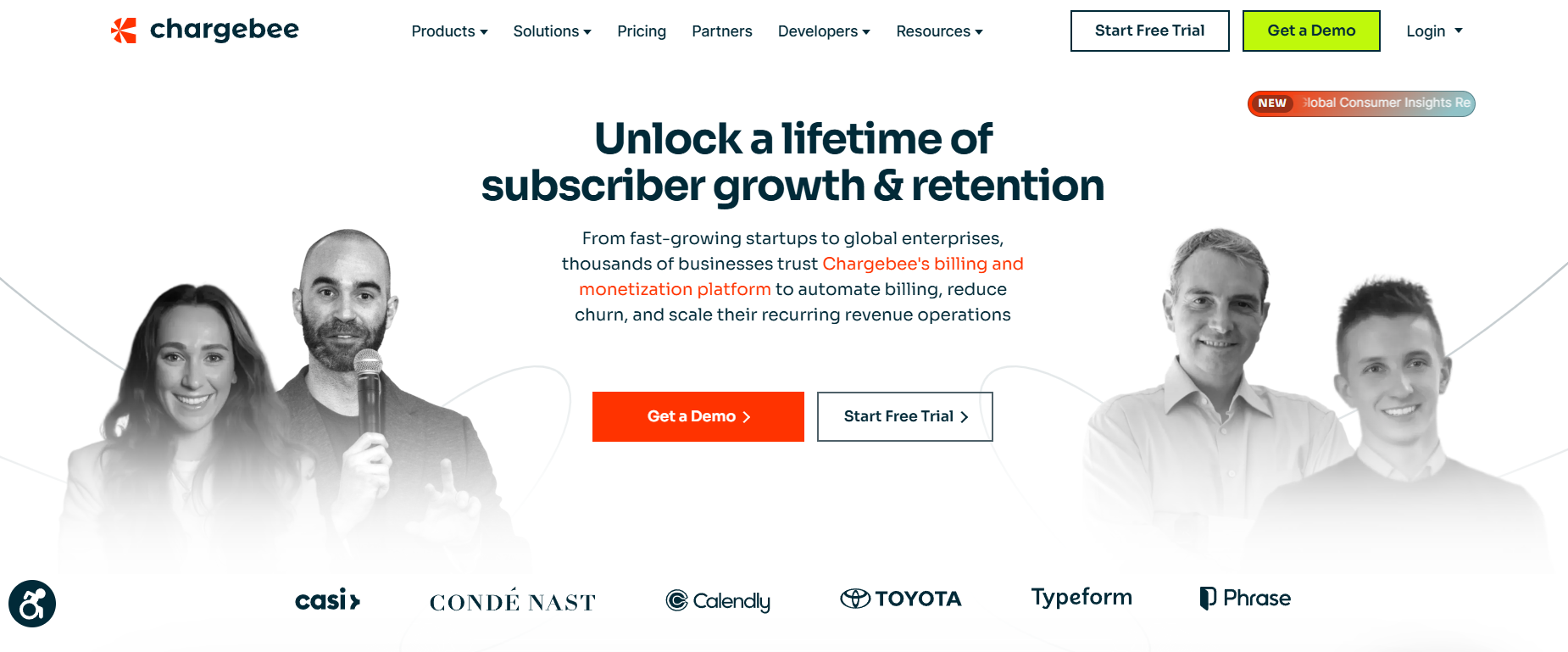
2. Chargebee – Best for Scaling SaaS & Subscription Businesses

Chargebee

Key features

  • Automated subscription management (plans, trials, upgrades/downgrades)
  • Revenue recognition, proration, coupon & discount engine
  • Tax compliance and global billing support
  • SDKs & API-first setup for developers

Pricing overview
Chargebee’s pricing can get complex once you scale, but they do offer tiered plans. Many growing SaaS businesses start with their “Launch” or “Rise” tiers and then move into “Scale.” You’ll find the system powerful if you plan to experiment with multiple pricing models or anticipate rapid customer growth.

Pros & cons
Pros:

  • Rich feature set for subscription-heavy businesses
  • Strong analytics & revenue tools
  • Good integrations (CRMs, accounting, etc.)

Cons:

  • Can be expensive at scale
  • Learning curve, especially if you want advanced workflows

3. Recurly – Best for Mid‑Sized Subscription Ops Seeking Flexibility

Recurly

Key features

  • Modular architecture: add only what you need
  • Dunning & failed-payment recovery
  • Usage-based and hybrid billing models
  • Integrations with many payment gateways

Pricing overview
Recurly’s starting plans are more accessible than enterprise systems, though advanced features will push you up in cost. It’s designed for businesses that need reliability without the heaviness of a full enterprise system.

Pros & cons
Pros:

  • Good balance between power and usability
  • Strong revenue recovery features
  • Well-suited to businesses with evolving billing complexity

Cons:

  • Advanced features sometimes feel piecemeal
  • At high scale, costs can creep up

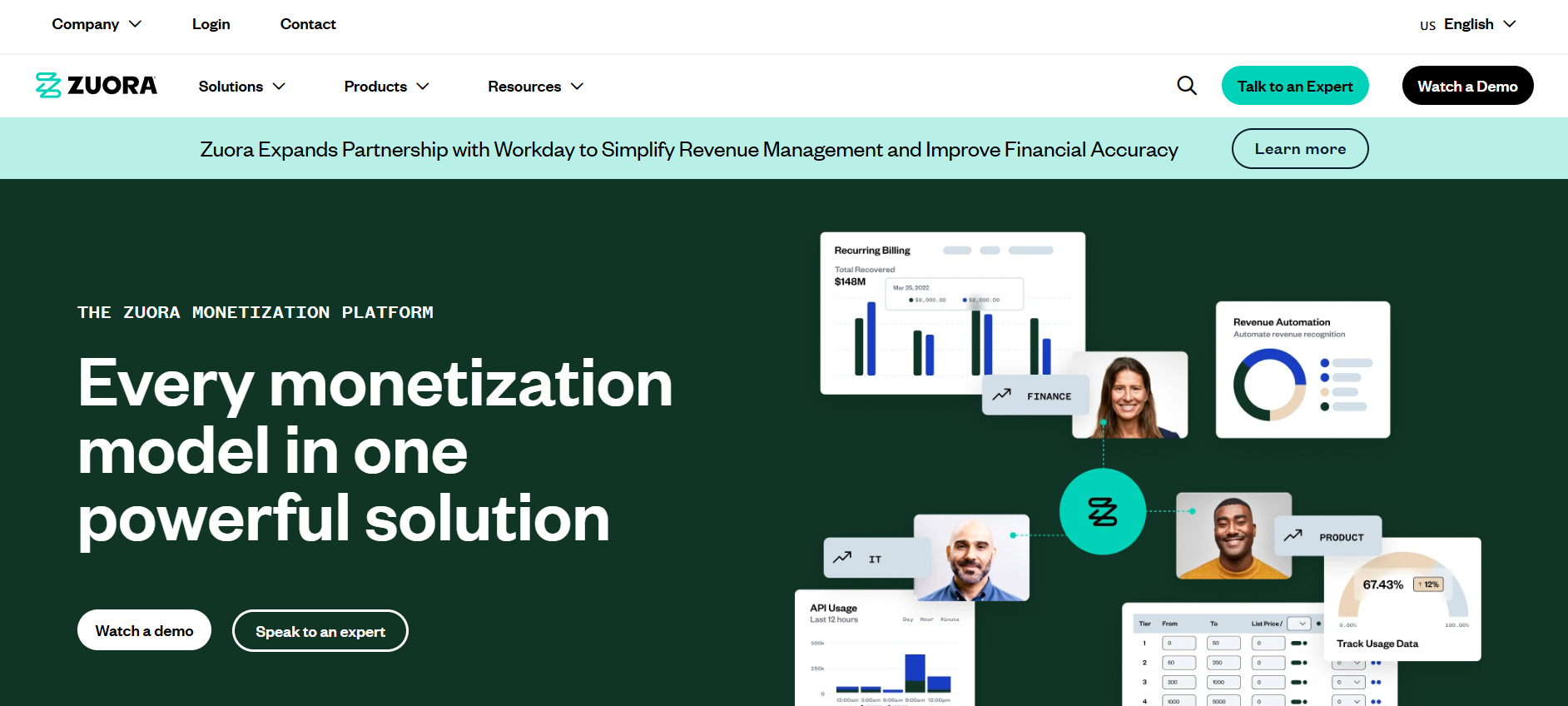
4. Zuora – Best for Enterprise & Complex Billing Scenarios

Zuora

Key features

  • Enterprise-grade billing and contract management
  • Sophisticated tax, compliance, and revenue models
  • Global multi-currency & localization support
  • Deep integrations with ERP, CRM

Pricing overview
Zuora is built for enterprises, so plan prices reflect that. It’s not cheap, but you’re paying for scale, robustness, and complexity handling. If you’re running global operations or need highly customized workflows, Zuora will feel like a tailored solution.

Pros & cons
Pros:

  • Handles large, complex billing logic
  • Full-featured, built for customization
  • Strong support & enterprise ecosystem

Cons:

  • Overkill (and expensive) for smaller/sub scale teams
  • Setup and maintenance need technical muscle

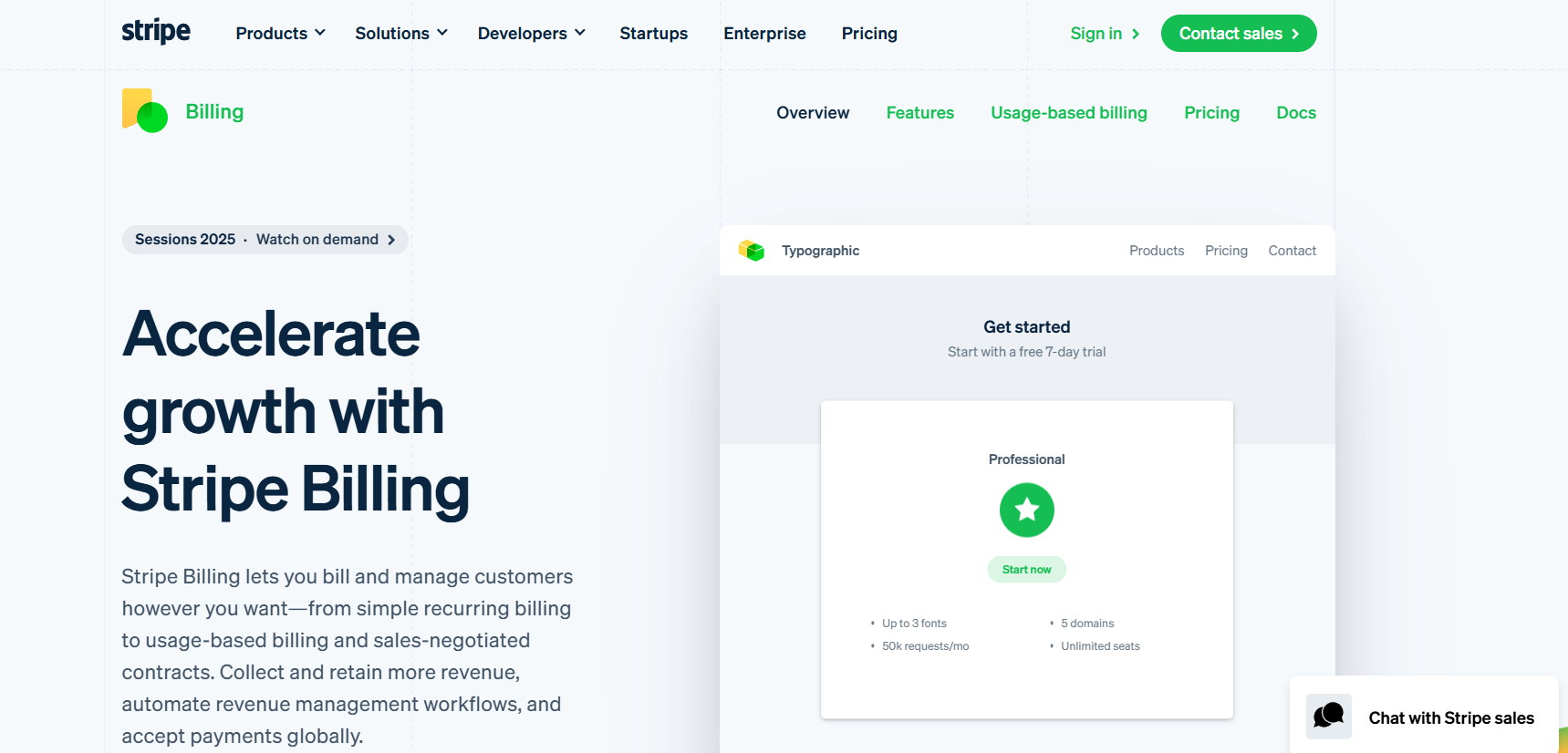
5. Stripe Billing – Best for Technical Teams Who Want Full Control

Stripe Billing

Key features

  • API-first, flexible subscription & usage-based billing
  • Built-in proration, trials, coupons, etc.
  • Global payments, built-in retry logic for failed payments
  • Excellent docs, developer tools, extensibility

Pricing overview
Stripe adds a small % + fixed fee per recurring transaction (on top of base Stripe transaction fees). It’s transparent and easy to understand. If you have developers, Stripe offers maximum flexibility without locking you into rigid features.

Pros & cons
Pros:

  • Full flexibility (if you’re technical)
  • Good global reach and currency support
  • You pay only for what you use

Cons:

  • Not as feature-rich out-of-box (you’ll build more yourself)
  • Need dev resources

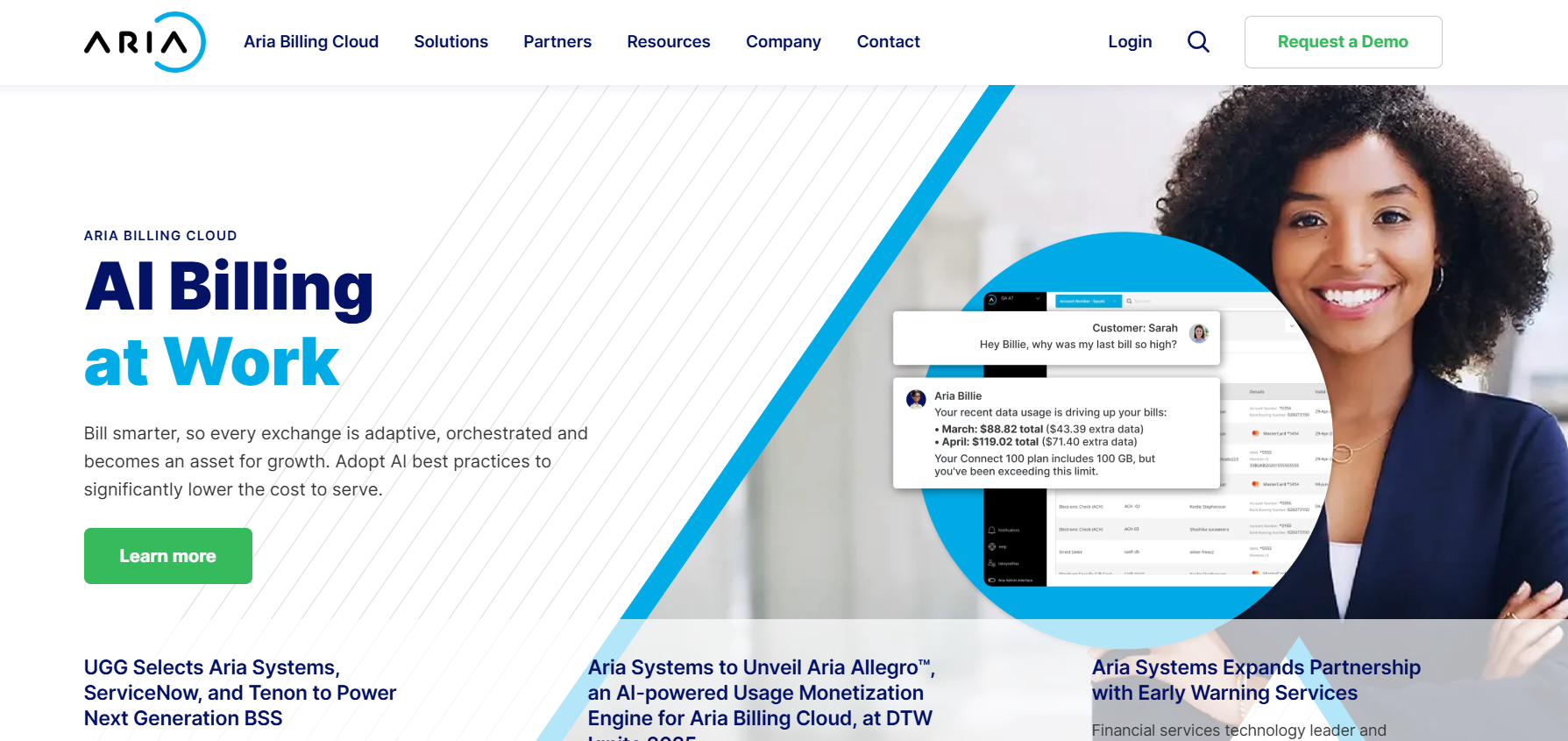
6. Aria Systems – Best for Telecom, Media & Large-Scale Subscription Models

Aria Systems

Key features

  • Monetization platform suited for large recurring revenue businesses
  • Strong usage/event-based billing models
  • Deep integration with enterprise backend systems

Pricing overview
Aria is expensive, tailored for companies with serious scale (often telco, media, utilities, etc.). Expect significant implementation but unmatched reliability once set up.

Pros & cons
Pros:

  • Very capable in complex billing environments
  • Scalability and reliability

Cons:

  • Too heavyweight for smaller/sub‑scale operations
  • Requires implementation and ongoing support

7. Vindicia – Best for Digital Media & Subscription Recovery

Vindicia

Key features

  • Subscription billing with strong failed-payment recovery (dunning, retry logic)
  • Retention & churn suppression tools
  • Partnerships with media/entertainment clients

Pricing overview
Tailored pricing for enterprise/digital media clients. Vindicia is especially useful where payment failures and churn are common — like streaming services and online media.

Pros & cons
Pros:

  • Good at turning failed payments into collected revenue
  • Suited for industries with high churn or payment failures

Cons:

  • May lack certain bells and whistles of more general platforms
  • Less known for small business or simple SaaS

8. ChargeOver – Best for Simpler or Mixed Billing Use Cases

Key features

  • Recurring invoices, subscription plans
  • Automatic dunning
  • Good for hybrid use (subscriptions + regular billing)

Pricing overview
More affordable than enterprise systems; suits growing midsize businesses. ChargeOver is perfect if you need straightforward recurring billing without heavy integrations.

Pros & cons
Pros:

  • Simpler to use
  • Strong feature set without massive complexity

Cons:

  • Not as powerful as Chargebee/Zuora in scaling
  • Fewer advanced analytics
  1. Rezerv – Best for Fitness Studios and Gyms

Key Features

  • Recurring membership system that automatically charges members every set number of days, weeks, or months
  • Ability to set an end date, minimum commitment period, and joining fee
  • Assign different credit deductions for different class types (e.g. 1 credit for yoga classes and 2 credits for reformer classes)

Pricing Overview

Tailored for boutique fitness studios and freelancers such as fitness instructors and yoga teachers looking for reliable fitness software.

Pros & Cons

Pros

  • User-friendly and easy to use for non-tech-savvy studio owners
  • Includes a custom-branded website builder
  • Supports local online payment methods in Asia, such as virtual accounts, QRIS, bank transfers, e-wallets, and credit cards

Cons

  • No free plan

How to Choose the Right Recurring Billing Software

Factors to consider:

  • Complexity & scale: Match software to your current size and growth path.
  • Budget vs ROI: Think about long-term cost efficiency, not just entry price.
  • Integrations: Make sure it works with your CRM, ERP, or accounting tools.
  • Ease of use & onboarding: Avoid systems that create friction for your team.
  • Global & localization support: Crucial if you deal with multiple currencies.
  • Failed payment recovery: Dunning and retry features save thousands in revenue.

Common mistakes to avoid

  • Picking one just because everyone else uses it
  • Ignoring long-term cost escalations
  • Failing to account for developer time or maintenance overhead
  • Underestimating customization needs

Benefits of Using the Best Recurring Billing Software

  • Time savings & automation: Less manual work, more growth activities.
  • Better cash flow & recovery: Keep money coming in consistently.
  • Scalability: Expand without rethinking your billing setup.
  • Insightful analytics: Data-driven decisions on pricing and churn.
  • Customer experience: Smooth billing builds long-term trust.

Find More: Boost Your Sales With SEO Services

Conclusion: Pick the Best Recurring Billing Software and Scale Faster

Look, no tool is perfect. But one of these seven is likely a great match for your business right now. Whether you’re aiming for the best accounting software for recurring billing or mixing it with client management software for recurring billing, your ideal system should simplify your life — not make it harder. Choosing the right billing software can be the difference between steady predictable revenue and constant chaos.

Here’s a quick takeaway:

  • If you’re scaling SaaS, lean toward Chargebee or Recurly.
  • For enterprise complexity, Zuora or Aria might make more sense.
  • For flexibility and developer control, Stripe Billing is a strong bet.
  • If retention and recovery are key, Vindicia or ChargeOver get you closer to your goal.

FAQs

1. What is recurring billing software?

Recurring billing software automates the process of charging customers regularly. It handles invoicing, payment processing, retries for failures (dunning), and subscription management. In short, it’s the backbone of any subscription or membership business.

2. How does recurring billing software help businesses grow?

By removing manual billing work, reducing payment failures, giving you analytics on churn & retention, and allowing experimentation with pricing and billing models. It frees up time for product innovation and customer service, areas that actually fuel growth.

3. Can I use recurring billing software for both subscriptions and one-time payments?

Yes — many of the tools above support hybrid models. This is useful for businesses with mixed revenue streams like agencies, SaaS, and digital product sellers.

4. What is the cheapest recurring billing software for startups?

Stripe Billing or ChargeOver are usually cost-effective options for small teams. They keep things simple while allowing you to scale as you grow.

5. Which recurring billing software is best for international payments?

Stripe Billing is strong globally. Chargebee and Zuora also support multi‑currency, localization, and tax compliance. These are essential if you have customers across multiple regions or plan to expand internationally.

Tags:
The Ultimate Ecommerce Hosting for WooCommerce and Elementor Online Stores

The Ultimate Ecommerce Hosting for WooCommerce and Elementor Online Stores

Ecommerce hosting for WooCommerce and Elementor

Your digital storefront is your online store. For it to be successful, it requires a solid and trustworthy foundation. Your web hosting is this crucial base. A website with poor hosting is unreliable, insecure, and annoying. This turns off potential buyers before they’ve even seen your merchandise. A top-notch host guarantees that your store is always online, quick, and safe. This is absolutely essential for increasing your sales and gaining the trust of your customers.

Elementor and WooCommerce are extremely powerful tools. They allow you the flexibility to create stunning and incredibly useful online stores. However, there are certain technical requirements for this power. Compared to a basic blog or portfolio website, they demand a lot more server resources. You need to pick a host that is designed to meet their needs. A dedicated host avoids frequent and expensive problems. It prevents frustrating errors, slow speeds, and crashes. Your brand’s reputation and revenue will be directly impacted by the ecommerce web hosting you choose.

Why Specialized Hosting is Crucial for an Elementor and WooCommerce Store

Amazing and nearly limitless design freedom is offered by Elementor. There is a technical price for this freedom. To function properly, it adds a lot of code and uses a lot of server power. This heavy load is simply too much for a simple, low-cost hosting plan to manage. The speed of your website will drop to a crawl. Your user experience, SEO rankings, and professional reputation are all negatively impacted by this.

The Unique Demands of Elementor and WooCommerce

A visual drag-and-drop page builder is called Elementor. It enables you to produce entirely original and customized designs. Without writing a single line of code, you can create anything you can think of. Complex code is produced in the background by this creative process. Every visitor must be able to quickly process this code on your server. The power and optimization required for this demanding task are absent from standard, generic hosting plans. The best eCommerce hosting for Woocommerce is required.

Strong processing power (CPU) is required for your server. Additionally, it requires a significant amount of RAM. WooCommerce and Elementor make extensive use of these resources. The server’s load increases with each visitor to your website. This demand can be easily and effectively handled by a strong and well-optimized host. No matter where a user is, your pages will load quickly for them. This keeps your clients satisfied, involved, and more inclined to buy from you.

Your store will suffer significantly if you don’t have appropriate and specialized hosting. It will feel like the Elementor editor is moving slowly. It will take an excruciatingly long time to save your changes. Your customers won’t be able to access your live site quickly. During busy times, your pages may even not load at all. As a result, the user experience is awful. It turns running your own store into a tedious and exasperating task. It is a surefire way to fail.

Exploring Top Hosting Solutions for Ecommerce

The market offers a wide variety of hosting options. It’s critical to realize that not all of them are appropriate for a legitimate online store. For instance, shared hosting is incredibly inexpensive, but it’s also very unreliable and weak. Although dedicated servers are incredibly powerful, they are also very costly and complex. Two primary options stand out as the best options for the majority of Elementor and WooCommerce stores. These are cloud and managed hosting.

The Power of Managed Hosting

Managed hosting is an expensive, non-interactive service. All of the complicated and technical work is done for you by the hosting company. They oversee all security patches and server updates. They actively enhance the functionality of your server. For the majority of store owners, this is the ideal solution. It implies that operating a profitable store does not require you to be an expert server. The host turns into a reliable technical collaborator.

You save a great deal of time and stress with this useful service. The hassle of complicated server maintenance is entirely avoidable. The team of professionals from the host will optimize your server. They will make certain that it is always operating at its very best. The primary justification for selecting ecommerce web hosting is this professional assistance. It enables you to concentrate on your strongest suit. You can successfully manage and expand your store.

The Flexibility of Cloud Hosting

A vast network of linked servers is used for cloud hosting. The resources on your website are dispersed throughout this network. Because of this, it is very scalable and flexible. Your store can quickly adjust if there is an unexpected and significant spike in traffic. On demand, the cloud network will supply additional resources. Under pressure, your website will remain up and running quickly. It is a strong and contemporary hosting option.

This built-in scalability is ideal for stores that are expanding and ambitious. The pressures of a holiday rush or a flash sale are manageable. When a large number of people visit your site, it won’t crash. Additionally, you usually only pay for the resources that you really utilize. This offers tremendous power and great value. It is an excellent option for retailers who intend to expand significantly. The best ecommerce hosting for Woocommerce is this one.

The limitations of traditional shared hosting are extremely stringent and low. Numerous other websites share a limited set of resources with you. Your site will lag if one of those other sites receives a lot of traffic. When you need more resources, you can’t scale them up. It’s highly likely that your website will crash during periods of high traffic and importance. Customers become extremely irate and sales are lost as a result. It is not worth taking the chance.

Key Features Your Ecommerce Host Must Offer

When selecting a host, it’s important to carefully consider the features they provide. For a contemporary e-commerce site, some features are simply unavoidable. These consist of proactive security measures, a global CDN, and sophisticated caching. They are the fundamental building blocks of a successful, safe, and quick online store. All of them must be provided by the host you have selected.

Caching and Content Delivery Networks (CDNs)

One important and necessary speed technology is caching. Static copies of your pages and posts are produced as part of its operation. These static copies can then be swiftly delivered by your server. The page does not need to be recreated for each and every visitor. This speeds up your website and significantly lessens the strain on your server. This caching will be set up and managed for you by a reputable ecommerce web hosting company.

Another crucial tool for speed is a content delivery network, or CDN. It keeps copies of the pictures and videos on your website. It accomplishes this through a global network of servers. These assets are served by the CDN when a user visits your website. The server that is closest to the user geographically is used. Because of this, your website loads incredibly quickly for visitors from all over the world. It is necessary for an excellent global user experience.

Your server must work far too hard without efficient caching. Each page request must be processed and constructed from the ground up. All of your visitors will find your site extremely slow as a result. Any foreign visitors will find your site extremely sluggish without a CDN. A lower conversion rate and fewer sales will result from these speed problems. For websites using Elementor and WooCommerce, they are essential to get right.

Proactive Security and Reliable Backups

The key to proactive security is prevention. Threats should be actively blocked by your host before they have a chance to damage your website. Using a strong and properly configured firewall is part of this. It also entails running routine, automated malware scans. They ought to be capable of promptly identifying and resolving vulnerabilities. By doing this, hackers and other bad actors are prevented from accessing your store. It safeguards your company, data, and clients. The best eCommerce hosting for Woocommerce is this one.

Your best defense is a daily and automated backup. You can easily restore your website in the event that something goes wrong. These backups will be made for you automatically by a competent host. To further protect them, they will keep them safely off-site. It should only take one click to restore your website. For any business owner, this offers amazing peace of mind. It is a feature that every online store must have.

Without these essential components, your website is very susceptible. A successful hack might erase all of your important information. Your entire website could be destroyed by a simple plugin update. You would lose everything if you didn’t have a current and trustworthy backup. Your store would need to be completely rebuilt from the ground up. Such a catastrophe would have a devastating financial and psychological impact and might even end a business.

Conclusion

Making the right choice for ecommerce web hosting is crucial. It will have a direct impact on the overall success, security, and speed of your store. Cheap, generic hosting is just insufficient for a powerful combination like Elementor and WooCommerce. You require a solution designed especially to meet their particular and exacting requirements. Your store will function flawlessly for your customers if you do this. It safeguards both your hard-earned brand reputation and your priceless customer data.

A host with enormous power, strong security, and knowledgeable, round-the-clock support is what you should pick. A global CDN, sophisticated caching, and automated daily backups are all important features to look for. In the long term, a managed hosting plan is frequently the greatest and most economical option. It offers priceless mental tranquility. It enables you to devote all of your energy to expanding your company. Invest wisely and strategically in the foundation of your hosting business. It is the most crucial and ideal choice you can make for your web store.


7 Genius Ways to Save TikTok Videos Without Watermark

7 Genius Ways to Save TikTok Videos Without Watermark

Save TikTok Videos Without Watermark

Introduction: Why People Want to Save TikTok Without Watermark

Save TikTok without watermark — if you’ve ever tried to download a TikTok video directly from the app, you already know the struggle. TikTok automatically stamps its logo and the creator’s handle all over the video. While that’s great for giving credit, sometimes you just want a clean version. Maybe you want to share it on Instagram Reels, use it in a presentation, or simply keep it in your phone gallery without the distracting watermark bouncing around.

And honestly, who can blame you? Watermarks can ruin the aesthetic of your content. Imagine putting together a slick video montage for YouTube Shorts, and there’s this TikTok logo bouncing around every two seconds. Not fun. That’s why people search phrases like how to save TikTok without watermark, save TikTok video without watermark, or TikTok save without watermark. Whether you’re a casual TikTok fan or a social media creator looking to repurpose videos, learning how to save a TikTok without the watermark can really make your life easier.

The good news? There are plenty of clever tricks to do exactly that. In this guide, I’ll walk you through 7 genius ways to save TikTok without watermark, breaking down the pros, cons, examples, and real-life scenarios where each method shines. By the end, you’ll know which approach fits your style best.

So, let’s dive in and make your TikTok saving game a whole lot smarter.

Find More: 21 Must-Know TikTok Emojis That Gen Z Use

7 Genius Ways to Save TikTok Without Watermark

1. Use Online TikTok Video Downloaders

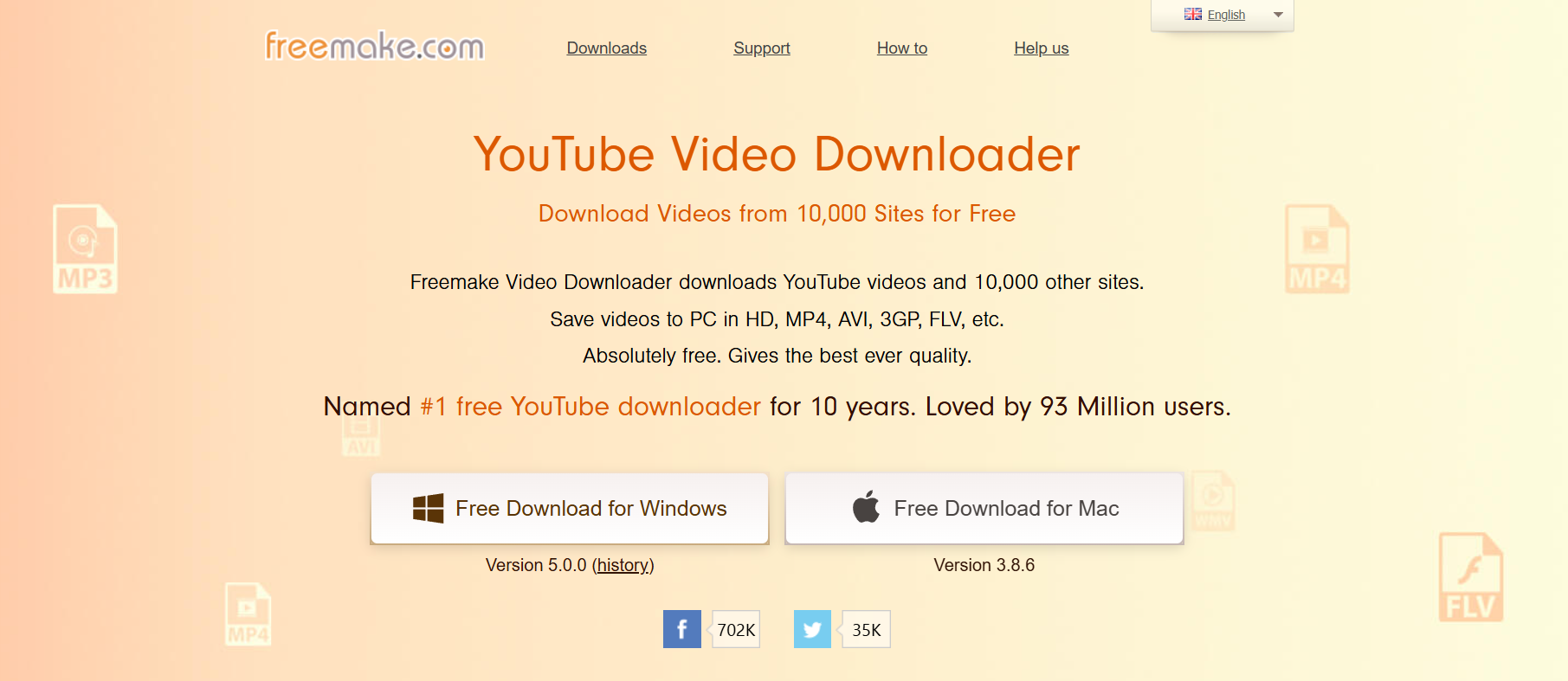
Freemake Video Downloader

This is probably the most popular option because it’s quick and doesn’t require installing anything. You just copy the TikTok link, paste it into a downloader website, and hit download. Boom — clean video, no watermark.

How it works:

  • Open TikTok and copy the link of the video you want.
  • Head to a site like SnapTik, SaveTT, or SSSTik.
  • Paste the link and download the watermark-free version.

Real-life scenario: Let’s say you found a cool cooking tutorial and want to keep it in your recipe collection. Using an online downloader means you can save the video cleanly without the watermark cluttering up your notes.

Pros:

  • Free and super easy.
  • Works on both phone and desktop.
  • No need to sign up or create an account.

Cons:

  • Some sites are loaded with ads and pop-ups.
  • Quality might drop slightly depending on the tool.
  • Requires an internet connection.

2. Save TikTok Videos Without Watermark Using Mobile Apps

If you’re always on your phone, a dedicated app can make things smoother. There are apps for both iOS and Android built specifically to download TikTok videos without watermark.

Best options:

  • For Android: Video Downloader for TikTok (many on Play Store)
  • For iPhone: Reposter for TikTok or TikSave

How it works:

  • Copy the link of the TikTok video.
  • Open the app and paste the link.
  • Save directly to your gallery without watermark.

Pros:

  • Super convenient if you download often.
  • Some apps let you manage or edit videos right inside.
  • Saves time compared to online tools.

Cons:

  • Free versions may have ads or watermarks of their own.
  • Some require in-app purchases for HD quality.
  • Not all apps are equally safe, so stick to trusted ones.

3. Download TikTok Without Watermark via Desktop Tools

Tiktok Marketing

If you’re someone who edits videos on your computer, desktop tools are a lifesaver. These programs often give you more control over video quality, file format, and organization.

How to do it:

  • Copy the TikTok link.
  • Use a desktop program like 4K Tokkit or Allavsoft.
  • Download in your preferred resolution (up to 4K in some cases).

Why it’s great: Desktop tools are perfect for people who batch-download. For example, if you run a content curation channel and want to grab 50 TikTok videos at once, tools like 4K Tokkit can handle it easily.

Pros:

  • High-quality downloads up to HD or 4K.
  • Batch downloading possible (great for creators).
  • Some tools allow you to schedule downloads.

Cons:

  • Requires installation.
  • Some premium features are behind paywalls.
  • Slight learning curve if you’re new to video tools.

4. Screen Recording as a Simple Trick

This is the old-school hack, but it still works like a charm. If you don’t want to rely on apps or websites, just screen record while the video plays.

Steps:

  • Start screen recording on your phone (iOS and Android both have this built-in).
  • Play the TikTok video in full screen.
  • Stop recording and trim the beginning and end.

When to use it: Screen recording is handy when downloaders aren’t working or when TikTok restricts certain videos from being saved.

Pros:

  • Doesn’t require third-party tools.
  • Works even if downloaders are down.
  • Flexible: you can record any video, even ones with disabled downloads.

Cons:

  • Quality depends on your device.
  • Requires manual trimming to look clean.
  • Not ideal for large batches of videos.

5. Use Telegram Bots or Cloud Services

If you’re a Telegram user, this is a fun trick. There are bots that automatically download TikTok videos without watermark and deliver them straight into your chat.

How it works:

  • Find a TikTok downloader bot on Telegram (search “TikTok bot”).
  • Send the TikTok link.
  • The bot replies with a clean version you can save.

Example: Imagine you’re sharing funny TikToks in a Telegram group with your friends. Instead of flooding them with links, you can send the clean, watermark-free version right inside the chat.

Pros:

  • No installation needed beyond Telegram.
  • Works fast and keeps your downloads organized.
  • Cloud-based, so you can access them anywhere.

Cons:

  • You need a Telegram account.
  • Bots sometimes go offline or stop working.
  • Limited by Telegram’s file size restrictions.

6. Browser Extensions for Quick Downloads

If you spend more time on TikTok using a web browser, extensions can save you clicks and make downloading seamless.

Steps:

  • Install a TikTok downloader extension for Chrome, Firefox, or Edge.
  • Open TikTok in your browser.
  • Click the extension icon to download watermark-free videos.

Why it’s useful: If you’re browsing TikTok for inspiration at work or school on a laptop, you can quickly save interesting clips without having to switch to your phone.

Pros:

  • Convenient for desktop browsing.
  • One-click downloads.
  • Can save multiple formats.

Cons:

  • Only works on desktop.
  • Some extensions may stop working if TikTok updates its system.
  • Needs regular updates for security.

7. Save TikTok Without Watermark Using Editing Tools

If you’ve already downloaded a TikTok but it has a watermark, don’t worry — you can still fix it with editing software.

Options:

  • Crop the video to cut out the watermark.
  • Use watermark remover tools (InShot, Adobe Premiere, or online removers).
  • AI-powered watermark removers for faster results.

Example: Say you downloaded a travel vlog on TikTok last month but forgot to remove the watermark. With InShot, you can crop or blur out the logo and still keep the video looking clean.

Pros:

  • Gives you control over the final look.
  • Can be used for videos you’ve already saved.
  • Useful for editing other elements too.

Cons:

  • Time-consuming.
  • May lower video quality if not done carefully.
  • Requires basic editing skills.

Conclusion: Choose the Best Way to Save TikTok Without Watermark

So, there you have it — 7 genius ways to save TikTok without watermark. From simple screen recording to powerful desktop tools, there’s a method for every type of user. If you want something quick and free, stick with online downloaders or mobile apps. If you’re a content creator who needs tons of videos in bulk, desktop tools or browser extensions might be your best bet.

At the end of the day, the choice comes down to your needs: convenience, quality, or speed. Try a couple of methods and see which one clicks for you. And remember: while saving videos is handy, always respect the original creator’s work. Give credit when it’s due — especially if you plan to repost.

Find More: Boost Your Sales With SEO Services

FAQs

1. How do I save TikTok videos without watermark for free?

You can use free online downloaders like SnapTik or SSSTik, or even screen record if you don’t want to use third-party apps. Many Telegram bots also work without charging anything.

2. Is it legal to save TikTok videos without watermark?

It depends. For personal use, it’s usually fine. But reposting without credit may violate copyright or TikTok’s terms. If you’re sharing for educational or private use, you’re generally safe.

3. Can I download TikTok videos in HD without watermark?

Yes, many apps and tools offer HD quality downloads, but sometimes you may need the paid version. Tools like 4K Tokkit are especially good for this.

4. What’s the safest TikTok downloader tool?

SnapTik and SaveTT are generally safe, but always watch out for fake or spammy sites. Stick with reputable tools that don’t ask for unnecessary permissions.

5. Can I save TikTok without watermark on iPhone and Android?

Absolutely! Both iOS and Android have apps and workarounds like online downloaders, dedicated apps, or Telegram bots that work perfectly.

6. Which method is best for creators?

If you’re a creator who needs bulk downloads, desktop tools like 4K Tokkit or browser extensions are the best. For casual users, online tools and apps are more than enough.

Tags: