UK: +44 2038074555 info@atamgo.com
7 Powerful Instagram Post Downloaders You’ll Wish You Found Earlier

7 Powerful Instagram Post Downloaders You’ll Wish You Found Earlier
instagram post downloader

Introduction: Why You Need a Reliable Instagram Post Downloader in 2025

Instagram post downloader tools are becoming essential for anyone who wants to save content quickly, whether it’s for inspiration, research, archiving, or building content libraries for future ideas. As Instagram continues to dominate visual communication, the need to download posts in HD, save reels for editing inspiration, or simply organize content for campaigns has grown massively.

If you’ve ever tried to manually save posts, you already know how annoying it can be. Screenshots ruin the quality, random download websites crash, and some apps are loaded with spammy ads. And with the platform evolving constantly, the tools that worked last year may not work today. That’s exactly why this guide exists: to walk you through 7 powerful, reliable, real Instagram post downloader tools that actually work in 2025 — including HD downloads, carousel support, reel, mobile optimization, and more.

By the end of this article, you’ll know exactly which downloader fits your workflow, how to use it properly, and how to avoid the common issues most users face. Let’s dive deeper into each one.

Find More: 7 Instagram Video Download Tools That Actually Work

1. Tool #1 — SnapInsta: Fast, Secure, and HD-Ready

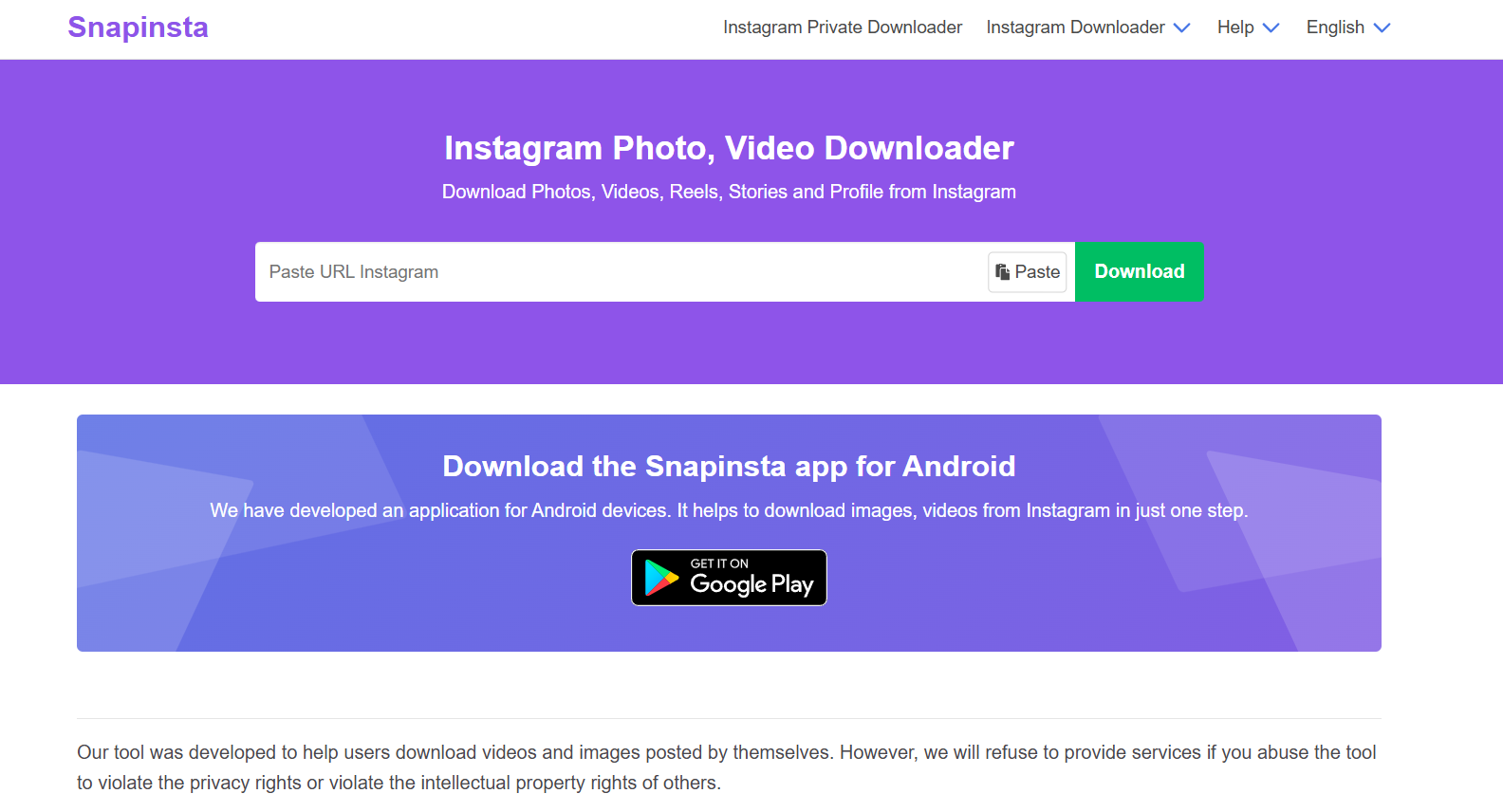
SnapInsta

SnapInsta has been around for years and continues to dominate because of its consistency. It’s one of those tools you try once, and it instantly becomes your go-to.

Key Features

  • Download posts, reels, stories, highlights, and IGTV

  • Supports Instagram post downloader HD formats

  • Clean user interface that works flawlessly on desktop and mobile

  • Extremely fast processing time

  • No account needed, ever

Pros & Cons

  • Pros: High-quality downloads, stable servers, very few ads

  • Cons: Can occasionally slow during global peak usage hours

Best For

Creators, agencies, and anyone downloading content daily who needs maximum reliability.

SnapInsta is especially great for people who download reels for editing inspiration — the HD clarity is noticeably better than most free tools.

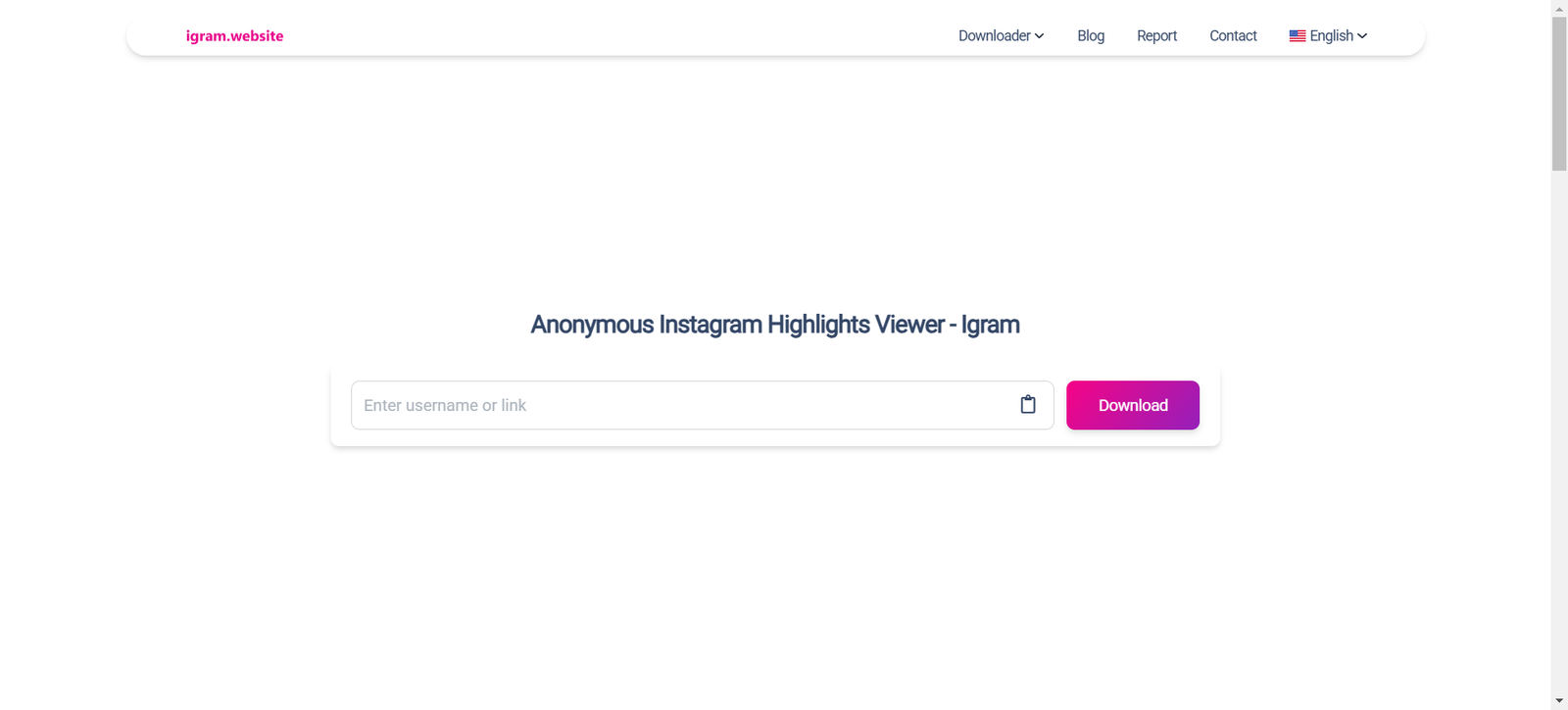
2. Tool #2 — iGram: The Most User-Friendly Instagram Post Downloader
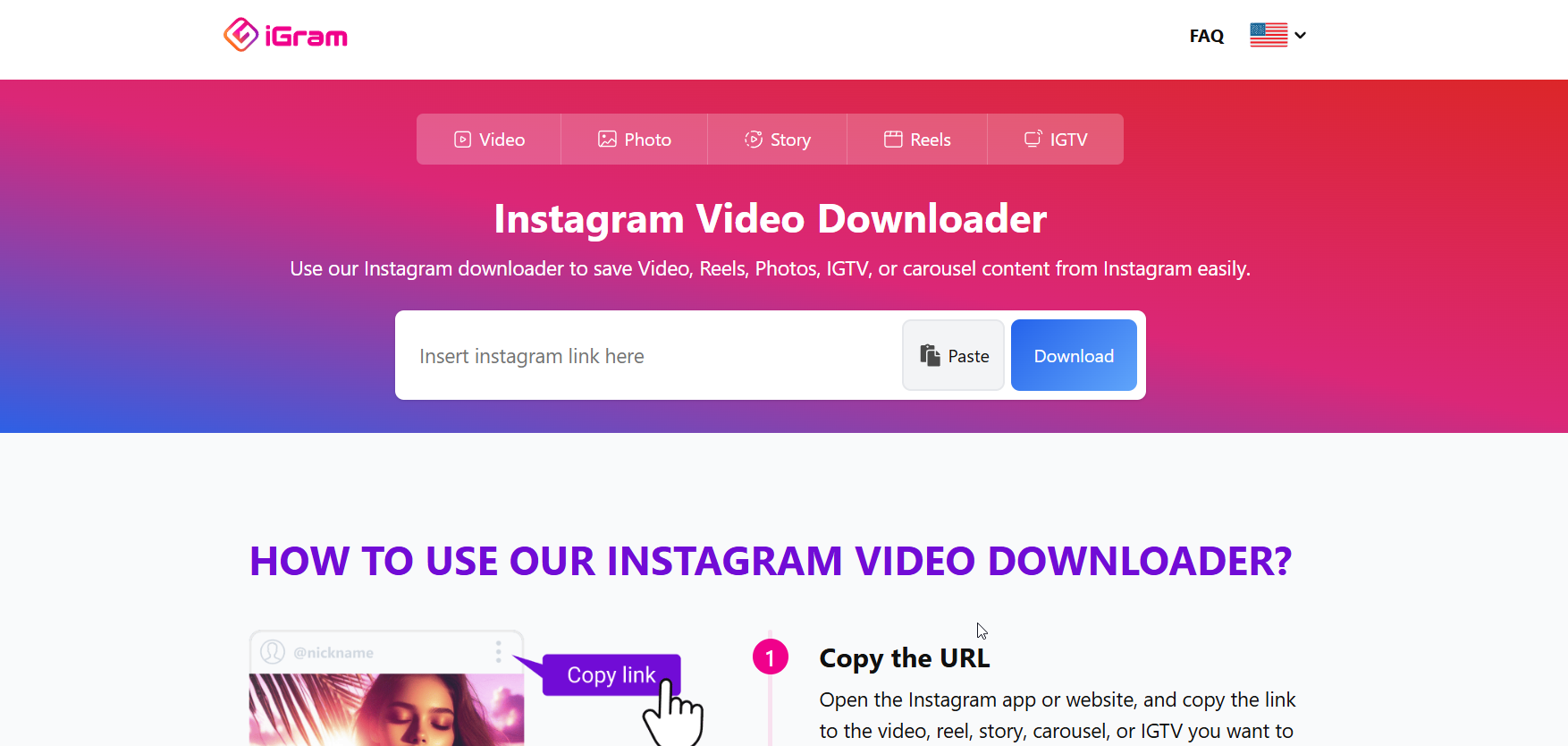
iGram Pinterest Downloader

iGram is the definition of simplicity. If you want a downloader instagram post tool that works with zero confusion, this is it.

Key Features

  • Download photos, carousels, videos, and reels

  • One-click interface with nearly instant downloads

  • Works smoothly on smartphones

  • Doesn’t require login or extensions

How It Works

Copy the post URL → paste it → download. That’s literally it.

Best For

Casual users who don’t want unnecessary features and just want a reliable, minimalistic tool.

iGram is particularly good for people who download posts occasionally and don’t need advanced features like bulk downloading.

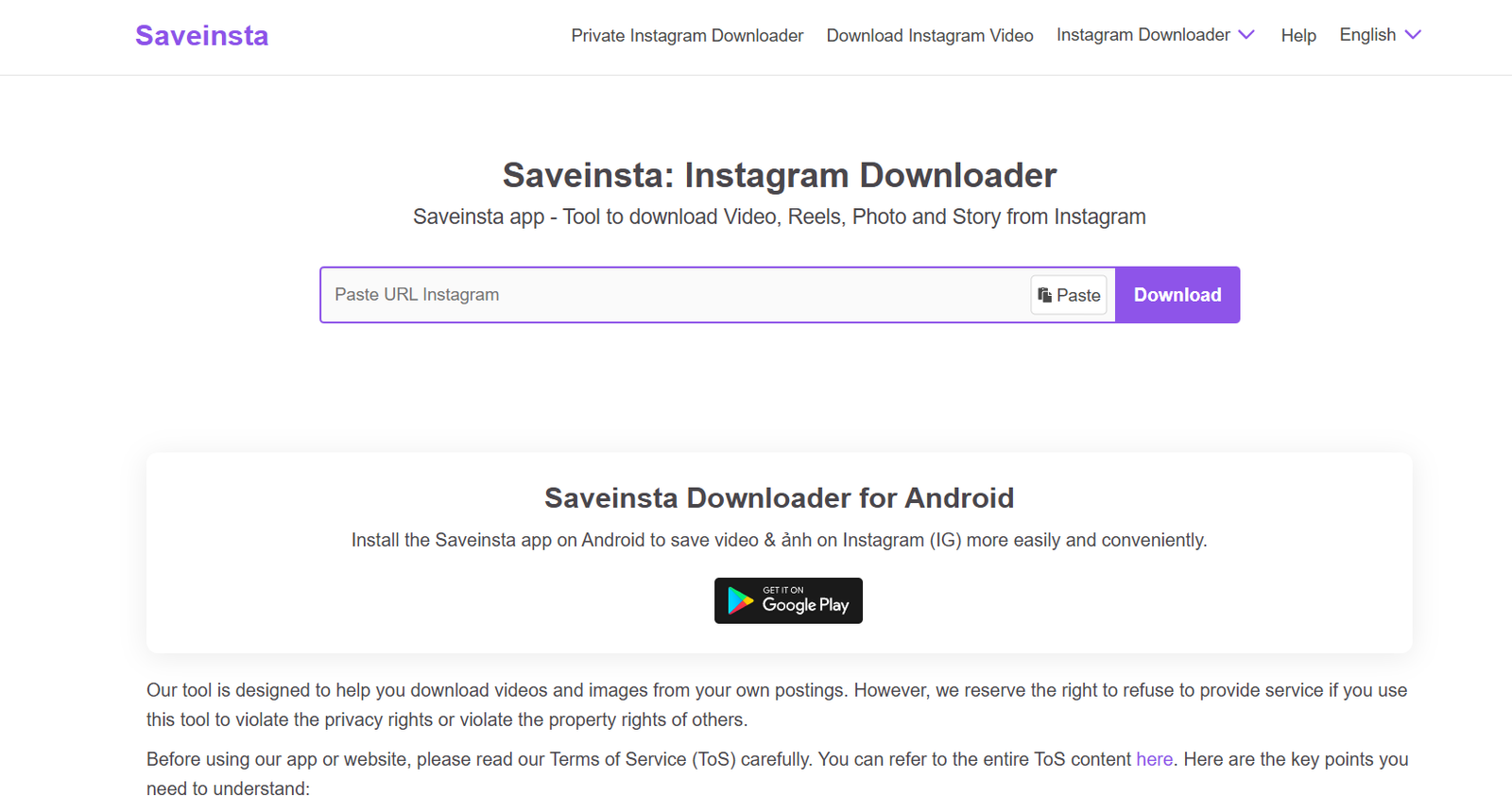
3. Tool #3 — SaveInsta: A Powerful Downloader With HD Quality Support
SaveInsta

SaveInsta stands out because of how consistently it maintains HD quality across everything — reels, posts, stories, and even profile pictures.

Key Features

  • Ultra-sharp instagram post downloader hd performance

  • Supports full-content downloads (videos, reels, carousels)

  • Super clean interface

  • Fast processing time even for large videos

Supported Formats

  • JPG (HD)

  • MP4 (HD)

  • ZIP bundles for multi-photo posts

Best For

Designers, video editors, content creators, and anyone who needs the highest resolution possible.

SaveInsta’s ability to maintain clarity is unmatched, especially for users who frequently repurpose or analyze visual content.

4. Tool #4 — InstaSave: Speed-Focused Downloader for Creators
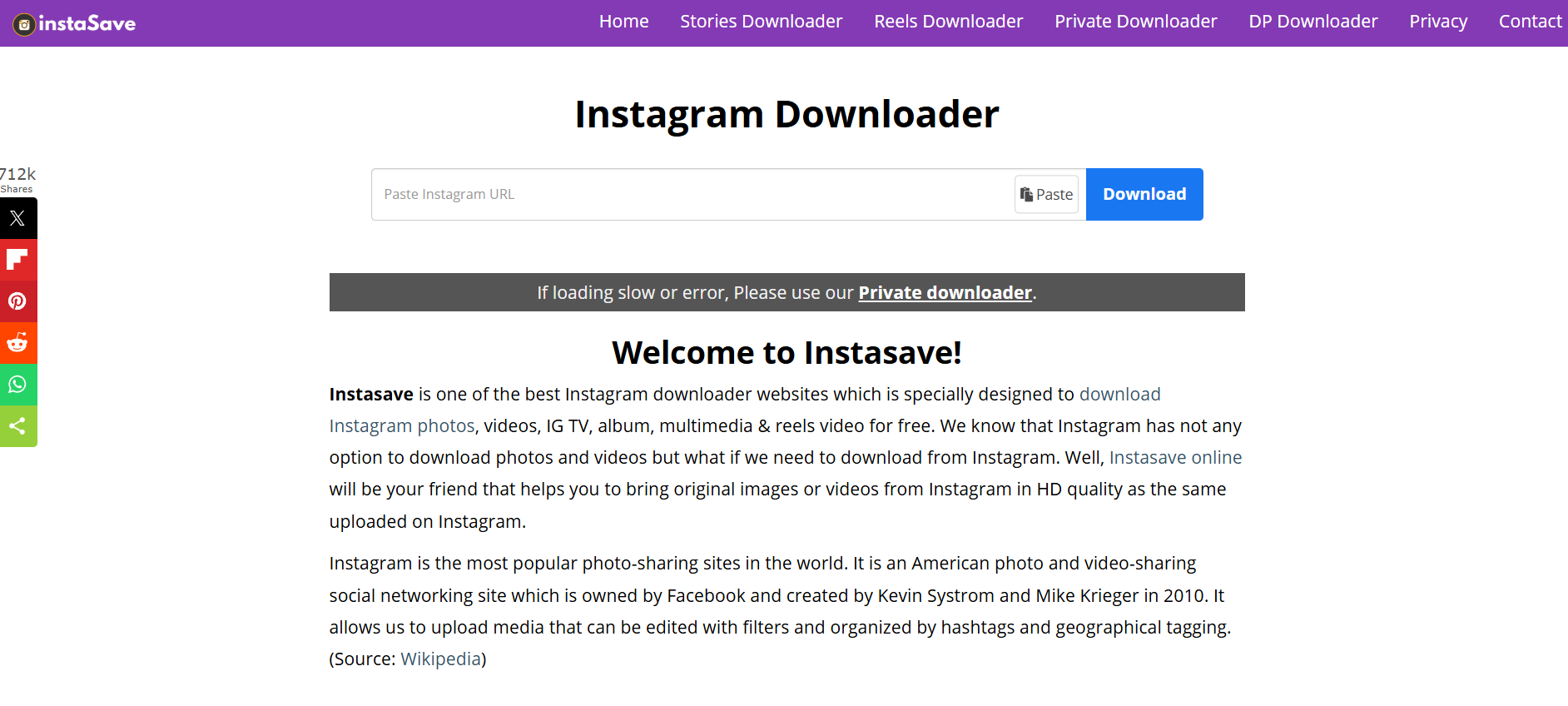
InstaSave is all about speed — and if you download dozens of posts per day, you’ll notice the difference.

Features You’ll Love

  • Extremely fast downloads

  • Works well even on slow internet connections

  • Clean and modern UI

  • No app installation needed

Performance Overview

Even if you paste multiple URLs one after another, InstaSave handles them quickly without lagging or timing out.

Best For

Busy creators, marketing teams, and power users.

If you often download posts during tight deadlines or while multitasking, InstaSave will save you a ton of time.

5. Tool #5 — SaveFrom: No-Account-Needed Instagram Post Downloader

savefrom

SaveFrom is one of the oldest names in the content-downloading game. It has built a reputation for speed, reliability, and zero-login requirements.

Security Benefits

  • No login required

  • No data collection

  • Long-standing trust among millions of users worldwide

Ease of Use

Paste → click download → save. No more steps.

Best For

People who want something extremely simple and don’t want to risk giving access to any part of their Instagram account.

SaveFrom isn’t fancy — but it works, and sometimes that’s exactly what you need.

6. Tool #6 — Toolzu Instagram Downloader: Mobile-Friendly and Creator-Oriented

Toolzu

Toolzu Instagram Downloader is heavily optimized for phone users — fast loading, clean layout, and everything is designed with tap-based navigation in mind.

iOS and Android Compatibility

It works exceptionally well on both iPhone and Android, and you can use it directly from your mobile browser without installing anything.

Key Features

  • HD image and video downloader

  • Download carousels smoothly

  • Very few ads compared to similar tools

  • Great performance on older devices

Best For

People who download content mainly from their phones.

If you scroll Instagram more on your phone than your laptop, Toolzu will feel natural and effortless.

7. Tool #7 — Inflact: Feature-Rich Premium Downloader

Inflact IG Picture Saver

Inflact is a premium-level tool that offers way more than basic downloading. It’s built for serious digital workers.

Hidden Features

  • Bulk post downloading

  • Automated daily downloads for specific profiles

  • Cloud storage functionality

  • Extra tools like hashtag generator and analytics

Why Users Love It

Inflact is not just a downloader — it’s a full Instagram toolkit that helps creators grow, organize, and collect content efficiently.

Best For

Agencies, brands, and creators handling large-scale content operations.

If you want a pro-level solution that goes beyond casual downloading, Inflact is unmatched.

How to Choose the Best Instagram Post Downloader for Your Needs

Speed vs. Quality vs. Simplicity

Not every user needs the same thing. Some value ultra-HD quality, others want a quick downloader instagram post solution, and some want automation.

Important Safety Considerations

Never enter your Instagram password into any downloader. All trustworthy tools only require a URL.

Legal & Ethical Use Tips

Be respectful. Download content for personal inspiration, research, or archiving — not for stealing or reposting without permission.

Step-by-Step Guide: How to Use an Instagram Post Downloader Properly

Copying the URL

Tap the three dots → Copy Link.

Pasting and Downloading

Paste it into any of the tools above → Download.

Recommended Settings for Best Results

Always pick HD where available, especially for reels and photos.

Common Problems and How to Fix Them

Downloader Not Working

Try a different tool — even the best sites face occasional downtime.

Low-Quality Output Issues

This happens when tools don’t support HD. Use SaveInsta or SnapInsta.

Private Account Limitations

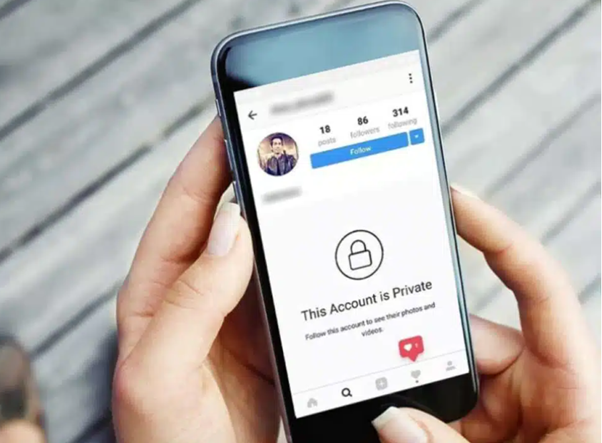
No tool can bypass privacy settings. You must already follow the account.

Conclusion: Start Using the Right Instagram Post Downloader Today

Finding the perfect Instagram post downloader can completely change the way you collect, organize, and repurpose content. Whether you’re a creator, marketer, designer, or casual user, these tools will save you hours of frustration.

Try a few of them today, experiment with HD downloads, explore bulk-saving features, and see which one fits your workflow best. Once you start using the right tool, you’ll never go back to screenshots or unreliable apps again.

Find More: Boost Your Sales With SEO Services

FAQs

1. What’s the safest instagram post downloader to use?

SnapInsta, iGram, and SaveFrom are considered very safe because they don’t require login.

2. Can I download an entire carousel from Instagram?

Yes, several tools like Toolzu and SaveInsta support carousel downloads.

3. Do any of these tools work on PC and mobile?

All tools listed work on every device — phone, tablet, and computer.

4. Can I download reels using these tools?

Yes, every tool listed supports reel downloads.

5. Are instagram posts downloader tools free?

Most are free, but Inflact offers premium features.
Tags:
7 Instagram Video Download Tools That Actually Work

7 Instagram Video Download Tools That Actually Work

instagram video download

Introduction

Instagram video download is something almost everyone has googled at some point. Whether you’re trying to save a Reel for inspiration, keep a video tutorial handy, archive content for research, or just want offline access to your favorite moments, having a reliable way to download Instagram videos really matters. Over the years, Instagram has grown into a massive content hub packed with tutorials, recipes, fitness routines, inspiring transformations, memes, and educational clips. But the platform wasn’t built with a native download button — and that’s where things get frustrating.

If you’ve ever typed “download instagram videos” or “Instagram download video” into Google, you already know the struggle. Many tools are slow, full of pop-ups, or stop working every few months. Some look sketchy enough to make you close the tab immediately. That’s why this guide exists. I tested a long list of tools, removed the unreliable ones, and kept only 7 Instagram video download tools that actually work — consistently, safely, and with good quality.

Consider this your go-to resource anytime you need to save a Reel, Story, IGTV episode, carousel video, or even content from creators you admire.

Find More: Optimal Instagram Posting Time: 9 Data-Backed Times for Maximum Reach

Tool 1: SnapInsta

SnapInsta

SnapInsta is easily one of the most popular tools online — and it earns that popularity honestly. When you open the website, you immediately feel like you’re in the right place. The interface is clean, the process is simple, and everything is fast. No endless ads, no fake download buttons, no confusing steps. Just copy, paste, download. Try it here: SnapInsta

Why SnapInsta Works Well

  • Super-fast processing even with long videos
  • Supports nearly all Instagram formats: videos, Reels, IGTV clips
  • No login or account needed, making it safer than app-based tools
  • Great for mobile users due to its lightweight design
  • Rarely breaks when Instagram updates its system

SnapInsta is ideal for people who want something fast and painless. It also works smoothly on both desktop and mobile, so you can save videos wherever you are.

Tool 2: SaveInsta

SaveInsta

SaveInsta is another strong option, especially if you want a single tool that can download everything from photos to full Reels to Stories. The user interface is extremely simple and almost impossible to mess up, which makes it beginner-friendly. Try it here: SaveInsta

Why SaveInsta Stands Out

  • Clean, modern interface that feels trustworthy
  • Supports photos, stories, reels, and IGTV
  • Works smoothly on any device: Android, iOS, Windows, Mac
  • Fast processing with quick preview options
  • No extra steps or interruptions

SaveInsta is a great pick if you want an all-in-one downloading tool without any learning curve. It’s especially useful when you’re saving content from multiple parts of Instagram.

Tool 3: iGram

Igram

iGram has been around for years and has managed to stay one of the most reliable tools despite Instagram’s constant updates. It supports nearly every type of Instagram content, including carousels — something many other tools struggle with. Try it here: iGram

What Makes iGram Reliable

  • Long-established tool trusted by millions
  • Supports batch downloads for multiple video slides
  • Downloads high-quality videos without compression
  • Offers fast link detection and conversion
  • Rarely shows intrusive ads

iGram is the type of tool you bookmark because it has proven stability. If you’re someone who frequently downloads tutorial Reels or multi-slide videos, this one’s perfect.

Tool 4: Inflact

Inflact IG Picture Saver

Inflact is not just a downloader — it’s a full Instagram toolkit designed for heavy users, social media managers, and content collectors. It offers premium-quality downloads that sometimes look even better than the Instagram preview. It’s one of the most advanced tools on this list, packed with additional features beyond video downloads. Try it here: Inflact

Why Inflact Is a Premium Choice

  • Offers high-resolution HD downloads
  • Includes extra features like hashtag tool, analytics, and profile downloader
  • Handles very long videos without lag
  • Extremely stable and secure
  • Great for business users, researchers, and content creators

Inflact is the kind of tool you use when quality matters. If you need the cleanest, sharpest version of a video for professional use, this is the one.

Tool 5: InstaSave

InstaSave is a quick and flexible tool that works especially well for long videos. Some tools fail when videos are too long or too large, but InstaSave handles them without breaking. It’s designed to be minimalistic and efficient. Try it here: InstaSave

Why InstaSave Is Worth Trying

  • Excellent for longer Reels and IGTV content
  • Zero registration or sign-in required
  • Consistent performance even with slow connections
  • Very few error messages or broken links
  • Lightweight and optimized for low-end devices

If you’re someone who regularly saves tutorials, podcast clips, or long-form informative Reels, you’ll love InstaSave.

Tool 6: SnapDownloader

SnapDownloader

SnapDownloader is different from the rest because it’s software instead of a website. It’s incredibly powerful and perfect for people who download videos often or need the highest resolution possible. While it’s a paid solution, the performance is worth it if you’re a heavy user. Try it here: SnapDownloader

Why SnapDownloader Is Special

  • Offers the highest-quality downloads across multiple platforms
  • Supports Instagram, YouTube, Facebook, TikTok, and more
  • Perfect for bulk downloads and long videos
  • Very stable, no broken links or sudden failures
  • Ideal for content creators, editors, and researchers

SnapDownloader is basically the “professional” option for people who take content saving seriously.

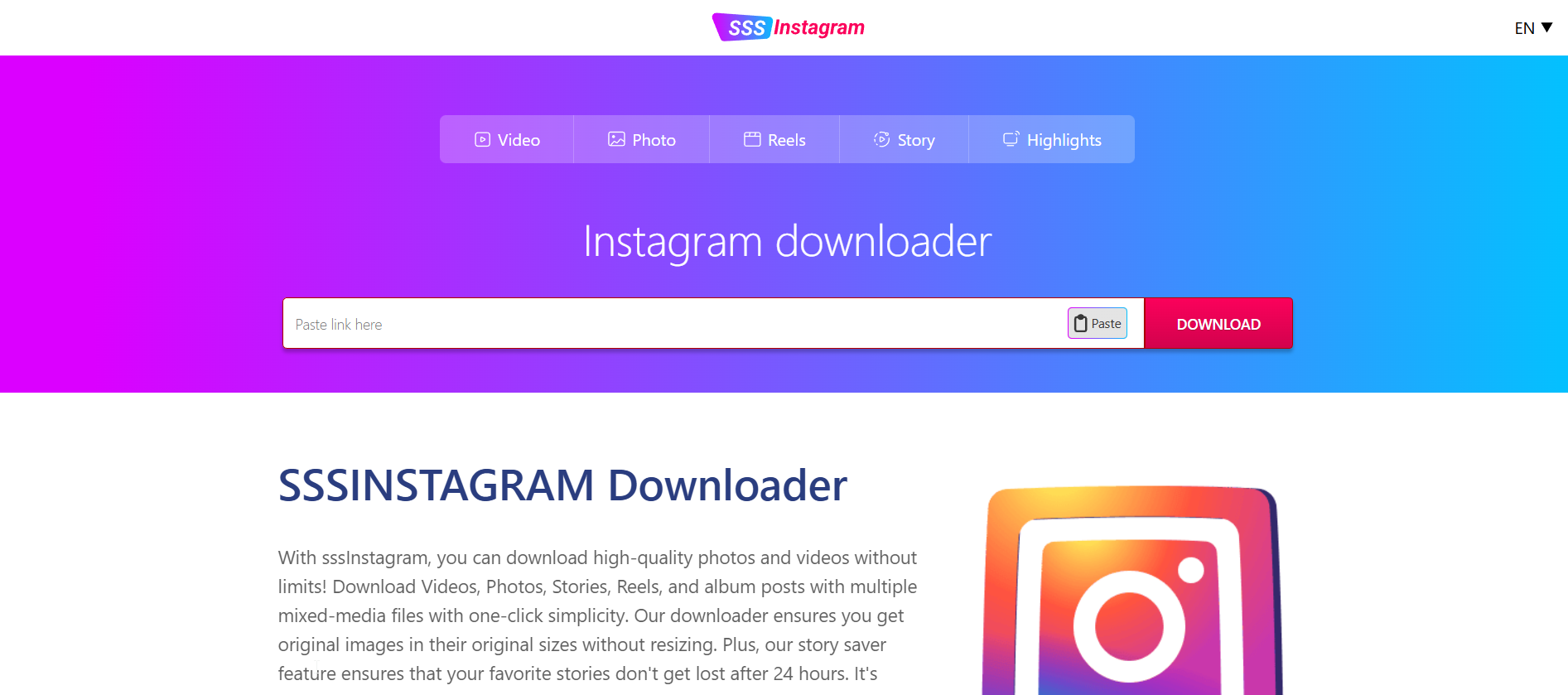
Tool 7: SSSInstagram

sssinstagram

SSSInstagram keeps things extremely simple. It loads fast, works instantly, and doesn’t try to push unnecessary features. If you need something lightweight that you can use on the go, this one delivers. Try it here: SSSInstagram

Why SSSInstagram Delivers

  • Extremely lightweight — loads even on slow internet
  • Very fast conversion speeds
  • Works perfectly on mobile browsers
  • Supports Reels, videos, and even photos
  • Minimal design with almost no distractions

SSSInstagram is great for quick, casual downloads without needing to think too much.

How to Download Instagram Videos Properly

Now that you’ve seen the best tools, let’s walk through the typical process. Even if you’re new to this, it’s super easy and takes only a few seconds.

Step 1: Copy the Video Link

Open Instagram → tap the three dots → choose “Copy link.” This works for Reels, posts, IGTV, and even public profiles.

Step 2: Paste the Link in the Tool

Open your preferred tool and paste the link into the download box.

Step 3: Choose Your Format

Some tools let you choose MP4 quality or different video sizes.

Step 4: Click Download and Save

The file will start downloading immediately. After that, it’s automatically stored in your device’s gallery or downloads folder.

Downloading Instagram videos has never been easier — even if you’re not tech-savvy.

Tips to Avoid Low-Quality Downloads

1. Use Tools That Support HD

Not all tools download the original resolution. Premium tools like Inflact or SnapDownloader preserve the full quality.

2. Always Copy Links from the Instagram App

Browser links sometimes break the parser. The app gives the most stable link.

3. Avoid Third-Party Apps That Require Login

You never need to log in to download public content, and login-based apps can be risky.

4. Use Tools That Don’t Add Watermarks

The tools listed above provide clean, watermark-free downloads.

5. Double-Check File Formats

For editing or reposting with credit, MP4 format is usually the best.

Is It Legal to Download Instagram Videos?

The short version: Yes, downloading Instagram videos for personal use is generally allowed, as long as you respect copyrights and usage rights.

Here’s what’s okay:

  • Using saved videos for inspiration or offline viewing
  • Archiving content for personal reference
  • Studying tutorials or educational content offline

Here’s what’s NOT okay:

  • Reposting someone else’s content without permission
  • Monetizing someone else’s video
  • Claiming content as your own

Basically: download whatever you want, but use it responsibly.

Conclusion

Downloading Instagram videos doesn’t have to be difficult or risky. With reliable tools like SnapInsta, iGram, Inflact, and others, you can save any Reel, tutorial, IGTV video, or inspirational clip within seconds. Having access to your favorite content offline can help with creativity, planning, education, or just pure entertainment.

Whether you’re a casual user saving cooking videos for later, a content creator building a mood board, or a social media manager collecting inspiration, these tools make the process effortless. Just remember to respect creators and use your downloads responsibly.

Find More: Boost Your Sales With SEO Services

FAQs

1. How do I download Instagram videos on my phone?

Copy the link from the Instagram app, paste it into one of the tools listed above, and tap download. The file will save directly to your phone’s gallery or downloads folder.

2. Are Instagram video download tools safe?

Yes — the tools listed here are tested and trusted. Just avoid any tool that asks for your Instagram login.

3. Can I download private Instagram videos?

No. Download tools only work with public content you have access to.

Tags:
10 Powerful Tools to Download Instagram Photos Safely

10 Powerful Tools to Download Instagram Photos Safely

download instagram photos

Introduction: Why Safe Instagram Downloading Actually Matters

Download Instagram photos — it sounds simple, right? But the moment you try to do an Instagram photo download and suddenly find yourself dealing with shady pop‑ups, fake download buttons, or websites that look like they were built in 2009, everything gets complicated. And honestly, that’s probably why you’re here. You want a way to download Instagram photos safely without feeling like you’re risking your device, your privacy, or your time.

People download photos for all kinds of reasons — maybe you saw something inspiring, maybe you’re a designer collecting mood board content, or maybe you simply want to do an Instagram profile photo download because someone’s photo looks amazing and you want the original quality. Whatever your reason is, the most important thing is doing it safely and without destroying the photo quality.

In this guide, I’m breaking everything down the same way I’d explain it to a friend — simply, clearly, and without any robotic tones or useless jargon, almost as straightforward as answering a simple question like how many cups in a quart.

Find More: Audio Download Instagram: 7 Powerful Ways You Didn’t Know Existed

What to Look for in a Safe Instagram Photo Downloader

Security and Privacy Considerations

The first rule is simple: never use a downloader asking for your Instagram login. You don’t need to log in to download public photos — not ever. A safe tool should only ask you for a URL, nothing more. If you’re ever unsure, close the site immediately.

Download Quality and File Resolution

Some tools absolutely ruin the quality of the images. And if you’re downloading photography, designs, or detailed visuals, you need tools that preserve the original resolution. Look for downloaders that support HD or original quality output.

Speed and Ease of Use

You shouldn’t need to click through a million ads or navigate through confusing buttons. A good downloader keeps it simple: paste link → press download → done. If it feels like a puzzle, skip it.

Device Compatibility (Mobile, Desktop, Browser)

Some tools are built specifically for desktop, some are perfect for mobile, and a few work smoothly everywhere. Depending on your device, pick the option that matches your workflow. I’ll point out which tools excel on which devices.

The 10 Powerful Tools to Download Instagram Photos Safely

These are the most reliable, clean, and genuinely safe tools available today. No spam, no bait, no weird login requests.

1. SaveInsta – One of the Fastest & Easiest Options

SaveInsta

SaveInsta is one of the tools that just works — fast, clean, and without unnecessary steps. Paste the link, hit download, get your photo. It supports HD resolution and works smoothly on all devices.

  • Great for: regular users
  • Works on: mobile + desktop
  • Quality: high-resolution downloads
  • Ads: very minimal

2. iGram – Best Overall Instagram Downloader

iGram Pinterest Downloader

iGram is one of the top choices for anyone who wants flexibility. It supports photos, videos, reels, carousels — pretty much everything Instagram offers. The layout is simple, it runs fast, and it doesn’t attack you with ads.

  • Great for: downloading all media types
  • Works on: mobile + desktop
  • Speed: extremely fast
  • Bonus: supports multiple link formats

3. SnapInsta – High-Quality Photo Saving

SnapInsta

SnapInsta is made for people who care about quality. If you need crisp, original-resolution photos, this is a tool you’ll appreciate. It’s especially good for creative work, moodboards, and inspiration folders.

  • Great for: photographers, designers, high-quality images
  • Works on: mobile + desktop
  • Quality: original resolution
  • Interface: clean and modern

4. Inflact Downloader – Premium, Polished & Powerful

Inflact IG Picture Saver

Inflact is more than just a downloader — it’s a full professional toolkit. Yes, it’s paid, but worth it if you download content regularly. You get features like bulk download, batch HD saving, auto-download, and more.

  • Great for: agencies, marketers, content creators
  • Features: bulk downloads, HD images, secure interface
  • Extra: part of a premium suite of Instagram tools

5. SaveFrom – Quick & Simple for Everyone

savefrom

SaveFrom is one of the oldest downloaders on the internet. It’s simple, familiar, and widely trusted. It may not look fancy, but it’s stable, fast, and reliable.

  • Great for: quick one-time downloads
  • Works on: all devices
  • Reliability: proven for years
  • Bonus: very user-friendly

6. Toolzu Instagram Downloader – Clean UX & Smooth Performance

Toolzu

Toolzu stands out because it’s clean, smooth, and doesn’t compress your images. It’s easy to use, making it ideal for beginners.

  • Great for: beginners
  • Quality: HD output
  • Extra: downloads reels, stories, and videos too
  • Interface: polished and modern

7. Instasave – Perfect for Mobile Users

instasave

Instasave shines on smartphones. It loads fast, fits perfectly on mobile screens, and doesn’t frustrate you with tiny buttons or weird navigation.

  • Great for: mobile-first users
  • Speed: instant
  • Login: not required
  • Bonus: lightweight and fast on older phones

8. DownloadGram – Minimal, Fast, and Trusted

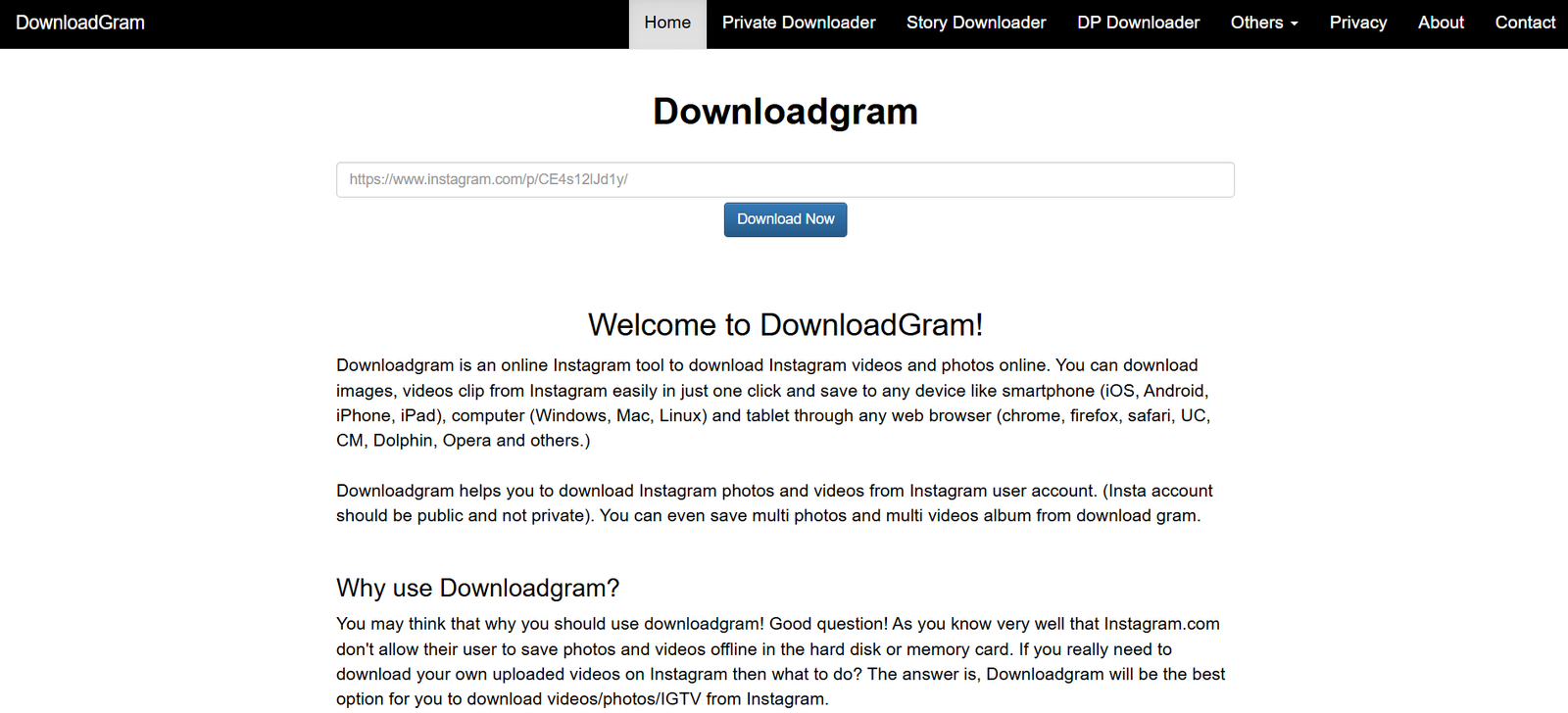
downloadgram

DownloadGram is one of the cleanest tools on the list. No ads, no complications. It’s a minimalist’s dream.

  • Great for: people who just want the photo — nothing else
  • Works on: any browser
  • Bonus: zero clutter

9. W3Toys (InstaDownloader) – Great for Older Devices

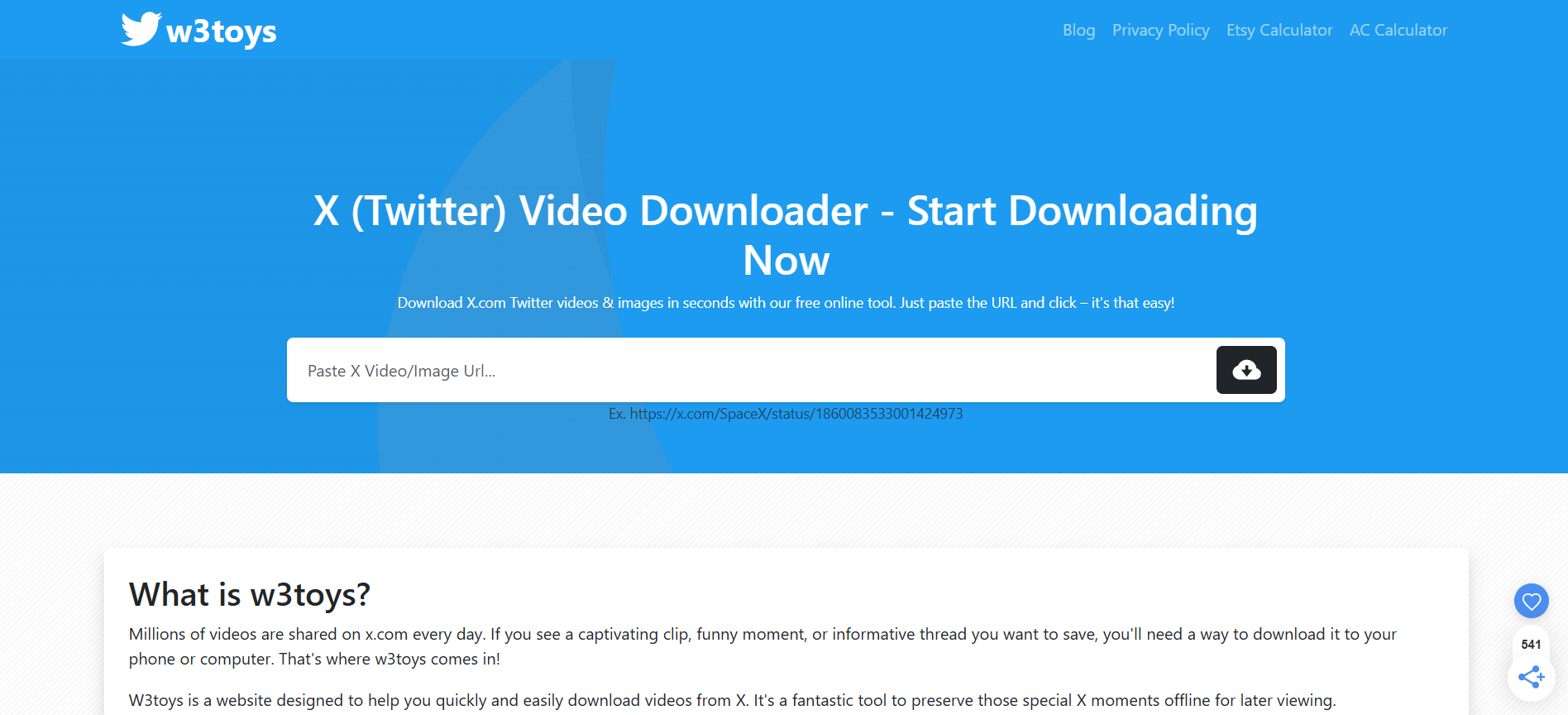
w3toys

W3Toys may not win design awards, but it performs well even on low-end devices or slow internet connections. Simple and functional.

  • Great for: older devices, slow internet
  • Simplicity: extremely basic
  • Bonus: loads very fast

10. Qoob Stories – Desktop App for Bulk & Automatic Saving

qoob

Qoob Stories is a powerful desktop tool, perfect for users who want large-scale downloading or scheduled content backups. It pulls entire accounts, saves automatically, and organizes your downloads.

  • Great for: large collections, backups, full account downloads
  • Features: auto-download, scheduled saving, HD quality
  • Works on: Windows + macOS

How to Download Instagram Photos Safely: Step-by-Step Guide

Step 1: Choose a Trusted Instagram Photo Downloader

Start with any of the tools above. Avoid clicking random Google results — not all are safe.

Step 2: Copy the URL of the Instagram Photo

Tap the three dots on the Instagram post → choose “Copy Link.” It works the same on mobile and desktop.

Step 3: Paste the Link Into the Downloader

Every trusted tool has an input box at the top of the page. Paste your link there.

Step 4: Download and Save the Image Securely

Click download, review the file, and save it to your device. If the tool offers HD or “original size,” choose that option.

Common Risks to Avoid When Downloading Instagram Photos

Malware and Fake Download Websites

Some sites pretend to be downloaders but actually serve malware or fake buttons. If you see flashing ads everywhere, just leave.

Tools That Ask for Login Information

A real Instagram downloader never asks for your Instagram username or password. If it does — close the page.

Low-Quality or Compressed Photo Downloads

Some tools shrink the image to save bandwidth. That’s why HD-friendly tools like SnapInsta and Inflact are recommended.

Legal and Ethical Considerations When Downloading Instagram Content

Understanding Instagram’s Copyright Policies

Instagram doesn’t own the content — the creators do. Downloading is allowed for personal use, but reposting without permission can violate copyright.

When It’s Okay to Save or Reuse Photos

Saving for personal reference, education, or inspiration is fine. But if you plan to post the photo anywhere else, always ask for permission out of respect.

Conclusion: The Safest and Easiest Way to Download Instagram Photos Today

There are countless tools out there, but only a handful are genuinely safe and worth using. The downloaders listed here give you the best mix of security, speed, quality, and ease. Whether you’re saving a single photo or managing large collections, you now have reliable options.

Find More: Boost Your Sales With SEO Services

FAQs

1. Can I download Instagram photos without an app?

Yes. Almost all tools on this list let you download photos directly from your browser.

2. Is it legal to download Instagram photos?

It’s legal for personal use. For reposting or commercial use, always ask the creator.

3. Can I download private Instagram photos?

No, not unless you follow the account and have access. And tools should never ask for login access.

4. Do these tools work on both phones and computers?

Most of them do. Some are even optimized for mobile.

5. Will the download quality stay the same as the original?

Yes, as long as you use tools that support HD and original resolution — like SnapInsta and Inflact.

Tags:
Optimal Instagram Posting Time: 9 Data-Backed Times for Maximum Reach

Optimal Instagram Posting Time: 9 Data-Backed Times for Maximum Reach

optimal instagram posting time

Introduction: Why Finding the Optimal Instagram Posting Time Matters

Optimal Instagram posting time is one of those topics everyone thinks they understand… until they look closely at their analytics and realize their audience behaves in completely unexpected and sometimes hilarious ways. Maybe you post something you absolutely love, something you worked hard on, something you were sure would perform amazingly — and then it totally flops. Not because the content was bad, but because you posted it at the wrong time. And that stings. Timing isn’t a tiny technical detail. It’s one of the biggest hidden levers of growth that most people underestimate.
When people talk about the optimal Instagram post time or the optimal time to post on instagram, they’re usually referring to the hour they hit “publish.” But in reality, it’s much deeper. It’s about how human behavior, attention patterns, and the Instagram algorithm work together. It’s about posting in the windows when your audience is awake, engaged, receptive, and ready to interact. This article mentions the optimal times to post on Instagram a lot — and for a good reason. These times are all based on real data and real user behavior.
If you genuinely want to maximize reach — not just occasionally, but consistently — then mastering timing is non-negotiable. It’s one of the simplest growth strategies, yet one of the most powerful.

Find More: 7 Best Instagram Growth Services That Actually Work

The Importance of Posting at the Right Time on Instagram

How Timing Influences the Algorithm

The Instagram algorithm loves speed. The faster your post gets engagement, the more the algorithm pushes it out. Posting when your audience is highly active boosts that early engagement, signals to Instagram that your content is valuable, and helps your post reach the Explore Page or at least a much larger group of your followers.
But if you post when your audience is offline? You’re basically whispering into an empty room. That early push disappears, and even great content can get buried.

Why Audience Behavior Shapes Engagement

Every audience has its own routine. Some scroll first thing in the morning. Others take quick breaks during work. Some browse before bed. Different niches also behave differently — students, parents, creatives, business owners, travelers, all have unique rhythms.
This is why copying another creator’s posting time rarely works. Their audience isn’t your audience. But even with these differences, there are still global patterns and universal high-engagement windows. And those are exactly what you’ll find in the next section.

Data Sources Used to Determine Posting Times

The 9 time windows below are based on:

  • Global engagement studies from large datasets

  • Scheduling platform analytics (like Later, Hootsuite, Buffer)

  • Performance patterns across thousands of creators

  • Behavioral trends from Instagram’s own updates
    This isn’t guesswork. It’s structured, data-backed timing.

9 Data-Backed Optimal Instagram Posting Times for Maximum Reach

These windows consistently generate high engagement for the majority of users. Your personal optimal times may vary slightly, but these are the strongest starting points.

Best Posting Time #1 — Early Morning Engagement Window

The 6 AM – 8 AM slot works because people check their phones before getting out of bed. It’s a calm, quiet time where people scroll slowly and actually read content. Perfect for storytelling posts, quotes, and carousels.

Best Posting Time #2 — Mid-Morning Activity Peak

Around 9 AM – 10 AM, people take small breaks before diving into the day. Engagement here is strong because users are alert, relaxed, and more likely to save content that feels useful.

Best Posting Time #3 — Late Morning Scroll Surge

The 11 AM – 12 PM window is especially good for educational content. People are still mentally active and like to save things to revisit later. Great for carousels, tips, and reels.

Best Posting Time #4 — Early Afternoon High-Engagement Hour

12 PM – 1 PM is a universal powerhouse. Lunchtime scrolling is real. This slot consistently produces high likes, comments, and reach across almost every niche.

Best Posting Time #5 — Mid-Afternoon Productivity Dip

2 PM – 3 PM is when people start feeling mentally tired or bored. They pick up their phones looking for entertainment. This is an incredible time for reels, memes, short videos, or anything fun.

Best Posting Time #6 — Late Afternoon Discovery Boost

Between 4 PM – 5 PM, people take end-of-day breaks. If your audience includes students or young professionals, this time can be especially golden.

Best Posting Time #7 — Evening Prime Time Slot

Instagrammer

The 6 PM – 8 PM window is arguably the best of the entire day. Everyone is done with work or school, and this is when people scroll the most. If you had to choose only one time, choose this.

Best Posting Time #8 — Late-Night Quiet-But-Effective Window

The 9 PM – 11 PM slot works because competition from other creators drops significantly. People browse before sleeping, and your content stays fresh for the next morning crowd.

Best Posting Time #9 — Weekend Engagement Sweet Spots

Weekends are calmer and slower. People wake up later, scroll more casually, and actually take time to enjoy content. The best windows:

  • Saturday: 10 AM – 1 PM

  • Sunday: 9 AM – 12 PM
    Weekend posts tend to get higher saves because people finally have time to learn something.

How to Find Your Personal Optimal Instagram Posting Time

Analyzing Instagram Insights

General data is helpful, but your personal analytics are king. Instagram Insights will show you:

  • When your followers are most active

  • Which days they’re online the most

  • Which posts performed best and when
    This is the most accurate way to tailor your posting schedule.

Understanding Your Ideal Audience Time Zones

If you’ve got followers from multiple regions, timing gets trickier. You might need to:

  • Post twice a day

  • Use overlapping windows

  • Prioritize the largest region
    This is especially important for global brands and digital creators.

Testing, Tracking, and Adjusting Your Posting Schedule

Think of timing as an experiment. Try different times for 2–4 weeks, collect data, then adjust. Track:

  • Reach trends

  • Average engagement rates

  • Saves and shares
    Small adjustments often lead to massive improvements.

Additional Tips to Boost Engagement Beyond Posting Time

Perfecting Your Hook and First Line

Even if you hit the perfect posting window, you need a strong hook to stop the scroll. Make the first 1–2 seconds punchy, emotional, or curiosity-driven.

Using Reels, Carousels, and Stories Strategically

Each content type behaves differently:

  • Reels: great all day long

  • Carousels: best during high-attention hours

  • Stories: consistent throughout the day
    Mix these formats to maintain strong engagement.

Pairing Timing With Hashtags and SEO-Optimized Captions

Instagram SEO is now essential. Use keywords naturally in your captions, including phrases like “optimal instagram posting time,” “optimal instagram post time,” and “optimal time to post on instagram.” Combine optimized captions with the right timing, and your reach grows faster.

Conclusion: Start Posting at the Optimal Time to Maximize Reach

Understanding the optimal times to post on Instagram isn’t about luck. It’s about learning how people behave online and using that to your advantage. If you apply these 9 posting windows consistently, track your results, and make small adjustments, your reach will almost definitely improve.
Timing may not be everything — but it’s one of the easiest variables you can control. Start today, test your ideal windows, and watch your Instagram growth accelerate.

Find More: Boost Your Sales With SEO Services

FAQs

1. What is the overall best time to post on Instagram?

The 6 PM – 8 PM window consistently performs the best globally. Most people are free, relaxed, and engaged during this time.

2. Do posting times differ for Reels vs photos?

Yes. Reels perform well throughout the entire day because they get pushed to Explore. Photos, however, rely heavily on fast engagement and timing.

3. Should I post at the same time every day?

Consistency helps the algorithm learn your behavior, but don’t be afraid to run experiments and switch times weekly to see what works best.

4. How long does it take to see results after adjusting posting time?

Most creators see noticeable improvements within 2–4 weeks, especially if they track their metrics closely.

5. Do time zones affect the optimal Instagram posting time?

Definitely. If you have a global audience, consider posting multiple times or choosing windows that overlap with your largest audience segments.

Tags:
The Psychology Behind Wanting to See Private Instagram Profiles

The Psychology Behind Wanting to See Private Instagram Profiles

Curiosity is one of the most natural human emotions — especially in the digital age, where social media gives us a glimpse into other people’s worlds. Instagram, in particular, creates a unique blend of openness and restriction: while public accounts invite everyone in, private ones close the door just enough to make others wonder what’s inside.

In this article, you’ll learn why people are curious about private Instagram profiles, what drives this interest, and why a private Instagram viewer app is the easiest way to see private Instagram without following.

The Psychology of Digital Curiosity

The urge to look behind a private profile isn’t just about spying — it’s about human curiosity and social understanding. Instagram has become a window into personality, lifestyle, and relationships. When that window is covered, the mind naturally wants to peek behind it.

Curiosity and the Fear of Missing Out

FOMO is one of the biggest motivators behind wanting to view private IG stories or hidden posts. People fear being excluded from conversations or insights that others might have access to. When someone posts exclusive content or keeps their stories private, it creates a subtle sense of “social distance” — which many want to close.

Emotional Connection and Memory

Sometimes, the reason is emotional rather than informational. People often want to view private accounts of friends, ex-partners, or acquaintances because those profiles hold memories, closure, or nostalgia. Scrolling through photos and stories offers a way to reconnect with the past — even if just quietly.

Social Comparison and Identity

Humans are naturally inclined to compare themselves to others. Instagram, as a visual storytelling platform, amplifies that instinct. When a profile goes private, it disrupts that comparison process, creating an emotional gap. This drives users to look for ways to see private Instagram without following, simply to understand where they stand socially.

Why Private Instagram Accounts Attract More Attention

Private accounts often appear more exclusive and personal. That sense of “hidden” content makes them feel valuable. In psychology, this is known as the scarcity principle — people place higher value on what they can’t easily access.

Here’s what makes private profiles particularly appealing:

  • Mystery and Exclusivity: A private profile suggests that only a select few can access that content, which enhances its perceived importance.
  • Personal Connection: Viewers feel that private accounts hold more authentic, real-life content compared to curated public profiles.
  • Limited Visibility: Because stories and posts are only available to followers, viewers feel compelled to gain access before they disappear.
  • Social Proof: A profile with many followers but limited visibility creates curiosity about what others see that you don’t.

This combination of emotional intrigue and exclusivity explains why so many users look for a private story viewer — not out of intrusion, but curiosity and connection.

The Role of Instagram Stories in Modern Curiosity

Instagram Stories have transformed how people consume content — short, visual, and temporary. For many, stories reveal a more spontaneous, unfiltered side of someone’s life. When those stories are private, they trigger a stronger desire to view them.

A private story viewer can help you view private IG stories without being detected or needing to follow the person. It’s useful for people who want to see someone’s daily activity, creative style, or brand tone without interacting directly.

These tools have become particularly popular among digital marketers, creators, and even users who simply want to stay informed about trends or people they admire.

What Makes Private Story Viewer Apps So Useful

Safe and trusted tools like a private Instagram viewer app make it simple for users to explore and understand private profiles without crossing boundaries. These apps are designed to provide secure, effortless access to both private and public Instagram accounts — helping you see private Instagram without following or sending a request.

Instead of being about intrusion, their purpose is to make discovery easier. With these tools, users can:

  • View Private Profiles Instantly: Access hidden photos, reels, and stories without logging in or waiting for approval.
  • Watch Private Stories Anonymously: Stay informed about updates and daily activity using a reliable private story viewer feature.
  • Understand Account Behavior: Learn how to view someone’s Instagram activity safely — including tagging patterns, story uploads, and engagement levels.
  • Get Inspiration or Insight: Many creators and marketers use Instagram viewer apps to research trends, explore creative ideas, or analyze competitor strategies.

The best part is that these tools are designed for safety and simplicity — no complicated steps, no login details, and no risk. They allow anyone to explore content freely and confidently, turning curiosity into understanding with just a few clicks.

The Social Impact of Private Viewing

From a psychological standpoint, wanting to see private profiles reflects how digital interaction shapes modern relationships. Social media has blurred boundaries between public and private lives, making information both more available and more restricted at the same time.

People no longer view profiles just to “snoop” — they do it to stay connected, learn, and feel included. The growing popularity of tools like private story viewer apps reflects this shift. They empower users to explore, learn, and stay updated without disrupting anyone’s experience.

These apps, like a trusted view private Instagram app, are designed to support a modern curiosity that’s both normal and harmless — a product of how social media now connects people emotionally and socially.

Verdict

The desire to see private Instagram without following comes down to curiosity, connection, and understanding human behavior. Instagram has become a modern reflection of relationships, creativity, and personality — and when part of that is hidden, it’s natural to want to look closer.

Safe tools like the private Instagram viewer app make this exploration simple, fast, and secure. They allow users to view private IG stories, explore content anonymously without limits.

In 2025, this curiosity is no longer seen as intrusive — it’s a normal response to the social and emotional dynamics of online life. The best part? Today’s technology allows you to satisfy that curiosity safely, easily, and completely.

9 Amazing Simpliers Features That You Didn’t Know

9 Amazing Simpliers Features That You Didn’t Know

Simpliers

Introduction — What Makes Simpliers a Powerful Giveaway Tool?

Simpliers is one of those tools you hear about from a friend, try out of curiosity, and then immediately wonder how you ever ran giveaways without it. Whether you’re running a Simpliers giveaway for your audience, checking your Simpliers Instagram story viewer insights, or just searching for a clean, transparent way to pick winners, this tool does a lot more than most people think.
Running giveaways manually is exhausting. You miss comments. You question whether someone followed the rules. People accuse you of picking biased winners. And worst of all? You waste hours scrolling through endless notifications and usernames. Simpliers solves all of that — almost effortlessly.
Before we jump into the features most people don’t even know exist, let’s look at why this platform has become such an essential tool for influencers, online stores, coaches, artists, and content creators who love hosting Instagram giveaways.

Find More: Flufi Review 2025: The Truth Behind This Anonymous Instagram Viewer

Why Simpliers Is Becoming the Go-To Platform for Instagram Giveaway Management

The biggest reason people love Simpliers is that it simply gets the job done. No complicated setup, no confusing interface, no hidden settings. If you want to pull comments, analyze entries, and pick winners without the drama, this tool has you covered.

How Simpliers Simplifies Fair, Transparent, and Automated Winner Selection

A lot of giveaway tools pull data behind the scenes, but Simpliers does everything in the open. The draw animation happens on-screen. You see everything. Your audience sees everything. It builds trust instantly — and that trust becomes part of your brand.

Feature #1 — Full Instagram Comment Import Without Limits

One of the greatest pain points when hosting giveaways is missing comments. Instagram’s API doesn’t always show all entries, especially when your post gets big engagement. Simpliers solves this brilliantly by pulling every comment — even from massive giveaways.

Why Complete Comment Extraction Matters for Fair Giveaways

Nothing ruins a giveaway faster than participants saying, “Why wasn’t my comment included?” Complete comment imports stop that before it even starts. If you want fairness, accuracy, and transparency, this is non-negotiable.
When your giveaway goes viral and thousands of people are participating, this feature becomes your best friend.

Feature #2 — Multi-Winner & Multi-Round Draw Options

Real giveaways aren’t always simple. Sometimes you have multiple prizes, different winning categories, or special rounds for early entrants.

Advanced Winner Selection Settings for Professional Campaigns

Simpliers lets you customize the entire draw experience. Need 10 winners? Easy. Want to pick backup winners in case someone didn’t follow the rules? Done. Hosting a giveaway with several tiers of prizes? No problem. It gives you total control without making the setup complicated.

Feature #3 — Filtering Tools for Tag Counts, Keywords, and Duplicate Entries

Giveaways almost always come with rules. Maybe participants need to tag 2 friends. Maybe they have to comment a keyword. Maybe they can’t enter more than once.

How Smart Filters Improve Accuracy and Giveaway Integrity

Simpliers filters out rule-breakers instantly. Instead of manually checking comments and disqualifying entries, the tool does it in seconds with perfect accuracy. No missed tags. No rule-breaking entries sneaking in. No headaches.
This adds credibility to your giveaway and stops people from claiming results were unfair.

Feature #4 — Real-Time On-Screen Winner Selection for Transparency

Share-Your-Instagram-Content

If you’ve ever hosted a giveaway where people questioned the results, you understand how stressful that can be. With Simpliers, you simply click “Start,” and the tool runs the draw visibly on the screen.

Public Draw Mode for Maximum Trust With Participants

You can record or livestream the draw and show your audience everything happening in real time. The animation makes the process feel exciting, honest, and trustworthy. People love seeing the draw unfold in front of them — and you eliminate every bit of doubt.

Feature #5 — Support for Instagram, YouTube, and X (Twitter) Giveaways

A lot of creators run giveaways across multiple platforms, and managing each one manually is a nightmare. Simpliers makes that easier.

Cross-Platform Compatibility That Expands Your Marketing Reach

Whether your audience lives on Instagram, YouTube, or X (Twitter), you can pull entries from all three platforms using a single tool. This makes your giveaways more flexible, more fun, and far easier to manage.

Feature #6 — Bulk Comment Export & Organized Reporting

Data is powerful. Whether you’re analyzing engagement, checking user activity, or building a retargeting list, you need access to the information behind your giveaway.

How Simpliers Helps You Audit and Reuse Giveaway Data

Simpliers lets you export comments, usernames, filters, and more in clean lists that are easy to use. Marketers love it because it turns giveaways into real marketing opportunities instead of just fun engagement events.

Feature #7 — Free Plan Availability for Small Creators

One of the best parts about Simpliers is that you don’t need to spend money to run your first few giveaways.

What You Can Access for Free and When You Should Upgrade

The free plan gives you real value — not a stripped-down version. If you’re running small giveaways, you might never need to upgrade. But once your page grows, the paid plan gives you more advanced features, bigger limits, and faster processing.

Feature #8 — Built-In Giveaway Templates & Visual Assets

Giveaway graphics matter — a lot. Good visuals attract more participants. But not everyone is a designer.

Using Simpliers’ Ready-Made Designs to Boost Engagement

Simpliers includes templates you can edit and customize. Want something clean? Simple? Colorful? Professional? They’re all there. You don’t need Photoshop. You don’t need Canva. You just pick a design, tweak it, and post.

Feature #9 — Random Tools: Number Generator, Name Picker & More

Instagram-Story

Simpliers isn’t just a giveaway tool. It also includes smaller tools like random number generators and name pickers.

Additional Utilities That Make Simpliers More Than a Giveaway Platform

These tools help when you’re doing quick contests, simple challenges, or even offline events. It’s a full toolkit for fairness, not just a giveaway picker.

Conclusion — Why Simpliers Stands Out Among Giveaway Tools

Simpliers is powerful, versatile, and incredibly easy to use. It removes the stress from giveaways and replaces it with transparency, fun, and trust. Whether you’re a creator, business owner, or marketer, this tool elevates your giveaway experience instantly.

Key Takeaways from Simpliers’ Most Impressive Features

Everything from comment imports to filtering, multi-round draws, cross-platform support, templates, and live on-screen results makes Simpliers one of the most complete giveaway tools out there.

When You Should Start Using Simpliers for Your Campaigns

If giveaways are part of your content strategy — or you want them to be — there’s no better time to start using Simpliers. The learning curve is tiny, the value is huge, and the impact on your brand is instant.

Find More: Boost Your Sales With SEO Services

FAQs

1. Is Simpliers safe and reliable for Instagram giveaways?

Yes. Simpliers is trusted by thousands of creators because it handles data securely and runs visible, honest giveaway draws.

2. Does Simpliers support giveaways with thousands of comments?

Definitely. It’s built for high-volume giveaways and performs smoothly even with massive engagement.

3. What platforms does Simpliers work with?

Simpliers works with Instagram, YouTube, and X (Twitter), making it ideal for creators with multi-platform audiences.

4. Is the free version enough for creators with small pages?

Absolutely. Many users start with the free plan and only upgrade when their audience and giveaways grow.

5. How does Simpliers compare to other giveaway tools?

It’s simpler, faster, more transparent, and packed with features that other tools either don’t offer or hide behind complicated setups.

Tags: