...
UK: +44 2038074555 info@atamgo.com
7 Powerful TikTok Money Calculators You Need to Try Today

7 Powerful TikTok Money Calculators You Need to Try Today

tiktok money calculator

Introduction

TikTok money calculator tools have exploded in popularity because, let’s be honest, almost every creator wonders the same thing: “How much could I actually make on TikTok?” Whether you’re just starting out or you’ve already built a loyal following, it’s natural to be curious about how your content translates into real cash. That’s where these calculators come in handy.

Think of them as little behind-the-scenes assistants. You plug in your follower count, likes, or engagement rate, and they give you an estimate of your potential earnings. Sure, they’re not perfect (because TikTok doesn’t share all the data publicly), but they’re a fun and surprisingly useful way to gauge your value as a creator. Some even help you prep for brand deals by showing what you might reasonably charge. In this guide, we’ll walk through 7 powerful TikTok money calculators that are actually worth your time. We’ll also talk about how they work, their limitations, and how you can use them to boost your earnings.

And yes — we’ll cover everything from the classic tiktok calculator money tools to more niche ones like the tiktok live money calculator, the tiktok money calculator username search, and even the tiktok battle money calculator. By the end, you’ll know exactly which tools to try and how to get the most out of them.

Find More: 6 Powerful TikTok Counter Tools Most People Miss

7 Powerful TikTok Money Calculators You Need to Try Today

1. Influencer Marketing Hub TikTok Money Calculator – Best for Accurate Estimates

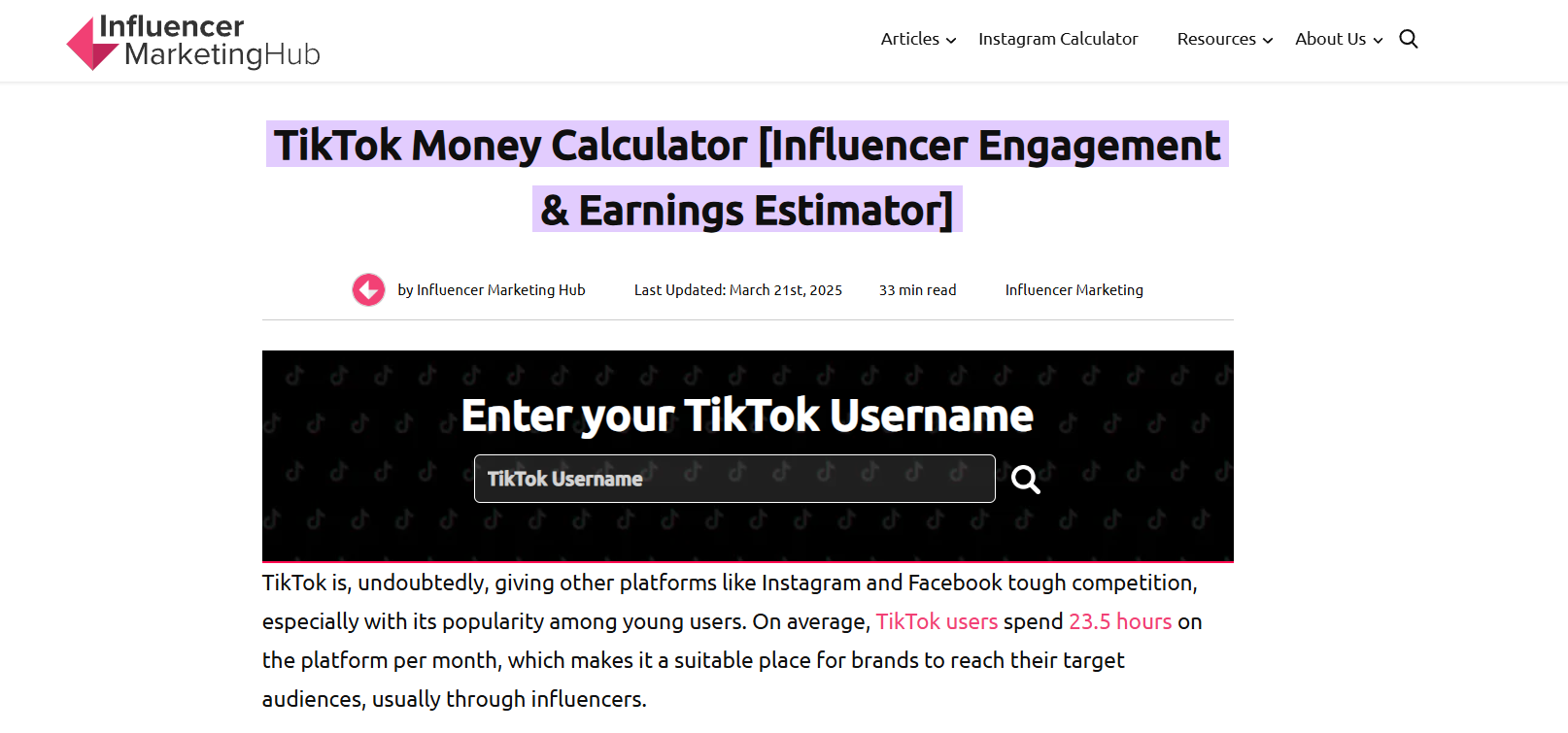
Influencer Marketing Hub TikTok Money Calculator

This one is hands-down the most popular and trusted. Influencer Marketing Hub has been around for years, helping creators across platforms estimate their earnings. Their TikTok money calculator username feature lets you plug in any TikTok handle to get an estimate of earnings per post. It factors in engagement rate, followers, and likes, giving you a fairly reliable range. Perfect if you want a quick, no-fuss check.

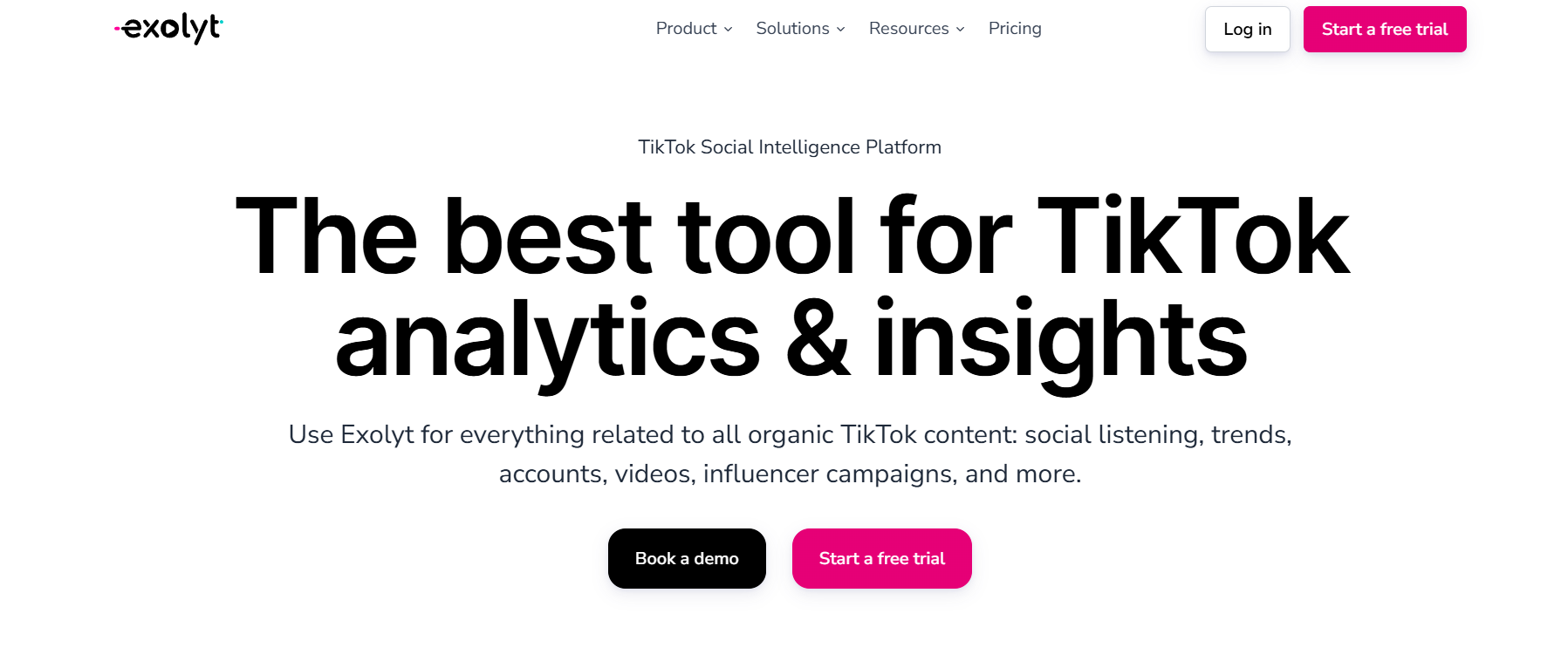
2. Exolyt – Best for Deep Analytics

Exolyt

Exolyt goes beyond just money calculations. Yes, it’s got a TikTok calculator money tool, but it also dives into analytics like audience demographics, trends, and even competitor comparisons. If you’re serious about growing your TikTok presence, this one doubles as both a money calculator and a strategic planning tool.

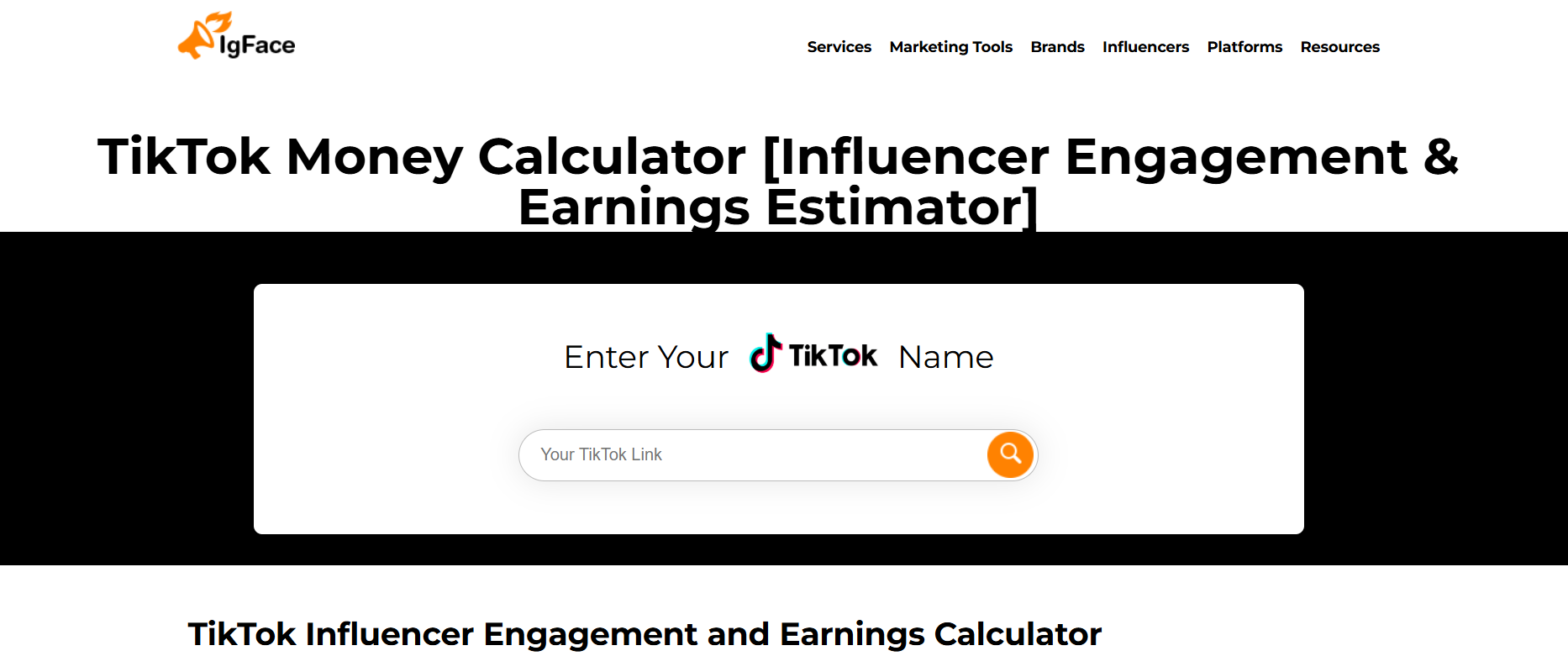
3. TikTok Money Calculator by IgFace – Best for Influencer Marketing Insights

TikTok Money Calculator by IgFace

IgFace focuses heavily on influencer marketing, and their calculator reflects that. Brands use it to estimate what they should pay creators. That means if you’re a TikTok creator, you’re getting insights straight from the advertiser’s perspective. Knowing what brands think you’re worth is a big win.

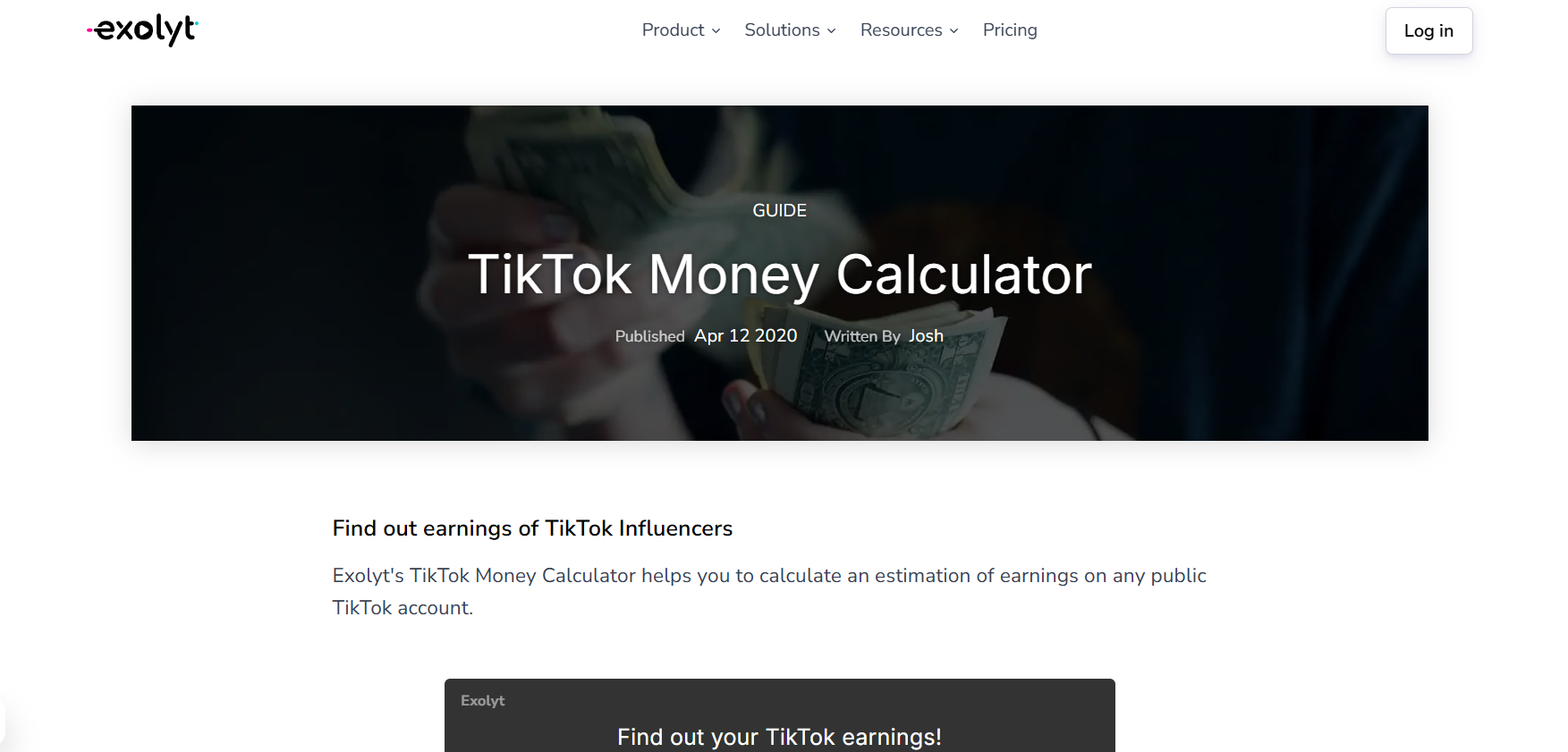
4. Exolyt TikTok Live Money Calculator – Perfect for Live Streamers

Exolyt TikTok Live Money Calculator

If you’re going live often, this one is for you. TikTok Live is where viewers can send you virtual gifts, which translate into “diamonds” and then into real cash. Exolyt has a TikTok live money calculator that helps you figure out how much your live sessions are really worth. Super useful if you’re building income around streaming rather than just posts.

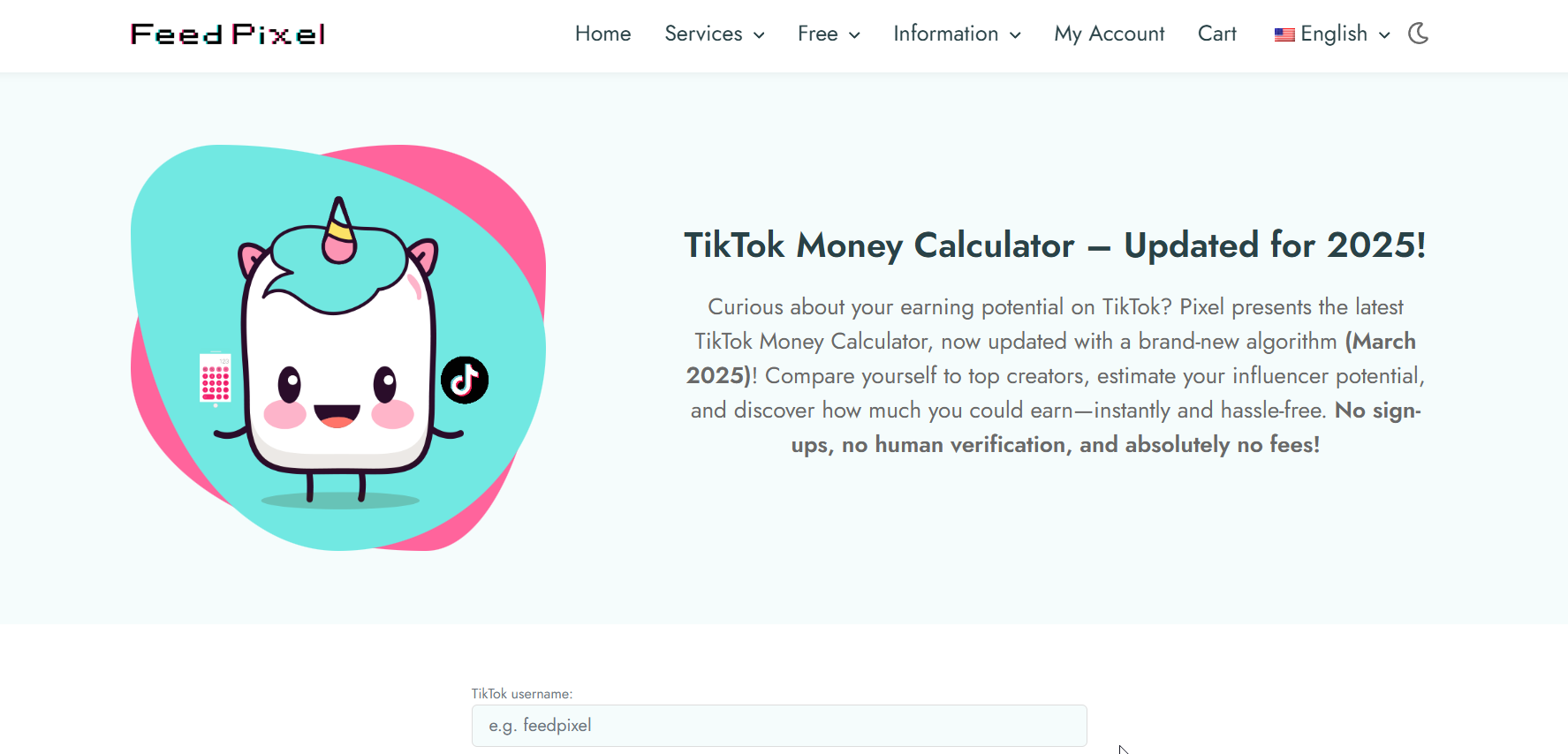
5. FeedPixel TikTok Calculator – Great Free Tool for Beginners

FeedPixel TikTok Calculator

FeedPixel’s TikTok calculator money feature is simple, free, and beginner-friendly. You don’t need to sign up or dig through endless data. Just enter your username, and it gives you an estimated earning range. While it’s not as in-depth as others, it’s perfect if you’re curious and just starting out.

6. Exolyt TikTok Battle Money Calculator – Fun for Competition Earnings

TikTok battles are a massive trend where two creators go head-to-head during a live stream, and the audience sends gifts to their favorite. Exolyt’s TikTok battle money calculator is tailored for exactly this. If you’re doing battles often, it’s a great way to understand how much those sessions could be bringing in.

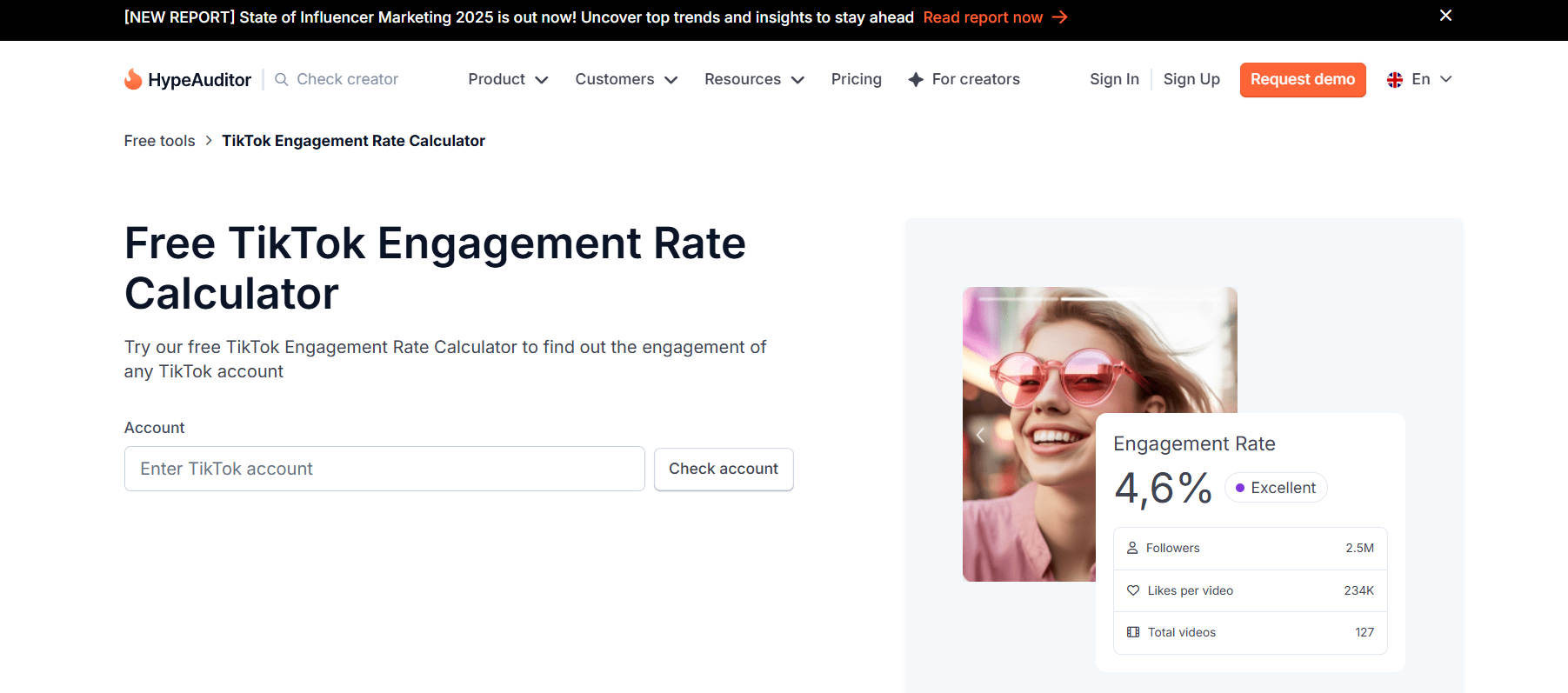
7. HypeAuditor TikTok Calculator – All-in-One Tool for Serious Creators

HypeAuditor TikTok Calculator

HypeAuditor is known for its robust influencer marketing platform. Their TikTok calculator doesn’t just give you money estimates — it breaks down engagement, audience authenticity, and more. It’s not free, but if you’re aiming for brand deals or already running a TikTok business, it’s one of the most professional options out there.

How TikTok Money Calculators Work

What Data Do They Use?

Most calculators rely on public data: follower count, average likes, comments, shares, and engagement rate. Some also consider niche and geographic factors. That’s why results differ slightly from tool to tool.

Why Earnings Estimates Are Never 100% Exact

It’s important to remember these tools give estimates. TikTok doesn’t release exact creator earnings, especially since money comes from multiple sources (Creator Fund, brand deals, live gifts, etc.). Think of these calculators as ballpark figures to guide you, not as official paycheck previews.

Tips to Maximize Your TikTok Earnings

Boosting Engagement with Quality Content

Money calculators love engagement. The more likes, comments, and shares you have, the higher your earning estimates. Focus on posting consistent, creative, and engaging content that sparks conversation.

Leveraging Brand Deals and Sponsorships

Most creators make the real money through brand partnerships. Use calculators to show brands what your account is worth, then negotiate better deals. Brands often respect creators who know their value.

Diversifying Income Streams Beyond TikTok

Don’t put all your eggs in one basket. While TikTok is hot right now, use your audience to drive traffic to YouTube, Instagram, or even your own shop. The more diversified your income, the safer you’ll be long-term.

Find More: Boost Your Sales With SEO Services

Conclusion

So, there you have it — 7 powerful tools to finally answer that burning question: “How much could I make on TikTok?” Whether you’re curious about post earnings, live streaming income, or even TikTok battles, there’s a calculator out there designed just for you.

Remember, these aren’t just fun toys. They’re practical tools that can help you understand your value, set realistic goals, and even negotiate with brands more confidently. So go ahead — pick a TikTok money calculator, plug in your stats, and see where you stand. You might be surprised at what your content is truly worth.

FAQs

1. How accurate are TikTok money calculators?

They’re fairly accurate for estimates, but not exact. Use them as a guide, not a promise.

2. Do I need a minimum number of followers to use them?

Nope! Anyone can try them, but the results only get meaningful once you’ve got consistent engagement.

3. Are these calculators free to use?

Most of them, yes. Some advanced tools like HypeAuditor may charge for deeper analytics.

4. Can TikTok money calculators help with brand deals?

Absolutely. They give you numbers you can use in negotiations, which makes you look more professional.

5. What’s the difference between TikTok Creator Fund and calculator earnings?

The Creator Fund is an official TikTok program that pays based on views. Calculators, on the other hand, estimate potential earnings from brand deals, sponsorships, and live gifts.

Tags:
6 Powerful TikTok Counter Tools Most People Miss

6 Powerful TikTok Counter Tools Most People Miss

tiktok counter

Introduction

TikTok counter tools have become a go-to resource for creators who want to keep track of their growth without guessing. If you’re serious about TikTok — whether you’re chasing brand deals, trying to grow a following, or just curious about your reach — knowing your TikTok follower count in real time makes a huge difference. Relying only on TikTok’s in-app numbers can be limiting. That’s where external counters come in. They don’t just show your TikTok followers count; some go deeper, offering live updates, analytics, and even predictions. In this guide, I’ll walk you through six powerful TikTok follower counter tools that most people don’t even know about — but definitely should.

Using a TikTok counter is like adding a dashboard to your growth journey. Instead of flying blind, you can see exactly how your content is performing, when your audience is most active, and whether your experiments are paying off. Let’s dive into the tools, break down their strengths, and help you choose the one that actually fits your goals.

Find More: Top 5 Tips for Buying TikTok Followers Safely

1. Real-Time TikTok Counter Apps

Features That Make Them Stand Out

Real-time counters update instantly, letting you see your followers tick up (or down) live. They’re popular with creators during livestreams, growth campaigns, or when running giveaways where every new follower matters. Seeing numbers change in real time adds excitement and motivation — it makes growth tangible.

Best Free Options Available

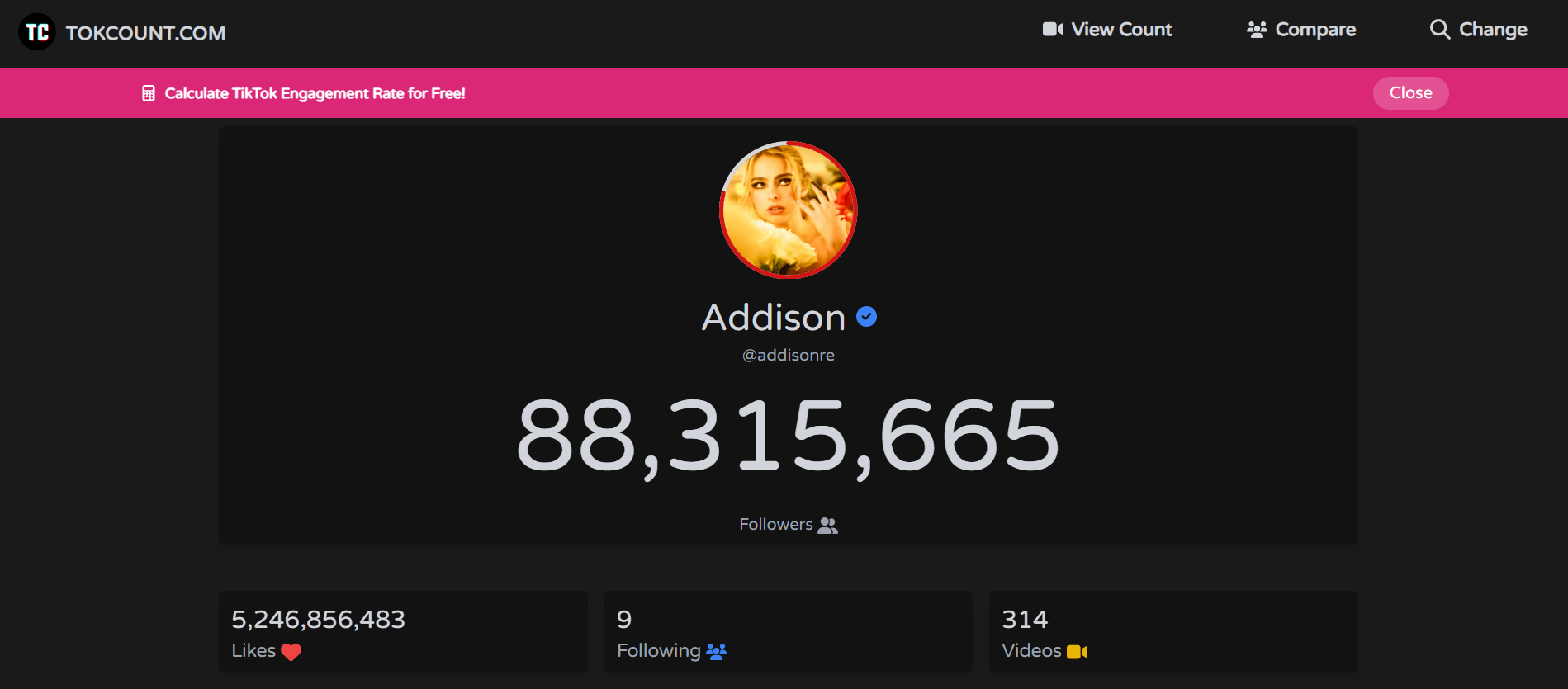
TokCount

  • TokCount.com – Simple, reliable, and doesn’t need a login. Great if you want to quickly check your TikTok follower count on the go. Many creators use it during live events or after dropping a big video.
  • TikTok Live Counter (by Counts.Live) – Known for smooth updates and a clean interface. It’s lightweight and fast, perfect for quick checks and embedding into live streams.

Both of these are excellent for getting an instant snapshot without extra fluff. They might not have deep analytics, but for checking your numbers quickly, they’re hard to beat.

2. Live Follower Count Trackers

How Live Counters Work in Real Time

Unlike TikTok’s built-in analytics (which often update with delays), live counters are constantly refreshing. This helps you measure exactly how many followers you gain after posting a viral video, a collaboration, or even during a live session. Many creators use these trackers to time their posts better and to prove results to potential sponsors.

Recommended Platforms for Accuracy

Livecounts

  • Livecounts.io – One of the most accurate and visually pleasing live counters. It works not just for TikTok but other platforms, too. The sleek design makes it ideal for screensharing during lives.
  • TikTokCounter.net – Focused purely on TikTok with real-time accuracy and simple graphs to track short-term growth. It’s perfect for creators who don’t need distractions from other platforms.

These platforms make it fun to watch growth as it happens. They also reveal patterns you’d otherwise miss, like sudden jumps when your video lands on the For You Page.

3. TikTok Counter Websites With Analytics

Exolyt

Going Beyond Numbers With Engagement Insights

Some counters go a step further than just showing follower numbers. They give you engagement stats, average likes, comments, posting frequency, and even influencer ranking data. This is a goldmine if you’re trying to optimize your content strategy or pitch yourself to brands.

Examples of Top Websites You Can Use

  • Exolyt – Provides advanced analytics including video performance, engagement rates, competitor analysis, and even hashtag tracking. It’s used by creators and agencies who want professional-level data.
  • Analisa.io – Lets you analyze not just your own account but also others. This makes it great for spying on competition, benchmarking growth, and learning from bigger creators’ posting strategies.

These websites help turn raw numbers into meaningful insights. Instead of just knowing you gained 500 followers, you’ll understand why you gained them.

4. Mobile TikTok Counter Apps for iOS & Android

Why Mobile Counters Are Handy for Creators

As creators, most of us are glued to our phones. Mobile apps make it easy to check follower updates wherever you are, without needing to open a browser tab. They’re especially useful if you’re constantly on the go, attending events, or brainstorming content ideas away from your desk.

Top Mobile Apps to Try in 2025

TikTracker

  • TikTracker – Offers real-time counters plus insights into likes, shares, and overall account performance. The design is simple but powerful.
  • TikFollowers Tracker – Tracks growth trends over time and sends notifications when you hit milestones. If you like celebrating follower goals, this app keeps you motivated.

These apps are perfect for creators who want to stay updated without carrying a laptop around. They also make it easier to keep an eye on growth while experimenting with content on the move.

5. All-in-One Social Media Counters

Tracking TikTok Alongside Other Platforms

If you’re not just on TikTok but also active on Instagram, YouTube, or X (Twitter), it’s a hassle to keep switching tools. All-in-one counters let you see everything in one place. They’re a huge time saver and can help you spot which platform is driving the most traction for your brand.

Best Multi-Platform Counter Tools

Social Blade

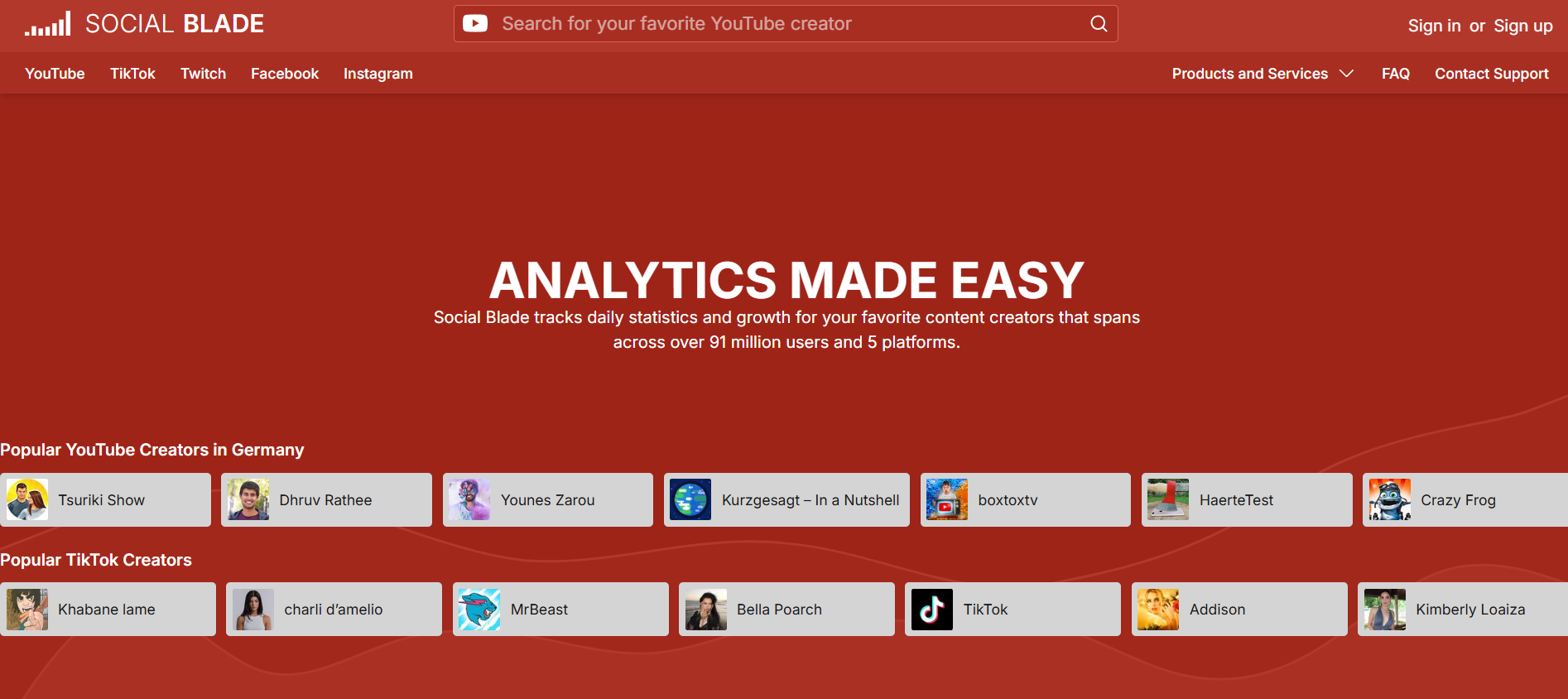
  • Social Blade – Probably the most famous analytics site. It covers TikTok along with YouTube, Instagram, Twitch, and more. The charts and growth trends are extremely useful, especially when you want to track long-term growth.
  • Noxinfluencer – Great for creators working across multiple platforms. Offers detailed comparisons, influencer rankings, and even estimated earnings data.

If you’re building a personal brand across several channels, these all-in-one tools give you the big-picture view you need to balance your energy and focus.

6. Advanced TikTok Counter Tools With Growth Predictions

How Predictive Analytics Can Boost Strategy

Some TikTok counters aren’t just trackers; they’re like crystal balls. By analyzing your past growth and engagement, they can predict where your numbers are heading. This is powerful for creators planning content calendars, aiming for brand partnerships, or looking to spot trends before they explode.

Tools Offering Pro-Level TikTok Insights

Pentos

  • Exolyt Premium – Their advanced plan provides future growth forecasts and content performance predictions. It’s especially useful if you’re pitching yourself to brands and need data to back your claims.
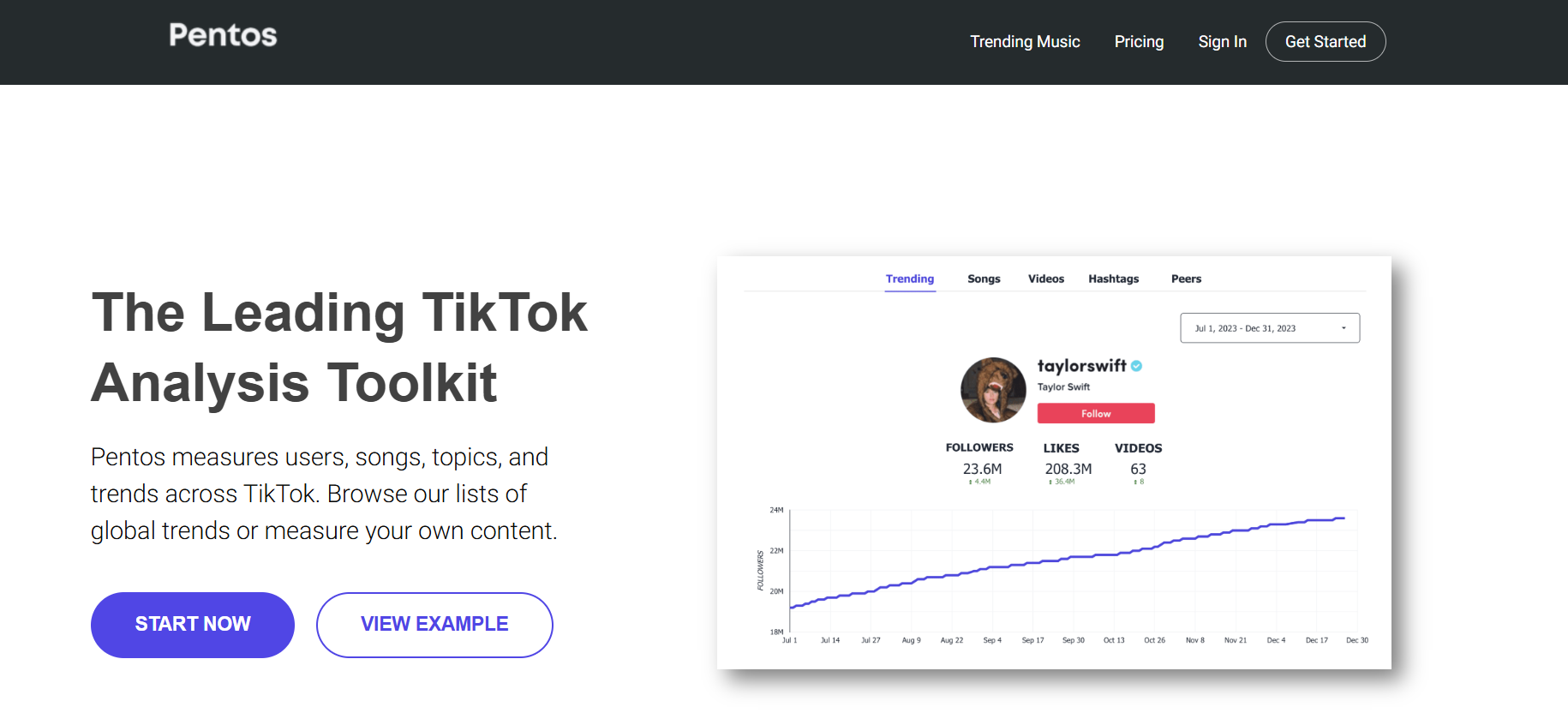
  • Pentos.co – A strong analytics platform that helps you predict trends, track songs, hashtags, and profiles. Perfect for spotting opportunities before they blow up.

These tools aren’t for everyone, but if you’re turning TikTok into a business, they’re game changers. Knowing what’s likely to happen next week can be just as valuable as knowing what happened yesterday.

Conclusion

We just walked through six types of TikTok counter tools — from simple real-time counters like TokCount to advanced analytics platforms like Exolyt and Pentos. Each serves a slightly different purpose, and the best choice depends on where you are in your creator journey.

If you’re just starting out, I’d say try something lightweight like Livecounts.io or TokCount to get a feel for your follower flow. You’ll quickly see how motivating it is to watch your numbers move in real time. But if you’re aiming big and want to turn content into a serious business, investing in advanced analytics tools like Exolyt or Pentos is worth every penny. They give you the depth and foresight you need to stay ahead of the curve.

At the end of the day, your TikTok follower counter is more than a number. It’s a pulse check on your creativity, consistency, and connection with your audience. Numbers don’t define you, but they do reflect the reach of your voice. Pick one tool from this list, try it today, and see how it changes the way you think about growth. The sooner you get clear data, the sooner you can make smarter moves.

Find More: Boost Your Sales With SEO Services

FAQs

1. Are TikTok counters accurate in real time?

Most live counters are pretty accurate, though some may have a delay of a few seconds depending on server updates. The best ones, like Livecounts.io, usually stay in sync with minimal lag.

2. Do I need to log in to use a TikTok counter?

Not always. Many tools like TokCount let you check without logging in, but advanced analytics sites often require an account so they can store your data and generate deeper insights.

3. Can TikTok counters track likes and views too?

Yes, some tools like Exolyt and Analisa go beyond follower count and track likes, comments, and even engagement rates. This helps you understand not just how many people follow you, but how many actually interact with your content.

4. Which TikTok counter app is best for beginners?

TokCount and Livecounts.io are perfect for beginners. They’re simple, fast, and don’t overwhelm you with data. If you want more, you can always upgrade later to analytics-heavy platforms.

5. Is it safe to use third-party TikTok counter tools?

As long as you’re not giving away your TikTok login details to shady apps, you’re safe. Stick to trusted names like Social Blade, Exolyt, or Livecounts.io. Always be cautious with mobile apps that ask for unnecessary permissions.

6. Can brands use TikTok counters to vet influencers?

Absolutely. Many agencies rely on tools like Analisa or Exolyt to check authenticity and engagement before working with influencers. Counters reveal whether someone’s audience is growing naturally or artificially.

7. Do TikTok counters cost money?

Basic tools are free, but advanced features often come with paid plans. For most creators, free counters are enough in the beginning. Once you’re pitching to brands or monetizing, paid analytics tools become a worthwhile investment.

8. What’s the difference between TikTok’s in-app analytics and external counters?

TikTok’s in-app analytics are decent but limited. External counters provide real-time updates, competitor analysis, and deeper engagement breakdowns, making them far more useful for creators who want to grow strategically.

Tags:
TikTok MP3 Converter (2026): How to Download TikTok Audio Safely

TikTok MP3 Converter (2026): How to Download TikTok Audio Safely

tiktok mp3 converter

Introduction

A TikTok MP3 converter can be a total lifesaver when you stumble upon an audio clip you love on TikTok and just need to save it. Whether it’s a catchy song stuck in your head, a hilarious soundbite that makes you laugh every time, or a motivational speech you want to replay whenever you need a boost, a TikTok to MP3 converter makes it possible.

This guide is part of our TikTok Tools series, where we explain how TikTok utilities work in 2026.

Link: TikTok Tools 

These tools allow you to extract just the audio from a TikTok video and save it directly to your device for offline use.

The best part? You don’t have to be tech-savvy to figure it out. Most of these tools are as simple as copy-paste-download. The tricky part, however, is separating the good from the bad. Not every MP3 converter TikTok website is safe, fast, or reliable. Some bombard you with ads, while others compress the audio so much that it sounds terrible. That’s why I went through the noise, tested a bunch of them, and picked the 6 best TikTok MP3 converters that actually work in 2025.

By the end of this article, you’ll know exactly which tools to use, how to use them safely, and even some pro tips to make your experience smoother.

Find More: 9 Powerful TikTok Story Viewer Tools You Need to Try Today

6 Best TikTok MP3 Converters That Actually Work

1. SSSTik.io – Fast & Reliable TikTok to MP3

SSSTik

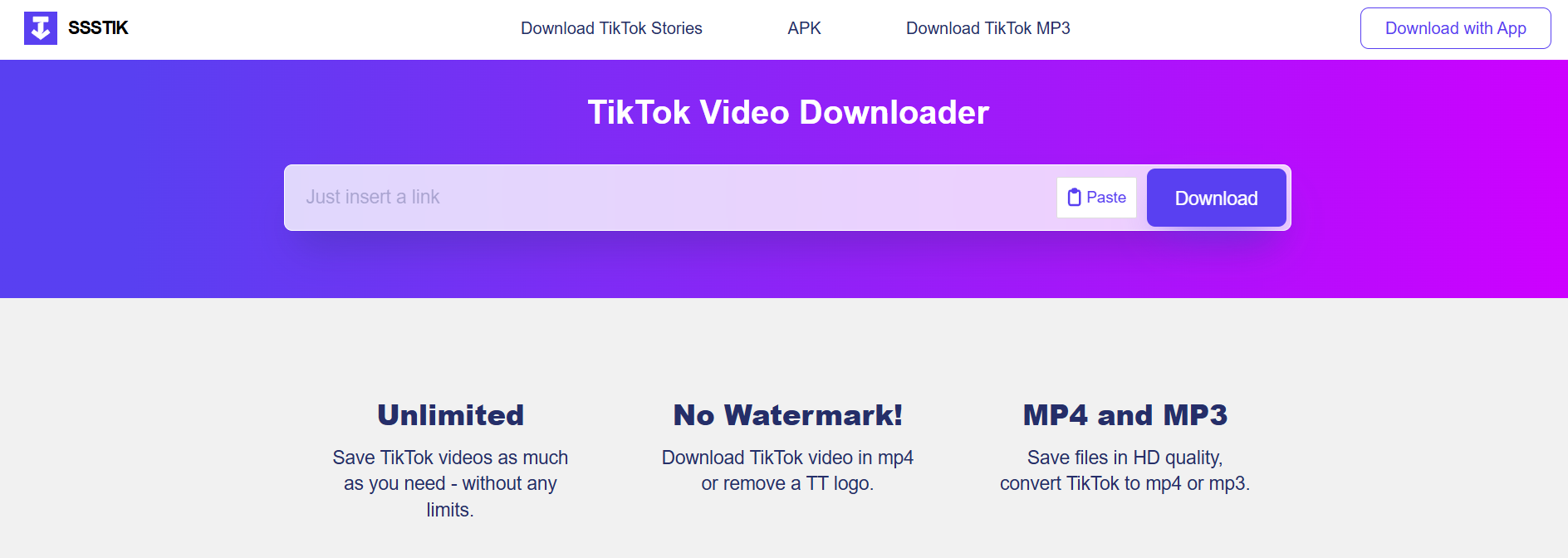
If you want speed and simplicity, SSSTik.io is your friend. It’s one of the fastest TikTok downloaders out there, and the process is ridiculously easy: paste the link, hit download, done. Unlike many competitors, it works equally well on desktop and mobile.

Key Features:

  • Blazing fast conversions
  • No account required
  • Works in any browser

Pros:

  • Clean and user-friendly interface
  • Stable and reliable downloads
  • Lets you grab both MP3 and MP4 files

Cons:

  • Free version comes with ads

Best For: People who want a no-hassle TikTok MP3 converter they can rely on every single time.

2. SnapTik – Free Online TikTok MP3 Converter

SnapTik

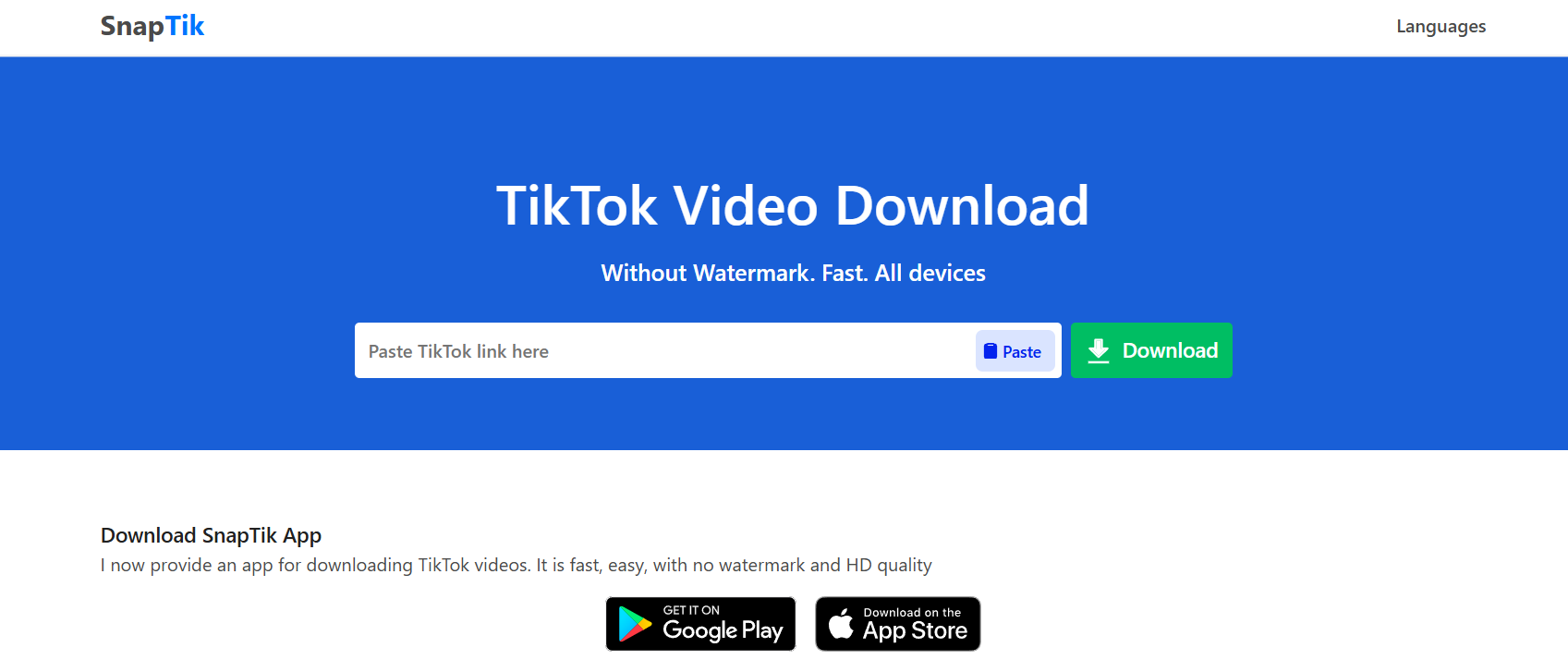
Most people know SnapTik as the go-to site for downloading TikTok videos without watermarks, but it’s equally good for audio extraction. Millions of users swear by it because it just works, whether you’re on iOS, Android, or your laptop.

Key Features:

  • Instant MP3 conversion
  • Completely free
  • No software installation required

Pros:

  • Supports all devices
  • Quick and smooth process
  • Widely trusted around the world

Cons:

  • Website speed can vary depending on traffic

Best For: Users who want a trustworthy TikTok to MP3 converter that works on the go.

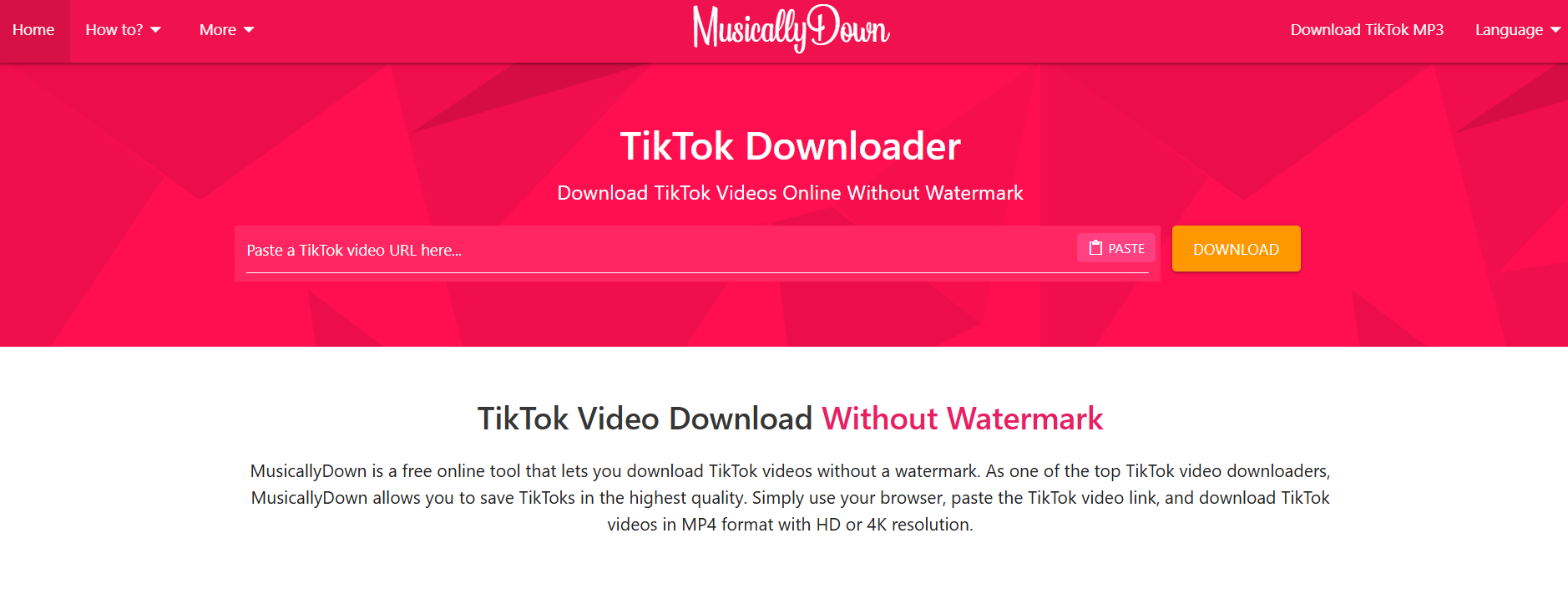
3. MusicallyDown – Secure & No-Login Required

MusicallyDown

If privacy and security are your top concerns, MusicallyDown is a great choice. It’s designed to keep your experience safe and doesn’t ask for personal information or app downloads.

Key Features:

  • Free TikTok to MP3 downloads
  • Fully web-based, no login needed
  • Works on desktop and mobile browsers

Pros:

  • SSL-secured site
  • Clean interface with minimal clutter
  • Reliable for both short and long TikToks

Cons:

  • Old-school design that feels dated

Best For: People who want to convert TikTok to MP3 safely without worrying about malware or sketchy pop-ups.

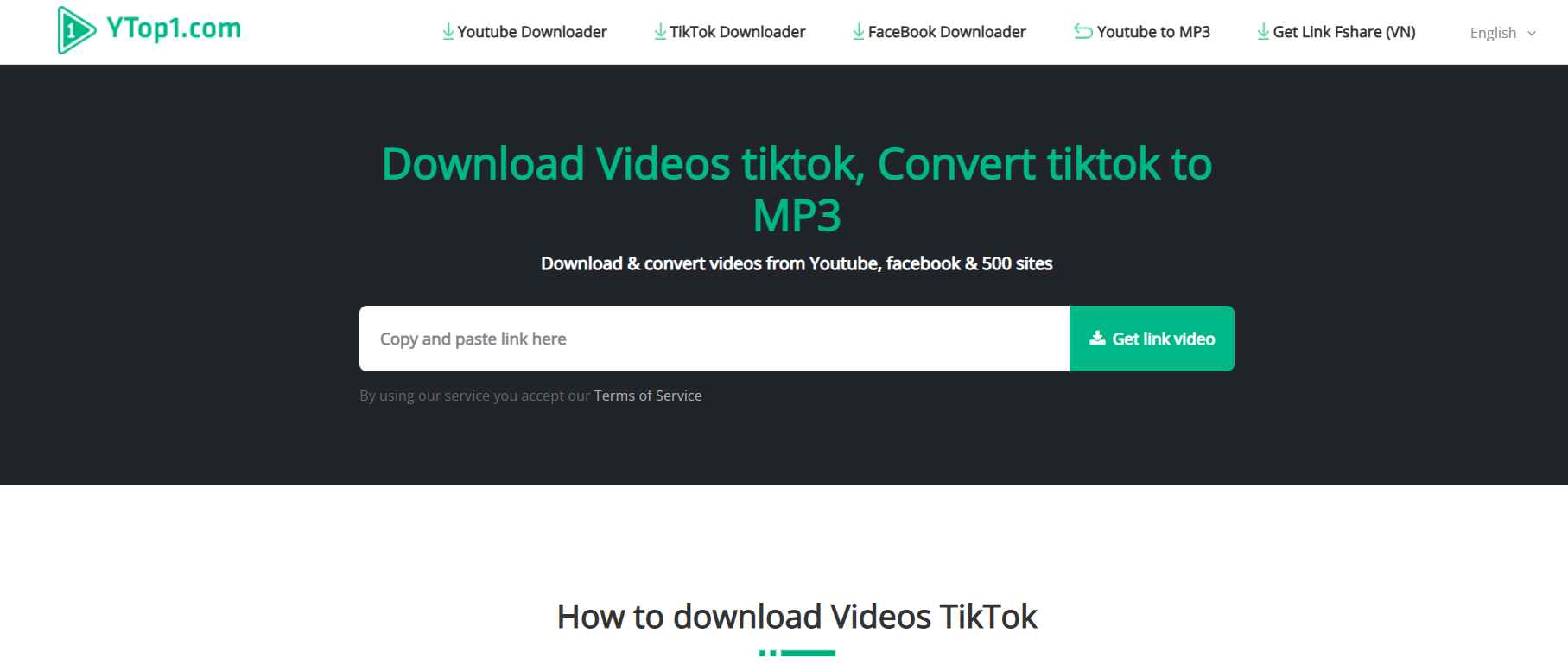
4. YTop1 – TikTok MP3 Converter with High-Quality Audio

YTop1

Not all converters are created equal when it comes to audio quality. Some compress sound so much that you lose the punch of the original clip. YTop1 is different. It focuses on delivering high-bitrate MP3 files so the sound stays crisp.

Key Features:

  • High-quality audio output
  • Works with TikTok, YouTube, and more
  • Quick, stable conversions

Pros:

  • Excellent sound quality
  • Multi-platform support
  • Works across devices

Cons:

  • Website has more ads than others

Best For: Audiophiles and creators who need high-quality MP3s for editing or personal playlists.

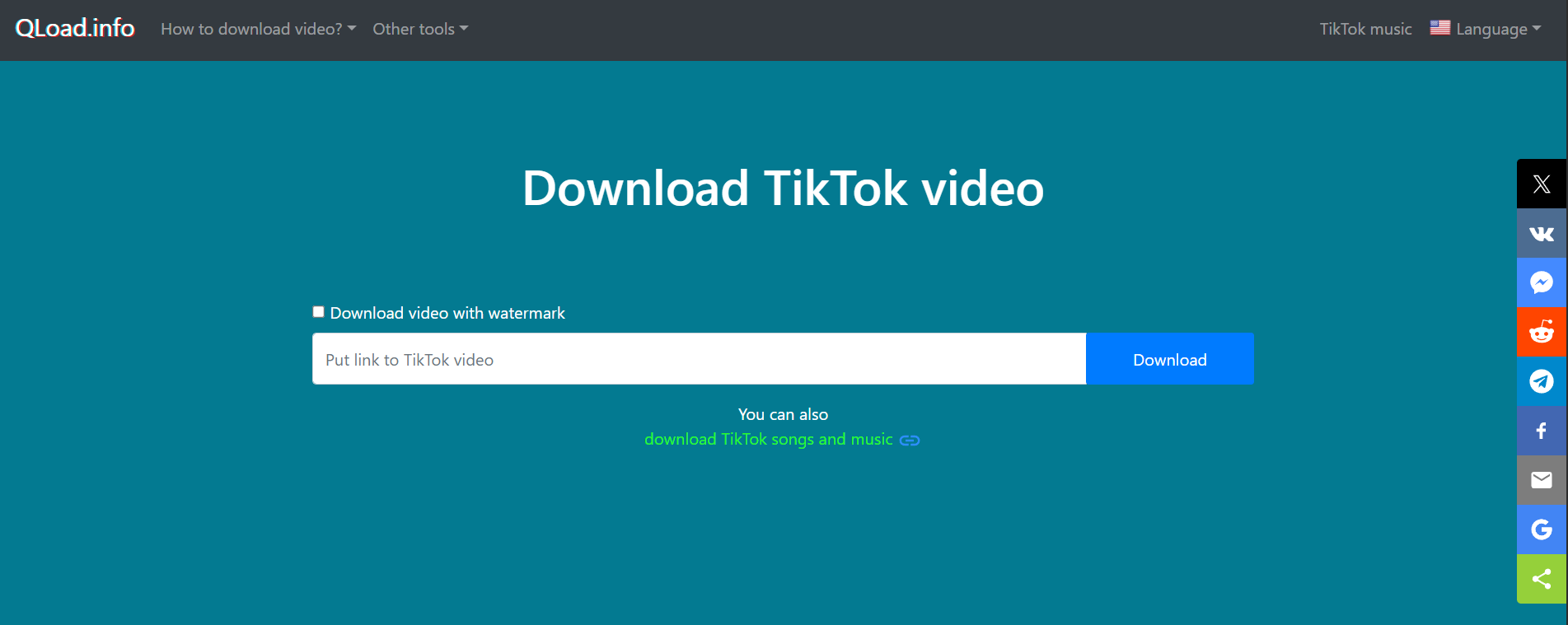
5. QLoad.info – Mobile-Friendly TikTok to MP3 App Alternative

QLoad

If you’re downloading TikTok clips mainly on your phone, QLoad.info is perfect. It’s optimized for mobile browsing, lightweight, and doesn’t push you to install anything.

Key Features:

  • Works smoothly on mobile browsers
  • Quick copy-paste method
  • No software or sign-up needed

Pros:

  • Ideal for on-the-go downloads
  • Intuitive design
  • Compatible with Android and iOS

Cons:

  • Limited support for very long TikToks

Best For: Anyone looking for a mobile-friendly MP3 converter TikTok that works in seconds.

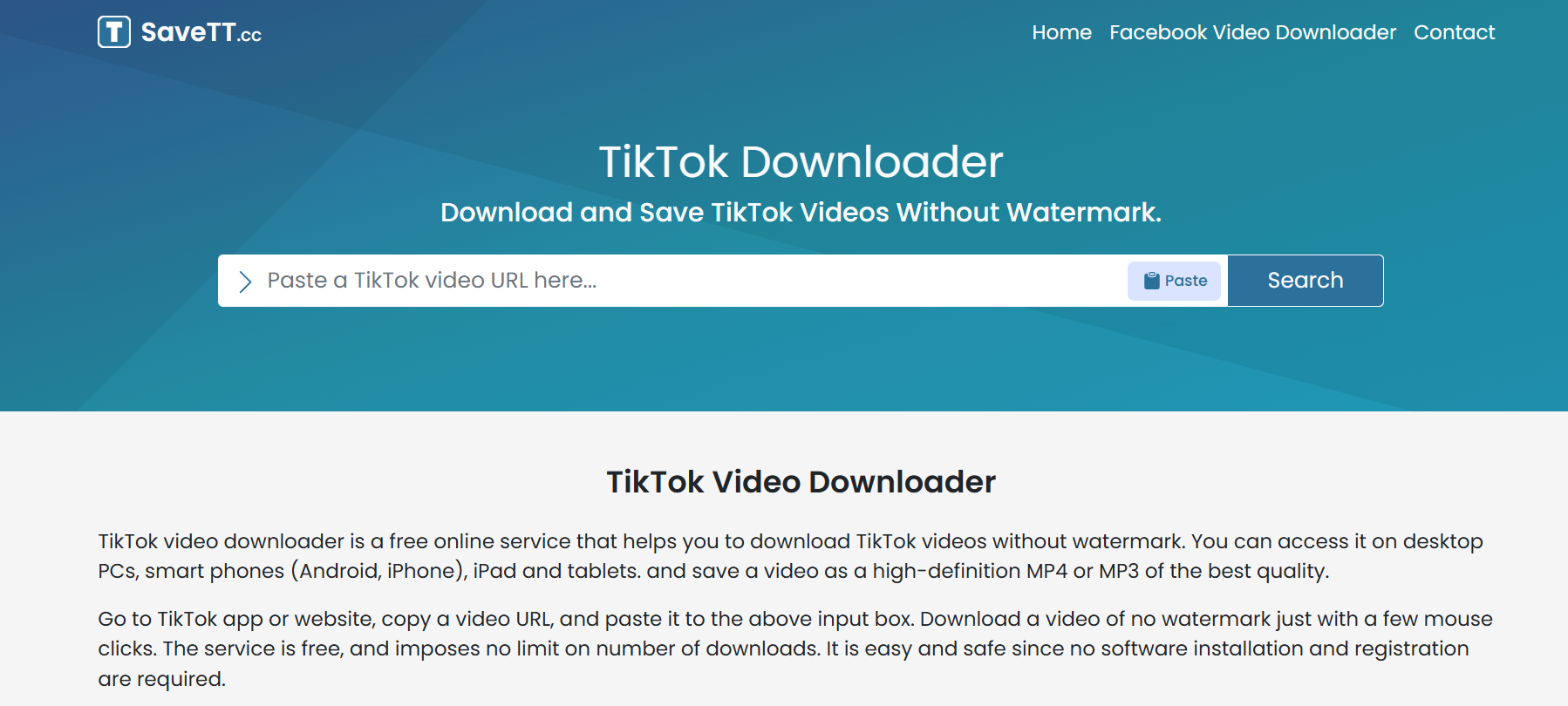
6. SaveTT.cc – Fast Download with Unlimited Conversions

SaveTT

Most converters limit how many files you can download in a day, but SaveTT.cc breaks that rule. You can convert as many TikTok videos to MP3 as you want—no restrictions.

Key Features:

  • Unlimited downloads
  • Supports MP3 and MP4
  • Works on both mobile and desktop

Pros:

  • No daily caps or hidden restrictions
  • Simple interface
  • Dependable servers

Cons:

  • Pop-up ads may appear occasionally

Best For: Heavy users who regularly download TikTok audios and want a reliable, unlimited option.

How to Choose the Best TikTok MP3 Converter

With so many options, how do you pick the right one? Here are the main factors to consider:

  • Speed and Reliability: Look for tools that don’t freeze or crash.
  • Audio Quality: If you’re using audio for creative projects, go for converters that keep the quality intact.
  • Device Compatibility: Choose a tool that works equally well on phones, tablets, and computers.
  • Security and Safety: Always stick with trusted names. Avoid any site that forces you to download shady apps.
  • No Hidden Costs: The best converters are free and transparent.

Step-by-Step Guide: How to Use a TikTok MP3 Converter

Not sure how it works? Don’t worry—it’s easier than ordering takeout. Here’s the process:

  1. Open TikTok and find the video with the audio you want.
  2. Tap the Share button and copy the video link.
  3. Go to a converter site like SSSTik.io or SnapTik.
  4. Paste the link into the search box.
  5. Select MP3 format and hit download.
  6. Save the file to your device—it’s ready to play!

That’s it. No tech skills needed.

Are TikTok MP3 Converters Safe to Use?

This is a fair concern. Some random converter sites can be sketchy. The good news is that most of the popular ones on this list are safe if you use them wisely.

Tips to stay safe:

  • Use well-known converters like SnapTik, SSSTik.io, or MusicallyDown.
  • Never download extra apps or extensions if the site asks you to.
  • Use an ad-blocker to cut down on pop-ups.
  • Always double-check the website URL.

If you stick to trusted tools, you’ll be fine.

Additional Tips for Enjoying TikTok Audio

  • Organize your downloads: Create folders for music, comedy, or motivation.
  • Back up your MP3s: Keep a copy on Google Drive or iCloud so you don’t lose your favorites.
  • Use playlists: Add your saved audios to music apps so you can stream them easily.
  • Think about editing: TikTok audios are great for content creators who need background tracks.

Conclusion

TikTok is full of sounds worth saving, from viral hits to iconic sound effects. With the right TikTok to MP3 converter, you can capture those moments and keep them forever. Whether you value speed, quality, or unlimited downloads, there’s a tool that fits your needs.

If you’re in a rush, SSSTik.io is the fastest option. If audio quality is what you care about, YTop1 is unbeatable. And if you’re constantly downloading, SaveTT.cc has no limits.

Bottom line? Pick the tool that matches your style and start building your personal TikTok audio library today.

Find More: Boost Your Sales With SEO Services

FAQs

1. What is the best TikTok MP3 converter right now?

SSSTik.io and SnapTik are among the most reliable options in 2025.

2. Are TikTok to MP3 converters legal?

Using them for personal use is generally fine. But redistributing copyrighted music can land you in trouble.

3. Do I need to install software to convert TikTok videos to MP3?

No. The best converters are all online and don’t require installations.

4. Can I use a TikTok MP3 converter on my phone?

Yes. Tools like SnapTik, QLoad.info, and SaveTT.cc are optimized for mobile.

5. Do converters reduce the audio quality?

Some do, but options like YTop1 focus on preserving high-quality audio.

6. Can I convert TikTok videos to formats other than MP3?

Yes. Many converters also offer MP4, letting you save the entire video instead of just the audio.

7. Are these converters free?

Yes, all the ones listed above are free to use, though some may show ads.

8. What’s the safest way to use a TikTok MP3 converter?

Stick to trusted websites, avoid extra downloads, and use an ad-blocker for extra protection.

Tags:
7 Powerful Reasons Why GetVid Is the Easiest Way to Download Any Video Online

7 Powerful Reasons Why GetVid Is the Easiest Way to Download Any Video Online

getvid

Introduction: Why GetVid Is the Go-To Video Downloader in 2025

GetVid has quickly become one of the most talked-about tools for downloading videos online, and for good reason. In a world where we’re constantly watching, saving, and sharing videos across Facebook, Instagram, TikTok, YouTube, and dozens of other platforms, having a reliable solution like GetVid video downloader feels less like a luxury and more like a necessity.

If you’ve ever searched for “GetVid.io” or “GetV” while trying to save a video to your device, you’re definitely not alone. Millions of users around the world are turning to this tool because it’s simple, fast, and doesn’t require you to be a tech wizard to figure out. In this article, I’m going to break down the 7 powerful reasons why GetVid is the easiest way to download any video online — and why you’ll probably want to bookmark it right after reading.

Let’s dive in and really unpack what makes GetVid so popular, and why more and more people are relying on it as their daily video-saving companion.

Find More: Flufi Review 2025: The Truth Behind This Anonymous Instagram Viewer

1. GetVid Offers Lightning-Fast Video Downloads

How GetVid Optimizes Speed for All Platforms

getvid

Nobody likes waiting around for a download to crawl its way to completion. With GetVid, you paste the link, hit download, and boom — the video’s ready in seconds. That’s because the tool is optimized to handle high-traffic platforms like Facebook, Instagram, and even heavy video formats without slowing down.

It uses efficient servers that are designed to handle multiple requests at the same time. So, whether a video is trending worldwide or is just a small private clip, you won’t notice a drop in speed.

Comparing GetVid Download Speed vs. Other Tools

I’ve tried plenty of video downloaders over the years, and most of them either throttle speed or crash halfway through. GetVid consistently outperforms them, whether you’re saving a 30-second TikTok or a 2-hour HD livestream replay. With other tools, you sometimes spend more time refreshing or restarting the download than actually watching the content you wanted. With GetVid, the process feels effortless — one click, done.

2. GetVid Supports Multiple Platforms and Formats

Download from Facebook, Instagram, TikTok, and More

getvid video downloader

One of the biggest reasons GetVid is so popular is its versatility. You’re not limited to just one or two sites. Whether it’s a Facebook reel, an Instagram story, a trending TikTok dance, or even content from lesser-known sites, GetVid makes it ridiculously easy to grab what you need.

This means you don’t have to juggle multiple tools or apps depending on the platform. Instead, you can stick with one, reliable service.

Save Videos in MP4, MP3, and HD Quality

Sometimes you don’t even want the video — you just want the audio. Maybe it’s a song clip or a podcast. GetVid allows you to convert downloads into MP3 format instantly. Plus, you can choose HD or even 4K when it’s available, which is perfect if you care about video quality.

Other free tools often downgrade quality or watermark your downloads. GetVid doesn’t — it gives you clean, crisp files that are ready to use.

3. GetVid Has a User-Friendly Interface Anyone Can Use

One-Click Downloads Without Complicated Steps

The thing I love most about GetVid is how beginner-friendly it is. There’s no confusing dashboard, no complicated steps. Paste the link, click download, and you’re done. Even if you’re someone who doesn’t consider themselves “tech-savvy,” GetVid feels effortless.

You don’t need to sign up, create accounts, or deal with annoying ads that push you into clicking the wrong button. The whole process is smooth and distraction-free.

Mobile-Friendly Experience for Android and iOS

Not everyone downloads videos on a laptop. With GetVid, you can use the same process directly on your phone’s browser. I’ve tested it on both Android and iPhone, and it works smoothly — no glitchy mobile experience here. The design adapts to smaller screens, so you’re not zooming in and out just to hit the right button.

For people who live on their phones, this is a game-changer.

4. GetVid Delivers High-Quality Video Every Time

Why Video Quality Matters for Users

getv

We’ve all been there — you download a video, and it looks like it was filmed on a potato. Quality matters, especially if you plan to re-upload, edit, or just watch offline without straining your eyes.

If you’re using content for business, presentations, or even school projects, poor quality simply doesn’t cut it. You need videos that look professional.

How GetVid Maintains HD and 4K Quality

GetVid doesn’t compromise quality. If the original video is in HD, that’s what you get. And if you’re lucky enough to find 4K content, GetVid lets you save it exactly as it is. This alone makes it better than half the so-called “free downloaders” out there that secretly compress everything.

Having access to sharp visuals also means your downloads stay relevant and usable longer. Nobody wants to watch a pixelated mess when they could enjoy crisp detail.

5. GetVid Is Completely Free and Secure

No Hidden Fees or Premium Barriers

A lot of downloaders lure you in with a “free” promise but then lock essential features behind a paywall. GetVid is different. Everything you need to download, convert, and save videos is available for free, no strings attached.

You don’t need to create an account, give away your email, or worry about surprise charges. What you see is what you get.

How GetVid Ensures Safe, Malware-Free Downloads

Security is a big concern whenever you’re dealing with third-party tools. Thankfully, GetVid runs directly in your browser, which means no sketchy software downloads. It doesn’t try to sneak in malware or spammy ads, making it a safe choice compared to shady alternatives.

You can use it confidently knowing you’re not putting your device at risk. For anyone who values peace of mind, that’s a huge plus.

6. GetVid Provides Advanced Features for Power Users

Private Video Download Support

Here’s where things get interesting. GetVid isn’t just for public videos. With certain features, it can help you download private content (like a private Facebook video you have access to), which is something most free downloaders simply don’t offer.

This makes it ideal for professionals who may need to save videos for reference, training, or internal use.

Built-In Editing Options: Trim, Convert, and Extract Audio

This part is seriously underrated. With GetVid, you can trim clips, convert video to audio, and even make GIFs straight from the download tool. It’s like having a mini editing suite built into your downloader.

Instead of downloading a bulky video editing app, you can quickly make the adjustments you need without leaving your browser. It’s convenience at its finest.

7. GetVid Works Without Software Installation

No Need for Heavy Apps or Plugins

A lot of download tools make you install bulky software or extensions. GetVid doesn’t. It’s entirely web-based, so you can use it from any device with a browser. This also means it won’t slow down your computer.

That’s a huge advantage for people with limited storage or older devices. You don’t have to waste time updating apps or worrying about compatibility.

Web-Based Convenience with Browser Extensions

That said, if you’re a heavy user, GetVid also offers extensions for browsers like Chrome and Firefox, giving you one-click access whenever you come across a video you want to save. Best of both worlds.

Having both options means you can choose how you want to use the tool — either as a simple website or as a seamless extension integrated into your browsing experience.

Conclusion: Why GetVid Is the Smartest Choice for Video Lovers

At this point, it’s clear why so many people are searching for GetVid.io, GetV, and related terms. It’s fast, free, user-friendly, safe, and surprisingly powerful. Whether you just want to save a funny meme from TikTok or need a full-featured downloader for work or study, GetVid checks all the boxes.

Instead of wasting time with unreliable apps that frustrate you, GetVid gives you a smooth, reliable solution that actually delivers. And once you try it, it’s hard to imagine going back.

If you’re tired of sketchy downloaders that don’t deliver, give GetVid a try. It might just become your go-to tool for saving videos online.

Find More: Boost Your Sales With SEO Services

FAQs:

1. Is GetVid safe to use for downloading videos?

Yes, GetVid is browser-based, so you don’t need to install risky third-party apps. It doesn’t inject malware or spammy pop-ups. You can download videos with peace of mind.

2. Does GetVid work on mobile devices?

Absolutely. You can use GetVid on both Android and iOS via your regular mobile browser. The site adapts well to smaller screens, making downloads quick and easy on the go.

3. Can I download private videos with GetVid?

Yes, as long as you have access to the video (like being part of the group or having the link), GetVid can help you save it. This makes it more versatile than most free tools.

4. Is GetVid really free, or does it have premium features?

It’s 100% free. Unlike other tools, you don’t need to upgrade or subscribe to unlock features. Everything you need is available upfront.

5. What’s the difference between GetVid and other video downloaders?

Most downloaders are either slow, unsafe, or limited to one platform. GetVid is fast, secure, supports multiple sites, and even has advanced features like trimming and audio extraction — all for free. It combines simplicity with power, which is why so many people prefer it.

Tags:
The 6 Best TikTok Adspy Tools You Should Try in 2025

The 6 Best TikTok Adspy Tools You Should Try in 2025

TikTok Adspy

In 2025, TikTok is no longer just a platform for short-form videos—it’s a full-fledged e-commerce and advertising powerhouse. For marketers, dropshippers, and product researchers, using a TikTok Adspy tool has become essential to stay ahead of trends, understand competitors, and fine-tune ad strategies.

From creative discovery to store-level analysis, there are several platforms built to decode TikTok ads and associated performance. In this article, we review six popular tools that can help you make smarter decisions, test faster, and sell better—each with its own unique advantage.

1. AdsLibrary

AdsLibrary

Features

AdsLibrary  brings a fresh, workflow-oriented approach to ad research. It’s not just about spying on trending ads but about organizing them into a usable creative bank for ongoing campaigns. The platform is ideal for creators, marketers, and teams that frequently iterate ad content across verticals.

Key highlights:

  • Advanced TikTok Adspy module to search, save, and categorize high-performing TikTok ads
  • Collaboration features for teams: add notes, tags, and folders to organize ad ideas
  • Ad copy analysis and creative breakdown, including CTA insights and performance signals
  • Chrome extension for one-click saving of live ads directly from TikTok

How to Use

  1. Install the Chrome plugin and begin collecting ads while browsing TikTok.
  2. Alternatively, use the dashboard’s TikTok Adspy search to explore ads by keyword, niche, or advertiser.
  3. Save ads into folders, annotate them, and share with teammates or clients.
  4. Use insights like tone, design format, and audience targeting clues to shape your next campaign.

AdsLibrary stands out for its usability and structure, turning TikTok ad research into a scalable process.

2. Pipiads

Pipiads

Features

For those who want deep access to the TikTok ad ecosystem, Pipiads provides one of the most expansive databases available. Whether you’re in dropshipping, digital products, or mobile apps, this platform surfaces what’s trending in real-time.

Key features include:

  • A massive archive of over 50 million ads within its TikTok Adspy system
  • Filters by industry, location, objective (e.g., app installs, conversions), language, and ad type
  • Product landing page previews and analysis of product-market fit
  • Daily updates with the freshest ad content across TikTok’s top-performing verticals

How to Use

  1. Log in and navigate to the TikTok Adspy dashboard.
  2. Input relevant product or niche keywords to browse popular ads.
  3. Use filters like country, ad objective, or last seen date to narrow results.
  4. Analyze top creatives, mimic ad structure, and export details for quick campaign planning.

Pipiads is especially valuable for fast-moving marketers and dropshippers who rely on speed and relevance in launching TikTok ads.

3. PPSPY

PPSPY

Features

PPSPY bridges the gap between product discovery and ad intelligence. What makes this platform unique is its ability to correlate store sales data with ad activity, especially in Shopify ecosystems. For those selling physical goods, it’s a goldmine of competitor and trend insights.

Here’s what it offers:

  • Full TikTok Adspy integration, showing which ads are linked to high-performing Shopify products
  • Real-time sales tracking of competitor Shopify stores
  • Product filtering by store revenue, product tags, app usage, and theme layout
  • Traffic source analysis (e.g., how much traffic came from TikTok, Instagram, etc.)

How to Use

  1. Enter a Shopify store URL or explore the trending products section.
  2. Use the TikTok Adspy view to find related TikTok ads connected to top-performing products.
  3. Monitor sales spikes alongside ad activity to infer performance correlations.
  4. Export store and product data to plan your own launch or test strategy.

PPSPY is a strong choice if you’re managing a dropshipping brand and want a data-driven approach to TikTok ads and product trends.

4. AutoDS

TikTok Adspy

Features

AutoDS is best known for its automation capabilities in the dropshipping space, but its product research tools include ad performance insights that are helpful when analyzing what’s working on TikTok. While its TikTok Adspy features are not as granular as others, it complements adspy data with automation-friendly systems.

Key tools include:

  • Product research engine sourcing from AliExpress, Amazon, CJdropshipping, etc.
  • Suggested video ads for products with customizable overlays
  • One-click import of trending products into your Shopify/Wix/FB shop
  • Semi-automated TikTok ad generation options

How to Use

  1. Use the product research tool to identify new winners.
  2. Watch suggested TikTok-style videos linked to the product.
  3. Modify ad creatives using AutoDS video builder or link to adspy data externally.
  4. Upload to your store and begin testing via paid TikTok campaigns.

If you’re looking to bridge automation with ad launch, AutoDS offers a simplified path for beginners.

5. AdWins

AdWins

Features

AdWins provides a streamlined experience for advertisers looking to understand trends without overwhelming detail. It focuses more on usability and ease-of-use than data overload, making it a practical tool for freelancers and smaller brands.

Notable features:

  • Basic TikTok Adspy functionality with trending ad monitoring
  • Auto-save collections for liked ads
  • Creative swipe file tools for organizing visual inspiration
  • Competitor ad notifications when new ads are launched

How to Use

  1. Head to the TikTok Adspy section and browse trending ad creatives.
  2. Favorite or save ads into folders for future reference.
  3. Set up competitor monitoring to track when new ads appear.
  4. Use swipe file features to prep mockups or ad variations.

AdWins works best as a lightweight companion tool when you want a simple view into what’s working. 

6. AdFlex

AdFlex

Features

AdFlex is an emerging tool that supports TikTok, Facebook, and other platforms with a focus on performance analysis. Its interface is built for marketers who want speed, and its core strength lies in pinpointing high-performing creatives and replicating success.

It offers:

  • Multi-platform ad spying (including TikTok Adspy)
  • Ad engagement metrics such as CTR, video length, and user actions
  • Side-by-side ad comparisons
  • Affiliate filter to detect which ads are used by affiliate marketers

How to Use

  1. Visit the TikTok Adspy module and search by niche or keyword.
  2. Review engagement metrics to evaluate creative strength.
  3. Use competitor filters to track ads from specific sellers or affiliates.
  4. Export ad data into campaign docs or client reports.

AdFlex is ideal for performance marketers who care about speed, results, and competitive benchmarking.

Final Thoughts

Choosing the right TikTok Adspy tool depends on your goals. If you’re looking for structure, team collaboration, and curated creative workflows, AdsLibrary.ai will give you exactly that. For those who want granular control over ad trends with huge data access, Pipiads is the clear favorite. And if you’re aiming to correlate product performance with ad creatives—especially in the Shopify space—PPSPY stands out for its precision.

That said, tools like AutoDS, AdWins, and AdFlex can be great supplemental options, especially for automation, simplicity, or performance tracking.

Need help deciding which tool best fits your marketing funnel? I can help compare pricing, use cases, or provide trial links.

Top 5 Tips for Buying TikTok Followers Safely

Top 5 Tips for Buying TikTok Followers Safely

Buying TikTok Followers

TikTok has exploded in popularity, and with that growth comes a wave of creators looking to expand their audience quickly. 

While organic growth is ideal, many people consider buying followers to boost credibility. But here’s the truth — not all services are safe or legit. If you’re thinking about taking this step, make sure you do it wisely.

To stay on the safe side, always start with the safest platform for buying followers, one that offers transparency, secure payments, and real user reviews. Now let’s dive into the top 5 tips to help you buy Tiktok followers without putting your account at risk.

1. Do Your Research First

Don’t just pick the first service you see. Start by searching for reviews, checking independent forums, and comparing platforms. A trustworthy provider will have a professional website, clear pricing, and accessible customer support. Avoid sketchy websites with vague promises or no refund policy.

Ask yourself:

  • Do they offer real followers or bots?
  • Is there a money-back guarantee?
  • Are their reviews genuine?

Research is your first layer of protection.

2. Prioritize Real and Active Followers

Not all followers are created equal. Buying fake or inactive followers may give your account a temporary boost, but it often leads to long-term problems, like lower engagement rates or account restrictions from TikTok.

Look for services that provide real followers with active profiles. This keeps your engagement looking natural and helps you grow more sustainably over time.

3. Start Small and Monitor Results

Don’t go from 200 followers to 20,000 overnight. That’s a red flag — both to TikTok and your audience. Start with a small package, observe the quality of the followers, and check how your metrics respond.

Watch for things like:

  • Sudden drop-offs in followers
  • Poor engagement
  • Spammy profile activity

If things look off, stop right away and contact the platform’s support.

4. Use a Secure Payment Method

Always choose a platform that supports secure payment options, such as PayPal or credit cards with buyer protection. Avoid bank transfers or shady payment processors.

This gives you peace of mind in case you need a refund or run into any issues. A legitimate platform won’t hesitate to offer a secure checkout and transparent billing.

5. Avoid Overpromising Sites

If a site promises instant fame, guaranteed virality, or millions of followers overnight, walk away. These claims are often unrealistic and signal that the platform might use bots or violate TikTok’s policies.

Stick to services that offer gradual delivery, real users, and reasonable expectations. Slow and steady growth is always safer and more sustainable.

Final Thoughts

Buying TikTok followers can give your account a head start, but only if done responsibly. 

Look for transparency, start small, and never risk your account’s safety for a quick boost. Use the tips above to guide your decision and protect your online presence.

When used carefully, buying followers can be a smart way to gain momentum. But remember: long-term success still depends on great content, consistency, and authentic engagement.