UK: +44 2038074555 info@atamgo.com
7 Surprising Facts About TikTok Gifts Value You Never Knew

7 Surprising Facts About TikTok Gifts Value You Never Knew

tiktok gifts value

Introduction: Understanding the Real TikTok Gifts Value in 2025

tiktok gifts value has become a hot topic among creators, viewers, and anyone curious about how TikTok actually pays out. If you’ve ever watched a TikTok Live and seen people sending virtual gifts like roses, lions, or universes, you might have wondered — how much are those gifts really worth? And do creators actually get the full value? In this article, we’ll break down everything you need to know about tiktok gifts value, including how it’s calculated, what affects it, and why it’s not as straightforward as it seems.

What Are TikTok Gifts and Why They Matter

TikTok gifts are virtual items users can send to creators during live streams to show appreciation or support. Viewers buy TikTok coins with real money, then use those coins to send gifts — which later convert into diamonds, and finally, cash. Simple, right? Not exactly. The process involves hidden conversions, regional pricing differences, and platform cuts that make tiktok gift values more complex than most people realize.

Beyond the money, gifts are part of TikTok’s social culture. They’re a sign of loyalty, admiration, and digital connection between creators and their audiences. Some fans send gifts to get noticed, while others do it simply to support their favorite influencer. It’s a modern form of tipping, only with extra animations and recognition.

The Hidden Side of How TikTok Gifts Are Valued

While the system might look transparent, the true tiktok gift value depends on several unseen factors like TikTok’s exchange rates, regional taxes, and currency conversions. This means that what looks like a $1 gift might actually be worth much less to the creator after all the deductions. Even the time of withdrawal can affect how much money ends up in a creator’s account because exchange rates fluctuate daily.

Find More: 7 Powerful TikTok Username Generator Tools to Instantly Boost Your Profile

1. TikTok Gifts Have Real Monetary Value — But Not What You Think

How TikTok Converts Gifts into Diamonds and Cash

tiktok

When someone sends a TikTok gift, it first comes from coins that were purchased using real money. Each coin roughly costs around $0.01, but prices vary depending on your country. When a creator receives a gift, it’s converted into diamonds in their TikTok balance. Then, creators can withdraw their diamonds for real money through PayPal or another payout method. This layered process is designed to gamify the experience — people feel like they’re playing, even though it’s real money.

The Surprising Percentage TikTok Keeps from Every Gift

Here’s the twist: TikTok takes a significant portion of every gift sent. On average, creators receive only about 50% of the gift’s original value. So if a viewer spends $10 worth of coins, the creator might only get $5 or even less. This cut covers TikTok’s service fees, currency conversions, and platform costs — but it also surprises many users who assume creators get the full amount. Some creators argue that TikTok’s share is too high, while others see it as the price of exposure to millions of viewers.

2. The Value of TikTok Gifts Changes by Country and Currency

Regional Price Differences You Didn’t Know About

TikTok coins don’t have a fixed price globally. For example, in the U.S., 100 coins might cost $1.29, while in other countries, the same number of coins could cost $0.90 or $1.50 depending on local taxes and currency rates. This means that the same gift could cost more or less depending on where the sender is located. TikTok adjusts prices to reflect local purchasing power, making it more affordable for users in different regions.

How Exchange Rates Impact Creator Earnings

When creators convert their diamonds into cash, the final payout depends on TikTok’s internal exchange rate — which isn’t publicly fixed. If the platform adjusts this rate or if a currency’s value changes, the creator’s real earnings can fluctuate. That’s why tiktok live gifts value isn’t constant across regions. For creators working internationally, it’s often difficult to predict how much they’ll actually receive until they withdraw.

Creators who stream to global audiences often notice patterns — gifts from some countries contribute more to earnings than others. This uneven value system adds another layer of complexity to understanding tiktok gifts value.

3. Some TikTok Gifts Are Worth Less Than a Penny (Literally!)

The Truth About Cheap TikTok Gifts Like Roses and Ice Cream Cones

Ever seen someone send a rose during a TikTok Live? That small gesture might seem generous, but each rose is worth about one coin — or roughly one cent. After TikTok’s deductions, that means the creator earns less than half a cent from that rose. Even smaller gifts like ice cream cones or emojis can drop below a penny in real value. Yet, these micro-gifts fuel engagement and help creators build community.

Why Small Gifts Still Matter for Engagement and Visibility

Even though cheap gifts don’t bring much money, they’re incredibly valuable for engagement. When viewers send any kind of gift, TikTok’s algorithm often boosts the live stream’s visibility. That’s why creators encourage their fans to send even the smallest tokens — it helps their stream reach more people. A few cents in gifts can turn into thousands of new followers if a stream goes viral. Some creators even run challenges like “send 100 roses” just to trigger algorithmic boosts.

4. High-Value TikTok Gifts Can Reach Hundreds of Dollars

The Most Expensive TikTok Gifts Ever Sent

tiktok

Some TikTok gifts are unbelievably pricey. The “Universe” gift, for instance, costs around 34,999 coins — which translates to over $500 in real money. Other premium gifts like “Lion” or “Castle” can cost anywhere between $300 and $400. These luxury gifts are often sent by wealthy fans or influencers looking to stand out in a live stream. There are even stories of viewers competing to out-gift each other just to gain attention from top creators.

What Makes Premium Gifts Like “Universe” or “Lion” So Pricey

High-value gifts are designed to create a spectacle. When someone sends a big gift like the “Universe,” it triggers a massive animation on-screen, often with the sender’s username highlighted. It’s a mix of prestige, recognition, and entertainment — a virtual version of showing off generosity in public. These moments often go viral, making them worth the expense for both sender and creator.

5. TikTok Gift Value Isn’t Always Equal to Creator Payouts

How Conversion Rates Affect What Creators Actually Receive

Even though each gift has a set coin value, what creators actually get in dollars can differ. TikTok first converts gifts into diamonds, then applies its own exchange rate for cash withdrawals. The final payout can vary over time, making it hard to predict exact earnings. So while the tiktok gift value might look impressive, the cash in the creator’s wallet might tell another story. Some creators track daily rates to withdraw at the most favorable times, maximizing their real-world income.

The Hidden Fees and Deductions TikTok Doesn’t Advertise

Beyond the platform’s cut, there can also be transaction fees when withdrawing money via PayPal or other payment systems. Some regions also apply taxes on digital income. All these deductions together can eat up as much as 60–70% of the total gift value. That’s why smart creators diversify their revenue streams with sponsorships or affiliate deals instead of relying solely on TikTok gifts.

6. TikTok Gifts Are a Major Part of the Platform’s Creator Economy

Why Brands and Influencers Rely on Gifts for Revenue

TikTok Live has evolved into a full-blown business model. Many creators host daily lives specifically to earn through gifts. Brands have started collaborating with influencers to encourage viewers to send more gifts during sponsored live events. These tiktok gift values can add up fast, making it a legitimate income stream for popular creators. Some live streamers make thousands per month just from gifts alone.

How Gift Rankings Influence Popularity and TikTok Algorithms

The more gifts a creator receives, the higher they rank on TikTok’s leaderboard. This boosts their visibility, bringing in more followers and potential sponsors. In short, tiktok live gifts value goes beyond money — it also translates into social proof and status within the TikTok community. Creators often compete to appear in the top rankings, and audiences love to participate in helping their favorite influencers climb the charts.

7. You Can Estimate Any TikTok Gift’s Real Value with Simple Math

The Formula to Convert Coins → Gifts → Diamonds → Dollars

Here’s a simple way to estimate the real tiktok gifts value:

  1. Find the coin price of the gift (e.g., 100 coins = $1.29).
  2. Multiply the number of coins by the per-coin price.
  3. Divide by 2 (since TikTok keeps roughly 50%).
    So, if someone sends a 1,000-coin gift, that’s worth about $12.90. The creator ends up with around $6.45.

Example Calculations You Can Try Yourself

  • A Rose (1 coin) → $0.01 → Creator earns about $0.005
  • A Lion (30,000 coins) → ~$390 → Creator earns about $195
  • A Universe (34,999 coins) → ~$450–$500 → Creator earns about $225–$250
    Now you can quickly estimate how much your favorite TikTokers actually make from those flashy gifts. The more you understand this conversion, the easier it is to see where your money goes — and how much of it actually supports the creators you love.

Find More: Boost Your Sales With SEO Services

Conclusion: What TikTok Gifts Really Say About Creator Value

TikTok gifts might look like simple virtual gestures, but behind every coin and diamond lies a massive digital economy. Understanding tiktok gifts value gives you a better idea of how creators earn, how TikTok profits, and how viewers contribute to the platform’s ecosystem. Whether you’re sending a rose or a universe, every gift plays a role in shaping TikTok’s creator economy. The key takeaway? Don’t be fooled by the big numbers — always look at the real value behind the sparkle.

If you’re a creator, learning the real tiktok gift values can help you plan better live strategies, engage more authentically with your fans, and set realistic income goals. And if you’re a viewer, knowing how the system works means you can support creators in the most impactful way possible.

FAQs

1. How much is one TikTok gift worth in dollars?

It depends on the type of gift. Small gifts like Roses are worth about one cent, while expensive ones like the Universe can be worth hundreds of dollars. However, creators only receive around half of that amount after TikTok’s cut.

2. What’s the difference between TikTok coins and diamonds?

Coins are what users buy with real money to send gifts. Diamonds are what creators earn after receiving those gifts. Diamonds can then be converted into cash when withdrawn.

3. Do TikTokers get the full value of gifts?

No, TikTok keeps a percentage of every gift’s value — usually around 50%. The rest is what the creator can convert into real money. Some creators feel this is unfair, but it’s the trade-off for TikTok’s massive audience reach.

Tags:
5 Game-Changing SEO Software Agencies Should Be Using in 2026

5 Game-Changing SEO Software Agencies Should Be Using in 2026

seo software for agencies

Introduction: Why SEO Software Is a Must-Have for Agencies in 2026

If you’re running an agency, you already know how competitive the digital marketing world has become. Choosing the right SEO software for agencies isn’t just about keeping up — it’s about staying ahead. With search algorithms evolving, AI integration becoming the norm, and clients expecting faster, measurable results, the tools you use can make or break your success.

In 2026, agencies can’t rely on guesswork. They need platforms that handle everything — from keyword tracking to client reporting and white-label dashboards. Whether you’re a small startup agency or managing dozens of clients, finding the best SEO software for agencies means having the right balance of power, automation, and usability.

Let’s explore five game-changing tools that top agencies use to streamline operations, impress clients, and deliver exceptional results.

Find More: 7 Best SEO Companies for Small Business in 2026

1. SEMrush – The All-in-One SEO Powerhouse for Agencies

SEMrush

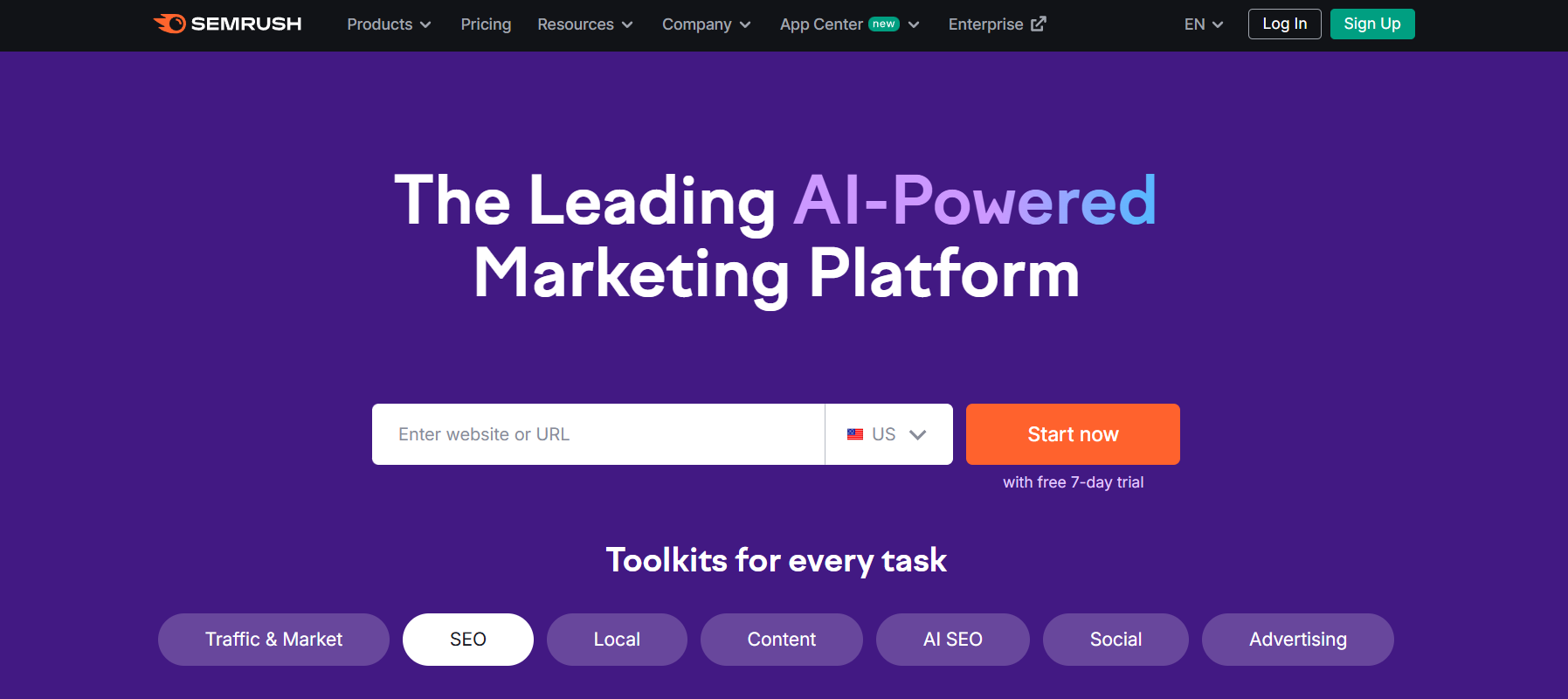
SEMrush remains one of the most complete SEO software for agencies. It’s an all-in-one marketing suite that covers keyword research, competitive analysis, content optimization, and social media management — all under one roof.

Key Features That Simplify Agency Workflows

SEMrush allows agencies to monitor hundreds of client campaigns simultaneously. You can track keyword positions, analyze backlinks, audit sites for technical issues, and even handle content strategy. The built-in reporting system is perfect for agencies that want to send automated, branded reports to clients.

Pros and Cons for Marketing Teams

Pros:

  • Comprehensive data across SEO, PPC, and content

  • Reliable competitor tracking

  • Easy integration with Google Analytics and Google Search Console

Cons:

  • Can be expensive for small teams

  • Learning curve for beginners

Pricing and Best Use Cases for Agencies

SEMrush offers different pricing tiers, but for agencies, the Guru or Business plans are most suitable. Prices start around $130 per month. It’s ideal for agencies that manage SEO and content marketing for multiple clients.

2. Ahrefs – Advanced Link-Building and Competitor Analysis Software

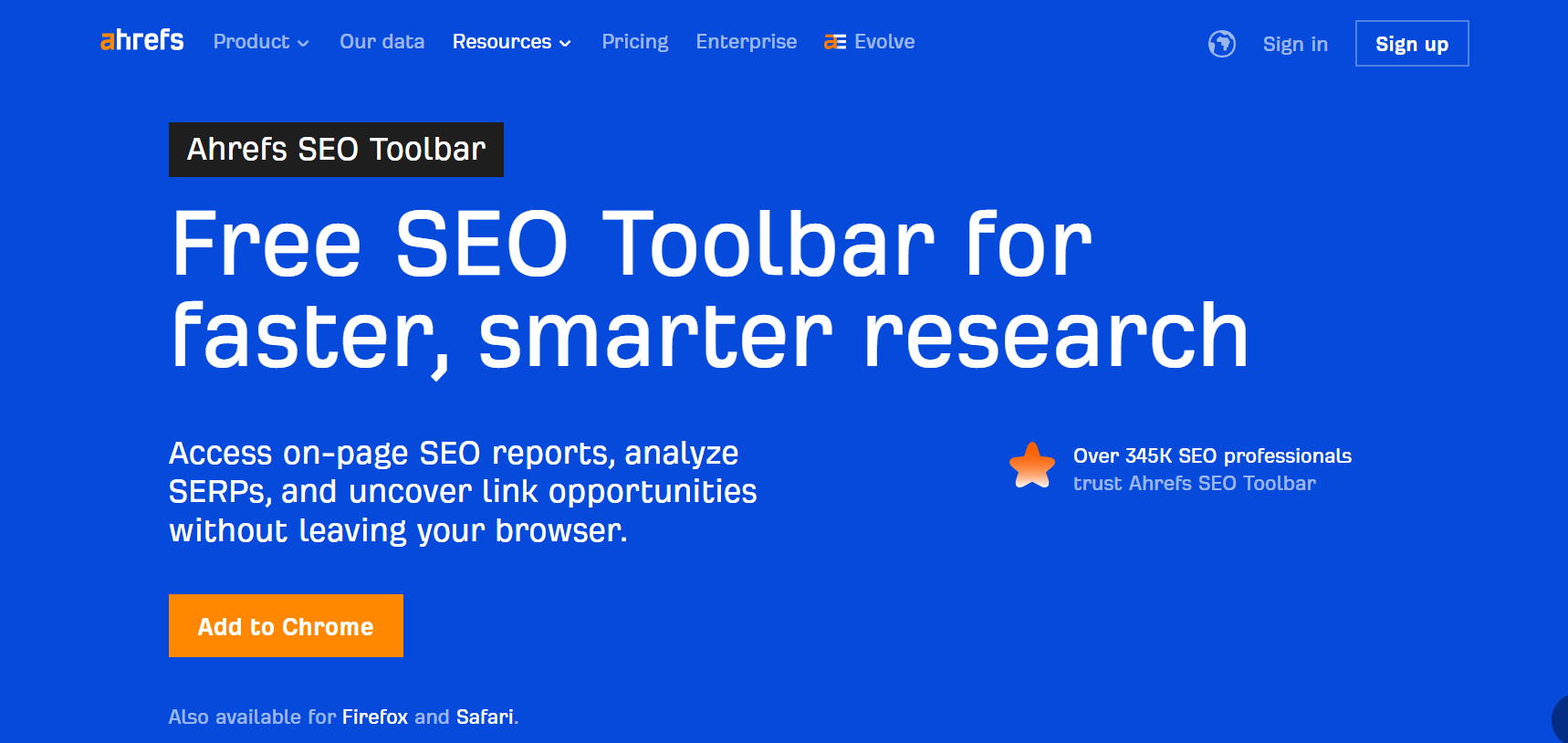
Ahrefs SEO Toolbar

When it comes to backlink data and competitor insights, Ahrefs is unbeatable. Many agencies consider it the best SEO software for agencies that focus heavily on link-building and competitive research.

Why Ahrefs Is a Must for Data-Driven SEO Agencies

Ahrefs gives you deep visibility into your clients’ backlink profiles, organic keywords, and top-performing content. You can uncover what’s working for competitors and use that insight to guide your strategy.

Best Features for Tracking Client Performance

  • Accurate backlink index with billions of links

  • Powerful keyword explorer for multiple search engines

  • Content gap analysis to find new keyword opportunities

Pricing Breakdown and Ideal Scenarios

Ahrefs’ plans start at around $99 per month, but agencies typically go for higher tiers for more projects and data access. It’s best suited for agencies that prioritize SEO research, link-building, and advanced analytics.

3. SE Ranking – Affordable, Scalable, and Agency-Friendly SEO Platform

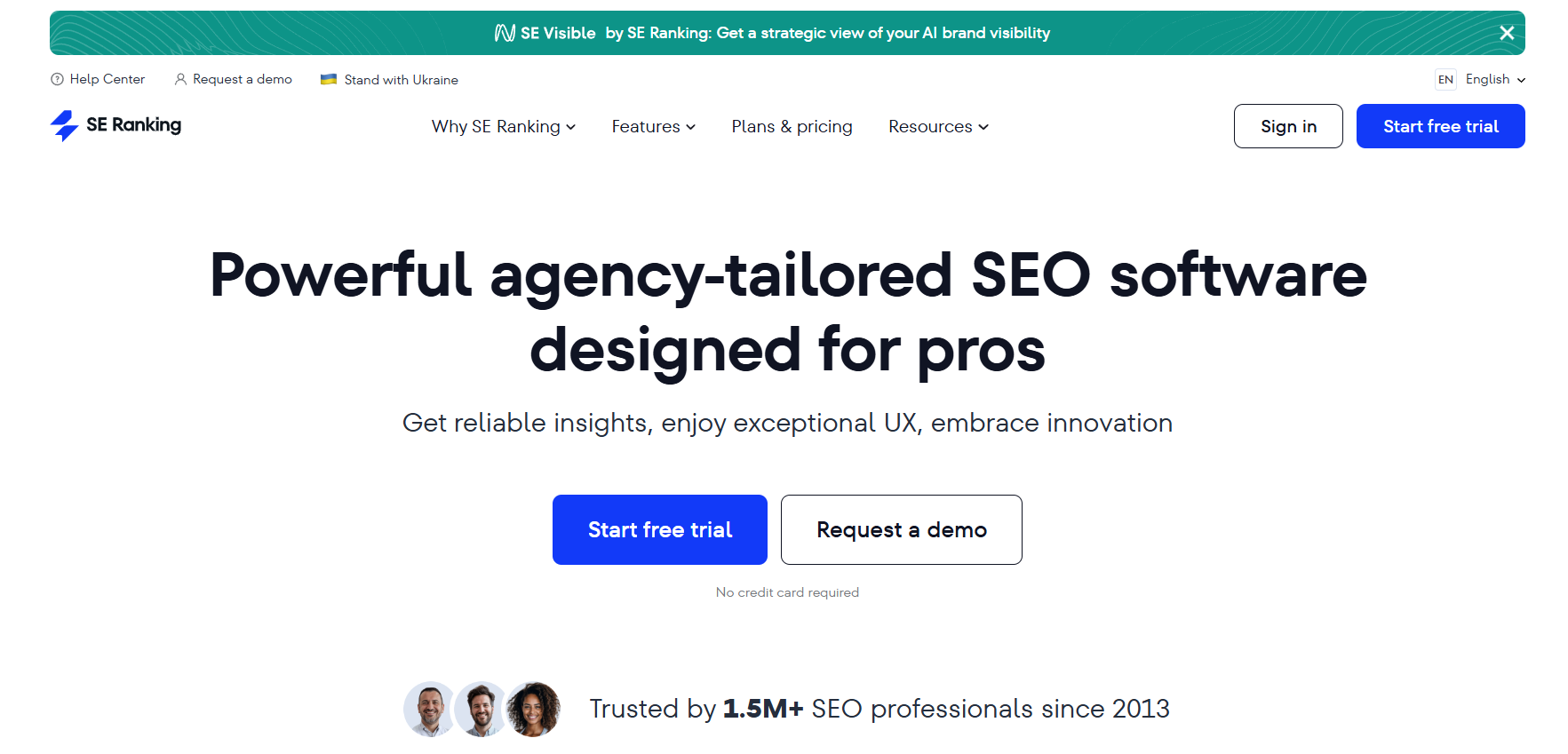
SE Ranking

SE Ranking is one of the most agency-friendly SEO platforms out there. It provides a full suite of tools for rank tracking, on-page optimization, and reporting, all at a much lower cost than SEMrush or Ahrefs.

How SE Ranking Balances Cost and Performance

SE Ranking is built for scalability. Agencies can manage dozens of projects with custom access levels for each team member or client. The reporting feature is white-label ready — perfect for agencies that need to deliver professional reports with their own branding.

Team Collaboration and Client Reporting Tools

  • White-label dashboards and reports

  • Project grouping and user management

  • Keyword rank tracking in multiple locations

Pros, Cons, and Pricing Overview

Pros: Affordable pricing, clean interface, excellent support.
Cons: Limited backlink database compared to Ahrefs.
Pricing starts at just $55 per month — a great deal for small to medium-sized agencies that want a professional SEO tool without breaking the bank.

4. AgencyAnalytics – The Ultimate Reporting Tool for SEO Agencies

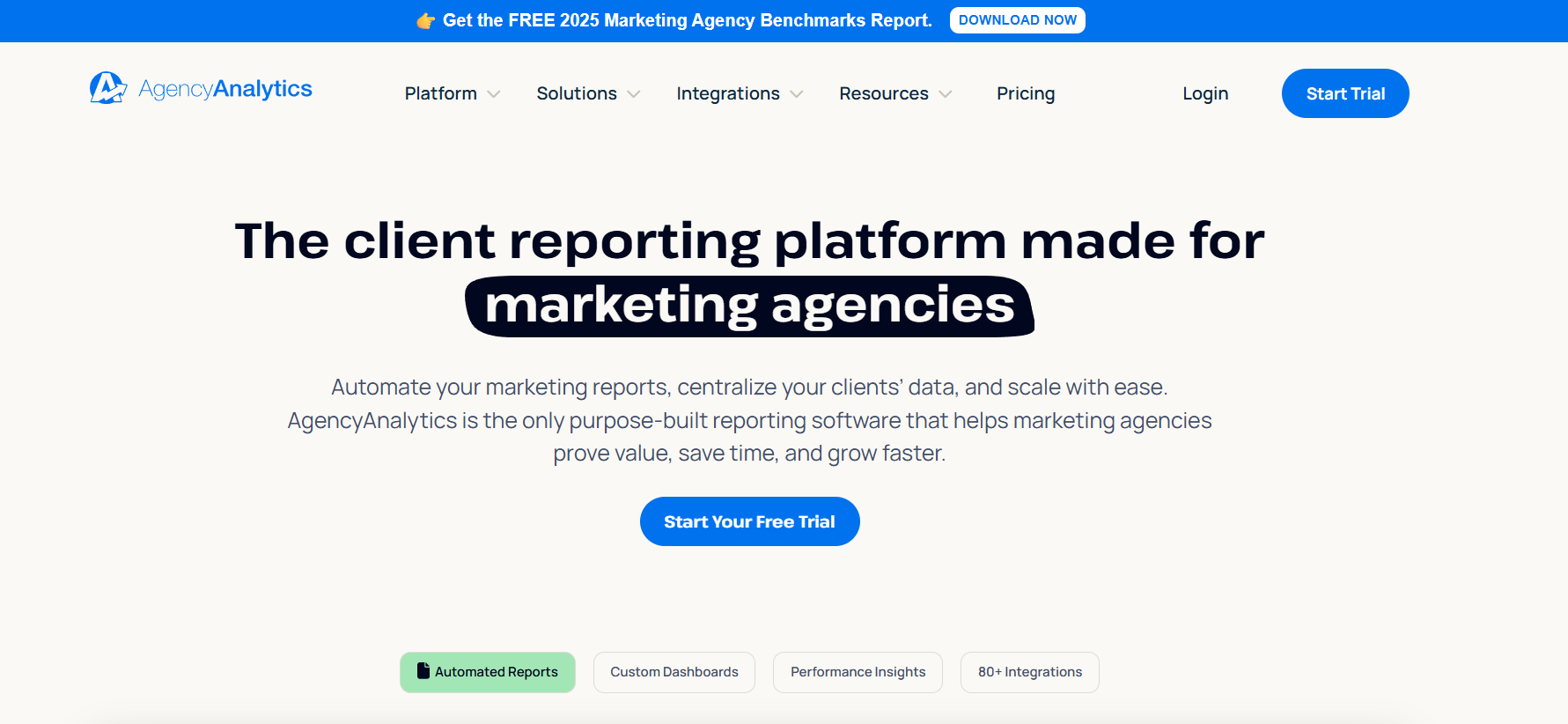
AgencyAnalytics

AgencyAnalytics focuses on what many agencies struggle with most — reporting and automation. It connects seamlessly with your favorite SEO, PPC, and social media platforms and generates stunning client-ready reports.

Why Reporting Automation Saves Agencies Hours Weekly

Instead of manually gathering screenshots or spreadsheets, AgencyAnalytics pulls live data from over 70 integrations (including Google Analytics, Google Ads, Facebook Ads, and more). You can automate reports or create real-time dashboards that clients can access anytime.

Key Integrations with Google Analytics, Search Console, and More

  • Integrates with SEO tools like Ahrefs, SEMrush, and Moz

  • Customizable drag-and-drop dashboards

  • Supports white-label branding for agencies

Pricing and White-Label Reporting Benefits

AgencyAnalytics starts at $12 per client campaign per month. It’s ideal for agencies focused on white label SEO software for agencies, offering scalability without complexity.

5. Surfer SEO – Content Optimization for Agencies That Want Results

Surfer

Surfer SEO is a must-have for agencies specializing in content optimization. It helps your writers and strategists craft content that ranks faster and higher by analyzing top-performing pages for a given keyword.

How Surfer SEO Improves On-Page Optimization at Scale

Surfer SEO uses AI to evaluate over 500 on-page factors and gives real-time recommendations for improving your content’s SEO score. It’s like having an SEO consultant inside your writing tool.

Top Features for Managing Multiple Client Campaigns

  • SERP Analyzer for in-depth keyword comparisons

  • Content Editor for optimized writing

  • Integration with Google Docs and Jasper AI

Pricing, Pros, and Limitations

Plans start at $89 per month. It’s perfect for agencies that manage content-heavy campaigns and want to combine SEO software for agencies with AI-driven content tools.

How to Choose the Best SEO Software for Your Agency

Selecting the right tool depends on your agency’s focus and size. Here’s a quick guide:

Identify Your Agency’s SEO Needs and Budget

If your team does everything from keyword research to reporting, you might want an all-in-one solution like SEMrush or SE Ranking. For pure link-building and competitor research, Ahrefs is unbeatable.

Compare Features Based on Team Size and Services

Small agencies should prioritize cost-effective scalability, while larger teams need automation and integrations for better efficiency.

Bonus Tip: Combining Tools for Maximum Efficiency

No single tool does it all. Many successful agencies use a combination — like SEMrush for strategy, Ahrefs for backlinks, and AgencyAnalytics for reporting.

Conclusion: Elevate Your Agency’s Results with the Right SEO Software

There’s no one-size-fits-all approach to SEO tools, but these five options represent the best of what 2026 has to offer. Whether you’re optimizing content, analyzing backlinks, or automating client reports, the right SEO software for agencies can dramatically improve your performance and client satisfaction.

Start small, test features, and choose tools that align with your agency’s goals. Remember, investing in great software isn’t just about convenience — it’s about building trust and long-term results for your clients.

Find More: Boost Your Sales With SEO Services

FAQs

1. What’s the best SEO software for small agencies?

For smaller agencies, SE Ranking offers the best balance between affordability and functionality. It’s scalable, user-friendly, and comes with white-label options.

2. Can I use multiple SEO tools at the same time?

Absolutely! Most agencies do. Combining tools like Ahrefs for link data and Surfer SEO for content optimization helps you cover all aspects of SEO efficiently.

3. Which SEO software offers white-label reporting for clients?

AgencyAnalytics and SE Ranking are great options for white-label reports. Both let you brand dashboards and reports with your logo and colors.

4. How much should agencies budget for SEO tools in 2026?

Expect to spend between $100–$500 monthly, depending on how many clients and features you need. Many agencies mix premium tools with affordable ones for better cost management.

5. What features should agencies prioritize when choosing SEO software?

Look for automation, white-label reporting, keyword tracking accuracy, and integration options. Tools that save you time while improving reporting transparency are always worth it.

Tags:

7 Powerful Pinterest Image Downloaders You’ll Wish You Knew Sooner

7 Powerful Pinterest Image Downloaders You’ll Wish You Knew Sooner

pinterest image downloader

Introduction: Why You Need a Reliable Pinterest Image Downloader in 2025

A Pinterest image downloader isn’t just a convenience tool — it’s a time-saving powerhouse for anyone who uses Pinterest regularly. Whether you’re saving design inspiration, collecting recipes, building mood boards, or gathering visuals for your brand, being able to download images quickly and in high quality changes everything. Instead of dealing with screenshots, watermarks, or broken links, a solid Pinterest downloader image tool lets you instantly save what inspires you, in full resolution.

Pinterest is like a visual search engine for creativity — packed with billions of photos, infographics, and videos. But Pinterest doesn’t make it easy to download those visuals directly. That’s where these downloaders come in. In this article, we’ll explore seven of the best and most reliable Pinterest video and image downloader tools for 2025. Whether you want to save a single pin or entire boards, these tools will help you do it effortlessly, securely, and in high quality.

Find More: 7 Powerful Dailymotion Downloaders You Need to Try Today

What Is a Pinterest Image Downloader and How Does It Work?

A Pinterest image downloader is an online or app-based tool that helps you grab photos and videos directly from Pinterest. Instead of right-clicking or taking screenshots, you can simply copy the pin’s link, paste it into the downloader, and hit “Download.” Within seconds, you have your content saved locally. Some tools even support multiple downloads at once or can extract original resolutions.

Understanding How Pinterest Stores and Protects Images

Pinterest hosts a massive collection of images uploaded by users across the globe. These images are protected by Pinterest’s content policy and often by the original creators’ copyrights. Because of that, Pinterest doesn’t offer a native “Download” button on all pins. These third-party downloaders use a URL extraction process to pull the image or video data for personal use.

It’s important to note that Pinterest’s goal is to keep the platform fair to creators, while downloaders focus on giving users easier access to the content they love.

Legal and Ethical Use of Pinterest Image Downloaders

Using a Pinterest downloader is totally fine when you’re saving images for personal inspiration or offline viewing. But using someone’s copyrighted work commercially — for ads, prints, or resale — can lead to issues. Always respect ownership and use these tools responsibly.

Benefits of Using a Downloader Tool Over Manual Saving

Manual saving can ruin the quality of your images. Screenshots often come out blurry or cropped, and they don’t capture full-resolution details. Downloader tools, on the other hand, save the exact original file. Plus, they allow you to download Pinterest videos — something you can’t do directly through the app.

7 Powerful Pinterest Image Downloaders You’ll Wish You Knew Sooner

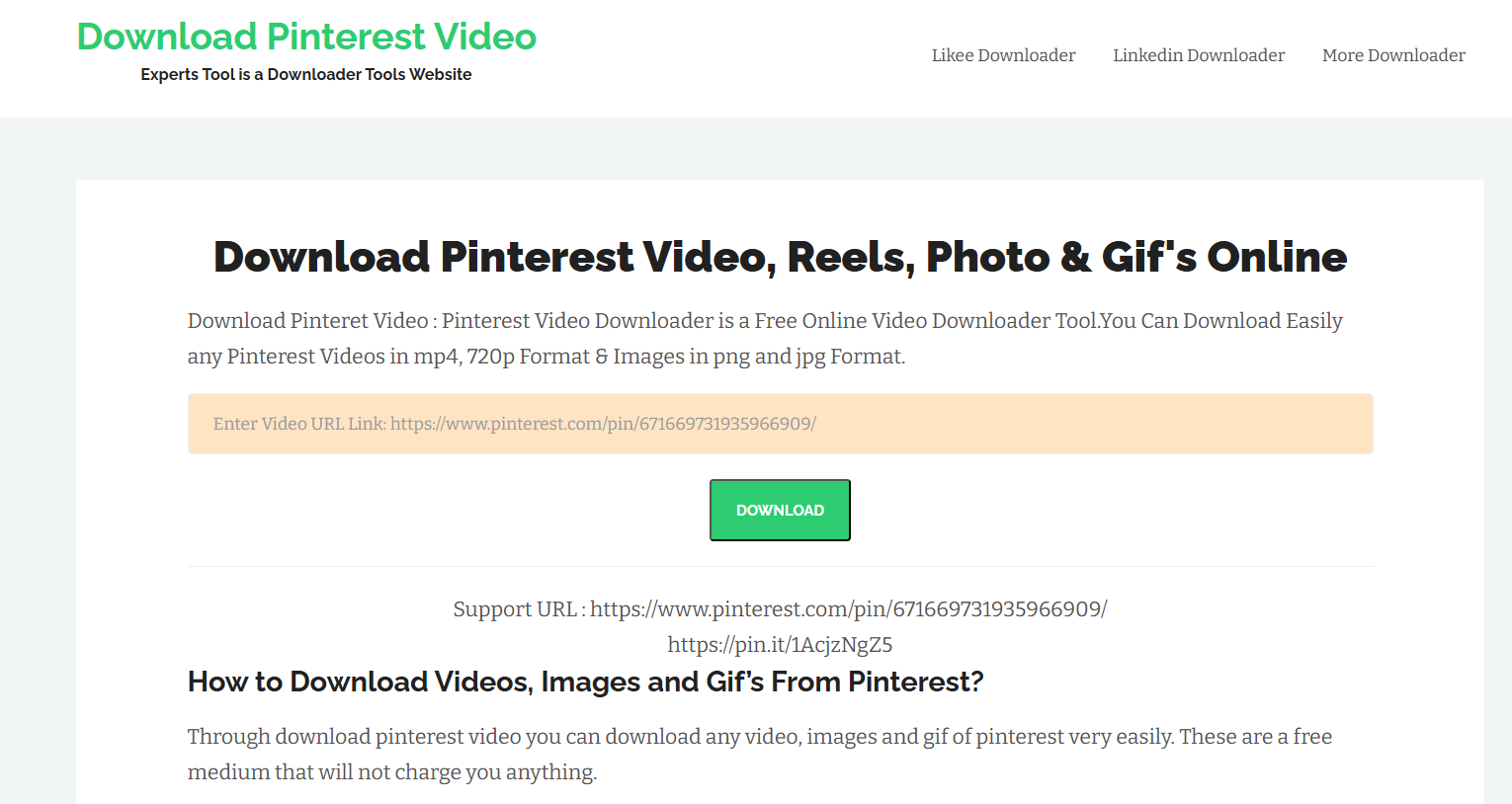
1. ExpertsPHP Pinterest Video & Image Downloader

ExpertsPHP

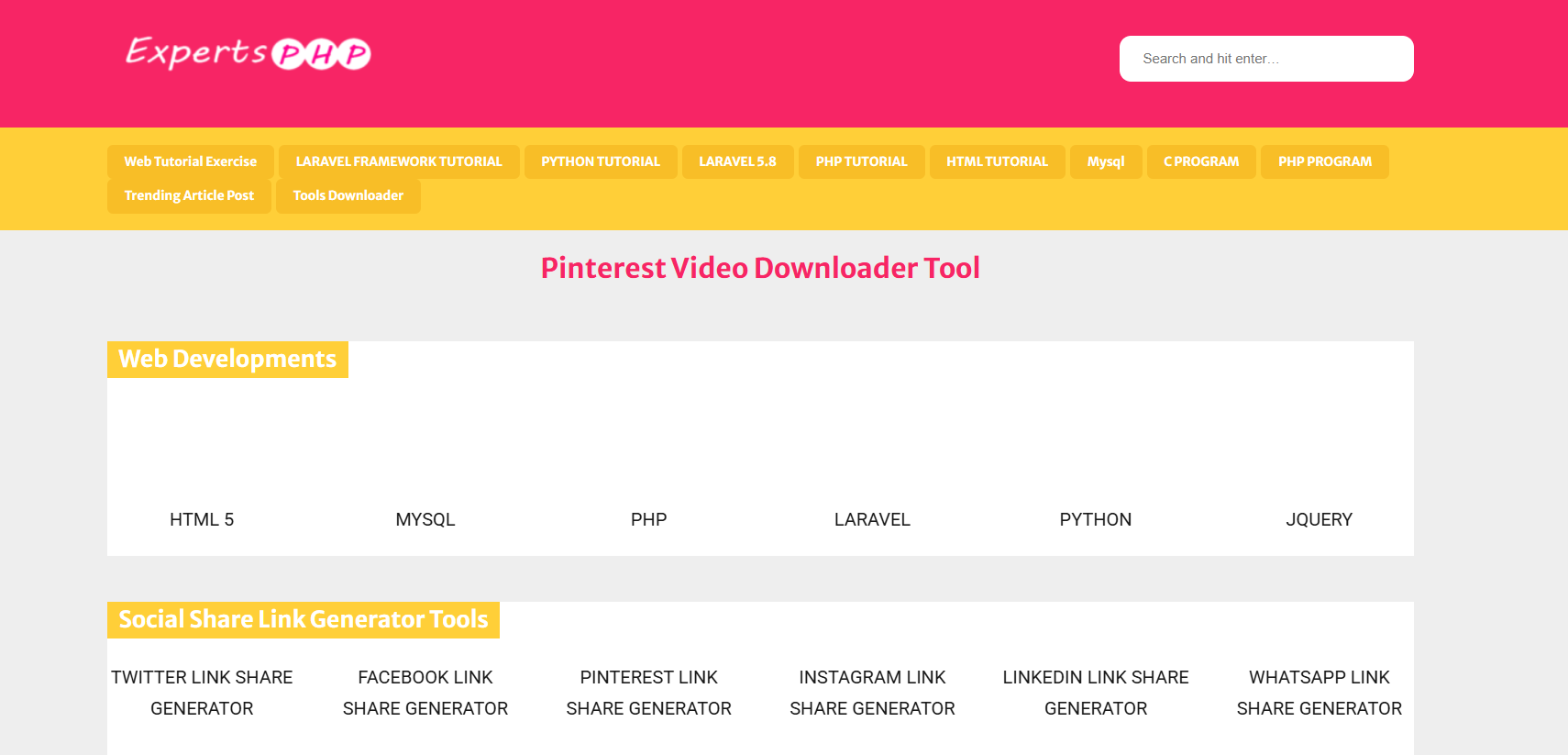
ExpertsPHP Pinterest Video & Image Downloader has been around for years and continues to be one of the most popular tools for Pinterest users. It works fast, doesn’t need registration, and supports both video and image downloads.

Key features:

  • Download high-quality images and videos instantly.
  • Works on both desktop and mobile browsers.
  • Completely free with no hidden costs.

How to use it:

  1. Copy the Pinterest URL of the image or video you want.
  2. Paste it into the ExpertsPHP downloader box.
  3. Click “Download,” and your file will be ready within seconds.

Pro tip: It also supports other platforms like Facebook and Instagram.

2. SnapSave.io Pinterest Downloader

SnapSave

SnapSave.io is another powerhouse tool known for its speed and ease of use. If you download Pinterest content frequently, this tool will save you a ton of time.

Why it’s great:

  • Supports both Pinterest video and image downloader functions.
  • Extremely fast, even for batch downloads.
  • Works across all devices — PC, Mac, iPhone, and Android.

It’s perfect for creators or social media managers who need visuals for inspiration boards or content planning. You just paste the Pinterest link, choose your file type, and click “Download.”

3. Pinterest Image Downloader Chrome Extension

Pinterest Image Downloader Chrome Extension

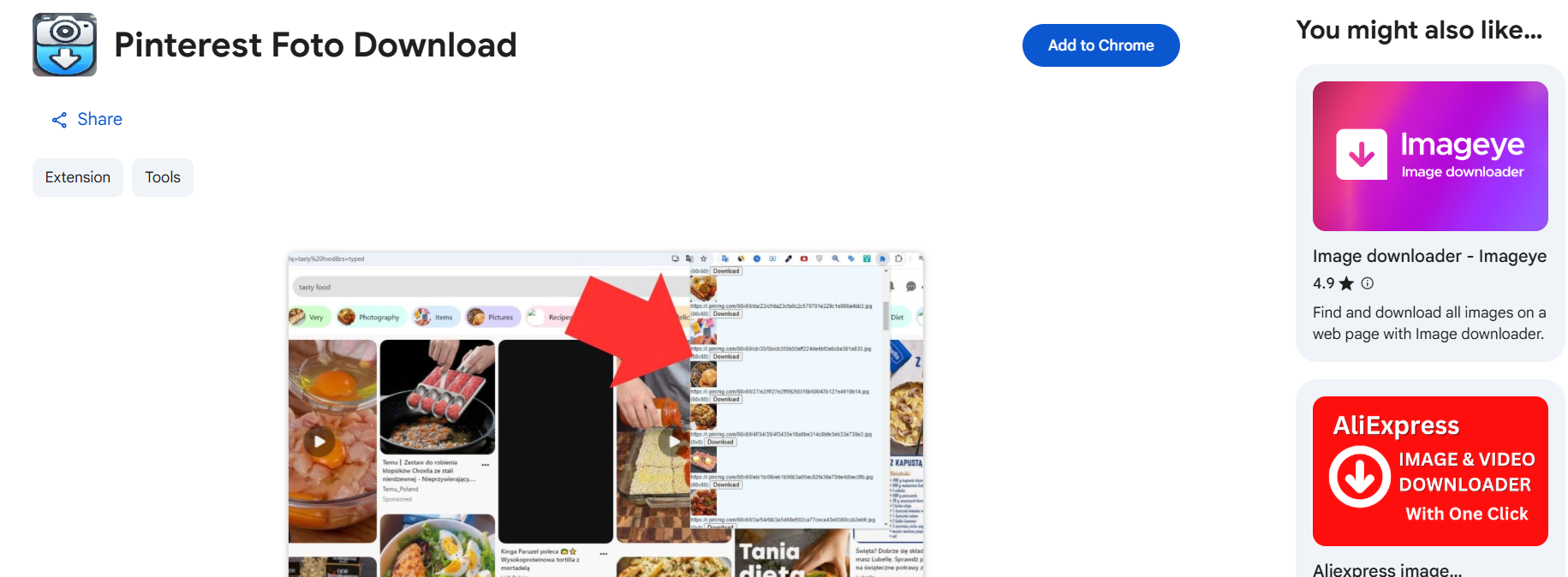
If you’re always browsing Pinterest on your computer, this Chrome extension is a must-have. It lets you download images directly while scrolling — no need to copy and paste links.

Benefits:

  • One-click download from Pinterest pages.
  • Save multiple images simultaneously.
  • Great for designers collecting references or marketers managing visuals.

How to install:
Go to the Chrome Web Store, search “Pinterest Image Downloader,” and click “Add to Chrome.” Once added, you’ll see a download icon appear whenever you hover over a Pinterest image.

Pro tip: It’s perfect for bulk saving entire boards without repetitive clicks.

4. iGram Pinterest Downloader

iGram Pinterest Downloader

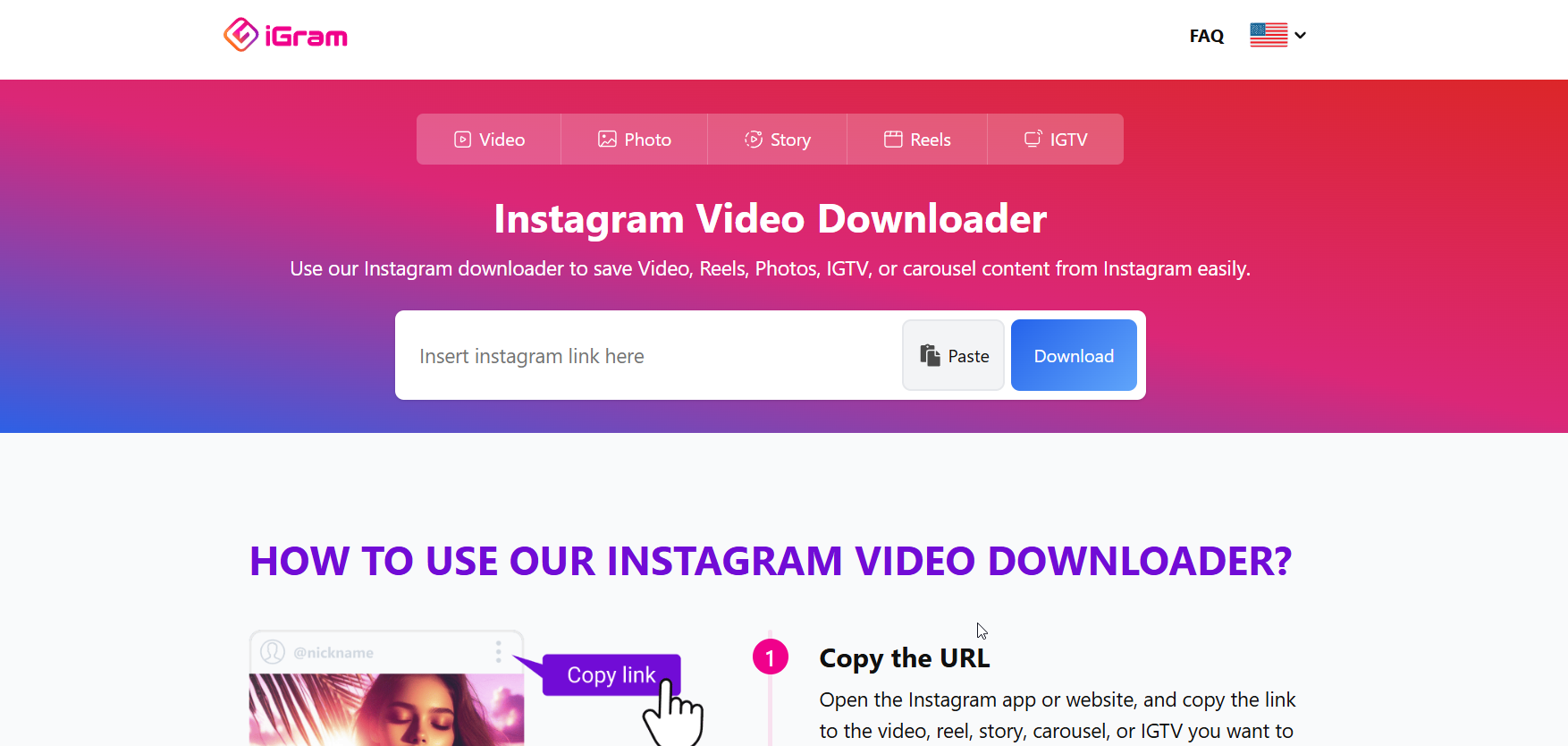
iGram Pinterest Downloader is known for its minimalist interface and smooth performance. It works not only for Pinterest but also for Instagram, Facebook, and TikTok.

Why people love it:

  • Fast, clean, and completely ad-free.
  • Supports HD-quality downloads.
  • Works great on both desktop and mobile browsers.

If you’re a mobile user, you’ll love iGram’s responsive design — no zooming or awkward pop-ups. It’s also one of the few downloaders that keeps a consistent high-quality output for both images and videos.

5. SaveFrom.net Pinterest Downloader

savefrom

SaveFrom.net is one of the most established download platforms on the internet. It supports Pinterest, YouTube, Instagram, Facebook, and many other sites.

Highlights:

  • Supports a wide range of formats (MP4, JPG, etc.).
  • Works perfectly on Chrome, Firefox, and Safari.
  • Offers browser extensions for quick saving.

It’s an all-in-one downloader trusted by millions worldwide. If you often download videos from different platforms, SaveFrom.net is a great all-purpose option.

6. ExpertsTool Pinterest Downloader

ExpertsTool Pinterest Downloader

ExpertsTool Pinterest Downloader offers a simple and efficient way to download Pinterest content in high resolution.

Key features:

  • High-resolution image and video downloads.
  • Works flawlessly across all browsers.
  • 100% free, no sign-up required.

If you’re working on projects that demand top-quality visuals, this is your go-to choice. It maintains clarity and sharpness, which is perfect for designers and marketers who care about detail.

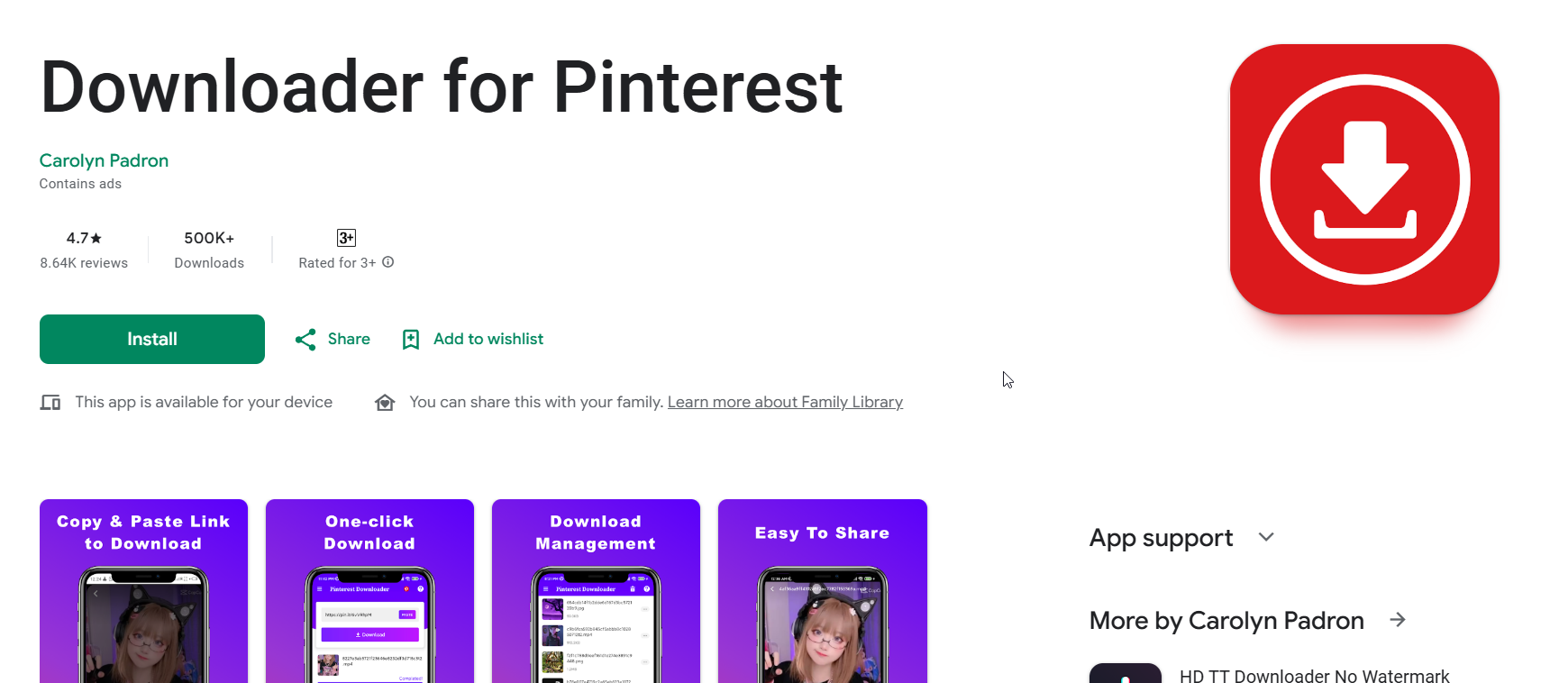
7. Pinterest Image Downloader App (Android/iOS)

Pinterest Image Downloader App

If you prefer downloading on your smartphone, apps like Video Downloader for Pinterest are perfect. This app works smoothly on Android devices and helps you save both images and videos directly from Pinterest links.

Advantages:

  • Lightweight and easy to use.
  • Allows offline viewing and sharing.
  • Fast download speed, even on slow connections.

How to use:
Open Pinterest → Copy the link of the image or video → Paste it into the app → Tap “Download.” That’s it. You’ll have your favorite pins saved instantly.

How to Choose the Best Pinterest Image Downloader for Your Needs

Considerations for Speed, Security, and Device Compatibility

When choosing a downloader, consider how often you use Pinterest and which devices you prefer. Tools like SnapSave.io are great for fast web-based downloads, while Chrome extensions make bulk-saving a breeze.

Make sure the downloader doesn’t redirect to spammy pages or force pop-ups. Stick to trusted names like iGram and ExpertsPHP for a safe experience.

What Features Truly Matter for Designers and Marketers

Designers and marketers often look for tools that preserve image resolution, allow batch downloads, and keep filenames organized. High-quality content saves time during creative projects and ensures your visuals look professional when reused.

Free vs. Premium Downloaders — Which One Is Worth It?

While free tools get the job done, some premium versions remove ads, add faster servers, and include more features. However, most users won’t need to upgrade since these seven tools already cover all essentials.

Common Issues When Using Pinterest Image Downloaders (And How to Fix Them)

Download Errors or “Image Not Found” Messages

Sometimes a downloader may fail if the Pinterest post is private, deleted, or not publicly available. Double-check that the link works before pasting it. If it still fails, try another tool like iGram or SaveFrom.net.

How to Avoid Low-Quality or Blurry Downloads

Choose HD download options whenever possible. Most tools allow you to select between resolutions. Avoid resizing or cropping downloaded images unless necessary.

Safe Downloading Tips to Protect Your Device

Use reputable tools only. Avoid sites that ask for unnecessary permissions or downloads. Always keep your antivirus updated and clear browser cache regularly to avoid pop-ups or slowdowns.

Conclusion: Start Downloading and Creating With Ease

Now you know the best tools to make your Pinterest life so much easier. Whether you’re a designer building a mood board, a marketer collecting visuals, or just someone who loves creative inspiration, these Pinterest image downloader tools have you covered.

From ExpertsPHP’s reliability to iGram’s simplicity, there’s something here for everyone. So go ahead — bookmark a few, test them out, and see which one becomes your go-to. The next time you find that perfect pin, you’ll have the power to save it instantly, in full quality, and without a single watermark.

Get inspired, download freely, and turn your Pinterest discoveries into your next creative masterpiece.

Find More: Boost Your Sales With SEO Services

FAQs

1. Is it legal to download images from Pinterest?

Yes, downloading images for personal use or inspiration is fine. However, you should not use downloaded content commercially without permission from the owner.

2. Can I download Pinterest images without logging in?

Yes, most online downloaders work without needing a Pinterest account. Just copy the link and paste it into the tool — it’s that simple.

3. Are these downloaders safe to use?

Absolutely. All tools listed here are verified and safe. Avoid clones or lookalike websites with suspicious pop-ups.

4. How do I download multiple Pinterest images at once?

Use extensions or batch tools like SnapSave.io that support multiple downloads. It’s especially useful when saving entire boards for research or design inspiration.

5. Which Pinterest downloader works best on mobile?

The Video Downloader for Pinterest app is perfect for Android users, while iGram works great for both iOS and mobile browsers.

6. What’s the best downloader for Pinterest videos?

ExpertsPHP and SaveFrom.net are excellent choices if you frequently download videos. They offer high-speed downloads and HD video quality.

7. Do these tools work for private Pinterest boards?

Most tools only support public pins. Private or hidden boards typically require you to log into your Pinterest account directly.

Tags:

5 Genius Ways to Post Anonymously on Facebook

5 Genius Ways to Post Anonymously on Facebook

how to post anonymously on facebook

Introduction: How to Post Anonymously on Facebook in 2025

If you’ve ever wondered how to post anonymously on Facebook, you’re not alone. Sometimes you just want to share your thoughts, ask a sensitive question, or express an honest opinion—without everyone knowing it’s you. Whether you’re curious about how to post anonymously on Facebook group or want to learn how to make an anonymous post on Facebook in general, this guide is here to help.

The truth is, Facebook isn’t exactly designed for anonymity—but there are still clever ways around it. In this article, we’ll walk through five genius ways to post anonymously on Facebook while keeping your privacy intact. By the end, you’ll know exactly how to share what’s on your mind—without leaving a trace.

Find More: 9 Free Tools for Facebook Reels Video Download

1. Use Facebook Anonymous Group Posting Feature

What Is the Anonymous Posting Feature on Facebook Groups?

facebook profile picture view

Facebook introduced an official “Anonymous Posting” feature for certain groups, especially those focused on support, parenting, and mental health. This allows members to share personal or sensitive thoughts without revealing their names to other group members. Only the group admins (and sometimes moderators) can see your name, while everyone else sees “Anonymous Member.”

Step-by-Step: How to Post Anonymously in a Facebook Group

Here’s how you can use this feature:

  1. Go to the Facebook group where you want to post.
  2. Tap “What’s on your mind?”
  3. If the group allows anonymous posts, you’ll see an option that says “Post anonymously.”
  4. Toggle that on.
  5. Write your post and hit Submit for Review.

Your post will go to the admins for approval. Once approved, it’ll appear in the group under “Anonymous Member.”

Limitations and Privacy Tips for Group Anonymous Posts

  • Not all groups allow anonymous posting—it’s up to the admin to enable it.
  • Admins can still see your name. So if you’re worried about absolute privacy, keep that in mind.
  • Don’t include personal details or hints that could identify you.

If you’ve been wondering how to post anonymous on Facebook group, this is the easiest and safest way.

2. Create a Secondary or Anonymous Facebook Account

When to Consider Using an Alternate Account

If the group you want to post in doesn’t have the anonymous feature, or if you want more control over your privacy, creating a secondary account is a good option. This is basically a “burner” account that hides your real identity.

How to Set Up a Secure, Untraceable Facebook Profile

  • Use a different email (preferably one without your real name).
  • Avoid connecting your phone number or linking your real friends.
  • Don’t upload your real photo or use identifying information.

This approach gives you complete control over what you reveal, making it one of the most effective ways to stay anonymous on Facebook.

Avoiding Facebook’s Detection and Identity Linking

Facebook’s algorithm can sometimes detect duplicate profiles. To reduce the risk:

  • Don’t log into both accounts from the same browser or device.
  • Use a private browser window or even a VPN for added security.

Remember, this method is great for privacy—but make sure you follow Facebook’s community standards to avoid being flagged.

3. Use Third-Party Tools or Platforms for Indirect Anonymous Posting

How Tools Like Tellonym or NGL Can Help You Stay Anonymous

If you’ve been online lately, you’ve probably seen people sharing “Ask me anything” links or anonymous message boxes. Platforms like Tellonym, NGL, or Sarahah allow people to receive anonymous messages and then share them publicly on Facebook.

Here’s how it works:

  1. Create a profile on a tool like NGL.link or Tellonym.me.
  2. Copy your unique link.
  3. Post that link on Facebook with a caption like: “Ask me anything anonymously!”

Anyone who clicks your link can send you a message, and you can share it without revealing their identity (or yours, if you use a secondary profile).

Safely Sharing Anonymous Posts to Facebook Without Revealing Your Identity

When using third-party tools, be cautious:

  • Avoid posting anything that could violate Facebook’s guidelines.
  • Don’t use your real name or connect your personal social accounts.
  • Always double-check privacy settings before sharing.

These tools are perfect if you want to engage your audience or friends anonymously while still staying active on Facebook.

4. Post Anonymously Using Facebook Pages or Community Accounts

How to Use a Facebook Page to Hide Your Personal Identity

Another underrated trick is posting through a Facebook Page. When you post as a Page, your real name isn’t shown—only the Page name appears.

For example, if you create a page called “Honest Thoughts Daily,” you can post anything under that name. People will see the Page, not you.

Here’s how:

  1. Create a Facebook Page.
  2. Go to your Page settings and ensure your personal profile isn’t publicly visible.
  3. Switch to posting “as the Page,” not as your profile.

Tips for Managing Anonymous Pages Safely and Effectively

  • Don’t invite your personal friends to follow the page.
  • Keep your Page email separate from your main one.
  • Avoid connecting your Page to your personal Ads Manager or payment details.

This method works great if you plan to post regularly while keeping your real name hidden.

5. Use Privacy Settings and Audience Controls Strategically

How to Limit Who Sees Your Posts for a “Semi-Anonymous” Effect

If you don’t want to create another account but still want some level of privacy, Facebook’s audience controls are your best friend.

You can make a post visible only to specific people, or even exclude certain ones. It’s not fully anonymous, but it helps you control who sees what.

Adjusting Tagging, Profile, and Visibility Settings for Extra Privacy

Go to Settings → Privacy → Your Activity and tweak these options:

  • Change “Who can see your posts?” to “Only Me” or “Custom.”
  • Turn off tagging approval so others can’t expose your identity.
  • Hide your friends list and limit past post visibility.

This gives you a “semi-anonymous” effect—perfect if your goal is to keep certain topics private while still using your real profile.

Conclusion: Stay Smart While Staying Anonymous

So, now you know five genius ways to post anonymously on Facebook—from using group features and secondary accounts to clever privacy tricks. Whether you’re sharing something deeply personal or just prefer not to attach your name to a post, these methods give you control.

Always remember: privacy isn’t about hiding—it’s about protecting yourself. Use these tips responsibly and stay aware of Facebook’s ever-changing policies.

If this helped, share it with someone who might need to know how to keep their Facebook posts private too.

Find More: Boost Your Sales With SEO Services

FAQs

1. Can I post anonymously on my personal Facebook timeline?

No, Facebook doesn’t allow anonymous posts on personal timelines. However, you can use privacy settings to limit who sees your post.

2. Why can’t I see the “Post Anonymously” option in my group?

Not all groups have the anonymous posting feature. The group admin needs to enable it in the settings for it to appear.

3. Is using a fake Facebook account against Facebook’s rules?

Technically, yes. Facebook’s Terms of Service require users to use their real names. However, many people still use alternate accounts for privacy purposes—as long as they don’t engage in spam or harmful behavior.

4. How do I protect my identity if I post sensitive content?

Avoid including personal details, use a secondary account, and consider using a VPN for an extra layer of security.

5. What’s the safest way to stay anonymous on Facebook today?

The safest way is to use a combination of anonymous group posting, privacy settings, and secondary accounts. This gives you flexibility and protection while staying within Facebook’s limits.

Tags:

Micro-Influencers and Data-Backed Matching: Authenticity That Gets Results

Micro-Influencers and Data-Backed Matching: Authenticity That Gets Results

Micro-Influencers

A growth lead at a mid-market wellness brand recently shared a small moment that changed how her team evaluates creators. A micro influencer they hired posted a daily routine video using their nutritional supplement. Nothing flashy, just a walkthrough and a few comments about recovery after longer runs.

The post drew fewer views than a more prominent influencer shoutout they paid for a month earlier. But the comments told a different story: People were asking about dosage, shipping, and flavor, showing that the post reached actual buyers who were interested in the product.

That’s just one example of how using creators with smaller followings can help maximize ROI and reach more engaged and responsive audiences.

But to succeed with micro-influencers, you need to have a data-driven and structured approach when choosing the right talent and planning your campaigns. Let’s explore how below.

TL;DR / Key takeaways

  • Micro-influencers often deliver stronger engagement per follower because their audiences are narrower and more interactive.


  • Trust in creators has trended upward among younger buyers since 2019, which makes fit more consequential.


  • Matching with data beats sorting by follower count when you care about maximizing engagement.


  • There are two workable paths to find fit: manual vetting or a platform-assisted workflow.


  • Clear briefs raise win rates because creators can only hit the target you define.


  • Disclosure is part of authenticity and should be set in the brief.


What are micro-influencers?

Micro-influencers are creators with roughly 1,000 to 100,000 followers. They tend to serve a focused interest and maintain closer contact with their communities, which is why their engagement per follower often looks stronger than larger accounts.

Why smaller creators can convert better

One of the main appeals of smaller creators is their lower asking price for collaboration. But teams also choose smaller influencers because niche audiences filter out disinterest and invite conversation.

Benchmarks often show engagement tapering as accounts grow. That’s what teams feel when a giant shoutout produces likes without questions or clicks. On Instagram, micro creators average about 0.99% engagement, the highest tier in Sprout Social’s 2025 benchmarks, which matches what many marketers see in real life scenarios.

Trust also plays a role. Morning Consult reports that the shares of Gen Z and millennials who say they trust influencers at least somewhat rose from 51% in 2019 to 61% in 2023. That shift helps explain why a good fit can tip a hesitant buyer into trying a product.

When a creator matches well with your category and the brief respects their voice, their recommendation sounds more genuine, and less like a pitch. As a result, these smaller, well-matched voices often get more people to actually listen.

How does data-backed matching fit in?

Data-backed matching is simply the practice of choosing partners based on evidence of fit rather than guesswork. That evidence can include the audience they reach, the topics and formats they post about consistently, and recent signals that their content drives the kind of responses you need.

The common thread is fit: product, brand, and audience alignment that gives a recommendation context.

When you put these together, you get a practical theme. Micro-influencers bring credibility inside a niche. Matching with data makes that credibility show up in performance because the message meets an audience that already cares.

Two ways to find the right micro-influencers

Most teams use one of two approaches, and both can work. The manual path is hands-on and gives you control. The tool-guided path is quicker once you have a clear brief and target, and it can surface partners who already create in the formats you need.

Manual path

Start with your buyer and the outcome you want. Search by topic hashtags and keyword variants, then open the last 9–12 posts for each candidate and read the comments. You are looking for recency, steady volume, and signals of intent in the thread. Save rates and replies that ask specific questions are useful tells.

Build a lightweight checklist so evaluation is consistent. Include audience location and language, topical alignment, posting cadence, brand safety, disclosure habits, and any red flags.

Keep outreach personal and short, link to one clear brief, and track status in a simple sheet that captures dates, deliverables, rates, and results. The goal is a repeatable rhythm, not a perfect database.

Automated path

Begin with a brief that names the angle and outcome. Use a tool to turn a product link into draft briefs and to propose creators who have relevant category experience and who already publish in the formats you need.

Creator marketing platforms like Billo combine brief generation with data-backed creator matching and an organic posting workflow, so selected creators post on their own feeds first. That makes it easier to validate an idea with a real audience and generate sales before having to invest in paid campaigns.

Treat the tool’s shortlist as a starting point. Refine the brief where needed, run an initial organic post where the platform supports it, and evaluate results using the same internal metrics your team already tracks.

If a post does well, you can consider running it as a paid campaign next. With Billo, you can even take advantage of Partnership Ads or Spark Ads, which allow you to run ads on Meta or TikTok from the creator’s handle.

How to run a simple micro-influencer test

A targeted, data-driven test beats a big, vague launch. The steps below can help manage scope while ensuring every decision contributes to your goals.

1) Define your success criteria

Pick the one metric that decides success for this round. For organic tests, it will usually be more about engagement, such as likes or comments. But if you get the creator to mention a promo code, you can also attribute direct sales to each post or creator.

2) Build a clear brief

Reduce ambiguity without scripting away the creator’s voice. Lock the core angle and include any guardrails you want the creator to be aware of. Share where the content will run and any editing needs so the creator plans their shoot accordingly.

3) Shortlist with data

Select creators primarily by fit. Screen for niche alignment, audience location and interests, and recent engagement quality. Favor creators who already make the format you need at a steady cadence. Or rely on Billo’s data-backed creator matching to find the right fit for your product and category.

4) Launch organic, then consider paid

Validate the angle with a real audience before investing more. Publish from the creator’s handle and watch for the early signals. If the video shows promise, move it into paid or run Partnership or Spark Ads from the creator’s handle.

Best practices for briefs and matching

These practices come from teams that run frequent tests and keep what works in rotation, and can be helpful for getting the most of your micro-influencer partnerships.

  • Name the angle and the measure. Every brief should state the one idea you want to test and the success criteria you’ll use to judge it. Add a short rationale so the creator sees the intent.
  • Frequency matters. A creator who ships native Reels twice a week is a better bet than one gorgeous feed post every other month. .
  • Pre-agree on disclosure. The FTC requires clear, conspicuous disclosure when there’s a material connection. In a short video, the creator should make it on-screen and audible.
  • Close the loop. Send simple performance notes back to creators. The next round gets smarter when both sides see which hooks and scenes moved the metric.

Next steps

Micro-influencers bring credibility inside focused communities, and data-backed matching helps you find the best fit between product, brand, and audience. There are two workable paths, hands-on or tool-guided, and either can start with small, organic tests that use public signals and clear briefs to decide what deserves another round.

Ready to put this into practice? Try Billo to create a data‑backed brief, match with category‑relevant micro‑influencers, and publish on creator feeds, all from a single workflow.