UK: +44 2038074555 info@atamgo.com
6 Powerful TikTok Counter Tools Most People Miss

6 Powerful TikTok Counter Tools Most People Miss
tiktok counter

Introduction

TikTok counter tools have become a go-to resource for creators who want to keep track of their growth without guessing. If you’re serious about TikTok — whether you’re chasing brand deals, trying to grow a following, or just curious about your reach — knowing your TikTok follower count in real time makes a huge difference. Relying only on TikTok’s in-app numbers can be limiting. That’s where external counters come in. They don’t just show your TikTok followers count; some go deeper, offering live updates, analytics, and even predictions. In this guide, I’ll walk you through six powerful TikTok follower counter tools that most people don’t even know about — but definitely should.

Using a TikTok counter is like adding a dashboard to your growth journey. Instead of flying blind, you can see exactly how your content is performing, when your audience is most active, and whether your experiments are paying off. Let’s dive into the tools, break down their strengths, and help you choose the one that actually fits your goals.

Find More: Top 5 Tips for Buying TikTok Followers Safely

1. Real-Time TikTok Counter Apps

Features That Make Them Stand Out

Real-time counters update instantly, letting you see your followers tick up (or down) live. They’re popular with creators during livestreams, growth campaigns, or when running giveaways where every new follower matters. Seeing numbers change in real time adds excitement and motivation — it makes growth tangible.

Best Free Options Available
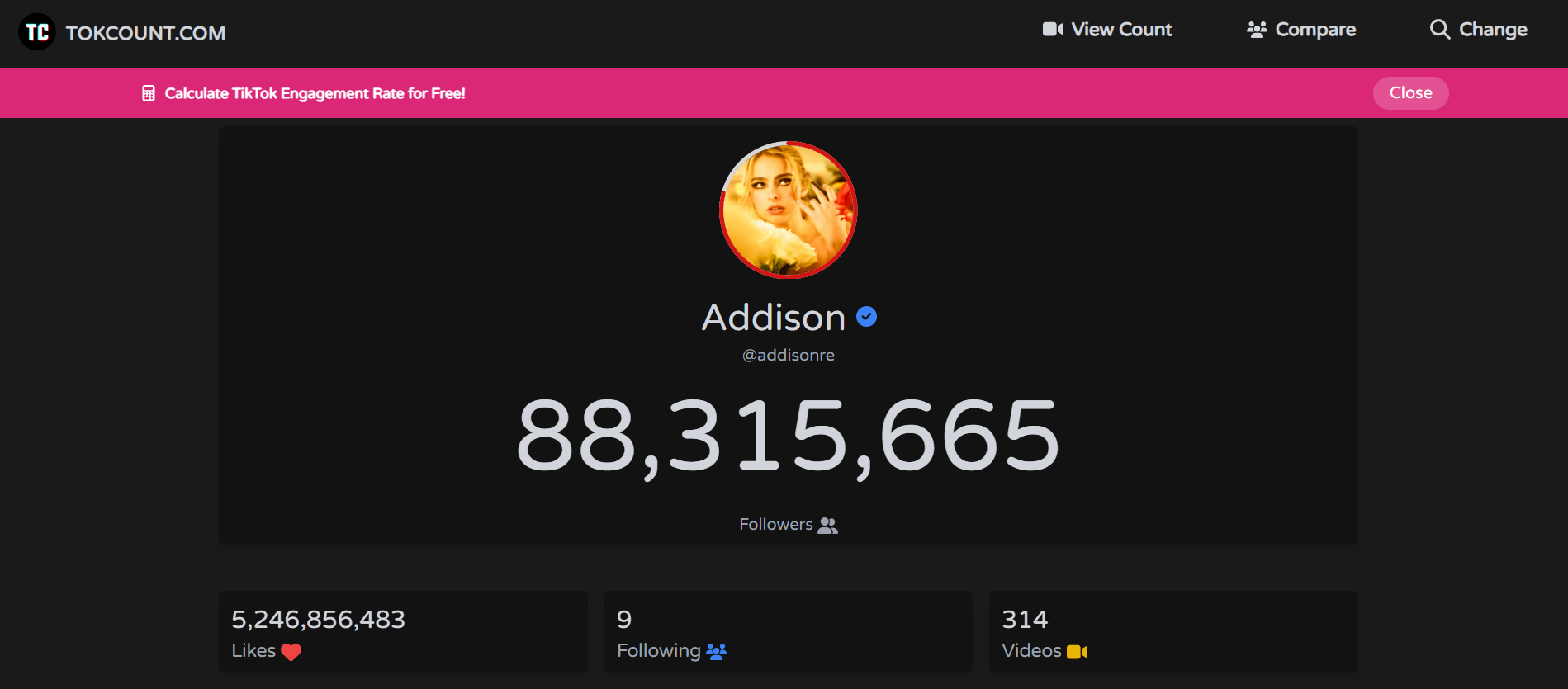
TokCount

  • TokCount.com – Simple, reliable, and doesn’t need a login. Great if you want to quickly check your TikTok follower count on the go. Many creators use it during live events or after dropping a big video.
  • TikTok Live Counter (by Counts.Live) – Known for smooth updates and a clean interface. It’s lightweight and fast, perfect for quick checks and embedding into live streams.

Both of these are excellent for getting an instant snapshot without extra fluff. They might not have deep analytics, but for checking your numbers quickly, they’re hard to beat.

2. Live Follower Count Trackers

How Live Counters Work in Real Time

Unlike TikTok’s built-in analytics (which often update with delays), live counters are constantly refreshing. This helps you measure exactly how many followers you gain after posting a viral video, a collaboration, or even during a live session. Many creators use these trackers to time their posts better and to prove results to potential sponsors.

Recommended Platforms for Accuracy
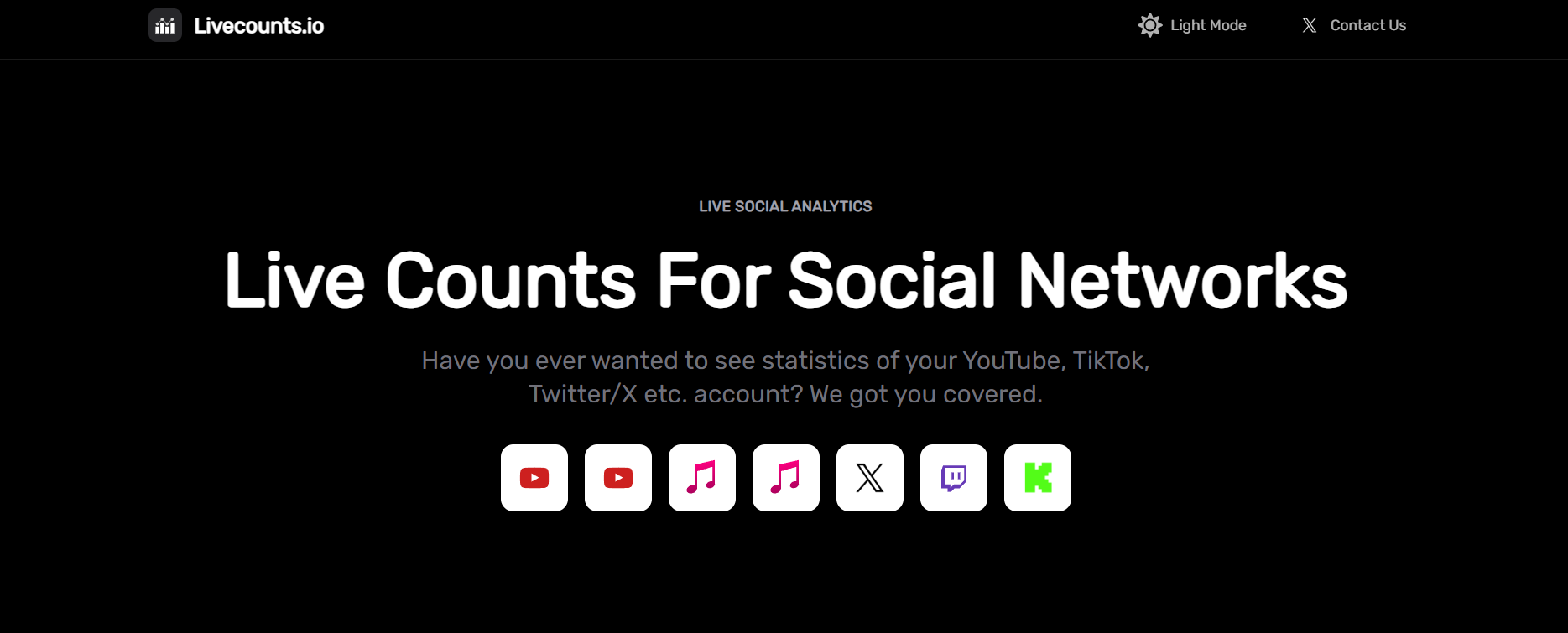
Livecounts

  • Livecounts.io – One of the most accurate and visually pleasing live counters. It works not just for TikTok but other platforms, too. The sleek design makes it ideal for screensharing during lives.
  • TikTokCounter.net – Focused purely on TikTok with real-time accuracy and simple graphs to track short-term growth. It’s perfect for creators who don’t need distractions from other platforms.

These platforms make it fun to watch growth as it happens. They also reveal patterns you’d otherwise miss, like sudden jumps when your video lands on the For You Page.

3. TikTok Counter Websites With Analytics
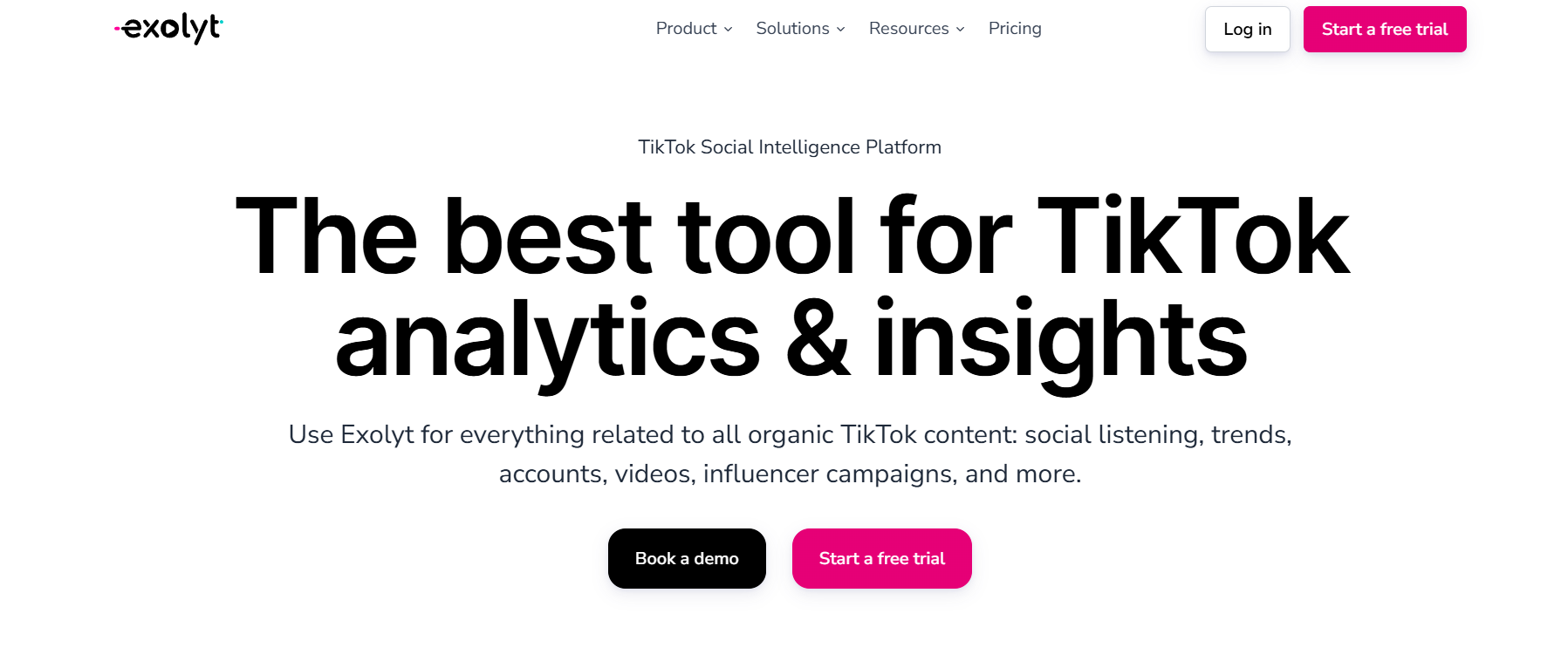
Exolyt

Going Beyond Numbers With Engagement Insights

Some counters go a step further than just showing follower numbers. They give you engagement stats, average likes, comments, posting frequency, and even influencer ranking data. This is a goldmine if you’re trying to optimize your content strategy or pitch yourself to brands.

Examples of Top Websites You Can Use

  • Exolyt – Provides advanced analytics including video performance, engagement rates, competitor analysis, and even hashtag tracking. It’s used by creators and agencies who want professional-level data.
  • Analisa.io – Lets you analyze not just your own account but also others. This makes it great for spying on competition, benchmarking growth, and learning from bigger creators’ posting strategies.

These websites help turn raw numbers into meaningful insights. Instead of just knowing you gained 500 followers, you’ll understand why you gained them.

4. Mobile TikTok Counter Apps for iOS & Android

Why Mobile Counters Are Handy for Creators

As creators, most of us are glued to our phones. Mobile apps make it easy to check follower updates wherever you are, without needing to open a browser tab. They’re especially useful if you’re constantly on the go, attending events, or brainstorming content ideas away from your desk.

Top Mobile Apps to Try in 2025
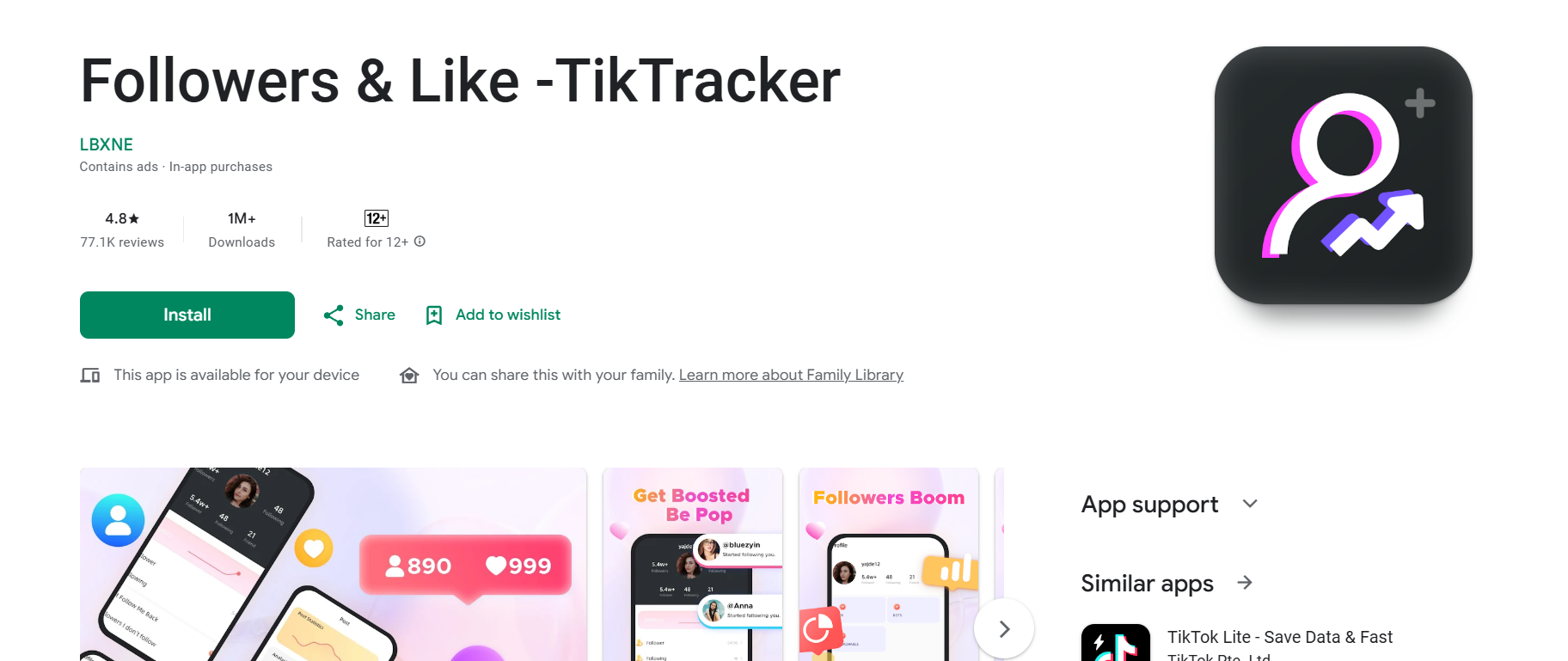
TikTracker

  • TikTracker – Offers real-time counters plus insights into likes, shares, and overall account performance. The design is simple but powerful.
  • TikFollowers Tracker – Tracks growth trends over time and sends notifications when you hit milestones. If you like celebrating follower goals, this app keeps you motivated.

These apps are perfect for creators who want to stay updated without carrying a laptop around. They also make it easier to keep an eye on growth while experimenting with content on the move.

5. All-in-One Social Media Counters

Tracking TikTok Alongside Other Platforms

If you’re not just on TikTok but also active on Instagram, YouTube, or X (Twitter), it’s a hassle to keep switching tools. All-in-one counters let you see everything in one place. They’re a huge time saver and can help you spot which platform is driving the most traction for your brand.

Best Multi-Platform Counter Tools
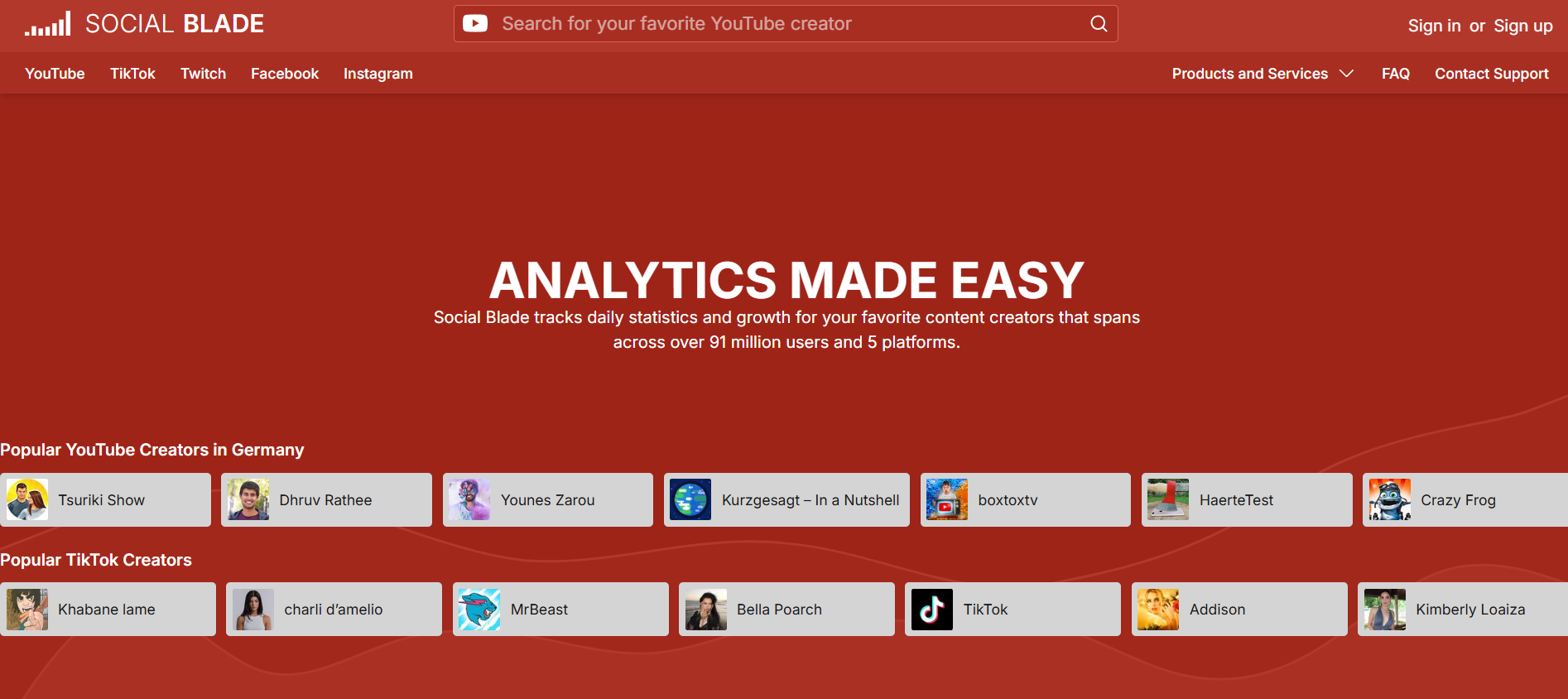
Social Blade

  • Social Blade – Probably the most famous analytics site. It covers TikTok along with YouTube, Instagram, Twitch, and more. The charts and growth trends are extremely useful, especially when you want to track long-term growth.
  • Noxinfluencer – Great for creators working across multiple platforms. Offers detailed comparisons, influencer rankings, and even estimated earnings data.

If you’re building a personal brand across several channels, these all-in-one tools give you the big-picture view you need to balance your energy and focus.

6. Advanced TikTok Counter Tools With Growth Predictions

How Predictive Analytics Can Boost Strategy

Some TikTok counters aren’t just trackers; they’re like crystal balls. By analyzing your past growth and engagement, they can predict where your numbers are heading. This is powerful for creators planning content calendars, aiming for brand partnerships, or looking to spot trends before they explode.

Tools Offering Pro-Level TikTok Insights
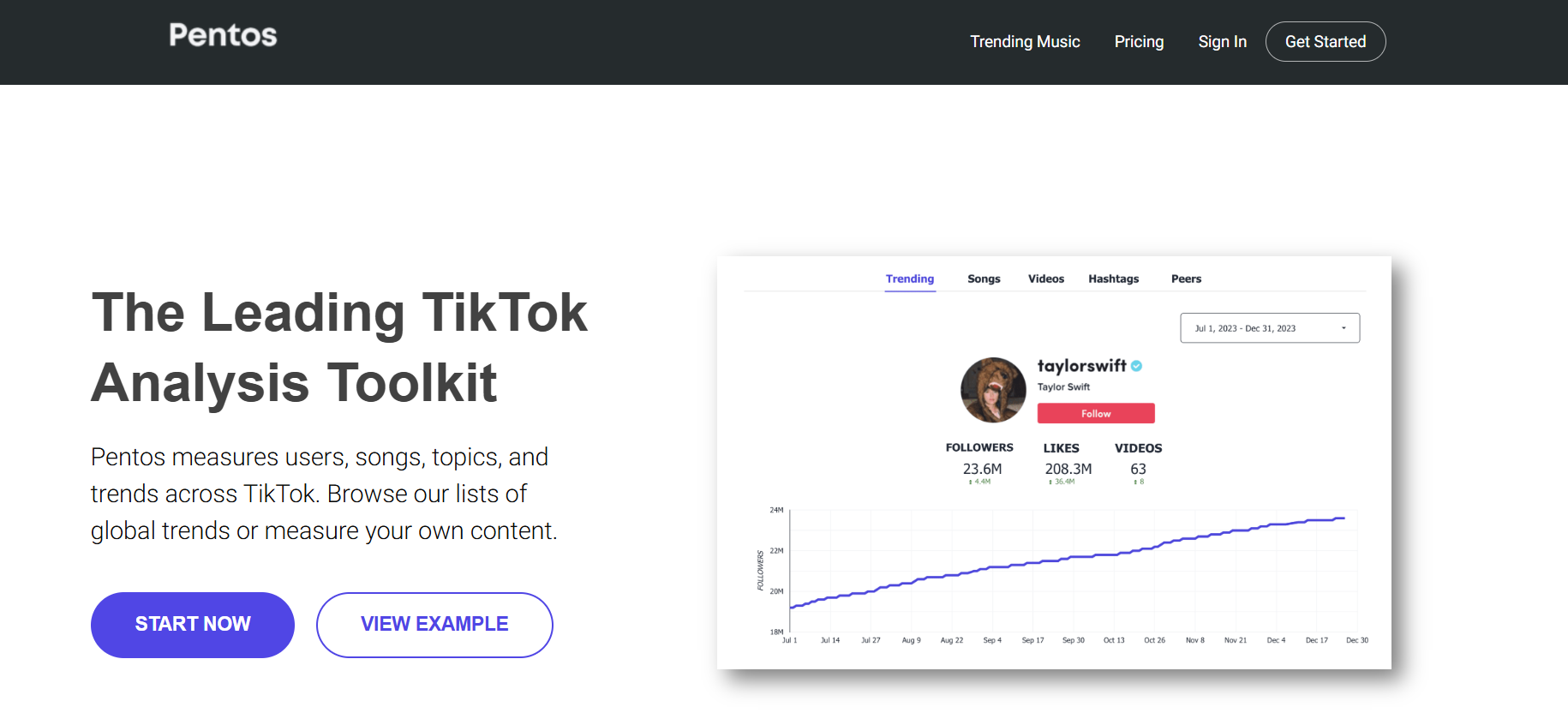
Pentos

  • Exolyt Premium – Their advanced plan provides future growth forecasts and content performance predictions. It’s especially useful if you’re pitching yourself to brands and need data to back your claims.
  • Pentos.co – A strong analytics platform that helps you predict trends, track songs, hashtags, and profiles. Perfect for spotting opportunities before they blow up.

These tools aren’t for everyone, but if you’re turning TikTok into a business, they’re game changers. Knowing what’s likely to happen next week can be just as valuable as knowing what happened yesterday.

Conclusion

We just walked through six types of TikTok counter tools — from simple real-time counters like TokCount to advanced analytics platforms like Exolyt and Pentos. Each serves a slightly different purpose, and the best choice depends on where you are in your creator journey.

If you’re just starting out, I’d say try something lightweight like Livecounts.io or TokCount to get a feel for your follower flow. You’ll quickly see how motivating it is to watch your numbers move in real time. But if you’re aiming big and want to turn content into a serious business, investing in advanced analytics tools like Exolyt or Pentos is worth every penny. They give you the depth and foresight you need to stay ahead of the curve.

At the end of the day, your TikTok follower counter is more than a number. It’s a pulse check on your creativity, consistency, and connection with your audience. Numbers don’t define you, but they do reflect the reach of your voice. Pick one tool from this list, try it today, and see how it changes the way you think about growth. The sooner you get clear data, the sooner you can make smarter moves.

Find More: Boost Your Sales With SEO Services

FAQs

1. Are TikTok counters accurate in real time?

Most live counters are pretty accurate, though some may have a delay of a few seconds depending on server updates. The best ones, like Livecounts.io, usually stay in sync with minimal lag.

2. Do I need to log in to use a TikTok counter?

Not always. Many tools like TokCount let you check without logging in, but advanced analytics sites often require an account so they can store your data and generate deeper insights.

3. Can TikTok counters track likes and views too?

Yes, some tools like Exolyt and Analisa go beyond follower count and track likes, comments, and even engagement rates. This helps you understand not just how many people follow you, but how many actually interact with your content.

4. Which TikTok counter app is best for beginners?

TokCount and Livecounts.io are perfect for beginners. They’re simple, fast, and don’t overwhelm you with data. If you want more, you can always upgrade later to analytics-heavy platforms.

5. Is it safe to use third-party TikTok counter tools?

As long as you’re not giving away your TikTok login details to shady apps, you’re safe. Stick to trusted names like Social Blade, Exolyt, or Livecounts.io. Always be cautious with mobile apps that ask for unnecessary permissions.

6. Can brands use TikTok counters to vet influencers?

Absolutely. Many agencies rely on tools like Analisa or Exolyt to check authenticity and engagement before working with influencers. Counters reveal whether someone’s audience is growing naturally or artificially.

7. Do TikTok counters cost money?

Basic tools are free, but advanced features often come with paid plans. For most creators, free counters are enough in the beginning. Once you’re pitching to brands or monetizing, paid analytics tools become a worthwhile investment.

8. What’s the difference between TikTok’s in-app analytics and external counters?

TikTok’s in-app analytics are decent but limited. External counters provide real-time updates, competitor analysis, and deeper engagement breakdowns, making them far more useful for creators who want to grow strategically.

Tags:
7 Powerful Dailymotion Downloaders You Need to Try Today

7 Powerful Dailymotion Downloaders You Need to Try Today

dailymotion downloader

Introduction

A dailymotion downloader is one of those tools you don’t really think about until the moment you absolutely need one. Maybe you’re watching a live concert, a comedy skit, or a documentary on Dailymotion, and you realize you want to save it forever. That’s exactly when a dailymotion video downloader comes to the rescue. These tools let you store videos directly on your device — whether you’re on your laptop, tablet, or smartphone — so you can watch them offline anytime.

The problem? There are dozens (if not hundreds) of sites and apps that claim to work as a download Dailymotion downloader, downloader from Dailymotion, or downloader for Dailymotion. But a lot of them are either stuffed with ads, painfully slow, or simply don’t deliver. That’s why I went through the noise and tested some of the best options available. In this guide, you’ll find 7 powerful Dailymotion downloaders that are not only reliable but also safe and user-friendly.

Find More: 7 Best Free YouTube Downloaders That Actually Work in 2025

7 Powerful Dailymotion Downloaders You Need to Try Today

1. 9xbuddy – Best for Quick Downloads

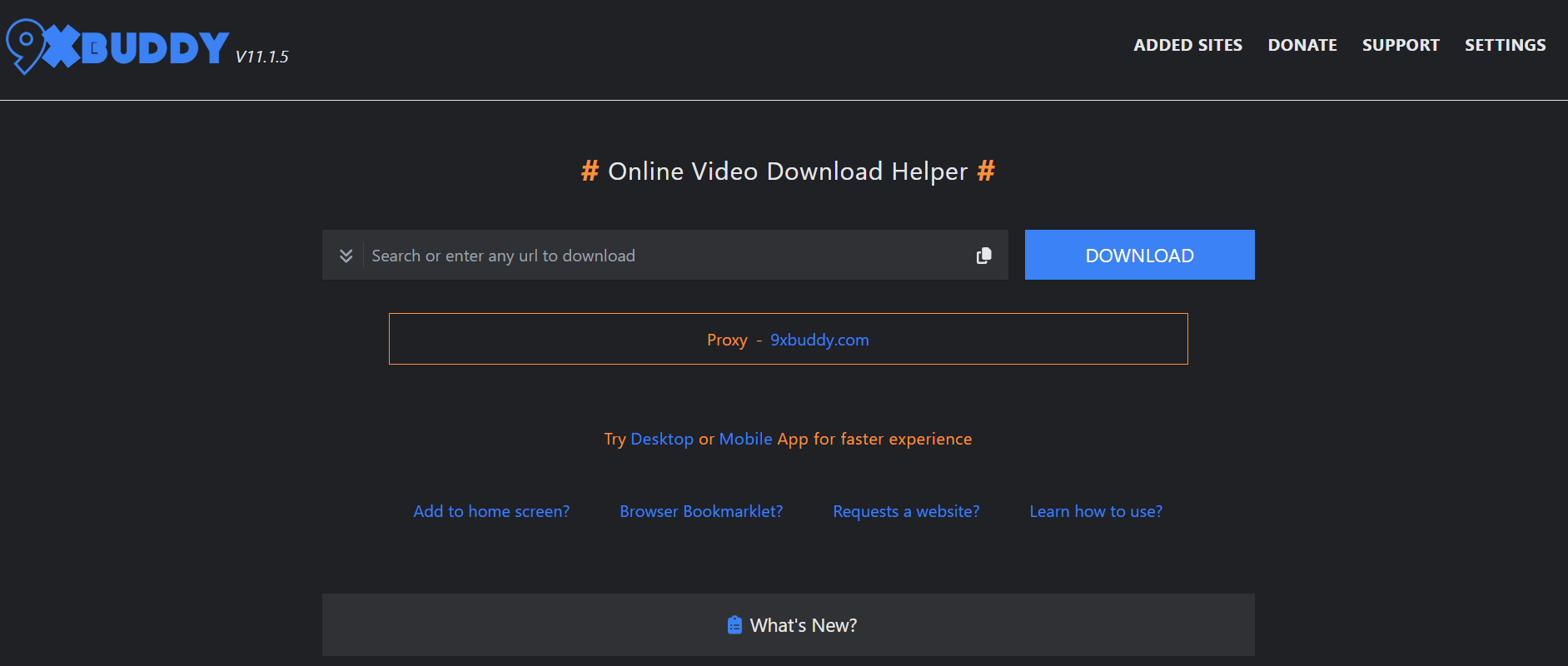
9xbuddy

If speed is what you’re after, 9xbuddy is one of the fastest tools I’ve tested. All you need to do is paste your Dailymotion video link, press download, and in seconds your video is ready. It supports multiple formats like MP4, WebM, and audio-only downloads. The layout is clean and uncluttered, making it a breeze to use even if you’ve never tried a video downloader before. Plus, it works on both desktop and mobile browsers without issues.

2. SaveTheVideo – Perfect for HD Video Quality

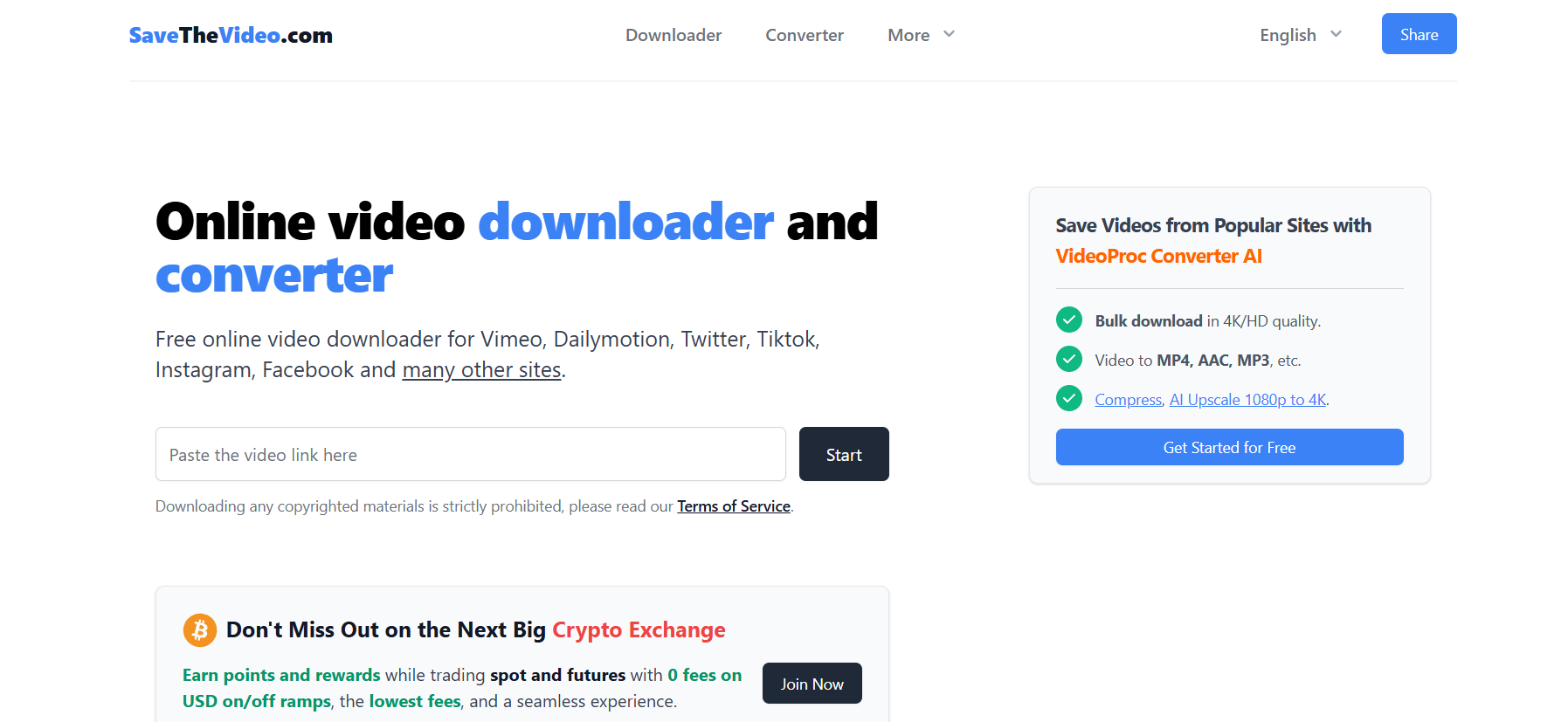
SaveTheVideo

SaveTheVideo is a powerhouse. It doesn’t just cover Dailymotion — it also works with YouTube, Vimeo, Instagram, and more. One of its standout features is the ability to pick your video resolution. Want crisp 1080p HD? Done. Prefer to save storage space with a smaller file? That’s an option too. SaveTheVideo also offers a handy browser extension, so you can skip the copy-paste routine and download videos directly as you watch them.

3. Y2Mate – User-Friendly and Free

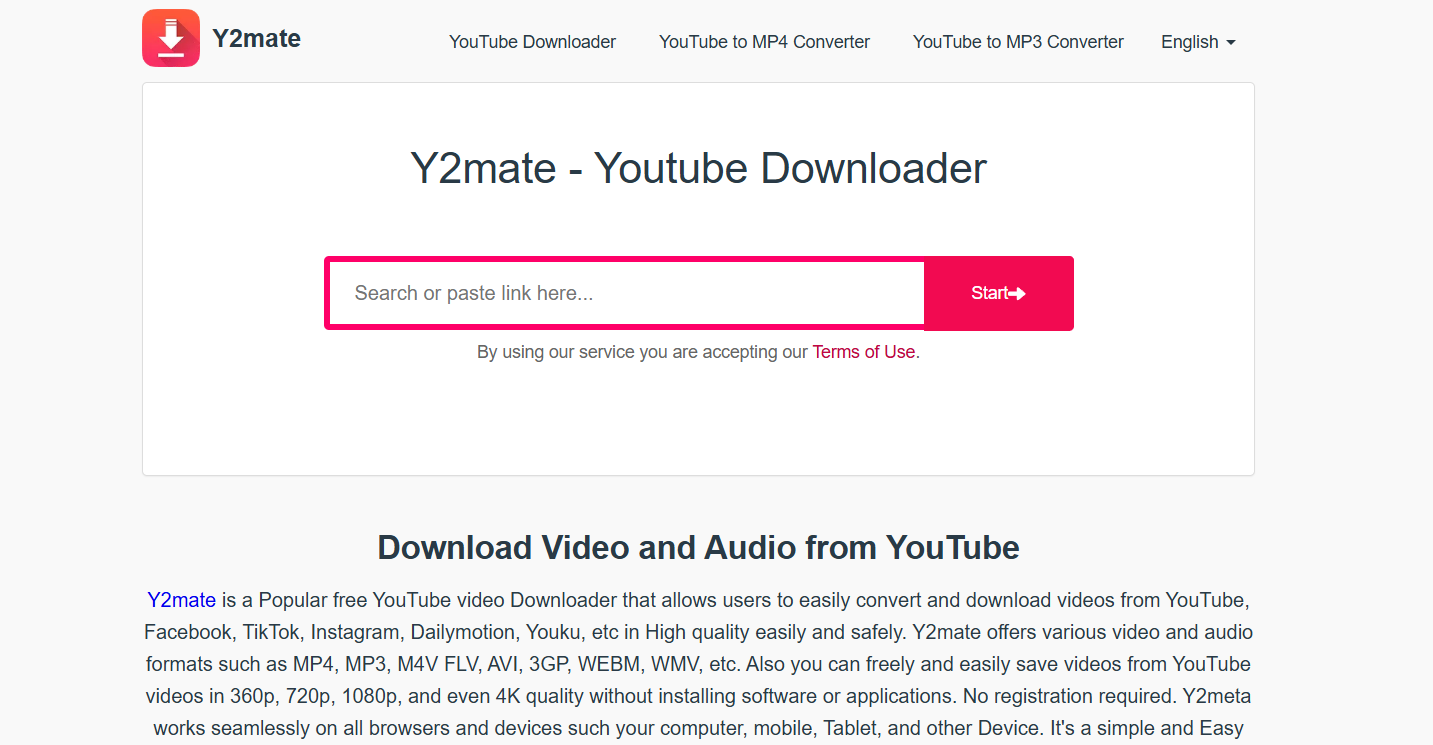
Y2Mate

Y2Mate has been around for years, and for good reason. It’s one of the simplest, most beginner-friendly tools out there. There’s no registration required, no confusing options — just paste your Dailymotion link, choose your quality, and download. It’s completely free and supports a wide range of formats. On top of that, it doubles as a YouTube downloader, so you can use one tool for both platforms.

4. KeepVid.Works – Ideal for Mobile Users

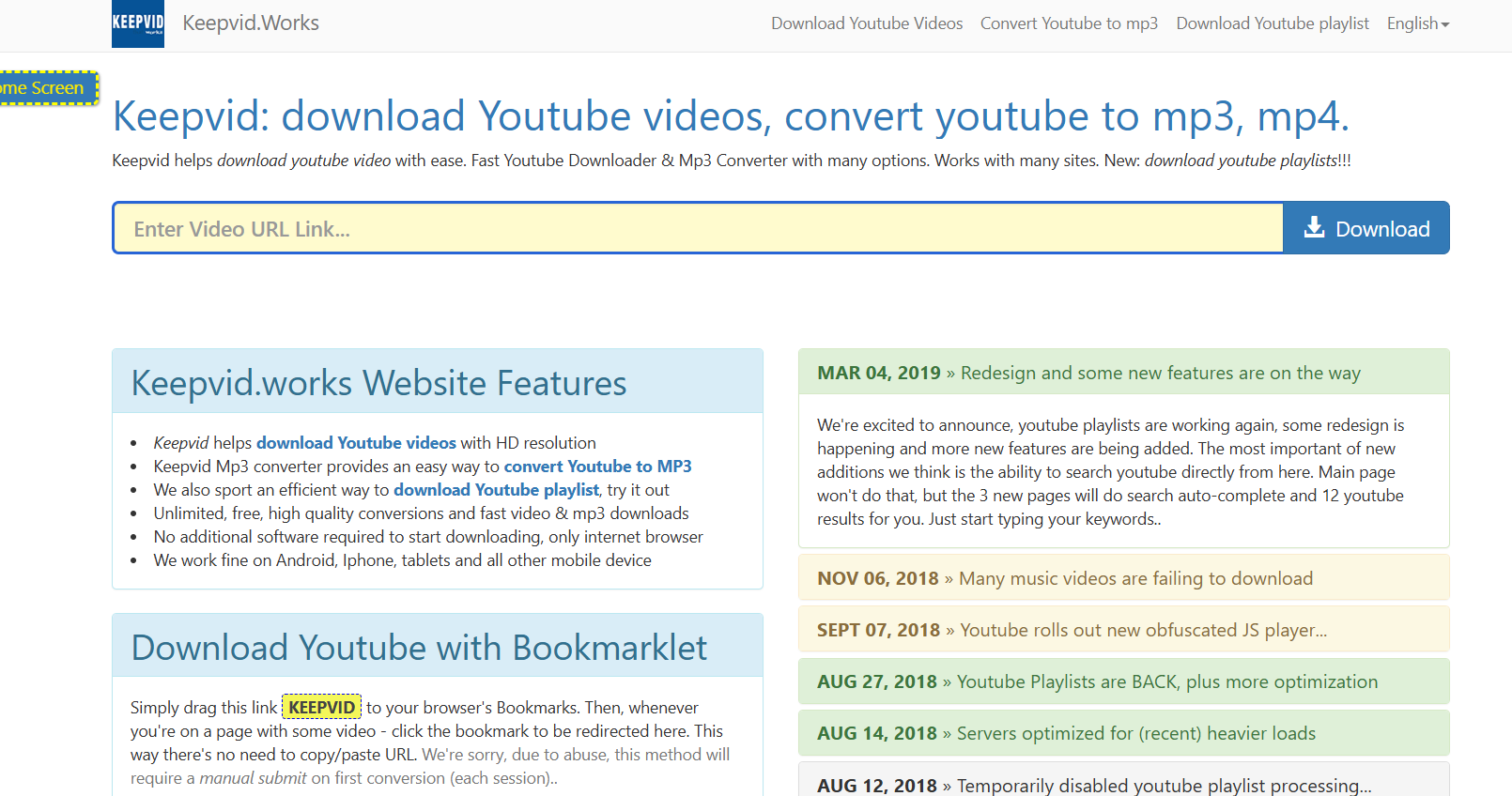
KeepVid

If you watch a lot of videos on your phone, KeepVid.works is built for you. The site is lightweight and optimized for mobile browsing, so you don’t need to install an app. It supports MP4, MP3, and even old-school 3GP formats for smaller files. The interface is smooth and loads quickly, which makes downloading on the go a lot less frustrating. It’s one of the few mobile-friendly sites that actually works consistently.

5. SaveFrom.net – Fast & Reliable Downloader

savefrom

SaveFrom is one of the oldest names in the game, and it’s still going strong. The main draw here is the browser extension: once installed, you’ll see a download button appear right on the Dailymotion video page. One click and the video is yours. It’s reliable, supports HD downloads, and works great if you frequently downloadvideos. The extension makes the process feel almost too easy.

6. Catchvideo.net – Works Without Software Installation

Catchvideo

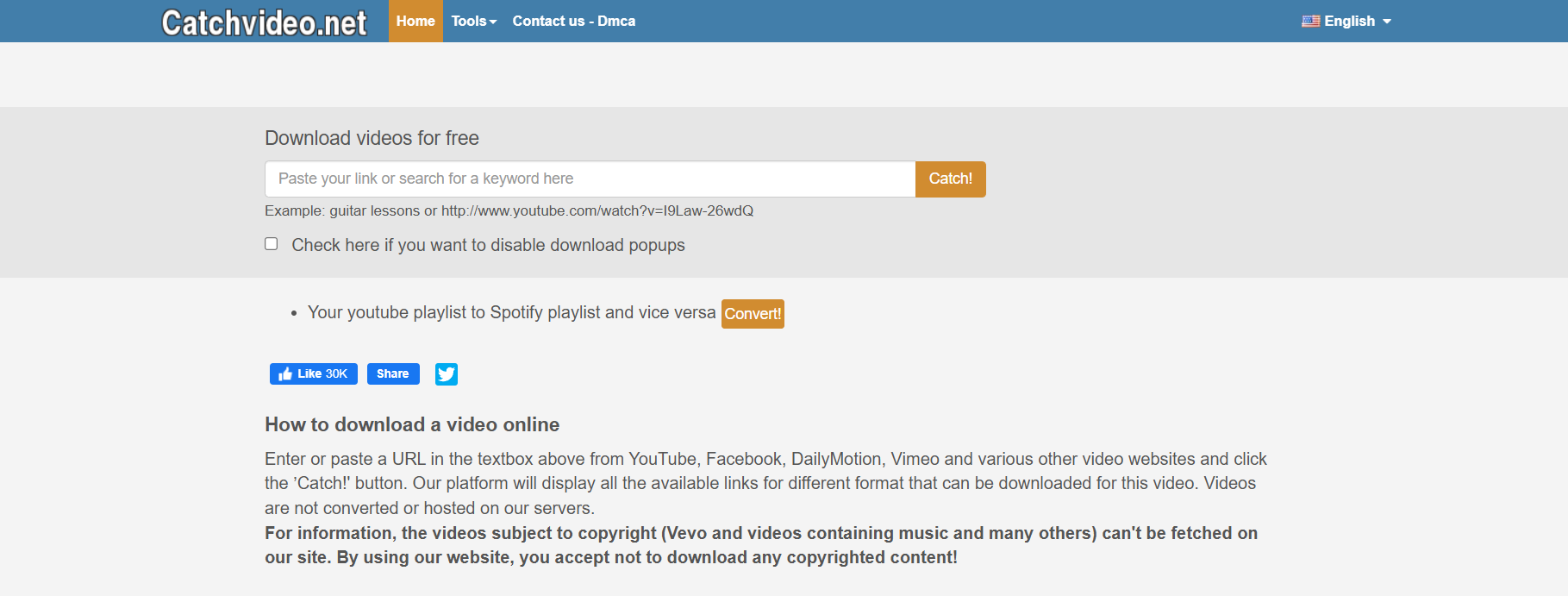
For people who don’t want to clutter their devices with extra software, Catchvideo.net is a great choice. It’s entirely web-based, no installations or plugins required. You paste in the Dailymotion link, and it spits out several download options, including audio-only. The ability to convert videos into MP3 is perfect if you just want to save a soundtrack, like a podcast or a music performance.

7. BitDownloader – Best All-in-One Video Downloader

BitDownloader

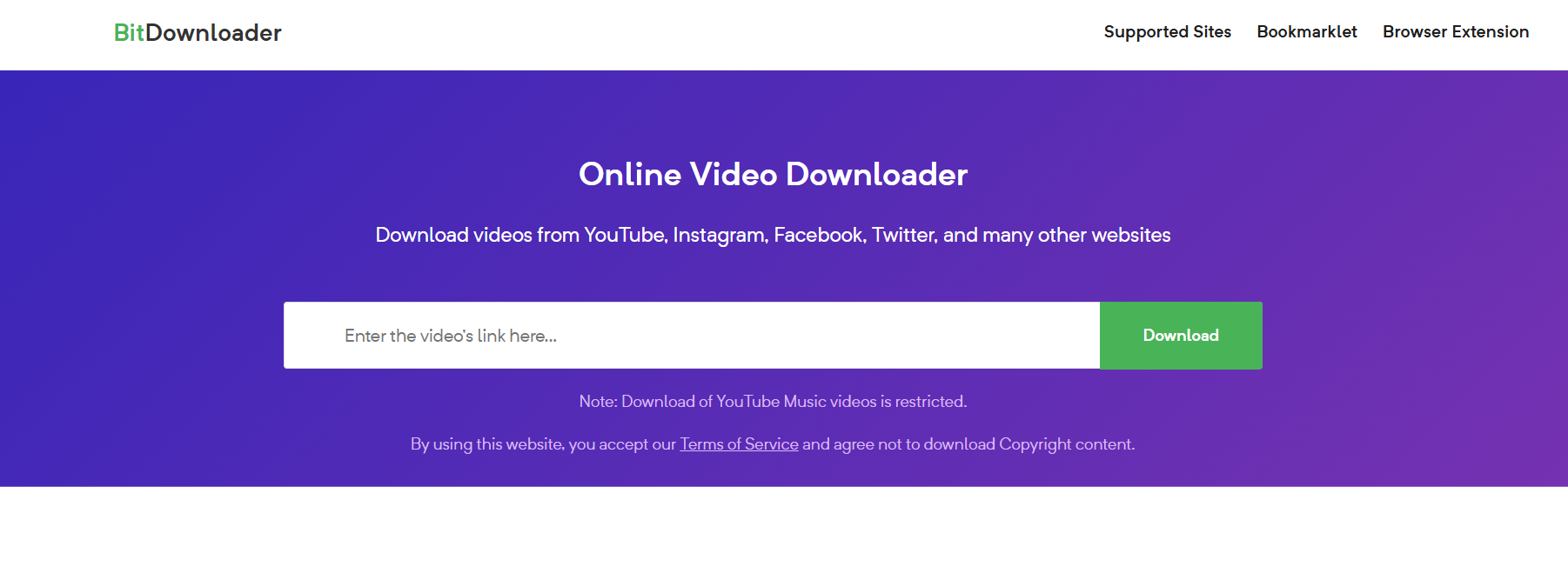
BitDownloader is a hidden gem that deserves way more attention. It supports over 800 websites — yes, you read that right — including Dailymotion, Facebook, Twitter, Instagram, and more. This makes it a one-stop-shop for all your downloading needs. It’s free, requires no registration, and gives you multiple quality and format options. If you’re looking for a tool that can handle everything, BitDownloader is your best bet.

How to Choose the Best Dailymotion Downloader

Not every downloader will be the right fit for you, so here’s what you should consider:

Key Features to Look For

  • Speed: A good downloader should grab videos quickly, not take ages.
  • Video Quality: Make sure you can get at least HD quality (720p or 1080p).
  • Device Compatibility: Some tools are better suited for desktop, while others are mobile-friendly.
  • Format Options: Look for MP4 if you want compatibility, or MP3 if audio is all you need.
  • No Hidden Costs: Stick with free or transparent paid options — avoid tools that try to sneak in charges.

Online vs. Software Downloaders: Pros and Cons

  • Online Downloaders: Easy, quick, no installation. Perfect for casual users. Downside: sometimes limited quality or speed.
  • Software Downloaders: More advanced, often faster and with bulk download options. Downside: they take up space and sometimes require updates.

Safety Tips When Using Free Video Downloaders

  • Use trusted, well-known sites like the ones above.
  • Avoid clicking on random ads or pop-ups that appear.
  • Install an ad blocker to make your experience smoother.
  • Never download extra software that a site pushes unless it’s something you intentionally sought out.
  • Consider scanning downloaded files with antivirus software just to be safe.

Step-by-Step Guide: How to Download Videos from Dailymotion

Method 1: Using an Online Dailymotion Downloader

  1. Copy the URL of the video you want to download from Dailymotion.
  2. Head over to a tool like 9xbuddy or SaveTheVideo.
  3. Paste the link into the provided input box.
  4. Select your preferred format and quality.
  5. Hit the download button, and the video will save to your device.

Method 2: Using a Software/Extension Downloader

  1. Install a tool like SaveFrom’s browser extension or a desktop app.
  2. Open Dailymotion and play the video you’re interested in.
  3. You’ll see a download button appear next to the video.
  4. Click it, pick your quality, and download.
  5. The video saves directly to your downloads folder.

Method 3: Downloading on Mobile Devices

  1. Copy the video link from the Dailymotion app or mobile browser.
  2. Visit a mobile-optimized site like KeepVid.Pro.
  3. Paste the link into the input field.
  4. Choose video quality (lower resolution if you want to save space).
  5. Download directly to your phone’s gallery or file storage.

Method 4: Advanced Downloaders for Power Users

Some software tools allow you to queue multiple downloads at once, schedule downloads, or even auto-detect video links. If you’re someone who regularly saves large playlists, these can save a ton of time.

Conclusion

And there you have it — a complete guide to 7 powerful Dailymotion downloaders that you should absolutely try. Whether you prioritize lightning-fast speed, HD quality, mobile convenience, or an all-in-one tool, there’s an option here that fits the bill. Personally, I’d go with 9xbuddy for everyday use because it’s so fast and straightforward, while BitDownloader is my go-to if I need something versatile that works across multiple sites.

The takeaway? Don’t waste your time with unreliable, spammy sites. Stick with these tried-and-tested tools and you’ll always have a smooth experience. Start downloading your favorite Dailymotion videos today and build your offline library without stress.

Find More: Boost Your Sales With SEO Services

FAQs

1. Is it legal to use a Dailymotion downloader?

It depends on how you use it. Saving videos for personal viewing is generally fine, but re-uploading or monetizing them could land you in copyright trouble. Always respect copyright laws and Dailymotion’s terms of service.

2. Can I download Dailymotion videos in HD quality?

Yes. Most of the downloaders above let you grab videos in HD, usually 720p or 1080p. Some even allow you to choose lower resolutions if you want to save storage space.

3. Do I need to install software to download Dailymotion videos?

No. Many online tools like 9xbuddy, SaveTheVideo, and Y2Mate work directly in your browser. However, extensions like SaveFrom can make the process faster if you download videos frequently.

4. Are free Dailymotion downloaders safe to use?

Most of the ones listed here are safe and widely used. Just be cautious of random sites you’ve never heard of. Avoid downloading anything suspicious that’s not part of the video itself.

5. Can I download videos from Dailymotion on my phone?

Absolutely. Tools like KeepVid.Pro are built for mobile, so you can paste the link and save videos straight to your device without needing extra apps.

6. Which is the fastest Dailymotion downloader?

From my testing, 9xbuddy stands out as one of the fastest options. SaveFrom is also speedy, especially when using the browser extension.

7. Can I download only the audio from Dailymotion videos?

Yes, some tools like Catchvideo.net and BitDownloader let you extract just the audio track in MP3 format. Perfect if you want to save music, lectures, or podcasts without the video.

8. Do these downloaders work on Mac and Windows?

Yes. Since most are web-based, they work regardless of whether you’re on Windows, Mac, or even Linux. As long as you have a browser, you’re good to go.

Tags:
7 Powerful Snap Viewer Tools You Need to Try Today

7 Powerful Snap Viewer Tools You Need to Try Today

Snap Viewer

Introduction

Snap viewer tools have exploded in popularity over the past couple of years, and it’s easy to see why. Whether you want to use a snap story viewer to catch up on someone’s updates without them knowing, check out snap profile views, or figure out how to view mobile snap on web, these tools make life a lot easier. The truth is, Snapchat doesn’t always give us the flexibility we’d like, and that’s where snap viewer apps and websites come in.

The best part is, you don’t need to be a tech wizard to use them. Some apps are as simple as entering a username, while others offer robust features like monitoring snap messages, recovering deleted content, and even cross-device syncing. If you’ve ever felt limited by Snapchat’s native features, or wished you could explore the platform more freely, these tools are designed with you in mind. Today, I’ll walk you through 7 of the most powerful and reliable snap viewer tools you should try in 2025, explaining what makes each one unique and which type of user they’re best suited for.

Find More: 5 Snapchat Location Tracker Tools You Need in 2025

7 Powerful Snap Viewer Tools You Need to Try Today

1. Glassagram – Best Overall Snap Viewer for Everyday Use

Glassagram

Why it stands out: Glassagram is one of the most trusted tools for viewing Snapchat stories and profiles. It’s especially great if you want to monitor a profile privately. It also works well across devices, making it versatile whether you’re on your phone or laptop.

  • Key Features: View snap stories anonymously, access snap profile views, real-time updates, simple dashboard.
  • Pros: Easy to use, reliable, works on both iOS and Android, offers cross-platform support.
  • Cons: Some advanced features require a subscription.

Glassagram is perfect for people who want a dependable everyday snap story viewer without overcomplicating things. If you’re curious about how to keep track of multiple accounts without being detected, this is a strong contender.

2. mSpy – A Secure Snap Viewer with Privacy in Mind

mSpy

Why it stands out: If security and privacy are your top concerns, mSpy is worth considering. It’s not just a snap viewer; it’s a full monitoring app that lets you keep an eye on activity discreetly.

  • Key Features: Snap story viewer, direct message tracking, mobile-to-web viewing, alerts for specific activity.
  • Pros: Very secure, comprehensive monitoring, detailed reports.
  • Cons: Requires installation, not free.

mSpy is often used by parents who want peace of mind when monitoring their kids’ online activity. It goes beyond simply letting you view snap story updates — it helps ensure safe usage overall.

3. Spyic – Best Snap Viewer for Parents

Spyic

Why it stands out: Spyic is a snap viewer that’s especially popular among parents who want to keep an eye on their kids’ Snapchat usage. It’s easy to set up and gives a clear picture of what’s happening.

  • Key Features: View snap stories, monitor messages, track snap activity, location insights.
  • Pros: User-friendly, trusted brand, offers parental focus.
  • Cons: Paid tool, fewer customization options compared to advanced apps.

Parents love Spyic because it combines simplicity with peace of mind. If your child is active on Snapchat and you’d like to understand how they’re using it, Spyic is a safe option that doesn’t overwhelm you with too many extras.

4. Cocospy – Simple Snap Viewer for Beginners

Cocospy

Why it stands out: Cocospy is great for people who want a straightforward solution. If all you care about is being able to view snap story content and profiles without complications, this tool is for you.

  • Key Features: Snap story viewer, snap profile view access, light monitoring.
  • Pros: Simple interface, no tech skills required, lightweight design.
  • Cons: Limited advanced features, not suitable for power users.

Cocospy is often praised by beginners because it removes the complexity. If you’ve been curious about trying a snap viewer but felt intimidated by all the options, Cocospy is a great place to start.

5. Spyzie – Advanced Snap Viewer with Extra Tools

Spyzie

Why it stands out: Spyzie goes beyond being just a snap story viewer. It offers a full suite of tools, including location tracking and even the ability to see deleted content.

  • Key Features: Snap viewer, deleted snap recovery, cross-device access, advanced monitoring dashboard.
  • Pros: Packed with features, great for power users, reliable data recovery.
  • Cons: Learning curve for beginners, subscription-based.

Spyzie is ideal if you’re looking for more than just story viewing. It’s one of the few apps that can help recover deleted snaps, which is a game-changer if you want deeper insights.

6. FlexiSPY – Powerful Snap Viewer for Heavy Users

FlexiSPY

Why it stands out: FlexiSPY is for those who want complete control. It’s packed with advanced tools and is ideal for businesses or power users.

  • Key Features: View snap stories, record activity, view mobile snap on web, call interception, media tracking.
  • Pros: Extremely powerful, highly customizable, suitable for enterprises.
  • Cons: Expensive, requires technical setup, may feel overwhelming for casual users.

FlexiSPY isn’t for everyone, but if you’re serious about monitoring and want enterprise-level tools, this is the gold standard. It even allows you to view mobile snap on web with ease, giving you flexibility across devices.

7. uMobix – Most Popular Snap Viewer of 2025

uMobix

Why it stands out: uMobix has gained a reputation as one of the go-to snap viewer apps thanks to its balance of ease of use and powerful features. It’s particularly good if you want to quickly jump in without too much setup.

  • Key Features: Snap story viewer, snap profile tracking, real-time updates, intuitive interface.
  • Pros: Widely used, trusted, smooth design, reliable notifications.
  • Cons: Subscription required, advanced options limited to premium plans.

uMobix has become a fan favorite because it just works. It’s intuitive, responsive, and widely recommended, making it one of the safest bets if you don’t know where to start.

How to Choose the Right Snap Viewer Tool

With so many snap viewer tools out there, how do you pick the right one? Here are a few things to keep in mind:

  • Ease of Use: If you’re new, start with something simple like Cocospy or uMobix. Both are designed to be plug-and-play.
  • Features: Need advanced options like deleted snap recovery or cross-device sync? Go for Spyzie or FlexiSPY.
  • Security: If privacy is non-negotiable, mSpy stands out for its security-first approach.
  • Budget: Free tools exist but usually with strict limits. Paid options like Glassagram or uMobix deliver more reliable results.
  • Access: If you’re wondering how to view mobile snap on web, pick tools like FlexiSPY or Spyzie that specialize in cross-device compatibility.

Remember, the right snap viewer depends on your specific needs. A casual user may not require the same tools as a parent or business owner.

Conclusion

Snap viewer tools open up a whole new level of flexibility for Snapchat users. From checking out snap profile views to being able to view snap story updates without being noticed, these apps make things easier and more convenient. If you’re just starting out, Glassagram or uMobix are excellent choices because they’re beginner-friendly and reliable. For advanced users or businesses, FlexiSPY or Spyzie might be worth the higher cost thanks to their expansive features.

In short, there’s no one-size-fits-all answer — it comes down to your goals, your budget, and your comfort with technology. The important part is that you now know what’s out there, and you can make an informed decision.

So, which one are you going to try first? Think about what matters most to you — privacy, simplicity, or advanced tools — and start there.

Find More: Boost Your Sales With SEO Services

FAQs

1. What is a snap viewer?

A snap viewer is a tool or app that lets you view Snapchat stories, profiles, or activity — often without the other person knowing. Some also come with extra features like monitoring, deleted content recovery, and web access.

2. Are snap viewers legal and safe to use?

It depends on the tool and how you use it. Many apps are legal for parental monitoring or business purposes. However, using them without permission for spying may violate privacy laws. Always check your local regulations before using.

3. Can I use a snap viewer without downloading an app?

Yes, some snap viewers are web-based, meaning you can access them directly from your browser. This is useful if you want quick access without installing software.

4. Do free snap viewer tools work as well as paid ones?

Free tools exist but are usually limited. Paid options like Glassagram, uMobix, and mSpy offer better reliability, consistent updates, and stronger privacy protection.

5. Which snap viewer is best for beginners?

Cocospy is simple and user-friendly, making it a great choice if you’re just starting out. uMobix is also an excellent option because of its smooth interface and clear instructions.

6. Can I view mobile snap on web?

Yes, tools like FlexiSPY and Spyzie specialize in cross-device support. They allow you to view mobile snaps on your desktop or laptop browser, giving you more flexibility when managing accounts.

Tags:
8 Best YouTube to OGG Converters That Actually Work in 2025

8 Best YouTube to OGG Converters That Actually Work in 2025

YouTube to OGG Converters

Introduction: Why Convert YouTube to OGG in 2025?

If you’ve ever searched for youtube to ogg or youtube to .ogg converter, you already know the struggle: you want crisp audio from a YouTube video, but most tools online are cluttered with pop-ups, broken links, or worse—hidden malware. That’s frustrating when all you want is to turn a YouTube video to OGG quickly and safely. The OGG format is perfect for this because it’s open-source, efficient, and often delivers better sound quality than MP3 at a smaller file size.

Think of OGG as the underrated cousin of MP3. It doesn’t get the same hype, but once you hear the difference in clarity—especially for music—you’ll understand why it’s worth the switch. Converting YouTube to .ogg also works great for lectures, audiobooks, and podcasts because the smaller files mean you can store more content without maxing out your storage.

In this guide, I’ll walk you through 8 tried-and-true YouTube to OGG converters that actually work in 2025. These aren’t random names pulled off a list—I’ve tested them or confirmed their reliability through strong user reviews. I’ll also share tips on how to pick the best one for your needs, a quick step-by-step guide to using them, and answer some of the most common questions about OGG.

Find More: 8 Powerful YouTube Subtitle Downloader You Must Try Today

8 Best YouTube to OGG Converters That Actually Work in 2025

1. OnlineVideoConverter

OnlineVideoConverter

Best for fast & free YouTube to OGG conversion

  • Features: Straightforward web interface, no account needed, supports multiple formats.
  • Pros: Super quick, completely free, mobile-friendly.
  • Cons: Can display pop-up ads, so be careful where you click.
  • Best for: Anyone who just wants to paste a link, click convert, and be done.

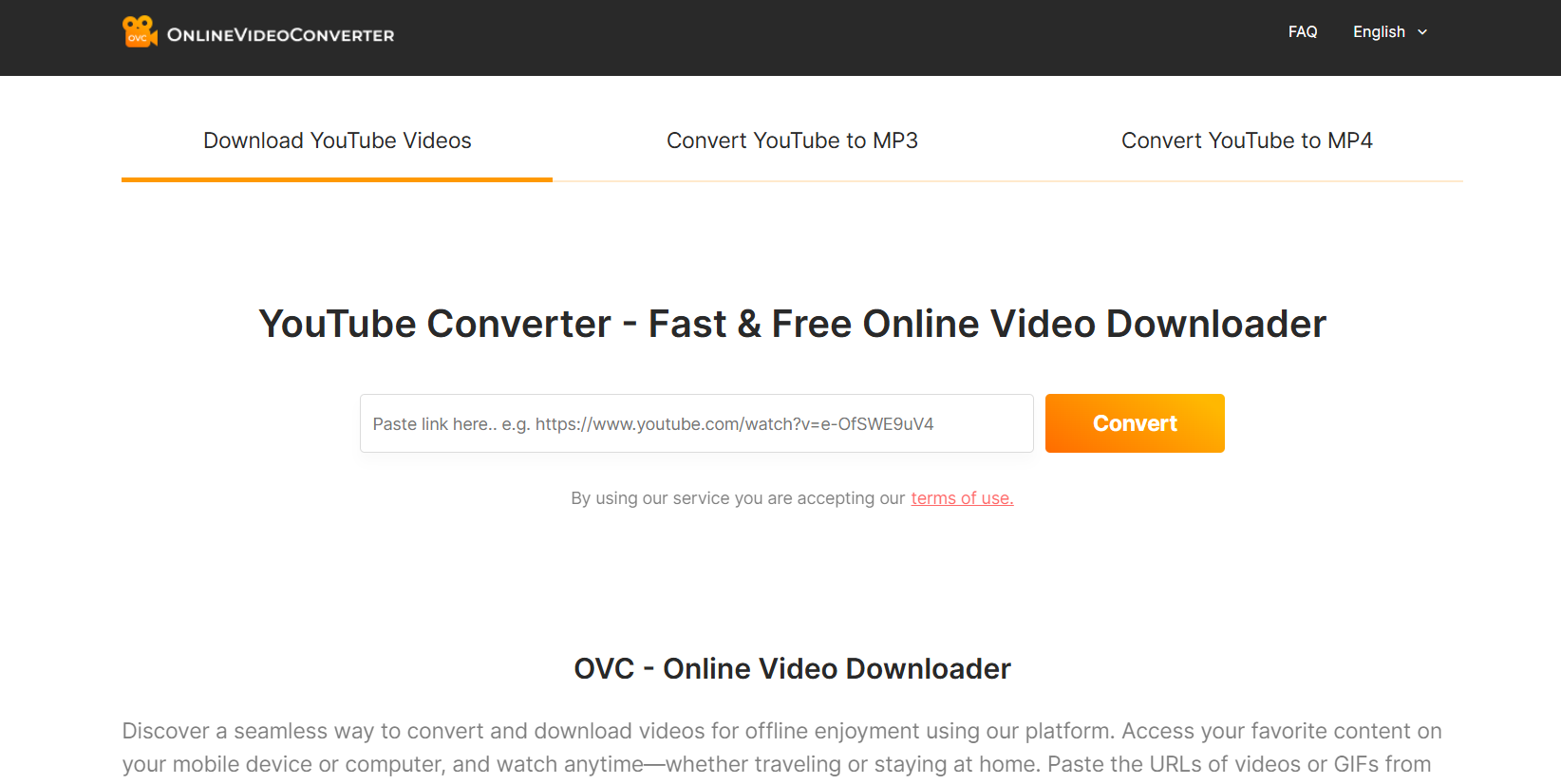
One of the oldest names in the game, OnlineVideoConverter remains a favorite for its speed and simplicity. Paste your YouTube link, choose .ogg, and you’re done in seconds. Perfect for casual users who don’t want the hassle of software downloads.

2. YTMP3 (with OGG Option)

YTMP3

Reliable online YouTube to OGG tool

  • Features: Simple interface, supports YouTube to .ogg, MP3, and MP4.
  • Pros: Works on desktop and mobile browsers alike.
  • Cons: Struggles with longer videos or playlists.
  • Best for: Quick music downloads or short videos.

YTMP3 is well-known for MP3 downloads, but the OGG option makes it even more valuable. If you’re converting a three-minute track or a short lecture, this tool is fast, reliable, and doesn’t waste your time with confusing menus.

3. VLC Media Player

VLC Media Player

Lightweight desktop app for YouTube to OGG

  • Features: Free, open-source software; can both play and convert media.
  • Pros: Totally safe, no ads, lets you adjust output quality.
  • Cons: Requires manual setup for conversion, not as beginner-friendly.
  • Best for: People who already use VLC and want offline control.

Most people use VLC just for watching videos, but hidden in its menus is a powerful converter. Copy a YouTube video link, open the “Convert/Save” option, and export it to OGG. It’s not the fastest option, but you get control over bitrate and audio quality.

4. SnapDownloader

SnapDownloader

Best desktop app with batch YouTube to OGG downloads

  • Features: Download playlists, full channels, or individual videos; export to OGG.
  • Pros: Handles bulk downloads with ease, keeps audio quality high.
  • Cons: Paid software after the free trial.
  • Best for: Users who need to download large amounts of content regularly.

If you’re downloading music albums, podcast series, or entire lecture playlists, SnapDownloader saves hours of manual work. With a clean interface and reliable updates, it’s a worthy investment for heavy users.

5. Y2Mate

Y2Mate

Free YouTube to OGG converter with no signup

  • Features: Supports .ogg, MP3, MP4, and more.
  • Pros: Unlimited conversions, works smoothly on both desktop and mobile browsers.
  • Cons: The website is ad-heavy, so patience is required.
  • Best for: Casual users who don’t want to pay or register.

Y2Mate has been around forever, and while the ads can be annoying, the functionality is still top-notch. It’s fast, reliable, and handles an endless number of conversions without limits.

6. Any Video Converter

Any Video Converter

High-quality audio output (best for music lovers)

  • Features: Desktop program supporting 200+ formats, including OGG.
  • Pros: Great sound quality, lets you fine-tune bitrate and file size.
  • Cons: Requires installation, more technical than online tools.
  • Best for: Audiophiles who care about sound detail.

If you’re picky about how your music sounds, Any Video Converter gives you precise control. Adjust bitrate, choose between quality settings, and get professional-level output. It’s especially useful for musicians, podcasters, or anyone who wants near-lossless audio.

7. ClipGrab

ClipGrab

Multi-format converter with OGG support

  • Features: Free, open-source desktop app with support for YouTube and other sites.
  • Pros: No hidden costs, lightweight, open-source transparency.
  • Cons: Updates can lag behind new YouTube changes.
  • Best for: Users who value open-source tools.

ClipGrab is the kind of software you keep on your computer forever. It’s reliable, doesn’t take up space, and works without tricks or gimmicks. The open-source community keeps it honest, making it a safe bet.

8. 4K Video Downloader

4K Video Downloader

Best choice for bulk YouTube to .ogg conversions

  • Features: Download playlists, channels, and even subtitles; export directly to OGG.
  • Pros: Consistent performance, batch processing, customizable quality settings.
  • Cons: Free version limits large playlists; premium unlocks everything.
  • Best for: Professionals, researchers, or frequent converters.

4K Video Downloader is one of the most polished tools out there. It’s not just for OGG—you can grab entire courses, playlists, or even channels with a few clicks. For frequent use, upgrading to the premium plan is well worth it.

How to Choose the Best YouTube to OGG Converter in 2025

Choosing the right YouTube to OGG converter depends on what you need most:

  • Online vs. desktop converters: If you only download occasionally, stick with quick online sites like Y2Mate or YTMP3. If you need more control, go desktop.
  • Free vs. paid: Free is fine for casual use, but for serious downloading, tools like SnapDownloader or 4K Video Downloader save time and frustration.
  • Audio quality: If you want the best sound, use Any Video Converter or VLC for adjustable bitrates.
  • Safety: Avoid shady links. Stick to tested names like the ones listed above. A free tool isn’t worth risking malware.

Think of it like this: online tools are like grabbing a snack, while desktop apps are like cooking a meal—you get more control and quality.

Step-by-Step Guide: How to Convert YouTube to OGG Easily

  1. Pick your converter – Decide if you’re going online or desktop.
  2. Copy the YouTube link – Grab it from the share button or browser bar.
  3. Paste into the converter – Drop it into the search box.
  4. Select .ogg – Make sure you’re not defaulting to MP3.
  5. Adjust settings – Bitrate, quality, file size if available.
  6. Download and save – Store it on your device or move it to your playlist app.

Pro tip: If you’re converting multiple tracks, batch-download tools like 4K Downloader will save you a ton of time.

Conclusion: The Best Way to Convert YouTube to OGG in 2025

So, which YouTube to .ogg converter should you use? If you just need something quick, OnlineVideoConverter or Y2Mate will do the trick. For people who care about sound, Any Video Converter and VLC are excellent. And for heavy-duty downloading, nothing beats 4K Video Downloader or SnapDownloader.

At the end of the day, the right tool depends on how often you convert and what you value more—speed, quality, or control. The good news? All of the options on this list actually work in 2025. Try one today, and enjoy smooth, efficient audio in the versatile OGG format without the headaches of broken tools or bad audio.

Find More: Boost Your Sales With SEO Services

FAQs

1. Is OGG better than MP3 for audio quality?

Yes. OGG usually gives you better sound at a smaller file size, especially at lower bitrates. It’s one of the reasons Spotify used OGG for years.

2. Are YouTube to OGG converters safe to use?

Most of the converters in this list are safe. Just avoid random pop-up sites and stick with trusted tools like VLC, 4K Downloader, or ClipGrab.

3. Can I convert YouTube to OGG on my phone?

Absolutely. Tools like Y2Mate, YTMP3, and OnlineVideoConverter run smoothly in mobile browsers. Some apps even support it natively.

4. Do I need to install software to convert YouTube to OGG?

No, but installing software often gives you more options. Online is fine for casual use, but desktop apps let you customize quality, batch download, and avoid ads.

5. Is it legal to convert YouTube videos to OGG?

It depends. Downloading copyrighted music or videos without permission breaks YouTube’s terms. It’s fine if you’re converting your own uploads or non-copyrighted material.

6. Does OGG work on all devices?

Most modern devices and players support OGG, but if you run into compatibility issues, you can always convert back to MP3.

Tags:
7 Must-Have Items to Add to Your Media Kit

7 Must-Have Items to Add to Your Media Kit

7 Must-Have Items to Add to Your Media Kit

Imagine, you have just released a new product, service, and you want the world to swoon over it. You have messaged, posted on social media, possibly even contacted some journalists. But nothing happens. Hundreds of other pitches to cover your story.

Because journalists and content creators are busy. They haven’t got time to sort through all the information you have around your brand. Otherwise, they will just skip to the next story. A media kit comes into the picture then.

A media kit (or press kit) is a central resource for your brand. Within it has everything someone needs to write about you: your story, visuals, stats, press coverage, and more. Rather than having to chase you for logos, bios or product images, they get it all in one neat place.

Think of it this way:

  • Your media kit is basically your brand resume.
  • The PR only talks about who you are, what you achieved and why people should give attention.
  • It saves time for the media and gives you an image of professionalism.

It’s sort of like a resume for your brand, a compact package that tells journalists, bloggers and potential partners everything they need to know about you.

But that frankly misses the point: not all media kits are the same. Cluttered, incomplete or simply boring (when it comes to how a brand is perceived through it). We want you to skip that, so here are 7 must-have features every media kit should contain and a smart approach to constructing yours using tools like a press kit builder.

1. A Clear Brand Story

Your media kit needs character, and that comes down to your story. This is where you tell people who the hell you are, what your brand is about, and what the hell you exist for. Do not populate this section with boring dates or lengthy lists of accomplishments, share the why of your journey. The trick is to keep it simple and relatable to the type of story you might share with a friend or neighbor in passing conversation. 

For example, rather than: “Founded in 2018, we now have 10,000 customers”,

Write: “We started our business because we were sick of seeing people living with bad décor, and today thousands of families use our products in their home regularly”. 

This, in turn, makes you not just easier to remember, but also more human for journalists.

2. Your Visual Identity

Consistency is the name of the game in visual branding. If you look completely different from press to your site in logo, colors, and fonts, it creates confusion and dilutes your identity. Which is why your media kit should prominently feature the official visual elements of your brand, your logo in a few formats, your hex colour codes, your font choices, and some images that represent your style. 

When those are laid out in order, anybody who is writing about you knows what to use. This means that your brand appears like this no matter where people see it, an article, a podcast banner, or a social media post, and they learn to recognize you in an instant.

3. Press Coverage and Mentions

Press mentions are a form of social proof. Getting mentioned by others, big or small newspapers, niche blogs or even podcasts help you build massive credibility for your brand instantaneously. So you can see why having a section for press coverage in a media kit is hugely beneficial. 

Logos of places where you have been featured, articles of your work, screenshots of an article featuring your story, etc. Small features may not be major outlet coverage, but they matter. This helps you to convince new journalists to write about you by showing that others already found your story interesting.

4. Numbers that Speak for You

You are the summary of the ideas words can explain, and numbers will show you your impact. Incorporating vital stats into the media kit helps in making your brand reliable. It could be the count of customers you served, social followers, sales milestones or partnerships and awards. So, instead of “we have a lot of followers,” you can proudly state “we have over 50,000 followers on Instagram with a 6% engagement rate.”

 Figures put your accomplishments into tangible context and allow journalists to immediately gauge your reach.

5. Case Studies and Success Stories

Statistics are good, stories are better and will stay with people longer. This is why case studies or success stories, kept nice and short, can be such strong additions to your media kit. Those are straightforward, once-in-a-lifetime illustrations of how a customer has benefited from your product or service. A good case study typically describes a problem, the solution you provided, and the outcome.

6. Press-Ready Assets

Deadline is a journalist’s constant companion and they hardly have time to come after you for logos, photos or anything else. This is why press-ready assets are so important to include in your media kit. These are premium files that are ready to go with your logo in different formats, professional photos of your team or founders, your product images, or even short videos or b-roll.

These are going to save you from a lot of replies, while fixing it makes certain your style always represents the specific way you want it to be. A little effort goes a long way in making the lives of journalists easier, and increases the possibility of your being featured.

7. Contact Information

Seems simple, but lack of clear contact information is one of the most commonly missed items. You could have poured your heart and soul into your media kit and compiled the perfect story that they cannot simply resist but all of this goes down the drain when the journalist cannot contact you. 

Include the name of a specific person to contact (your PR manager for larger brands or you if running a smaller brand) in your kit as well as an email address, phone number, and links to your social channels. A lot of journalists work with deadlines and if they can contact you immediately, they would be impressed and your story becomes easier for them to publish.

Bonus: Keep It Updated

A media kit is not a set-it-and-forget-it type of deal. Make it sound fresh & new with updated stats, new press mentions, and current photos. Kits that are old can give your brand a non active look.

Build Smarter, Not Harder

If you are making it from scratch, creating a professional media kit can be an intimate process. It is at about this point that tools such as a press kit builder. Simply put, Pressdeck turns your media kit into something that takes less time to create and update, looks better and lets you focus on building your brand instead of building docs.

Pressdeck helps you:

  • Attach high-end looking Templates ready to use.
  • Use one ecosystem to upload and manage all your brand assets.
  • Update your media kit in a couple of clicks.
  • Distribute it in PDF form or a digital link.

Final Thoughts

Publicity is less about blasting out emails, and hoping someone will just happen upon your brand. It truly is about making yourself the most professional and available as possible and this is the exact purpose of a media kit.

Your kit should immediately communicate your story, visually illustrate it, provide proof of your credibility, and include your contact details when a journalist, influencer or potential partner visits. No email ping-pong, no lost files, no puzzling. Just clarity!

With these seven must-have features (brand story, visuals, press coverage, figures, case studies, press ready assets, and contact info), you are providing everything an individual needs to say yes to your brand.

7 Powerful Reddit Video Downloaders You Need to Try in 2025 (Free & Fast)

7 Powerful Reddit Video Downloaders You Need to Try in 2025 (Free & Fast)

Reddit Video Downloader

Introduction: Why You Need a Reliable Reddit Video Downloader in 2025

A reddit video downloader isn’t just a nice-to-have tool anymore — it’s practically essential. Reddit has become one of the biggest places where videos go viral first, and sometimes you just need to save that hilarious clip, tutorial, or meme before it disappears into the sea of posts. If you’ve ever searched things like youtube video downloader reddit, reddit downloader video, or even video downloader extensions like coconut reddit, then you know the struggle is real. Many tools promise a smooth experience but end up bombarding you with ads or breaking when you try to grab the audio. That’s why I put together this guide: so you’ll know exactly which video downloader for Reddit tools actually work in 2025, without wasting your time.

The good news? There are now dozens of tools built specifically for downloading videos from Reddit. Some are lightweight websites, others are browser extensions, and a few are full-blown desktop apps that let you grab content in bulk. The bad news is that many of them are stuffed with ads, require shady downloads, or don’t always pull the audio correctly. I’ve spent hours testing these tools, browsing Reddit communities that debate the best methods, and seeing which options people actually stick with over time. The result is this list of the 7 most powerful Reddit video downloaders available right now.

In this list, we’ll cover the 7 best Reddit video downloaders — free, fast, and reliable. Whether you’re downloading YouTube videos Reddit users recommend, looking for RedditSave, or testing new video downloader extensions Reddit users talk about, you’ll find a tool here that fits your needs.

Find More: How to Earn Referral Traffic from Reddit Without Being Spammy

7 Powerful Reddit Video Downloaders You Need to Try (Free & Fast)

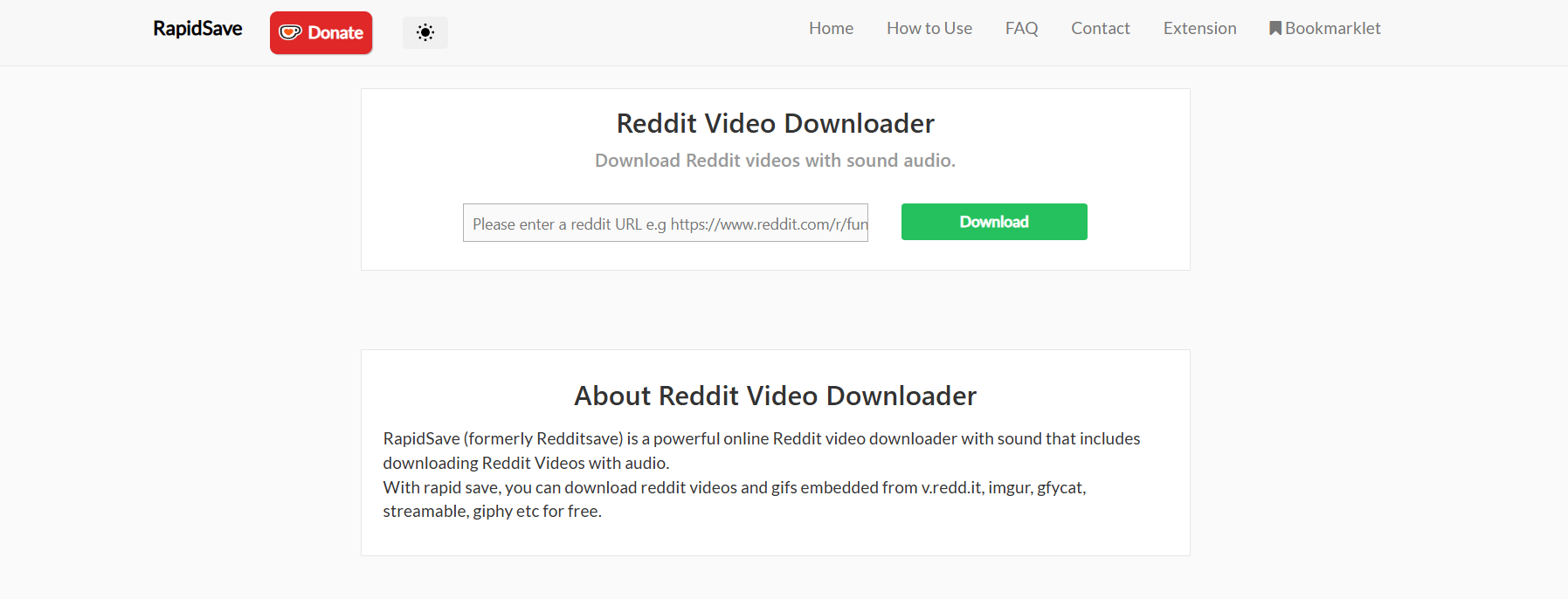
1. RedditSave (videos from reddit made easy)

RedditSave

If you’ve ever typed video downloader for reddit – redditsave into Google, you already know this tool. RedditSave is the OG and still one of the best. You just paste the Reddit link, hit download, and it gives you options with and without audio.

Why it’s great:

  • Simple and straightforward — no sign-up needed.
  • Works on both mobile and desktop.
  • Offers HD download options.
  • Rarely fails, even with longer clips.

Best for: People who want a reliable, no-fuss experience.

Pro tip: If you want to save time on mobile, you can bookmark the RedditSave site and paste links directly without extra steps.

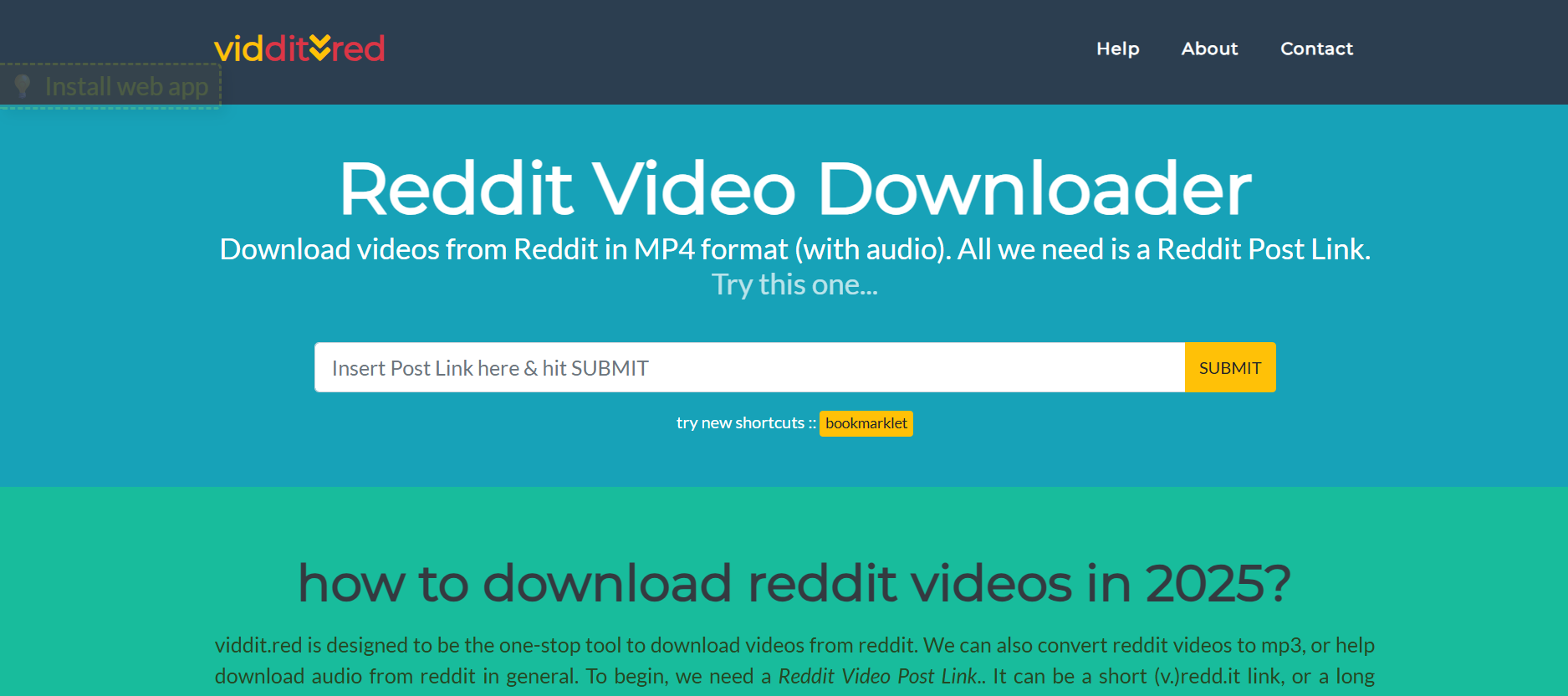
2. Viddit.red

Viddit red

Viddit.red is one of those tools that gained popularity in Reddit threads about downloading videos from reddit. It’s lightweight, fast, and doesn’t overcomplicate things.

Why it’s great:

  • Downloads with audio in sync.
  • Can handle longer videos than some competitors.
  • Works directly in the browser, no extra software.
  • Gives multiple file sizes depending on your internet speed.

Best for: Users who want quick downloads without worrying about format conversions.

Extra note: Some Redditors recommend Viddit.red because it’s less likely to be overloaded with traffic compared to RedditSave.

3. SnapDownloader

SnapDownloader

If you’ve ever seen discussions about downloading YouTube videos Reddit users recommend, you’ve probably come across SnapDownloader. It’s not just for Reddit — it supports over 900 websites, including YouTube, Twitter, and Facebook.

Why it’s great:

  • High-quality downloads up to 8K.
  • Supports batch downloading of multiple links at once.
  • Lets you save in MP4, MP3, MOV, and more.
  • Includes a built-in search function so you don’t even need to copy/paste links.

Best for: People who want an all-in-one solution beyond just Reddit.

Drawback: It’s a paid tool after the free trial, but worth it if you download often.

4. 9xbuddy

9xbuddy

When Redditors talk about alternatives for a reddit video downloade (misspellings and all), 9xbuddy usually comes up. It’s been around for years and works with tons of sites, not just Reddit.

Why it’s great:

  • Supports multiple platforms beyond Reddit.
  • Lets you choose between SD, HD, and sometimes 4K.
  • Works fast and rarely fails to extract the file.
  • Allows direct link downloads for mobile browsers.

Best for: Users who want flexibility across multiple sites, not just Reddit.

Extra note: Some people use it as a backup when RedditSave or Viddit.red temporarily stop working.

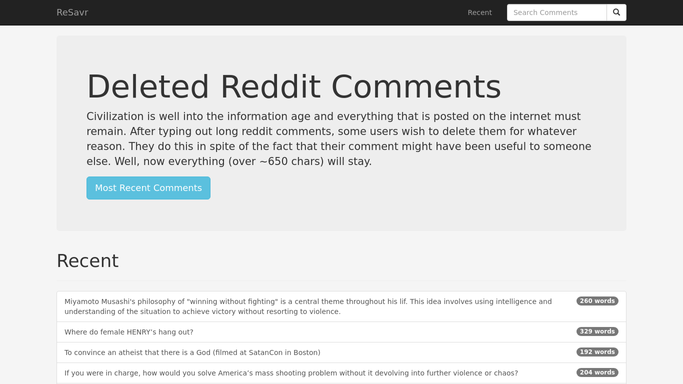
5. ReSavr

ReSavr

This one doesn’t get mentioned as often as RedditSave, but it’s a strong option. Perfect for people who want a clean, ad-free experience.

Why it’s great:

  • No ads cluttering the interface.
  • Easy to use on mobile with a fast-loading site.
  • Downloads both video and audio combined.
  • Great for short clips, memes, and GIF-style videos.

Best for: People who want a smooth, minimal design without distractions.

Pro tip: If you’re downloading lots of short meme clips, ReSavr is one of the fastest tools for it.

6. Y2Mate + Reddit Links

Y2Mate

Okay, hear me out. Y2Mate is mostly known as a youtube videos downloader reddit users love, but it also works for some Reddit video links. When Reddit threads recommend multipurpose tools, Y2Mate always shows up.

Why it’s great:

  • Handles both YouTube and Reddit downloads.
  • Gives multiple quality options from 144p up to 1080p.
  • Can also convert to MP3 for audio-only saves.
  • Familiar, easy-to-use interface with no learning curve.

Best for: People who save both Reddit and YouTube videos frequently.

Bonus use: If you often browse Reddit threads where users share YouTube links, Y2Mate saves you from needing two different tools.

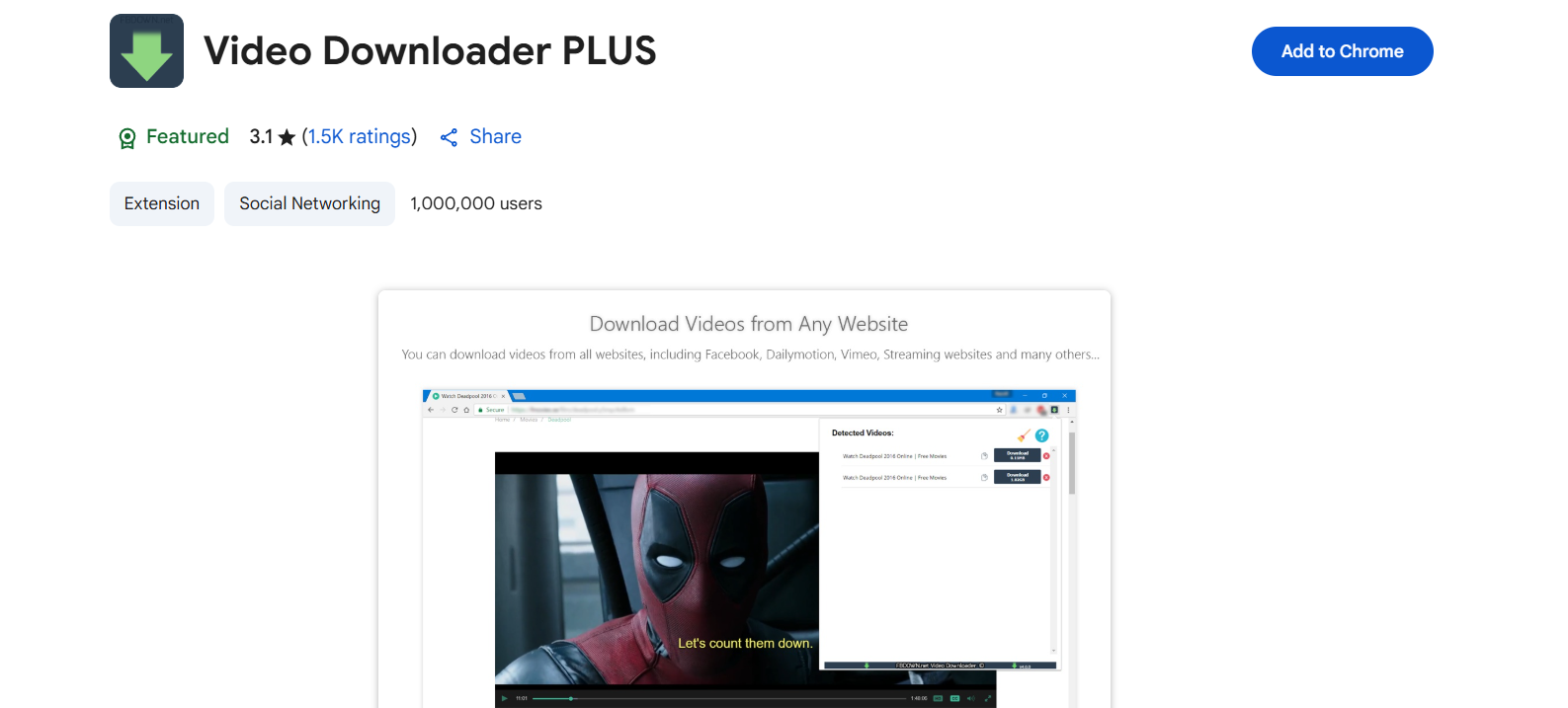
7. Video Downloader PLUS (Chrome Extension)

Video Downloader Plus

Sometimes, you don’t want to paste links into websites. That’s where browser extensions come in. Among video downloader extension Reddit recommendations, Video Downloader PLUS gets a lot of love.

Why it’s great:

  • Works directly in your browser without extra steps.
  • Supports multiple platforms including Reddit, Vimeo, and Facebook.
  • One-click downloading from the extension icon.
  • Saves you time if you download daily.

Best for: Power users who prefer integrated tools in Chrome or Edge.

Note: Always double-check extension permissions before installing any video downloader extension Reddit recommends.

How to Choose the Best Reddit Video Downloader for Your Needs

So which one should you go for? Here are a few tips:

  • If you just want quick Reddit downloads → RedditSave or Viddit.red.
  • If you want more control and formats → SnapDownloader or 9xbuddy.
  • If you care about a clean, safe UI → ReSavr.
  • If you’re also into downloading YouTube videos Reddit suggests → Y2Mate.
  • If you prefer browser add-ons → Video Downloader PLUS.

Free vs. Paid Tools

Free tools like RedditSave do the job perfectly for casual use. Paid tools like SnapDownloader shine when you want advanced features — like bulk downloading, scheduled downloads, or 8K quality. Think about how often you download videos and what formats you need before deciding. If you’re just grabbing memes once in a while, a free tool is enough. But if you download daily, a premium option might save you time and headaches.

Safety Tips When Using Reddit Video Downloaders

  • Stick to trusted tools mentioned in Reddit communities.
  • Avoid sites that ask for unnecessary permissions or downloads.
  • Always double-check that the file is clean before opening.
  • Use browser extensions sparingly and only from verified sources.

Conclusion: The Best Reddit Video Downloader for 2025

When it comes to finding a video downloader Reddit users actually trust, you’ve got plenty of options. If you just want something quick and simple, RedditSave still wins as the no-brainer choice. If you’re downloading daily or across platforms, SnapDownloader is worth the investment for its advanced features. And if you love browser shortcuts, Video Downloader PLUS will save you clicks and time.

The important thing is to match the tool to your needs. Do you want something free and minimal? Go for ReSavr or Viddit.red. Do you want maximum power and cross-platform support? SnapDownloader or 9xbuddy will have your back. And if you love simplicity, RedditSave never disappoints.

No matter what your style is, one of these 7 tools will cover you. So go ahead — try one out today, and make downloading videos from Reddit in 2025 easier, faster, and safer than ever.

Find More: Boost Your Sales With SEO Services

FAQs

1. Is it legal to download videos from Reddit?

It depends. For personal use, you’re usually fine. But re-uploading someone’s content without permission could get you into trouble. Always respect copyright and creator rights.

2. Can I download Reddit videos with sound?

Yes! Tools like RedditSave, Viddit.red, and SnapDownloader support video + audio downloads. Some older tools only grabbed video, so make sure the one you choose merges both.

3. What’s the safest Reddit video downloader?

ReSavr and RedditSave are among the safest, since they don’t bombard you with shady ads. If you’re concerned about privacy, stick to these or use a paid desktop app like SnapDownloader.

4. Do I need to install software to download Reddit videos?

Not always. Many tools like RedditSave and Viddit.red are web-based. But if you want advanced features, SnapDownloader (software) is a solid choice. Extensions like Video Downloader PLUS can also be convenient if you don’t mind browser add-ons.

5. Can I download Reddit videos on mobile (Android & iPhone)?

Absolutely. Most web tools work on mobile browsers, and some even have mobile apps. For example, RedditSave works seamlessly on both Android Chrome and Safari on iPhone.

6. What about downloading private or restricted videos?

Most tools can’t handle private Reddit posts. If a subreddit is restricted or private, you’ll need to be a member to even access the link — no downloader can bypass that.

7. Can these tools download YouTube or Twitter links shared on Reddit?

Yes! Tools like SnapDownloader, 9xbuddy, and Y2Mate are multipurpose. They handle Reddit links as well as YouTube, Twitter, and more.

Tags: