UK: +44 2038074555 info@atamgo.com
Building Customer Relationships through Social Media Engagement

Building Customer Relationships through Social Media Engagement
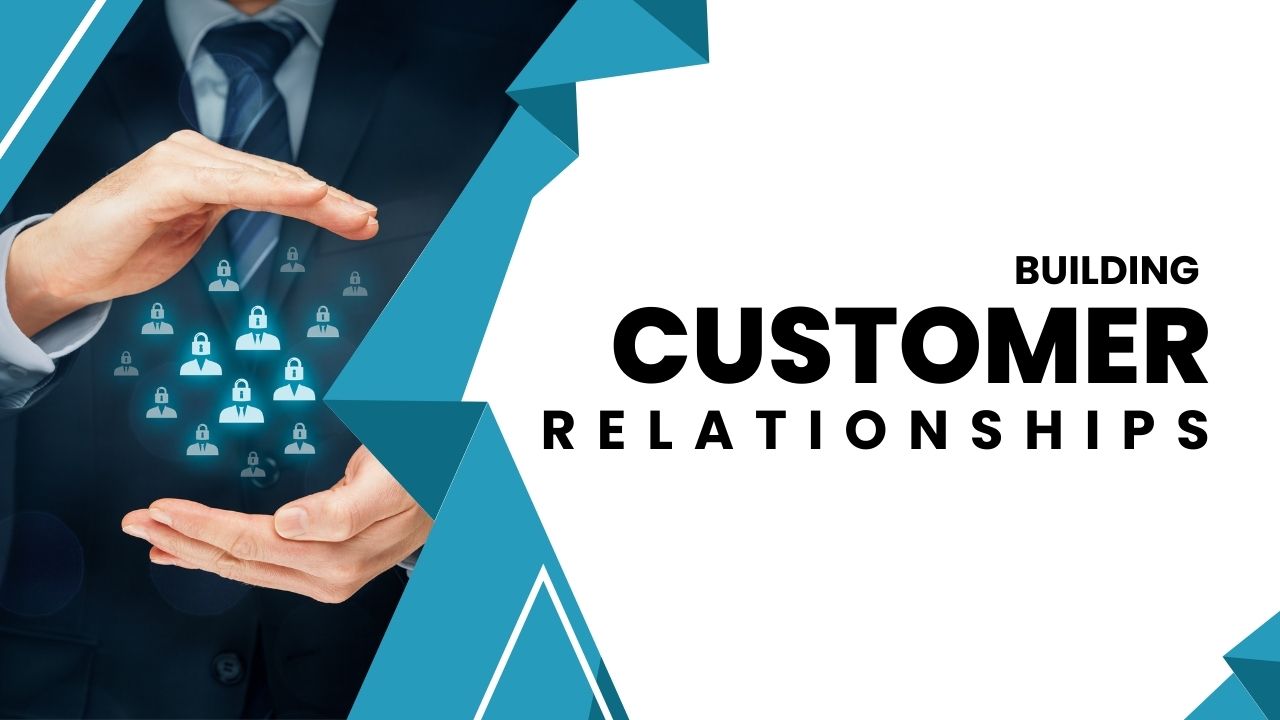
Building Customer Relationships

Social media is an important tool for businesses to engage with their customers. It provides a platform for companies to establish relationships, interact directly with customers, and develop brand loyalty. By having a presence on social media platforms, businesses can increase customer engagement, gain insights into their target audiences, and foster relationships between customers and the company.

This article will explore how companies can use social media to build strong customer relationships. We’ll look at why it’s important, how to do it effectively, and some tips for getting started.

Why Social Media Engagement Is Important:

Social media has rapidly become essential for businesses of all sizes to engage with their customers. It enables direct communication that allows companies to quickly respond to customer inquiries, address their concerns, and hear feedback on their products and services. Not only does this help companies gain valuable insights into how customers feel about their offerings, but it also helps to create a sense of trust between the company and its customers.

Additionally, engaging with customers on social media is an effective way for businesses to build brand loyalty. Responding quickly to questions or complaints shows that the company cares about the customer’s experience and wants to ensure they have a positive one. Furthermore, engaging in conversation with customers allows companies to better understand them, resulting in more personalized service that can lead to higher customer satisfaction levels.

How to Engage With Customers on Social Media:

When engaging with customers on social media, companies should be sure to respond in a timely manner. This shows customers that the company is listening and values their feedback. Additionally, businesses should try to be friendly and personable when interacting with customers on social media. This helps to create a more positive customer experience, which can lead to increased brand loyalty.

Companies should also focus on creating content that resonates with their target audience. Quality content that speaks directly to the needs of the customer will help build relationships and increase engagement levels. Finally, businesses should take advantage of all the features available on each platform they are utilizing. From polls to stories, there are plenty of ways for companies to connect with customers and make their presence felt on social media platforms like Instagram, Facebook, Twitter, and more.

And don’t forget—your content strategy should be backed by a solid website. Tools like the best on-page SEO tool from SEO Sets help ensure your content landing pages are structured for both users and search engines.

Tips To Get Started:

1. Listen to your customers:

Before engaging with customers on social media, it’s important to understand what they are saying about your company, product, or service. Using customer feedback software helps you collect, track, and analyze feedback from multiple channels, giving you valuable insights into customer needs, preferences, and pain points. These insights allow you to respond more effectively and create more meaningful social media interactions.

2. Establish a presence:

Once you know what customers are looking for, create content that speaks directly to them. This will help establish a presence on social media and show customers that you value their opinion.

3. Respond promptly:

When responding to customer inquiries or complaints on social media, be sure to do so in a timely manner Demonstrating responsiveness shows customers that you care about their experience and are taking the time to address their concerns.

4. Track performance:

It’s also important to track your social media performance, so you can measure the success of your efforts and adjust your strategy as needed. Analyzing data such as engagement rates, post reach, and follower growth will give you an understanding of how customers are responding to your content and help you make informed decisions going forward.

By utilizing these strategies, companies can use social media to build strong customer relationships that lead to increased loyalty and satisfaction levels. Social media is a powerful tool for businesses who want to stay connected with their customers and improve their customer experience. With the right approach, it can be a great asset for businesses looking to grow their customer base and build a successful brand.

Conclusion:

Social media is an invaluable tool for businesses who want to stay connected with their customers and build stronger relationships. By utilizing the strategies outlined in this article, companies can create meaningful connections with their target audience and increase satisfaction levels. With the right approach, social media can help businesses gain valuable insights into customer behavior, build brand loyalty, and grow their customer base. With platforms like SEO Sets offering tools to optimize your website’s performance alongside your engagement strategy, your business will be well-equipped to thrive in the digital world.
10 Best Free Facebook Reel Download Tools for 2025 (Ranked & Tested)

10 Best Free Facebook Reel Download Tools for 2025 (Ranked & Tested)

facebook reel download

Introduction: Why You Need a Facebook Reel Download Tool in 2025

Facebook reel download tools have exploded in popularity recently — and it makes perfect sense. Facebook Reels have become one of the platform’s most engaging features, competing head-to-head with TikTok and Instagram Reels. Whether you’re watching funny clips, quick recipes, workout routines, or motivational speeches, sometimes you stumble across something that you want to keep. Maybe you want to share it offline with friends, include it in a presentation, or just save it so it doesn’t get lost in the endless scroll.

That’s where download Facebook reels tools come in. These tools allow you to save content straight to your device, without worrying about whether Facebook will eventually remove it or bury it in your feed. But here’s the catch: not all tools are created equal. Some bombard you with ads, others give you poor-quality video, and a few can even pose security risks if you’re not careful. So, I’ve gone ahead and tested dozens of tools for you, weeding out the weak ones and highlighting only the 10 best free Facebook reels download tools for 2025. Whether you want a quick online downloader, a browser extension, or even a bulk downloader like download Facebook reels bulk JDownloader, you’ll find something here.

Find More: 5 Best Ways to Instantly View Facebook Profile Pictures in Full Size

10 Best Free Facebook Reel Download Tools for 2025 (Ranked & Tested)

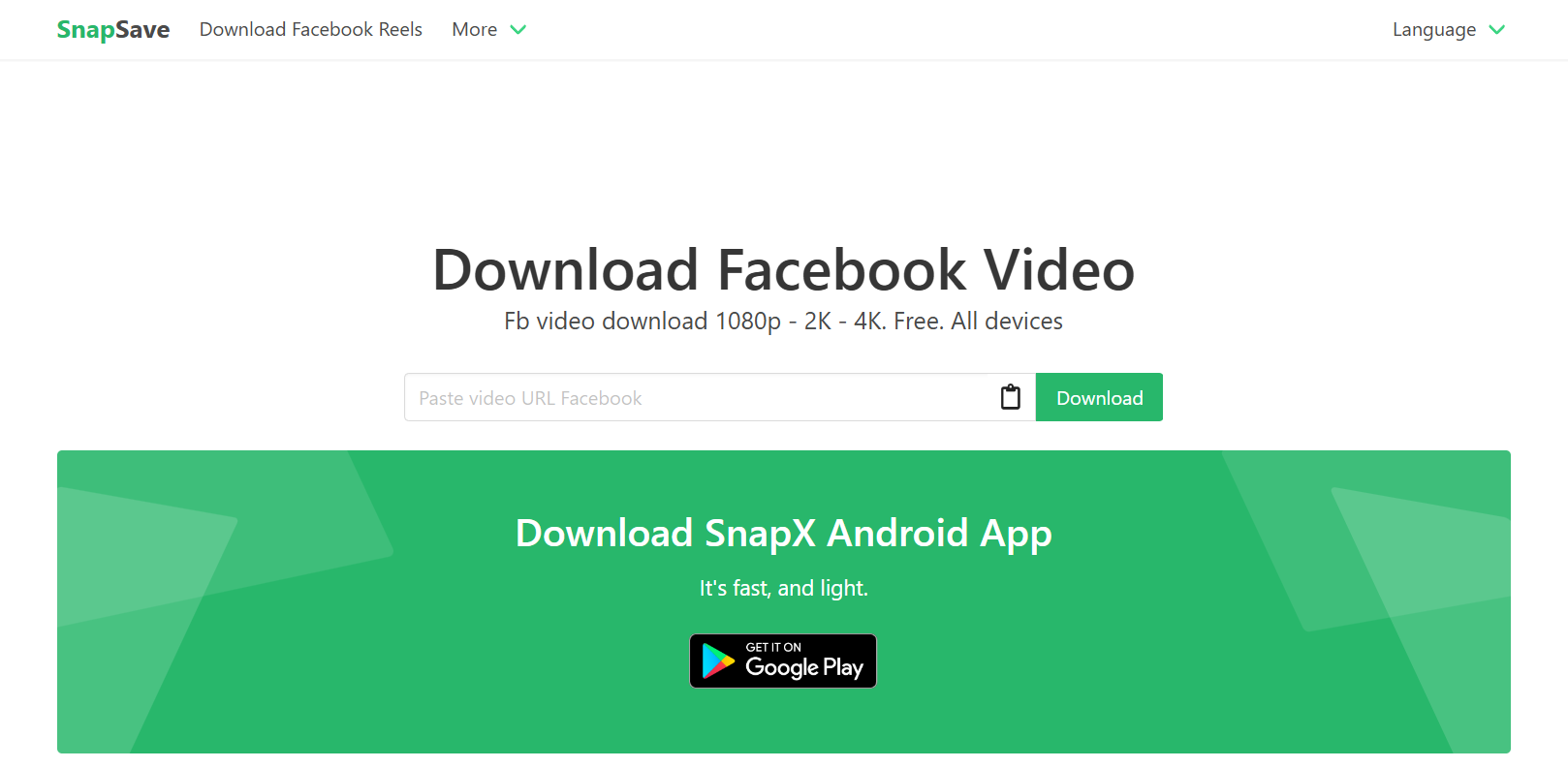
1. SnapSave.app – Fast & Reliable Facebook Reel Download Solution

snapsave

  • Key Features: Works right in your browser, no account needed, downloads in HD and Full HD.
  • Pros: Lightning-fast, clean interface, no confusing buttons.
  • Cons: A couple of pop-up ads, though easy to dismiss.
  • Best For: Everyday users who just want a no-nonsense tool that works every time.

If I had to pick one tool to recommend to a beginner, it would be SnapSave. It’s smooth, reliable, and works across both mobile and desktop without breaking a sweat.

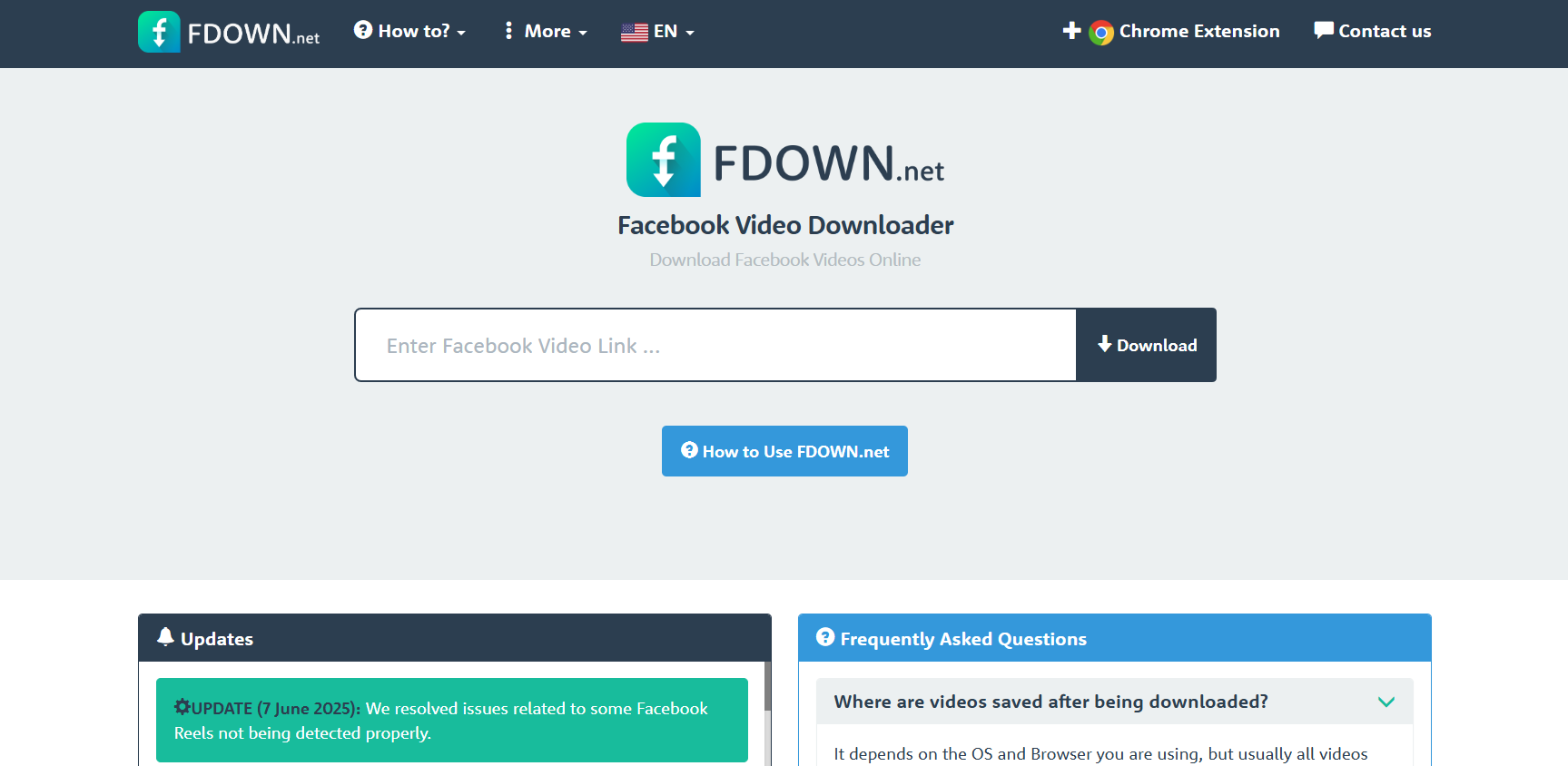
2. FDown.net – Easiest Way to Download Facebook Reels Online

FDown

  • Key Features: Copy-paste simplicity, supports MP4 downloads.
  • Pros: Extremely lightweight, easy for first-timers.
  • Cons: Won’t work on private reels.
  • Best For: Anyone who wants quick results without extra options.

FDown is a classic. It’s been around for years, and while it doesn’t have fancy features, it gets the job done in seconds.

3. SaveFrom.net – Free Facebook Reel Downloader With No Watermark

savefrom

  • Key Features: Works on multiple sites (YouTube, TikTok, Instagram, and Facebook).
  • Pros: Great if you download content from different platforms.
  • Cons: Ads can clutter the page.
  • Best For: Multi-platform users.

One of the oldest and most trusted tools, SaveFrom is a lifesaver when you need a quick reel download without a watermark.

4. Getfvid – Download Facebook Reels in HD Quality

Getfvid

  • Key Features: Downloads in HD, converts reels into MP3 if you just want the audio.
  • Pros: Versatile and reliable.
  • Cons: Peak traffic can cause slower downloads.
  • Best For: People who prioritize quality over speed.

If you’re looking for crystal-clear video or even audio-only versions, Getfvid is an excellent option.

5. Reelit.net – Mobile-Friendly Facebook Reel Download App

reelit

  • Key Features: Built for mobile, supports both Android and iOS.
  • Pros: Clean app interface, quick setup.
  • Cons: Not as powerful as desktop solutions.
  • Best For: People who prefer downloading straight to their phone.

If you’re someone who mainly consumes Reels on mobile, Reelit.net is a handy app that feels like it belongs on your phone.

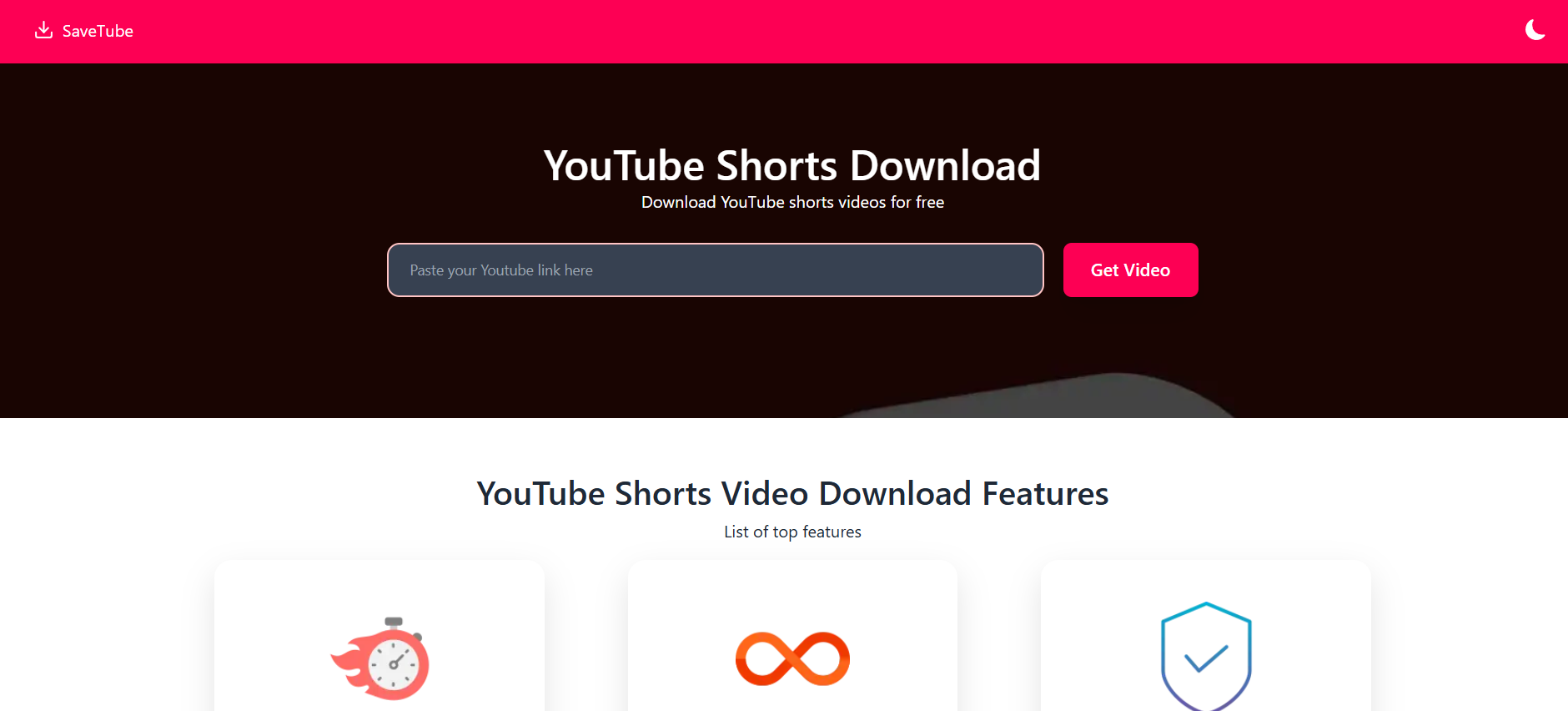
6. SaveTube – Quick Facebook Reels Download Without Login

SaveTube

  • Key Features: No sign-up or login required, supports multiple formats.
  • Pros: Smooth, zero-friction experience.
  • Cons: Limited compatibility with private content.
  • Best For: Casual users who want speed and convenience.

SaveTube is great when you just need a quick download without jumping through hoops.

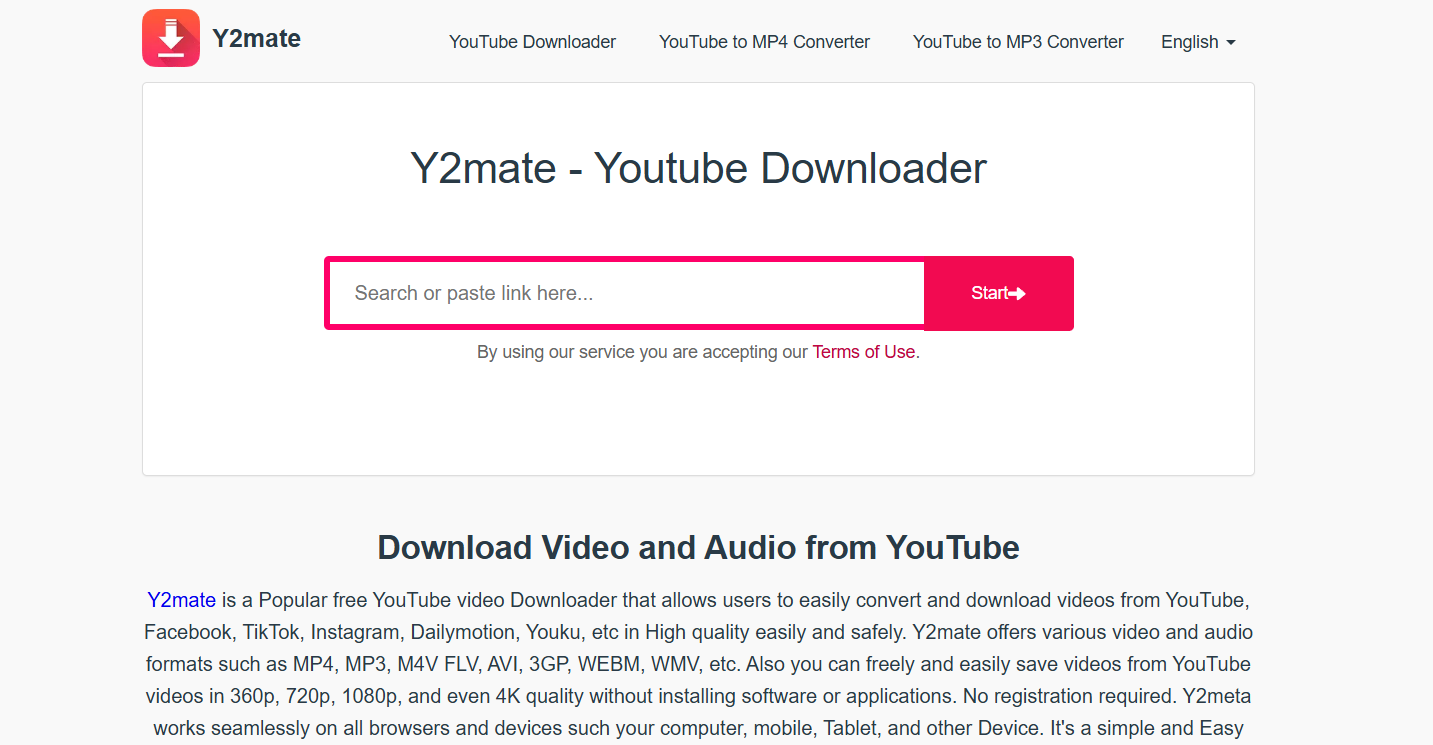
7. Y2Mate – Multi-Platform Reel Downloader (FB, Insta, TikTok)

Y2Mate

  • Key Features: Works across Facebook, Instagram, and TikTok.
  • Pros: Multi-use tool that saves space on your bookmarks bar.
  • Cons: Sometimes sluggish loading.
  • Best For: People who save videos from multiple social media platforms.

Y2Mate has become a go-to for creators who regularly pull clips from different apps to use in edits or research.

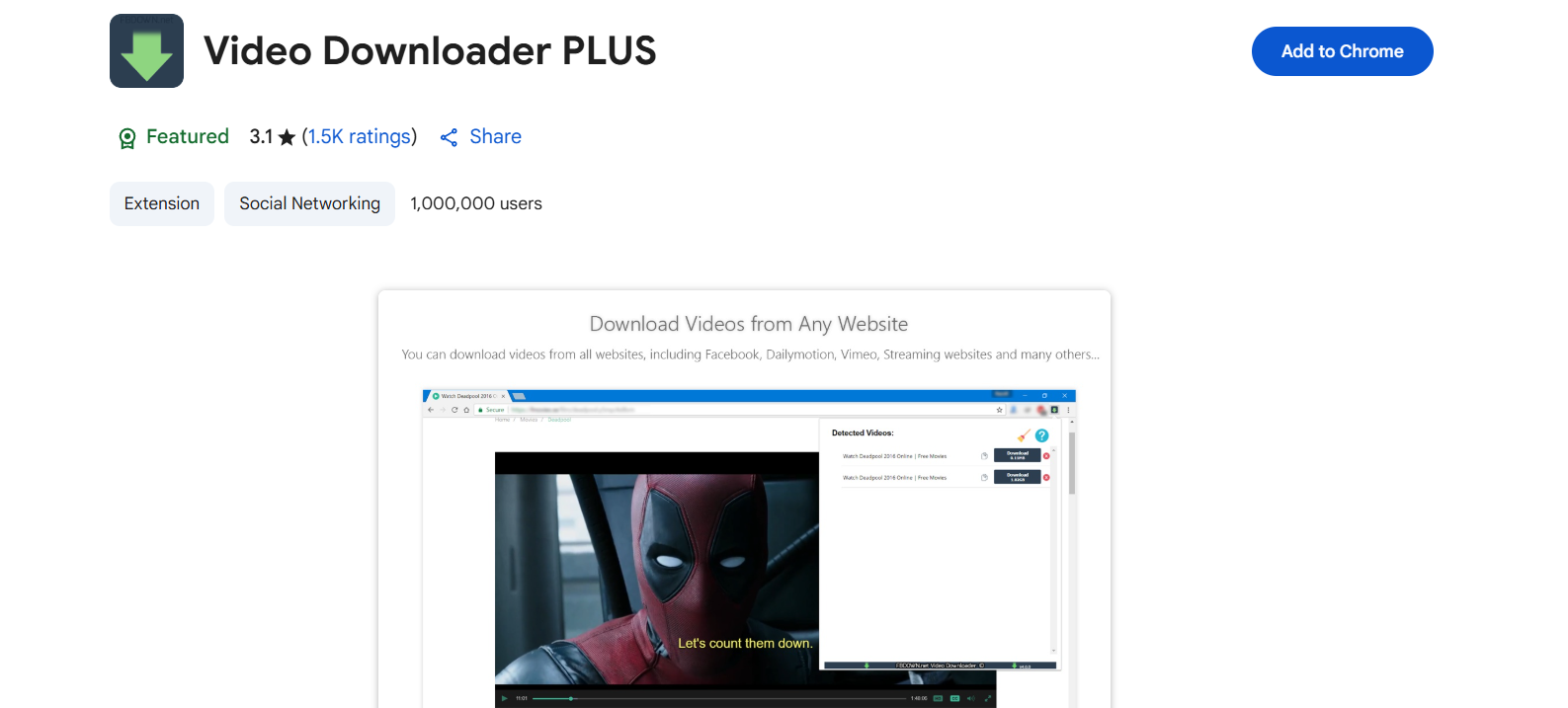
8. Video Downloader Plus (Chrome Extension) – Facebook Reel Downloader Extension

Video Downloader Plus

  • Key Features: Downloads reels directly while browsing Facebook.
  • Pros: No switching tabs, just click and save.
  • Cons: Chrome-only.
  • Best For: Desktop users who want the most seamless workflow.

This is probably the most convenient tool if you spend a lot of time on Facebook from your computer.

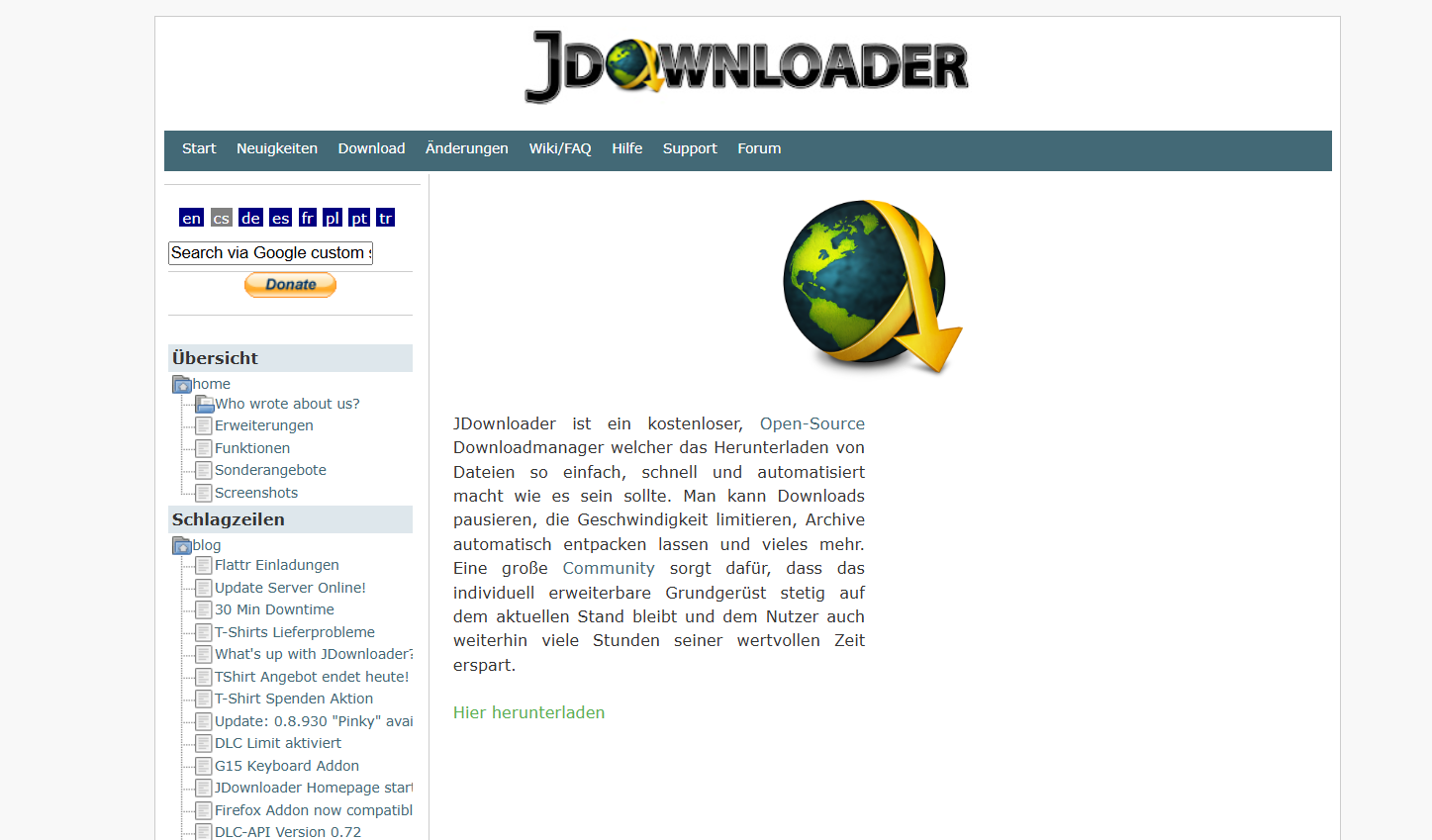
9. JDownloader – Free Desktop Facebook Reels Download Software

JDownloader

  • Key Features: Bulk downloading, multiple formats, and multi-platform support.
  • Pros: Extremely powerful, open-source, and free.
  • Cons: Desktop-only and can feel overwhelming for beginners.
  • Best For: Advanced users who want to download Facebook reels bulk JDownloader style.

This tool is an absolute beast. If you need to download dozens or even hundreds of reels, JDownloader is unmatched.

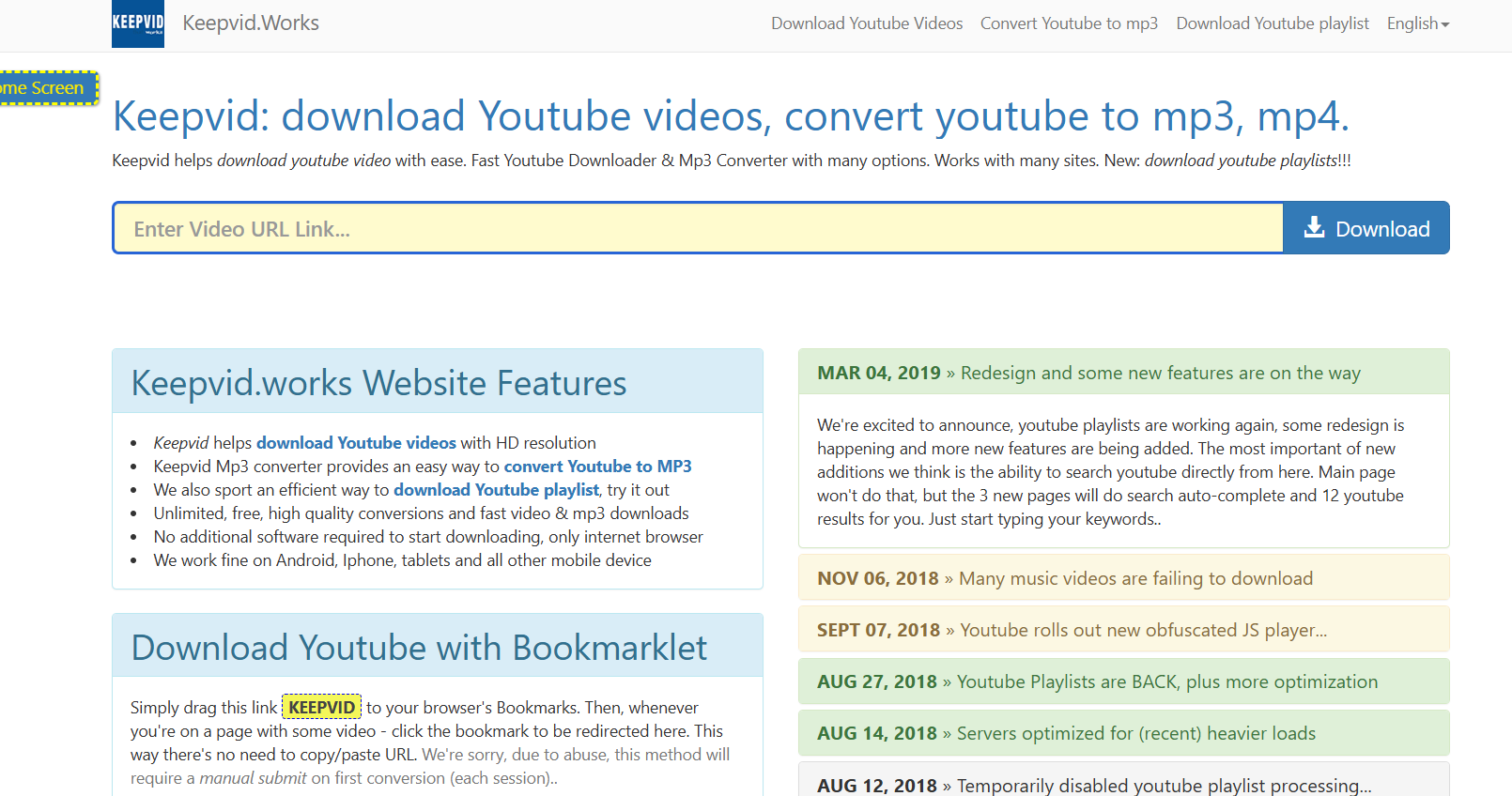
10. KeepVid – Best All-in-One Online Video Downloader

KeepVid

  • Key Features: Handles different social platforms, multiple output formats.
  • Pros: Simple design, long history of reliability.
  • Cons: Banner ads can distract you.
  • Best For: Users who want one tool to cover all video downloading needs.

KeepVid has been trusted for years, and it still works incredibly well for Facebook reels.

How to Choose the Best Facebook Reel Download Tool

When picking the right tool, consider what you actually need it for. Here are the key things to keep in mind:

Speed and Ease of Use

The last thing you want is a clunky, complicated downloader. If you have to read a manual, it’s not worth it. Tools like SnapSave and FBDown are perfect examples of how simple it should be.

Video Quality (HD, Full HD, 4K)

If you’re a content creator or marketer, you don’t want blurry downloads. Go for tools like Getfvid or SaveFrom that allow HD or even 4K downloads.

Compatibility With Devices (PC, iOS, Android)

Some tools shine on desktop, while others are tailored for mobile. If you’re always on your phone, stick with apps like Reelit.io.

Security and Safety Considerations

This is huge. Don’t risk downloading from sketchy sites — malware is not worth a free video. Stick to trusted names that don’t require unnecessary permissions.

Step-by-Step Guide: How to Download Facebook Reels Safely

To make things easier, let’s break it down by method.

Using an Online Downloader

  1. Copy the reel’s URL from Facebook.
  2. Paste it into the site (SnapSave, FBDown, or similar).
  3. Hit download and pick the format you want.

Online tools are great for one-off downloads when you’re at your computer.

Using a Mobile App

  1. Download a reliable app like Reelit.io.
  2. Paste the reel link inside the app.
  3. Save directly to your gallery for offline viewing.

Mobile apps make the process almost instant when you’re scrolling on your phone.

Using a Browser Extension

  1. Install something like Video Downloader Plus on Chrome.
  2. Browse Facebook as usual.
  3. When you see a reel you like, click the extension and save it instantly.

Extensions are fantastic for frequent users who don’t want to constantly copy and paste URLs.

Conclusion: The Best Way to Download Facebook Reels in 2025

There’s no shortage of Facebook reel download tools in 2025. But depending on your needs, some stand out more than others. If you just want speed and simplicity, SnapSave and FBDown are top picks. If you’re a creator who cares about quality, Getfvid is the way to go. And if you need to download Facebook reels bulk JDownloader, nothing beats the power of JDownloader.

At the end of the day, the right tool comes down to what matters most to you: speed, quality, convenience, or bulk capability. Whichever one you choose, just make sure you use it responsibly and respect content creators’ rights.

Find More: Boost Your Sales With SEO Services

FAQs

1. Is it legal to download Facebook Reels?

Generally, downloading for personal use is okay, but redistributing or reposting without permission can violate copyright and Facebook’s terms.

3. Can I download Facebook Reels without an app?

Absolutely. Tools like SnapSave and FBDown work in your browser, so no installation is required.

4. How do I save Facebook Reels in HD quality?

Go with Getfvid or SaveFrom.net. Both allow high-resolution downloads.

5. What’s the safest Facebook Reel download tool?

SnapSave and FBDown are among the safest because they don’t ask for logins or strange permissions.

6. Can I download Facebook Reels with music?

Yes, most of these tools preserve the audio along with the video, so you’ll get the complete reel experience.

7. Can I bulk download reels at once?

Yes, with software like JDownloader you can queue multiple links and grab them all in one go — perfect if you’re archiving content.

8. Do these tools work on private Facebook reels?

Not always. Most only support public videos, so if the reel is shared privately, you might not be able to download it.

Tags:
How Businesses Can Use MyStorySaver to Save Instagram Stories for Marketing

How Businesses Can Use MyStorySaver to Save Instagram Stories for Marketing

MyStorySaver

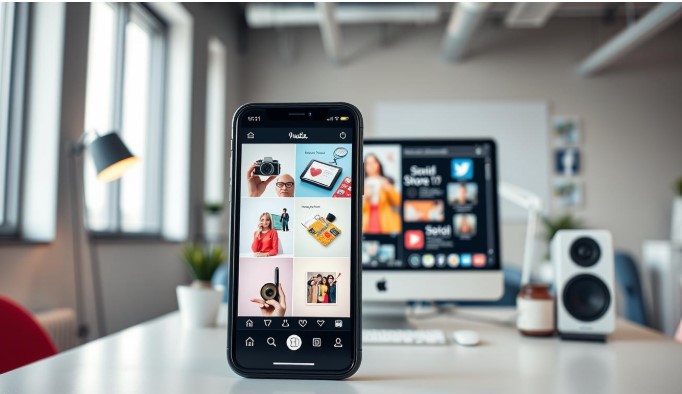
Digital marketing keeps changing, and Instagram Stories are now key for businesses to reach their audience. MyStorySaver is a vital tool for brands wanting to keep and use these short-lived content pieces.

With MyStorySaver, businesses can save Instagram Stories, turning them into lasting marketing tools. This tool helps companies save and reuse their most engaging social media stories.

Instagram Stories are a powerful way for brands to share their creativity, show behind-the-scenes, and talk to customers live. MyStorySaver lets marketers save these short but powerful moments, making sure no content is lost.

Learning to save Instagram Stories helps businesses build a strong content library. This supports their marketing plans and improves their digital storytelling. MyStorySaver makes saving content easy and strategic.

Understanding MyStorySaver as a Marketing Tool

Digital marketers are always looking for new ways to save their social media content. MyStorySaver is a powerful tool for businesses to enhance their Instagram Stories strategy.

This platform has key features that are vital for marketers:

  • Automatic Instagram Stories archiving
  • Easy content retrieval and management
  • Comprehensive story performance tracking
  • Seamless integration with marketing workflows

Instagram Stories are a dynamic format that vanish after 24 hours. MyStorySaver helps businesses save and analyze their story content. This way, marketing teams can keep valuable visual stories that would otherwise be lost.

Using this tool, businesses get many benefits. They can:

  1. Create a comprehensive content library
  2. Analyze engagement metrics
  3. Repurpose successful story content
  4. Develop more targeted marketing strategies

With https://mystorysaver.com/, companies turn fleeting Instagram Stories into valuable marketing assets. It lets marketers capture, analyze, and use their social media content more efficiently.

Why Instagram Stories Matter for Business Growth

Instagram Stories have changed the game for businesses of all sizes. They offer a way to connect with people that regular posts can’t. Small and medium businesses are finding Instagram Stories to be a key tool for growth.

Companies use Instagram Stories to make engaging content that gets people talking. The platform’s tools help tell stories in a way that grabs attention fast. With over 500 million daily viewers, businesses have a huge audience to reach.

  • Increase brand visibility through interactive content
  • Build authentic connections with followers
  • Showcase products and services in real-time
  • Drive engagement through polls, questions, and swipe-up links

Now, social media marketing puts a big focus on Instagram Stories. Their short-lived nature adds a sense of urgency and uniqueness. Businesses can share behind-the-scenes looks, product demos, and customer feedback to build trust.

Using a smart Instagram Stories strategy can boost your online marketing. Tools like MyStorySaver let you save and reuse these Stories. This way, businesses can get more out of their content and reach more people.

Getting Started with MyStorySaver for Business

Setting up a MyStorySaver business account is easy and can change your Instagram marketing. Digital marketers will find it very easy to use. It helps manage content well.

  1. Create a professional business account on MyStorySaver
  2. Link your Instagram business profile directly to the platform
  3. Configure your initial storage and backup preferences
  4. Set up automatic story collection settings

Instagram marketing experts will love how easy it is to use MyStorySaver. The setup takes under 10 minutes. This lets businesses start saving and analyzing their Instagram stories fast.

  • Sync multiple Instagram accounts
  • Customize storage options
  • Enable advanced content tracking

Businesses can get deep insights with MyStorySaver’s story management tools. It’s a central place for saving and using Instagram content in marketing campaigns.

Save Instagram Stories with MyStorySaver: Step-by-Step Guide

Saving Instagram Stories is key for content creators and businesses. MyStorySaver makes it easy to save your social media content. It’s a simple way to keep your stories safe.

To start saving Instagram Stories, follow these steps:

  1. Download the MyStorySaver app from your device’s app store
  2. Log in with your Instagram credentials
  3. Connect your Instagram account to the MyStorySaver platform
  4. Select the specific Stories you want to save
  5. Choose your preferred storage method

The MyStorySaver tutorial makes saving stories easy. You can save and organize your Instagram Stories quickly. It’s great for marketers and content creators alike.

Here are some tips for saving stories:

  • Always respect copyright and content ownership
  • Organize saved Stories into specific folders
  • Regularly backup your saved content
  • Review saved Stories periodically

MyStorySaver makes saving Instagram Stories easy. You’ll never lose important visual content again.

Creating a Content Library with Saved Stories

MyStorySaver makes it easy to build a strong content library. Businesses can turn short-lived content into a powerful marketing tool. This is done by saving and organizing their stories.

Effective content library management involves several key strategies:

  • Create categorical folders for different content types
  • Use consistent tagging systems
  • Date-stamp saved stories for easy retrieval
  • Organize by campaign or marketing objective

The MyStorySaver organization tool helps marketers create a detailed digital archive. By saving Instagram Stories, brands can see how their content has changed. They can also reuse successful stories and keep a record of their digital stories.

Key benefits of maintaining a well-structured Instagram Story archive include:

  1. Quick content retrieval
  2. Performance tracking
  3. Streamlined content repurposing
  4. Enhanced brand storytelling consistency

Businesses using MyStorySaver’s content library feature get ahead. They turn temporary social media content into a valuable marketing asset for the long term.

Leveraging Saved Stories for Marketing Campaigns

Businesses can tap into powerful marketing by using MyStorySaver. This tool lets you save and reuse Instagram Stories. It’s a great way to create exciting marketing campaigns on different platforms.

Here are some ways to use MyStorySaver content:

  • Create compilation videos with customer testimonials
  • Make social media recap posts from past stories
  • Use archived visuals for email marketing
  • Build presentation decks for team training

Repurposing Instagram Stories helps brands get more out of their content. It turns short-lived content into lasting marketing assets. This way, businesses can make their stories reach more people.

MyStorySaver turns temporary social media moments into lasting marketing tools. It lets brands refresh old stories, making them engaging across various channels.

  • Analyze top-performing story content
  • Find recurring themes and audience likes
  • Use high-engagement stories for bigger campaigns

Smart marketers see every saved Instagram Story as a chance to market. With MyStorySaver, businesses can build a content library. This supports ongoing marketing and keeps audiences engaged.

Analyzing Story Performance Through MyStorySaver

Understanding Instagram Story analytics can change your marketing game. MyStorySaver gives businesses tools to track content and improve their social media game.

Key metrics to check your Instagram Stories include:

  • Reach and impressions
  • Engagement rates
  • Story completion percentage
  • Interaction metrics (replies, sticker taps)

MyStorySaver provides detailed analytics for marketers. It helps them see which content works best with their audience.

To boost your content strategy, consider these tips:

  1. Track viewer retention rates
  2. Analyze peak engagement times
  3. Compare different content styles
  4. Identify audience interaction patterns

The platform’s detailed reports help you understand your audience better. With MyStorySaver, you can make your Instagram stories more engaging. This leads to better business results.

Legal Considerations and Content Rights

Understanding Instagram content rights can be challenging for businesses using MyStorySaver. It’s important to know social media policies to protect everyone involved. Before saving and using Instagram Stories, businesses need to be aware of several legal points.

Here are some key guidelines for legal content usage with MyStorySaver:

  • Always get explicit permission from the original creator before using their Stories
  • Check Instagram’s terms of service about content reproduction
  • Give proper credit to the original creator
  • Follow copyright laws and respect intellectual property rights

Legal usage of MyStorySaver requires careful attention to content ownership. Businesses should have clear rules for saving and sharing stories. This includes making internal guidelines that focus on ethical content practices and respect for digital creators.

Here are some steps to ensure legal compliance:

  1. Review Instagram’s current content policies
  2. Make a written permission request template
  3. Keep records of all content usage approvals
  4. Train team members on content rights

MyStorySaver is a powerful marketing tool, but it must be used responsibly. By focusing on legal considerations and respecting content creators, businesses can use Instagram Stories well. This way, they maintain their professional integrity.

Conclusion

MyStorySaver is a game-changer for businesses looking to boost their Instagram Story marketing. It lets brands save Stories easily, turning short-lived content into valuable marketing tools. This opens up new ways to market online.

MyStorySaver does more than just save content. It helps marketers build big content libraries and track how well their content does. It’s great for both small and big businesses to make their social media better and more engaging.

Digital marketing keeps changing, and Instagram Stories are key to talking to your audience. MyStorySaver helps businesses keep their content alive for longer. Start using this tool to improve your social media game.

Check out MyStorySaver to see how it can change your brand’s Instagram. Saving and using Stories in new ways will make your brand stand out.

7 Best Free YouTube Downloaders That Actually Work in 2025

7 Best Free YouTube Downloaders That Actually Work in 2025

free youtube downloader

Introduction: Finding the Best Free YouTube Downloader in 2025

Free YouTube downloader tools are absolute lifesavers when you want to grab videos for offline viewing, convert them into MP3s for your music library, or even save entire playlists for binge-watching later. Think about those moments when you’re on a long flight with no Wi-Fi or when your data plan is running low—having a reliable free YouTube video downloader can make all the difference.

But here’s the catch: not every YouTube video downloader free tool is worth your time. Some are outdated, others are filled with spammy ads, and a few even try to sneak in malware. That’s why in 2025, it’s crucial to separate the legit, safe, and genuinely useful downloaders from the shady ones. You don’t just want a quick download—you want something reliable, fast, and hassle-free.

Over the years, YouTube has made things tougher for developers by tightening restrictions, which means many once-popular downloaders no longer work. But don’t stress—there are still plenty of gems out there. In this article, I’ll show you the 7 best free YouTube downloaders that are actually working in 2025, so you can avoid wasting time on broken tools or sketchy downloads.

Find More: Top 7 Free Tools for YouTube Shorts Download

7 Best Free YouTube Downloaders That Actually Work in 2025

1. 4K Video Downloader – Best All-Around Free Tool

4K Video Downloader

If you’ve ever looked for a YouTube downloader free, chances are you’ve heard of 4K Video Downloader. It’s been one of the most trusted tools for years, and even in 2025, it’s holding strong as one of the best.

Key Features:

  • Download full playlists, channels, and subtitles.
  • Supports resolutions up to 8K for crystal-clear quality.
  • Audio extraction in MP3, M4A, or OGG formats.

Pros: Works smoothly on Windows, Mac, and Linux; clean interface with no hidden junk.
Cons: Free version limits the number of playlist downloads, and you’ll see the occasional upsell.

2. YTD Video Downloader – Simple and Beginner-Friendly

YTD Video Downloader

Not everyone wants tons of bells and whistles. If you’re just dipping your toes into the world of YouTube video downloader free tools, YTD Video Downloader is a fantastic choice.

Key Features:

  • Straightforward copy-paste interface.
  • Downloads from YouTube and other major video platforms.
  • Quick conversion to MP4 or MP3.

Pros: Perfect for beginners, lightweight software.
Cons: Ads in the free version, and no bulk downloads unless you upgrade.

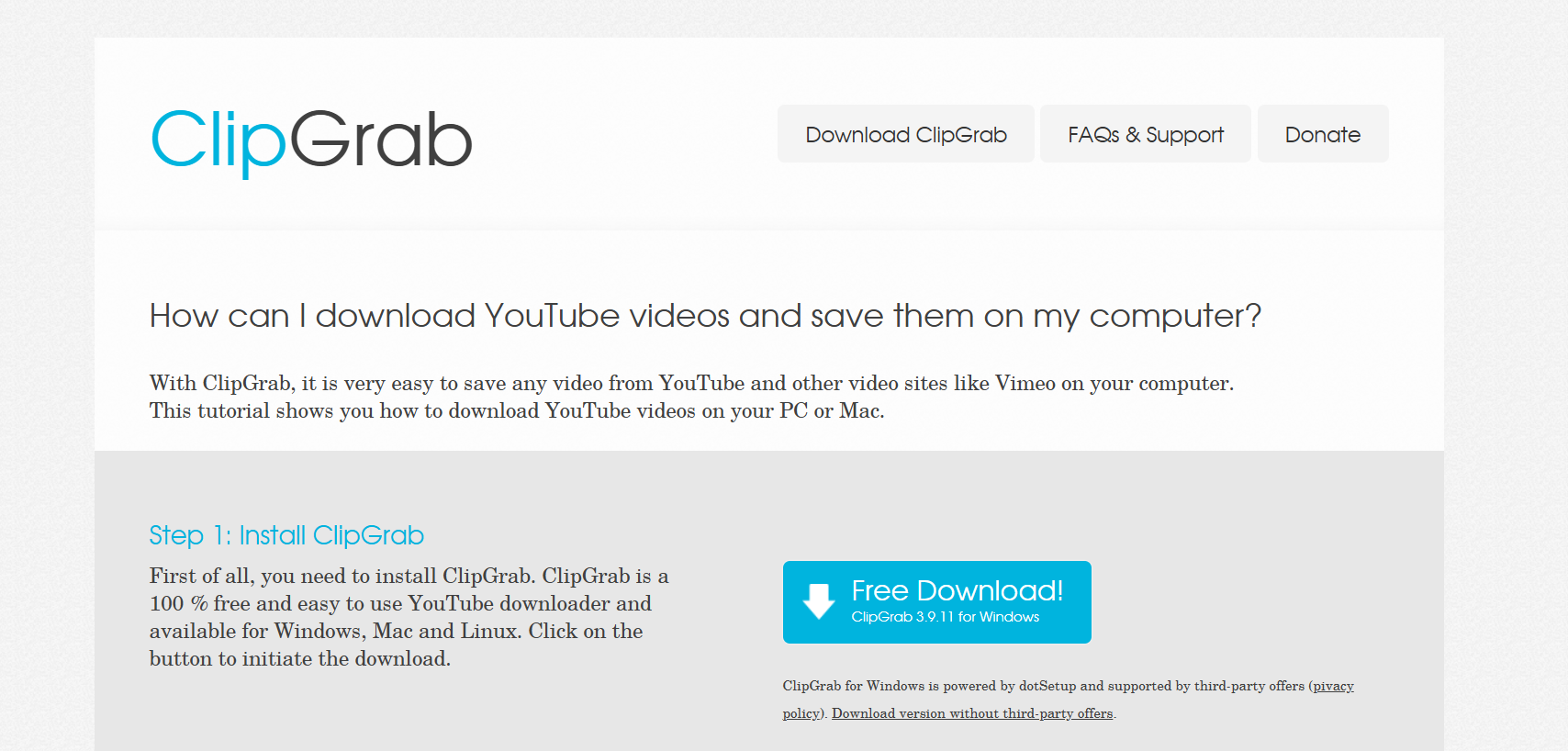
3. ClipGrab – Lightweight and Open Source

ClipGrab

If you prefer open-source tools and want something lightweight, ClipGrab is worth a look. It’s completely free, and it doesn’t weigh down your computer.

Key Features:

  • Converts directly into MP4, WMV, and MP3.
  • Simple, no-frills interface.
  • 100% free with no hidden costs.

Pros: Open-source and secure, no unexpected paywalls.
Cons: Lacks advanced features like playlist downloads or subtitle grabbing.

4. WinX YouTube Downloader – Best for High-Quality Video Lovers

WinX YouTube Downloader

For those who care about visuals, WinX YouTube Downloader is a dream. It specializes in maintaining high quality, including full HD, 4K, and even 8K.

Key Features:

  • Supports downloads from over 300 sites beyond YouTube.
  • Batch downloads multiple videos at once.
  • Saves videos in MP4, WebM, FLV, and 3GP.

Pros: High-quality results, reliable batch downloads.
Cons: If you only want MP3 audio, you’ll need the paid version.

5. Freemake Video Downloader – Great for Multiple Formats

Freemake Video Downloader

Freemake Video Downloader has been in the game for a long time, and it’s still a solid choice for 2025. Its biggest strength? Format flexibility.

Key Features:

  • Save in MP4, MP3, AVI, 3GP, and more.
  • Supports HD and 4K downloads.
  • Allows you to cap download speeds to avoid hogging bandwidth.

Pros: Lots of format choices, easy interface.
Cons: Free version slaps a watermark on videos.

6. aTube Catcher – Best for Multi-Purpose Use

aTube Catcher

Think of aTube Catcher as more than just a YouTube video downloader. It’s like a mini media hub that can do more than just pull videos.

Key Features:

  • Downloads videos, records screens, and even burns DVDs.
  • Built-in video converter.
  • Supports bulk downloading.

Pros: Multi-purpose, great for power users.
Cons: The design feels dated, and it can be overwhelming for beginners.

7. SnapDownloader – Modern and Powerful

SnapDownloader

Want something polished that feels current in 2025? SnapDownloader is one of the most modern-looking tools, and it’s packed with power.

Key Features:

  • Works with 900+ websites, not just YouTube.
  • Downloads up to 8K resolution videos.
  • Built-in MP3 converter.

Pros: Sleek interface, supports tons of platforms.
Cons: Free version has daily limits, and premium features are locked.

How to Choose the Right Free YouTube Downloader in 2025

With so many options, how do you know which YouTube video downloader free is right for you? Here are a few points to keep in mind:

  • Safety First: Only download from official websites. Shady versions can contain malware.
  • Format Support: If you want just audio (say, MP3s for podcasts or playlists), make sure your downloader supports it.
  • Speed vs. Features: Some tools are lightning-fast but basic; others are slower but packed with advanced features like subtitle downloads and playlist management.
  • Device Compatibility: If you’re on mobile, look for Android or iOS-friendly tools, though desktop is generally more reliable.

Are Free YouTube Downloaders Safe to Use?

This is the number one question most people have. The truth is, most free YouTube downloaders are safe if you stick to trustworthy names like the ones above. The danger comes from downloading shady versions off random sites filled with pop-ups and fake “Download Now” buttons.

Safety Tips:

  • Always get your tool from the official website.
  • Don’t install extra add-ons or toolbars offered during setup.
  • Run an antivirus scan after installation, just in case.

If you follow those steps, you’ll be fine.

Conclusion: The Best Free YouTube Downloaders for 2025

At the end of the day, not every free YouTube downloader is created equal. Some are bloated with ads, while others break after a few months. But the tools we’ve covered here—like 4K Video Downloader for power users, YTD Video Downloader for beginners, and SnapDownloader for those who want a polished experience—are still going strong in 2025.

If you just need something quick and simple, YTD is a solid choice. If you want features like playlist downloads and high-resolution video, go with 4K Video Downloader. And if you want a modern interface with broad site support, SnapDownloader should be at the top of your list.

Bottom line? Pick the tool that fits your needs, download safely, and enjoy having your favorite content available whenever and wherever you want. Give one of these downloaders a try today—you’ll wonder how you ever managed without them.

Find More: Boost Your Sales With SEO Services

FAQs

1. Is it legal to use a free YouTube downloader?

For personal offline use, it’s usually fine. But uploading, sharing, or selling downloaded content violates YouTube’s terms.

2. Which free YouTube downloader works best for MP3 files?

4K Video Downloader and ClipGrab are excellent for extracting audio tracks.

3. Can I download full playlists with a free tool?

Yes, but note that many free versions (like 4K Video Downloader) limit how many playlist videos you can grab at once.

4. What’s the difference between free and paid YouTube downloaders?

Paid versions remove limits like daily caps, watermarks, or slower speeds.

5. Do free YouTube downloaders work on mobile devices?

Some do, especially for Android, but desktop apps are still more stable and feature-rich.

6. Which downloader is safest in 2025?

Tools like 4K Video Downloader, SnapDownloader, and ClipGrab have proven safe over years of use.

Tags:
The Rise of Social Commerce: How Social Media is Reshaping Online Shopping

The Rise of Social Commerce: How Social Media is Reshaping Online Shopping

Social Commerce

Buyers have changed the way they buy radically in this digitally-first world. They have transformed themselves from a brick-and-mortar model to an e-commerce platform. Their current transformation is the last regarding social commerce- as it elevates shopping into social media. Unlike e-commerce in which customers have to access through their individual websites or apps, social commerce allows users to discover, evaluate, and buy products directly through these social media apps: Instagram, TikTok, Facebook, and Pinterest.

This is making an impact on the mode as brands sell their products and redefine the experience of consumers while shopping. Now see what has set social commerce going, its promises, challenges, and what it may offer in the future.

What is Social Commerce?

Social commerce is all about using social networks as a sales path. No use to redirect a user to any external website; it performs shopping with a platform itself. A few examples are:

Instagram Shopping: tagging a product in the post and story itself so that the user can directly buy it. 

TikTok Shop: the product is marketed using short videos by creators along with direct purchase links.

Facebook Marketplace and Shops for Business: Businesses establish storefronts within the application for browsing and checkout convenience.

Pinterest Shopping Pins: “Users can access and purchase items through Pinterest.

It integrates the whole process of buying into one seamless experience-an entertainment plus inspiration plus purchasing platform”  Ray Lauzums owner of a  online gaming store poggers

Why is Social Commerce Growing?

Here are some of the main reasons for the phenomenal growth of social commerce:

Changing Consumer Behavior:

These are new consumers, particularly Gen Z and Millennials, who spend much of their time using social networks. They tend to look for an easier and faster way to shop without switching apps.

Power of Influencer Marketing:

The business of social commerce lies in evidence and credibility. Influencers and creators drop items in situations in which they can be lived out for buyers. Most of the time, their references feel more authentic than the traditional ads. This authentic connection cultivated by creators is precisely what drives engagement and purchase decisions, making a substantial, active follower base a critical asset. For those aiming to enhance their influence and reach within this dynamic space, leveraging services like SocialBoosting TikTok followers can provide a strategic advantage in building a more prominent platform.

Visual & Interactive Appeal:

Social platforms are about text and visuals, which are engaging and made up of interactive content. Shopping via videos, reels, or carousel advertisements seems so much more immersive when compared to that of static e-commerce websites.

Hassle-Free Payment Systems:

Integrated payment gateways are designed to create a smooth checkout, minimizing cart abandonment. One-tap purchases are turning into a fashion.

Boom Spawned by the Pandemic:

Digital adoption gained momentum during the COVID-19 pandemic, with increasing reliance by consumers on online platforms for shopping. Social commerce became an offshoot of this trend.

Benefits of Social Commerce for Business

There are numerous advantages for brands and businesses arising from social commerce:

Wider Reach: They can get to millions of users who already spend their time on social media.

Higher Engagement: Interactive shopping encourages likes, shares, and comments, thereby enhancing visibility.

Data Insight: The platforms provide real-time analytics on customer behavior and preferences.

Shortened Sales Journey: Eliminates multiple steps involved, hence taking customers from product discovery to purchase in seconds.

The categories are customer loyalty. “Such personalized shopping experiences lead customers to form stronger bonds”Andrew March CEO Samsung Techwin

Advantages for Consumers

Consumers also gain some advantages with social commerce:

Convenience: No need to switch apps to browse and buy right away.

Personalized Experience: Algorithms provide personalized product suggestions for interests.

Social Proofing: Reviews, comments, and influencer endorsements validate product choices. 

Interactivity: Videos, reels, and live-streaming sessions create a more engaging product experience.

Issues Facing Social Commerce

With lightning speed in its rise, social commerce is yet troubled by various challenges:

Trust and Security:

Some users are doubtful about making purchases directly on these platforms for privacy and data concerns.

Platform Dependence:

The danger is that businesses can become overly dependent on one platform’s algorithms and policies which can change anytime.

Customer Service:

Handling returns, complaints, and inquiries can become more complicated when the purchase process takes place on a third-party app.

Brand Differentiation:

With too many brands battling for the same social space, standing out means creative and strategically defined marketing.

Future Social Commerce

The future of social commerce appears to be favorable, with trends guiding toward more innovation:

Live Shopping: “Highly regarded in China, live shopping events through streaming media are gaining international acceptance. Viewers can interact with the host via chat and buy products in real-time” Nakandala CEO Moonguider

Artificial Intelligence and Personalization: Advanced algorithms will make shopping experiences more personalized based on user behavior.

Augmented Reality: Features such as “try before you buy” will become the norm, virtually allowing customers to test clothes, makeup, or furniture.

Integration in New Platforms: Other emerging platforms will not stop at Instagram and TikTok, with commerce features sometimes coming to Snapchat and YouTube.

Market research has projected that global sales from social commerce will surpass $3 trillion by 2028, thereby prophesying its chances of becoming a dominant force in attracting customers in digital marketing.

How Brands Can Succeed in Social Commerce

To make the best of social commerce, brands should:

Invest in Visual Content: Good quality images, videos, and reels encourage buyers to buy.

Engage Micro-Influencers: Smaller influencers usually have a more engaged audience.

Stay Real: Consumers prefer authentic stories over selling gimmicks.

Ensure Smooth Support: As buyers must trust you after purchase, ensure smooth after-sales support.

Test on Multiple Platforms: “Try numerous social media apps to find the transmission medium that aligns best with your audience” Robert CEO Blue N Buy

Conclusion

In fact, social commerce is an inflection point in digital marketing, where a powerful shopping experience converges into entertainment, community and convenience. It is convenient and personalization for consumers, and an opportunity for businesses to engage consumers in conversations where they spend most of their time.

As technology advances and social platforms improve commerce functionality, the difference between “scrolling” and “shopping” will slowly diminish. Early adopters of the trend will not only keep pace with competition but also develop stronger and longer-lasting customer relationships.

How to Reach the Right Audience Without Wasting Time or Budget

How to Reach the Right Audience Without Wasting Time or Budget

Reach the Right Audience

The biggest reason businesses struggle with marketing isn’t effort. It’s clear. You might have the right tools, the right team, and a solid offer. But if your message keeps reaching the wrong people, your results will always fall short. Most campaigns don’t fail because of bad creative. They fail because they’re built for the wrong audience or delivered in the wrong places.

Once you know exactly who you’re talking to and what they care about, everything becomes simpler. You stop trying to impress everyone and start speaking directly to those who matter. That’s when marketing starts working the way it’s supposed to.

This article will walk you through how to find and reach your ideal audience without wasting your time or stretching your budget thin.

Know Who Actually Cares

Before you write a single headline or plan a single ad, get crystal clear on who you’re speaking to. Not a broad idea, but a detailed, real-world version. Age, location, income, lifestyle, buying habits, challenges, interests, and the words they actually use all matter.

This is where many businesses get tripped up. They create vague personas or focus too much on demographics. However, behavior often tells you more than job titles or zip codes. People act on emotion and need, not categories.

To begin, start small. Focus on one group that’s already shown interest. Maybe they clicked a link, visited a page, or downloaded something. Use that to shape your messaging and offers. If you don’t have data yet, study your competitors or ask your current customers questions no one else is asking..

Make Your Ads Work Like Conversations

Most ads fail because they sound like ads. People scroll right past them. But when the message feels natural, like something they’d say themselves, they stop for a second. That pause is what you need.

Talk to your audience the way they talk to others. Ask the questions they’re already thinking about. Show them a solution they actually want. You don’t need to explain how marketing works. You need to demonstrate that your product or service seamlessly integrates into their daily routine without requiring extra effort.

For businesses that want to skip the fluff and speak clearly to their audience, a service like Premier Online Marketing can help shape campaigns that feel human, not pushy. When your ads sound like answers instead of noise, they are more effective. Plain and simple. They also bring the kind of strategy that turns clicks into actual leads, especially for industries that need focused, high-intent traffic.

Cut the Fluff From Your Strategy

Too many strategies are padded with things that look good on paper but don’t move the needle. If you’re running campaigns just to “be consistent” or chasing trends just to stay visible, stop. That’s wasted motion.

Instead, a good strategy is focused. It leaves out more than it includes. Focus on the platforms and channels where your target group actually spends time. If your audience doesn’t hang out on Instagram, there’s no point in burning time and budget trying to grow there. It is not about being everywhere. It is about being in the right place with the right message.

The same goes for your content. Skip the vague inspirational posts or posts that try to speak to everyone. Speak to one person, one need, one solution. Be specific. That’s what gets remembered.

Use Data for Direction, Not Distraction

Analytics are meant to guide you, but many marketers drown in numbers and lose sight of what really matters. Don’t track everything, track what’s important. Use tools like EasyInsights to measure and understand website user behavior. 

Ask yourself, what do people do after they land on your page? Are they bouncing, clicking, reading, or subscribing? Are certain ads pulling in leads, but none that convert? Are people from certain regions spending more time with your content?

Use those answers to adjust. If something’s working, double down. If something’s flopping, cut it quickly. Do not hang onto a tactic just because it worked last year or got a lot of views.

Don’t Overlook the People Behind the Metrics

Behind every click or lead is a person. They’re busy, skeptical, and probably being targeted by a dozen other businesses just like yours. That’s why generic, formulaic messaging doesn’t stick.

Instead, use storytelling when you can. Not the polished, fluffy kind. Use the real kind. Share what you’ve seen work. Talk about what didn’t. Let your audience feel like they’re not just being sold to, but spoken with. People notice honesty. They notice the effort. And they reward businesses that respect their time.

Also, respect your own time. If a lead is never going to convert or if a campaign keeps underperforming, don’t waste another week hoping it turns around. Test, tweak, and move on. Growth doesn’t come from perfection. It comes from progress.

Build Trust Over Time, Not Overnight

Getting attention is step one. Earning trust is where the real work happens. If someone engages with your content or lands on your site, that doesn’t mean they’re ready to buy. However, if you give them value without pressure and help them solve small problems along the way, they’ll remember you when the big decision comes.

Email still works. So does direct outreach, when done right. Keep things personal. Don’t rely only on automation to build relationships. People know when they’re getting a templated message.

Concluding Thoughts

Finding the right audience shouldn’t feel like chasing shadows. When you’re clear about who you’re speaking to, cut the extra noise from your strategy, and pay attention to what the data really shows, your efforts become more focused and your results more consistent. You don’t need a massive budget. You just need to stop wasting it in the wrong places. Stick to what connects, stay honest in your approach, and your audience will find you and stick with you.