UK: +44 2038074555 info@atamgo.com
IoT and Cloud Security for Modern Property Protection

IoT and Cloud Security for Modern Property Protection

Cloud Technologies

Property security has historically been a reactive industry. For decades, businesses and homeowners relied on standalone analogue alarms and local recording devices that only proved useful after an incident had already occurred. However, the rapid evolution of the Internet of Things (IoT) and cloud integration is fundamentally changing how we protect our physical spaces. In Australia alone, the smart home security market generated over one billion dollars in revenue in 2025, driven largely by rapid technological advancements and changing consumer expectations. 

The permanent shutdown of local 3G mobile networks in late 2024 served as a massive catalyst for this shift. Millions of legacy alarm systems were cut off from their communication paths, forcing property owners to upgrade. Leading industry experts like Fort Knox Security are instrumental in helping businesses and homeowners bypass obsolete hardware and upgrade to advanced 4G and 5G smart hubs. Today, modern security systems are highly interconnected, intelligent, and completely integrated into modern digital environments. 

The Foundation of Connected Property Protection 

At the heart of this transformation is the way hardware communicates over wireless networks. A modern smart security network is essentially a complex ecosystem of connected devices constantly sharing operational data in real time. Building a reliable network relies on robust custom software development for IoT to ensure seamless and secure communication between all smart devices. This underlying software architecture allows environmental sensors, automated lighting, and mobile applications to sync without noticeable latency. 

Global deployments of connected IoT devices surged past 18 billion recently and are projected to exceed 40 billion within the next decade. As the sheer volume of hardware expands, the backend systems must evolve to keep up. While hardware installations remain a significant part of the industry, software, artificial intelligence analytics, and cloud services have become the fastest-growing sectors. With these cloud technologies, property owners can now manage multiple commercial sites or residential properties remotely, adjusting permissions and reviewing live alerts from a single centralised dashboard. 

Moving from Reactive to Proactive Defence 

The integration of machine learning and edge computing has shifted the focus from passive video recording to active incident prevention. High-end smart cameras now process video analytics and data encryption locally on the device itself. This edge computing approach significantly reduces cloud latency while enhancing data privacy, as raw footage does not necessarily need to be transmitted continuously over the public internet. 

When property owners want to implement these advanced setups effectively, partnering with industry specialists is essential. Engaging an expert provider ensures that complex commercial CCTV and smart home technologies are properly configured to leverage these new capabilities without failure. Expert installation is critical when dealing with advanced features that rely on continuous network connectivity and precise local calibration. 

Modern intelligent systems offer a variety of proactive defence mechanisms: 

  • Behavioural Anomaly Alerts: Cameras can instantly notify administrators if a person is loitering in restricted zones, identifying suspicious behaviour long before a physical break-in happens.
  • Advanced Recognition Software: Machine learning allows for real-time licence plate recognition and unattended item detection, which is vital for commercial lobbies and parking structures.
  • Access Control as a Service: This cloud-managed model replaces standalone hardware, allowing businesses to unify physical door access and staff cybersecurity profiles onto one scalable platform.
  • Automated Perimeter Defence: Smart locks now act as unified hubs that coordinate with smart doorbells and perimeter cameras to manage seamless, credential-based entry for authorised individuals. 

The Cybersecurity Imperative in Physical Security 

While the benefits of connected smart security are undeniable, converging physical barriers with digital networks introduces entirely new risk factors. According to recent data breach investigations, a significant portion of cyber breaches now involve an IoT device. This is often due to weak default credentials or unpatched firmware on connected hardware like cameras and alarm communicators. 

This vulnerability is particularly pronounced in commercial real estate and enterprise environments. According to Forrester’s analysis of the market, there are an estimated 6 to 10 IoT devices for each employee in the enterprise, making unmanaged security networks a massive cybersecurity vulnerability if left unprotected. Because physical access devices often have limited processing resources, their local security functions can be easily exploited if they are not professionally managed and encrypted. 

To combat these emerging threats, the Australian government introduced strict Cyber Security Rules for smart devices in early 2026. These rules establish mandatory compliance standards and baselines for all internet-connected consumer hardware. Protecting physical premises now requires equally robust digital hygiene. Keeping firmware updated, enforcing strong encryption protocols, and segregating physical security devices onto their own private digital networks are no longer optional steps. They are essential practices for keeping modern properties safe from both physical intruders and digital threats.
CompTIA Security+ for Beginners: 2026 Guide

CompTIA Security+ for Beginners: 2026 Guide

CompTIA Security

Introduction

Cybersecurity has become one of the fastest-growing fields in information technology. Every organization, regardless of size or industry, faces the challenge of protecting sensitive information, preventing cyberattacks, and maintaining secure digital operations. As businesses continue to adopt cloud computing, remote work, and connected devices, the demand for skilled cybersecurity professionals continues to rise.

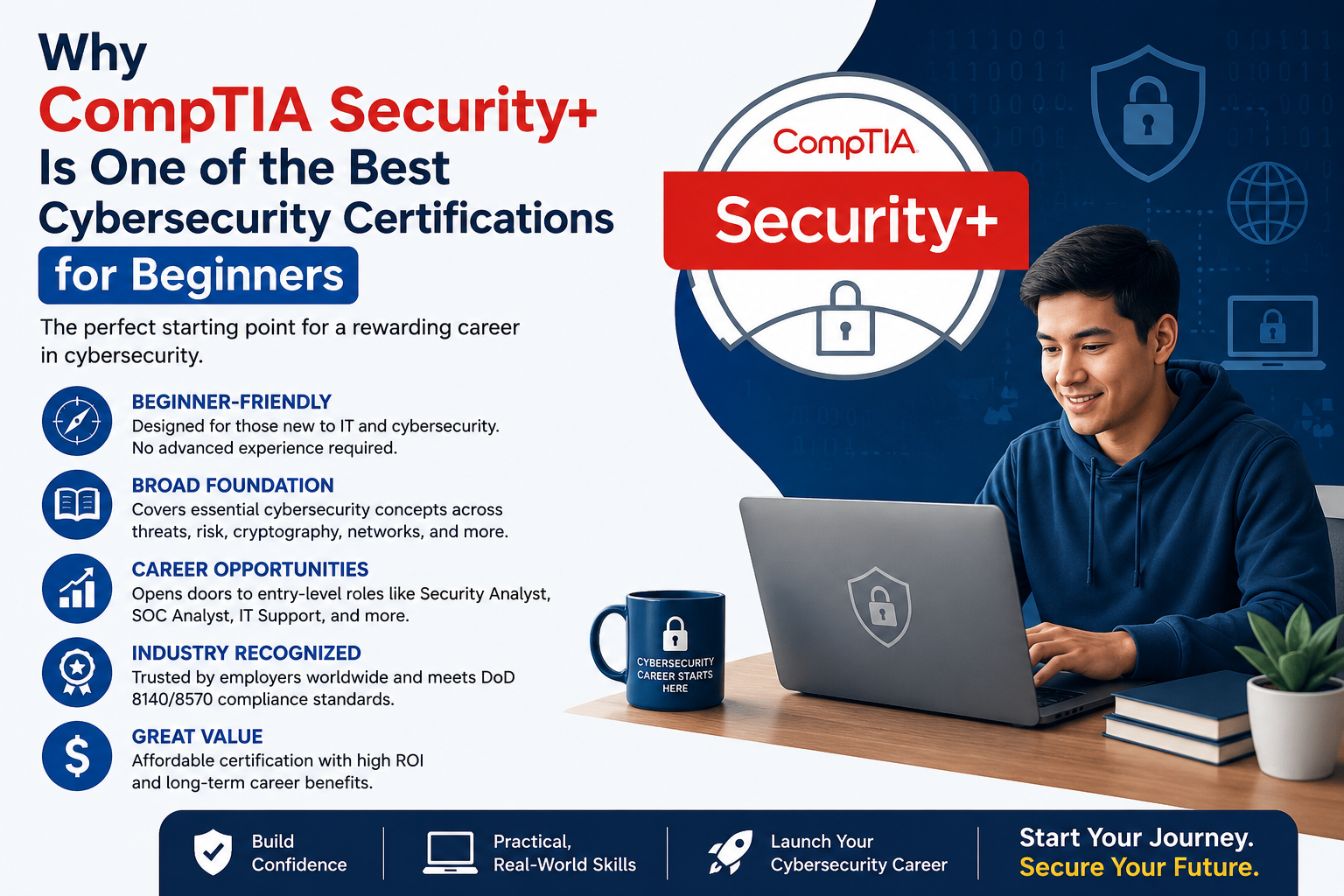
Among the many certifications available, CompTIA Security+ is widely recognized as an excellent starting point for individuals who want to build a career in cybersecurity. The certification validates foundational security knowledge and practical skills required to identify threats, secure networks, manage risks, and respond to security incidents.

Whether you are an IT support specialist, network administrator, recent graduate, or someone planning a career change, earning the CompTIA Security+ certification can strengthen your technical knowledge and improve your employment opportunities. This guide explains what the certification covers, why it is valuable, how to prepare for the exam, and the career paths it can support.

What Is CompTIA Security+?

CompTIA Security+ is a globally recognized certification that focuses on essential cybersecurity concepts and best practices. Unlike vendor-specific certifications, it teaches security principles that can be applied across many technologies and environments.

The certification validates skills in areas such as:

  • Network security
  • Threat detection
  • Risk management
  • Identity and access management
  • Cryptography
  • Incident response
  • Security architecture
  • Governance and compliance

It provides a strong foundation for professionals beginning their cybersecurity careers.

Why Choose CompTIA Security+?

Security+ is respected by employers because it combines theoretical knowledge with practical security concepts that are relevant in today’s workplace.

Some major benefits include:

  • Industry-wide recognition
  • Strong cybersecurity foundation
  • Better career opportunities
  • Vendor-neutral knowledge
  • Preparation for advanced certifications
  • Increased professional credibility

Many government agencies and private organizations recognize Security+ when hiring for entry-level cybersecurity positions.

Skills You Will Learn

Preparing for the Security+ certification helps candidates develop practical security knowledge.

Understanding Security Threats

Candidates learn about common cyber threats, including:

  • Malware
  • Phishing attacks
  • Ransomware
  • Social engineering
  • Insider threats
  • Denial-of-service attacks

Recognizing these threats is the first step toward building effective security defenses.

Identity and Access Management

Controlling user access is a critical part of cybersecurity.

Important topics include:

  • Authentication
  • Authorization
  • Multi-factor authentication
  • Role-based access control
  • Password policies
  • Identity management

Strong access controls reduce the risk of unauthorized system access.

Network Security

Candidates study techniques used to secure organizational networks.

Topics include:

  • Firewalls
  • Virtual private networks (VPNs)
  • Secure wireless networking
  • Network segmentation
  • Intrusion detection
  • Secure communication protocols

Understanding network security helps protect business infrastructure from cyber threats.

Risk Management and Compliance

Organizations must identify and manage security risks while complying with legal and regulatory requirements.

Candidates learn about:

  • Risk assessment
  • Business continuity
  • Disaster recovery
  • Security policies
  • Compliance frameworks
  • Security awareness

These concepts support effective organizational security planning.

How to Prepare for the Security+ Exam

A structured study plan can greatly improve your chances of success.

Recommended preparation steps include:

  • Review the official exam objectives.
  • Study cybersecurity fundamentals.
  • Learn networking basics.
  • Practice security concepts in virtual labs.
  • Review real-world attack scenarios.
  • Complete practice exams.
  • Revise difficult topics regularly.

Consistent study over several weeks is generally more effective than last-minute preparation.

Gain Hands-On Experience

Practical experience helps reinforce theoretical knowledge.

Candidates should practice with:

  • Virtual machines
  • Firewall configurations
  • Security monitoring tools
  • Operating system security settings
  • Basic penetration testing labs
  • Log analysis

Hands-on learning improves confidence and problem-solving abilities.

Common Mistakes to Avoid

Many candidates struggle because they overlook important aspects of preparation.

Memorizing Instead of Understanding

The Security+ exam emphasizes practical application rather than memorization.

Understanding why security controls are implemented is more valuable than remembering isolated facts.

Ignoring Networking Fundamentals

Cybersecurity depends heavily on networking knowledge.

Candidates should understand TCP/IP, DNS, routing, switching, and common network protocols.

Skipping Practice Exams

Practice assessments help identify weak areas while improving time management during the real exam.

Neglecting Risk Management

Risk assessment and governance are essential components of modern cybersecurity and should not be overlooked.

Individuals preparing for the CompTIA Security+ certification can explore additional study resources through Exam Labs to review cybersecurity concepts, strengthen technical knowledge, and better understand the objectives covered in the certification exam.

Career Opportunities After Security+

CompTIA Security+ opens the door to a wide range of cybersecurity careers.

Common job roles include:

  • Security Analyst
  • Cybersecurity Specialist
  • Security Administrator
  • Network Administrator
  • Systems Administrator
  • IT Support Specialist
  • Security Operations Center (SOC) Analyst
  • Information Security Technician

As cyber threats continue to evolve, organizations across healthcare, finance, education, government, and technology actively seek professionals with foundational cybersecurity expertise.

Tips for Exam Day

To maximize your chances of success:

  • Read every question carefully.
  • Focus on the security objective being tested.
  • Eliminate clearly incorrect answers.
  • Think about real-world security best practices.
  • Manage your time effectively.
  • Review flagged questions before submitting the exam.

Scenario-based questions often require selecting the most appropriate security solution rather than recalling simple definitions.

Frequently Asked Questions (FAQs)

What is CompTIA Security+?

CompTIA Security+ is an internationally recognized certification that validates foundational cybersecurity knowledge and practical security skills.

Who should take the Security+ certification?

The certification is ideal for aspiring cybersecurity professionals, IT support technicians, network administrators, systems administrators, and anyone interested in information security.

Is CompTIA Security+ difficult?

The exam is considered entry to intermediate level. Candidates with networking knowledge and consistent preparation generally find it manageable.

How long should I study for Security+?

Preparation time varies depending on experience, but many candidates study consistently over several weeks while combining theory with hands-on practice.

Is practical experience important?

Yes. Practical experience with security tools, operating systems, and networking concepts significantly improves exam readiness and workplace skills.

What jobs can I pursue after earning Security+?

Successful candidates often qualify for roles such as Security Analyst, SOC Analyst, Security Administrator, Cybersecurity Specialist, and Network Administrator.

Conclusion

CompTIA Security+ is one of the most respected entry-level cybersecurity certifications available today. It provides a comprehensive introduction to modern security principles while preparing professionals to protect networks, systems, applications, and sensitive information in real-world environments.

Success on the Security+ exam requires a balanced approach that combines structured study, practical experience, and a thorough understanding of cybersecurity fundamentals. By consistently practicing security concepts and developing hands-on technical skills, candidates can confidently prepare for certification while building a strong foundation for a rewarding and long-term career in the rapidly expanding field of cybersecurity.

Microsoft AZ-500 Certification Exam: Complete Guide

Microsoft AZ-500 Certification Exam: Complete Guide

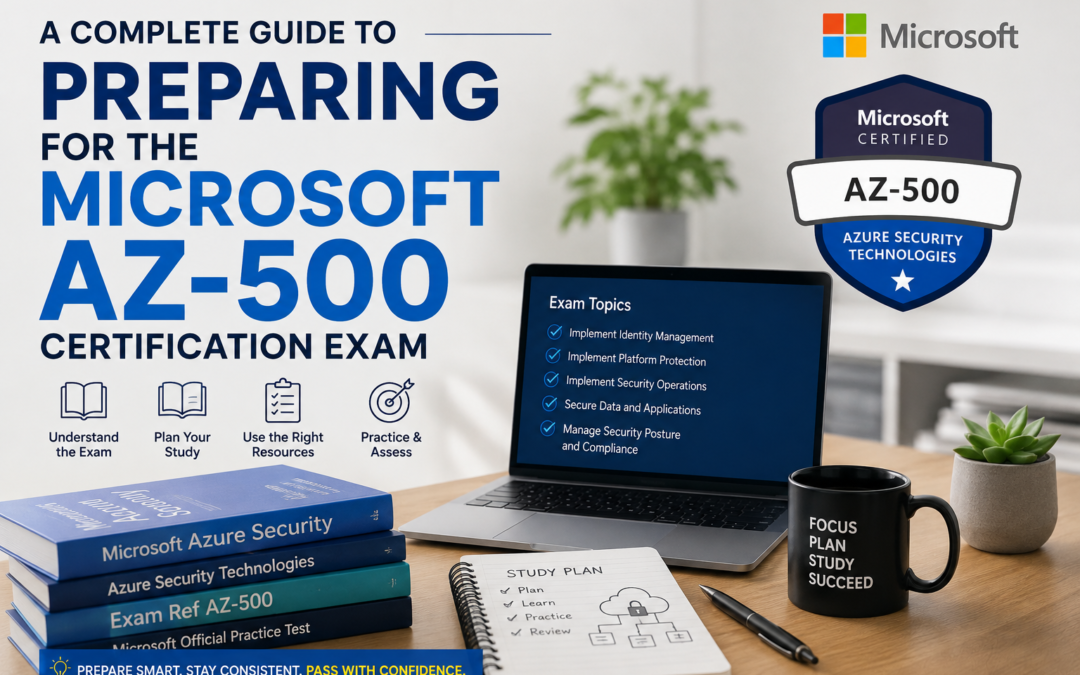
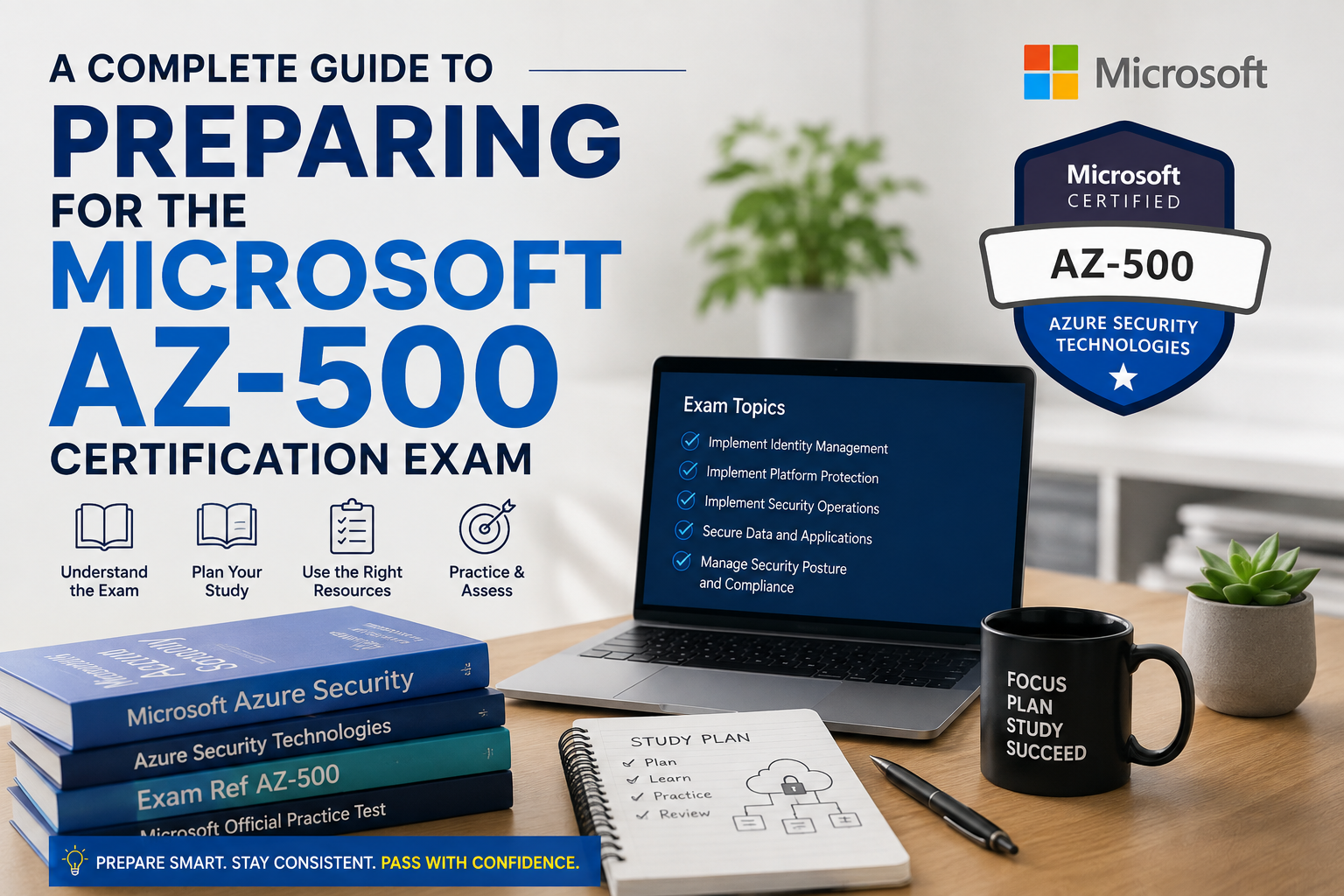
Microsoft AZ-500 Certification Exam

Introduction

As organizations increasingly move their infrastructure, applications, and sensitive data to the cloud, cybersecurity has become one of the highest priorities for businesses worldwide. Cloud security professionals are responsible for protecting digital assets, managing identities, monitoring threats, and ensuring compliance with industry standards. Microsoft Azure offers a comprehensive security platform that helps organizations secure their cloud environments, making skilled Azure security professionals highly valuable in today’s job market.

The Microsoft AZ-500 certification, officially known as Microsoft Azure Security Technologies, is designed for IT professionals who want to validate their expertise in implementing security controls, protecting cloud workloads, managing identity and access, and responding to security threats within Microsoft Azure.

Whether you are an experienced cloud administrator or planning to specialize in cybersecurity, the AZ-500 certification can strengthen your technical skills and improve your career opportunities. This guide explains the certification objectives, study strategies, practical skills, and benefits of becoming Microsoft AZ-500 certified.

What Is the Microsoft AZ-500 Certification?

The AZ-500 certification validates the knowledge required to secure Microsoft Azure environments and implement modern cloud security practices.

Professionals who earn this certification are expected to perform tasks such as:

  • Managing identity and access
  • Implementing platform protection
  • Securing applications
  • Protecting data
  • Managing security operations
  • Monitoring Azure resources
  • Responding to security incidents

The certification focuses on practical security administration within enterprise Azure environments.

Why Earn the AZ-500 Certification?

Cloud security continues to be one of the fastest-growing areas in information technology.

Some key benefits of earning the AZ-500 certification include:

  • Increased professional credibility
  • Greater cybersecurity knowledge
  • Improved cloud security skills
  • Better career opportunities
  • Recognition from employers
  • Preparation for advanced Azure security roles

Organizations across finance, healthcare, education, retail, and government sectors actively seek professionals who understand cloud security best practices.

Core Skills Measured in the AZ-500 Exam

Understanding the official exam objectives helps candidates prepare more effectively.

Manage Identity and Access

Identity management forms the foundation of cloud security.

Candidates should understand:

  • Microsoft Entra ID
  • Multi-factor authentication
  • Role-based access control
  • Privileged Identity Management
  • Conditional Access
  • Identity governance

Proper identity management significantly reduces security risks.

Implement Platform Protection

Azure administrators must secure cloud infrastructure against unauthorized access.

Topics include:

  • Network security groups
  • Azure Firewall
  • Microsoft Defender for Cloud
  • Azure Bastion
  • Virtual network security
  • DDoS protection

Strong platform protection helps organizations defend against cyber threats.

Secure Data and Applications

Protecting sensitive information is one of the primary responsibilities of Azure security professionals.

Candidates should study:

  • Azure Key Vault
  • Data encryption
  • Secure application deployment
  • Certificate management
  • Secret management
  • Storage security

These services help maintain confidentiality and integrity across cloud environments.

Manage Security Operations

Continuous monitoring is essential for detecting suspicious activity.

Candidates should understand:

  • Microsoft Sentinel
  • Azure Monitor
  • Log Analytics
  • Security alerts
  • Threat detection
  • Incident response

Monitoring tools help security teams respond quickly to emerging threats.

Create an Effective Study Plan

A structured study schedule improves learning efficiency and exam readiness.

Candidates should:

  • Review Microsoft’s official exam objectives.
  • Study Azure security documentation.
  • Practice using Azure security services.
  • Complete hands-on laboratory exercises.
  • Review real-world security scenarios.
  • Take practice assessments regularly.
  • Revise weak topics each week.

Consistent preparation is generally more effective than last-minute studying.

Gain Practical Azure Experience

Hands-on experience plays a vital role in passing the AZ-500 exam.

Candidates should spend time working with:

  • Microsoft Entra ID
  • Azure Key Vault
  • Azure Firewall
  • Microsoft Defender for Cloud
  • Azure Monitor
  • Microsoft Sentinel
  • Azure Policy

Practical experience helps candidates understand how Azure security services work together in real business environments.

Understand Security Best Practices

Beyond learning Azure tools, candidates should understand general cybersecurity principles.

Important concepts include:

  • Least privilege access
  • Zero Trust architecture
  • Defense in depth
  • Data classification
  • Risk management
  • Compliance frameworks

These principles help create secure and resilient cloud environments.

Candidates preparing for the Microsoft Azure Security Technologies certification can click here for more. Additional study resources, learning materials, and certification guidance can help reinforce important security concepts and improve overall exam readiness.

Common Preparation Mistakes

Many candidates reduce their chances of success by overlooking important preparation strategies.

Memorizing Without Understanding

The AZ-500 exam emphasizes practical implementation rather than memorizing definitions.

Candidates should understand how Azure security services solve real business challenges.

Ignoring Hands-On Practice

Practical Azure experience is essential.

Building secure environments helps reinforce theoretical knowledge.

Overlooking Identity Management

Identity-related topics represent a significant portion of the certification objectives.

Candidates should fully understand authentication, authorization, and access control.

Skipping Monitoring Concepts

Monitoring, logging, and incident response are critical responsibilities for Azure security professionals.

Understanding these services improves both exam performance and workplace readiness.

Career Opportunities After AZ-500

The AZ-500 certification supports a variety of cloud security careers.

Common job roles include:

  • Azure Security Engineer
  • Cloud Security Engineer
  • Cybersecurity Analyst
  • Security Consultant
  • Cloud Administrator
  • Security Operations Analyst
  • Infrastructure Security Engineer

As cloud adoption continues to expand globally, professionals with Azure security expertise remain in high demand.

Tips for Exam Day Success

Before taking the exam, candidates should:

  • Read every question carefully.
  • Focus on security requirements.
  • Consider business objectives.
  • Eliminate incorrect answers.
  • Apply practical Azure knowledge.
  • Manage time effectively.

Scenario-based questions often require selecting the most appropriate security solution rather than simply identifying a product feature.

Frequently Asked Questions (FAQs)

What is the AZ-500 certification?

The AZ-500 certification validates the skills required to secure Microsoft Azure environments by implementing identity management, platform protection, data security, and security operations.

Who should take the AZ-500 exam?

The certification is suitable for Azure administrators, cloud engineers, cybersecurity professionals, security analysts, and IT professionals responsible for cloud security.

Is the AZ-500 exam difficult?

The exam is considered intermediate to advanced because it combines Azure security technologies with practical implementation scenarios.

How should I prepare for AZ-500?

Candidates should study Microsoft’s official learning resources, practice using Azure security services, complete hands-on labs, and regularly review scenario-based questions.

Is practical Azure experience important?

Yes. Practical experience greatly improves understanding of Azure security services and prepares candidates for real-world security responsibilities.

What career opportunities are available after AZ-500?

Certified professionals often pursue careers as Azure Security Engineers, Cloud Security Engineers, Security Consultants, Cybersecurity Analysts, and Security Operations Specialists.

Conclusion

The Microsoft AZ-500 certification is an excellent credential for professionals seeking to build expertise in cloud security. It demonstrates the ability to protect Azure environments, manage identities, secure applications and data, monitor threats, and implement modern cybersecurity best practices.

Success in the AZ-500 exam requires a balanced approach that combines structured study, hands-on Azure experience, and a thorough understanding of security principles. By consistently practicing real-world security scenarios and mastering Azure security services, candidates can confidently prepare for certification while positioning themselves for rewarding careers in the rapidly growing field of cloud cybersecurity.

Cybersecurity Strategies for Protecting Sensitive Data

Cybersecurity Strategies for Protecting Sensitive Data

Cybersecurity Strategies

Protecting sensitive data can feel overwhelming. Hackers are always looking for weaknesses, and even one mistake can put your business at risk. Data breaches not only cost money but also damage trust with your clients. If this keeps you up at night, you’re not alone.

Did you know that over 22 billion records were exposed in data breaches last year? This isn’t just a big-business problem; small businesses are targets too. But don’t panic—there are clear steps you can take to protect your information now.

This blog will guide you through the most effective cybersecurity methods to safeguard your data. Ready to keep hackers out? Let’s begin!

Identify and Classify Sensitive Data

Pinpointing sensitive data is the first step to protecting it. Determine where this information resides, whether on servers, cloud storage, or employee devices. Common types include customer details, financial records, intellectual property, and confidential business plans. Categorize each type by its sensitivity level to prioritize protections.

Label data as public, internal-only, or restricted based on its importance. For example, client payment details often require stricter controls than general contact information. As cybersecurity expert Bruce Schneier states:.

If you think technology can solve your security problems, then you don’t understand the problems, and you don’t understand the technology. Next, learn how encryption adds a layer of defense against breaches!

Implement Data Encryption

Encrypt sensitive data to protect it from unauthorized access. Use strong encryption techniques like AES-256, which is widely trusted for its dependability and strength. Encrypt files stored on devices, servers, or cloud solutions where hackers often target weaknesses. Businesses with complex infrastructures can strengthen this further by having their IT managed by Norterra — ensuring encryption standards, data access policies, and backup systems stay consistently aligned with the latest cybersecurity best practices.

Secure data in transit by protecting email communications and file transfers with encrypted protocols such as TLS or SFTP. Ensure encryption keys are securely stored; losing them could result in permanent data loss.

Strengthen Access Controls

Control who gets in and out of your digital doors—tighten access, keep snoopers at bay.

Use Multi-Factor Authentication (MFA)

Securing sensitive data with just a password is akin to leaving your front door open. Multi-Factor Authentication (MFA) adds additional layers of security to that door. It requires users to verify their identity in at least two ways, such as entering a password and confirming via a phone app or fingerprint scan.

A cybercriminal might guess a weak password, but won’t easily bypass MFA’s second step. For small businesses managing multiple systems or remote logins, reliable tech support from NDSE can help deploy MFA tools company-wide, troubleshoot authentication issues, and ensure credentials remain protected across all devices.

“Strong defenses stop lazy hackers,” as cybersecurity professionals often say.

Apply the Principle of Least Privilege

Restrict access to sensitive data based on job responsibilities. For instance, your marketing team should not have access to financial records. This method lowers risks by ensuring employees or systems only have the permissions essential for their positions.

Review all existing user permissions consistently. Revoke unnecessary privileges promptly when an employee transitions to a different role or departs the company. Maintain access control strictly and precisely, reducing weaknesses that could be exploited by attackers.

Regularly Back Up and Recover Data

Data loss can cripple a business. Regular backups safeguard critical information and ensure swift recovery after an incident.

  1. Schedule automatic backups daily or weekly to prevent missing vital updates. Use secure locations like cloud storage or external hard drives for your copies.
  2. Test your recovery process monthly to confirm that backed-up data works properly in emergencies.
  3. Store at least one backup off-site to avoid losing all copies during natural disasters or cyberattacks.
  4. Rotate backups regularly, replacing older versions with fresh ones to keep data current and accurate.
  5. Encrypt backup files to protect sensitive information from unauthorized access during storage or transit.

Strong access controls will further fortify these precautions against data breaches and cyber threats.

Use Data Masking and Obfuscation Techniques

Change sensitive information by modifying or concealing it. For instance, replace credit card numbers with random digits while maintaining the format. This prevents unauthorized access to real data but allows testing or analysis without risk.

Alteration scrambles data to make it unreadable without proper decoding keys. Transform clear text into misleading forms that still serve operational needs. Apply these methods for databases, reports, or third-party integrations where full visibility isn’t necessary.

Employ Continuous Monitoring and Threat Detection

Monitor activities across your network constantly. Establish systems that can identify unusual behavior and immediately highlight potential threats. This helps you stay ahead of cybercriminals seeking to take advantage of weaknesses.

Use threat detection tools with instant alerts to respond quickly during an attack. Combine these with routine vulnerability assessments to pinpoint weak areas in your defenses. Act proactively to identify risks early and respond without delay.

Train Employees on Cybersecurity Best Practices

Employees are often the first line of defense in cybersecurity. Training them on effective practices can significantly reduce risks.

  1. Teach employees to identify phishing emails. Emphasize red flags like unusual links or attachments, and encourage reporting suspicious messages.
  2. Stress the importance of strong passwords. Guide them to use passphrases with a mix of letters, numbers, and symbols.
  3. Hold regular cybersecurity workshops. Provide updates on new threats like ransomware or social engineering attacks.
  4. Simulate phishing attacks periodically. Test awareness and offer feedback to improve responses.
  5. Instruct everyone to avoid public Wi-Fi for work tasks unless using a secure VPN.
  6. Encourage safe device usage habits. Discourage downloading unofficial apps or software without IT approval.
  7. Explain data classification policies clearly. Ensure all understand what qualifies as sensitive data and how to handle it securely.
  8. Offer clear incident-reporting guidelines. Set straightforward steps for reporting breaches or errors immediately.
  9. Make training sessions interactive and scenario-based whenever possible. Hands-on learning enhances retention and participation.
  10. Acknowledge team compliance efforts publicly or privately when they’re consistent with security guidelines.

Maintain Compliance with Regulatory Standards

Follow the rules set by compliance regulations like GDPR, HIPAA, or CCPA. These laws aim to protect sensitive data and provide clear steps for securing it. Ignoring them can lead to significant fines and legal trouble. Create a checklist of requirements specific to your industry.

Record every process involving data storage, access, or sharing. Update policies consistently as standards evolve. Conduct employee training to ensure these standards are met in daily operations. Rely on third-party audits to find weak points in compliance efforts before authorities do it for you.

Conduct Routine Risk Assessments and Audits

Regular risk assessments help protect sensitive data and prevent costly cyber incidents. Businesses should prioritize ongoing reviews to identify weaknesses before attackers do.

  1. Identify vulnerabilities in your systems by scanning for outdated software or unpatched devices. Cyber threats often exploit these weak points.
  2. Test your incident response plan during reviews to ensure it minimizes downtime during real attacks. This helps reduce damage if a breach occurs.
  3. Review employee access levels routinely to check for unnecessary permissions. Excess access increases the risk of insider threats.
  4. Evaluate your compliance with regulatory standards like GDPR or HIPAA through regular reviews. Non-compliance can lead to fines and reputational damage.
  5. Conduct penetration tests to simulate attacks on your network security. These tests pinpoint exploitable gaps that hackers might target.
  6. Validate third-party vendor security by reviewing their data protection practices annually. Poor vendor security could expose sensitive information you share with them.
  7. Document findings from every review clearly and share them with stakeholders promptly. Transparency builds trust and accountability across teams.
  8. Schedule risk assessments at least twice a year, but increase frequency for high-risk industries like finance or healthcare.
  9. Update procedures regularly to match evolving cyber threats and organizational changes, such as new tools or policies.
  10. Act on findings swiftly by implementing fixes or upgrades immediately after identifying risks in assessments, reducing potential harm quickly.

Enhance Endpoint Security Measures

 Strong endpoint security prevents vulnerabilities at connected devices. Installing reliable protection tools, such as one of the best free antivirus options available online, can significantly reduce risks for everyday users and businesses. Patch systems regularly to close gaps that hackers might exploit.

Disabling unused ports reduces attack surfaces on each device. Implement firewalls to monitor traffic and block malicious activity. Use Endpoint Detection and Response (EDR) tools for real-time threat mitigation across networks.

Conclusion

Protecting sensitive data is no small task, but it’s worth the effort. Cyberattacks evolve every day, so staying ahead should be your goal. Use smart strategies like encryption and access controls to keep threats at bay. Train your team, review risks often, and don’t forget backups. A strong defense today secures peace of mind tomorrow!

What to Do If You Become a Victim of Cyber Extortion

What to Do If You Become a Victim of Cyber Extortion

Cyber Extortion

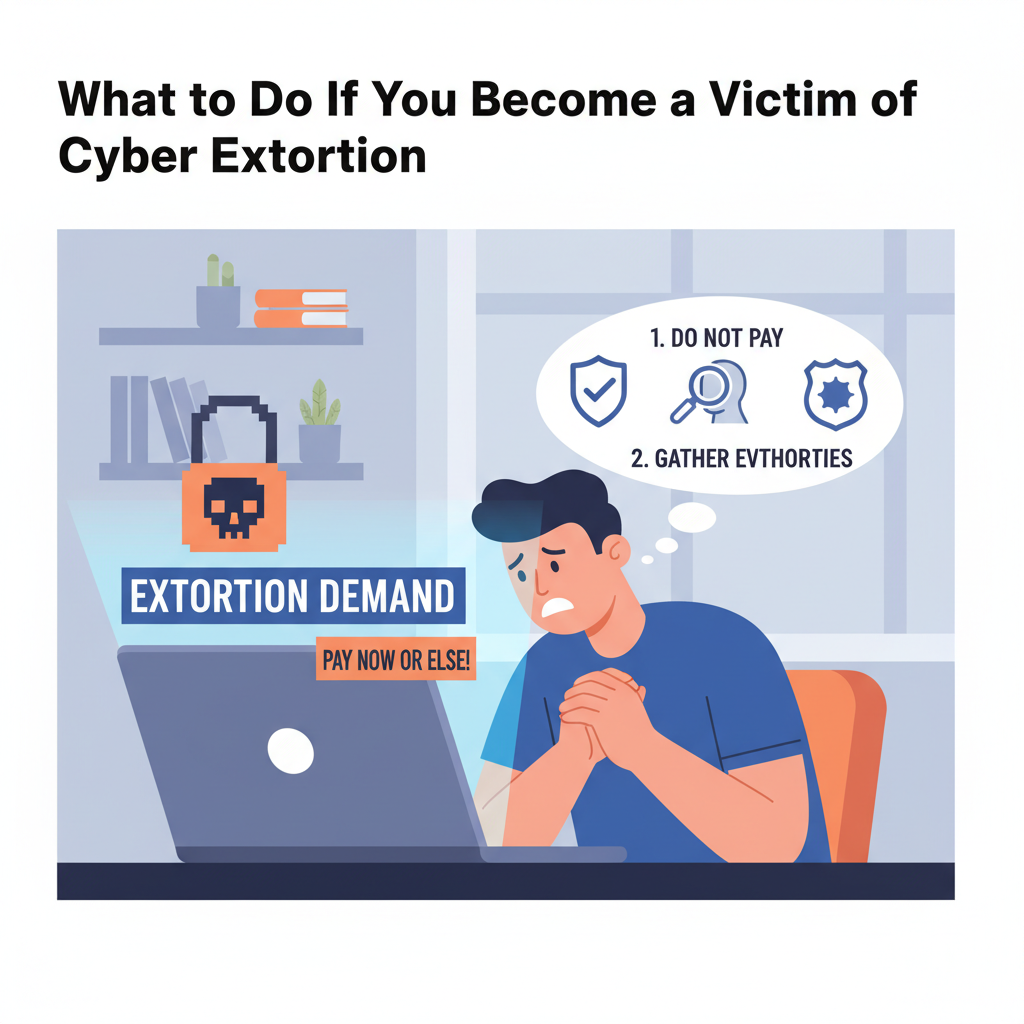
These days, no one is protected from cyber extortion incidents. And it’s not just big corporations that hackers are going for. They are targeting small businesses, freelancers, and pretty much anyone who uses the Internet. 

The numbers are pretty unsettling, too. According to the FBI’s Internet Crime Complaint Center, in the USA alone, the number of cybercrime complaints totaled nearly 860,000, making cybercrime the second most common crime in 2024-2025. 

Cyberattacks happen every day, and no one is protected from them. But what do you do if you fall victim to a cybercrime? Here’s a detailed guide on how to handle it if you become a victim of cyber fraud or attack.

1. Don’t Panic

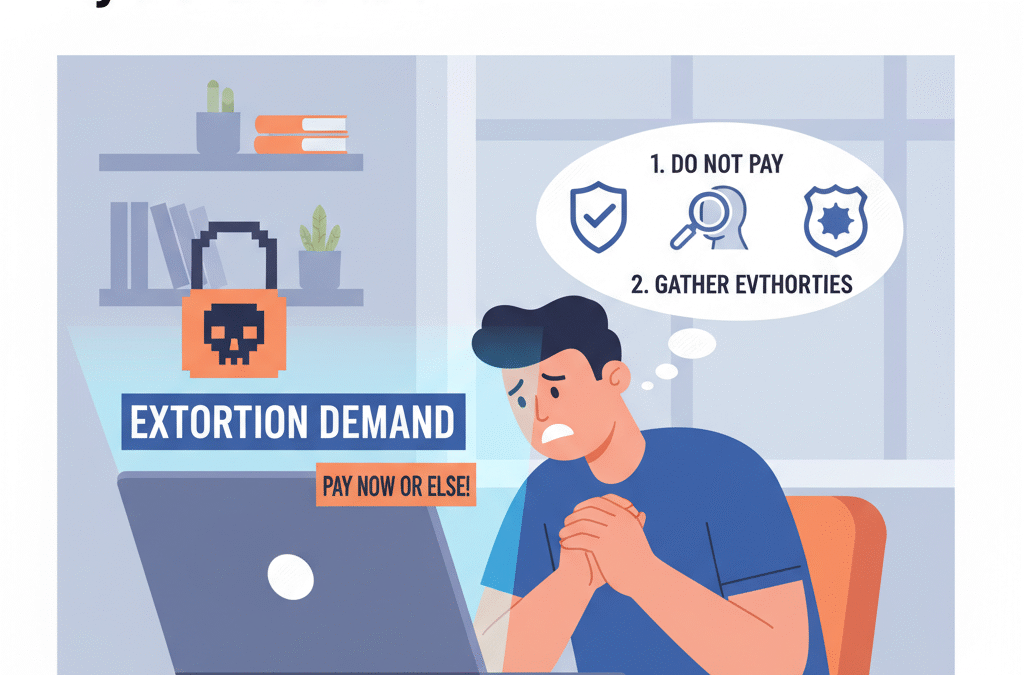
Receiving a message that demands money is discerning. Most people get scared and make rash decisions they later regret. But don’t take that bait. If you agree to pay any money, things can get even worse. 

Unfortunately, paying doesn’t guarantee anything. Hackers won’t necessarily give your files back or stop threatening you. In fact, most often they won’t. Once the criminals know you’re willing to pay, they will come back to ask for more.

In this situation, it’s important to stay calm and keep a cool head. Instead of panicking, start collecting evidence. You need screenshots of every threatening message or email you receive. This will serve as proof when you turn to the authorities or a security expert to report fraud. 

2. Disconnect and Contain the Threat 

Now, you need to stop the attack from spreading. Here are a few steps to do it right:  

  • Unplug your device from the Internet, including Wi-Fi and Bluetooth.
  • If it’s your work network that’s been affected, let your IT team know right away.
  • Turn off any automatic syncing so malware doesn’t reach your cloud backups or shared folders.
  • Don’t plug in a USB or any external drive until you’re 100% sure the malware’s gone. 

These simple steps will help you limit hacker access to your systems and protect your other devices from being hacked.

3. Report the Incident 

Cyber extortion is a crime—no less serious than theft. Start gathering your evidence: screenshots, ransom notes, emails, anything that shows what happened. Then, reach out to your local law enforcement. In the U.S., for example, you can file a complaint with the FBI’s Internet Crime Complaint Center. Other countries have similar cybercrime agencies. 

When you report it, provide as many details as you can: 

  • When and how the attack started;
  • What data or systems were affected;
  • Any demands or threats from the hackers;
  • Evidence of payment requests or how they contacted you. 

Even if the hacker’s not local, it’s still worth reporting. Cyber police can sometimes connect your case with others that follow the same pattern.

4. Contact Your IT or Cybersecurity Provider

If you work for a company, it’s time to involve your cybersecurity team. They will assess the full extent of the damage and remove any malware or scripts running in the background.

If you don’t have your own team, you can hire a crisis management firm. They will help you recover lost data and install robust defense tools to prevent future cyberattacks.

The best option is to have cyber extortion coverage. In cases like these, it proves invaluable. Most policies cover not only technical investigations and data recovery but also legal or PR support in the event of damage to your reputation. Without it, dealing with the consequences of cyberextortion can result in significant out-of-pocket expenses.

5. Inform Affected Parties 

If hackers stole customer data or employee records, you have to let those people know. It might feel embarrassing, but honesty is crucial. Besides, most countries have strict laws about reporting data breaches, and any attempt to disclose a breach can lead to fines or even lawsuits. 

6. Take Security Measures

Once the threat has been found and removed, you need to act quickly. The fact that your system was affected means it’s got weak posts that need fixing. 

These simple steps can help prevent future attacks:

  • Update your passwords;
  • Enable two-factor authentication on all accounts (if you’ve not done it before);
  • Patch your software or operating systems immediately.

Additionally, consider getting a subscription for cyber extortion protection tools or services. These may include firewalls and anti-malware, while others may also include insurance coverage for any financial losses involved. The goal is to safeguard your system and make it invulnerable to hackers. 

7. Back Up and Recover Your Data Safely

If your files have been encrypted or locked, the best and safest way to recover them is to restore them from backups. That’s why it’s crucial to regularly create off-site backups.

After completely removing malware, use your clean backups to restore your systems. Never restore data until your devices have been fully scanned and cleared; otherwise, you risk reinfection.

If you didn’t have backups this time, don’t worry. Create a reliable backup plan, including cloud-based copies, to avoid losing data if your systems get ever hit again. 

Final Thoughts

Cyber extortion is one of those things you hope never happens. But it does happen, and it happens more often than you’d think. That’s why cybercrime awareness is vital, and investing in the right tools from the start makes all the difference.

While no one is immune to an attack, those who have cyber extortion coverage are usually in a better position to recover quickly and minimize the damage. This kind of insurance not only helps recover financial losses but also connects you with cybersecurity professionals who can deal with any consequences of an attack, including lawsuits.

Even if you don’t have one, remain calm and act quickly. By reporting the incident to the authorities and taking security measures, you can stop the damage from spreading and protect your sensitive data.

What Cyber Readiness Looks Like in the Age of AI Threats

What Cyber Readiness Looks Like in the Age of AI Threats

If an AI can write code, generate a voice clone, and fake an entire conversation, how do you know what’s real anymore—especially in your network?

That’s the new cybersecurity problem. It’s not just about stopping a file from executing or keeping your passwords safe. It’s about facing threats that think faster, hide better, and evolve on their own. Artificial intelligence is no longer a tool used only by security teams. It’s in the hands of attackers now. And it’s changing the rules.

This shift doesn’t just affect large corporations. Small businesses, schools, hospitals, and local governments are all fair game. With deepfakes, AI-generated phishing emails, and adaptive malware, even cautious users are getting caught off guard. The reality is simple: cyberattacks aren’t just smarter—they’re faster, more targeted, and harder to detect until it’s too late.

In this blog, we will share what true cyber readiness means today, how organizations are adapting, and what steps you can take to stay ahead of AI-powered threats.

From One-Time Threats to Ongoing Campaigns

Traditional cyberattacks used to be events. Someone clicked a link. Malware got in. The IT team cleaned it up. Case closed.

That model is outdated.

Today, AI allows attackers to launch ongoing campaigns. They’re probing defenses constantly. They’re testing different angles, waiting for just one weak moment. Sometimes, they don’t even need to trick a user. They can just exploit a misconfigured endpoint or an outdated credential set.

This is why modern readiness isn’t about having one good tool. It’s about having a connected, active system. That’s where Heimdal becomes relevant. Their unified approach to cybersecurity gives teams more than alerts. It provides real-time visibility, automated responses, and tools that adapt just as fast as the threats do.

For example, AI-generated phishing attacks now use language that mirrors a company’s tone. Instead of “urgent wire transfer,” it might sound like your boss actually wrote it. Heimdal’s email security modules are built to spot subtle signs of fraud—like domain impersonation or slightly altered sender details. These aren’t red flags you’d catch with a casual glance. But AI catches them, so your system has to be just as smart.

And that’s just the surface. Readiness today means visibility from the endpoint to the cloud, because threats don’t respect silos.

Speed Isn’t Optional Anymore

When people talk about threat detection, what they really mean is timing. How quickly can you notice something’s wrong? How fast can you isolate it? Can you shut it down before it spreads?

AI threats don’t wait. They don’t take weekends off. So if your system still depends on manual responses or once-a-day scans, you’re already behind.

Modern cyber readiness starts with automation. But not just any automation. You need layered defense that responds before a human can. For example, if ransomware starts encrypting files at 3:00 AM, your system can’t wait for someone to wake up. It has to detect abnormal behavior, lock down access, isolate the device, and notify the team—instantly.

That’s where intelligent endpoint protection comes in. Not all antivirus tools are built for speed at scale. The best platforms monitor activity, not just files. They notice when an application suddenly starts accessing sensitive folders. They flag when an employee logs in from two locations at once. And they take action before the damage spreads.

This isn’t about being paranoid. It’s about acknowledging that time is the most valuable asset in a breach.

Training Humans for a Machine-Led World

Let’s be honest. You can have the best tools in the world, but one distracted employee can bring it all down.

Cyber readiness isn’t just technical. It’s cultural. That means training employees to recognize AI-powered threats, think critically about unexpected messages, and question unusual requests—even if they appear to come from the top.

Take deepfake audio as an example. In one case, a company wired funds after receiving a call that sounded like their CEO. It wasn’t him. It was an AI-generated clone. The voice was accurate. The context sounded real. But the timing was just a little off.

Employees need to be trained to spot those little inconsistencies. A request that bypasses standard channels. A message with no paper trail. Even a voice call that feels rushed or out of character.

Security awareness training used to be a once-a-year video. Now, it needs to be part of weekly culture. Real-world examples. Practice phishing tests. Micro-drills. Teams that expect threats are better at resisting them.

Every Weak Link Is Now a Target

With AI in the mix, attackers don’t need a huge vulnerability. They just need one weak spot. That could be an old VPN configuration, a missed software update, or a forgotten contractor account.

Inventory is part of readiness. If you don’t know what’s running, what’s exposed, or what’s still active in your environment, you’re not ready. Shadow IT—apps and services that aren’t officially tracked—is a growing problem. And AI tools can scan the web for exposed credentials or overlooked entry points in seconds.

Strong organizations run regular audits. They keep patch management on a tight schedule. They monitor inactive accounts. And most importantly, they centralize oversight so nothing gets missed across departments or teams.

If your systems are scattered, your risk multiplies.

Resilience Is the Real Goal

Readiness isn’t about avoiding every breach. That’s impossible. It’s about minimizing impact. Recovering fast. Learning quickly. Adapting faster than the attacker.

Think of it like disaster preparedness. You can’t stop a storm, but you can have a plan for it. You know where the supplies are. You know how to reach people. You know what to fix first.

Cybersecurity works the same way. When an AI-generated attack hits, readiness means your response is smooth. Not perfect. Just fast and decisive. In practice, integrating incident management software can help coordinate and speed up your response to these threats.

You isolate the damage. You contain the risk. You communicate clearly. And you get back to business.

That level of resilience only happens with preparation. With unified tools. With teams that train often. And with systems that talk to each other without delay.

What Comes Next

AI threats aren’t going away. They’re only getting better, faster, and more convincing. But that doesn’t mean they’re unbeatable.

With smart tools, smart people, and smart strategy, your organization can stay ready. Not reactive. Not afraid. Just prepared.

Cyber readiness in the AI era isn’t a one-time project. It’s a mindset. One that says, “We’re watching. We’re learning. And we’re ready before you even hit send.”