...
UK: +44 2038074555 info@atamgo.com
6 Powerful Methods for Downloading Stories That Actually Work in 2025

6 Powerful Methods for Downloading Stories That Actually Work in 2025

downloading stories

Introduction: The Easiest Ways for Downloading Stories in 2025

Downloading stories has become something a lot of us do almost daily — whether it’s saving a funny moment from a friend, keeping a memory before it disappears in 24 hours, or grabbing a piece of inspiration we don’t want to lose. In 2025, the tools and methods for saving content have gotten better, faster, and more secure, but with so many choices, it can feel overwhelming. That’s why this guide exists: to cut through the noise and give you six proven methods that actually work.

If you’ve ever typed Instagram story downloader, ig story downloader, or insta story downloader into Google, you’ve probably run into sketchy sites, fake apps, or tools that used to work but are now outdated. Some of them flood you with ads, some risk your privacy, and others simply don’t do what they promise. The truth is, downloading stories can be quick and safe if you know the right tools.

In this article, I’ll walk you through six reliable methods for downloading stories in 2025. You’ll learn what’s easiest for everyday use, what works best for professionals or creators, and what to choose if your top concern is privacy. By the end, you’ll know exactly which method fits your situation — and you’ll never lose a story again.

Find More: 10 Best Kepved Alternatives That Actually Work in 2025

1. Method One: Using Dedicated Story Download Apps

how to repost someone's story on instagram

Dedicated apps remain one of the most popular ways to save Instagram stories. Why? Because they’re built specifically for this task, and they keep up with Instagram’s frequent updates. These apps often support not just stories, but also reels, highlights, and regular posts.

Best mobile apps for downloading stories

  • Story Saver+ (Android/iOS) – smooth design, fast performance, and trusted by millions.
  • Reels & Stories Downloader – perfect if you want an all-in-one content saver.
  • InstDown 2025 – regularly updated to adapt to Instagram’s latest changes.

Pros and cons of using apps

✅ Fast, reliable, and user-friendly
✅ Save content directly to your phone’s gallery in seconds
✅ Many support HD quality downloads
❌ Some apps include intrusive ads
❌ Certain apps require login — and not all logins are safe

If you go with an app, make sure to choose one with positive reviews and active updates. Avoid random apps that don’t have a clear developer or privacy policy.

Pro tip

If you’re downloading stories often, look for apps that offer batch downloads. That way, you can save multiple stories at once instead of doing it one by one.

2. Method Two: Online Story Downloader Websites

savefrom

If installing apps isn’t your thing, an online story downloader is the easiest way forward. These sites let you paste a username or link and download stories instantly — no setup required.

Step-by-step guide to using web-based tools

  1. Open a website like StorySaver.net, InstaDownloadPro.com, or another trusted option.
  2. Type in the Instagram username (public accounts only).
  3. Browse the list of available stories.
  4. Hit the “Download” button and save them to your device.

Security concerns and how to avoid risks

  • Avoid websites that ask you to log in with your Instagram credentials. That’s a major red flag.
  • Be cautious with pop-ups and unnecessary permissions.
  • Stick to well-known platforms that people frequently recommend.

This method is especially handy if you’re on a laptop or using Instagram on your browser. Plus, you don’t have to worry about storage space since you’re not installing extra software.

Extra note

If you’re using an instagram stories downloader website, always clear your downloads afterward if you’re on a shared computer. It keeps your browsing and activity private.

3. Method Three: Browser Extensions for Downloading Stories
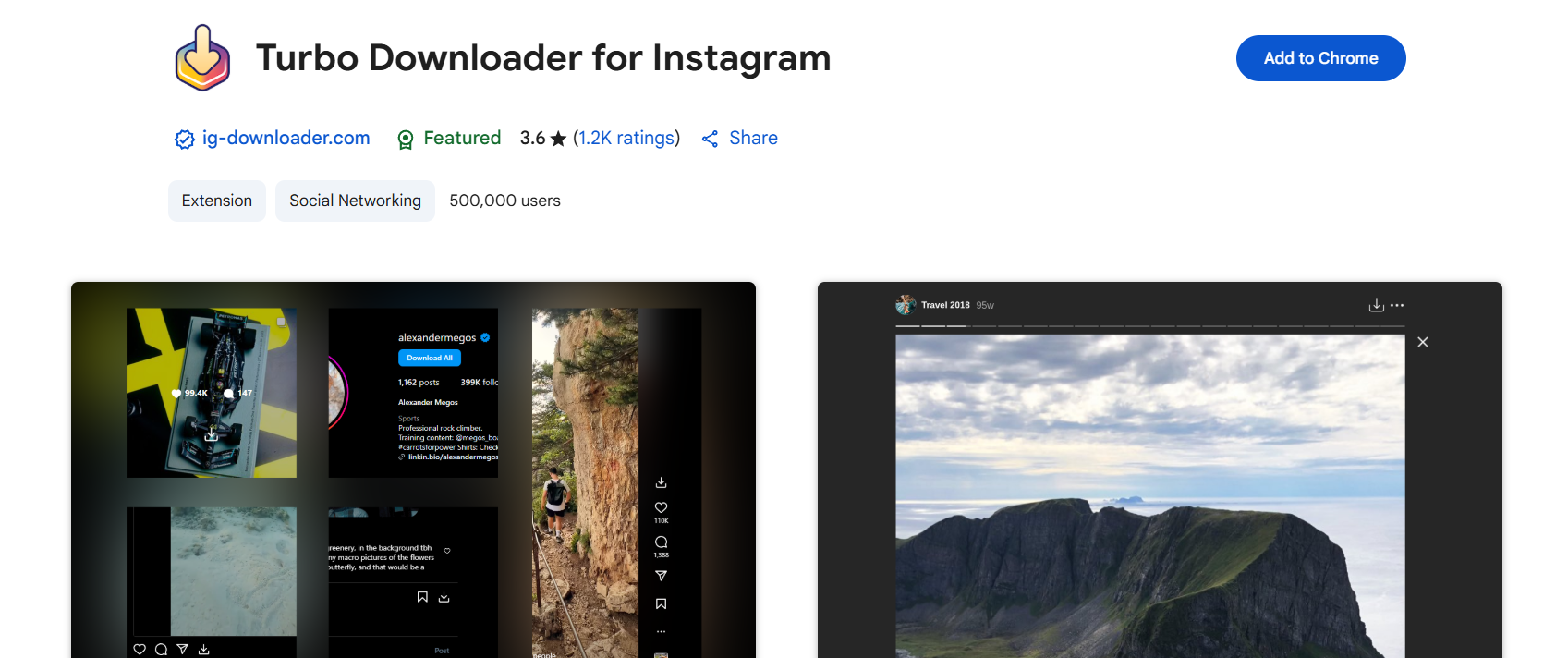
Turbo Downloader for Instagram

Browser extensions are perfect if you spend a lot of time on Instagram’s desktop version. They integrate seamlessly into your browser, so you can download stories with just one click.

Top Chrome and Firefox extensions in 2025

  • IG Downloader Pro – downloads stories, highlights, reels, and even profile pictures.
  • Downloader for Instagram™ – lightweight, simple, and works smoothly on Chrome.
  • SaveInsta Extension – very fast and frequently updated.

How to install and use them effectively

  1. Open Chrome Web Store or Firefox Add-ons.
  2. Search for the extension by name.
  3. Install and add it to your browser.
  4. Visit Instagram and look for the new download icon when viewing stories.

Browser extensions are incredibly convenient, but they’re not flawless. They’re limited to desktop use, and sometimes Instagram updates can temporarily break them until developers release fixes.

Why use them?

Extensions are a great balance between ease of use and functionality. You don’t need to deal with sketchy websites, and you avoid clogging your phone with apps.

4. Method Four: Screen Recording as a Backup Method

It might sound old-fashioned, but screen recording is one of the most reliable ways to save Instagram stories. Every smartphone today has built-in screen recording, and most computers do too. This makes it a universal solution.

When screen recording is the best option

  • When third-party tools fail after an Instagram update.
  • If you want to save stories with music, animations, or stickers exactly as they appear.
  • When you value privacy and don’t want to rely on external apps.

Tips to keep the quality high

  • Switch to HD or even 4K recording if your device supports it.
  • Turn on “Do Not Disturb” to prevent notifications from popping up.
  • Edit the recording afterward to trim excess footage.

The downside is that you don’t get a clean file — you’ll need to crop and edit. But if you want 100% reliability, screen recording is unbeatable.

Bonus insight

This method is also completely anonymous. The account owner will never know you recorded their story.

5. Method Five: Downloading Stories with Cloud-Based Tools

As social media has become more professional, cloud-based story downloaders have risen in popularity. These aren’t just download tools — they’re full content management systems.

How cloud services make story downloads easier

  • They store your saved stories directly in the cloud, not on your phone.
  • You can access your collection from any device — phone, tablet, or PC.
  • Great for collaboration if you’re working with a team.

Benefits of using cloud storage integration

✅ Unlimited or expandable storage
✅ Centralized place for all your saved content
✅ Easy to share stories with colleagues or clients
❌ Usually comes with subscription costs
❌ Some tools limit the free plan features

Who should use it?

If you’re a content creator, marketer, or business owner, this is the method for you. It saves time, keeps you organized, and ensures you never lose access to important story content.

6. Method Six: Private & Encrypted Downloading Options
instagram story downloader

For those who care deeply about privacy, encrypted and anonymous downloaders are now available in 2025. These tools protect your activity from being tracked and ensure you stay under the radar.

How to download stories discreetly

  • Use a VPN alongside your chosen story downloader.
  • Look for apps offering anonymous viewing modes.
  • Explore premium tools with “incognito save” features.

Privacy tips for staying safe online

  • Never enter your main Instagram password into random apps.
  • Update your device’s security software regularly.
  • If privacy is essential, choose paid services with transparent policies.

While this method might feel like overkill for casual users, it’s a game-changer for people in sensitive industries, journalists, or anyone who values confidentiality above all.

Bonus Tips: Choosing the Best Method for Your Needs

With so many methods available, it’s important to pick the one that matches your lifestyle and priorities:

  • Fast & simple → Mobile apps or online websites.
  • Professional & organized → Cloud-based tools.
  • Absolute privacy → Encrypted services or screen recording.
  • Casual everyday use → Browser extensions.

Before settling on one, try two or three options. Sometimes, you’ll find that a mix works best — for example, using apps for everyday saves and cloud services for work-related content.

Conclusion: Start Downloading Stories Smarter in 2025

And there you have it — six powerful methods for downloading stories that are working right now in 2025. From mobile apps and online tools to cloud-based solutions and encrypted downloaders, there’s truly something for everyone.

The best method depends on your priorities. Do you want something quick and free? Go for apps or websites. Do you manage content professionally? Invest in cloud-based tools. Want privacy? Stick with encrypted options or screen recording.

The next time you come across a funny, inspiring, or important story, you won’t need to panic about it disappearing in 24 hours. Instead, you’ll know exactly how to save it — safely, quickly, and on your terms.

So don’t just read this guide and move on. Pick one method today, try it out, and make downloading stories a stress-free part of your digital life.

Find More: Boost Your Sales With SEO Services

FAQs

1. Is downloading stories legal in 2025?

It depends on how you use the content. Saving your own stories is perfectly fine. Downloading someone else’s may break Instagram’s terms of service and could cross into copyright violation if you share it publicly. Always respect creators’ rights.

2. Can I download stories without the person knowing?

Yes. Most instagram stories downloader tools let you do it anonymously. Screen recording also guarantees total privacy.

3. What’s the safest method to download stories?

Screen recording is foolproof since it doesn’t rely on outside tools. Otherwise, trusted cloud-based or encrypted services are safest.

4. Do story downloaders work on both Android and iOS?

Yes. The majority of popular apps now work cross-platform. Some online tools work on any device with a browser.

5. Are there free tools for downloading stories?

Definitely. Many apps and websites are free, though they may come with ads or limitations. Paid versions often add features like HD quality, batch downloads, and cloud syncing.

6. Can I download stories from private accounts?

Not usually, unless you’re following that account. Be wary of any tool that promises private story downloads — most of them are scams or unsafe.
Tags:
10 Free Tools to Download Insta Photo in Full Quality

10 Free Tools to Download Insta Photo in Full Quality

download insta photo

Introduction

Download Insta photo – You’re probably here because you want to download Instagram photo (and the plural too)—maybe a stunning shot, a carousel, or even an Insta profile photo download. And of course, you don’t want to lose quality, so tools that preserve HD clarity are what you need. Whether you’re doing an Insta download photo and video spree or just saving favorites offline, here’s a solid list of 10 free tools that’ll make your life easier.

This guide is part of our Instagram Tools series, which explains how Instagram utilities work in 2026.

Instagram Tools

There are countless apps and websites that promise to help you save content from Instagram, but not all of them work well or keep your downloads in high resolution. Some bombard you with ads, others require sketchy logins, and some compress the quality so badly you can barely use the images. The tools below are the ones that actually work, are free to use, and are safe. Let’s dive in!

Find More: 7 Powerful Insta to MP3 Tools You’ll Wish You Knew Sooner

1. Toolzu – Download Instagram Photos in Two Clicks

Toolzu

Toolzu is one of the simplest ways to download insta photos. You just paste the post link, hit download, and within seconds you get a high‑quality file on your device. No need to sign up, install apps, or waste time with complicated steps. It works smoothly on desktop, mobile, and tablets. It’s perfect if you just need one quick photo, but it can also handle multiple links easily. Think of Toolzu as the no‑drama option.

2. Inflact IG Picture Saver – HD Photo & Video Downloader

Inflact IG Picture Saver

Inflact isn’t just about photos—it’s a complete insta download photo and video solution. It lets you download single images, whole albums, profile pictures, reels, and even IGTV videos. The best part? It doesn’t watermark or reduce quality. If you’re a heavy Instagram user or need to grab multiple types of content, this is a lifesaver. Inflact also has paid pro features, but the free version is already more than enough for casual users.

3. IQSaved – Insta Photos, Videos, Reels, and More

IQSaved

IQSaved is one of those “all‑in‑one” tools. Whether it’s a single image, a carousel, or a video post, IQSaved makes it easy. Paste the link, and you’ll instantly get access to the file in high quality. You don’t even need an account. This is great for anyone who often saves reels or wants to keep Instagram content offline for inspiration boards or presentations. It’s especially good for people who don’t want to deal with apps or extensions.

4. SnapInsta – Full HD, Anonymous, Free

SnapInsta

SnapInsta is one of the most popular tools because it works every single time. It supports downloading from posts, reels, stories, and even IGTV. What’s really cool is that it offers files in full HD (sometimes even up to 4K for videos). Plus, it doesn’t ask for your login or personal info, so you can stay completely anonymous. If privacy matters to you, SnapInsta is a great pick.

5. Shortimize – Quick & Easy Photo Downloader

Shortimize

Shortimize focuses purely on simplicity. Copy the link of the Instagram photo you want, paste it into Shortimize, and the high‑quality file is ready to go. It’s fast, clean, and doesn’t force you through ads or pop‑ups. While it may not support as many formats as Inflact or Toolzin, it nails the basics really well. This is the kind of tool you save in your bookmarks when you just want to download insta photo without overthinking it.

6. Toolzin – IG Photos, Videos, Reels, Stories… Oh My!

Toolzin

Toolzin is a powerhouse. With it, you can grab everything: photos, reels, stories, IGTV, and even thumbnails. It’s free, requires no installation, and works on both mobile and desktop. If you like having all your options in one place, Toolzin will quickly become your go‑to. It’s especially useful if you’re working with different types of content—say, one day it’s a reel and the next it’s a profile picture.

7. Instaloader – Power Tool for Command Line Lovers

Instaloader

This one is a little different. Instaloader is an open‑source Python program, and it’s incredibly powerful if you know your way around a terminal. Unlike web tools, Instaloader can download entire profiles, stories, hashtags, metadata, and even captions. You can schedule downloads or automate them, making it a favorite for researchers, content creators, or social media managers. The learning curve is higher, but the control it gives you is unmatched.

8. Turbo Downloader for Instagram – Browser Extension Magic

Turbo Downloader for Instagram

Sometimes, you just want a button right there in your browser. That’s what Turbo Downloader does. Once installed, it adds a “Download” button on Instagram posts, reels, and stories. No need to leave the site—just click and save. For bulk downloading, it even lets you save an entire profile’s gallery at once. If you spend a lot of time on desktop Instagram, this extension saves you tons of time.

9. ESUIT Photos Downloader – Bulk, Bulk, Bulk

ESUIT Photos Downloader

If your goal is efficiency, ESUIT is made for you. This Chrome extension allows you to download hundreds of posts from a profile in one go. It can even download posts where your account is tagged or highlighted stories. This makes it perfect for brands, marketers, or people who manage multiple accounts. Instead of clicking each link individually, you get everything in a few clicks.

10. Publer Media Downloader – Clean, No Frills

Publer

Publer is best known as a social scheduling tool, but they also offer a Media Downloader that works beautifully. No signups, no annoying ads, no limits. Just paste the link, download the content in high quality, and move on with your day. It’s straightforward and trustworthy. If you don’t like cluttered tools, you’ll love this one.

How to Choose the Best Tool to Download Insta Photo

With so many options, which tool should you actually use? Here’s a quick breakdown:

  • For quick single photo downloads: Toolzu, Shortimize, Publer.
  • For photo + video support: Inflact, IQSaved, SnapInsta.
  • For bulk tasks: ESUIT, Turbo Downloader.
  • For maximum control & automation: Instaloader.
  • For all‑rounders with multiple formats: Toolzin, Inflact.

Think about what you need most. If you’re just saving a meme, simplicity is key. If you’re archiving content for professional use, automation and batch downloading might be your priority.

Conclusion

Ultimately, if you’re here to download insta photo, the tools above have you covered. Each one has its strengths, from no‑login simplicity to advanced bulk downloads. Whether it’s a single insta profile photo download or an entire collection of reels, these free tools save you time and keep the image quality intact. Try out a couple and see which one feels the smoothest for your workflow.

Remember, these tools are meant for personal use. Always respect content creators—don’t repost or republish someone else’s work without permission. With that said, happy downloading!

Find More: Boost Your Sales With SEO Services

FAQs

1. Can I download Instagram photos without installing anything?

Yes! Tools like Toolzu, IQSaved, SnapInsta, and Publer are browser-based, requiring only a paste of the URL. No installation or signups needed.

2. Is downloading Instagram photos legal?

For personal use, saving public content is fine. But reposting, selling, or reusing content without permission is against Instagram’s terms. Always credit creators if you’re using their work in any way.

3. Can I save from private accounts?

Most web tools only support public accounts. If you need to save from a private account, Instaloader can do it—but only if you log in with your own Instagram credentials and already follow that account.

4. Will the downloaded photo lose quality?

Nope. These tools are designed to preserve original resolution. Inflact and IQSaved highlight HD support, while SnapInsta even supports up to 4K for videos.

5. Can I use these tools on mobile and desktop?

Definitely. Most are web-based and mobile-friendly. Extensions like Turbo Downloader and ESUIT are great for desktop users, while apps like Inflact work smoothly on both.

6. Which tool is the safest?

SnapInsta and Publer stand out for safety because they don’t ask for personal info. Instaloader is also safe since it’s open-source—you can see exactly how it works.

7. Can I download profile pictures?

Yes. Tools like Inflact, Toolzu, and Toolzin allow for insta profile photo download in full size, not the tiny circle you see on the app.

Tags:
7 Powerful Insta to MP3 Tools You’ll Wish You Knew Sooner

7 Powerful Insta to MP3 Tools You’ll Wish You Knew Sooner

insta to mp3

Introduction

Insta to MP3 is one of those searches that has exploded in popularity recently. Think about it — you’re scrolling Instagram, you find a reel with the perfect background music or a funny audio clip, and you instantly want to save it as an MP3. Whether it’s for creating your own content, listening offline, or just keeping a favorite sound bite, having the ability to convert insta reel to mp3 quickly is a game-changer.

And here’s the good news: there are now dozens of tools online that let you do exactly that. Some focus on speed, others on quality, and some even specialize in downloading insta audio to mp3 without ads or distractions. In this article, I’ll walk you through 7 of the most powerful insta reels to mp3 converters that I’ve tested and found reliable. By the end, you’ll know exactly which one fits your needs best. Along the way, I’ll also share some practical tips on safety, efficiency, and even creative ways to use these MP3s.

Find More: 7 Powerful Iganony Secrets Instagram Doesn’t Want You to Know

7 Powerful Insta to MP3 Tools You’ll Wish You Knew Sooner

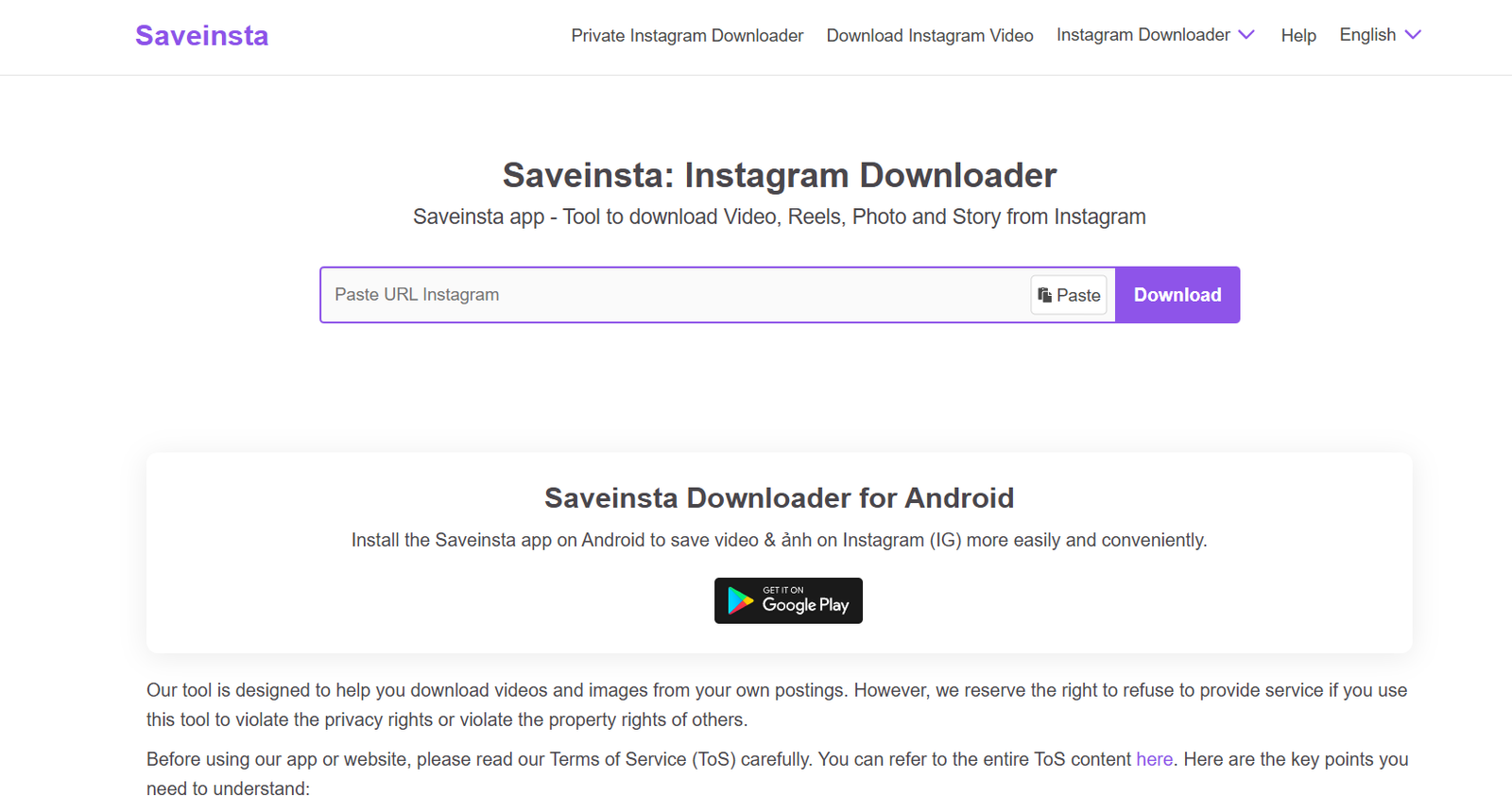
1. SaveInsta

SaveInsta

SaveInsta is probably the most straightforward tool out there for downloading reels and turning them into MP3 files. You paste the link, hit download, and in seconds you’ve got your file ready. The clean design makes it easy for first-time users, and you don’t need to worry about unnecessary steps.

  • Key Features: Works on reels, stories, IGTV, and even profile pictures. Super fast.
  • Pros: No sign-up required, mobile-friendly, free.
  • Cons: Occasional pop-up ads.
  • Best For: Anyone who wants a quick, no-frills download.

If you often come across trending audios on reels and want to save them for remixing or personal playlists, this is one of the best go-to solutions.

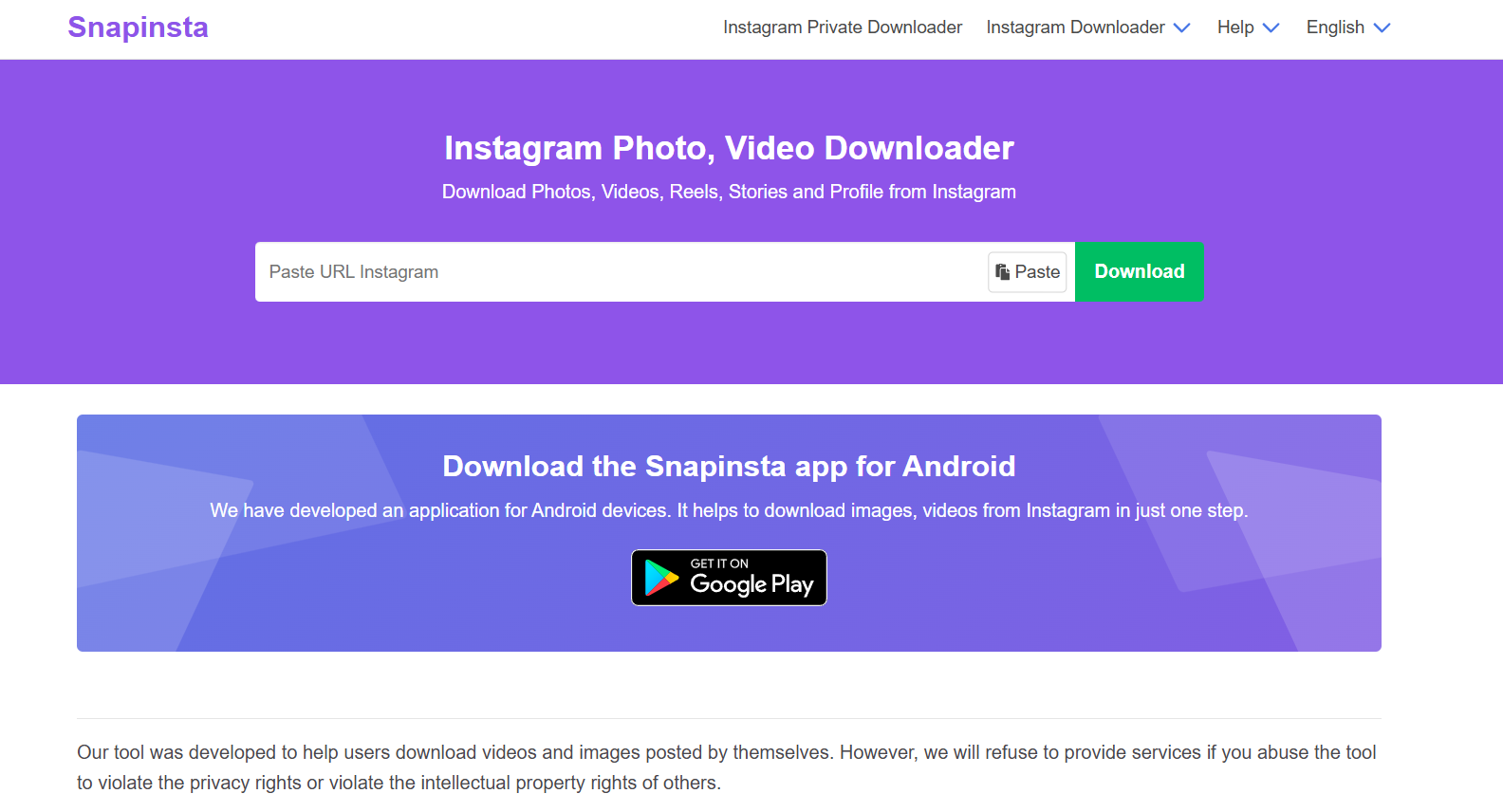
2. SnapInsta

SnapInsta

SnapInsta is another strong player in this space. The tool is lightweight, loads instantly, and gets straight to the point. Many users praise it for being reliable even during peak hours when other converters slow down.

  • Key Features: Converts reels, photos, and videos to MP3 or MP4.
  • Pros: High-quality output, easy interface.
  • Cons: Needs you to refresh sometimes if the server is busy.
  • Best For: People who prioritize audio clarity.

Whether you’re a content creator who needs crisp sound for edits or just someone who hates low-quality rips, SnapInsta is a solid choice.

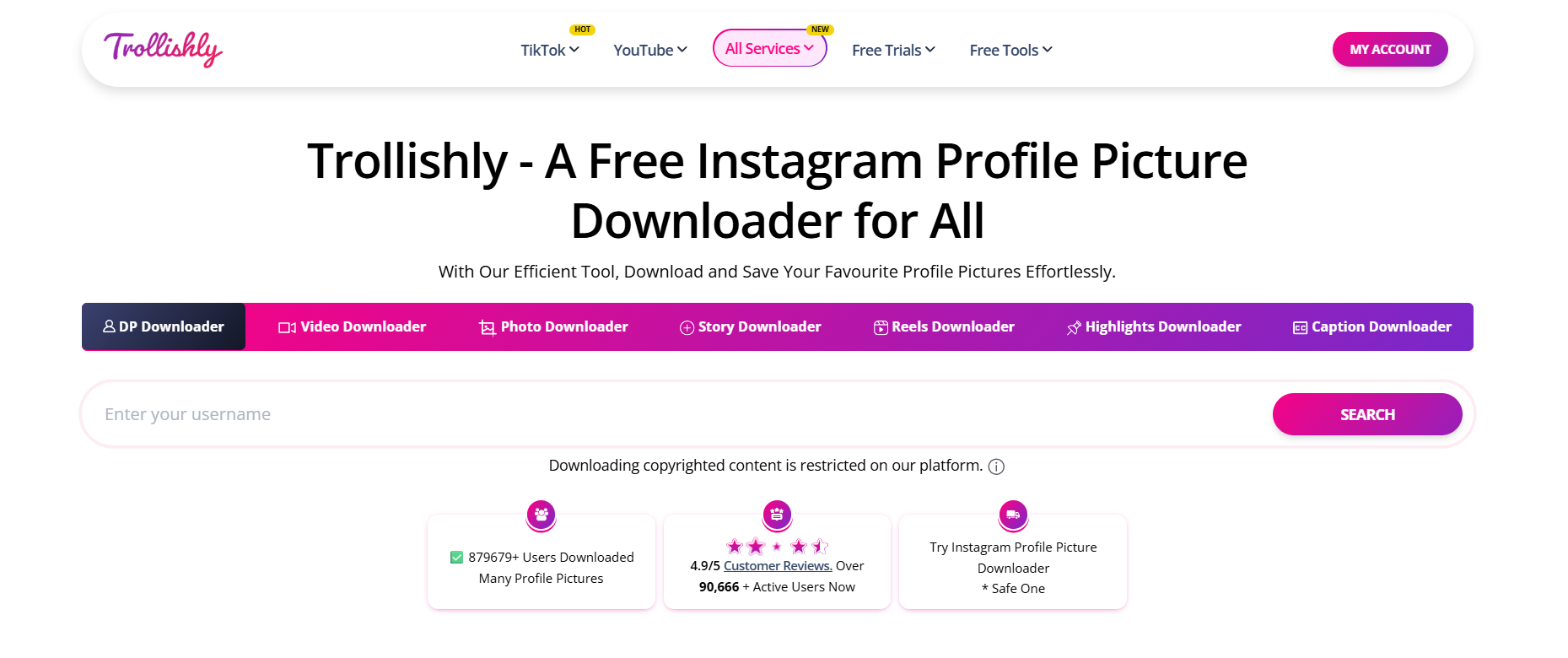
3. Trollishly

Trollishly

Not just for downloading profile pictures, Trollishly has grown into a full-fledged insta reel to mp3 converter. It’s especially useful for those who value design simplicity.

  • Key Features: Download reels, highlights, and videos in MP3 format.
  • Pros: Clean interface, doesn’t feel spammy.
  • Cons: Not the fastest on mobile.
  • Best For: Those who value a clean, minimal tool.

It’s a favorite for minimalists: no banners, no distractions — just grab your audio and move on.

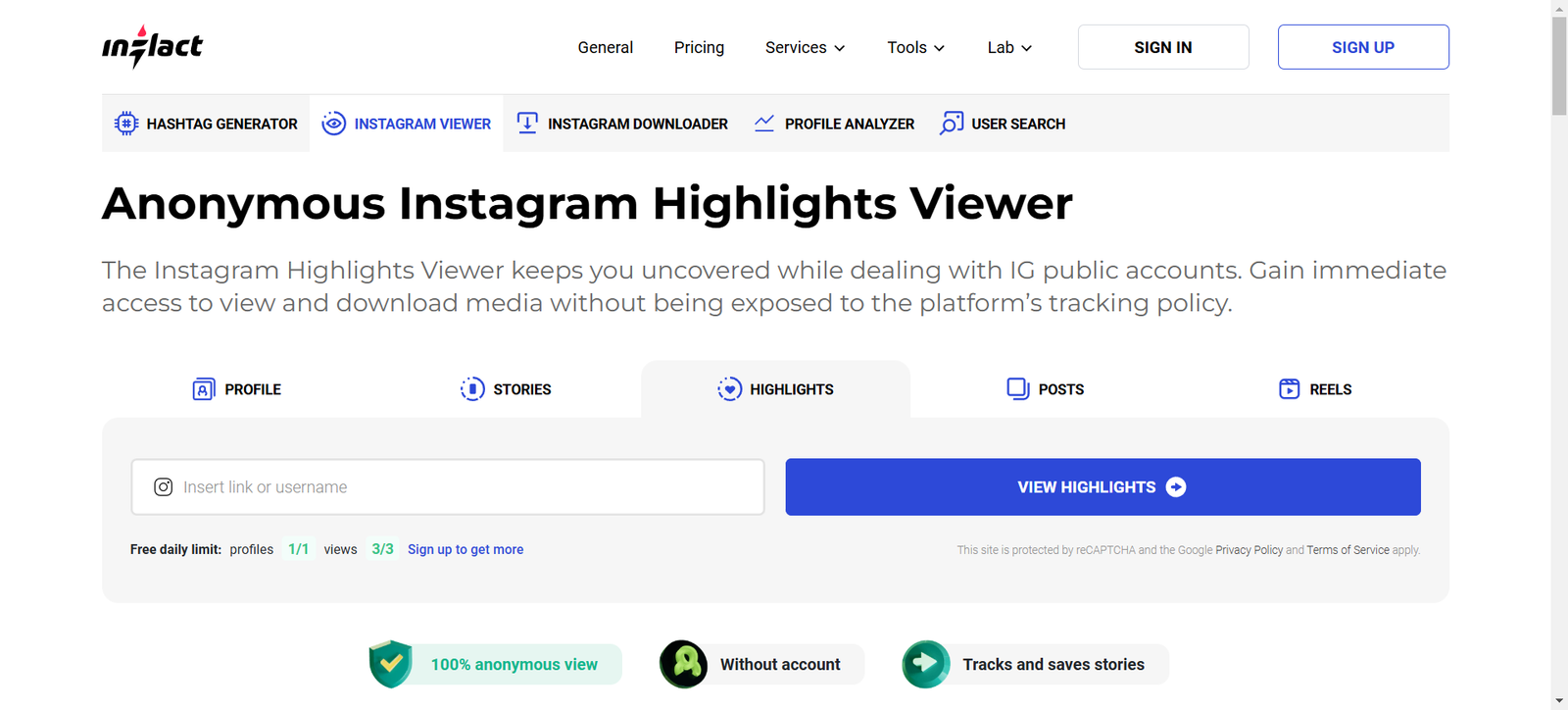
4. Inflact

inflact

Inflact isn’t just a downloader — it’s more of an Instagram toolkit. But yes, it includes a reliable insta audio to mp3 feature. Since it’s built for professionals, you get a polished interface and a sense of security that free tools sometimes lack.

  • Key Features: Save reels, posts, and convert audio directly.
  • Pros: Professional, trustworthy, frequently updated.
  • Cons: Some features require payment.
  • Best For: Content creators who want a premium experience.

If you’re serious about growing your Instagram presence or working on social media projects, Inflact doubles as a downloader and a research assistant.

5. SaveFrom

savefrom

This one’s been around for ages and is trusted by millions. SaveFrom supports not just Instagram but also YouTube, Facebook, and TikTok. The versatility is what sets it apart.

  • Key Features: Multi-platform support, fast downloads.
  • Pros: Reliable and safe.

  • Cons: Website can feel cluttered.
  • Best For: People who download from multiple platforms, not just Instagram.

If you want a single bookmark for all your audio and video needs, SaveFrom is a great all-in-one option.

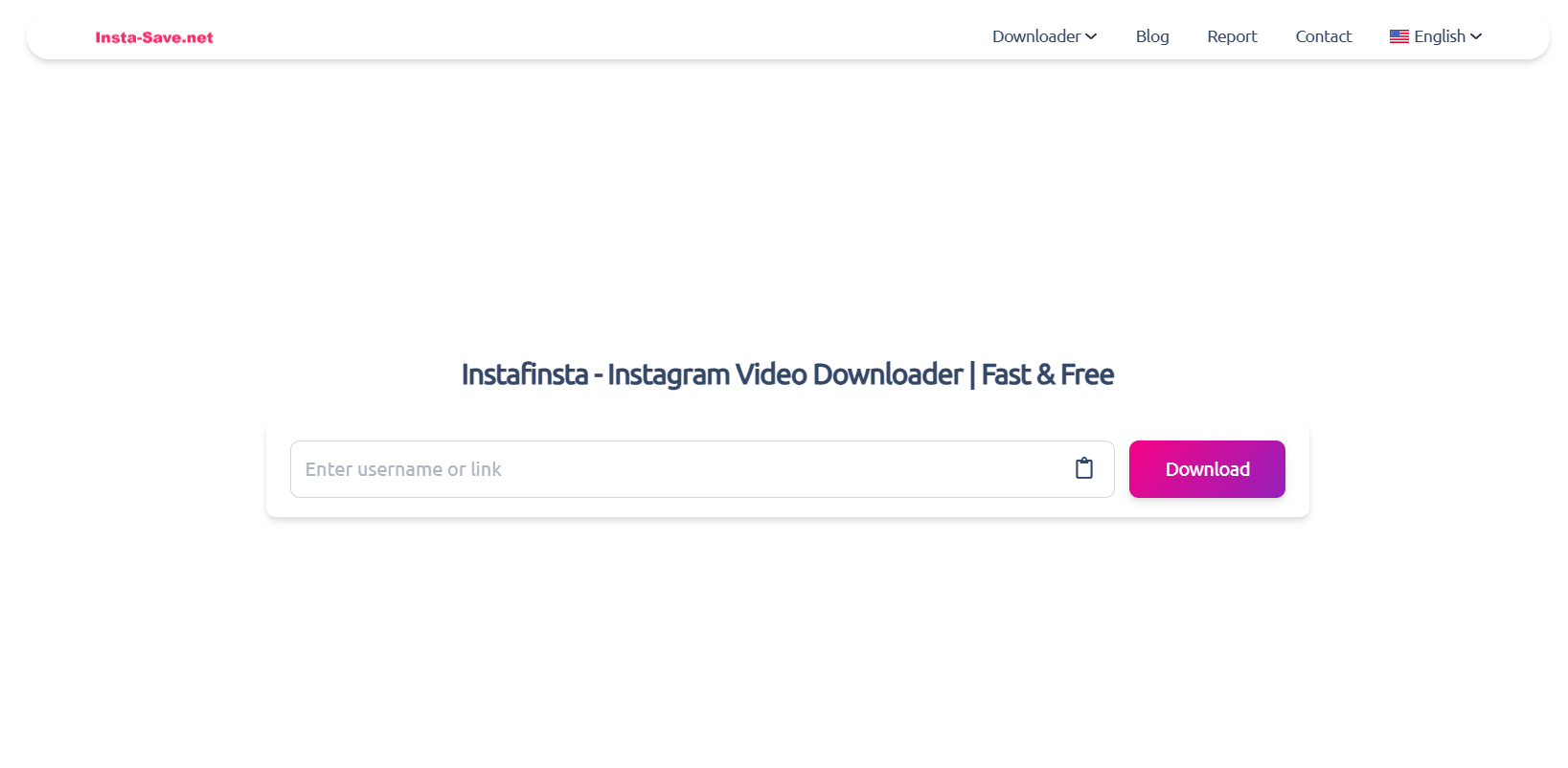
6. Instafinsta

Instafinsta

The name’s a little funny, but Instafinsta is one of the better tools for insta reels to mp3. It’s super lightweight and works smoothly. It’s designed with mobile users in mind.

  • Key Features: Reel, video, and story downloader.
  • Pros: Very fast, works well on mobile.
  • Cons: Ads can be a bit annoying.

  • Best For: On-the-go users who mostly download from mobile.

If you’re someone who often saves audio while commuting or scrolling casually, this is a convenient choice.

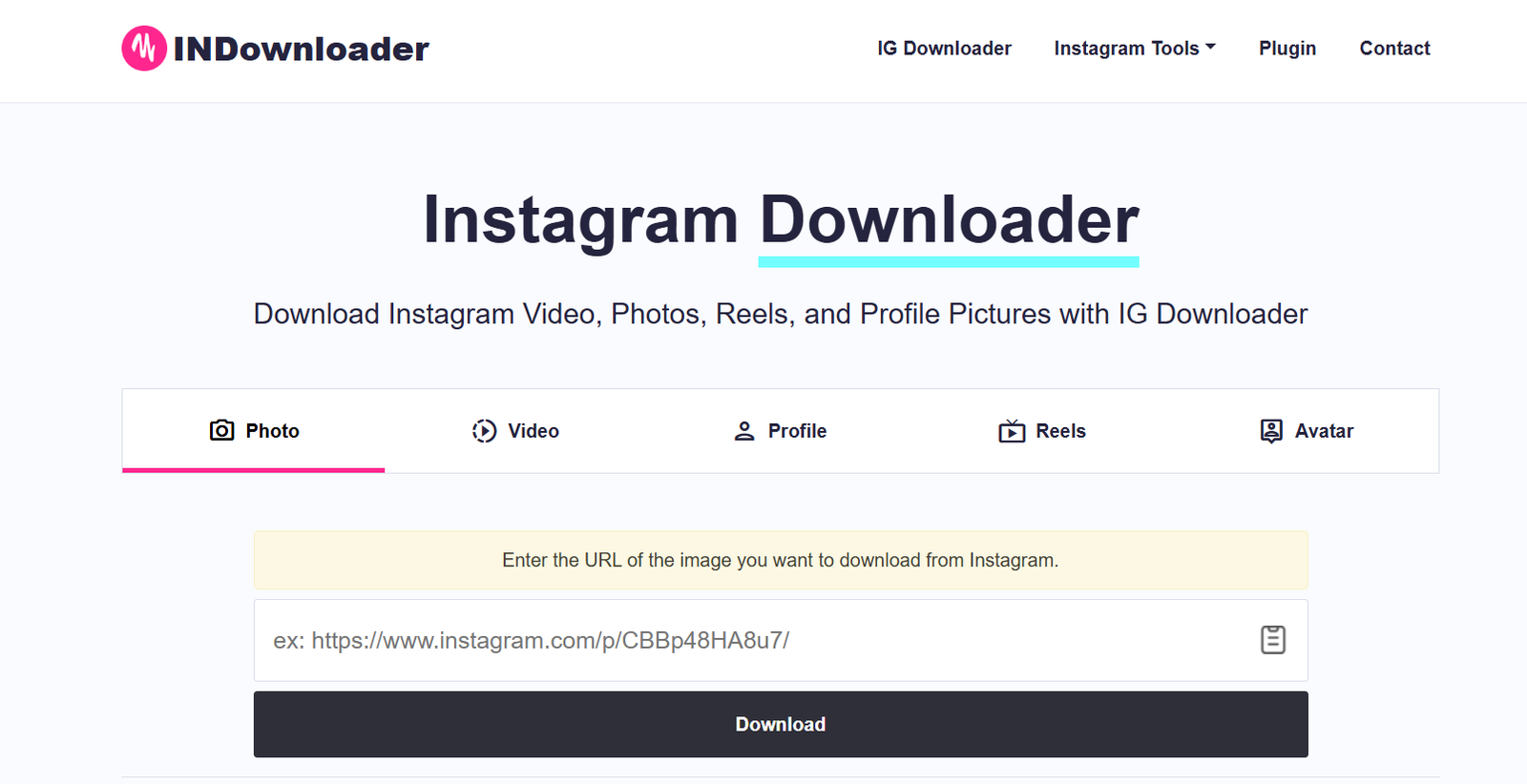
7. INDownloader

indownloader

INDownloader is another reliable solution if you’re looking to convert insta reel to mp3 without hassle. It’s straightforward and doesn’t bombard you with unnecessary design elements.

  • Key Features: Download MP3 and MP4 files in one click.
  • Pros: Simple, quick, doesn’t bombard you with ads.
  • Cons: Sometimes slower than SnapInsta.
  • Best For: Users who want a clean, ad-light option.

It’s especially handy for casual users who just need a safe, no-nonsense option.

How to Choose the Best Insta to MP3 Tool

Not every tool is created equal, so here’s what you should consider:

Factors to Consider Before Downloading

  • Speed: Do you want instant conversions, or can you wait a few seconds longer?
  • Quality: Some tools compress audio, while others keep it crisp.
  • Ads: Free tools often come with ads — is that a dealbreaker for you?
  • Platform Support: Do you only need Instagram, or do you want a multi-platform tool?
  • User Experience: Some sites have intrusive ads that can be frustrating. Others are designed cleanly.

Safety & Security Tips to Avoid Malware

Always double-check the site URL, avoid clicking on strange pop-ups, and never download .exe files from these services — a proper insta to mp3 tool should only give you audio files. If possible, run downloads through your antivirus software for extra safety.

Speed vs. Quality – Which Matters More?

If you’re just saving a meme audio for fun, speed probably wins. But if you’re planning to repurpose content or use audio for creative work, quality should always come first. A few extra seconds of waiting is worth it for better audio.

Bonus: Creative Ways to Use Your MP3 Files

  • Build your own collection of motivational clips.
  • Add trending sounds into your video edits.
  • Use background audios for personal vlogs.
  • Save funny memes to share with friends offline.

Conclusion

So there you have it: 7 of the best insta to mp3 converters you can start using today. From ultra-fast options like SaveInsta and SnapInsta, to professional-level tools like Inflact, each one serves a slightly different need. The key is choosing the one that matches your style — whether that’s simplicity, high quality, or extra features.

Next time you stumble across an audio gem on Instagram, don’t just scroll past it. Save it, download it, and make it yours. These tools make it easy, safe, and even fun to start building your own little audio library.

Find More: Boost Your Sales With SEO Services

FAQs:

1. Is using an insta to mp3 converter legal?

It depends. Downloading for personal use is usually fine, but redistributing copyrighted audio can get you into trouble.

2. Are insta to mp3 tools safe to use?

Most are safe if you stick to trusted names like SaveInsta, SnapInsta, and Inflact. Always avoid shady pop-ups.

3. Do these tools work on mobile and desktop?

Yes! Almost all of them are browser-based, so they work on phones, tablets, and computers.

4. Can I convert private Instagram videos to MP3?

No — these tools can only convert public reels and posts.

5. What is the best free insta to mp3 converter right now?

For free and fast downloads, SaveInsta and SnapInsta are hard to beat.

6. Do I need to install software for insta to mp3 tools?

No, most of the popular tools are web-based, meaning you can use them without downloading any extra software.

7. Can I use insta audio to mp3 files for content creation?

Yes, but make sure you respect copyright rules. For personal projects and edits, it’s usually fine, but for commercial use you may need to check licensing.

Tags:
10 Best Kepved Alternatives That Actually Work in 2025

10 Best Kepved Alternatives That Actually Work in 2025

Kepved

Introduction: Why People Are Searching for Kepved Alternatives in 2025

Kepved used to be one of those go-to tools whenever you wanted to download a video quickly. Back when it was also known as Kepvid or under the domain keepv.id, people loved how simple it was—you just pasted a link, hit download, and got your file. It was fast, free, and seemed like magic at the time. But if you’ve tried to use it recently, you already know the truth: Kepved is either gone, broken, or full of issues. Some versions simply don’t load anymore, others redirect to random sites, and a few are crawling with ads or security risks. And honestly, it’s not worth the headache anymore. That’s why so many people in 2025 are searching for Kepved alternatives that are safe, fast, and actually working.

In this guide, I’ll walk you through the 10 best Kepved alternatives you can use today. We’ll also look at why Kepved failed, what to look for in a new downloader, and answer some of the most common questions people have. By the end, you’ll have a clear idea of which tool fits your needs best. Let’s dive in.

Find More: 7 Shocking Features About InSnoop You Didn’t Know (But Should!)

What Is Kepved and Why It Stopped Working?

A quick overview of Kepved (a.k.a. KeepVid)

Kepved (often confused with KeepVid) was once one of the most popular online video downloaders. It supported platforms like YouTube, Facebook, and DailyMotion. The idea was simple: copy a link from your favorite video site, paste it into Kepved, choose your format, and download. For years, it worked like a charm.

The shutdown and security issues users faced

Over time, though, Kepved became unreliable. There were frequent complaints about malware risks, pop-up ads, and the service vanishing overnight. Even the official keepv.id domain often redirected users to sketchy clones. Many people found themselves on lookalike websites that weren’t safe at all. With no updates or official support, Kepved quietly disappeared.

Why you need a trusted alternative in 2025

In 2025, the internet is full of fake sites and malware traps. When it comes to downloading, you can’t just trust any random tool. Between copyright concerns, privacy issues, and online scams, you need software or sites that are safe, updated regularly, and transparent about what they offer. That’s why switching to a proper Kepved alternative makes so much sense.

10 Best Kepved Alternatives That Actually Work in 2025

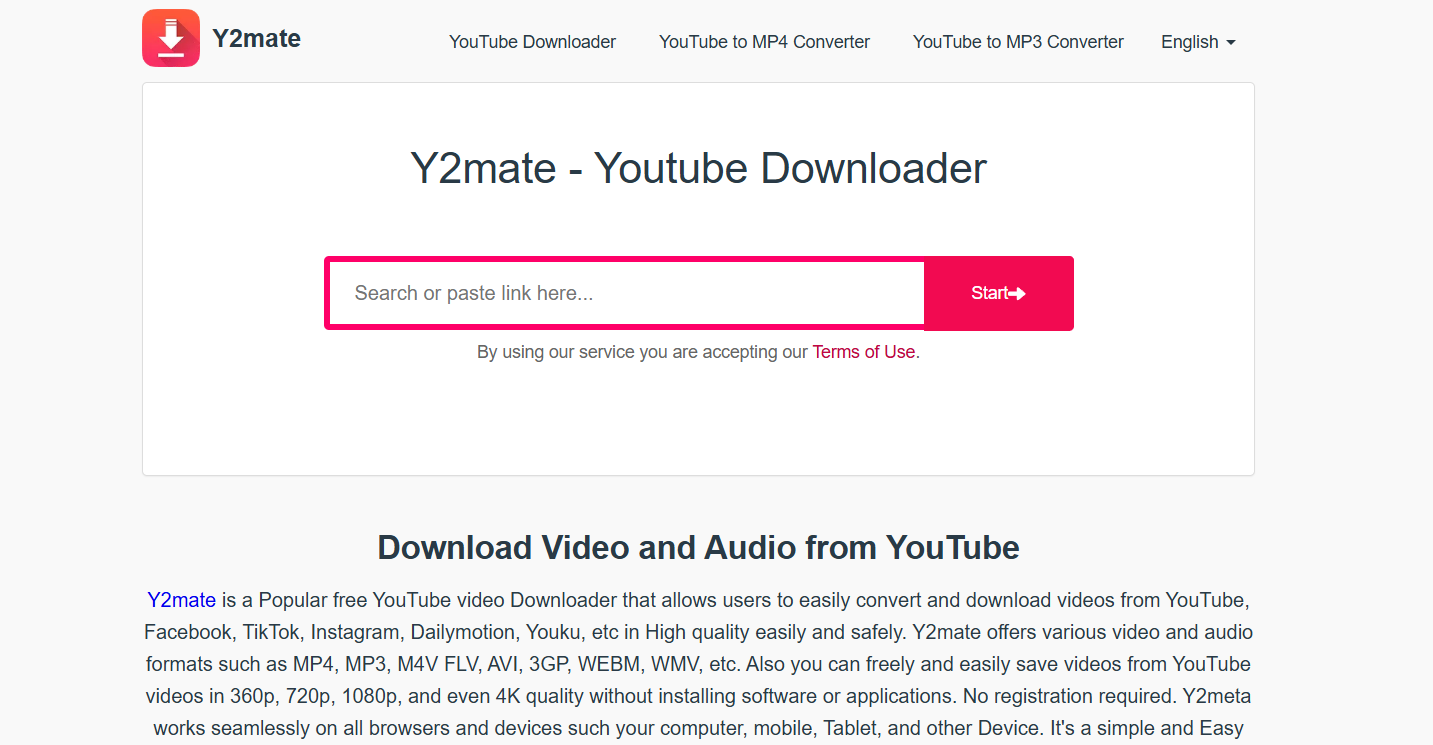
1. Y2Mate – Easy YouTube & Social Video Downloads

Y2Mate

Y2Mate is probably the closest thing to the original Kepved experience. You paste a link, pick your format (MP4, MP3, etc.), and download. It works with YouTube, Facebook, and other popular platforms. The best part? It doesn’t require installation. Simple, no fluff, and it works well even on mobile browsers.

2. 4K Video Downloader – High-Quality & Batch Support

4K Video Downloader

If video quality matters to you, 4K Video Downloader is a clear winner. You can grab videos in HD, 4K, or even 8K resolution. It also lets you download entire playlists or channels, which is a lifesaver if you want to binge offline. It’s software-based, so it’s more reliable than browser-only tools.

3. SnapDownloader – Fast, Multi-Platform Video Downloader

SnapDownloader

SnapDownloader is a paid option, but it’s lightning fast and supports over 900 websites. It comes with handy features like scheduled downloads, batch processing, and automatic conversions. If you want a premium Kepved alternative with fewer ads, more stability, and professional support, this is worth the investment.

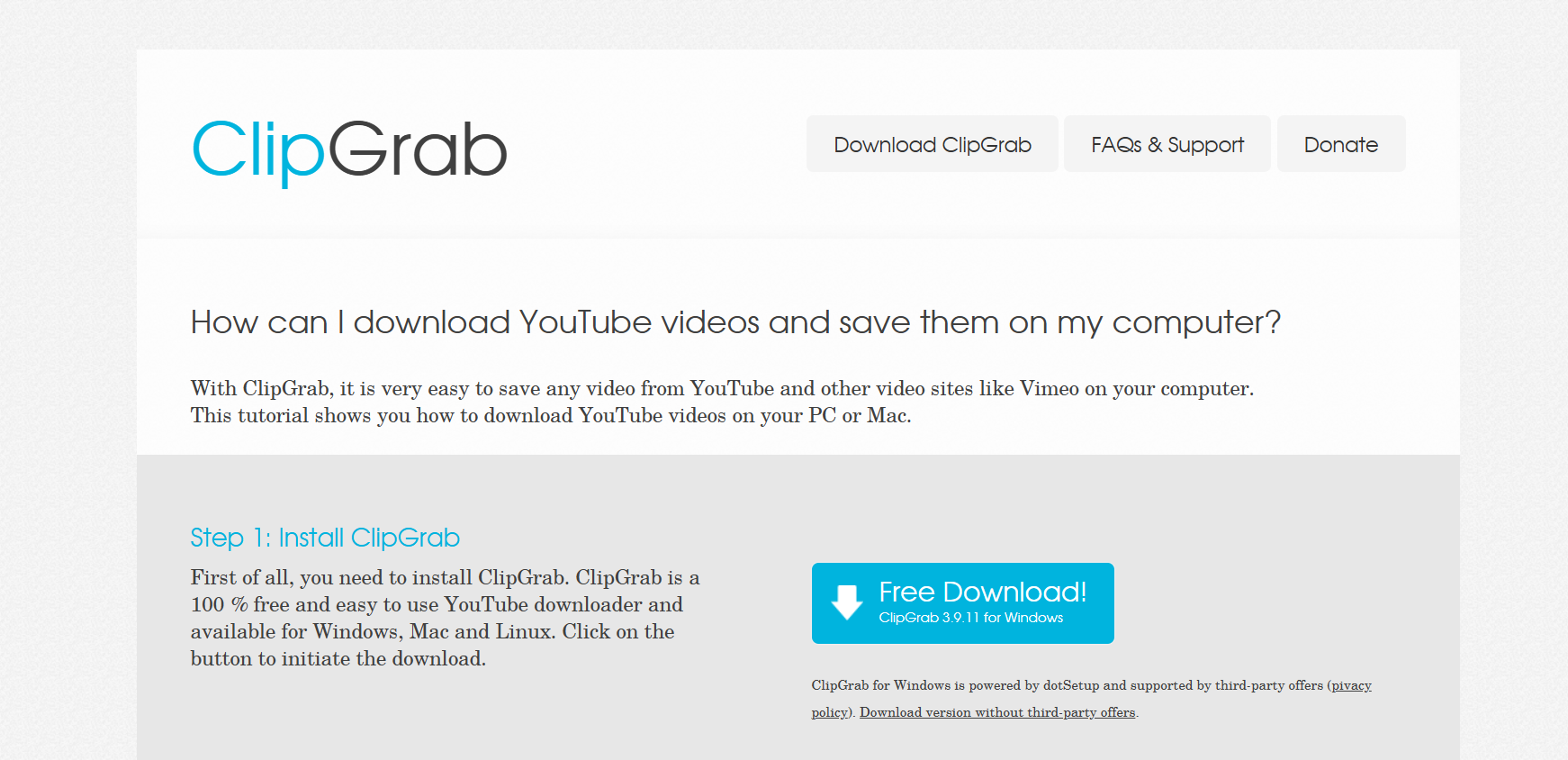
4. ClipGrab – Free & Open-Source Tool for Multiple Platforms

ClipGrab

For people who don’t like shady software, ClipGrab is a gem. It’s open-source, free, and community-driven. It works with YouTube and several other platforms, offering decent conversion options. The interface is simple, and because it’s open-source, you don’t have to worry about hidden malware.

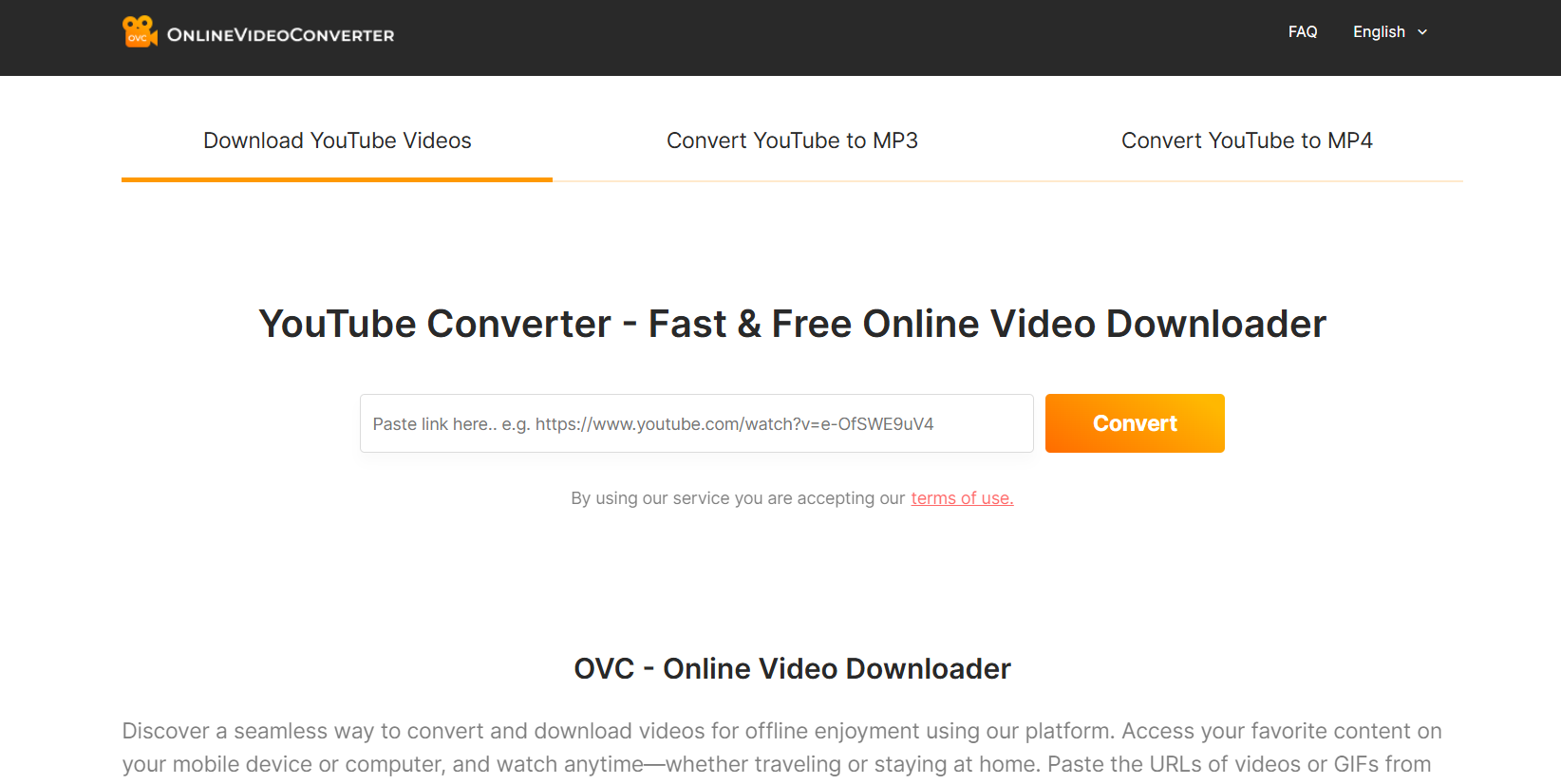
5. OnlineVideoConverter – Browser-Based Alternative to Kepved

OnlineVideoConverter

If you liked Kepved because it was online, OnlineVideoConverter is a great replacement. It doesn’t require installation, works in your browser, and supports MP4 and MP3 downloads. It’s lightweight, and you can use it on almost any device—including tablets and smartphones.

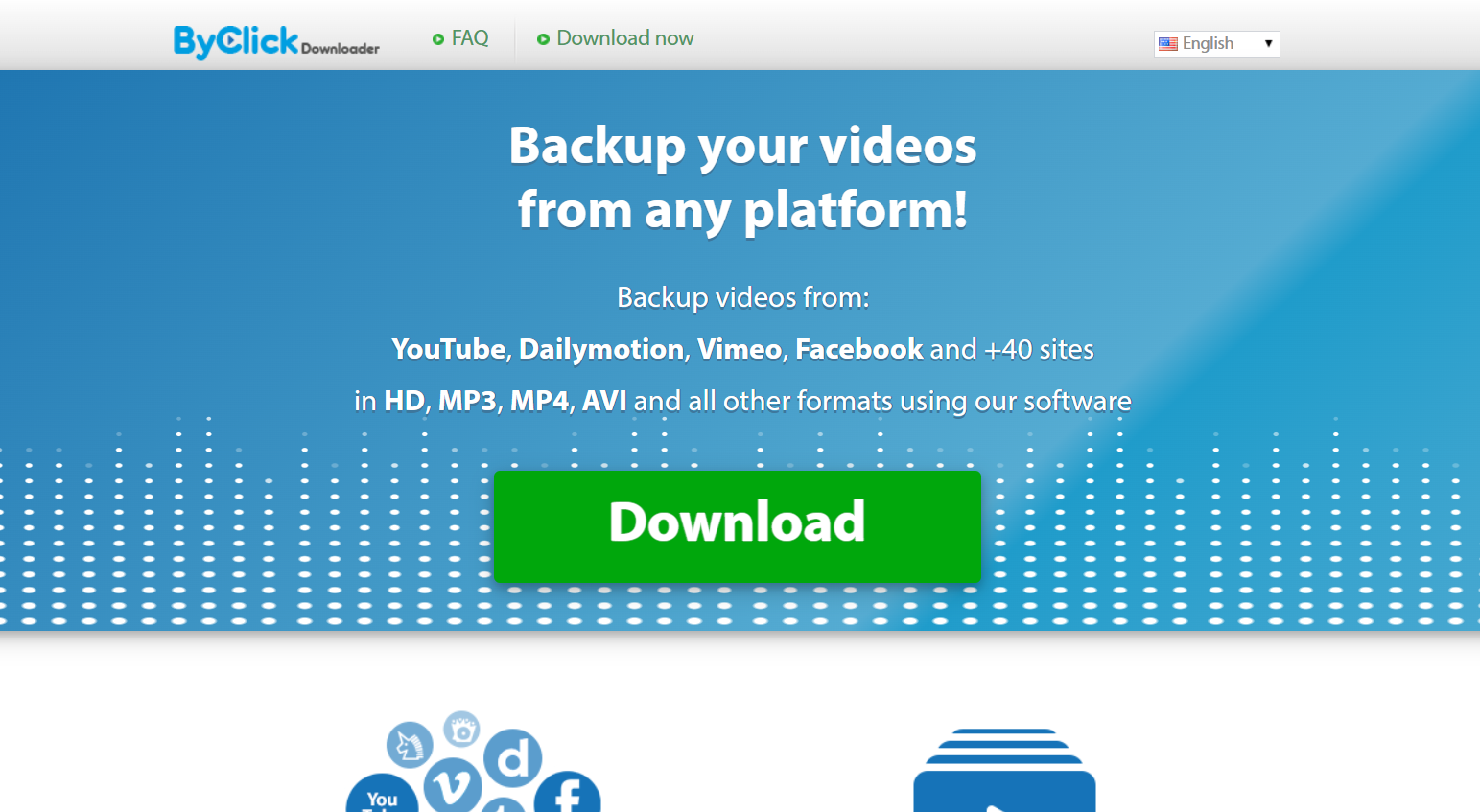
6. ByClick Downloader – One-Click Download Solution

ByClick

ByClick is a Windows app that makes downloads ridiculously easy. Once installed, it detects video links you copy and gives you a simple download button. It supports playlists, subtitles, and multiple formats, which is something Kepved never really handled well.

7. SaveFrom.net – Simple Online Video Downloader

savefrom

SaveFrom has been around for years and is still going strong in 2025. It’s quick, web-based, and covers most social media sites like Instagram, Facebook, and TikTok. Just be cautious—there are fake versions of the site, so make sure you’re on the official SaveFrom.net.

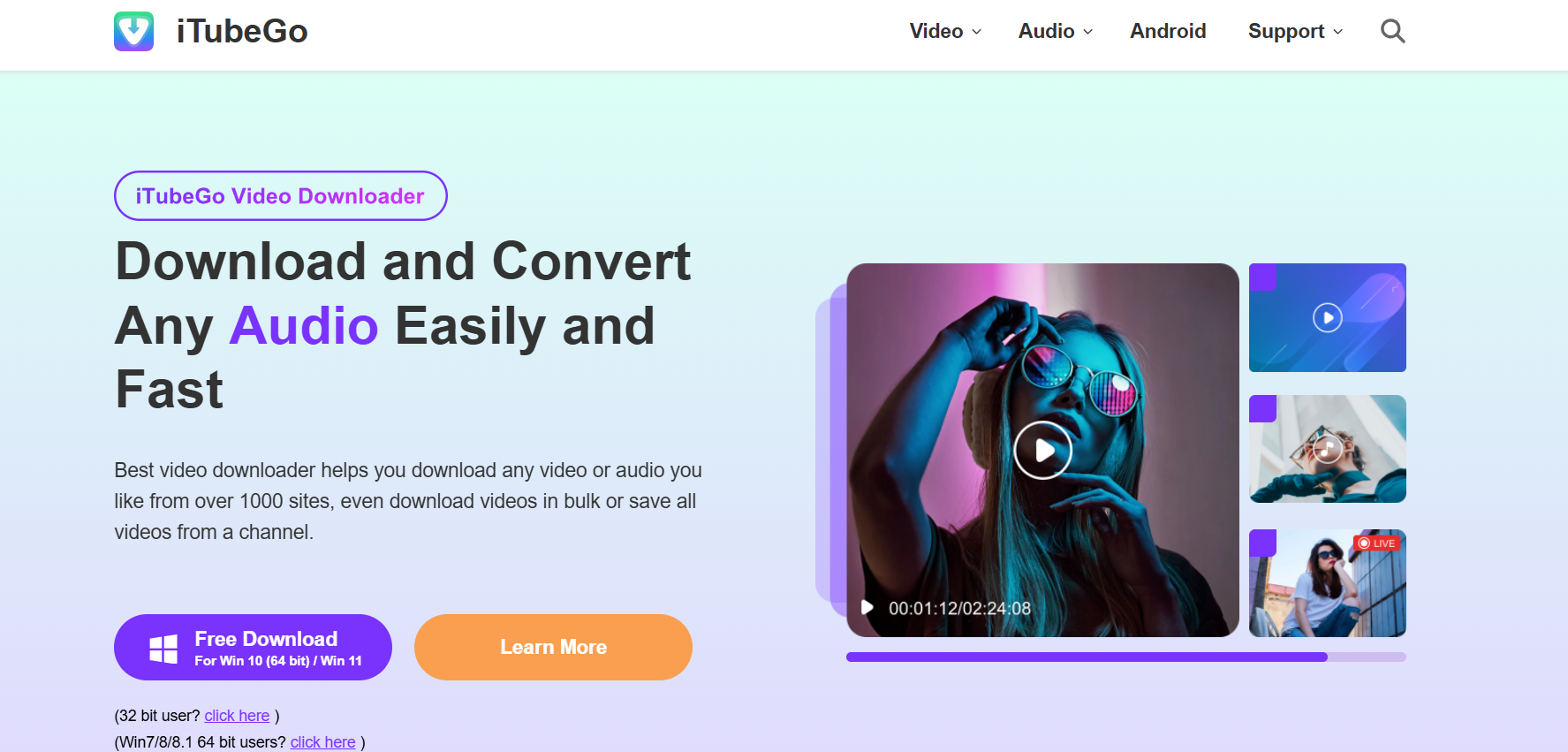
8. iTubeGo – Premium All-in-One Video & Audio Downloader

iTubeGo

iTubeGo is more than just a downloader. It lets you grab videos, convert them into multiple formats, and even handle entire playlists. It also has built-in tools for trimming audio or video files. This makes it perfect for creators or anyone who wants more control than Kepved ever offered.

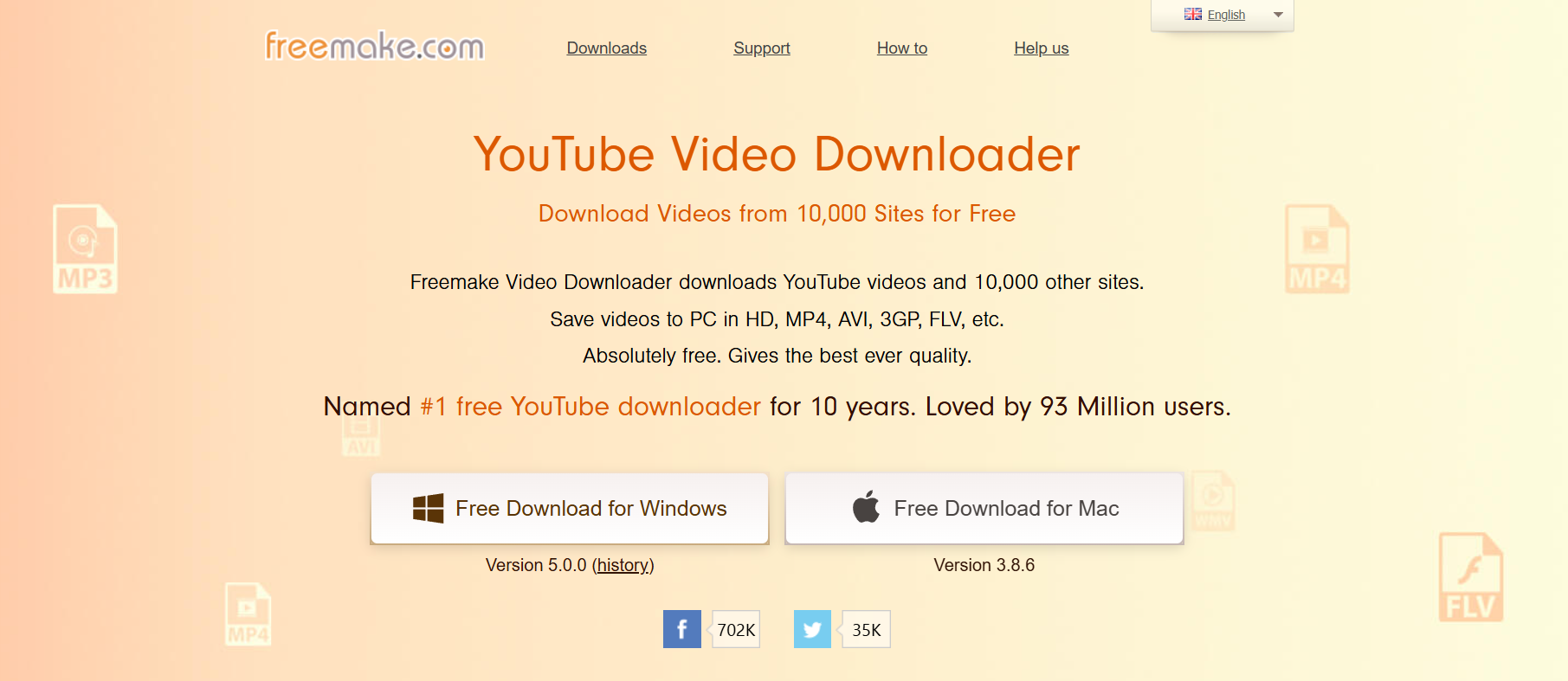
9. Freemake Video Downloader – Beginner-Friendly Option

Freemake Video Downloader

Freemake is a great pick for beginners. The interface is clean, simple, and easy to use. It supports multiple platforms, and while the free version has some limitations (like watermarks), it’s still a solid option for casual users who just need the basics.

10. Softorino YouTube Converter PRO – Paid but Powerful Alternative

Softorino YouTube Converter PRO

If you want something polished and professional, Softorino’s tool is top-notch. It’s not free, but it’s safe, well-designed, and even lets you send videos directly to Apple devices. For people in the Apple ecosystem, this is one of the smoothest, most reliable tools around.

How to Choose the Best Kepved Alternative for Your Needs

Key features to look for (speed, quality, format support)

Ask yourself: Do you just want quick downloads, or do you need advanced features like batch downloads, subtitles, and high-definition options? If you only want music files, an MP3 downloader may be enough. If you binge-watch, look for batch downloads and playlist support.

Safety and security considerations in 2025

The biggest risk with tools like Kepved was malware. In 2025, that risk hasn’t gone away. Stick with tools that are trusted, frequently updated, and widely recommended. Avoid websites that bombard you with pop-ups or ask for unnecessary permissions.

Free vs. paid downloaders — which is right for you?

If you only download once in a while, a free online tool like SaveFrom or Y2Mate will do the job. But if downloading is part of your daily routine—maybe you save tutorials, music, or entire channels—then investing in something like SnapDownloader or Softorino makes sense. Paid tools usually come with faster speeds, better support, and more stability.

Common Problems Users Faced with Kepved

Malware and security risks

Many users reported malware warnings while using Kepved clones. Some versions were flat-out unsafe and tried to install unwanted programs. This damaged the tool’s reputation beyond repair.

Outdated or unsupported features

Kepved stopped keeping up with platform changes. Whenever YouTube updated its system, Kepved couldn’t keep up, leaving users with broken links and error messages.

Lack of updates and shutdown issues

Unlike tools like 4K Video Downloader that still receive regular updates, Kepved simply faded away. There was no official announcement, no replacement, just silence. Users were left scrambling to find a safe and working replacement.

Conclusion – The Future of Video Downloading Beyond Kepved

Kepved had its moment, but that time has passed. In 2025, there are plenty of tools that are safer, faster, and more reliable. Whether you want something free and simple like Y2Mate, an open-source tool like ClipGrab, or a premium powerhouse like Softorino, you’ve got choices. Don’t waste time with broken sites or unsafe clones. Pick a trusted alternative, enjoy smooth downloads, and stop worrying about whether your tool will disappear tomorrow.

FAQs:

1. Is Kepved (KeepVid) still working in 2025?

No, most versions of Kepved/KeepVid are either offline or unreliable. While you might stumble upon clones, they’re not recommended for safety reasons.

2. Is it safe to download videos with Kepved alternatives?

Yes, as long as you stick to trusted platforms. Avoid suspicious sites that flood you with ads, pop-ups, or demand you install unknown software.

3. Which Kepved alternative works best for YouTube downloads?

Y2Mate and 4K Video Downloader are great picks, depending on whether you want simplicity or high-quality downloads. If you need speed and advanced features, SnapDownloader is another strong choice.

4. Are there any free tools better than Kepved?

Yes—SaveFrom.net, ClipGrab, and OnlineVideoConverter are all solid free options that work better than Kepved ever did.

5. Can I use Kepved alternatives on mobile devices?

Absolutely. Many tools, like Y2Mate and SaveFrom, work directly in mobile browsers. Others, like SnapDownloader and Softorino, also offer dedicated mobile support or apps, making it easy to download on the go.

Tags:
7 Powerful Reasons Why GetVid Is the Easiest Way to Download Any Video Online

7 Powerful Reasons Why GetVid Is the Easiest Way to Download Any Video Online

getvid

Introduction: Why GetVid Is the Go-To Video Downloader in 2025

GetVid has quickly become one of the most talked-about tools for downloading videos online, and for good reason. In a world where we’re constantly watching, saving, and sharing videos across Facebook, Instagram, TikTok, YouTube, and dozens of other platforms, having a reliable solution like GetVid video downloader feels less like a luxury and more like a necessity.

If you’ve ever searched for “GetVid.io” or “GetV” while trying to save a video to your device, you’re definitely not alone. Millions of users around the world are turning to this tool because it’s simple, fast, and doesn’t require you to be a tech wizard to figure out. In this article, I’m going to break down the 7 powerful reasons why GetVid is the easiest way to download any video online — and why you’ll probably want to bookmark it right after reading.

Let’s dive in and really unpack what makes GetVid so popular, and why more and more people are relying on it as their daily video-saving companion.

Find More: Flufi Review 2025: The Truth Behind This Anonymous Instagram Viewer

1. GetVid Offers Lightning-Fast Video Downloads

How GetVid Optimizes Speed for All Platforms

getvid

Nobody likes waiting around for a download to crawl its way to completion. With GetVid, you paste the link, hit download, and boom — the video’s ready in seconds. That’s because the tool is optimized to handle high-traffic platforms like Facebook, Instagram, and even heavy video formats without slowing down.

It uses efficient servers that are designed to handle multiple requests at the same time. So, whether a video is trending worldwide or is just a small private clip, you won’t notice a drop in speed.

Comparing GetVid Download Speed vs. Other Tools

I’ve tried plenty of video downloaders over the years, and most of them either throttle speed or crash halfway through. GetVid consistently outperforms them, whether you’re saving a 30-second TikTok or a 2-hour HD livestream replay. With other tools, you sometimes spend more time refreshing or restarting the download than actually watching the content you wanted. With GetVid, the process feels effortless — one click, done.

2. GetVid Supports Multiple Platforms and Formats

Download from Facebook, Instagram, TikTok, and More

getvid video downloader

One of the biggest reasons GetVid is so popular is its versatility. You’re not limited to just one or two sites. Whether it’s a Facebook reel, an Instagram story, a trending TikTok dance, or even content from lesser-known sites, GetVid makes it ridiculously easy to grab what you need.

This means you don’t have to juggle multiple tools or apps depending on the platform. Instead, you can stick with one, reliable service.

Save Videos in MP4, MP3, and HD Quality

Sometimes you don’t even want the video — you just want the audio. Maybe it’s a song clip or a podcast. GetVid allows you to convert downloads into MP3 format instantly. Plus, you can choose HD or even 4K when it’s available, which is perfect if you care about video quality.

Other free tools often downgrade quality or watermark your downloads. GetVid doesn’t — it gives you clean, crisp files that are ready to use.

3. GetVid Has a User-Friendly Interface Anyone Can Use

One-Click Downloads Without Complicated Steps

The thing I love most about GetVid is how beginner-friendly it is. There’s no confusing dashboard, no complicated steps. Paste the link, click download, and you’re done. Even if you’re someone who doesn’t consider themselves “tech-savvy,” GetVid feels effortless.

You don’t need to sign up, create accounts, or deal with annoying ads that push you into clicking the wrong button. The whole process is smooth and distraction-free.

Mobile-Friendly Experience for Android and iOS

Not everyone downloads videos on a laptop. With GetVid, you can use the same process directly on your phone’s browser. I’ve tested it on both Android and iPhone, and it works smoothly — no glitchy mobile experience here. The design adapts to smaller screens, so you’re not zooming in and out just to hit the right button.

For people who live on their phones, this is a game-changer.

4. GetVid Delivers High-Quality Video Every Time

Why Video Quality Matters for Users

getv

We’ve all been there — you download a video, and it looks like it was filmed on a potato. Quality matters, especially if you plan to re-upload, edit, or just watch offline without straining your eyes.

If you’re using content for business, presentations, or even school projects, poor quality simply doesn’t cut it. You need videos that look professional.

How GetVid Maintains HD and 4K Quality

GetVid doesn’t compromise quality. If the original video is in HD, that’s what you get. And if you’re lucky enough to find 4K content, GetVid lets you save it exactly as it is. This alone makes it better than half the so-called “free downloaders” out there that secretly compress everything.

Having access to sharp visuals also means your downloads stay relevant and usable longer. Nobody wants to watch a pixelated mess when they could enjoy crisp detail.

5. GetVid Is Completely Free and Secure

No Hidden Fees or Premium Barriers

A lot of downloaders lure you in with a “free” promise but then lock essential features behind a paywall. GetVid is different. Everything you need to download, convert, and save videos is available for free, no strings attached.

You don’t need to create an account, give away your email, or worry about surprise charges. What you see is what you get.

How GetVid Ensures Safe, Malware-Free Downloads

Security is a big concern whenever you’re dealing with third-party tools. Thankfully, GetVid runs directly in your browser, which means no sketchy software downloads. It doesn’t try to sneak in malware or spammy ads, making it a safe choice compared to shady alternatives.

You can use it confidently knowing you’re not putting your device at risk. For anyone who values peace of mind, that’s a huge plus.

6. GetVid Provides Advanced Features for Power Users

Private Video Download Support

Here’s where things get interesting. GetVid isn’t just for public videos. With certain features, it can help you download private content (like a private Facebook video you have access to), which is something most free downloaders simply don’t offer.

This makes it ideal for professionals who may need to save videos for reference, training, or internal use.

Built-In Editing Options: Trim, Convert, and Extract Audio

This part is seriously underrated. With GetVid, you can trim clips, convert video to audio, and even make GIFs straight from the download tool. It’s like having a mini editing suite built into your downloader.

Instead of downloading a bulky video editing app, you can quickly make the adjustments you need without leaving your browser. It’s convenience at its finest.

7. GetVid Works Without Software Installation

No Need for Heavy Apps or Plugins

A lot of download tools make you install bulky software or extensions. GetVid doesn’t. It’s entirely web-based, so you can use it from any device with a browser. This also means it won’t slow down your computer.

That’s a huge advantage for people with limited storage or older devices. You don’t have to waste time updating apps or worrying about compatibility.

Web-Based Convenience with Browser Extensions

That said, if you’re a heavy user, GetVid also offers extensions for browsers like Chrome and Firefox, giving you one-click access whenever you come across a video you want to save. Best of both worlds.

Having both options means you can choose how you want to use the tool — either as a simple website or as a seamless extension integrated into your browsing experience.

Conclusion: Why GetVid Is the Smartest Choice for Video Lovers

At this point, it’s clear why so many people are searching for GetVid.io, GetV, and related terms. It’s fast, free, user-friendly, safe, and surprisingly powerful. Whether you just want to save a funny meme from TikTok or need a full-featured downloader for work or study, GetVid checks all the boxes.

Instead of wasting time with unreliable apps that frustrate you, GetVid gives you a smooth, reliable solution that actually delivers. And once you try it, it’s hard to imagine going back.

If you’re tired of sketchy downloaders that don’t deliver, give GetVid a try. It might just become your go-to tool for saving videos online.

Find More: Boost Your Sales With SEO Services

FAQs:

1. Is GetVid safe to use for downloading videos?

Yes, GetVid is browser-based, so you don’t need to install risky third-party apps. It doesn’t inject malware or spammy pop-ups. You can download videos with peace of mind.

2. Does GetVid work on mobile devices?

Absolutely. You can use GetVid on both Android and iOS via your regular mobile browser. The site adapts well to smaller screens, making downloads quick and easy on the go.

3. Can I download private videos with GetVid?

Yes, as long as you have access to the video (like being part of the group or having the link), GetVid can help you save it. This makes it more versatile than most free tools.

4. Is GetVid really free, or does it have premium features?

It’s 100% free. Unlike other tools, you don’t need to upgrade or subscribe to unlock features. Everything you need is available upfront.

5. What’s the difference between GetVid and other video downloaders?

Most downloaders are either slow, unsafe, or limited to one platform. GetVid is fast, secure, supports multiple sites, and even has advanced features like trimming and audio extraction — all for free. It combines simplicity with power, which is why so many people prefer it.

Tags:
Flufi Review 2025: The Truth Behind This Anonymous Instagram Viewer

Flufi Review 2025: The Truth Behind This Anonymous Instagram Viewer

flufi

Introduction

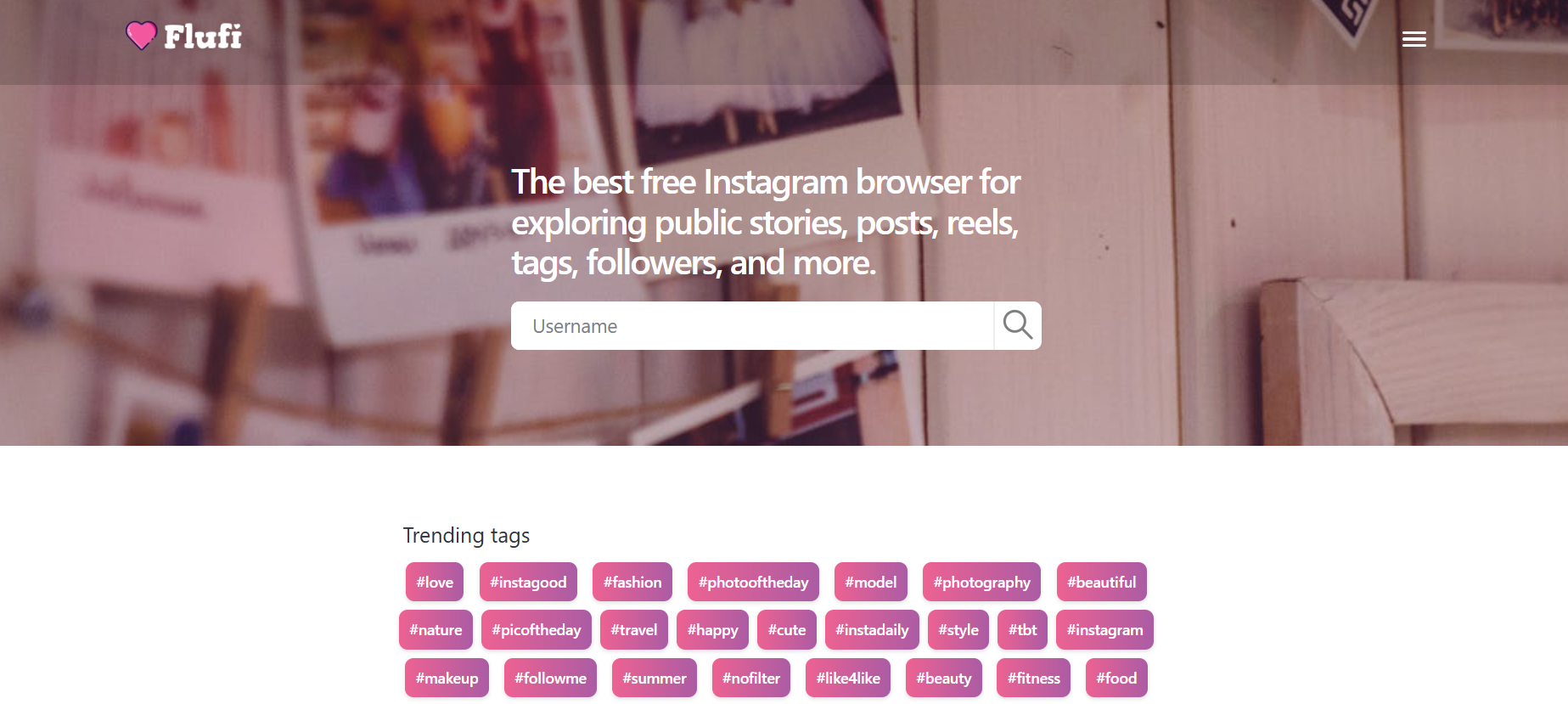
Flufi is one of those tools you stumble upon when you’re curious about Instagram but don’t necessarily want to log in or make yourself visible. In fact, you might have already seen people talking about flufi.me, an online Instagram viewer that lets you peek into public profiles, stories, and even Reels without leaving a trace. Sounds sneaky, right? But also kind of useful.

With the rise of privacy concerns and people wanting more control over how they use social media, Flufi has been popping up a lot in 2025. Whether it’s curiosity about someone’s stories, research for content inspiration, or just casual browsing without the commitment of an account, Flufi has made itself part of the conversation. The big questions are: Is it safe? Is it legal? Does it actually work? That’s exactly what we’re diving into here.

Find More: 7 Shocking Features About InSnoop You Didn’t Know (But Should!)

What is Flufi?

Overview of Flufi.me

flufi

Flufi.me is a web-based tool that calls itself an anonymous Instagram viewer. You don’t need to log in with your Instagram account, and you don’t need to download an app. Everything happens through their website. It’s designed for quick, on-the-go viewing of public Instagram content without the hassle of signing in.

Unlike some other tools, Flufi isn’t overloaded with popups or complicated interfaces. It’s pretty straightforward: type in a username, view the content, and if you want, download it. That’s it.

How Flufi Works Without an Instagram Account

At its core, Flufi pulls publicly available content from Instagram’s servers and displays it in a clean, user-friendly way. Since public Instagram profiles are accessible to anyone on the web, Flufi basically acts as a middleman. It fetches the data for you without Instagram knowing who’s behind the screen. In practice, this means you can browse without worrying that your identity is tied to the views.

Who Typically Uses Flufi and Why

Different people use Flufi for different reasons:

  • Some want to check out stories without tipping off the other person.
  • Others don’t want to create an Instagram account but still like to browse content.
  • Social media managers sometimes use it to monitor competitors without leaving a trail.
  • Casual users just like the idea of downloading Reels, pictures, or videos they find funny or inspiring.

It’s a versatile tool that appeals to anyone who wants a little more control over how they interact with Instagram.

Key Features of Flufi

Anonymous Instagram Story Viewer

One of the main draws is being able to watch Instagram stories anonymously. No “seen” receipts, no awkward conversations later. It gives you that sense of freedom, especially if you want to keep your browsing habits private.

Downloading Photos, Reels, and Videos

Flufi.me also gives you the option to save public content directly to your device. That includes photos, videos, carousels, and even Reels. Handy if you want to keep something for offline viewing or reference later.

Viewing Public Profiles Without Logging In

You don’t need an account, which means you can browse posts, followers count, captions, and tagged media without leaving any personal footprint. For someone who doesn’t use Instagram regularly, this is a big plus.

Multi-Device Accessibility (Mobile & Desktop)

Since it’s a website, you can use Flufi on your phone, tablet, or laptop without worrying about compatibility issues. No matter where you are, you can access it with just a browser.

Clean and Lightweight Interface

Flufi doesn’t overwhelm you with too many bells and whistles. Its design is minimal, so you can quickly find what you’re looking for.

Is Flufi Safe to Use?

Security & Privacy Considerations

flufi

From a privacy standpoint, Flufi is appealing because it doesn’t ask for your Instagram credentials. That means you’re not handing over sensitive information. However, keep in mind that you’re still relying on a third-party website. So if you’re cautious, avoid entering any personal data on the site and stick to browsing.

Is Flufi Legal? What You Need to Know

This is a big one. Flufi only works with public Instagram profiles—which are already viewable to anyone online. So, in that sense, you’re not breaking the law. But Instagram’s terms of service don’t exactly encourage using third-party tools, so there’s always a bit of a grey area. While it’s not illegal to view public content, Instagram could technically take steps against services like Flufi if they wanted to.

Risks of Using Third-Party Instagram Viewers

The risks are mostly about data safety and trustworthiness. Some Instagram viewer tools are shady, packed with ads, or even attempt to steal your data. So far, Flufi has managed to maintain a decent reputation online, with no major red flags raised by users. Still, don’t expect Instagram to endorse it anytime soon, and be mindful of the fact that these services can disappear overnight.

Flufi vs Alternatives

Flufi vs. StoriesIG

StoriesIG is another anonymous story viewer, but it doesn’t always support downloading content as smoothly as Flufi does. Flufi feels more consistent and reliable in everyday use.

Flufi vs. Dumpor

Dumpor was popular for profile browsing, but users often complained about intrusive ads and reliability. Flufi tends to feel cleaner and faster, which makes it a more comfortable option.

Check This: 10 Powerful Instagram Highlight Downloaders That Actually Work

Flufi vs. InstaStories

InstaStories focuses mainly on stories. Flufi, on the other hand, offers more variety, including Reels, tagged photos, and profile overviews.

Which One Should You Choose?

If you want an all-in-one solution for anonymous browsing and downloading, Flufi is probably the most practical. For story-specific viewing, the others can work too, but Flufi feels more polished overall. In short, if you like versatility, Flufi wins; if you’re after something ultra-simple, the others might do the job.

Pros and Cons of Flufi

Advantages That Make It Stand Out

  • ✅ 100% free to use
  • ✅ No account or login required
  • ✅ Works across all devices
  • ✅ Lets you download content easily
  • ✅ Clean, minimal interface that doesn’t overwhelm
  • ✅ Anonymous viewing keeps you under the radar

Limitations and Downsides to Consider

  • ❌ Only works with public profiles (private accounts are off-limits)
  • ❌ Relies on a third-party website, so there’s always a trust factor
  • ❌ Ads can sometimes be a bit distracting
  • ❌ Functionality could stop if Instagram changes its system

How to Use Flufi (Step-by-Step Guide)

Accessing the Website

Head over to flufi.me on your browser. No sign-up, no download, and no hoops to jump through.

Searching for a Public Instagram Profile

flufi me

Type the username of the public Instagram profile you want to view. The results load quickly and are usually accurate.

Viewing Stories, Posts, and Reels Anonymously

Browse through stories, posts, and Reels just like you would on Instagram—only now, you’re invisible. You can watch multiple stories in sequence without triggering the “seen” notification.

Downloading Content Safely

Click the download button under the post, video, or Reel you want, and save it directly to your device. Downloads are usually quick, and the files retain decent quality.

Pro Tip

If the site feels slow, try refreshing or using a different browser. Some users report better performance on desktop versus mobile.

User Reviews and Experiences

What People Are Saying About Flufi in 2025

On Reddit, Quora, and privacy forums, Flufi has been described as a solid, no-nonsense tool for checking out public Instagram accounts anonymously. People like that it doesn’t force them to log in or download anything. Some even use it regularly to keep an eye on trends without cluttering their own feed.

Is Flufi Trustworthy According to Real Users?

The general consensus seems to be yes—at least compared to many alternatives. Flufi hasn’t been flagged as a scam or malicious site. That said, experienced users often remind newcomers that any third-party tool can disappear or change overnight. Still, Flufi has managed to keep its reputation fairly clean.

User Stories

One user mentioned using it to save inspirational Reels for workouts. Another said they rely on Flufi to quietly check competitors’ marketing strategies without giving themselves away. Stories like these highlight why it’s becoming more popular in 2025.

Conclusion

So, is Flufi worth it in 2025? If your goal is to quietly view public Instagram profiles, stories, and Reels without logging in, then yes—it does the job. It’s free, simple, and works across devices. Just remember, like all third-party tools, it lives in a grey area when it comes to Instagram’s rules.

If you’re cautious and don’t mind the occasional ad, Flufi is one of the better anonymous Instagram viewers out there right now. It’s not perfect, but for what it promises, it delivers. Whether you’re using it for personal curiosity, social media research, or just convenience, Flufi offers a handy way to explore Instagram without leaving a trace.

Find More: Boost Your Sales With SEO Services

FAQs

1. Does Flufi work for private Instagram accounts?

No. Flufi only works with public profiles. Private content remains inaccessible.

2. Can Flufi be detected by Instagram?

Not really. Since you’re not logged in, Instagram doesn’t know who you are. You’re essentially browsing in stealth mode.

3. Is Flufi free to use?

Yes, Flufi is completely free. You might encounter ads, but there’s no subscription or hidden cost.

4. Do I need to install an app to use Flufi?

No. It’s web-based, so you just use your browser—on desktop or mobile.

5. What’s the best alternative if Flufi is down?

Tools like StoriesIG, InstaStories, or Dumpor can serve as alternatives, but Flufi remains one of the more reliable ones. If you rely on it, it’s worth bookmarking a backup option.

Tags: