UK: +44 2038074555 info@atamgo.com
What Are Effective Ways to Drive Traffic to Your Site from Social Platforms?

What Are Effective Ways to Drive Traffic to Your Site from Social Platforms?

Drive Traffic to Your Site from Social Platforms

Using social media to drive traffic to your website is similar to solving a Rubik’s Cube with constantly shifting colours. The Instagram post may receive over 100 likes one day, but no website views. The next day, a simple Facebook status update might get a good amount of traffic. You’re not the only one who wants to know how to get people who follow you on social media to visit your website.

The positive aspect? There are certain social media marketing strategies that work for everyone. After you grasp the basics, you can adjust them to fit your brand and target audience. Now let’s examine the most practical choices available to companies today.

Understanding Social Media User Behaviour to Drive Website Traffic

A recent survey exposes that before trying to engage in social media marketing, thus falling into tactics, marketers ought to ascertain that users interact differently with each platform. A LinkedIn user would be in a professional state of mind and hence would be interested in clicking either the link or advertisement for some industry insight, whereas a typical Instagramnaut is there for visual inspiration and some quick fun.

One should tailor their content to meet the natural user behaviour of each platform. If the strategy is synchronised with the way users utilise each platform, it makes the work of gaining traffic easier. The company would never use the same style of conversation at a business event and at a casual party, and social media is no different.

How to Create Click-Worthy Social Media Content That Brings Visitors to Your Website

At the base of social media traffic creation lies crafting content that makes people want to know more about it. Don’t settle for superficial posts; give people something of real value that they can delve into only on your website.

Another great way is by using the “teaser method.” Provide a fascinating insight, surprising statistic, or intriguing question just for social media, and then lead followers to the website to get the full explanation or solution. Instead of posting the entire “How to” blog on social media, post step 1 or the most surprising tip and then direct people to the site for the entire process.

Storytelling with cliffhangers is another compelling strategy. Start an engaging story in your social post, then create intrigue by stating that the resolution or the surprising twist is in your full blog post. This fits nicely with our innate desire to know how stories end.

Proven Social Media Strategies to Increase Website Traffic on Facebook, Instagram, Twitter, and LinkedIn

Each social platform requires slightly different strategies for engagement. On Facebook, long posts that start conversations work best, especially when you ask questions related to the website content. The comments then act as an organic place to drop your link as a resource.

Instagram is more visually appealing. Instagram Stories take centre stage since ordinary posts are unable to include clickable links. To point your followers to particular website pages, use the link sticker or swipe-up feature. Make eye-catching story highlights that act as a constant entry point to your finest work.

Fast-paced Twitter is good for sending tips with specific calls-to-action to read more on your website. The character limit naturally creates a “teaser” effect. Engage with replies for extra visibility and traffic.

LinkedIn is for thought leadership. Share relevant insights on your field and mention in passing that on [Website], you’ve written a detailed analysis. B2B audiences love anything educational: case studies, you name it. You can also leverage a LinkedIn automation tool to directly reach out and engage with your target audience efficiently, ensuring your thought leadership reaches the right professionals at the right time.

Using Visuals and Video to Boost Social Media Traffic to Your Website

Engagement and click-through rates are always higher with visuals rather than text-only posts. And you don’t have to hire someone for creating fancy graphics and photography. Simple and clear visuals will do the trick if they complement your message.

Since the majority of social algorithms favour video lately, video content needs special attention.

One smart move is to use a dedicated solution like Adilo Video Hosting. It allows you to embed high-quality, branded video players directly on your website, giving you full control over playback, load speed, and user experience, all without relying on third-party platforms that may distract or redirect viewers. 

Create short videos introducing topics, giving quick tips, or showing behind-the-scenes content, then tell viewers they can go to your website for elaborate information. The kind of video that you might be shooting with a mobile phone is just the thing for genuine, valuable content.

You could consider a video series with each episode explaining one facet of the broader subject, while the complete guide could be on your site. It simultaneously builds anticipation for each upload and provides multiple avenues for discovery.

Optimising Your Social Media Marketing for Maximum Website Clicks

Timing and consistency weigh heavy on the social media marketing scale on which success is placed. Get to know well when your particular profile’s audience is online for different days within a platform and schedule your posts around such observations. Most management tools give analytics on when followers are online.

Free use of the social media calendar would be a mistake on a perfect impulsive act. Posting schedules, no matter what they are, has to foster a split-second recognition pattern among recrudescent visitors, so hopefully they click on the links we share.

Engagement is very much the same. Make sure you engage in the comment threads, contribute to conversations, and slowly start to develop authentic relationships with potential clients. People are more likely to browse websites for brands to which they feel a personal attachment.

Tracking Social Media Traffic and Improving Results with Analytics

Carefully track results to learn what works and what does not. Almost all website analytics programmes indicate which social platforms generate the most traffic and distinguish between types of posts that perform the best.

Pay attention to traffic quality relative to quantity. Are social visitors staying around and viewing multiple pages, or do they bounce on arrival? Such feedback will be used to refine the social content and the web experience.

For Wix SEO users, check that landing pages are optimised to handle social media traffic. The whole journey feels akin to partying, from a social post down to the landing on a website.

Building Long-Term Website Traffic Through Social Media Engagement

There isn’t a single way to get more people to visit your social media pages. It all comes down to making real connections and always giving something of worth. Think about what your fans really want to know, and try to be helpful instead of trying to sell them something.

Social media platforms are viewed by successful brands as more than just sources of traffic; they are instruments for building relationships. Traffic comes easily when you truly want to provide value.

Which social media tactics have brought more people to your website? Feel free to leave your thoughts in the box below, and don’t forget to sign up for our email to get more digital marketing news sent right to your inbox!

Everything You Need to Know About Instagram Marketing

Everything You Need to Know About Instagram Marketing

Instagram Marketing

Does your social media marketing mix include Instagram? Or, are you just focusing on Facebook, which has the highest monthly active users globally?

Well, if you’re not advertising your business on Instagram, a platform with over 2 billion monthly active users, spending approximately 33.9 minutes daily, you’re missing out.

When done right, advertising your business on Instagram can be more effective and help you create a loyal audience. And here, I’ll share how you can target those billions of potential customers, as well as some exclusive benefits of Instagram marketing.

So, let’s begin!

How To Advertise Your Business on Instagram

Creating an Instagram marketing campaign is fairly straightforward, and you can set it up in a few simple steps:

Get Started With the Basics

The first step is to set up a business profile on Instagram. If you’ve already created an Instagram account, you can also switch it to a business profile.

Once this is done, optimize it as much as you can. Add a display picture, preferably your business logo. Other than this, optimize your business profile by adding a headline and a link to your website. You can also add different collections of your product’s photos or add customer reviews. The goal here is to quickly inform potential customers about your business at a glance.

Choose How You Want to Advertise

There are several ways you can advertise your business on Instagram, for instance:

  • Reels
  • Videos
  • Stories
  • Carousels
  • Hashtags
  • Sponsored Posts
  • Influencer Marketing

Here, the good news is that Instagram doesn’t restrict the use of these methods simultaneously in your marketing mix.

However, keep in mind how your target audience interacts on Instagram. For instance, if they loyally follow influencers on Instagram, then get them on board and spend a major chunk of your budget on this marketing channel.

This way, you can get effective results from your marketing campaigns. And at the same time, have fewer marketing channels to monitor.

Engage Your Customers

Instagram is a dynamic social media platform. And, if you don’t engage your target audience, they might switch to another brand.

There are a few things you can do to ensure that your target audience is hooked to your brand. You can organize giveaways, conduct live sessions, offer responsive customer support, or hire influencers to do your bidding.

Get Help From Marketing Tools

If you’re already advertising on different social media platforms, Instagram marketing can feel like there’s too much on your plate. On top of that, if you’re using multiple marketing channels on Instagram, managing everything simultaneously can be difficult.

However, I suggest you get help from marketing tools like Hootsuite or HubSpot. You can get an interactive dashboard on these tools, where you can automate and schedule posting on multiple platforms.

Plus, they also offer detailed analytics to analyze how your marketing campaigns are performing on different social media platforms.

On a side note, ensure you have a reliable connection to run these tools. While you’ll also need it for Instagram marketing, these tools are bandwidth-sensitive. These tools are capable of generating real-time analytics of your active marketing campaigns, and hence need an active internet connection.

Speaking from experience, I had to switch to a fiber connection, Optimum Internet, because my previous internet plan wasn’t capable of supporting these tools. But now, I can easily manage multiple marketing campaigns and analyze their performance like a breeze.

Benefits of Instagram Marketing

Now that you know how to advertise your brand on this platform, let me explain a few major benefits of Instagram marketing.

Reach a Massive Audience

As I mentioned above, Instagram has 2 billion monthly active users, and this makes it an ideal platform for marketing. As an e-commerce store, I’ve found a large audience on Instagram. And if you’re running a clothing brand or selling other products, you can easily reach the relevant audience on this platform.

Create Targeted Marketing Campaigns

Instagram offers several marketing channels for advertising. You can create reels, detailed videos, post stories, hire influencers, and more on this platform. With so many options to choose from, you can easily engage the targeted audience in different ways.

Mix of Organic and Inorganic Strategies

While marketing on other social media platforms can be expensive, you can choose organic advertisements and still be effective. For instance, other than sponsored ads and influencer marketing, posting reels, videos, carousels, stories, or collections is free.

Track Your Campaign Performance

Other than analytics tools like Hootsuite and HubSpot, which I mentioned above, you can also analyze your campaign’s performance with Instagram.

With Ad Insights, you can analyze your campaign’s key metrics like impressions, likes, shares, comments, and conversion rates. Also, solely relying on Instagram’s analytics tools can significantly reduce your marketing cost, as you won’t need to pay for third-party tools.

Frequently Asked Questions

Do I have to pay to create a business profile on Instagram?

No, you can create a business profile for free on Instagram.

How much do Instagram influencers charge?

In most cases, how much an influencer charges depends on the number of their followers. Also, if they have expertise and a loyal audience in your brand’s niche, they might be costly to hire.

Can I create a store on Instagram?

Yes, you can create an Instagram store without spending any money.

6 Powerful TikTok Counter Tools Most People Miss

6 Powerful TikTok Counter Tools Most People Miss

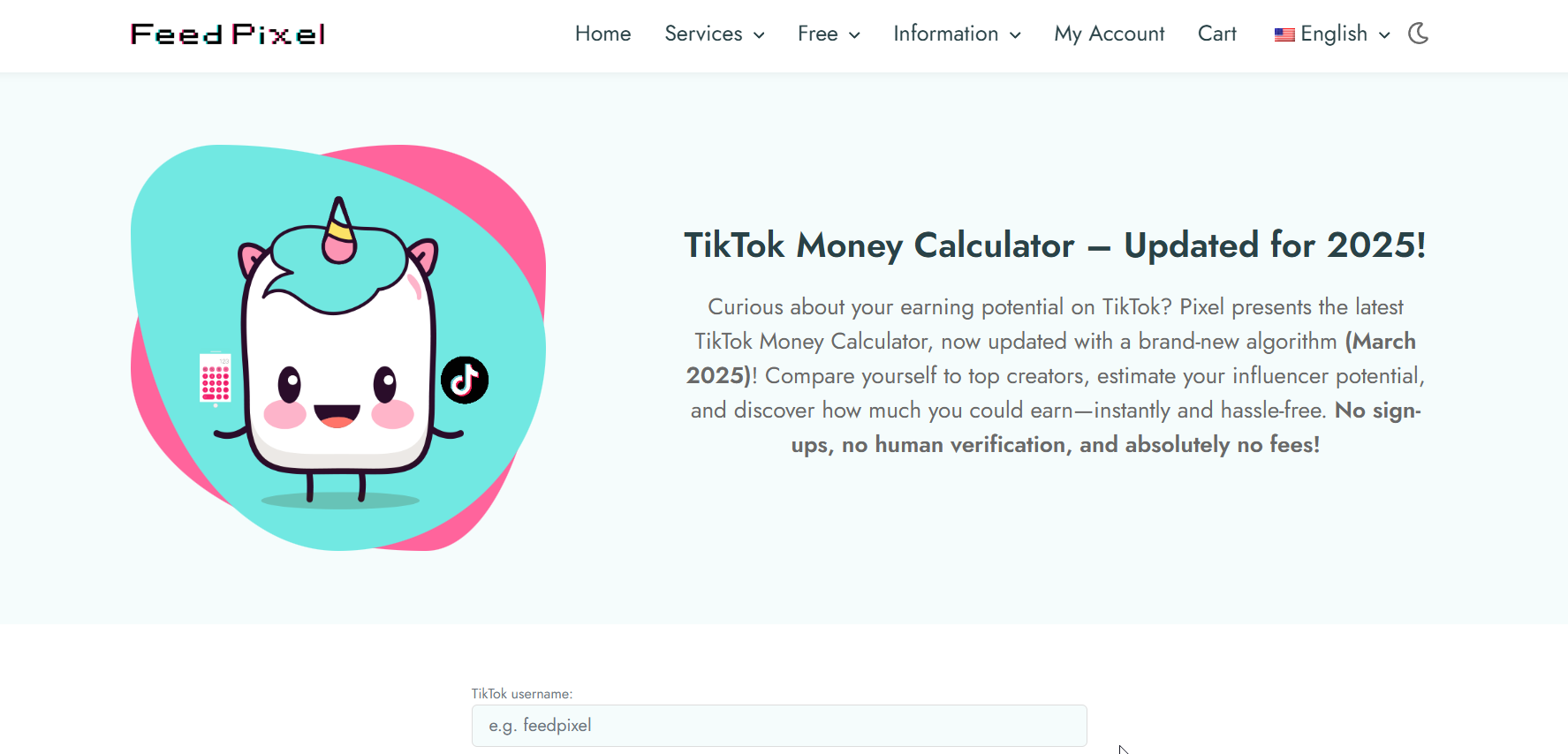
tiktok counter

Introduction

TikTok counter tools have become a go-to resource for creators who want to keep track of their growth without guessing. If you’re serious about TikTok — whether you’re chasing brand deals, trying to grow a following, or just curious about your reach — knowing your TikTok follower count in real time makes a huge difference. Relying only on TikTok’s in-app numbers can be limiting. That’s where external counters come in. They don’t just show your TikTok followers count; some go deeper, offering live updates, analytics, and even predictions. In this guide, I’ll walk you through six powerful TikTok follower counter tools that most people don’t even know about — but definitely should.

Using a TikTok counter is like adding a dashboard to your growth journey. Instead of flying blind, you can see exactly how your content is performing, when your audience is most active, and whether your experiments are paying off. Let’s dive into the tools, break down their strengths, and help you choose the one that actually fits your goals.

Find More: Top 5 Tips for Buying TikTok Followers Safely

1. Real-Time TikTok Counter Apps

Features That Make Them Stand Out

Real-time counters update instantly, letting you see your followers tick up (or down) live. They’re popular with creators during livestreams, growth campaigns, or when running giveaways where every new follower matters. Seeing numbers change in real time adds excitement and motivation — it makes growth tangible.

Best Free Options Available

TokCount

  • TokCount.com – Simple, reliable, and doesn’t need a login. Great if you want to quickly check your TikTok follower count on the go. Many creators use it during live events or after dropping a big video.
  • TikTok Live Counter (by Counts.Live) – Known for smooth updates and a clean interface. It’s lightweight and fast, perfect for quick checks and embedding into live streams.

Both of these are excellent for getting an instant snapshot without extra fluff. They might not have deep analytics, but for checking your numbers quickly, they’re hard to beat.

2. Live Follower Count Trackers

How Live Counters Work in Real Time

Unlike TikTok’s built-in analytics (which often update with delays), live counters are constantly refreshing. This helps you measure exactly how many followers you gain after posting a viral video, a collaboration, or even during a live session. Many creators use these trackers to time their posts better and to prove results to potential sponsors.

Recommended Platforms for Accuracy

Livecounts

  • Livecounts.io – One of the most accurate and visually pleasing live counters. It works not just for TikTok but other platforms, too. The sleek design makes it ideal for screensharing during lives.
  • TikTokCounter.net – Focused purely on TikTok with real-time accuracy and simple graphs to track short-term growth. It’s perfect for creators who don’t need distractions from other platforms.

These platforms make it fun to watch growth as it happens. They also reveal patterns you’d otherwise miss, like sudden jumps when your video lands on the For You Page.

3. TikTok Counter Websites With Analytics

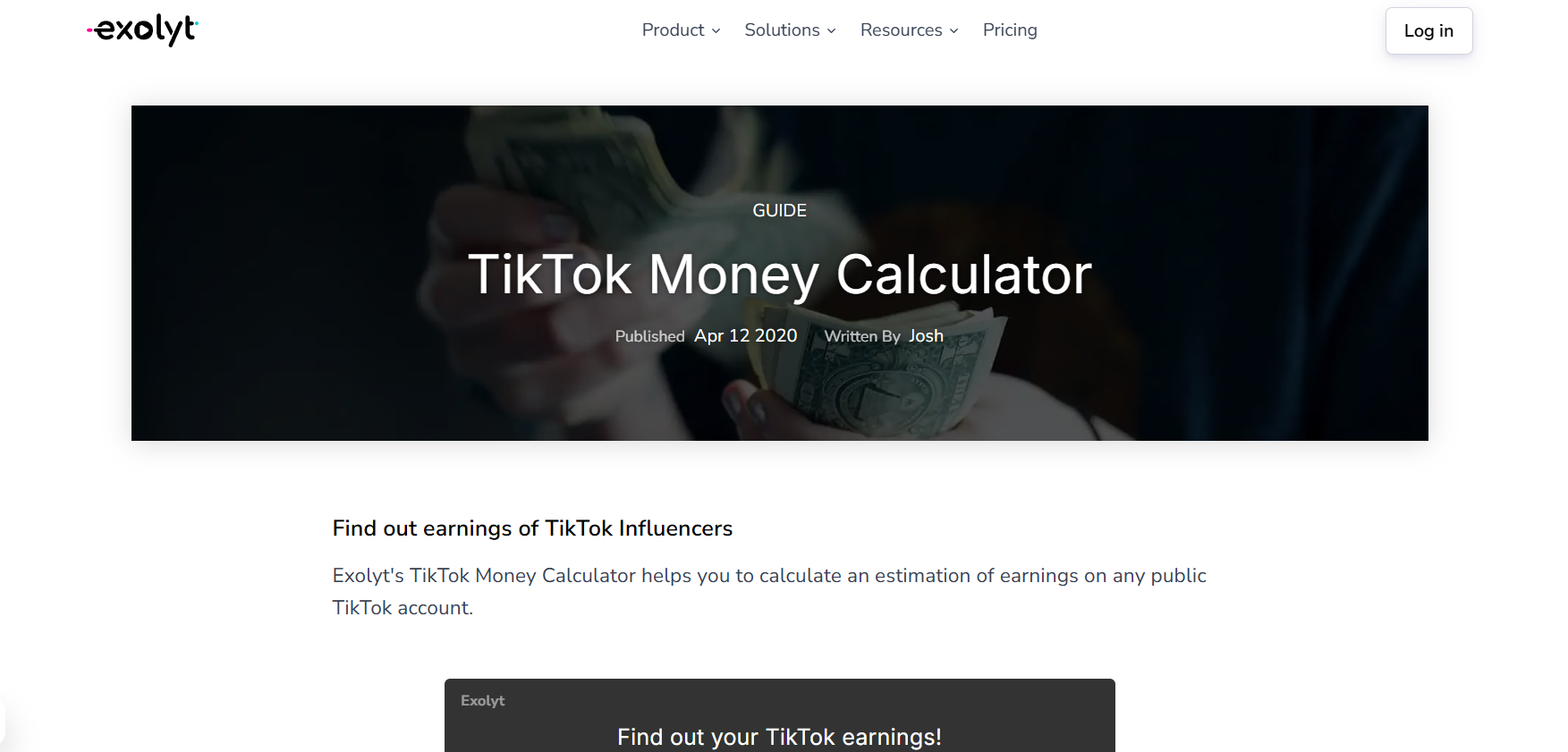
Exolyt

Going Beyond Numbers With Engagement Insights

Some counters go a step further than just showing follower numbers. They give you engagement stats, average likes, comments, posting frequency, and even influencer ranking data. This is a goldmine if you’re trying to optimize your content strategy or pitch yourself to brands.

Examples of Top Websites You Can Use

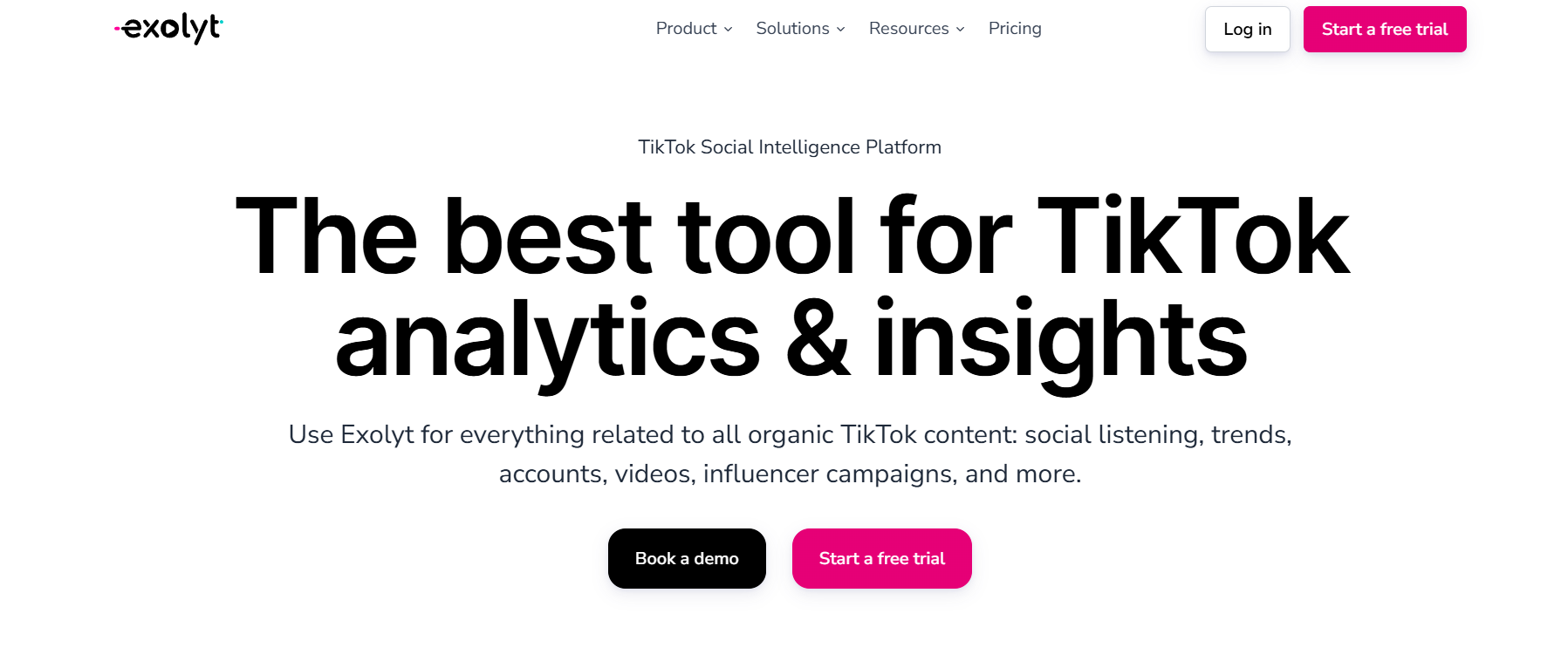
  • Exolyt – Provides advanced analytics including video performance, engagement rates, competitor analysis, and even hashtag tracking. It’s used by creators and agencies who want professional-level data.
  • Analisa.io – Lets you analyze not just your own account but also others. This makes it great for spying on competition, benchmarking growth, and learning from bigger creators’ posting strategies.

These websites help turn raw numbers into meaningful insights. Instead of just knowing you gained 500 followers, you’ll understand why you gained them.

4. Mobile TikTok Counter Apps for iOS & Android

Why Mobile Counters Are Handy for Creators

As creators, most of us are glued to our phones. Mobile apps make it easy to check follower updates wherever you are, without needing to open a browser tab. They’re especially useful if you’re constantly on the go, attending events, or brainstorming content ideas away from your desk.

Top Mobile Apps to Try in 2025

TikTracker

  • TikTracker – Offers real-time counters plus insights into likes, shares, and overall account performance. The design is simple but powerful.
  • TikFollowers Tracker – Tracks growth trends over time and sends notifications when you hit milestones. If you like celebrating follower goals, this app keeps you motivated.

These apps are perfect for creators who want to stay updated without carrying a laptop around. They also make it easier to keep an eye on growth while experimenting with content on the move.

5. All-in-One Social Media Counters

Tracking TikTok Alongside Other Platforms

If you’re not just on TikTok but also active on Instagram, YouTube, or X (Twitter), it’s a hassle to keep switching tools. All-in-one counters let you see everything in one place. They’re a huge time saver and can help you spot which platform is driving the most traction for your brand.

Best Multi-Platform Counter Tools

Social Blade

  • Social Blade – Probably the most famous analytics site. It covers TikTok along with YouTube, Instagram, Twitch, and more. The charts and growth trends are extremely useful, especially when you want to track long-term growth.
  • Noxinfluencer – Great for creators working across multiple platforms. Offers detailed comparisons, influencer rankings, and even estimated earnings data.

If you’re building a personal brand across several channels, these all-in-one tools give you the big-picture view you need to balance your energy and focus.

6. Advanced TikTok Counter Tools With Growth Predictions

How Predictive Analytics Can Boost Strategy

Some TikTok counters aren’t just trackers; they’re like crystal balls. By analyzing your past growth and engagement, they can predict where your numbers are heading. This is powerful for creators planning content calendars, aiming for brand partnerships, or looking to spot trends before they explode.

Tools Offering Pro-Level TikTok Insights

Pentos

  • Exolyt Premium – Their advanced plan provides future growth forecasts and content performance predictions. It’s especially useful if you’re pitching yourself to brands and need data to back your claims.
  • Pentos.co – A strong analytics platform that helps you predict trends, track songs, hashtags, and profiles. Perfect for spotting opportunities before they blow up.

These tools aren’t for everyone, but if you’re turning TikTok into a business, they’re game changers. Knowing what’s likely to happen next week can be just as valuable as knowing what happened yesterday.

Conclusion

We just walked through six types of TikTok counter tools — from simple real-time counters like TokCount to advanced analytics platforms like Exolyt and Pentos. Each serves a slightly different purpose, and the best choice depends on where you are in your creator journey.

If you’re just starting out, I’d say try something lightweight like Livecounts.io or TokCount to get a feel for your follower flow. You’ll quickly see how motivating it is to watch your numbers move in real time. But if you’re aiming big and want to turn content into a serious business, investing in advanced analytics tools like Exolyt or Pentos is worth every penny. They give you the depth and foresight you need to stay ahead of the curve.

At the end of the day, your TikTok follower counter is more than a number. It’s a pulse check on your creativity, consistency, and connection with your audience. Numbers don’t define you, but they do reflect the reach of your voice. Pick one tool from this list, try it today, and see how it changes the way you think about growth. The sooner you get clear data, the sooner you can make smarter moves.

Find More: Boost Your Sales With SEO Services

FAQs

1. Are TikTok counters accurate in real time?

Most live counters are pretty accurate, though some may have a delay of a few seconds depending on server updates. The best ones, like Livecounts.io, usually stay in sync with minimal lag.

2. Do I need to log in to use a TikTok counter?

Not always. Many tools like TokCount let you check without logging in, but advanced analytics sites often require an account so they can store your data and generate deeper insights.

3. Can TikTok counters track likes and views too?

Yes, some tools like Exolyt and Analisa go beyond follower count and track likes, comments, and even engagement rates. This helps you understand not just how many people follow you, but how many actually interact with your content.

4. Which TikTok counter app is best for beginners?

TokCount and Livecounts.io are perfect for beginners. They’re simple, fast, and don’t overwhelm you with data. If you want more, you can always upgrade later to analytics-heavy platforms.

5. Is it safe to use third-party TikTok counter tools?

As long as you’re not giving away your TikTok login details to shady apps, you’re safe. Stick to trusted names like Social Blade, Exolyt, or Livecounts.io. Always be cautious with mobile apps that ask for unnecessary permissions.

6. Can brands use TikTok counters to vet influencers?

Absolutely. Many agencies rely on tools like Analisa or Exolyt to check authenticity and engagement before working with influencers. Counters reveal whether someone’s audience is growing naturally or artificially.

7. Do TikTok counters cost money?

Basic tools are free, but advanced features often come with paid plans. For most creators, free counters are enough in the beginning. Once you’re pitching to brands or monetizing, paid analytics tools become a worthwhile investment.

8. What’s the difference between TikTok’s in-app analytics and external counters?

TikTok’s in-app analytics are decent but limited. External counters provide real-time updates, competitor analysis, and deeper engagement breakdowns, making them far more useful for creators who want to grow strategically.

Tags:
7 Powerful Dailymotion Downloaders You Need to Try Today

7 Powerful Dailymotion Downloaders You Need to Try Today

dailymotion downloader

Introduction

A dailymotion downloader is one of those tools you don’t really think about until the moment you absolutely need one. Maybe you’re watching a live concert, a comedy skit, or a documentary on Dailymotion, and you realize you want to save it forever. That’s exactly when a dailymotion video downloader comes to the rescue. These tools let you store videos directly on your device — whether you’re on your laptop, tablet, or smartphone — so you can watch them offline anytime.

The problem? There are dozens (if not hundreds) of sites and apps that claim to work as a download Dailymotion downloader, downloader from Dailymotion, or downloader for Dailymotion. But a lot of them are either stuffed with ads, painfully slow, or simply don’t deliver. That’s why I went through the noise and tested some of the best options available. In this guide, you’ll find 7 powerful Dailymotion downloaders that are not only reliable but also safe and user-friendly.

Find More: 7 Best Free YouTube Downloaders That Actually Work in 2025

7 Powerful Dailymotion Downloaders You Need to Try Today

1. 9xbuddy – Best for Quick Downloads

9xbuddy

If speed is what you’re after, 9xbuddy is one of the fastest tools I’ve tested. All you need to do is paste your Dailymotion video link, press download, and in seconds your video is ready. It supports multiple formats like MP4, WebM, and audio-only downloads. The layout is clean and uncluttered, making it a breeze to use even if you’ve never tried a video downloader before. Plus, it works on both desktop and mobile browsers without issues.

2. SaveTheVideo – Perfect for HD Video Quality

SaveTheVideo

SaveTheVideo is a powerhouse. It doesn’t just cover Dailymotion — it also works with YouTube, Vimeo, Instagram, and more. One of its standout features is the ability to pick your video resolution. Want crisp 1080p HD? Done. Prefer to save storage space with a smaller file? That’s an option too. SaveTheVideo also offers a handy browser extension, so you can skip the copy-paste routine and download videos directly as you watch them.

3. Y2Mate – User-Friendly and Free

Y2Mate

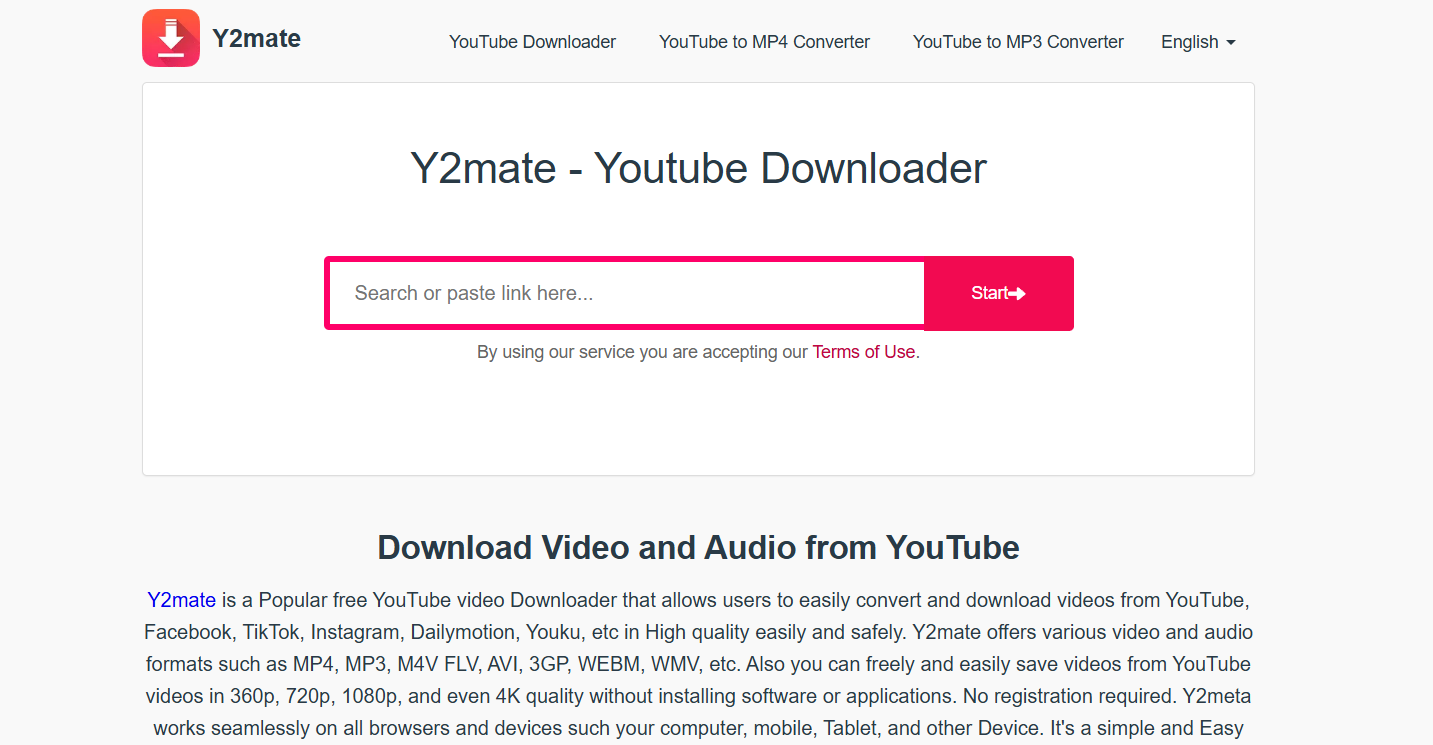
Y2Mate has been around for years, and for good reason. It’s one of the simplest, most beginner-friendly tools out there. There’s no registration required, no confusing options — just paste your Dailymotion link, choose your quality, and download. It’s completely free and supports a wide range of formats. On top of that, it doubles as a YouTube downloader, so you can use one tool for both platforms.

4. KeepVid.Works – Ideal for Mobile Users

KeepVid

If you watch a lot of videos on your phone, KeepVid.works is built for you. The site is lightweight and optimized for mobile browsing, so you don’t need to install an app. It supports MP4, MP3, and even old-school 3GP formats for smaller files. The interface is smooth and loads quickly, which makes downloading on the go a lot less frustrating. It’s one of the few mobile-friendly sites that actually works consistently.

5. SaveFrom.net – Fast & Reliable Downloader

savefrom

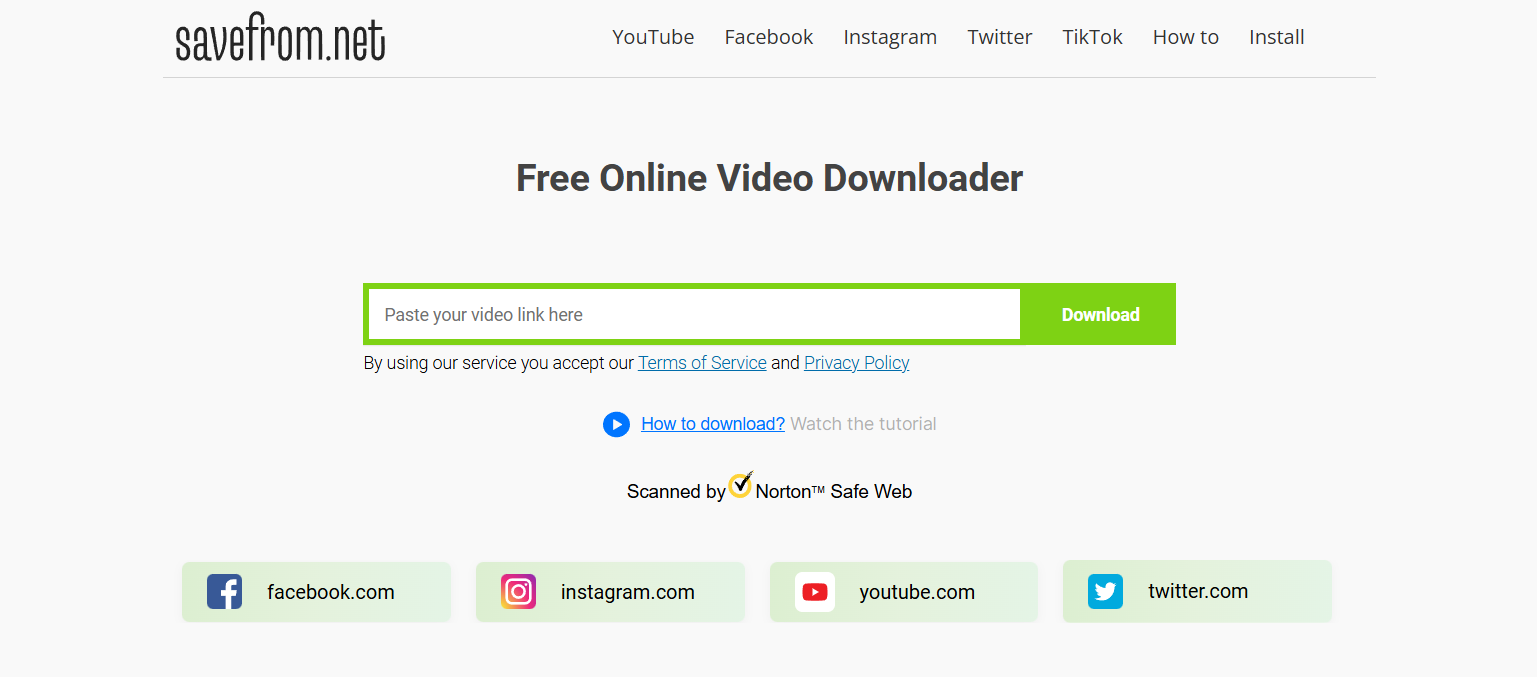
SaveFrom is one of the oldest names in the game, and it’s still going strong. The main draw here is the browser extension: once installed, you’ll see a download button appear right on the Dailymotion video page. One click and the video is yours. It’s reliable, supports HD downloads, and works great if you frequently downloadvideos. The extension makes the process feel almost too easy.

6. Catchvideo.net – Works Without Software Installation

Catchvideo

For people who don’t want to clutter their devices with extra software, Catchvideo.net is a great choice. It’s entirely web-based, no installations or plugins required. You paste in the Dailymotion link, and it spits out several download options, including audio-only. The ability to convert videos into MP3 is perfect if you just want to save a soundtrack, like a podcast or a music performance.

7. BitDownloader – Best All-in-One Video Downloader

BitDownloader

BitDownloader is a hidden gem that deserves way more attention. It supports over 800 websites — yes, you read that right — including Dailymotion, Facebook, Twitter, Instagram, and more. This makes it a one-stop-shop for all your downloading needs. It’s free, requires no registration, and gives you multiple quality and format options. If you’re looking for a tool that can handle everything, BitDownloader is your best bet.

How to Choose the Best Dailymotion Downloader

Not every downloader will be the right fit for you, so here’s what you should consider:

Key Features to Look For

  • Speed: A good downloader should grab videos quickly, not take ages.
  • Video Quality: Make sure you can get at least HD quality (720p or 1080p).
  • Device Compatibility: Some tools are better suited for desktop, while others are mobile-friendly.
  • Format Options: Look for MP4 if you want compatibility, or MP3 if audio is all you need.
  • No Hidden Costs: Stick with free or transparent paid options — avoid tools that try to sneak in charges.

Online vs. Software Downloaders: Pros and Cons

  • Online Downloaders: Easy, quick, no installation. Perfect for casual users. Downside: sometimes limited quality or speed.
  • Software Downloaders: More advanced, often faster and with bulk download options. Downside: they take up space and sometimes require updates.

Safety Tips When Using Free Video Downloaders

  • Use trusted, well-known sites like the ones above.
  • Avoid clicking on random ads or pop-ups that appear.
  • Install an ad blocker to make your experience smoother.
  • Never download extra software that a site pushes unless it’s something you intentionally sought out.
  • Consider scanning downloaded files with antivirus software just to be safe.

Step-by-Step Guide: How to Download Videos from Dailymotion

Method 1: Using an Online Dailymotion Downloader

  1. Copy the URL of the video you want to download from Dailymotion.
  2. Head over to a tool like 9xbuddy or SaveTheVideo.
  3. Paste the link into the provided input box.
  4. Select your preferred format and quality.
  5. Hit the download button, and the video will save to your device.

Method 2: Using a Software/Extension Downloader

  1. Install a tool like SaveFrom’s browser extension or a desktop app.
  2. Open Dailymotion and play the video you’re interested in.
  3. You’ll see a download button appear next to the video.
  4. Click it, pick your quality, and download.
  5. The video saves directly to your downloads folder.

Method 3: Downloading on Mobile Devices

  1. Copy the video link from the Dailymotion app or mobile browser.
  2. Visit a mobile-optimized site like KeepVid.Pro.
  3. Paste the link into the input field.
  4. Choose video quality (lower resolution if you want to save space).
  5. Download directly to your phone’s gallery or file storage.

Method 4: Advanced Downloaders for Power Users

Some software tools allow you to queue multiple downloads at once, schedule downloads, or even auto-detect video links. If you’re someone who regularly saves large playlists, these can save a ton of time.

Conclusion

And there you have it — a complete guide to 7 powerful Dailymotion downloaders that you should absolutely try. Whether you prioritize lightning-fast speed, HD quality, mobile convenience, or an all-in-one tool, there’s an option here that fits the bill. Personally, I’d go with 9xbuddy for everyday use because it’s so fast and straightforward, while BitDownloader is my go-to if I need something versatile that works across multiple sites.

The takeaway? Don’t waste your time with unreliable, spammy sites. Stick with these tried-and-tested tools and you’ll always have a smooth experience. Start downloading your favorite Dailymotion videos today and build your offline library without stress.

Find More: Boost Your Sales With SEO Services

FAQs

1. Is it legal to use a Dailymotion downloader?

It depends on how you use it. Saving videos for personal viewing is generally fine, but re-uploading or monetizing them could land you in copyright trouble. Always respect copyright laws and Dailymotion’s terms of service.

2. Can I download Dailymotion videos in HD quality?

Yes. Most of the downloaders above let you grab videos in HD, usually 720p or 1080p. Some even allow you to choose lower resolutions if you want to save storage space.

3. Do I need to install software to download Dailymotion videos?

No. Many online tools like 9xbuddy, SaveTheVideo, and Y2Mate work directly in your browser. However, extensions like SaveFrom can make the process faster if you download videos frequently.

4. Are free Dailymotion downloaders safe to use?

Most of the ones listed here are safe and widely used. Just be cautious of random sites you’ve never heard of. Avoid downloading anything suspicious that’s not part of the video itself.

5. Can I download videos from Dailymotion on my phone?

Absolutely. Tools like KeepVid.Pro are built for mobile, so you can paste the link and save videos straight to your device without needing extra apps.

6. Which is the fastest Dailymotion downloader?

From my testing, 9xbuddy stands out as one of the fastest options. SaveFrom is also speedy, especially when using the browser extension.

7. Can I download only the audio from Dailymotion videos?

Yes, some tools like Catchvideo.net and BitDownloader let you extract just the audio track in MP3 format. Perfect if you want to save music, lectures, or podcasts without the video.

8. Do these downloaders work on Mac and Windows?

Yes. Since most are web-based, they work regardless of whether you’re on Windows, Mac, or even Linux. As long as you have a browser, you’re good to go.

Tags:
7 Powerful Snap Viewer Tools You Need to Try Today

7 Powerful Snap Viewer Tools You Need to Try Today

Snap Viewer

Introduction

Snap viewer tools have exploded in popularity over the past couple of years, and it’s easy to see why. Whether you want to use a snap story viewer to catch up on someone’s updates without them knowing, check out snap profile views, or figure out how to view mobile snap on web, these tools make life a lot easier. The truth is, Snapchat doesn’t always give us the flexibility we’d like, and that’s where snap viewer apps and websites come in.

The best part is, you don’t need to be a tech wizard to use them. Some apps are as simple as entering a username, while others offer robust features like monitoring snap messages, recovering deleted content, and even cross-device syncing. If you’ve ever felt limited by Snapchat’s native features, or wished you could explore the platform more freely, these tools are designed with you in mind. Today, I’ll walk you through 7 of the most powerful and reliable snap viewer tools you should try in 2025, explaining what makes each one unique and which type of user they’re best suited for.

Find More: 5 Snapchat Location Tracker Tools You Need in 2025

7 Powerful Snap Viewer Tools You Need to Try Today

1. Glassagram – Best Overall Snap Viewer for Everyday Use

Glassagram

Why it stands out: Glassagram is one of the most trusted tools for viewing Snapchat stories and profiles. It’s especially great if you want to monitor a profile privately. It also works well across devices, making it versatile whether you’re on your phone or laptop.

  • Key Features: View snap stories anonymously, access snap profile views, real-time updates, simple dashboard.
  • Pros: Easy to use, reliable, works on both iOS and Android, offers cross-platform support.
  • Cons: Some advanced features require a subscription.

Glassagram is perfect for people who want a dependable everyday snap story viewer without overcomplicating things. If you’re curious about how to keep track of multiple accounts without being detected, this is a strong contender.

2. mSpy – A Secure Snap Viewer with Privacy in Mind

mSpy

Why it stands out: If security and privacy are your top concerns, mSpy is worth considering. It’s not just a snap viewer; it’s a full monitoring app that lets you keep an eye on activity discreetly.

  • Key Features: Snap story viewer, direct message tracking, mobile-to-web viewing, alerts for specific activity.
  • Pros: Very secure, comprehensive monitoring, detailed reports.
  • Cons: Requires installation, not free.

mSpy is often used by parents who want peace of mind when monitoring their kids’ online activity. It goes beyond simply letting you view snap story updates — it helps ensure safe usage overall.

3. Spyic – Best Snap Viewer for Parents

Spyic

Why it stands out: Spyic is a snap viewer that’s especially popular among parents who want to keep an eye on their kids’ Snapchat usage. It’s easy to set up and gives a clear picture of what’s happening.

  • Key Features: View snap stories, monitor messages, track snap activity, location insights.
  • Pros: User-friendly, trusted brand, offers parental focus.
  • Cons: Paid tool, fewer customization options compared to advanced apps.

Parents love Spyic because it combines simplicity with peace of mind. If your child is active on Snapchat and you’d like to understand how they’re using it, Spyic is a safe option that doesn’t overwhelm you with too many extras.

4. Cocospy – Simple Snap Viewer for Beginners

Cocospy

Why it stands out: Cocospy is great for people who want a straightforward solution. If all you care about is being able to view snap story content and profiles without complications, this tool is for you.

  • Key Features: Snap story viewer, snap profile view access, light monitoring.
  • Pros: Simple interface, no tech skills required, lightweight design.
  • Cons: Limited advanced features, not suitable for power users.

Cocospy is often praised by beginners because it removes the complexity. If you’ve been curious about trying a snap viewer but felt intimidated by all the options, Cocospy is a great place to start.

5. Spyzie – Advanced Snap Viewer with Extra Tools

Spyzie

Why it stands out: Spyzie goes beyond being just a snap story viewer. It offers a full suite of tools, including location tracking and even the ability to see deleted content.

  • Key Features: Snap viewer, deleted snap recovery, cross-device access, advanced monitoring dashboard.
  • Pros: Packed with features, great for power users, reliable data recovery.
  • Cons: Learning curve for beginners, subscription-based.

Spyzie is ideal if you’re looking for more than just story viewing. It’s one of the few apps that can help recover deleted snaps, which is a game-changer if you want deeper insights.

6. FlexiSPY – Powerful Snap Viewer for Heavy Users

FlexiSPY

Why it stands out: FlexiSPY is for those who want complete control. It’s packed with advanced tools and is ideal for businesses or power users.

  • Key Features: View snap stories, record activity, view mobile snap on web, call interception, media tracking.
  • Pros: Extremely powerful, highly customizable, suitable for enterprises.
  • Cons: Expensive, requires technical setup, may feel overwhelming for casual users.

FlexiSPY isn’t for everyone, but if you’re serious about monitoring and want enterprise-level tools, this is the gold standard. It even allows you to view mobile snap on web with ease, giving you flexibility across devices.

7. uMobix – Most Popular Snap Viewer of 2025

uMobix

Why it stands out: uMobix has gained a reputation as one of the go-to snap viewer apps thanks to its balance of ease of use and powerful features. It’s particularly good if you want to quickly jump in without too much setup.

  • Key Features: Snap story viewer, snap profile tracking, real-time updates, intuitive interface.
  • Pros: Widely used, trusted, smooth design, reliable notifications.
  • Cons: Subscription required, advanced options limited to premium plans.

uMobix has become a fan favorite because it just works. It’s intuitive, responsive, and widely recommended, making it one of the safest bets if you don’t know where to start.

How to Choose the Right Snap Viewer Tool

With so many snap viewer tools out there, how do you pick the right one? Here are a few things to keep in mind:

  • Ease of Use: If you’re new, start with something simple like Cocospy or uMobix. Both are designed to be plug-and-play.
  • Features: Need advanced options like deleted snap recovery or cross-device sync? Go for Spyzie or FlexiSPY.
  • Security: If privacy is non-negotiable, mSpy stands out for its security-first approach.
  • Budget: Free tools exist but usually with strict limits. Paid options like Glassagram or uMobix deliver more reliable results.
  • Access: If you’re wondering how to view mobile snap on web, pick tools like FlexiSPY or Spyzie that specialize in cross-device compatibility.

Remember, the right snap viewer depends on your specific needs. A casual user may not require the same tools as a parent or business owner.

Conclusion

Snap viewer tools open up a whole new level of flexibility for Snapchat users. From checking out snap profile views to being able to view snap story updates without being noticed, these apps make things easier and more convenient. If you’re just starting out, Glassagram or uMobix are excellent choices because they’re beginner-friendly and reliable. For advanced users or businesses, FlexiSPY or Spyzie might be worth the higher cost thanks to their expansive features.

In short, there’s no one-size-fits-all answer — it comes down to your goals, your budget, and your comfort with technology. The important part is that you now know what’s out there, and you can make an informed decision.

So, which one are you going to try first? Think about what matters most to you — privacy, simplicity, or advanced tools — and start there.

Find More: Boost Your Sales With SEO Services

FAQs

1. What is a snap viewer?

A snap viewer is a tool or app that lets you view Snapchat stories, profiles, or activity — often without the other person knowing. Some also come with extra features like monitoring, deleted content recovery, and web access.

2. Are snap viewers legal and safe to use?

It depends on the tool and how you use it. Many apps are legal for parental monitoring or business purposes. However, using them without permission for spying may violate privacy laws. Always check your local regulations before using.

3. Can I use a snap viewer without downloading an app?

Yes, some snap viewers are web-based, meaning you can access them directly from your browser. This is useful if you want quick access without installing software.

4. Do free snap viewer tools work as well as paid ones?

Free tools exist but are usually limited. Paid options like Glassagram, uMobix, and mSpy offer better reliability, consistent updates, and stronger privacy protection.

5. Which snap viewer is best for beginners?

Cocospy is simple and user-friendly, making it a great choice if you’re just starting out. uMobix is also an excellent option because of its smooth interface and clear instructions.

6. Can I view mobile snap on web?

Yes, tools like FlexiSPY and Spyzie specialize in cross-device support. They allow you to view mobile snaps on your desktop or laptop browser, giving you more flexibility when managing accounts.

Tags:
8 Best YouTube to OGG Converters That Actually Work in 2025

8 Best YouTube to OGG Converters That Actually Work in 2025

YouTube to OGG Converters

Introduction: Why Convert YouTube to OGG in 2025?

If you’ve ever searched for youtube to ogg or youtube to .ogg converter, you already know the struggle: you want crisp audio from a YouTube video, but most tools online are cluttered with pop-ups, broken links, or worse—hidden malware. That’s frustrating when all you want is to turn a YouTube video to OGG quickly and safely. The OGG format is perfect for this because it’s open-source, efficient, and often delivers better sound quality than MP3 at a smaller file size.

Think of OGG as the underrated cousin of MP3. It doesn’t get the same hype, but once you hear the difference in clarity—especially for music—you’ll understand why it’s worth the switch. Converting YouTube to .ogg also works great for lectures, audiobooks, and podcasts because the smaller files mean you can store more content without maxing out your storage.

In this guide, I’ll walk you through 8 tried-and-true YouTube to OGG converters that actually work in 2025. These aren’t random names pulled off a list—I’ve tested them or confirmed their reliability through strong user reviews. I’ll also share tips on how to pick the best one for your needs, a quick step-by-step guide to using them, and answer some of the most common questions about OGG.

Find More: 8 Powerful YouTube Subtitle Downloader You Must Try Today

8 Best YouTube to OGG Converters That Actually Work in 2025

1. OnlineVideoConverter

OnlineVideoConverter

Best for fast & free YouTube to OGG conversion

  • Features: Straightforward web interface, no account needed, supports multiple formats.
  • Pros: Super quick, completely free, mobile-friendly.
  • Cons: Can display pop-up ads, so be careful where you click.
  • Best for: Anyone who just wants to paste a link, click convert, and be done.

One of the oldest names in the game, OnlineVideoConverter remains a favorite for its speed and simplicity. Paste your YouTube link, choose .ogg, and you’re done in seconds. Perfect for casual users who don’t want the hassle of software downloads.

2. YTMP3 (with OGG Option)

YTMP3

Reliable online YouTube to OGG tool

  • Features: Simple interface, supports YouTube to .ogg, MP3, and MP4.
  • Pros: Works on desktop and mobile browsers alike.
  • Cons: Struggles with longer videos or playlists.
  • Best for: Quick music downloads or short videos.

YTMP3 is well-known for MP3 downloads, but the OGG option makes it even more valuable. If you’re converting a three-minute track or a short lecture, this tool is fast, reliable, and doesn’t waste your time with confusing menus.

3. VLC Media Player

VLC Media Player

Lightweight desktop app for YouTube to OGG

  • Features: Free, open-source software; can both play and convert media.
  • Pros: Totally safe, no ads, lets you adjust output quality.
  • Cons: Requires manual setup for conversion, not as beginner-friendly.
  • Best for: People who already use VLC and want offline control.

Most people use VLC just for watching videos, but hidden in its menus is a powerful converter. Copy a YouTube video link, open the “Convert/Save” option, and export it to OGG. It’s not the fastest option, but you get control over bitrate and audio quality.

4. SnapDownloader

SnapDownloader

Best desktop app with batch YouTube to OGG downloads

  • Features: Download playlists, full channels, or individual videos; export to OGG.
  • Pros: Handles bulk downloads with ease, keeps audio quality high.
  • Cons: Paid software after the free trial.
  • Best for: Users who need to download large amounts of content regularly.

If you’re downloading music albums, podcast series, or entire lecture playlists, SnapDownloader saves hours of manual work. With a clean interface and reliable updates, it’s a worthy investment for heavy users.

5. Y2Mate

Y2Mate

Free YouTube to OGG converter with no signup

  • Features: Supports .ogg, MP3, MP4, and more.
  • Pros: Unlimited conversions, works smoothly on both desktop and mobile browsers.
  • Cons: The website is ad-heavy, so patience is required.
  • Best for: Casual users who don’t want to pay or register.

Y2Mate has been around forever, and while the ads can be annoying, the functionality is still top-notch. It’s fast, reliable, and handles an endless number of conversions without limits.

6. Any Video Converter

Any Video Converter

High-quality audio output (best for music lovers)

  • Features: Desktop program supporting 200+ formats, including OGG.
  • Pros: Great sound quality, lets you fine-tune bitrate and file size.
  • Cons: Requires installation, more technical than online tools.
  • Best for: Audiophiles who care about sound detail.

If you’re picky about how your music sounds, Any Video Converter gives you precise control. Adjust bitrate, choose between quality settings, and get professional-level output. It’s especially useful for musicians, podcasters, or anyone who wants near-lossless audio.

7. ClipGrab

ClipGrab

Multi-format converter with OGG support

  • Features: Free, open-source desktop app with support for YouTube and other sites.
  • Pros: No hidden costs, lightweight, open-source transparency.
  • Cons: Updates can lag behind new YouTube changes.
  • Best for: Users who value open-source tools.

ClipGrab is the kind of software you keep on your computer forever. It’s reliable, doesn’t take up space, and works without tricks or gimmicks. The open-source community keeps it honest, making it a safe bet.

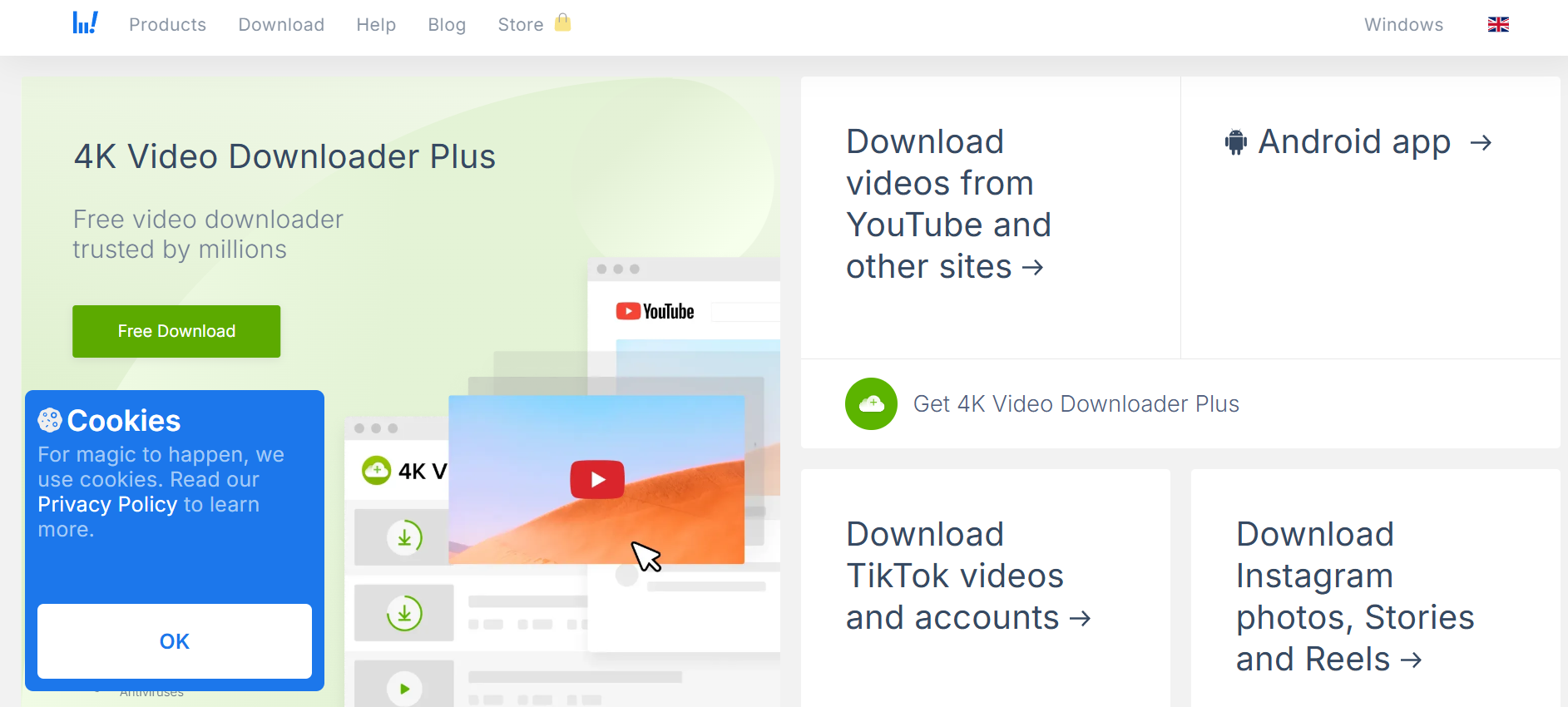
8. 4K Video Downloader

4K Video Downloader

Best choice for bulk YouTube to .ogg conversions

  • Features: Download playlists, channels, and even subtitles; export directly to OGG.
  • Pros: Consistent performance, batch processing, customizable quality settings.
  • Cons: Free version limits large playlists; premium unlocks everything.
  • Best for: Professionals, researchers, or frequent converters.

4K Video Downloader is one of the most polished tools out there. It’s not just for OGG—you can grab entire courses, playlists, or even channels with a few clicks. For frequent use, upgrading to the premium plan is well worth it.

How to Choose the Best YouTube to OGG Converter in 2025

Choosing the right YouTube to OGG converter depends on what you need most:

  • Online vs. desktop converters: If you only download occasionally, stick with quick online sites like Y2Mate or YTMP3. If you need more control, go desktop.
  • Free vs. paid: Free is fine for casual use, but for serious downloading, tools like SnapDownloader or 4K Video Downloader save time and frustration.
  • Audio quality: If you want the best sound, use Any Video Converter or VLC for adjustable bitrates.
  • Safety: Avoid shady links. Stick to tested names like the ones listed above. A free tool isn’t worth risking malware.

Think of it like this: online tools are like grabbing a snack, while desktop apps are like cooking a meal—you get more control and quality.

Step-by-Step Guide: How to Convert YouTube to OGG Easily

  1. Pick your converter – Decide if you’re going online or desktop.
  2. Copy the YouTube link – Grab it from the share button or browser bar.
  3. Paste into the converter – Drop it into the search box.
  4. Select .ogg – Make sure you’re not defaulting to MP3.
  5. Adjust settings – Bitrate, quality, file size if available.
  6. Download and save – Store it on your device or move it to your playlist app.

Pro tip: If you’re converting multiple tracks, batch-download tools like 4K Downloader will save you a ton of time.

Conclusion: The Best Way to Convert YouTube to OGG in 2025

So, which YouTube to .ogg converter should you use? If you just need something quick, OnlineVideoConverter or Y2Mate will do the trick. For people who care about sound, Any Video Converter and VLC are excellent. And for heavy-duty downloading, nothing beats 4K Video Downloader or SnapDownloader.

At the end of the day, the right tool depends on how often you convert and what you value more—speed, quality, or control. The good news? All of the options on this list actually work in 2025. Try one today, and enjoy smooth, efficient audio in the versatile OGG format without the headaches of broken tools or bad audio.

Find More: Boost Your Sales With SEO Services

FAQs

1. Is OGG better than MP3 for audio quality?

Yes. OGG usually gives you better sound at a smaller file size, especially at lower bitrates. It’s one of the reasons Spotify used OGG for years.

2. Are YouTube to OGG converters safe to use?

Most of the converters in this list are safe. Just avoid random pop-up sites and stick with trusted tools like VLC, 4K Downloader, or ClipGrab.

3. Can I convert YouTube to OGG on my phone?

Absolutely. Tools like Y2Mate, YTMP3, and OnlineVideoConverter run smoothly in mobile browsers. Some apps even support it natively.

4. Do I need to install software to convert YouTube to OGG?

No, but installing software often gives you more options. Online is fine for casual use, but desktop apps let you customize quality, batch download, and avoid ads.

5. Is it legal to convert YouTube videos to OGG?

It depends. Downloading copyrighted music or videos without permission breaks YouTube’s terms. It’s fine if you’re converting your own uploads or non-copyrighted material.

6. Does OGG work on all devices?

Most modern devices and players support OGG, but if you run into compatibility issues, you can always convert back to MP3.

Tags: